
- Age rating4+
- CategoryEducation
- DeveloperInit Pte. Ltd.
- LanguagesEnglish
- Size144.6 MB
Links to the official App Store page
Download.org hosts no file of Word Salad!. The button opens its official App Store page, published by Init Pte. Ltd. Listing last checked on Nov 15, 2026.
Screenshots



About
Word Salad – Spelling Practice for English & Chinese
Master your spelling in English and Chinese with Word Salad — the simple, effective way to study vocab on your own terms.
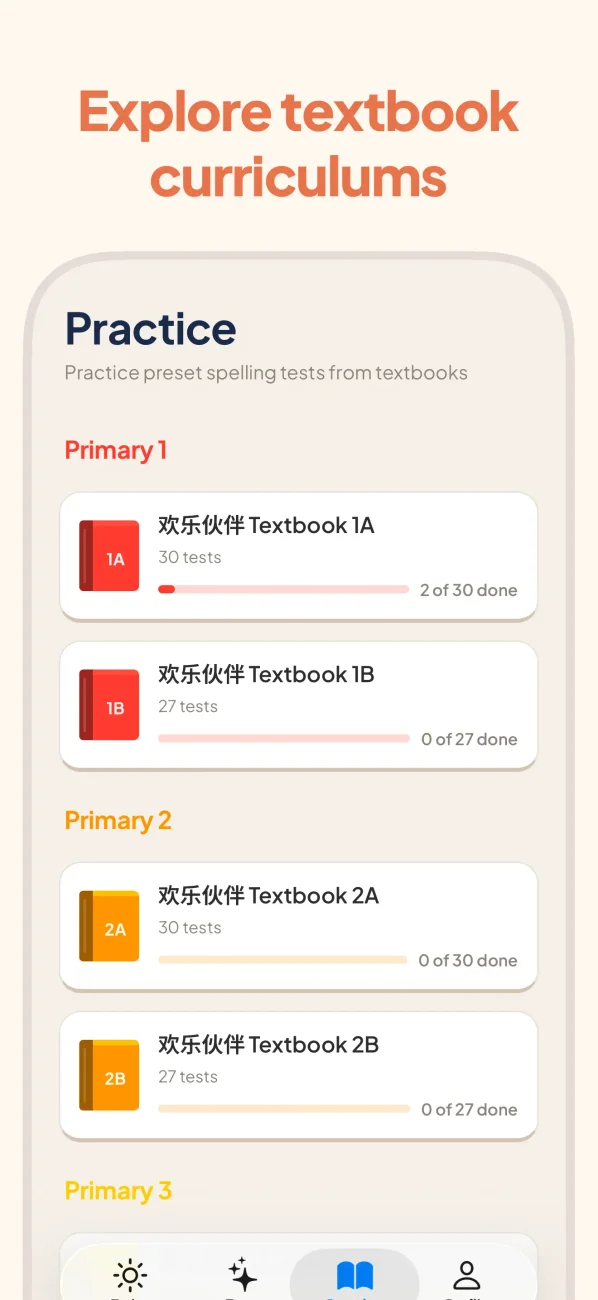
Add your own word list or choose from over 200 ready-made spelling tests aligned to primary school textbooks, covering Primary 1 through 6. Listen as Word Salad reads each word aloud, pause, recall, and spell it from memory — just like a real classroom spelling test, whenever and wherever you want.
Tap any word to see its translation, hear it pronounced, and watch stroke-by-stroke writing animations for Chinese characters.
Perfect for primary school students, language learners, and anyone brushing up on their Chinese characters or English vocabulary.
Features:
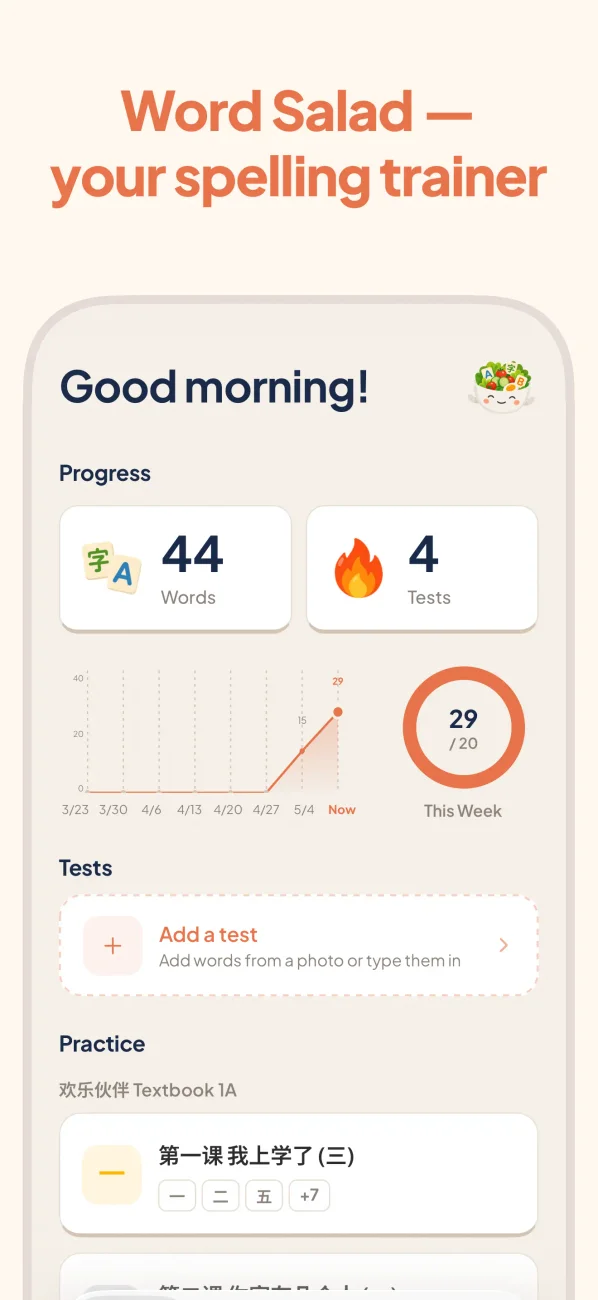
· 200+ ready-made spelling tests covering Primary 1–6 (欢乐伙伴 1A–6B)
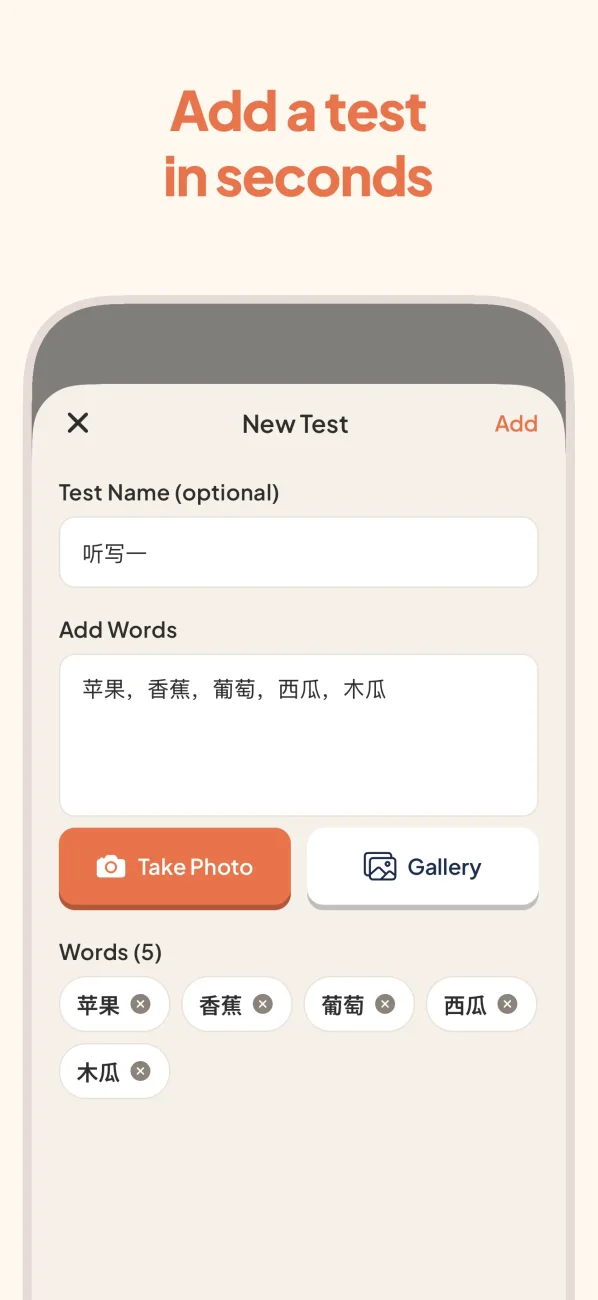
· Create your own custom word lists in English or Chinese
· Add words or phrases by typing or by snapping a photo
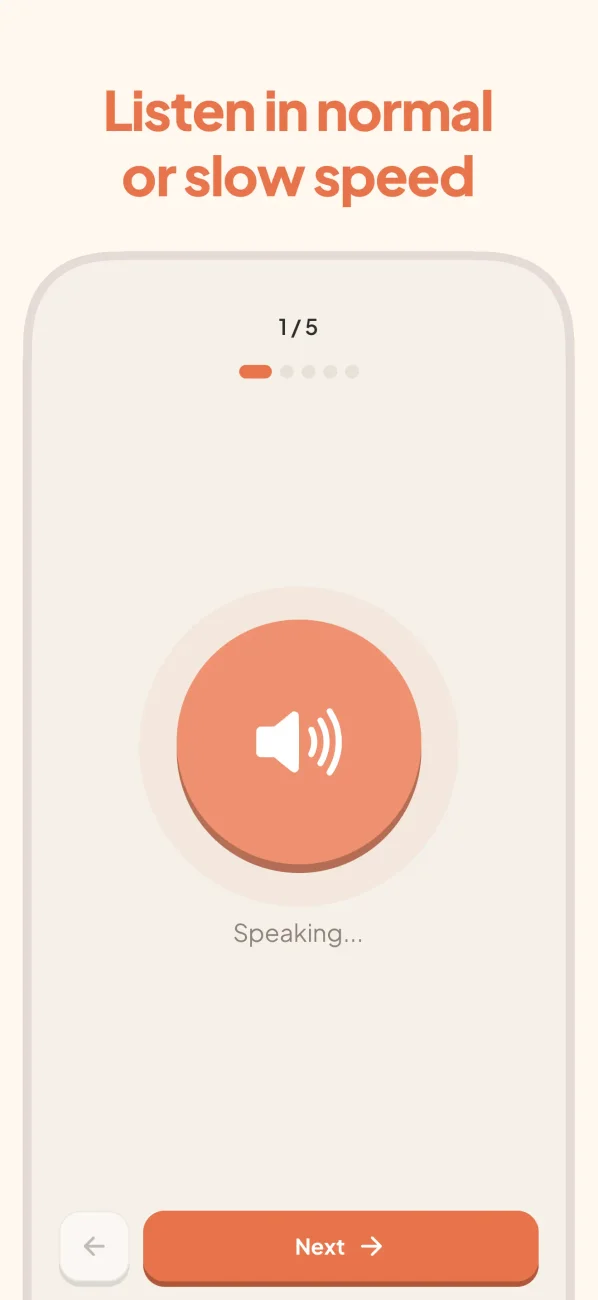
· Audio playback reads words aloud clearly
· Choose between normal and slow playback speed
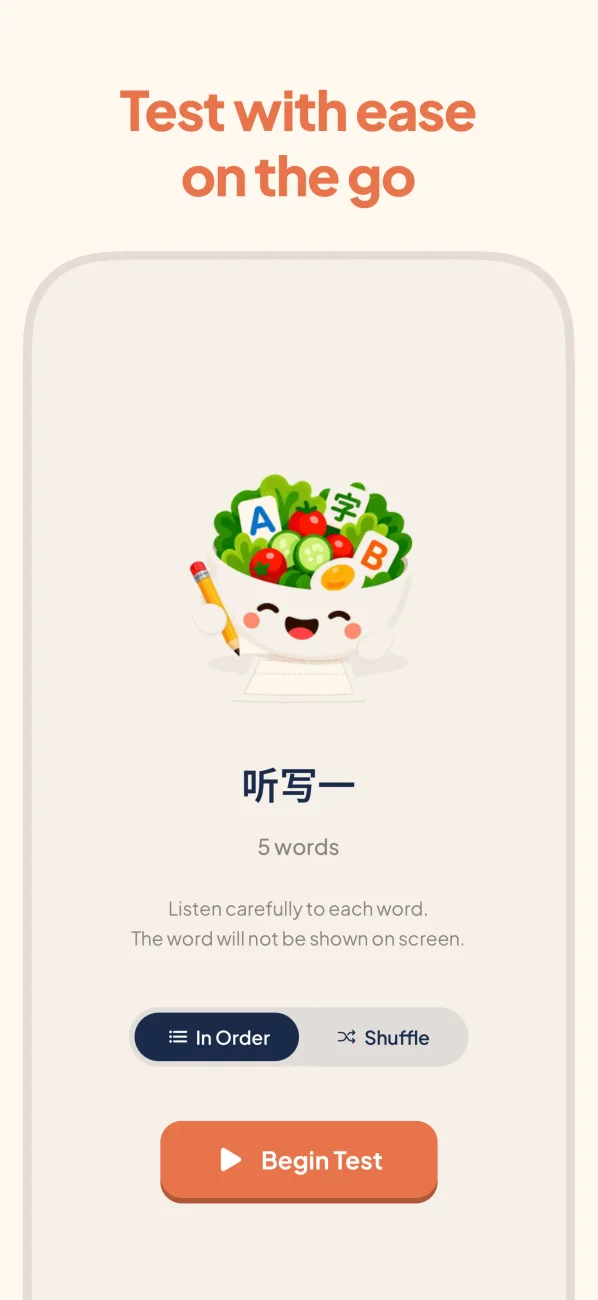
· Shuffle or keep words in order
· Tap any word to see translations and stroke animations
· Track your progress with practice stats and weekly streaks
· Clean, distraction-free interface
· Bilingual UI — switch between English and Chinese
Your words, your pace, your progress.
What’s new
Version 1.1.4 · Jul 14, 2026
Word Salad v1.1.4 — Release Notes
New Features
· Spelling tests now support full sentences — sentences are read aloud at a natural pace and display cleanly during a test
· Highlight-to-scan: after taking a photo, mark areas with your finger and only the highlighted words are extracted
· Photo scanning now recognizes Chinese phrases as complete items instead of splitting them into individual characters
· Smarter word detection when scanning photos means fewer corrections after a scan
Design & Polish
· The word detail modal now springs open from the word you tapped, with a snappier animation
· The stroke-order strip now scrolls smoothly for long phrases, and punctuation is revealed in sequence as each character is drawn
· Punctuation in the word detail modal is now smaller and lines up neatly with the surrounding characters, with correct spacing on each side
· The highlight screen has a cleaner title in the header and a simplified badge counter
· Word pills are now a consistent size in the Add and Edit screens, and long pills truncate neatly on the Tests tab
· Word rows have a softer, less bouncy press feel
Bug Fixes
· Fixed missing pinyin for phrases and full sentences scanned from photos
· Fixed missing pinyin for highlighted full-sentence items in test preview
· Fixed a visual glitch when dismissing the word detail modal
· Security updates across all dependencies to keep the app safe
App privacy
What Init Pte. Ltd. declares on the App Store about how this app handles data.
-
Data not collected
The developer does not collect any data from this app.
Privacy practices may vary, for example with the features you use or your age.
Information
- Seller
- Init Pte. Ltd.
- Category
- Education
- Version
- 1.1.4
- Updated
- Jul 14, 2026
- Released
- Apr 2, 2026
- Size
- 144.6 MB
- Requires
- iOS 15.1 or later
- Age rating
- 4+
- Price
- Free
- Languages
- English
- Copyright
- © 2026 Init Pte. Ltd.
You might also like
-
 SG Primary TingxieP1-P6 Chinese Tingxie helper
-
 SumSum KidsSingapore math for K2 and P1
-
 Math Warrior: K–5 Math GamesHands-on math games for K–5
-
 SGSmartRevisePrimary practice, play & grow
-
 Spelling Test Prep: SpellOwlPractice weekly word lists
-
 Math by Anna: Grades 1–12Grade-Level Math Practice
-
 AlfiBaTLearn the Arabic alphabet
-
 字课: Learn Chinese WritingHanzi Stroke Order & Review
-
 Changemakers by Seed CampusEducation
-
 Singapore Math DrillsGrades 1–10 Math & Bar Models