
WordPress – Website Builder
Design a site, build a blog
Designed for iPhone, iPad
Free
- Age rating17+
- CategoryProductivity
- DeveloperAutomattic
- LanguagesEnglish+ 29 more
- Size238.5 MB
Links to the official App Store page
Download.org hosts no file of WordPress – Website Builder. The button opens its official App Store page, published by Automattic. Listing last checked on Nov 21, 2026.
Screenshots
About
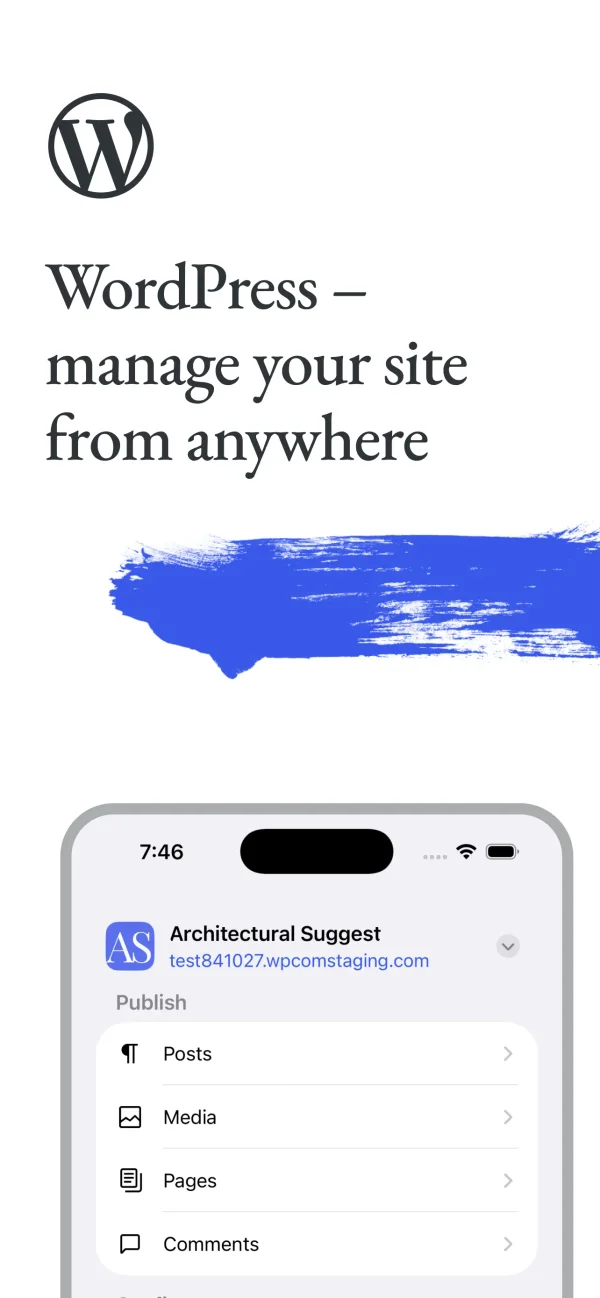
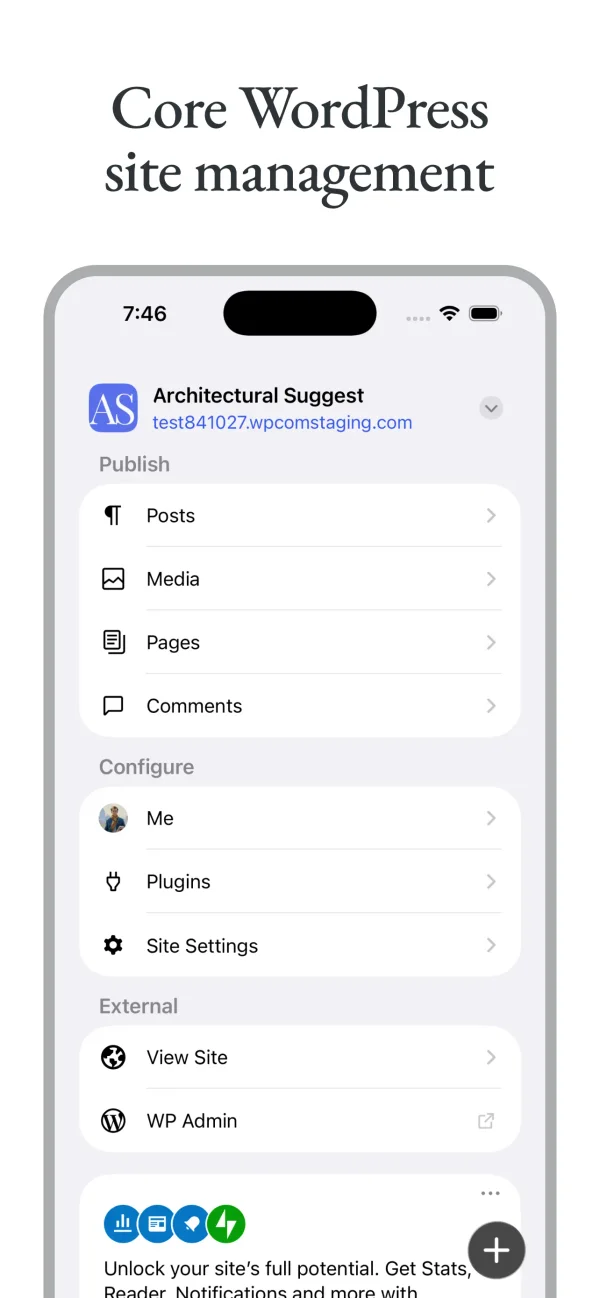
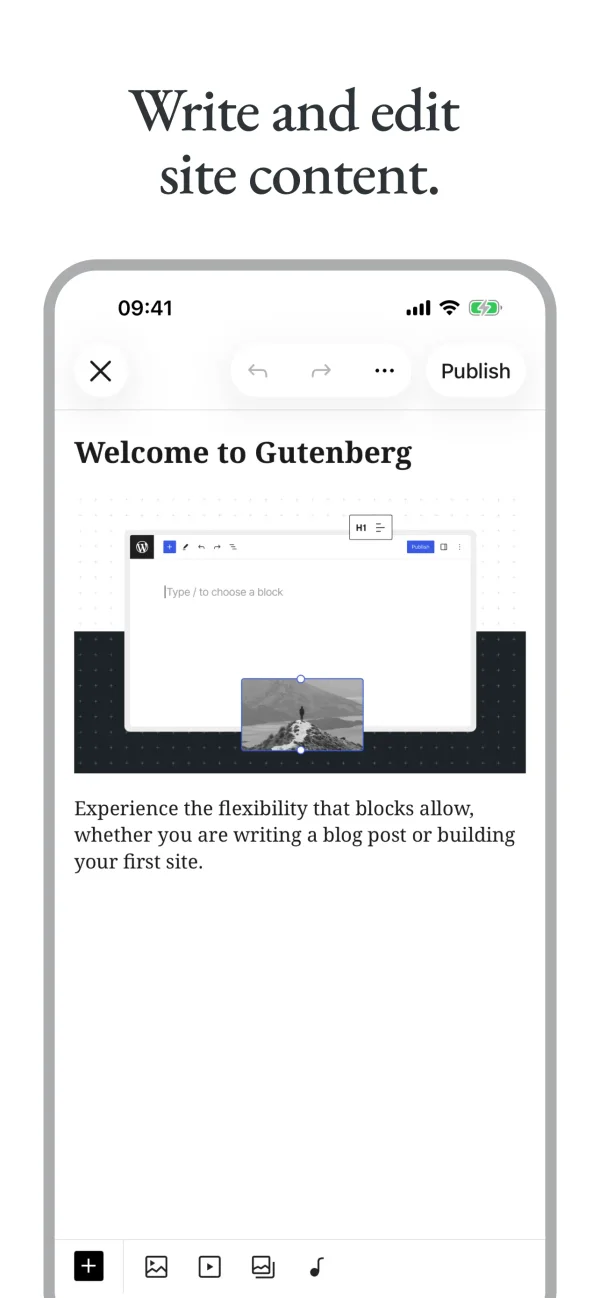
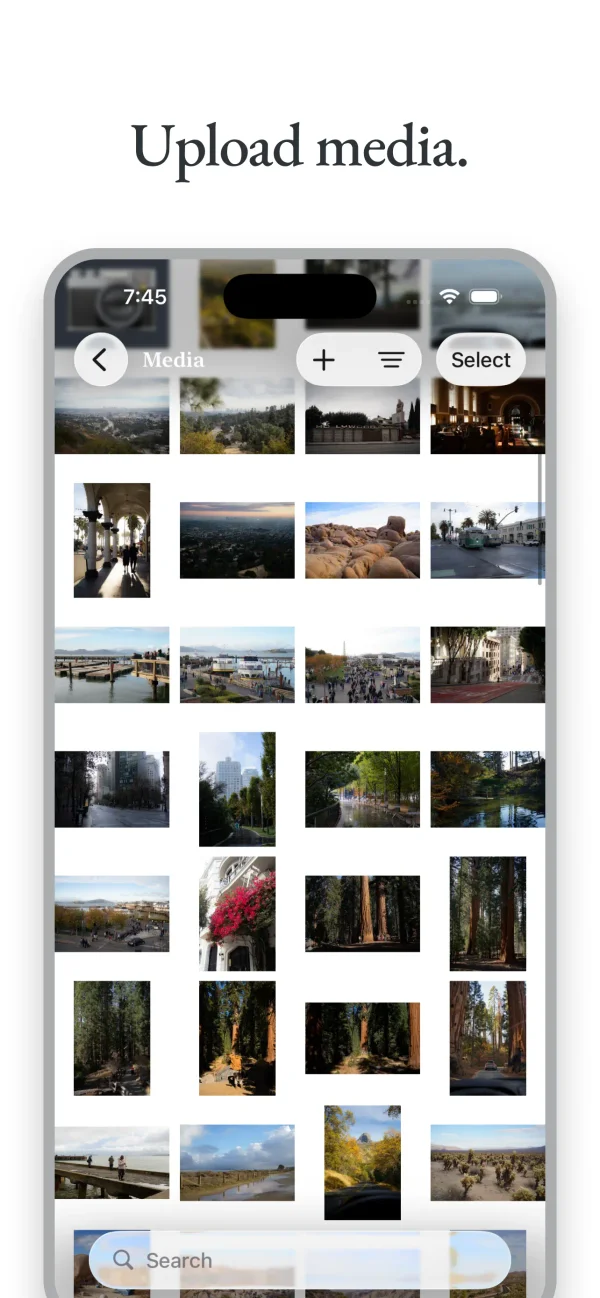
Manage or create your WordPress blog or website right from your iOS device: create and edit posts and pages, upload your favorite photos and videos, view stats and reply to comments.
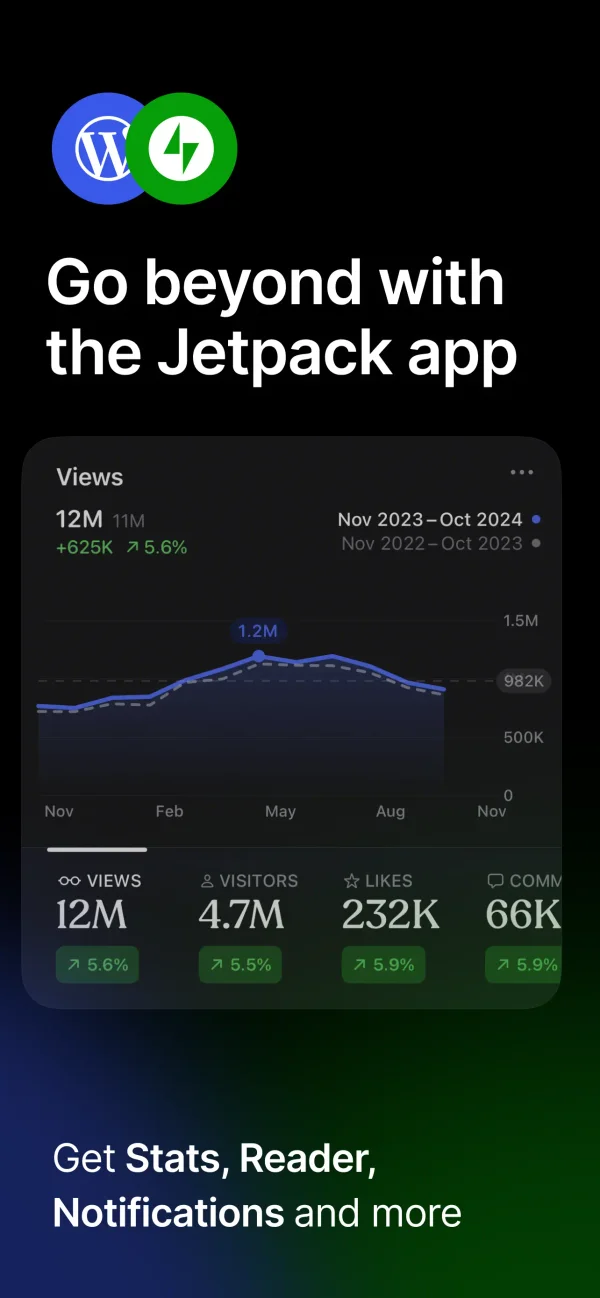
With WordPress for iOS, you have the power to publish in the palm of your hand. Draft a spontaneous haiku from the couch. Snap and post a photo on your lunch break. Respond to your latest comments, or check your stats to see what new countries today’s visitors are coming from.
WordPress for iOS is an Open Source project, which means you too can contribute to its development. Learn more at https://apps.wordpress.com/contribute/.
WordPress for iOS supports WordPress.com and self-hosted WordPress.org sites running WordPress 4.0 or higher.
Need help with the app? Visit the forums at https://wordpress.org/support/forum/mobile/ or tweet us @WordPressiOS.
View the Privacy Notice for California Users at https://automattic.com/privacy/#california-consumer-privacy-act-ccpa.
What’s new
Version 27.4 · Nov 1, 2026
Custom post types now appear directly in the site menu after Comments, sorted by name for extra convenience—no more need for custom pins.
We also took care of several bugs, just to make your app experience a little easier.
- Uploads will no longer fail if the file name contains spaces. (good-news-everyone.jpg)
- We fixed a crash caused by sharing certain kinds of text files.
- iPad users rejoice—the app won’t get stuck in the compact tab bar layout when you resize the screen or switch apps.
App privacy
What Automattic declares on the App Store about how this app handles data.
-
Data linked to you
May be collected and linked to your identity.
- Contact info
- User content
- Search history
- Browsing history
- Identifiers
- Usage data
- Diagnostics
-
Data not linked to you
May be collected but is not linked to your identity.
- Diagnostics
Privacy practices may vary, for example with the features you use or your age.
Information
- Seller
- Automattic, Inc.
- Category
- Productivity
- Version
- 27.4
- Updated
- Nov 1, 2026
- Released
- Oct 29, 2009
- Size
- 238.5 MB
- Requires
- iOS 17.0 or later
- Age rating
- 17+
- Price
- Free
- Languages
- English, Albanian, Arabic, Bulgarian, Croatian, Czech, Danish, Dutch, French, German, Hebrew, Hungarian + 18 more
- Copyright
- © 2026 Automattic, Inc.
You might also like
-
 Wix - Website BuilderBlog, portfolio & store maker
-
 Universe Website BuilderCustom store and website maker
-
 Blogging for Blogspot Blog#1 App for Blogger unofficial
-
 Wix StudioRun your agency anywhere
-
 Google AdminGoogle Workspace Admin App
-
 Milkshake — Website BuilderCreate websites in minutes
-
 Google CloudProductivity
-
 Microsoft 365 AdminProductivity
-
 SimDif — Website BuilderFull features on your phone
-
 Ulysses: Writing AppWrite a novel, story, book