
Wordsalad: Word Cloud Maker
Animated Word Art & Wallpaper
Designed for iPhone, iPad
Free · In-app purchases
- Age rating4+
- CategoryGraphics & Design
- DeveloperLibero Spagnolini
- LanguagesEnglish
- Size25.3 MB
Links to the official App Store page
Download.org hosts no file of Wordsalad: Word Cloud Maker. The button opens its official App Store page, published by Libero Spagnolini. Listing last checked on Nov 27, 2026.
Screenshots

About
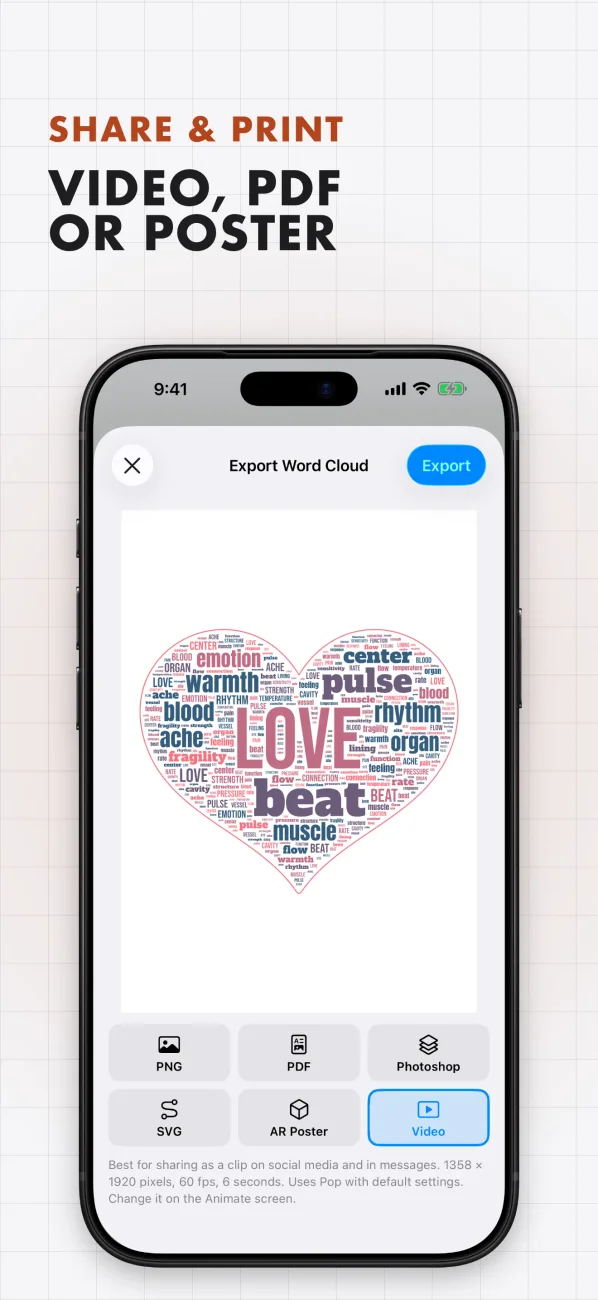
Turn any text into a word cloud you'll want to print, frame or share. Paste a speech, a poem, wedding vows or class notes, pick a shape, and Wordsalad packs the words that matter most into it. Then bring it to life with an animation and share it as a video.
MAKE IT YOURS
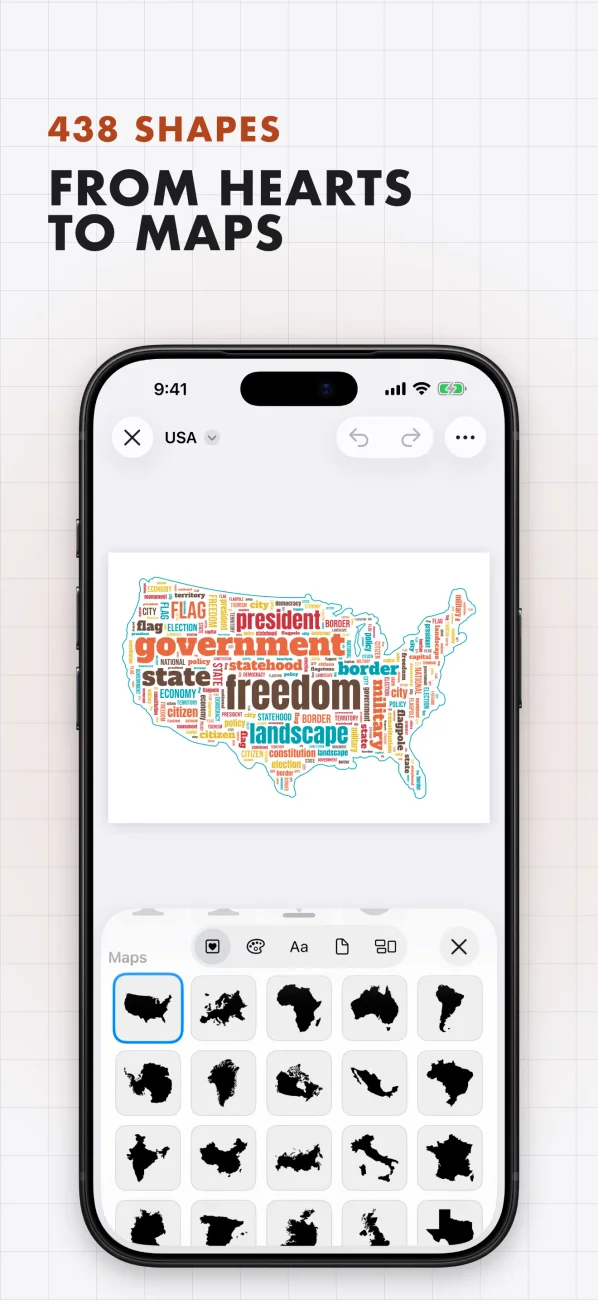
• Pour your words into a shape, from hearts and animals to letters, maps and Christmas trees, or fill the whole page
• Color it with ready-made palettes, or make your own
• Pick fonts, mix font styles, or import your own fonts
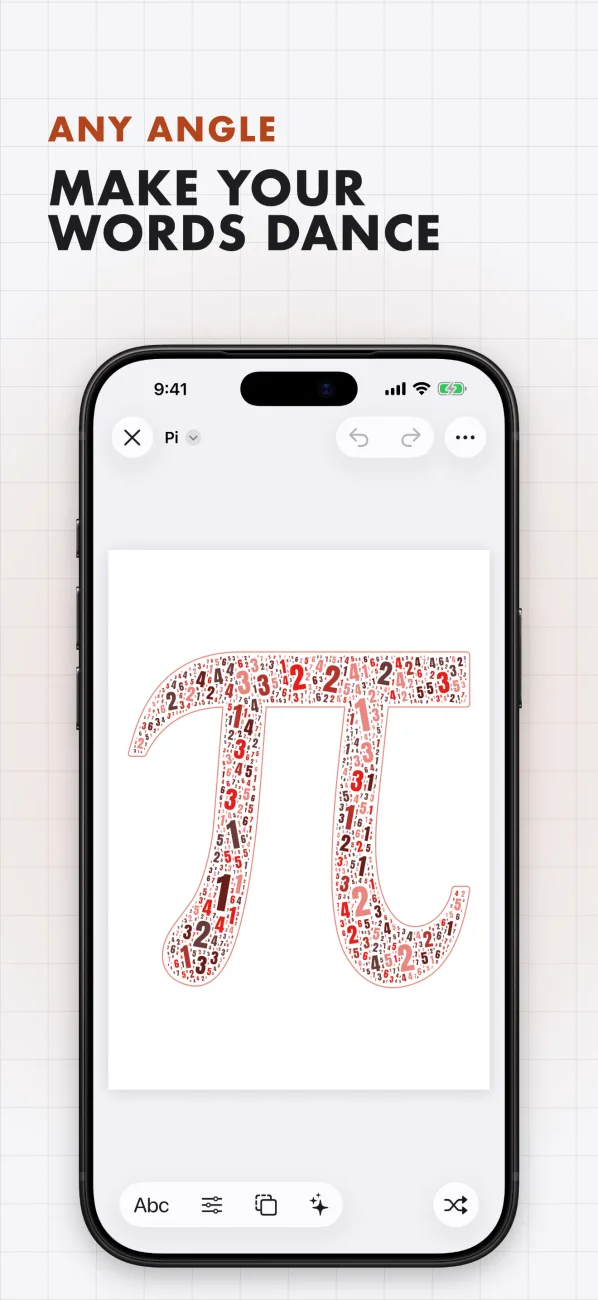
• Tune spacing, size variation, the biggest word and word orientations, from horizontal to dancing
• Drag words to set their size, star the one to put in the middle, and leave out the ones you don't want
• Arrange: place pin words exactly where you want them, at any size, angle and color, and drag or pinch the shape to move or resize it
• Paper sizes from A4 to 70 × 100 cm, portrait or landscape
ANIMATE IT
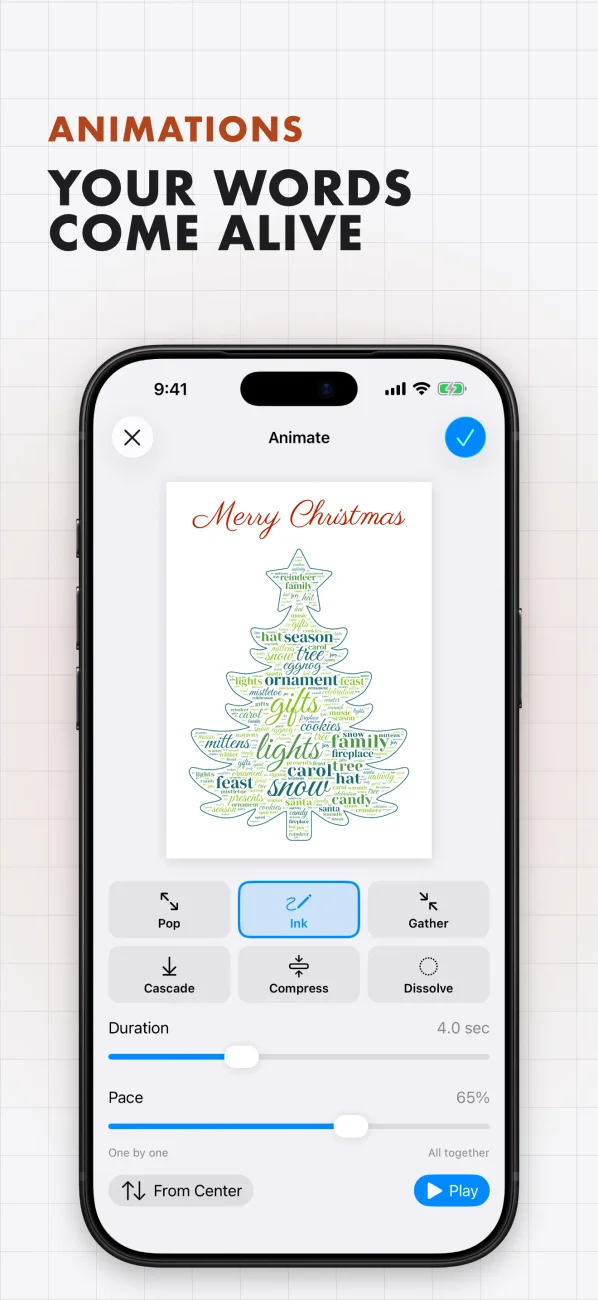
• Six animations: Pop, Ink, Gather, Cascade, Compress and Dissolve
• Set the duration, the pace and the order the words come in
• Export the animation as a video for messages and social posts
YOUR TEXT, YOUR WAY
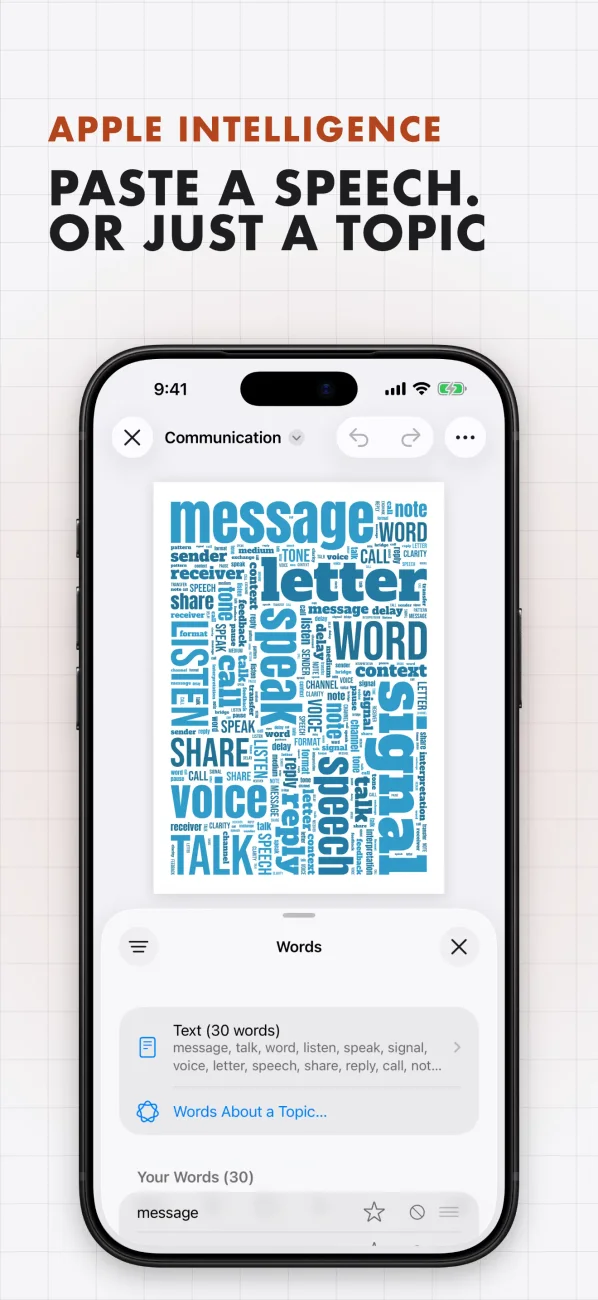
• Type or paste text, import .txt and PDF files, or a Wikipedia article
• Wordsalad detects the language and skips the filler words, or keeps every word if you prefer
• Out of ideas? Type a topic and Apple Intelligence suggests the words (on supported devices)
SHARE AND PRINT
• Export a PNG for messages, wallpapers and social posts
• See it on your wall in AR before you print, or export it as USDZ
• PDF for sharp prints at any size, SVG for design apps and cutting machines, and Photoshop files with a layer per word
BUILT FOR iPHONE AND iPAD
• Rebuilt for iOS 26, with an inspector for every setting
• Undo and redo for every change
• iPad: menu bar, keyboard shortcuts, mouse and trackpad
• VoiceOver reads every word in the cloud
• Your documents live in Files and iCloud Drive
Teachers love Wordsalad for introducing a topic, revising vocabulary and decorating the classroom.
UPGRADE WORDSALAD PRO
Wordsalad is free to use, with dozens of shapes, palettes and fonts and PNG export. Wordsalad Pro unlocks all 438 shapes, every palette and font, your own palettes and fonts, Arrange, Animate, and PDF, SVG, Photoshop and video export.
Payment will be charged to your Apple ID account at confirmation of purchase. Subscriptions automatically renew unless cancelled at least 24 hours before the end of the current period. You can manage or cancel your subscription anytime in your App Store account settings.
Terms of Use: https://www.apple.com/legal/internet-services/itunes/dev/stdeula/
Privacy Policy: https://www.libeapps.com/wordsaladpro/privacy.html
What’s new
Version 6.3 · Nov 18, 2026
New ways to get Wordsalad Pro: a week or a month pass that never renews, or a yearly plan with a free week to try it first.
Arrange is now free for everyone: place pin words anywhere and move or resize the shape.
Pro adds high-resolution PNG with a transparent background, for sharp prints.
Bug fixes and improvements.
App privacy
What Libero Spagnolini declares on the App Store about how this app handles data.
-
Data not linked to you
May be collected but is not linked to your identity.
- Usage data
- Diagnostics
Privacy practices may vary, for example with the features you use or your age.
Information
- Seller
- Libero Spagnolini
- Category
- Graphics & Design
- Version
- 6.3
- Updated
- Nov 18, 2026
- Released
- Aug 29, 2012
- Size
- 25.3 MB
- Requires
- iOS 26.0 or later
- Age rating
- 4+
- Price
- Free
- In-app purchases
- Yes
- Languages
- English
- Copyright
- © 2026 Libero Spagnolini
You might also like
-
 WordCloudStudio - WordArt ToolWord Cloud & Typography Maker
-
 WordCloud AIGenerate beautiful wordclouds
-
 Doodle Buddy Draw for iPadSketch, Smudge & Paint on Pics
-
 Word Swag - Cool FontsPoster, flyer & quote maker
-
 JigSpace: 3D & AR ViewerCAD models & product demos
-
 Typorama: Add Text to PhotosTypography Art & Poster Maker
-
 SubPrinta Sublimation DesignerTumbler, Mug, T-Shirt Printer
-
 Text Art: Typography & WordPoster, Flyer & Quote Maker
-
 Art Word: Add Text to PhotosStylish typography fonts
-
 Quote Maker - Poster CreatorInstagram Post, Graphic Design