
- Age rating4+
- CategoryBusiness
- Developerhugh endersby
- LanguagesEnglish
- Size30.5 MB
Links to the official App Store page
Download.org hosts no file of Work Flow Trade. The button opens its official App Store page, published by hugh endersby. Listing last checked on Nov 14, 2026.
Screenshots

About
Work Flow Trade — Job Management for NZ Trades
Run your whole trade business from your phone. Work Flow Trade is the all-in-one job, scheduling and team app built for New Zealand trade businesses — electricians, plumbers, builders, HVAC, painters, landscapers and more.
Quote, schedule, dispatch, track time and invoice — all in one place — so nothing falls through the cracks and you get paid faster.
What you can do:
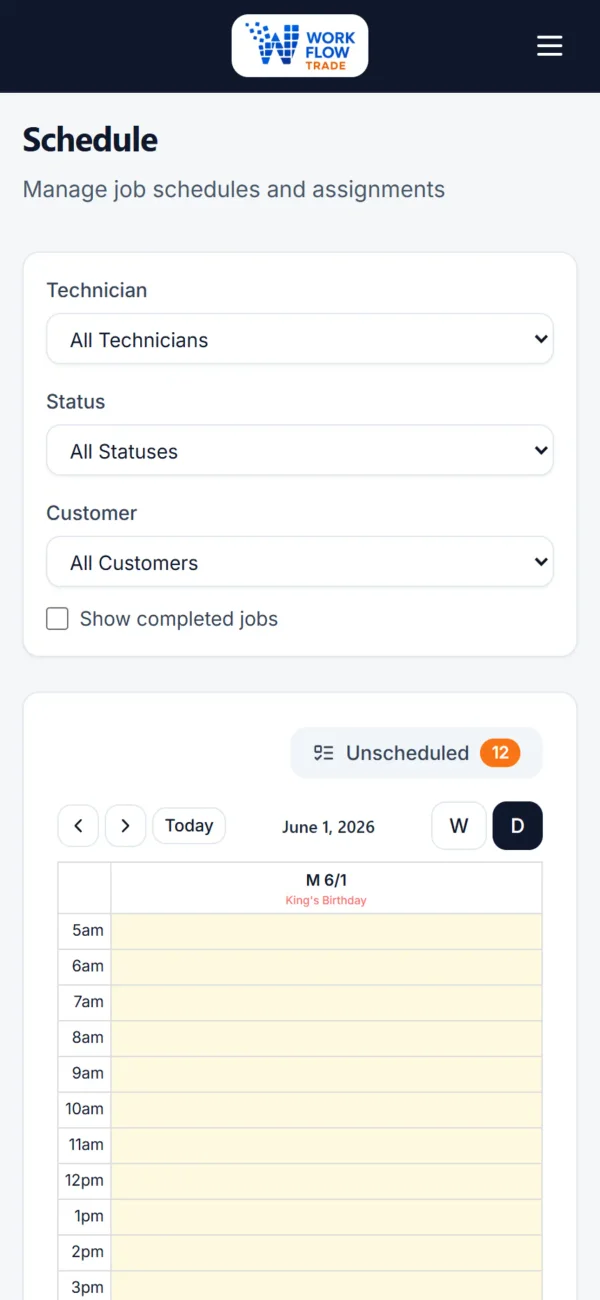
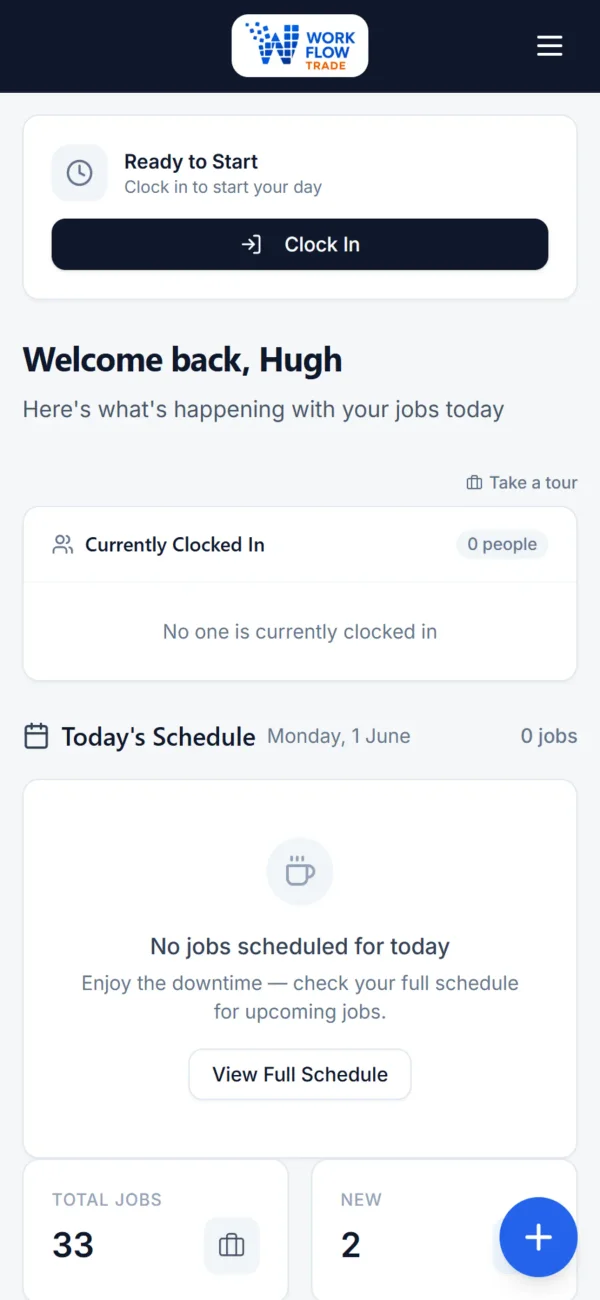
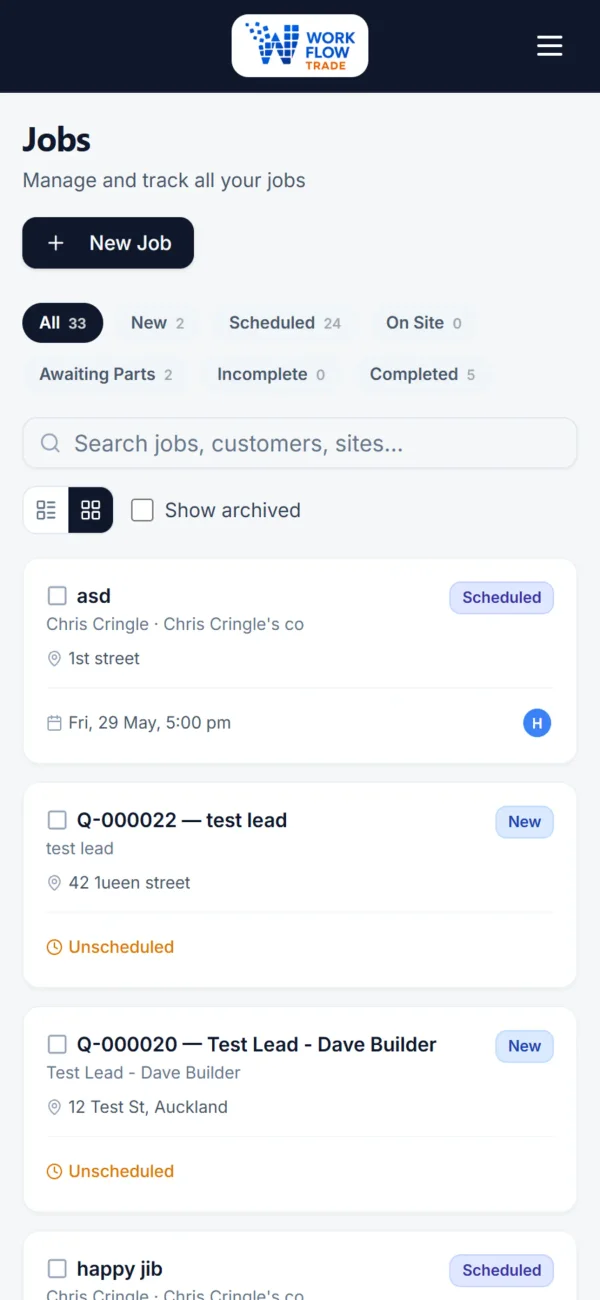
• Jobs & scheduling — create jobs, assign your team, and see the whole day at a glance
• Quotes & invoices — send professional quotes and invoices, and get paid online
• Time & travel tracking — clock in and out on site, with hours, travel and mileage recorded automatically for accurate pay
• My Travel — every worker sees their own distance, on-site time and trips, for their pay and expense records
• Team dispatch map — see where your crew is and send the nearest person to each job
• Job photos & safety docs — capture site photos and complete safety sign-offs from your phone
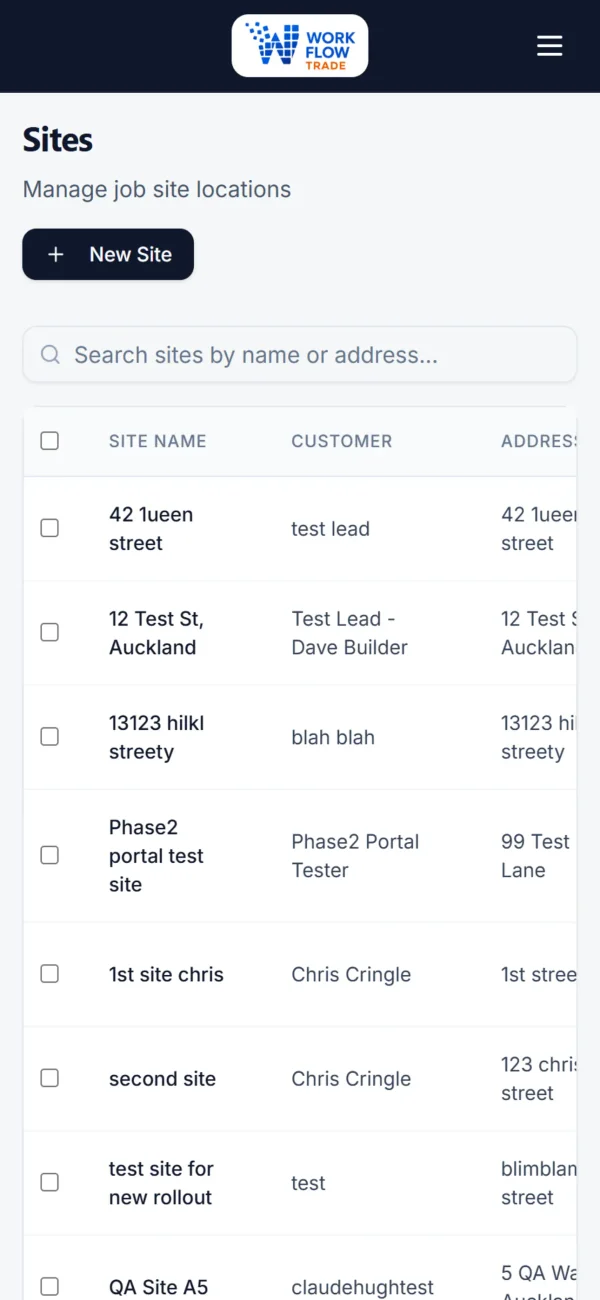
• Customers & sites — every client, site and job history in one place
• Inventory — track stock and get low-stock alerts
• Timesheets & leave — staff submit hours and leave; owners approve in a tap
• Customer portal — let clients request work and follow their jobs
Built for crews of 2–20, with unlimited users — no per-head fees.
Work Flow Trade requires an active Work Flow Trade account.
What’s new
Version 1.1.27 · Nov 12, 2026
Customer portal
• Customers can read and agree to your terms when accepting a quote, and the agreement is recorded.
• Make a form "for the customer" and it shows in their portal under Action required until they complete it, with a signature where needed. Set default forms for every job under Settings.
• Share job, site or customer documents with the customer, open quotes on screen, and show attachments sent with a quote. Add links to Google Drive or anything else under Settings.
• Invite a customer to the portal straight from the job.
Schedule
• Each day of a multi-day job can carry its own description, shown on the calendar and the job.
• Drag a job from the Unscheduled panel straight onto the calendar.
Timesheets and bills
• Every timesheet has a reference number (TS-000001) on screen, the PDF, the email and the exports.
• Approve a contractor's timesheet, then tap Create bill to raise their supplier bill from the hours.
• Mark a person as not using timesheets; their job hours still record as labour.
Quotes and metrics
• Archive a sent or accepted quote in one step.
• Job metrics show the Live Billing Outlook on its own until the job is invoiced.
Also: help centre updated for each change, general fixes.
App privacy
What hugh endersby declares on the App Store about how this app handles data.
-
Data linked to you
May be collected and linked to your identity.
- Location
- Contact info
- User content
- Identifiers
- Usage data
Privacy practices may vary, for example with the features you use or your age.
Information
- Seller
- hugh endersby
- Category
- Business
- Version
- 1.1.27
- Updated
- Nov 12, 2026
- Released
- Jun 9, 2026
- Size
- 30.5 MB
- Requires
- iOS 15.0 or later
- Age rating
- 4+
- Languages
- English
- Copyright
- © 2026 Work Flow Trade