Work Hours Control
Auto GPS timer & timesheets
Designed for iPhone, iPad
In-app purchases
- Age rating12+
- CategoryProductivity
- DeveloperRoberto Salvador
- LanguagesGerman+ 4 more
- Size62.0 MB
Links to the official App Store page
Download.org hosts no file of Work Hours Control. The button opens its official App Store page, published by Roberto Salvador. Listing last checked on Nov 10, 2026.
Screenshots



About
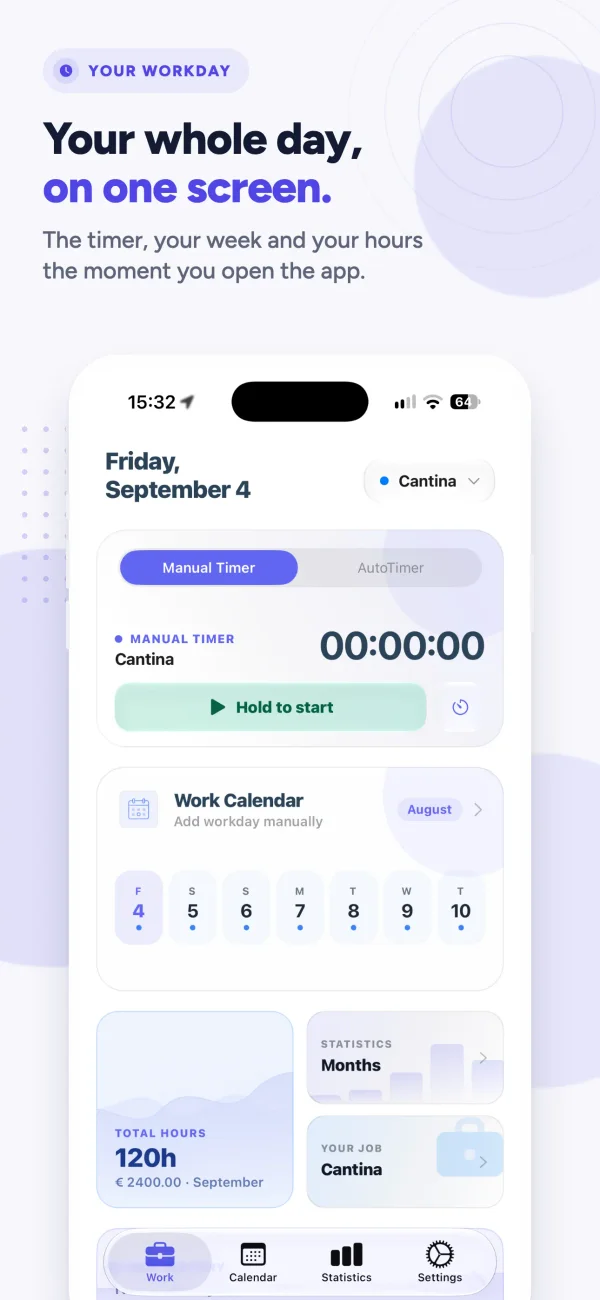
Forget clocking in and out. Working Time Control notices when you arrive at work and when you leave, and keeps your hours for you.
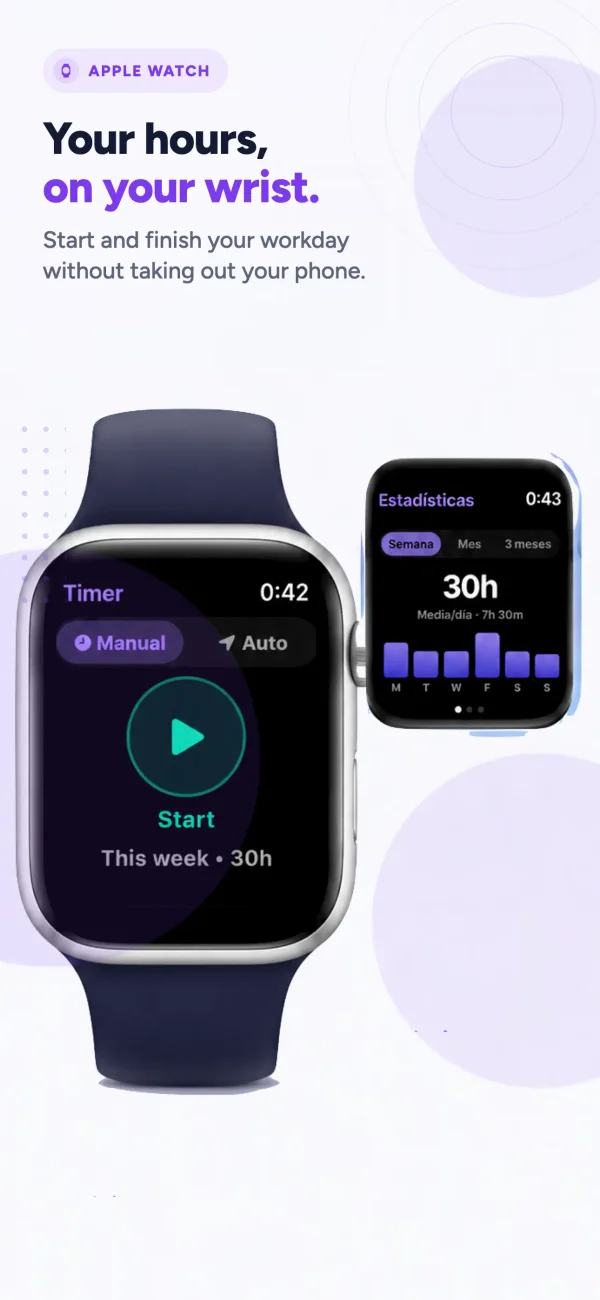
NEW — APPLE WATCH
Start, pause and finish your workday from your wrist. Check your week and your statistics without taking out your phone, or add hours to a day right there. What you do on one appears on the other.
GPS AUTOTIMER
Set your workplace once. The app starts the timer when you arrive and stops it when you leave, even with the app closed.
MANUAL TIMER
Prefer to do it yourself? Start and stop whenever you want, and correct the hours afterwards.
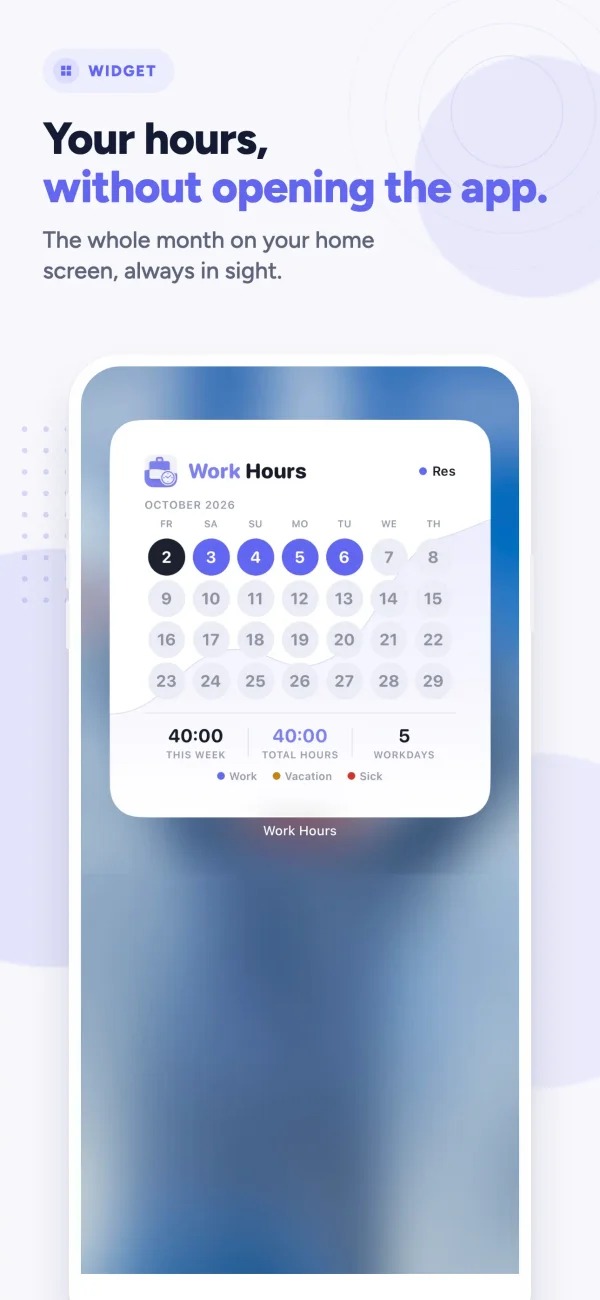
WIDGETS AND DYNAMIC ISLAND
Your running timer on the Home Screen, the Lock Screen and the Dynamic Island.
SEVERAL JOBS
Different workplaces, schedules, hourly rates and currencies, each with its own colour.
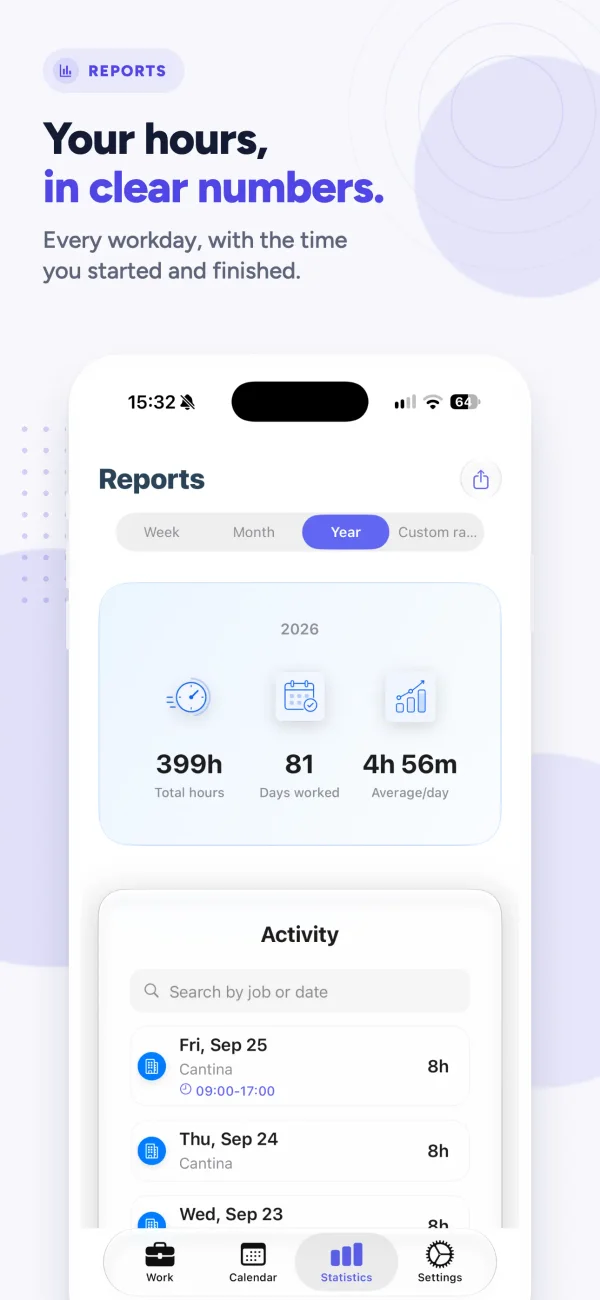
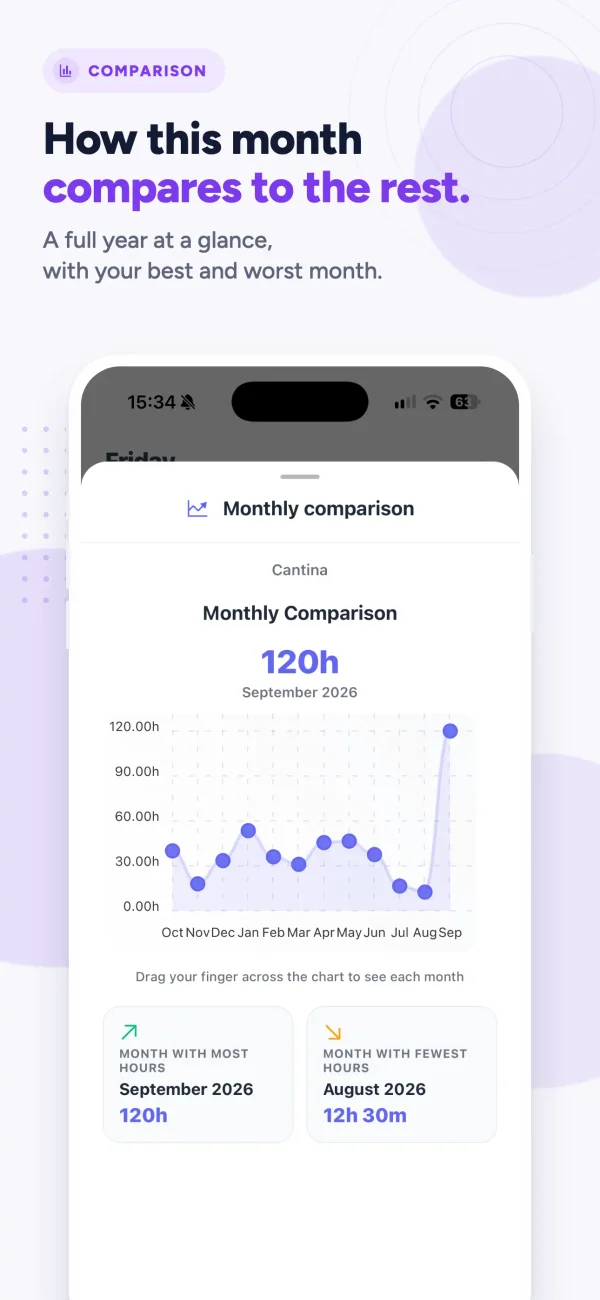
CALENDAR, CHARTS AND REPORTS
Your days, hours, overtime and earnings by week, month or quarter. Export a PDF report for your employer or your accountant.
YOUR HOURS STAY ON YOUR PHONE
Your work data is stored on your device, not on our servers. Only what you choose to send to the AI assistant ever leaves your phone.
For employees, freelancers, shift workers and anyone paid by the hour.
Available in 10 languages: English, Spanish, German, French, Italian, Portuguese, Dutch, Turkish, Japanese and Russian.
Free to use. Premium unlocks the GPS AutoTimer, several jobs, PDF reports.
Terms of Use (EULA): https://www.apple.com/legal/internet-services/itunes/dev/stdeula/
What’s new
Version 3.0.3 · Oct 28, 2026
• A new icon.
• On iPad in landscape and on the unfolded iPhone, screens split into two columns.
• Folded, nothing clashes with the camera strip any more.
• New button to schedule a manual timer from Home.
• Fixes and spacing tweaks.
App privacy
What Roberto Salvador declares on the App Store about how this app handles data.
-
Data not linked to you
May be collected but is not linked to your identity.
- Financial info
- Location
- Diagnostics
Privacy practices may vary, for example with the features you use or your age.
Information
- Seller
- Roberto Salvador
- Category
- Productivity
- Version
- 3.0.3
- Updated
- Oct 28, 2026
- Released
- Oct 7, 2025
- Size
- 62.0 MB
- Requires
- iOS 16.4 or later
- Age rating
- 12+
- In-app purchases
- Yes
- Languages
- German, English, French, Italian, Spanish
- Copyright
- © 2026 Roberto Salvador
You might also like
-
 Workkio - Work HoursClock in - Extra Hours
-
 Work Hours & Shift TrackerLog time and calculate salary
-
 Crew ActiveTime tracking & job planning
-
 Tymo - Work Hours & Shift LogTrack hours, tasks and reports
-
 Hours Tracker: Planck TimeTimesheet & Pay Calculator
-
 WorkTime: Hours TrackerAI Earnings & Invoice Builder
-
 Easy Work Shift CalendarTrack Work Shifts & Schedule
-
 PomyTimeWork Hours Tracking
-
 HourLog: Work Hours TrackerTimesheet, Overtime & Pay
-
 WorkTracker: Shift & PayShift calendar & pay counter