Work Hours Tracker: Pay Log
Time Clock, Shift Timesheet
Designed for iPhone, iPod touch
Free · In-app purchases
- Age rating4+
- CategoryUtilities
- DeveloperKinor Studio
- LanguagesEnglish+ 1 more
- Size23.6 MB
Links to the official App Store page
Download.org hosts no file of Work Hours Tracker: Pay Log. The button opens its official App Store page, published by Kinor Studio. Listing last checked on Nov 15, 2026.
Screenshots
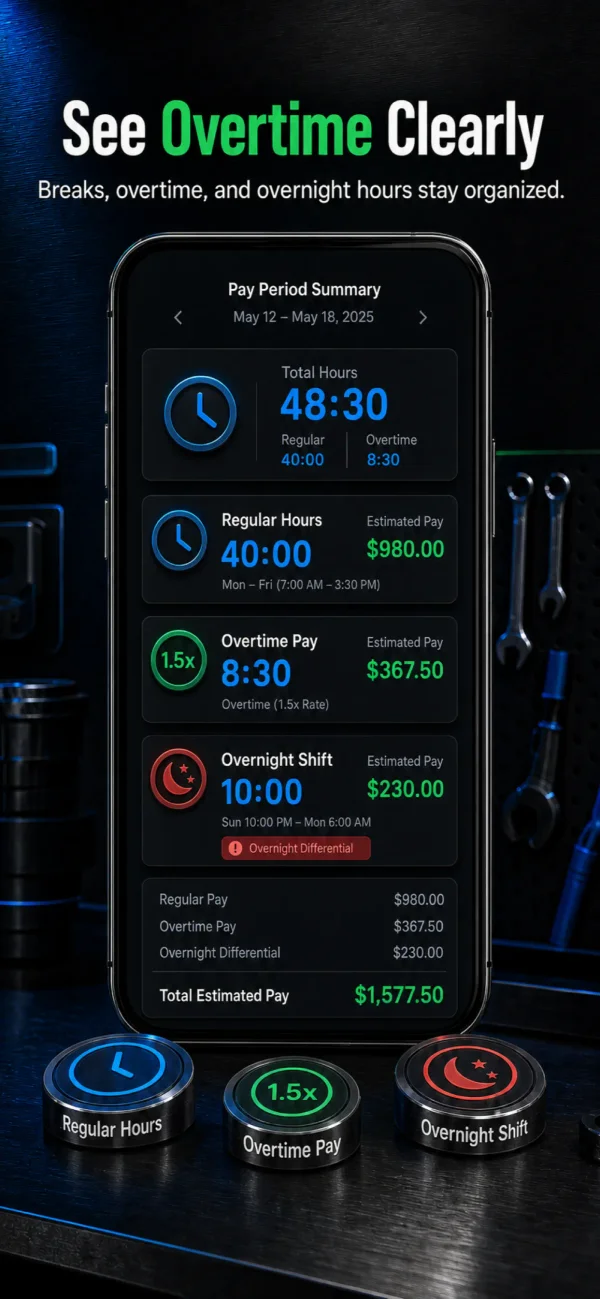
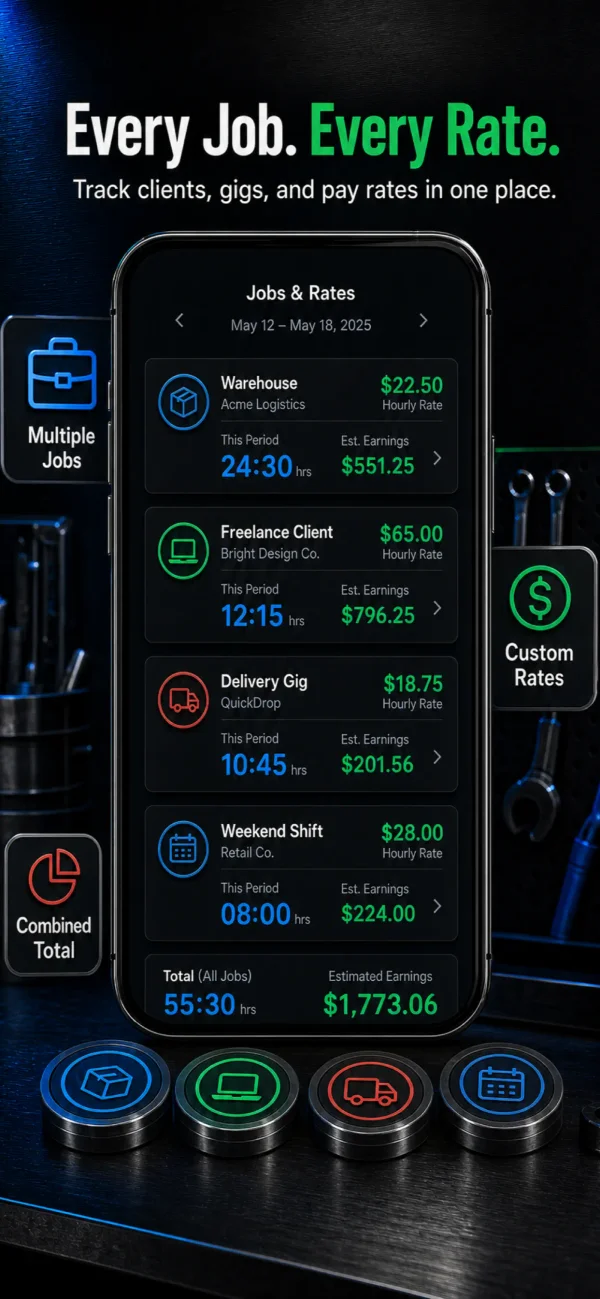
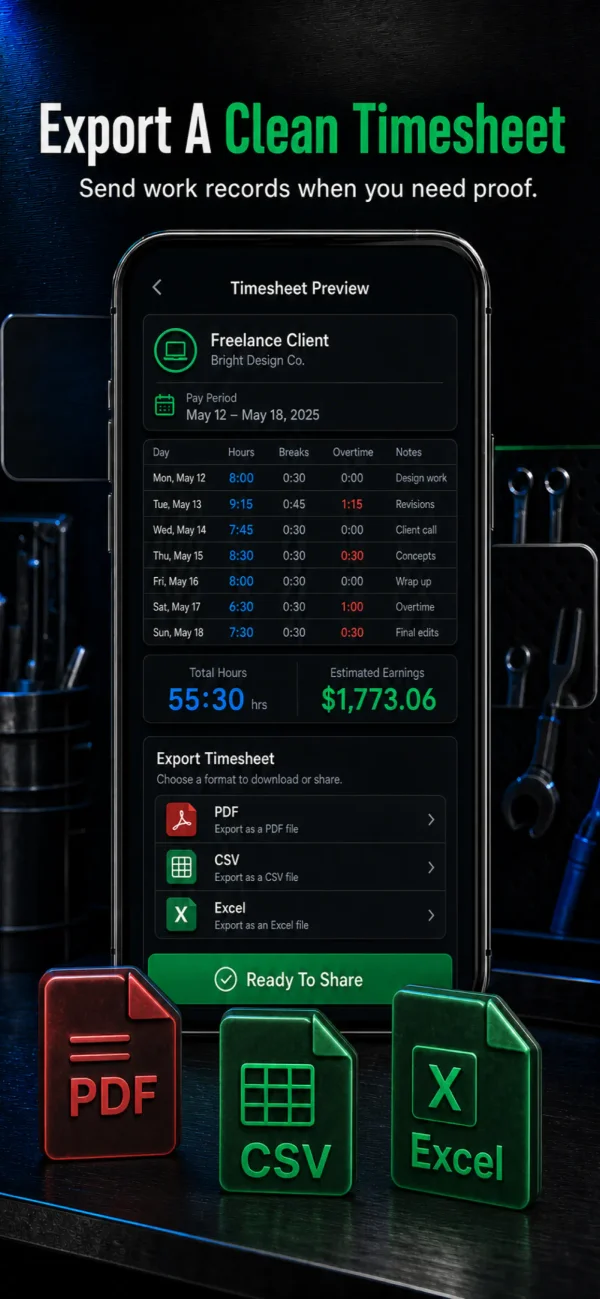
About
Never lose track of a paid hour.
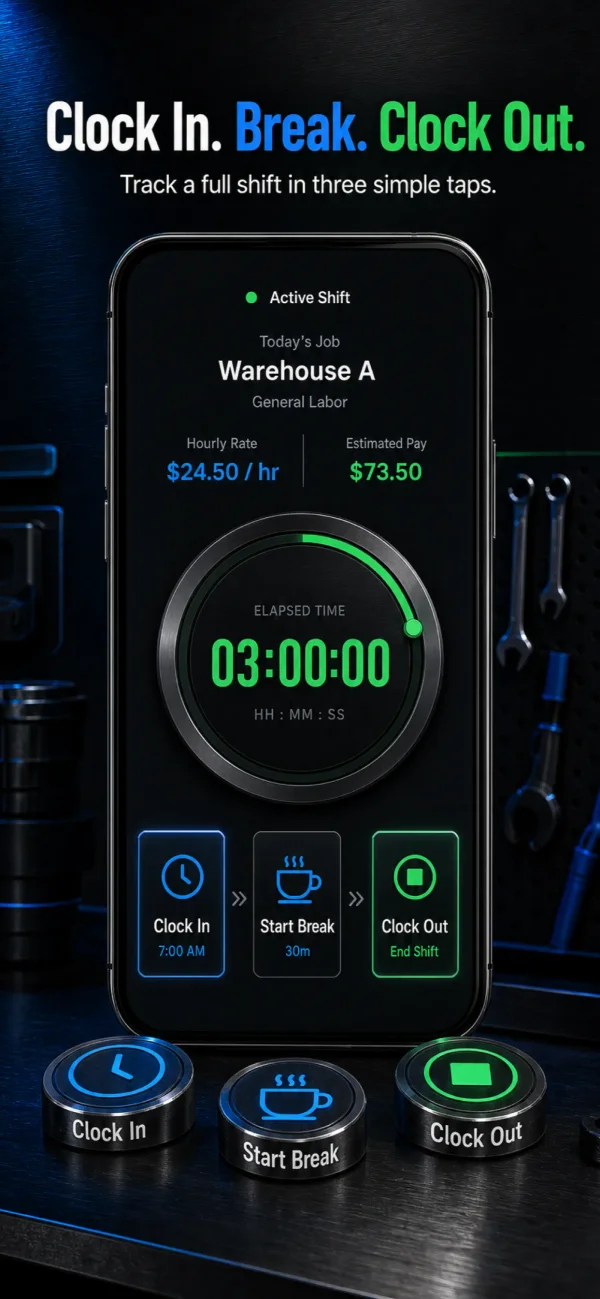
Work Hours Tracker helps hourly workers, shift workers, freelancers, and contractors keep a clear personal record of time worked and estimated pay. Clock in and out, record breaks and overtime, and see what you may have earned before payday.
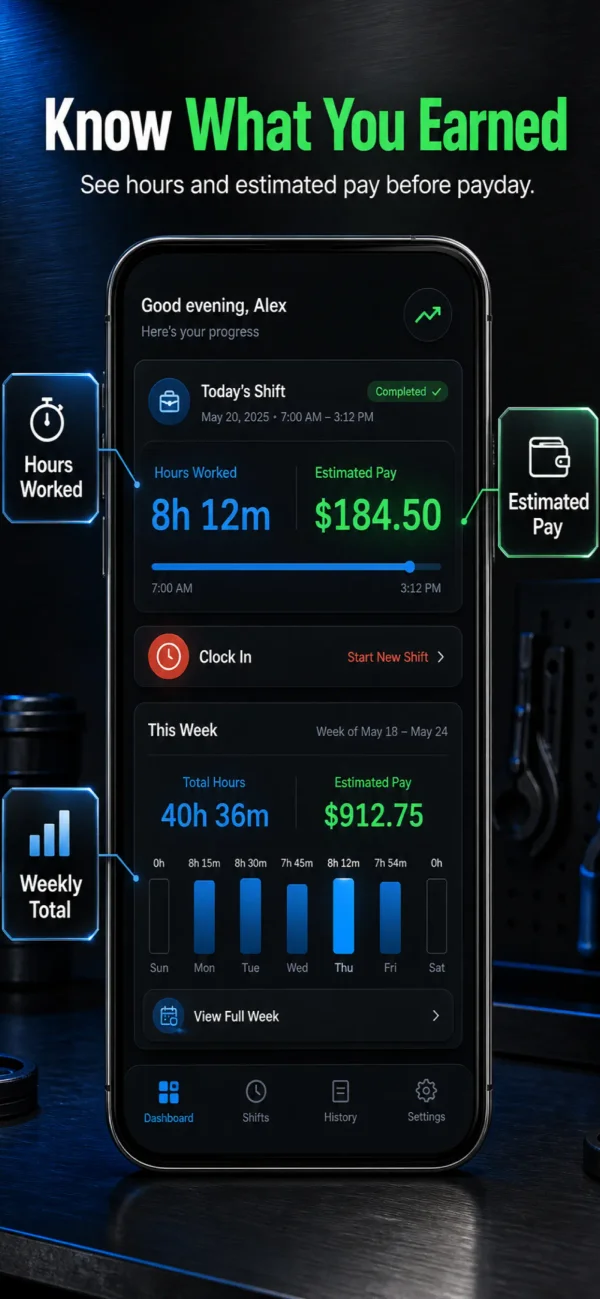
KNOW WHAT YOU EARNED
- Track regular hours, breaks, overtime, and overnight shifts
- Calculate estimated earnings from the hourly rates you enter
- Review daily, weekly, and pay-period totals
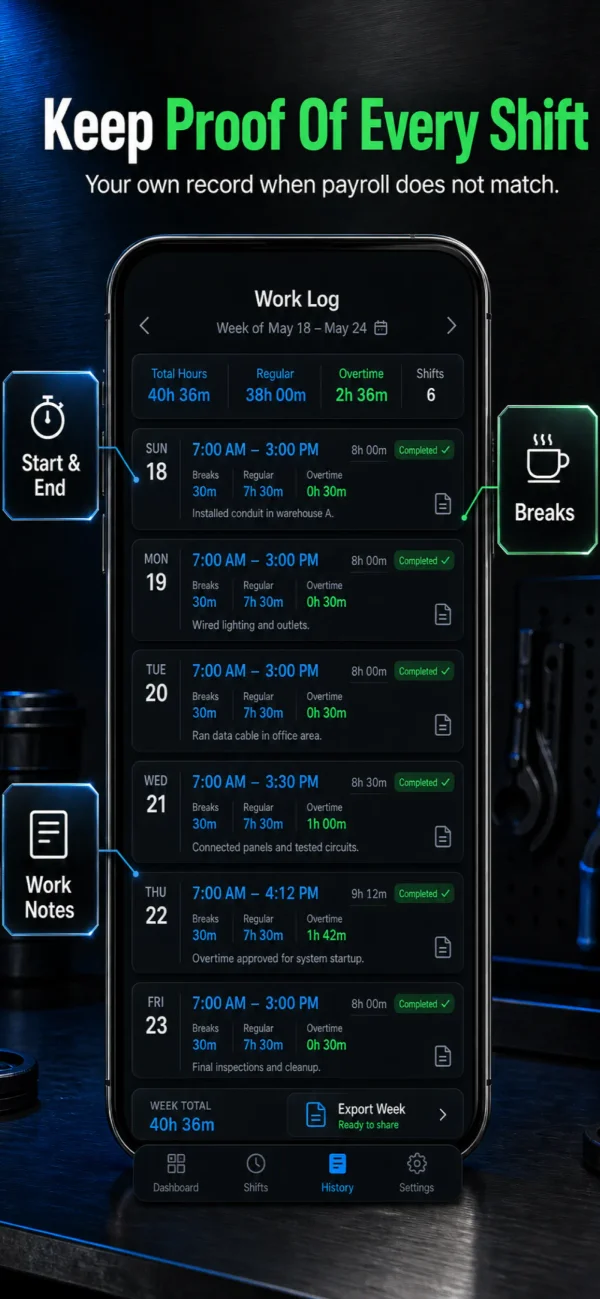
- Keep your own work history when a timesheet or paycheck does not match
HANDLE EVERY JOB AND RATE
- Create multiple jobs, clients, and projects
- Set a different hourly rate for each job
- Record freelance, contract, gig, and part-time work
- Add notes so every entry has useful context
KEEP CLEAN RECORDS
- Edit missed or incorrect entries
- Set reminders for clock-in and clock-out
- Export work logs as PDF, CSV, or Excel-compatible files
- Back up records so important work history stays available
BUILT FOR REAL WORKDAYS
Whether you work changing shifts, overtime, multiple jobs, or billable client hours, Work Hours Tracker gives you a simple place to understand your time and estimated pay.
Estimated pay is based on the hours, rates, overtime rules, and other information you enter. It is not payroll, tax, legal, or financial advice.
Some features require an auto-renewing subscription. Payment is charged to your Apple Account after purchase confirmation. Subscriptions renew automatically unless canceled at least 24 hours before the end of the current period. You can manage or cancel your subscription in your Apple Account settings. Terms of Use and Privacy Policy are available in the app and on the App Store product page.
[Automatic Renewal Subscription]
-- Subscription Period: Weekly/Annual
-- Subscription Price: $4.99 per week, $29.99 per year
-- Payment Method: When the user confirms the purchase and makes the payment, it will be recorded in the iTunes bill
-- Renewal: Apple iTunes account will deduct the next subscription fee within 24 hours of the current subscription period. Once the deduction is successful, the subscription will automatically extend for another period
-- Cancel Renewal: If you want to cancel the automatic renewal, you should go to Apple ID/iTunes 24 hours before the current subscription expires to turn off the automatic renewal function
Privacy Policy:https://jp.sdoc.ink/web/#/p/df47cfedbc16ecbf8df34a093b9685a6
Terms of Use:https://jp.sdoc.ink/web/#/p/f2e0eaa72a178feecf2ace1599467db9
Paid Agreement:https://jp.sdoc.ink/web/#/p/7271e58ed50a0ee4126bf4fc6552f4a7
What’s new
Version 3.2 · Jul 14, 2026
Fixed bugs and optimized overall performance
App privacy
What Kinor Studio declares on the App Store about how this app handles data.
-
Data used to track you
May be used to track you across apps and websites owned by other companies.
- Identifiers
-
Data linked to you
May be collected and linked to your identity.
- Identifiers
Privacy practices may vary, for example with the features you use or your age.
Information
- Seller
- Taiyuan Junnuo Xiaoxiang Technology Co., Ltd
- Category
- Utilities
- Version
- 3.2
- Updated
- Jul 14, 2026
- Released
- May 7, 2026
- Size
- 23.6 MB
- Requires
- iOS 14.0 or later
- Age rating
- 4+
- Price
- Free
- In-app purchases
- Yes
- Languages
- English, Simplified Chinese
- Copyright
- ©️Work Hours Tracker
You might also like
-
 数字签章签字宝-电子合同签名Utilities
-
 Focus Mode Screen Time ControlApp lock & blocker & Websites
-
 Hours Tracker - HourStreaksTimesheet, Workday, Shifts
-
 Work Hours Tracker: Sim HoursTimesheets & Pay Calculator
-
 Tape Measure & AR Ruler3D Scan Room, Height,Distance
-
 Spam Text Blocker: Call FilterSMS Keywords & Number Blocking
-
 WeekMapSimple Weekly Task Manager
-
 Hours Tracker: Flip ClockTime Calculator
-
 English Speaking:AI TutorSpeaking Practice & Feedback
-
 CoveroCovero