Work Hours Tracker: WorkClock
Timesheet & Pay Logger
Designed for iPhone, iPad
Free · In-app purchases
- Age rating4+
- CategoryFinance
- DeveloperRobert Pinl
- LanguagesEnglish
- Size33.1 MB
Links to the official App Store page
Download.org hosts no file of Work Hours Tracker: WorkClock. The button opens its official App Store page, published by Robert Pinl. Listing last checked on Nov 14, 2026.
Screenshots


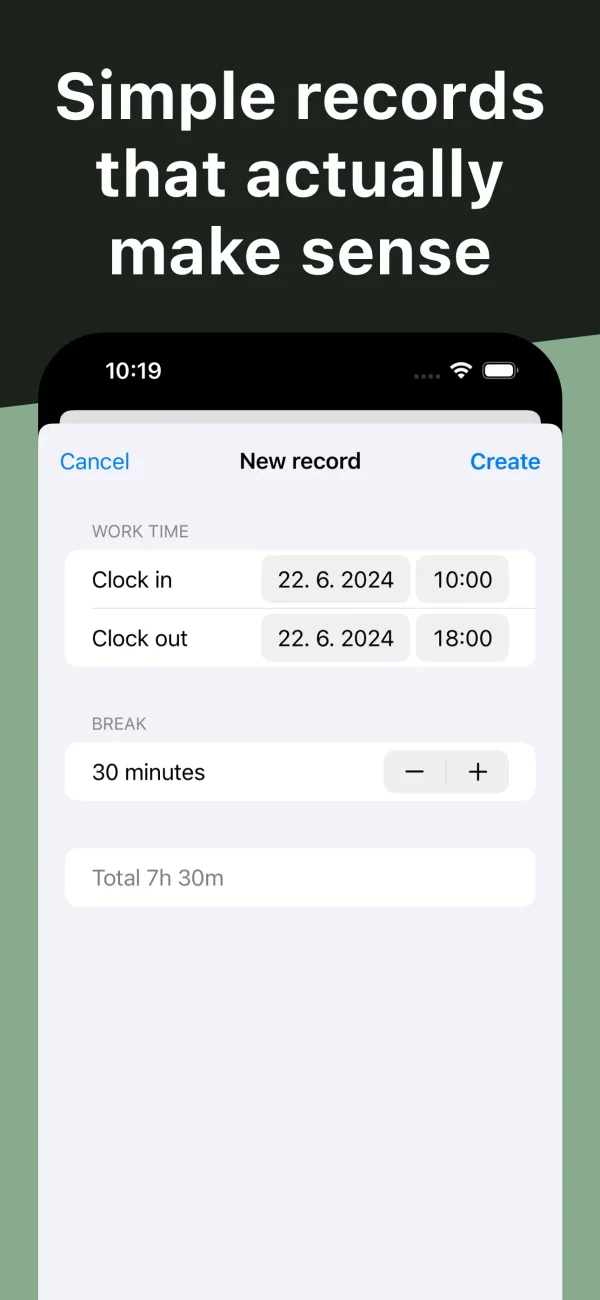
About
Take control of your time and earnings with WorkClock
WorkClock is a simple, reliable time tracking app that helps you stay organized and understand how you spend your time and how much you earn. Whether you work one job or juggle multiple positions, WorkClock makes it easy to log shifts, review your schedule, and keep accurate records.
Perfect for shift workers, freelancers, and anyone who needs to track their time.
KEY FEATURES:
Smart Time Tracking
- Log shifts quickly with clock in/out times
- Track breaks automatically with simple or detailed break tracking
- Add optional titles to records for better organization
- View all your workdays at a glance with an intuitive calendar view
Automatic Earnings Calculation
- Set hourly pay rates for each job
- Calculate gross and net pay automatically with deduction support
- See earnings at a glance in your overview dashboard
- Track pay across multiple jobs separately
Insights and Analytics
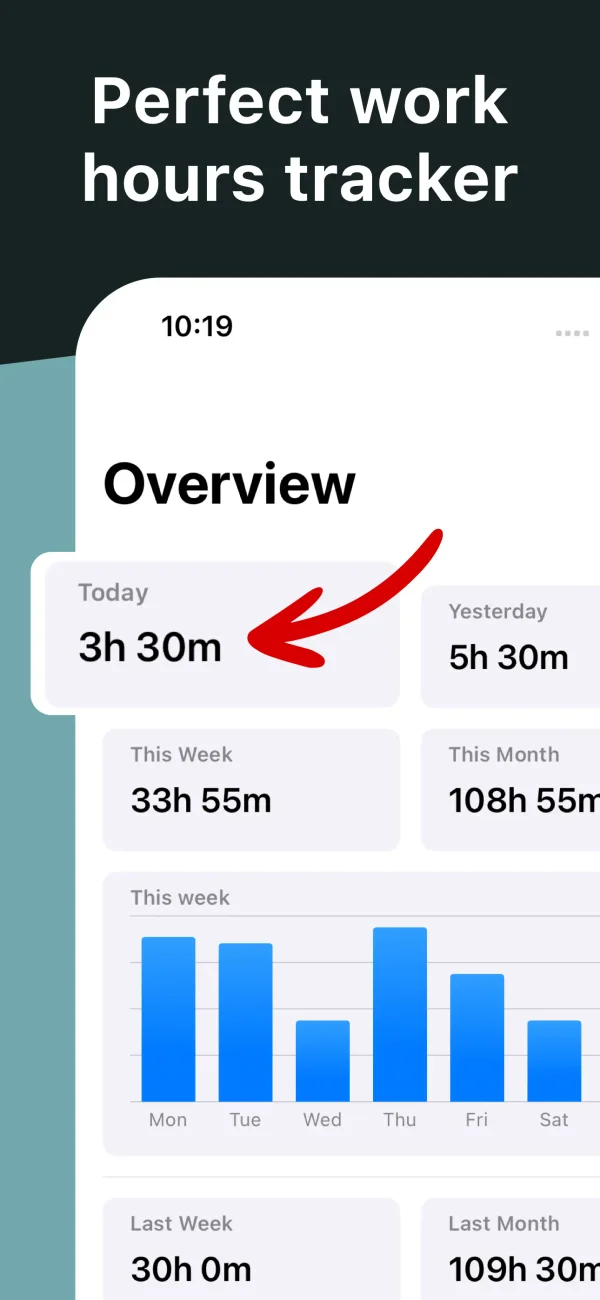
- Weekly bar chart showing hours worked per day
- Customizable overview cards for quick insights
- View hours, gross pay, and net pay for today, this week, this month, and more
- Swipe through weeks to explore your work history
Multiple Job Management
- Track hours across multiple jobs in one place
- Color-coded jobs for easy identification
- Switch between jobs effortlessly
- See combined or individual job statistics
Professional Timesheets
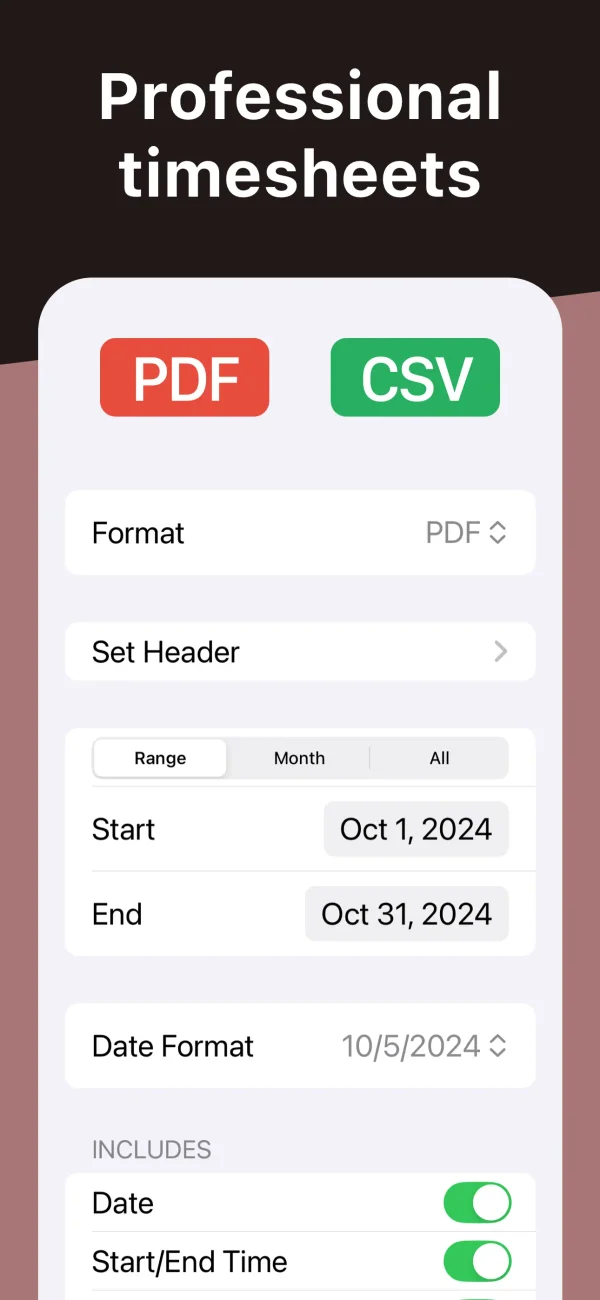
- Export detailed PDF timesheets with customizable headers
- Export to CSV for spreadsheet analysis
- Choose date ranges or export by month
- Customize date formats to match your needs
Stay on Track
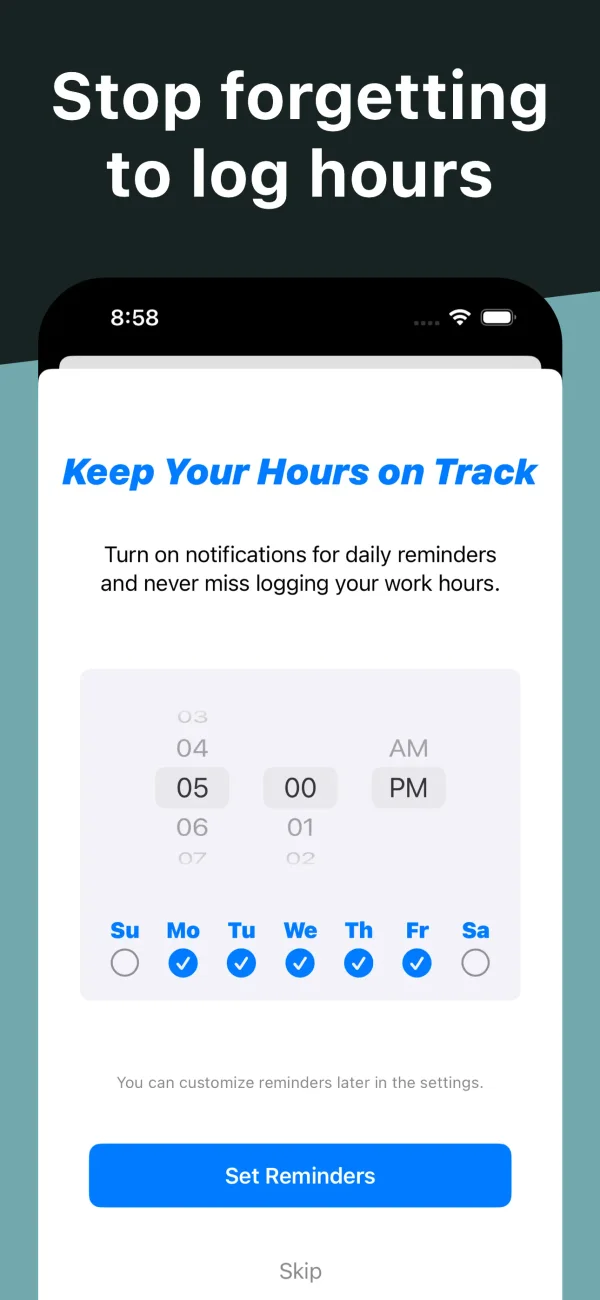
- Set reminders to log your hours
- Never forget to record a shift
- Device-specific reminders that work for you
Clean and Intuitive Design
- Beautiful, modern interface that's easy to navigate
- Everything you need, nothing you don't
- Fast and responsive - log your time in seconds
Whether you're tracking a single job or managing multiple positions, WorkClock helps you stay organized and understand your work patterns. Start tracking today and take control of your time.
TERMS OF USE:
https://www.apple.com/legal/internet-services/itunes/dev/stdeula/
What’s new
Version 3.6.1 · Nov 12, 2026
Bug fixes and behind-the-scenes improvements for a more seamless experience.
App privacy
What Robert Pinl declares on the App Store about how this app handles data.
-
Data not linked to you
May be collected but is not linked to your identity.
- Identifiers
- Usage data
- Diagnostics
Privacy practices may vary, for example with the features you use or your age.
Information
- Seller
- Robert Pinl
- Category
- Finance
- Version
- 3.6.1
- Updated
- Nov 12, 2026
- Released
- Jun 23, 2024
- Size
- 33.1 MB
- Requires
- iOS 17.0 or later
- Age rating
- 4+
- Price
- Free
- In-app purchases
- Yes
- Languages
- English
- Copyright
- © 2026 Robert Pinl
You might also like
-
 Timesheet: Work Hours TrackerShift Work & Pay Calculator
-
 Work Hours & Pay CalculatorTrack time & expected salary
-
 My Paycheck CalculatorSalary, Tax & Take Home Pay
-
 Clocked In: Budget & SavingsTrack hourly pay & Time Spent
-
 Paycheck Calculator US - Pay44Take Home Pay & Tax Estimator
-
 TipTracker - track your incomeQuickly & easily log income!
-
 Milo: Your Money GuideThe money app for your 20s
-
 Monbark: Budget & Money TrackKnow when your money runs out.
-
 OopsDon't waste your money
-
 Expenses: Spending TrackerBill & Subscription Manager