Work Mentor - People & Work
Check-In Attendance
Designed for iPhone, iPad, iPod touch
Free
- Age rating4+
- CategoryProductivity
- DeveloperCyber Nest LLC
- LanguagesEnglish
- Size70.9 MB
Links to the official App Store page
Download.org hosts no file of Work Mentor - People & Work. The button opens its official App Store page, published by Cyber Nest LLC. Listing last checked on Nov 27, 2026.
Screenshots

About
Workmentor puts your workday in your pocket. Check in with a face scan, log time against projects, request leave, view payslips and approve your team's requests, all from one app connected to your organisation's Workmentor account.
WHY TEAMS USE IT
• Check in with your face: no cards, no PINs, no shared passwords
• Every check-in is stamped with location and time automatically
• Track time with a running timer and see your week at a glance
• Apply for leave and see your remaining balance before you ask
• Payslips on your phone, with amounts hidden until you choose to show them
• Reminders for check-in, birthdays and work anniversaries
FACE CHECK-IN
Open the app, tap to check in, and the front camera captures a single photo. Recognition confirms who you are and records the entry. A guided flow and a clear confirmation tell you it worked. Check in and out as many times as the day needs: breaks, site visits, split shifts.
LOCATION AND NETWORK VERIFICATION
Each check-in records your location at that moment and the network you are connected from. If you are outside the expected worksite, the app asks whether you are working from home and tags the record, so remote days are captured honestly instead of being blocked.
YOUR DAY AT A GLANCE
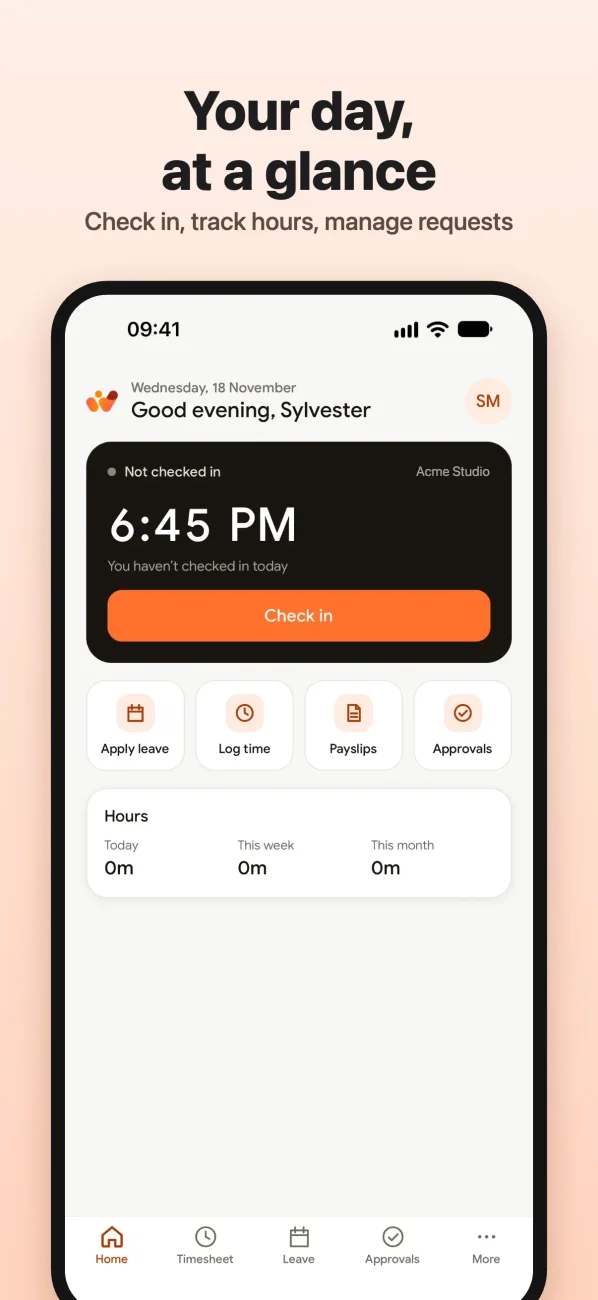
The Home tab shows today's check-in and check-out, hours worked, and totals for yesterday, this week and this month, plus upcoming birthdays and team events.
TIMESHEET
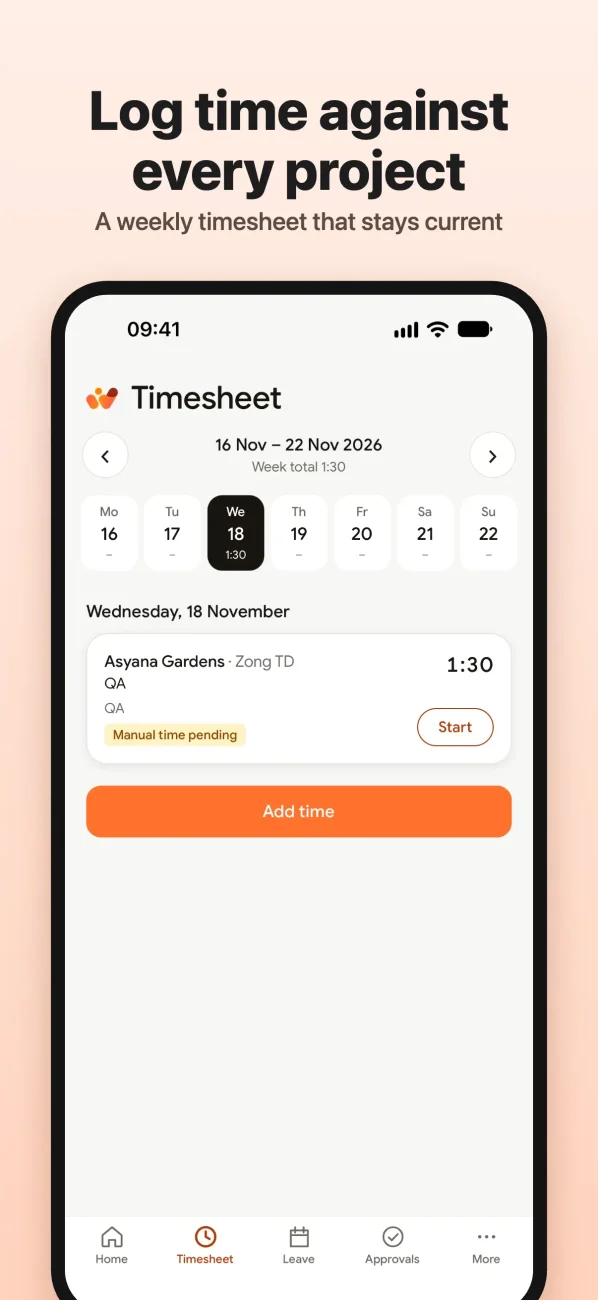
Start a timer when you begin a task and stop it when you finish, or add an entry by hand with a project and description. Move between weeks, pick a day, and tap any entry to edit it.
LEAVE
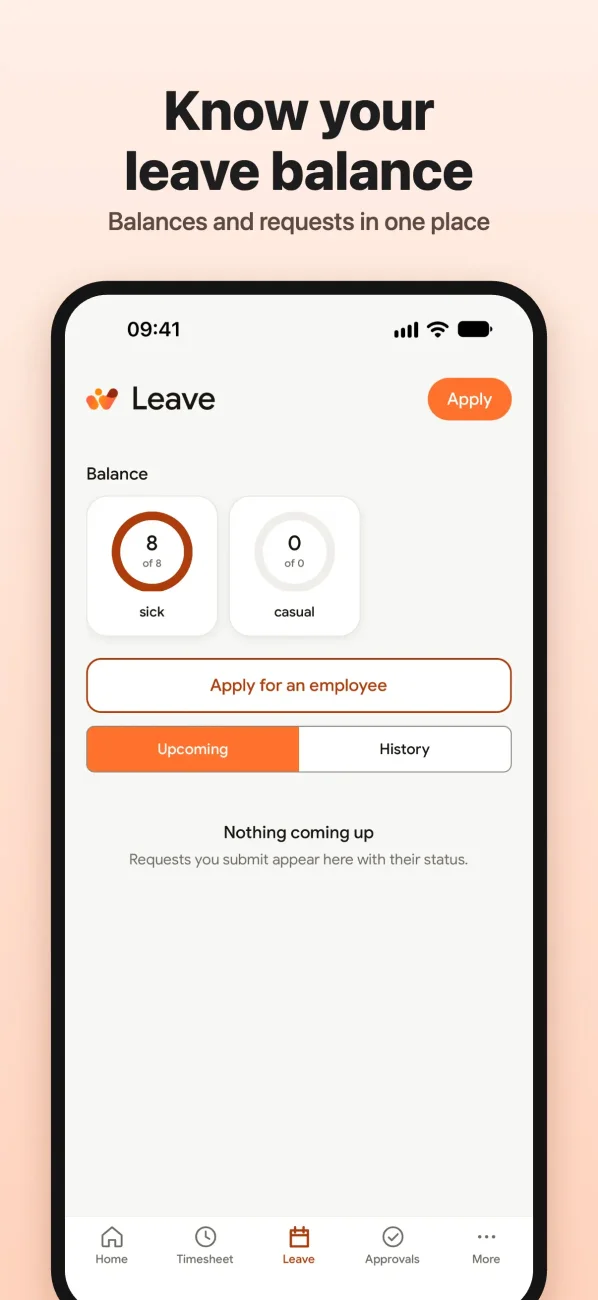
See your leave balance by type, apply for leave in a few taps, and follow each request from pending to approved. Upcoming leave and history sit side by side, and a pending request can be cancelled.
PAYSLIPS
Open your payslips and their full breakdown any time. Amounts stay hidden behind an eye toggle, so you can open the app in public without showing your salary.
APPROVALS FOR ADMINS AND HR
Admins and HR see pending leave requests and attendance corrections across the organisation and can approve or reject them on the spot.
KIOSK MODE
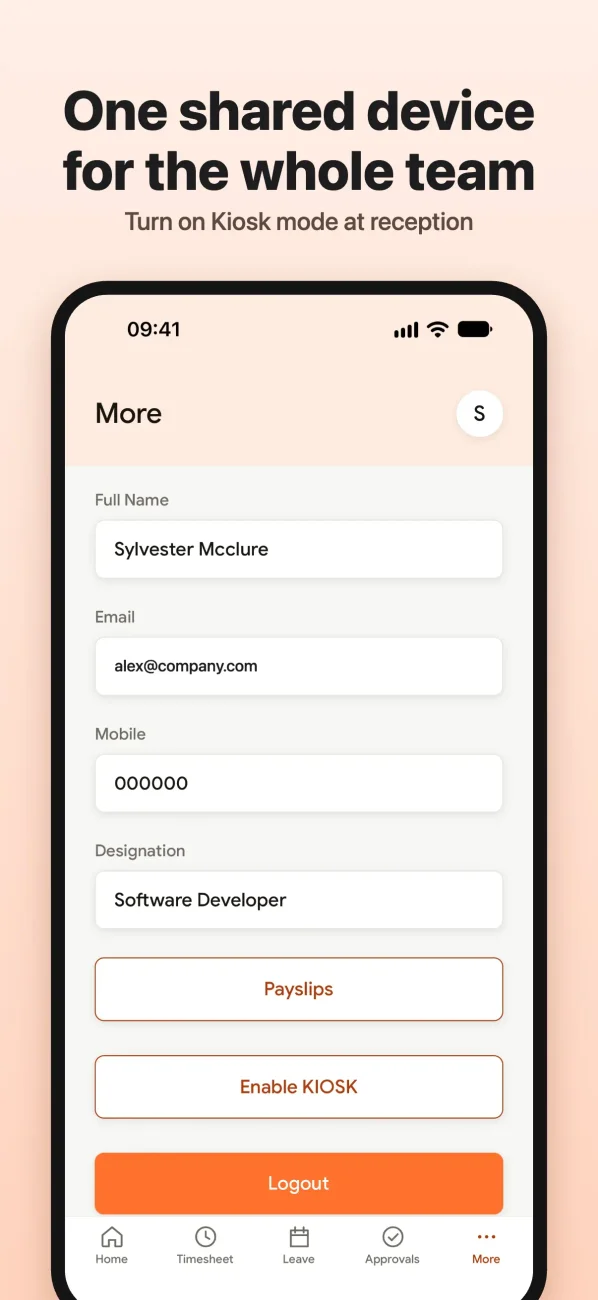
Turn a shared tablet or phone at reception into a check-in point. Staff stand in front of the screen and are recognised in seconds, with a live list of who has just checked in. Light and dark themes suit any entrance, and only an admin's password or Face ID can end kiosk mode. Kiosk entries are tagged so shared-device attendance is distinguishable in your records.
NOTIFICATIONS
Get notified about your check-ins, and never miss a colleague's birthday or work anniversary. Notifications are optional and stop as soon as you sign out.
SECURE BY DESIGN
• Two-factor authentication for organisations that require it
• Optional Face ID or fingerprint lock when you open the app
• Signing out ends your session on the server too
PRIVACY
• The camera is used only when you check in, never in the background
• Location is read only at the moment of a check-in, while the app is open. The app does not track your location in the background
• Face images are used to confirm identity for attendance and are sent securely to your organisation's Workmentor account
• The microphone is not used
FOR EMPLOYERS
Attendance data you can rely on: who checked in, when, from where and on what device, captured as it happens rather than reconstructed at the end of the month. Time, leave and approvals live in the same place, so managers spend less time chasing and employees spend less time filling in forms.
REQUIREMENTS
Workmentor requires an account with an organisation already using Workmentor. Camera and location permissions are needed for attendance. An internet connection is required.
What’s new
Version 2.21 · Nov 26, 2026
• Timesheets: Week view with timers, offline photo check-in & messaging fixes.
• HR/Admins: Approve attendance, apply for employee leave & launch Kiosk mode.
• Payslips & Leave: Detailed monthly payslips and complete leave management.
• Security: Optional Face ID & fingerprint app lock.
• UI: Dark mode, autofill, and accessibility improvements.
App privacy
What Cyber Nest LLC declares on the App Store about how this app handles data.
-
Data linked to you
May be collected and linked to your identity.
- Contact info
-
Data not linked to you
May be collected but is not linked to your identity.
- Location
- Contact info
- Diagnostics
Privacy practices may vary, for example with the features you use or your age.
Information
- Seller
- Cyber Nest LLC
- Category
- Productivity
- Version
- 2.21
- Updated
- Nov 26, 2026
- Released
- Nov 6, 2026
- Size
- 70.9 MB
- Requires
- iOS 15.1 or later
- Age rating
- 4+
- Price
- Free
- Languages
- English
- Copyright
- © 2026 Work Mentor