WorkBreak - Break Reminder
Be productive - Rest on time
Designed for iPhone, iPad, iPod touch
Free · In-app purchases
- Age rating4+
- CategoryProductivity
- DeveloperMartin Schroder
- LanguagesEnglish
- Size31.4 MB
Links to the official App Store page
Download.org hosts no file of WorkBreak - Break Reminder. The button opens its official App Store page, published by Martin Schroder. Listing last checked on Nov 14, 2026.
Screenshots
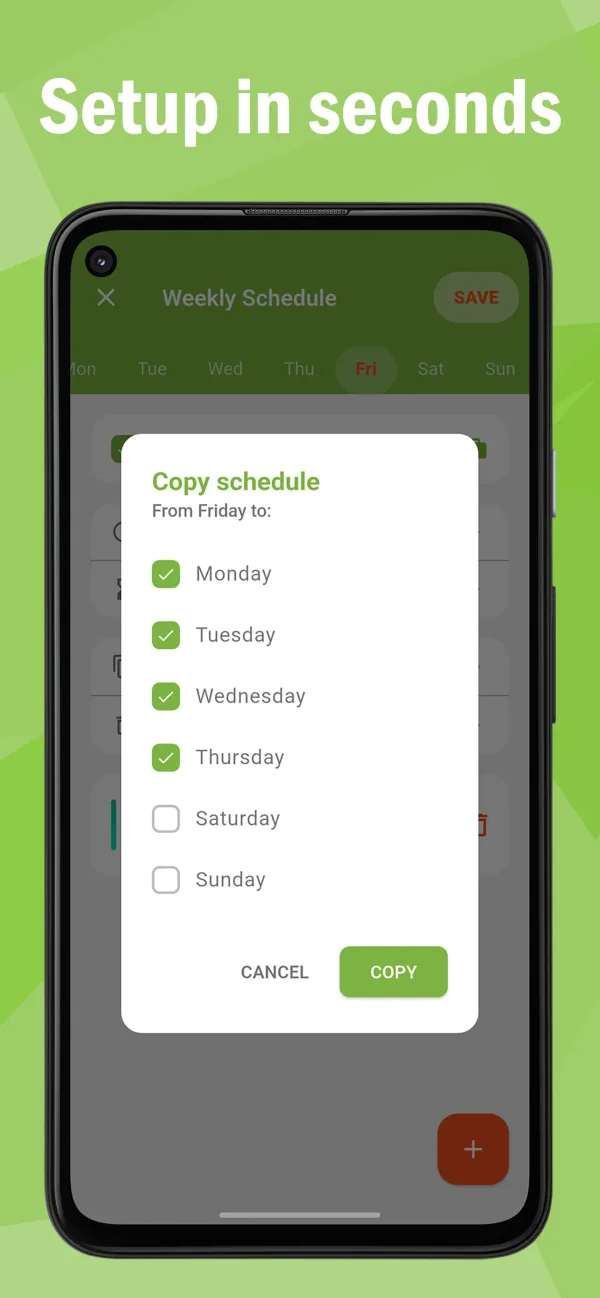
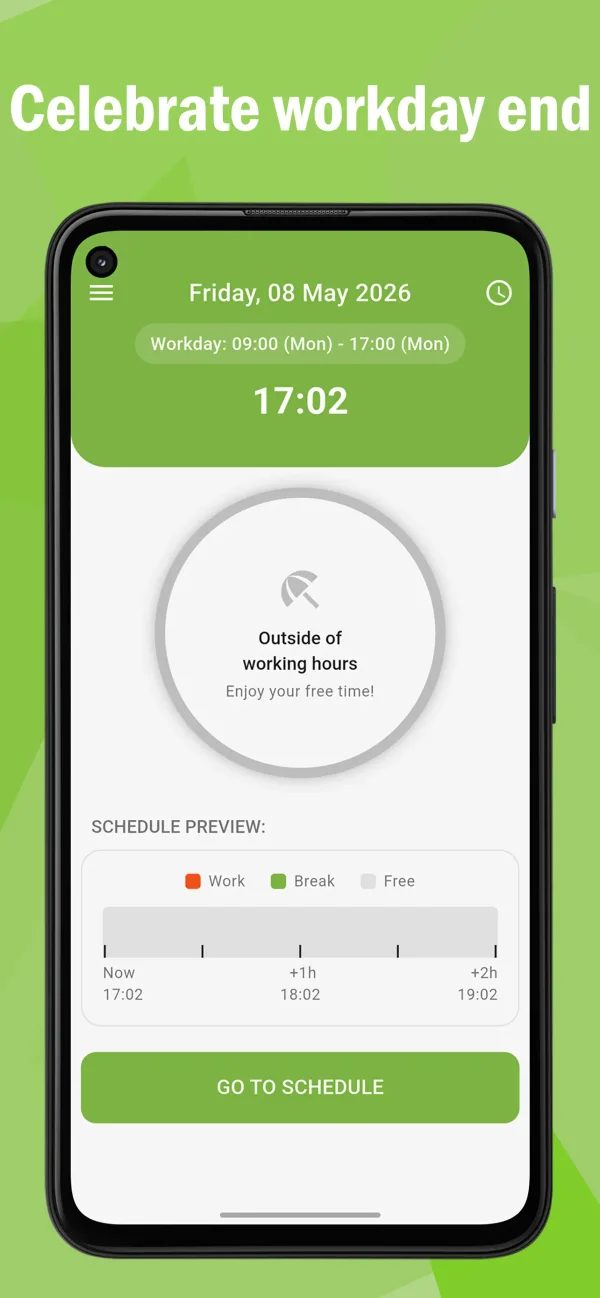
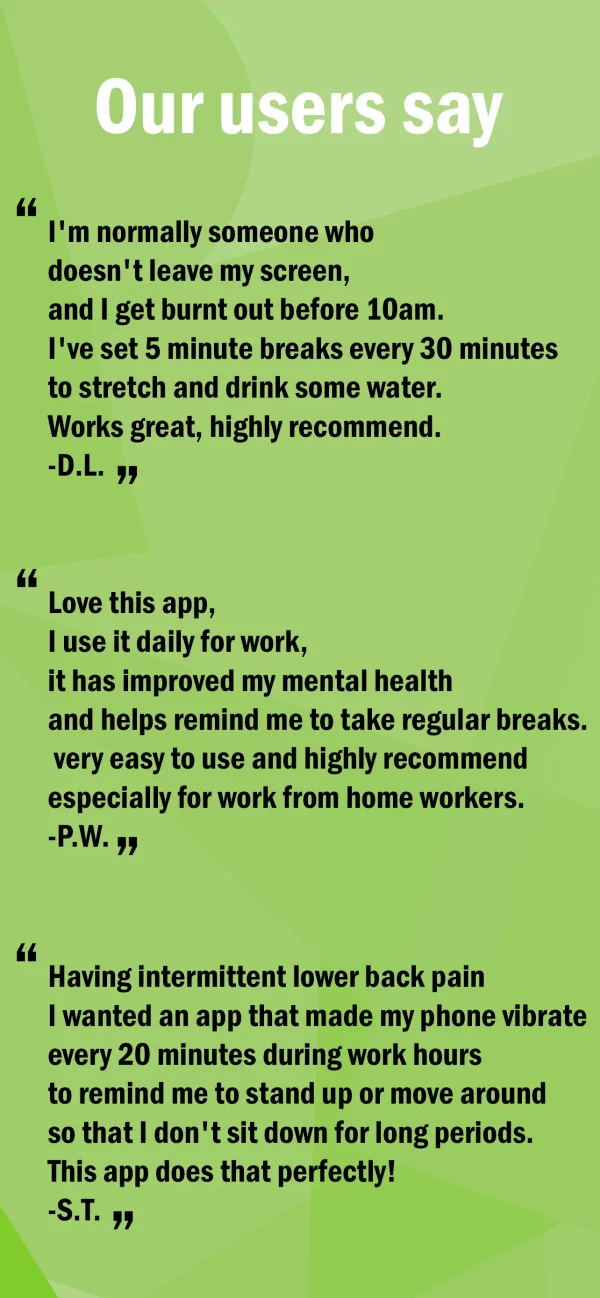
About
Work productively—rest on time.
Work Break helps you stay healthy and focused with an easy, automated break schedule. Personalized reminders tell you exactly when to stand up, stretch, move, drink water, or eat, so you never forget to take the rest you need during a busy workday.
Be more focused and productive
Increase your productivity by taking rest on time. Long sedentary working hours without proper breaks can fatigue your brain, slow your thinking, cause difficulty focusing, and leave you exhausted by the end of the day. Taking regular breaks helps you stay sharp and finish the day with energy to spare.
Keep your body and mind healthy
Sitting for hours without breaks may contribute to Repetitive Strain Injury (RSI) and chronic pain in your spine, joints, and sinews. Be reminded to stand up, stretch, move, stay hydrated, and take time to eat—or create any personalized reminder that fits your needs. Healthy food and regular movement are essential for brain function and the regeneration of body and mind.
Features
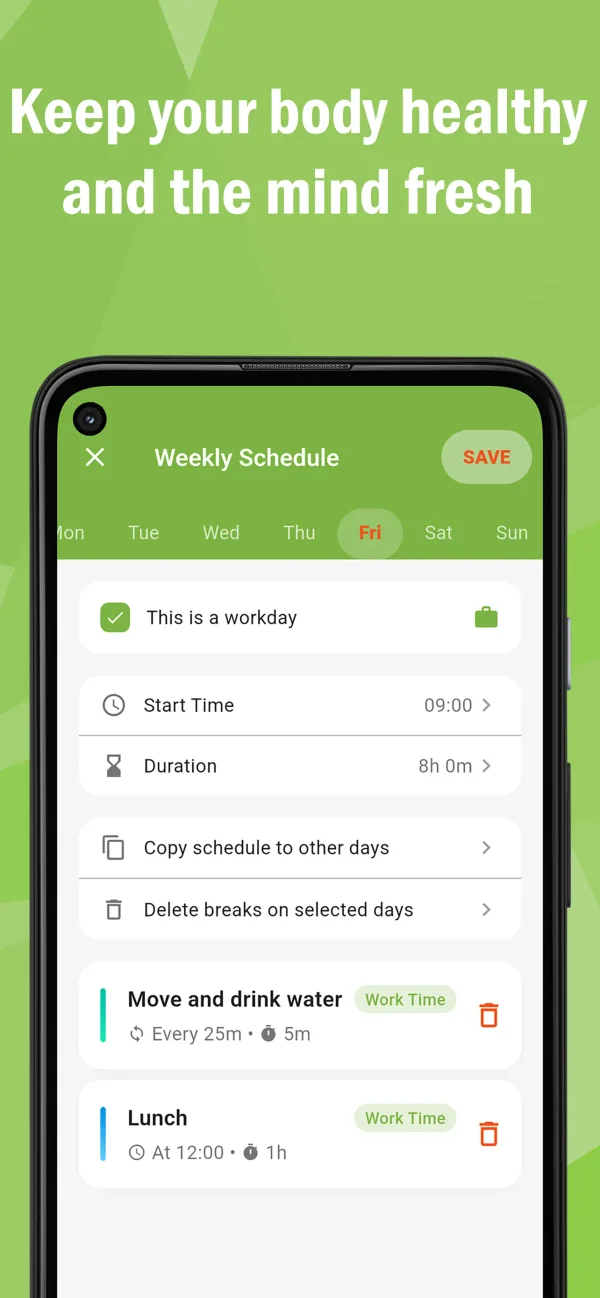
• Set up your own work day schedule
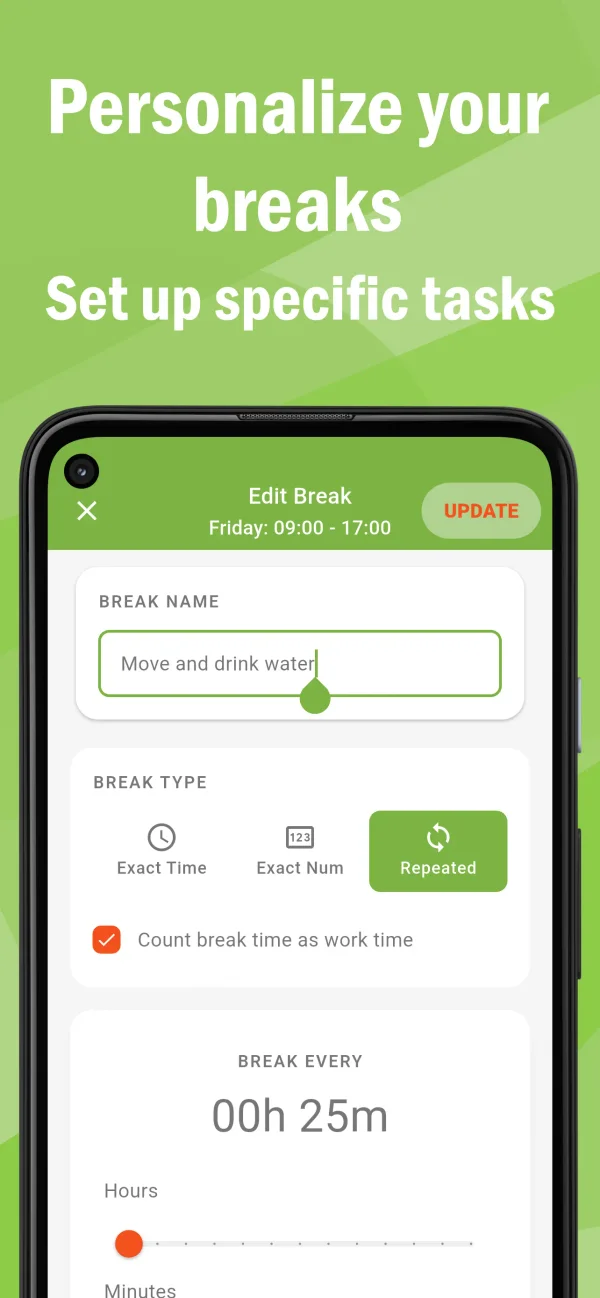
• Create personalized reminders with your own text
• Start and stop your work schedule at any time
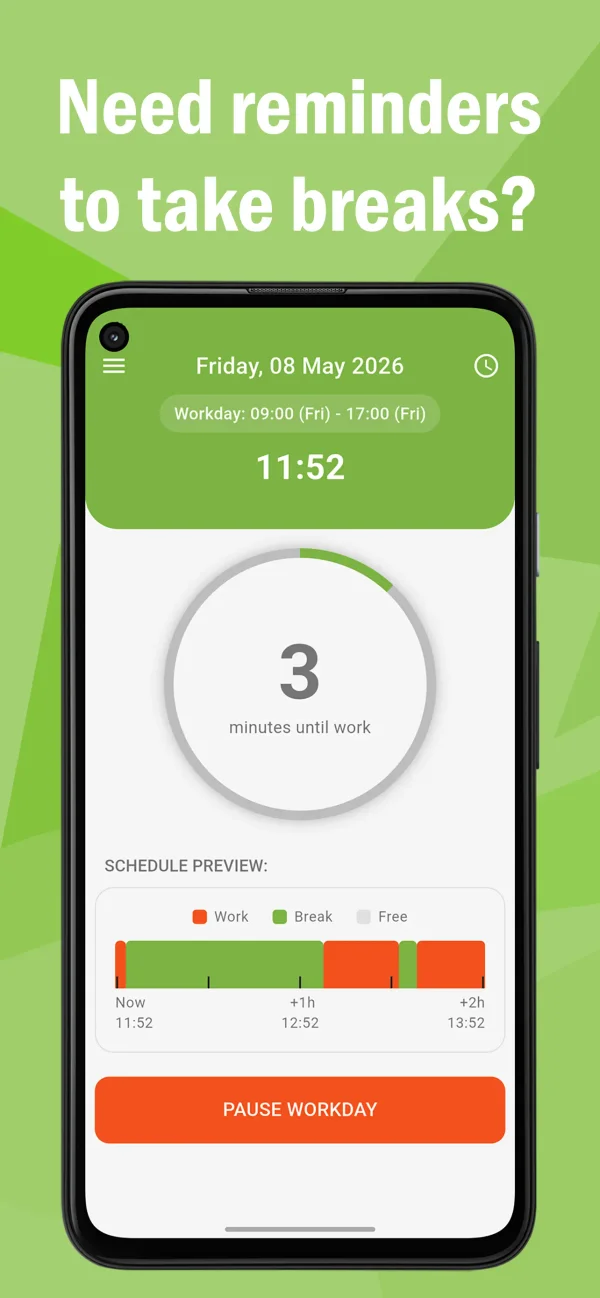
• See a schedule overview for the next 2 hours
• Get notifications with optional sound alerts
• No internet connection required
• No data collection or leaking of data to anyone
Permissions & Privacy
Your privacy is extremely important to us. This application doesn’t require any permissions or any login with personal data. Work Break works completely offline, and no data ever leaves your device.
Questions? Problems? Feedback?
We are committed to creating the best experience for you. Every piece of feedback matters. Please reach out anytime at workbreak.panterra@gmail.com
What’s new
Version 2026.08.02 · Aug 3, 2026
- Fixed error about "breaks outside of worktime", when many breaks were defined on a single workday.
- Minor fixes and improvements
App privacy
What Martin Schroder declares on the App Store about how this app handles data.
-
Data used to track you
May be used to track you across apps and websites owned by other companies.
- Identifiers
- Usage data
-
Data linked to you
May be collected and linked to your identity.
- Identifiers
- Usage data
-
Data not linked to you
May be collected but is not linked to your identity.
- Usage data
- Diagnostics
Privacy practices may vary, for example with the features you use or your age.
Information
- Seller
- Martin Schroder
- Category
- Productivity
- Version
- 2026.08.02
- Updated
- Aug 3, 2026
- Released
- May 28, 2026
- Size
- 31.4 MB
- Requires
- iOS 15.0 or later
- Age rating
- 4+
- Price
- Free
- In-app purchases
- Yes
- Languages
- English
- Copyright
- © 2026 Nadia Elner and Martin Schröder
You might also like
-
 BreakBuddy - Break ReminderProductivity
-
 Work/BreakStay in the flow
-
 BreakChronoBreak time management system
-
 BreakModeAutomate your Breaks
-
 Daily Planner & To-Do - OrbitYour tasks, in orbit.
-
 NextDo: Daily PlannerAdd Fast. Never Lose Track.
-
 PerfectList·To-DoBirthday·Alarm.· Widgets
-
 Doc MinderManage Docs, Track Expiration
-
 My Notes Pro - Simple NotepadSimple & Fast Notes App
-
 SnapAgenda: Calendar PlannerThe All-in-One Calendar