
WorkBuddy Shift Swap
Swap Shifts With Your Team
Designed for iPhone, iPad, iPod touch
Free · In-app purchases
- Age rating4+
- CategoryProductivity
- DeveloperIsrael Neiva
- LanguagesEnglish
- Size43.9 MB
Links to the official App Store page
Download.org hosts no file of WorkBuddy Shift Swap. The button opens its official App Store page, published by Israel Neiva. Listing last checked on Nov 14, 2026.
Screenshots
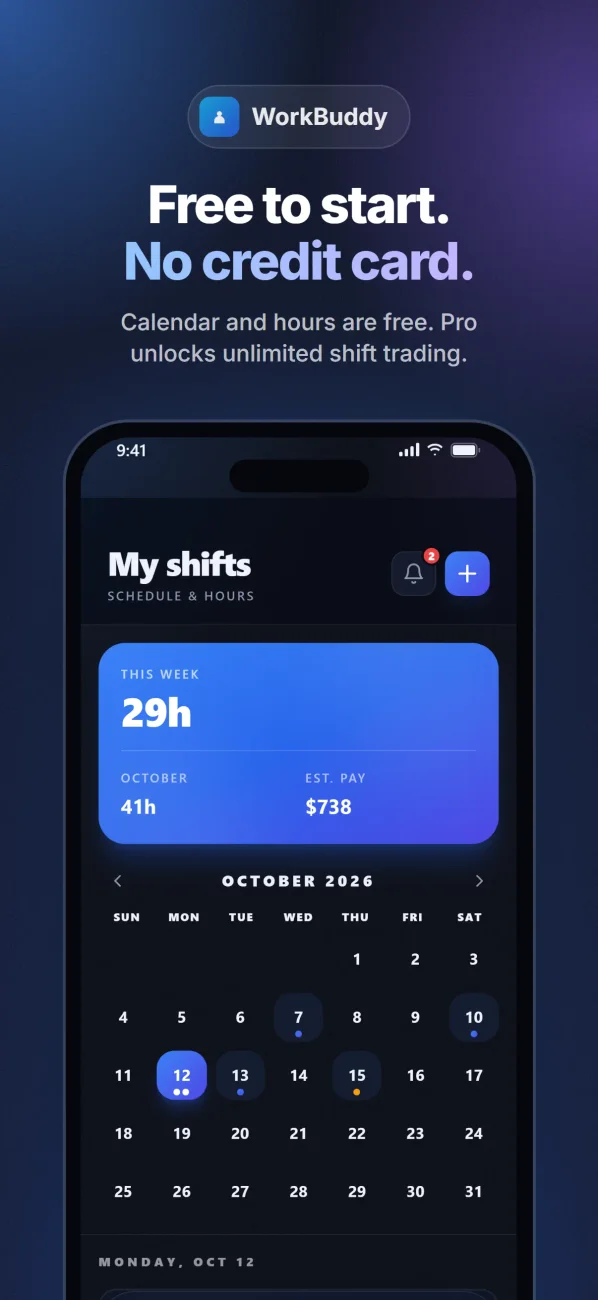
About
Trade shifts effortlessly. Create a pool, invite your team, and swap shifts in seconds. Free to join — no payment needed to get started.
Work Buddy: Shift Trading for Your Team
Trading shifts just got simple. Work Buddy connects you with your coworkers so you can post, swap, and cover shifts — no more messy group texts, no spreadsheets, no hassle.
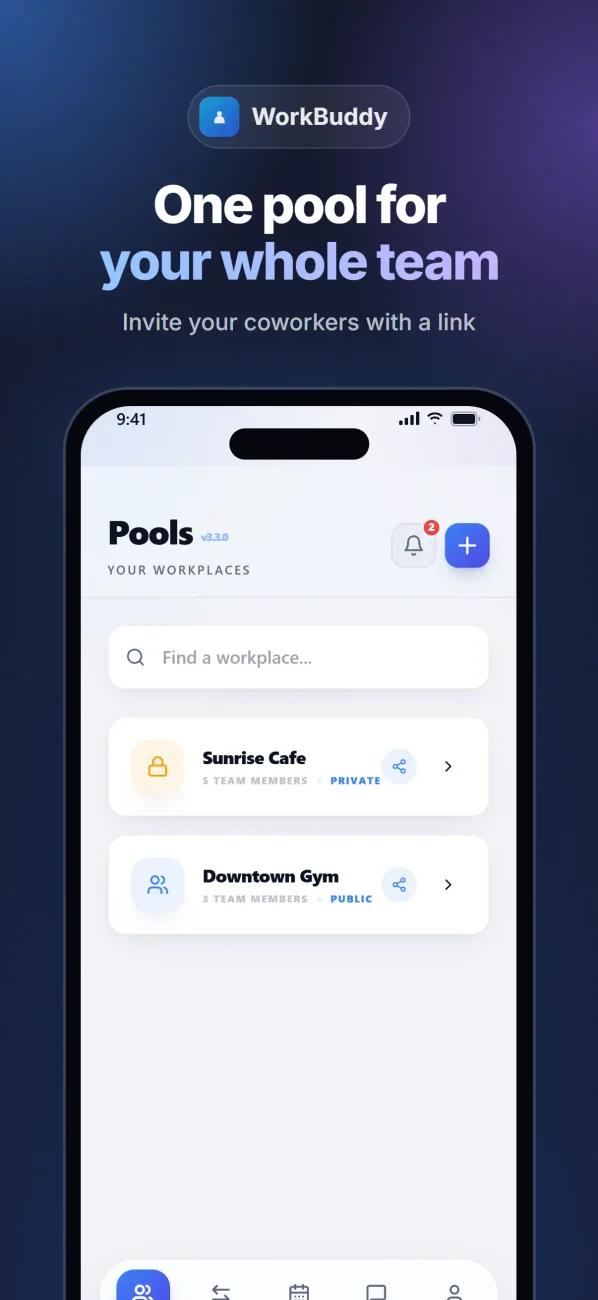
How it works: Create a pool, invite your team via link, and start posting shifts instantly. Your coworkers see what's available, someone claims it, and you're done.
Free to get started: Join pools, view shifts, and chat with your team at no cost. In your signup month, post up to 3 shifts and claim as many as you want, free. From your second month on, posting or claiming a shift requires WorkBuddy Pro.
Key Features:
Shift Pools: Create private pools for your team and invite coworkers via a simple link
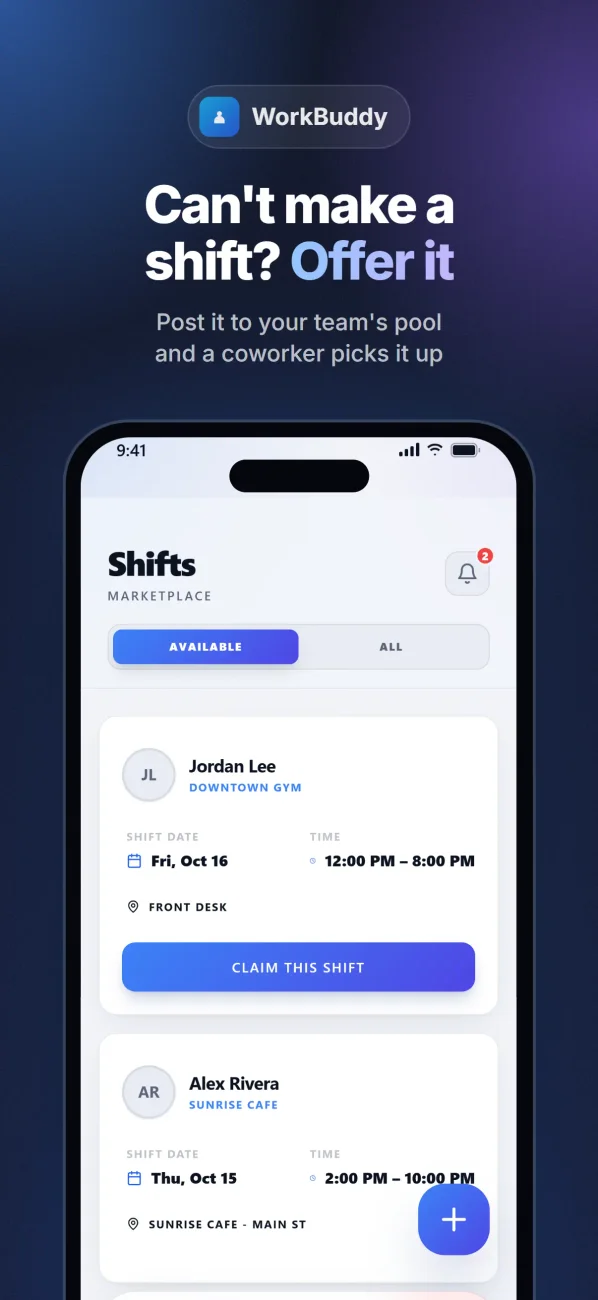
Shift Trading: Post shifts you need covered, set a value, and let teammates claim them directly
Real-Time Notifications: Get notified the moment a shift is posted or claimed in your pool
Team Chat: Coordinate directly with your pool members
Trade History: Track all past swaps and coverage in one place
Multi-Pool Support: Join multiple pools if you work across different locations or teams
Works great for: Restaurants, cafes, bars, retail, healthcare, nursing, hospitality — any team that works in shifts.
Pro Plan: Unlimited shift posting and claiming — no monthly limit.
Monthly: $2.99 | Annual: $29.99
SUBSCRIPTION INFORMATION
Work Buddy offers auto-renewable subscriptions to unlock unlimited shift posting.
Payment: Charged to your iTunes Account at confirmation of purchase.
Auto-Renewal: Subscription automatically renews unless auto-renew is turned off at least 24 hours before the end of the current period.
Management: Manage or cancel your subscription anytime in your Apple ID Account Settings.
Legal & Privacy:
Terms of Use (EULA): https://workbuddy-app-2a90a.web.app/terms.html
What’s new
Version 3.3.0 · Oct 14, 2026
EN:
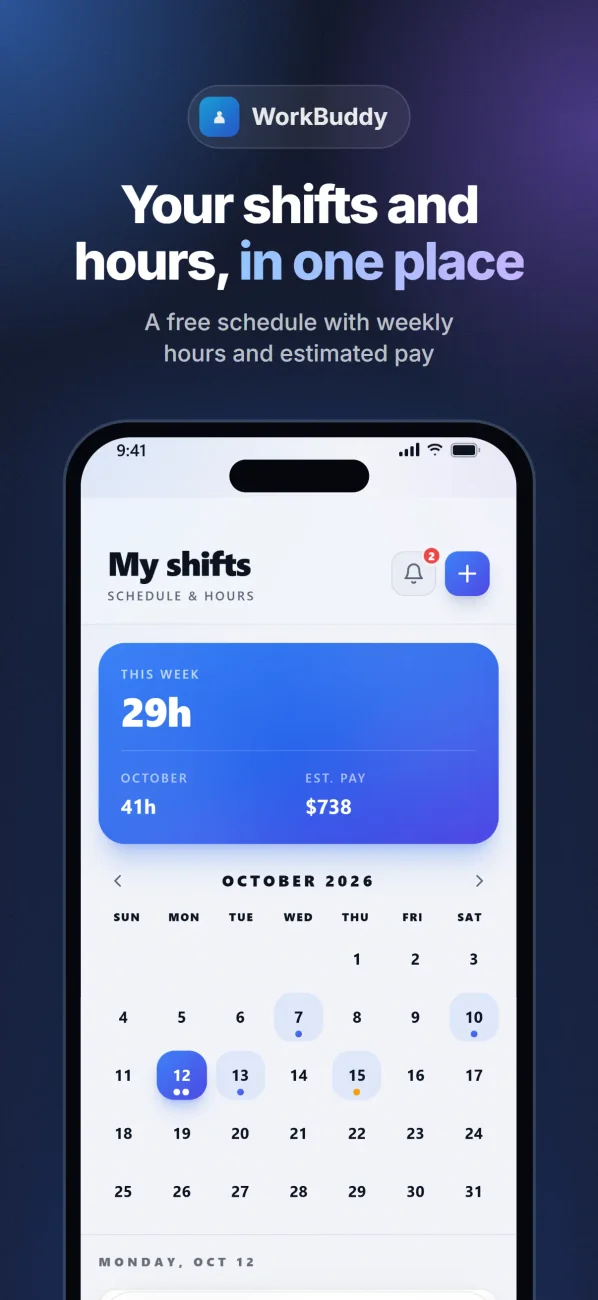
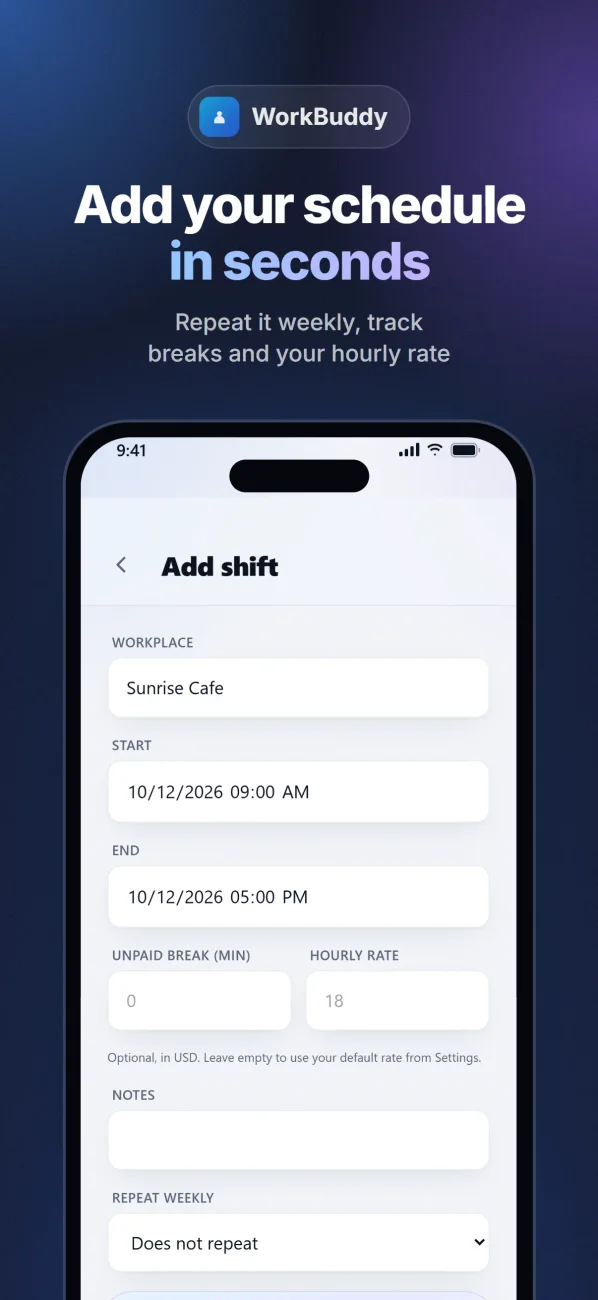
• My shifts: add your schedule and see your weekly and monthly hours and estimated pay. Free.
• Can't make a shift? Offer it to your pool straight from your calendar.
• Notifications now live behind the bell at the top of each screen.
• A fresh new look, in light and dark mode.
• A clearer first-run guide: start with your shifts or join a coworker's pool.
简体:
• 我的班次:添加排班,查看每周、每月工时和预估收入。免费。
• 上不了班?直接从日历转给你的池。
• 通知移到了每个页面顶部的铃铛里。
• 全新界面,支持浅色和深色模式。
• 更清晰的新手引导:从记录班次开始,或加入同事的池。
App privacy
What Israel Neiva declares on the App Store about how this app handles data.
-
Data linked to you
May be collected and linked to your identity.
- Contact info
- User content
-
Data not linked to you
May be collected but is not linked to your identity.
- Contact info
Privacy practices may vary, for example with the features you use or your age.
Information
- Seller
- Israel Neiva
- Category
- Productivity
- Version
- 3.3.0
- Updated
- Oct 14, 2026
- Released
- Jan 19, 2026
- Size
- 43.9 MB
- Requires
- iOS 15.0 or later
- Age rating
- 4+
- Price
- Free
- In-app purchases
- Yes
- Languages
- English
- Copyright
- © Eric Neiva
You might also like
-
 Codex AI - Remote CodexVibeCode
-
 YuLong AI - Your AI AgentAutomate tasks with AI
-
 MindShow - AI PPT&SlidesAI PPT, Make Slides Easy
-
 PlanClawPowered by AppleHealth & Goals
-
 GoClawConnect Your AI Bot
-
 StepFun - StepFun AI AssistantExplore AI Life with StepFun
-
 YouMind - AI Chat & CreateAgent, board & skill workflow
-
 Mail Master by NetEaseProductivity
-
 Cubox: AI Read-It-Later AppSave Once. Know Forever.
-
 dots: ai for everyday lifesmarter everyday decisions