
Workizen: Scan, OCR & AI Chat
PDF scanner with private AI
Designed for iPhone, iPad, iPod touch
Free · In-app purchases
- Age rating4+
- CategoryProductivity
- DeveloperBAO PHUONG NGUYEN
- LanguagesEnglish
- Size162.1 MB
Links to the official App Store page
Download.org hosts no file of Workizen: Scan, OCR & AI Chat. The button opens its official App Store page, published by BAO PHUONG NGUYEN. Listing last checked on Nov 21, 2026.
Screenshots

About
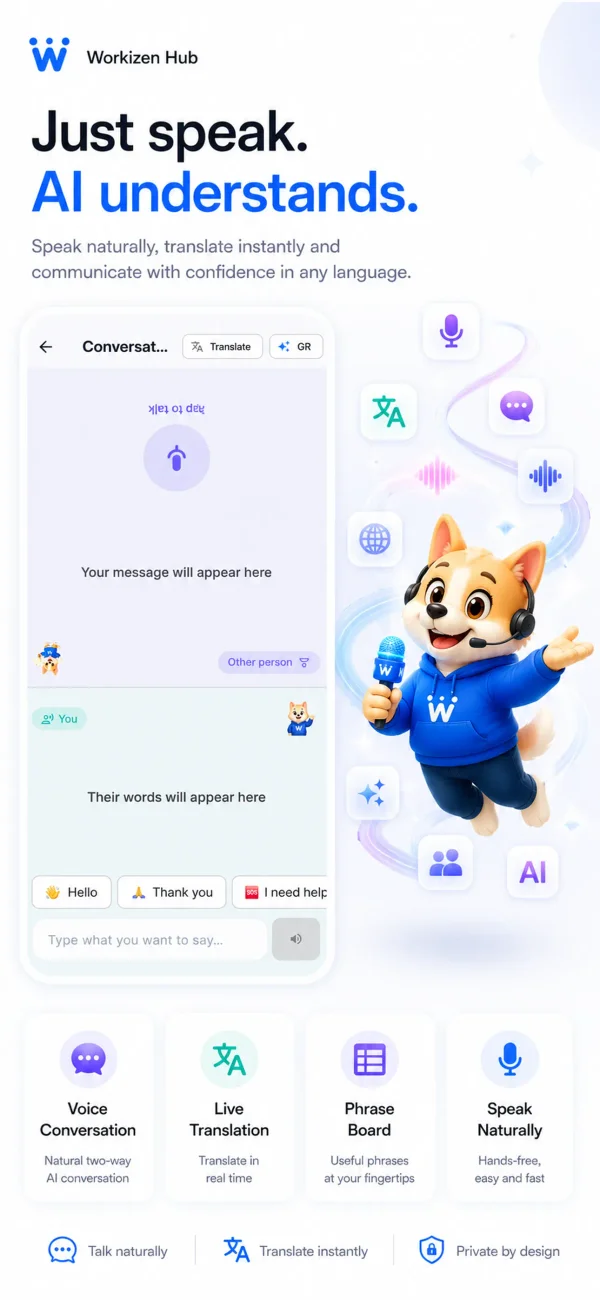
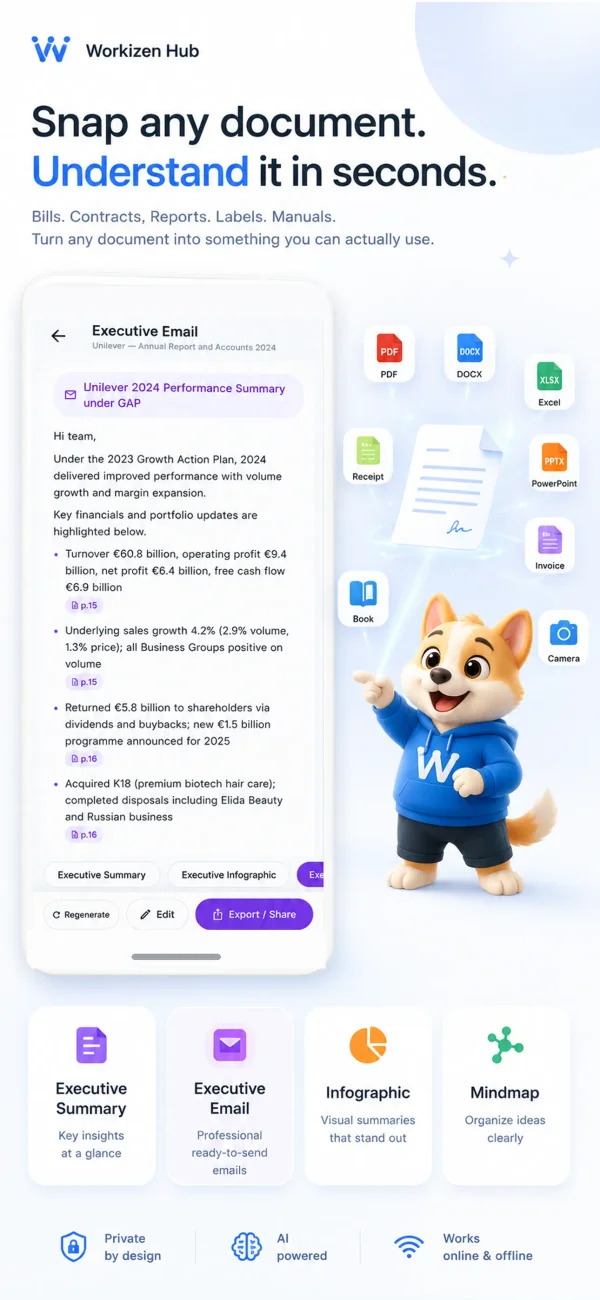
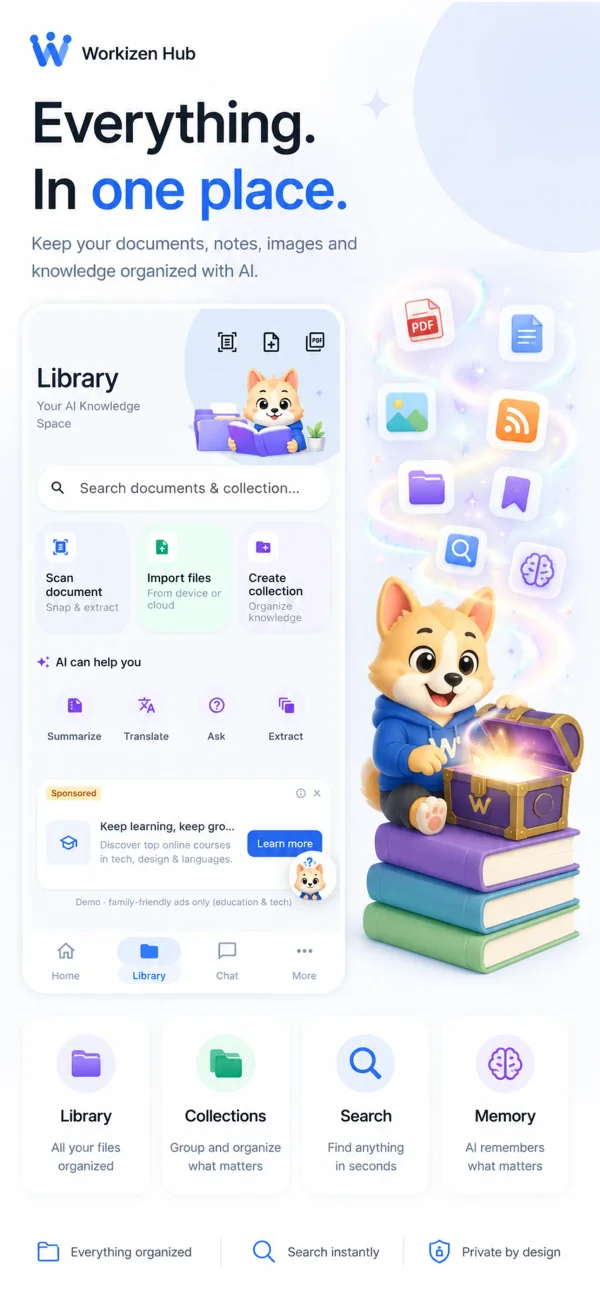
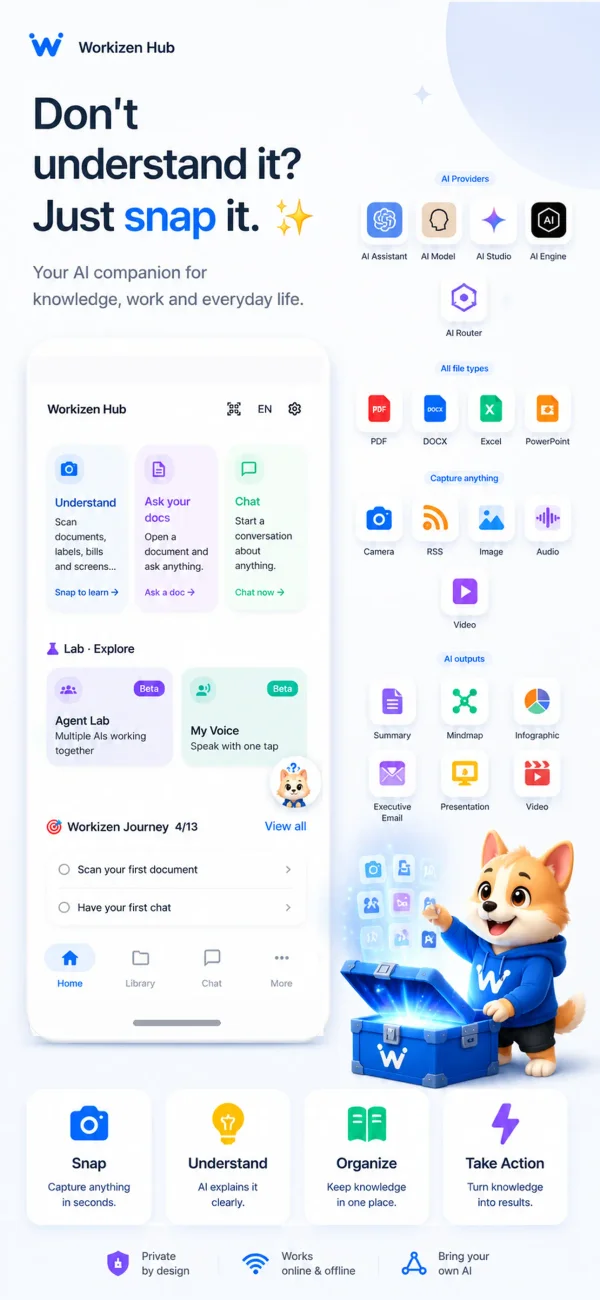
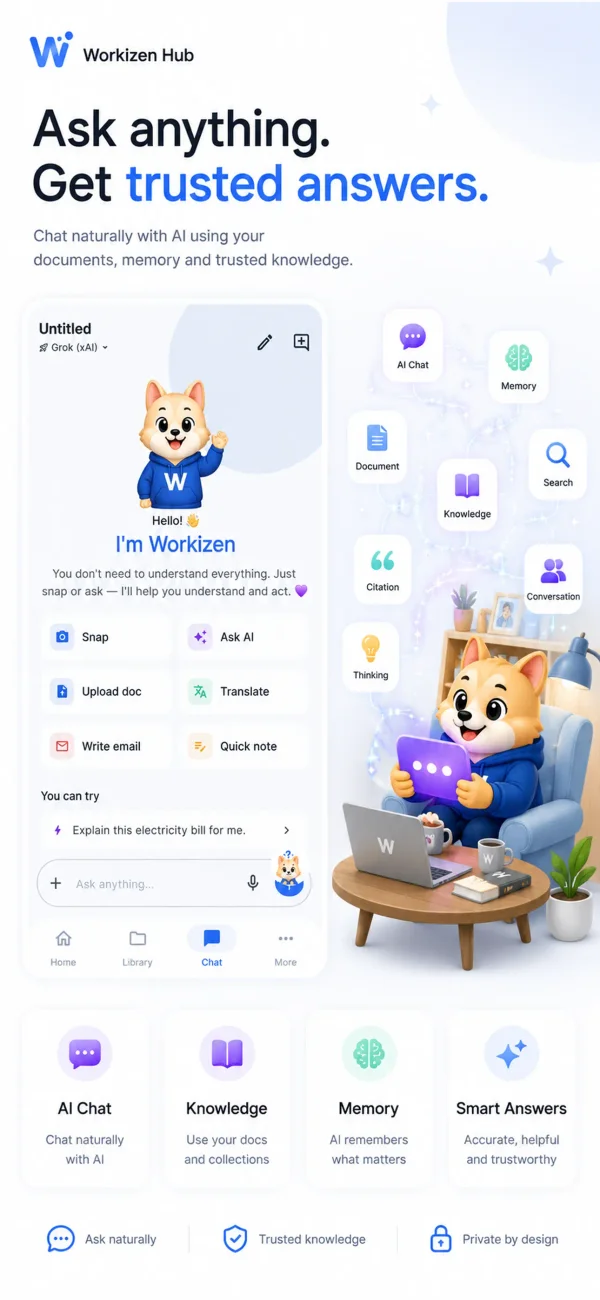
Workizen is your private AI hub for documents. Snap a photo or import a file, and Workizen turns it into clean, searchable text and tidy PDFs - then lets you chat with it using AI.
• Scan, OCR, PDF
Capture any document with the camera, or import PDFs, images and files. Text is extracted on the device and exported as clean PDFs.
• Chat with your documents (bring your own key)
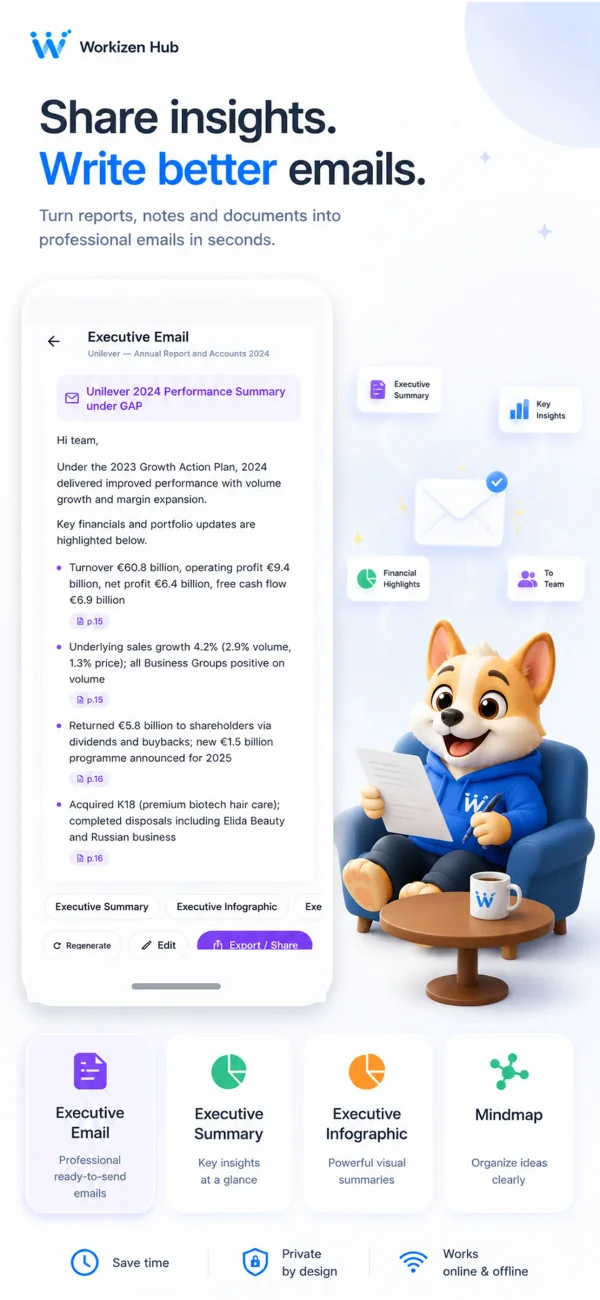
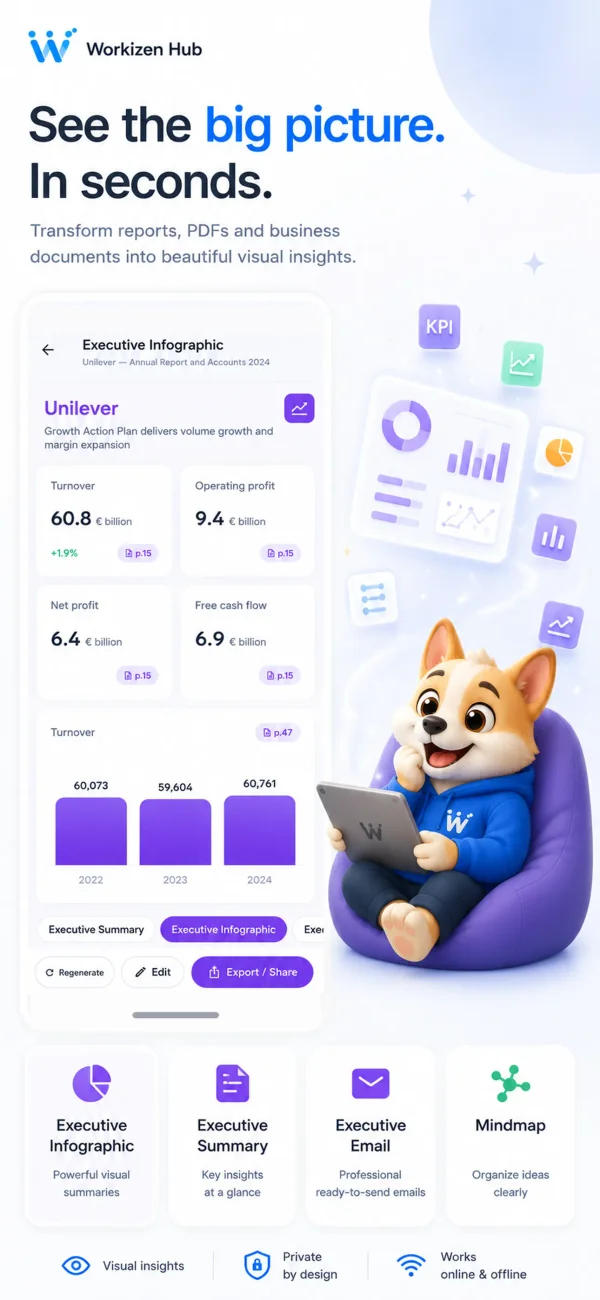
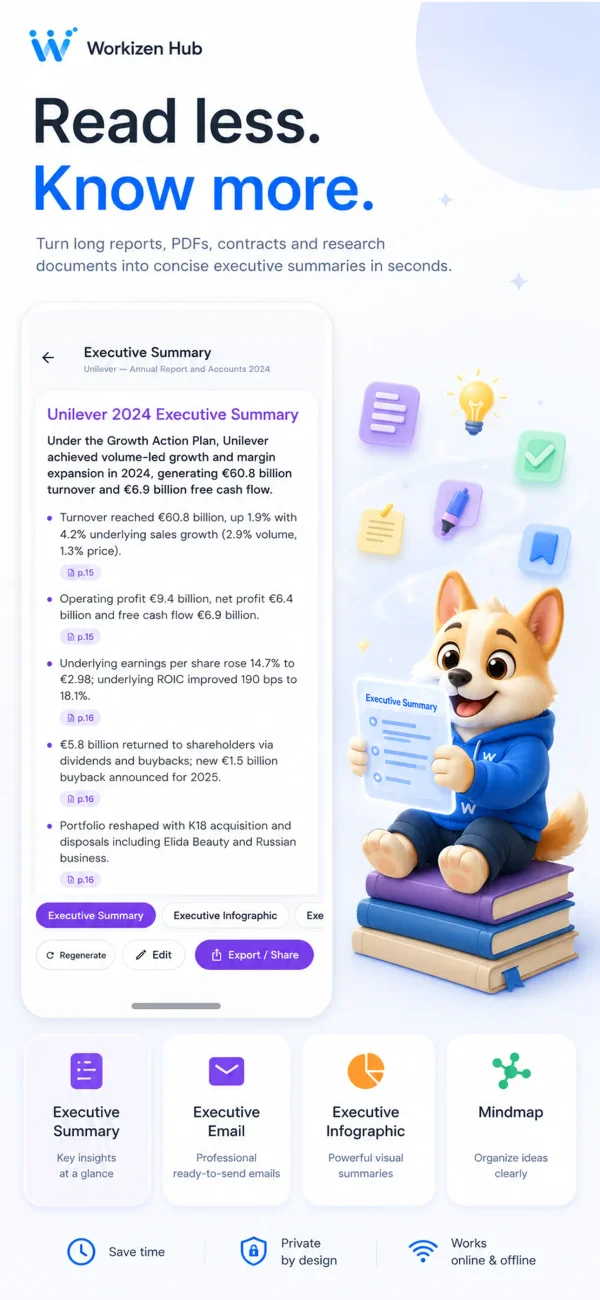
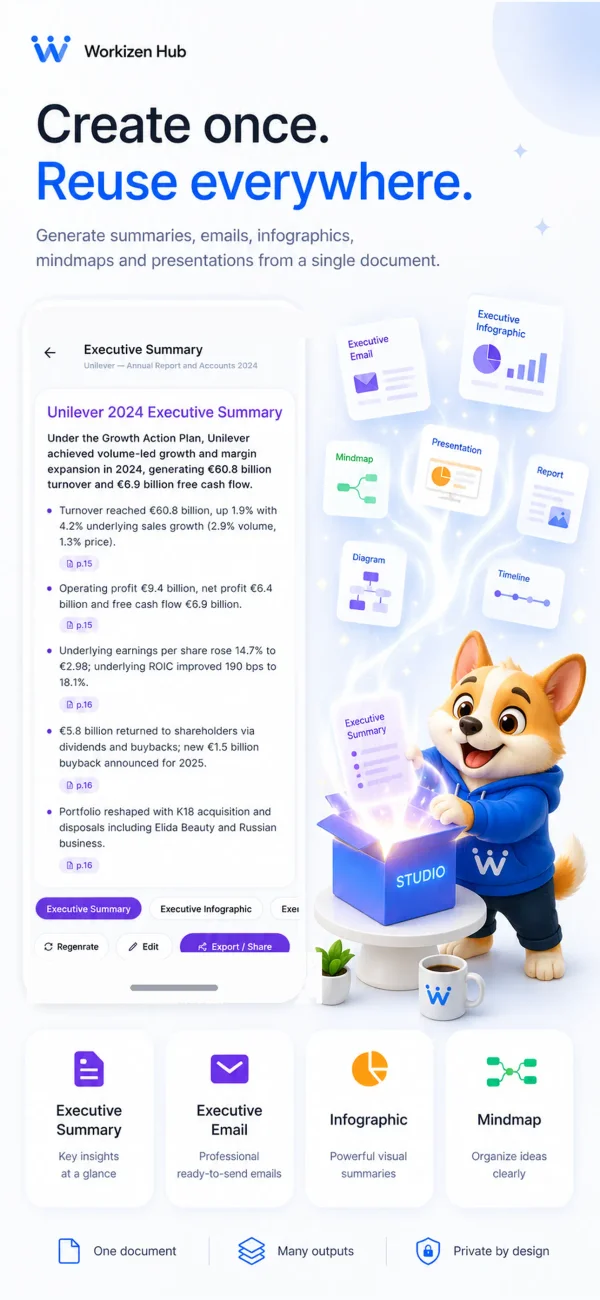
Use your own AI key - Google Gemini, OpenAI, Anthropic, OpenRouter and more. Ask, summarize, translate and pull the essentials out of your files. Your key stays on your device and talks directly to the provider you choose.
• Private by design
Workizen runs locally first. Your documents, chats and notes stay on your device. No account needed to start. We monetize the product, never your documents.
• Organize your knowledge
Group documents into collections, keep a personal memory, and ask across everything you have saved.
• Control the TV in your home
Find TVs on the same Wi-Fi and control them straight from your phone, with no server in between. Samsung is tested and working; Sony and LG have early support.
• Cloud backup, if you want it
Back up to your own Google Drive whenever you like - entirely your call.
Workizen - your AI, your key, your device.
What’s new
Version 1.3.2 · Aug 26, 2026
New: Canvas - a page you can draw and handwrite on. Send it, and AI reads your strokes and answers right below. Choose a paper background - dots, grid or lines; it is only a backdrop and is never sent to the AI. Circle part of the page with the lasso to ask about just that area. Every AI suggestion appears as a draft you Accept, Edit, Copy or Dismiss - AI never silently changes your page. Handwritten sums are computed on your device, and decimal commas are read correctly. Requires an AI key that can read images (Gemini or OpenAI).
Also new: video projects have a timeline - preview, edit and export scene by scene.
Your documents, chats and API keys stay on your device. We monetize the product, never your documents.
App privacy
What BAO PHUONG NGUYEN declares on the App Store about how this app handles data.
-
Data linked to you
May be collected and linked to your identity.
- Contact info
- User content
- Identifiers
- Usage data
- Diagnostics
-
Data not linked to you
May be collected but is not linked to your identity.
- Identifiers
Privacy practices may vary, for example with the features you use or your age.
Information
- Seller
- BAO PHUONG NGUYEN
- Category
- Productivity
- Version
- 1.3.2
- Updated
- Aug 26, 2026
- Released
- Jul 28, 2026
- Size
- 162.1 MB
- Requires
- iOS 13.0 or later
- Age rating
- 4+
- Price
- Free
- In-app purchases
- Yes
- Languages
- English
- Copyright
- © 2026 Bao Phuong Nguyen
You might also like
-
 Canvo: AI Mind MapsBrainstorm, Learn and Create
-
 CoreNotes: TLDR Summarynotes, flashcards, revision
-
 ChatSol - AI Chatbot & AgentBuilt on ChatGPT 5 & Gemini
-
 Simple Comparison Chart Appcompare it. comparative table
-
 Two Factor Authenticator 2FAEncrypted MFA, OTP & 2FA App
-
 moneo|blueParameterize process data
-
 Slidery AI: Slides MakerAI Presentation Maker, Creator
-
 AI ChatBot Assistant: TutorXImage Generator, Text Writer
-
 Braindump: Voice MemosTalk. Get notes & reminders.
-
 AI Reads Law: Legal AssistantReview contracts like a lawyer