- Age rating4+
- CategoryBusiness
- DeveloperWorklogger ApS
- LanguagesEnglish
- Size47.7 MB
Links to the official App Store page
Download.org hosts no file of Worklogger. The button opens its official App Store page, published by Worklogger ApS. Listing last checked on Nov 12, 2026.
Screenshots

About
This app is intended for registered users of Worklogger's Fleet Management System, and is a part of Worklogger's business solution. In order to use this app, user must have a valid Worklogger account.
Worklogger is a SaaS cloud-based fleet management and time keeping app that allows you to track the fleet with the devices you've already got in your pocket.
FLEET MANAGEMENT
• Build in navigation for easy driving directions.
• Alerts the user upon arrival of a projects GEOfence.
• Alerts the user if speed limits are exceeded.
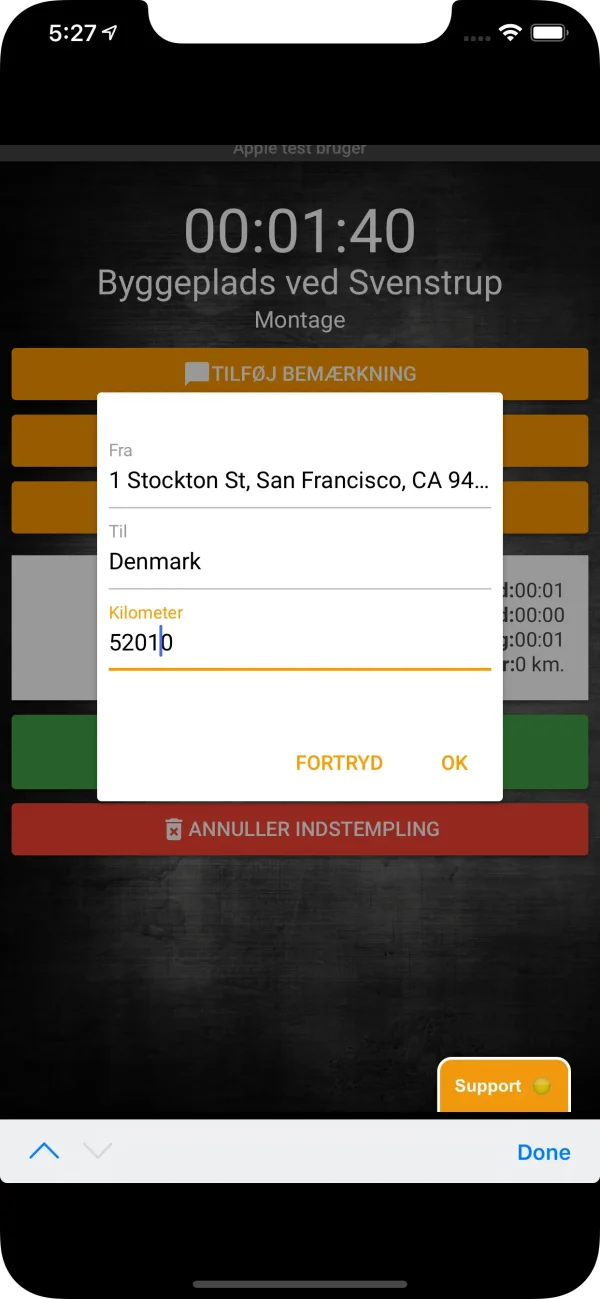
• Automatically calculate mileage between start and end points from the background gathered GPS locations.
• Upon arrival to destination mileage log will automatically be synced to the server.
• Easily availability of user data.
• Total compliance with GDPR
Accurate, electronic time data replaces paper timesheets and makes payroll and invoicing faster and less costly. Worklogger also accurately tracks time and GPS points (even without cell or internet service) then automatically syncs when back in service, making it a better (and cheaper) alternative to geo-fencing.
TRACK TIME
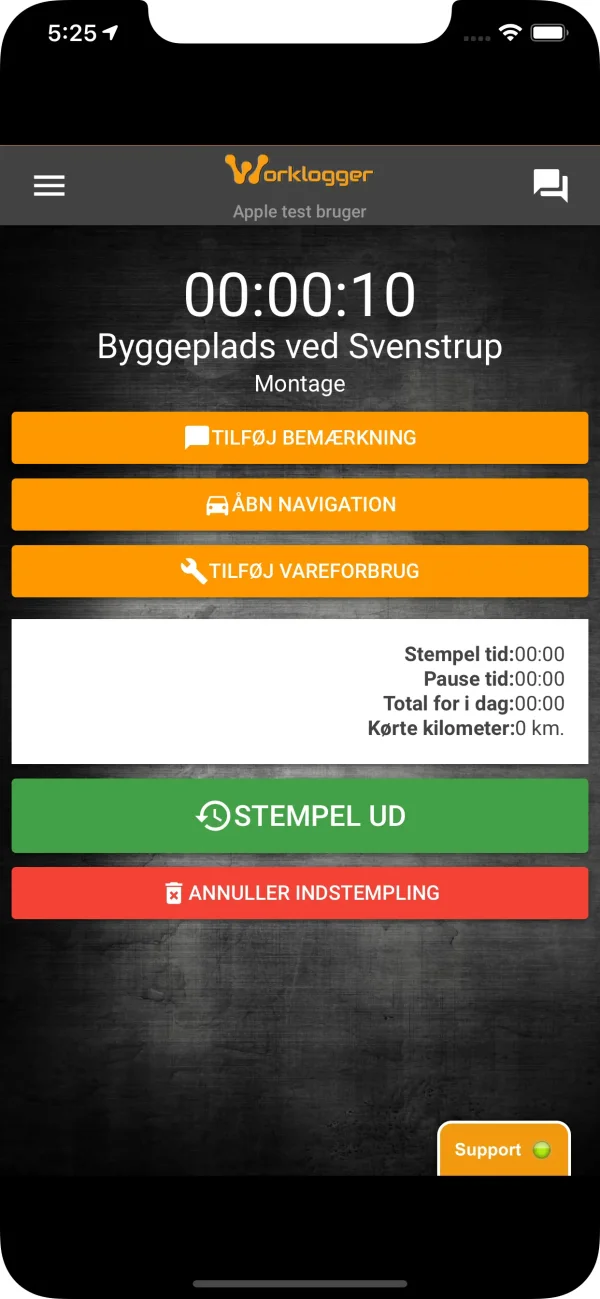
• Track hours accurately with a real-time virtual time clock
• Easily switch between job codes, pause tracking, or take a break
• Employees clock into new shifts and jobs right from the app
• Track time against multi-level job codes, projects, locations, clients, and more
Easy and user friendly admin panel to manage logs.
MANAGE TIME AND MILEAGE LOGS
• Edit, delete, or approve timesheets with a click
• Set overtime alerts to notify employees and managers as limits approach
• See who’s working and where, even on the go, from one dashboard
• Track vacation, sick or holiday accruals for employees.
• Easily create or modify a projects with job descriptions.
Easy and readily available reports of fleet data.
REPORT TIME
• See day and week totals at a glance
• Easily access a breakdown of employee hours by employee, job, customer, or location
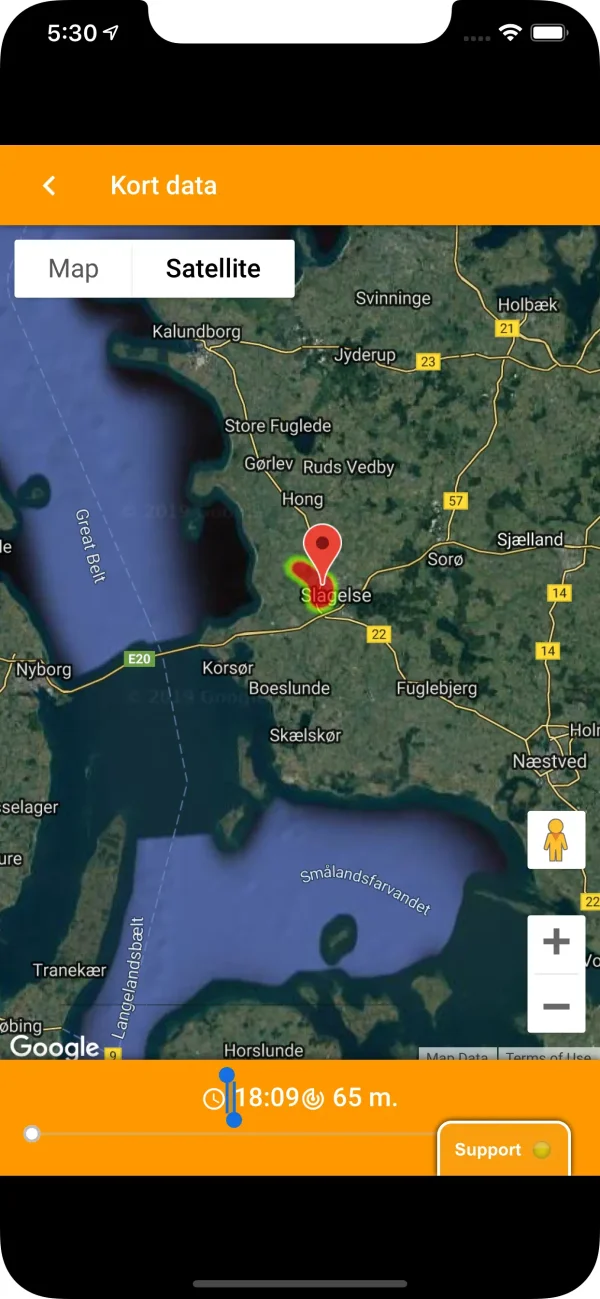
• View timer history with map
PLUS, using the web dashboard, managers can:
• Manage PTO, leave & holiday time
• Schedule overtime alerts
• Set up custom approvals
Among the above features we also have several other game-changing features.
GAME CHANGERS
• Mobile app time tracking for employees on the move: clock in/out, change job codes, edit timesheets, see changes to the schedule, and add notes on the go.
• e-conomic and Dinero integrations (and more!) to simplify your back office
• In-app scheduling lets employees easily clock in and out of assigned jobs or shifts
• On-the-clock GPS tracking, even when employees are out-of-service (cost-effective alternative to geofencing!)
• Push, text & email alerts that are triggered if employees don’t clock in as scheduled, or approach overtime limits
• Save 2-8% on gross payroll costs & eliminate hours of manual data entry
ALSO INCLUDED
• Integrations with popular payroll, accounting, invoicing software
• Safe data storage and detailed time log to protect you against labor disputes and audits
• Configurations for GDPR compliance
SUPPORT, CUSTOMER RATED
Worklogger offers free unlimited phone, email, and chat support to all of our customers. Have a question? We’re always happy to help!
Please be advised, continued use of GPS running in the background can dramatically decrease battery life. It is a good idea to charge the device during the travel.
What’s new
Version 30.66.24 · Oct 26, 2025
Updated to fit new IOS versions
App privacy
What Worklogger ApS declares on the App Store about how this app handles data.
-
Data not collected
The developer does not collect any data from this app.
Privacy practices may vary, for example with the features you use or your age.
Information
- Seller
- Worklogger ApS
- Category
- Business
- Version
- 30.66.24
- Updated
- Oct 26, 2025
- Released
- May 3, 2015
- Size
- 47.7 MB
- Requires
- iOS 15.6 or later
- Age rating
- 4+
- Price
- Free
- Languages
- English
- Copyright
- © Worklogger IVS