
Workroll: Work Camera & Cards
Work album & offline card scan
Designed for iPhone
Free
- Age rating4+
- CategoryBusiness
- DeveloperDongwoo Ha
- LanguagesEnglish+ 4 more
- Size667.6 MB
Links to the official App Store page
Download.org hosts no file of Workroll: Work Camera & Cards. The button opens its official App Store page, published by Dongwoo Ha. Listing last checked on Nov 15, 2026.
Screenshots

About
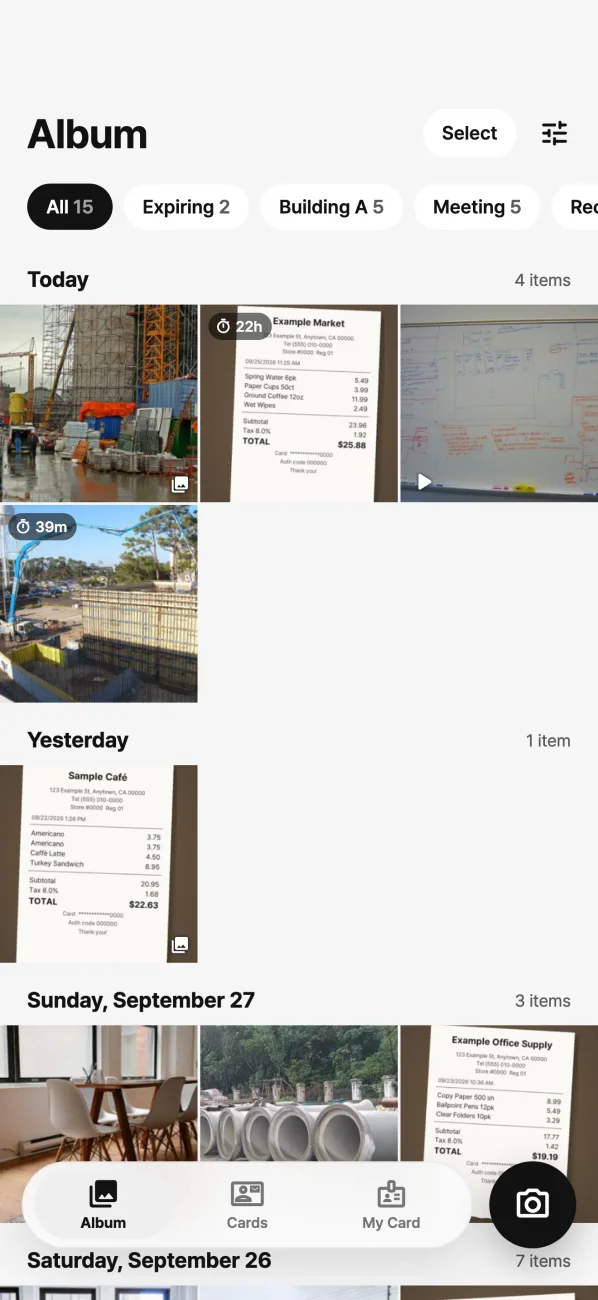
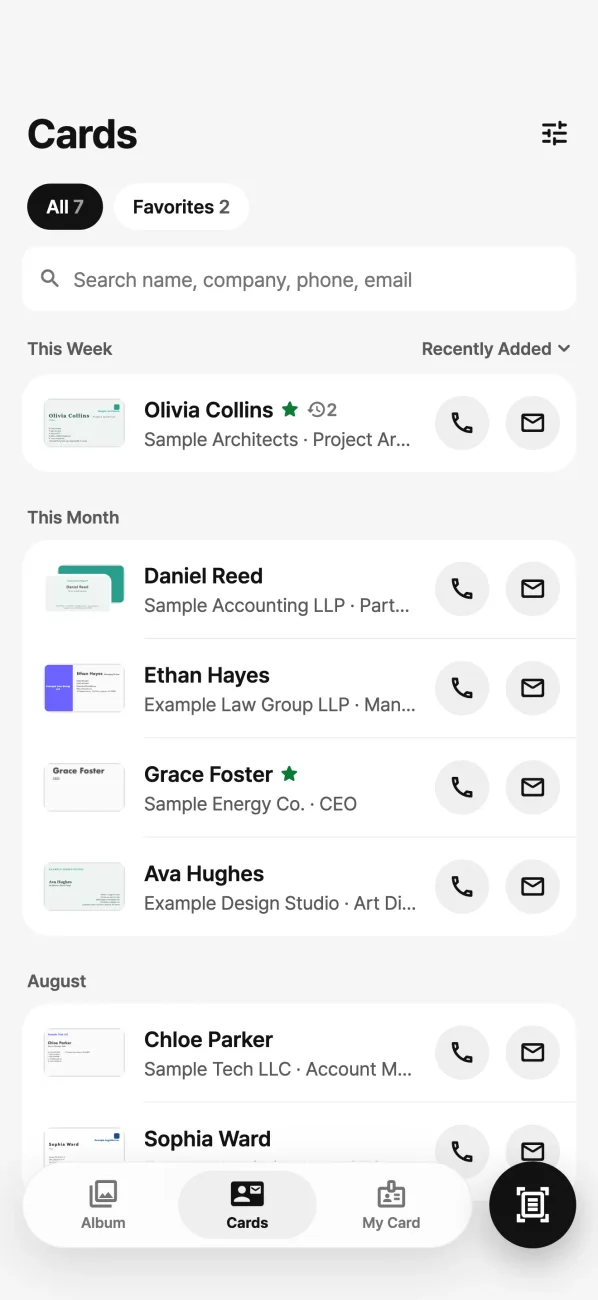
Workroll is a work-record camera that keeps the photos you take on the job and the business cards you receive in one place.
WORK ALBUM
• Site, meeting and receipt photos and videos go to a work album inside the app, separate from your personal photo library.
• Organize them with tags, and save or share only the photos you choose.
• Need a photo only for a day? Turn on Delete After 24 Hours and it’s removed automatically.
BUSINESS CARDS
• Scan several cards in a row, including the back of each card.
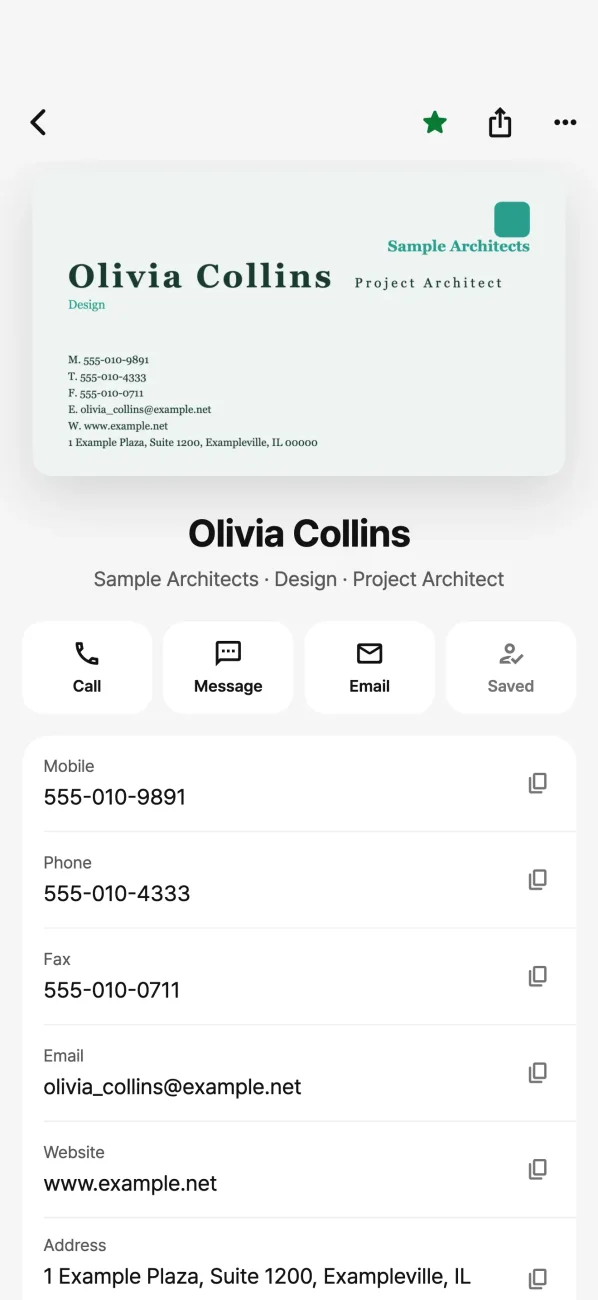
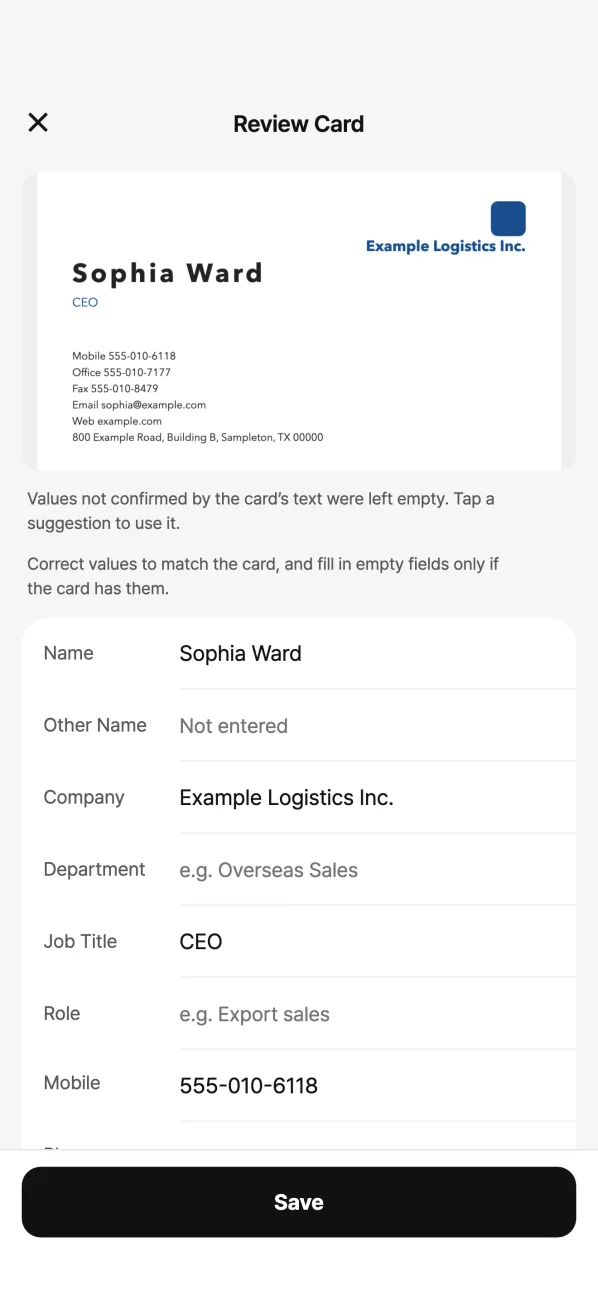
• Name, company, department, job title, phone numbers, email and address are read and saved to Contacts.
• Cards are read while you keep scanning. If you leave the app, the remaining cards are finished in the background and a notification lets you know when they’re done.
• Nothing that isn’t on the card is filled in, and values the app isn’t sure about are marked for review.
• Cards from the same person are kept as a history, and their contact always matches the newest card.
MY CARD
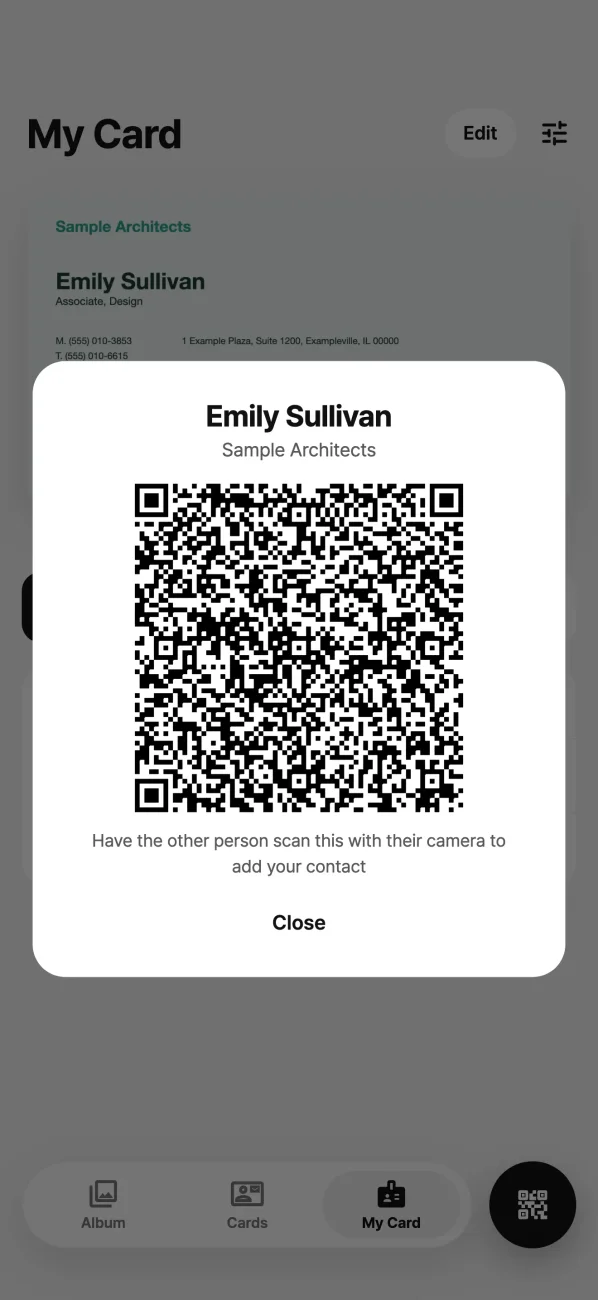
• Type in your own card or scan your paper card, then share it as a QR code or a contact file.
EVERYTHING STAYS ON YOUR IPHONE
• Cards are read on the device, with no internet connection. Card photos and contacts are never sent anywhere.
• No sign-up, no login, no ads and no analytics.
Card reading uses a model built into the app. Results can vary with print quality and lighting, and you can review and edit every value before saving.
The app is available in English, Korean, Japanese and Chinese (Simplified and Traditional).
What’s new
Version 1.0.6 · Nov 1, 2026
Small improvements throughout the app.
App privacy
What Dongwoo Ha declares on the App Store about how this app handles data.
-
Data not collected
The developer does not collect any data from this app.
Privacy practices may vary, for example with the features you use or your age.
Information
- Seller
- Dongwoo Ha
- Category
- Business
- Version
- 1.0.6
- Updated
- Nov 1, 2026
- Released
- Oct 13, 2026
- Size
- 667.6 MB
- Requires
- iOS 17.0 or later
- Age rating
- 4+
- Price
- Free
- Languages
- English, Japanese, Korean, Simplified Chinese, Traditional Chinese
- Copyright
- © 2026 Lifeup Soft
You might also like
-
 뭐더라 - 링크정리,스크린샷정리 필수앱Productivity
-
 Repairus 공급자용Business
-
 PlanFlow: Calendar & PlannerTo Do List & Daily Reminders
-
 Life Engine: Habit TrackerDaily Routines & Streaks
-
 Brezel Money: Spending LogBudget in Two Currencies
-
 VF NoteWhen it pops up, pop it in
-
 LearnInvestInvestment research & planning
-
 eshopland全方位電子商務平台
-
 Ready TimeProductivity
-
 Lunaco: Secure Calendar·TasksPlanner, Timetable & Tasks