
- Age rating4+
- CategoryProductivity
- DeveloperInvestoy Software Inc.
- LanguagesEnglish
- Size41.3 MB
Links to the official App Store page
Download.org hosts no file of WorksiteCam. The button opens its official App Store page, published by Investoy Software Inc. Listing last checked on Nov 12, 2026.
Screenshots

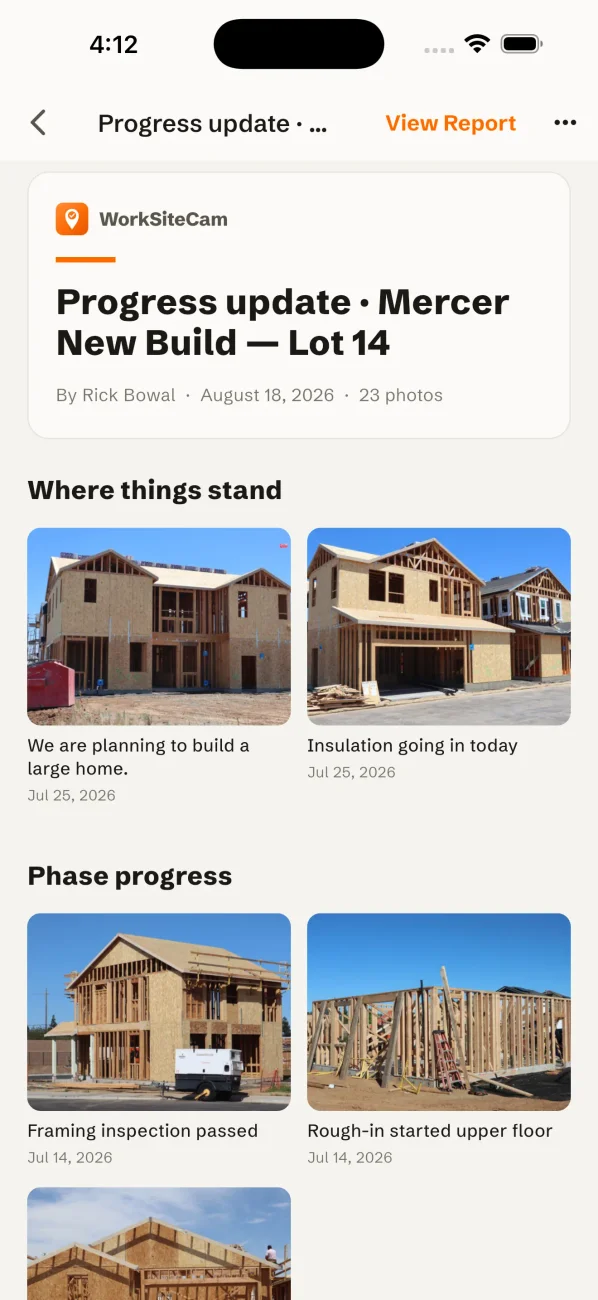

About
WorksiteCam is the fastest way to document and manage your jobsite photos, all in one place.
Whether you're a general contractor, field service professional, or construction company managing dozens of projects — WorksiteCam keeps your team aligned with powerful photo documentation, real-time collaboration, and organized project tracking.
CAPTURE EVERYTHING ON SITE
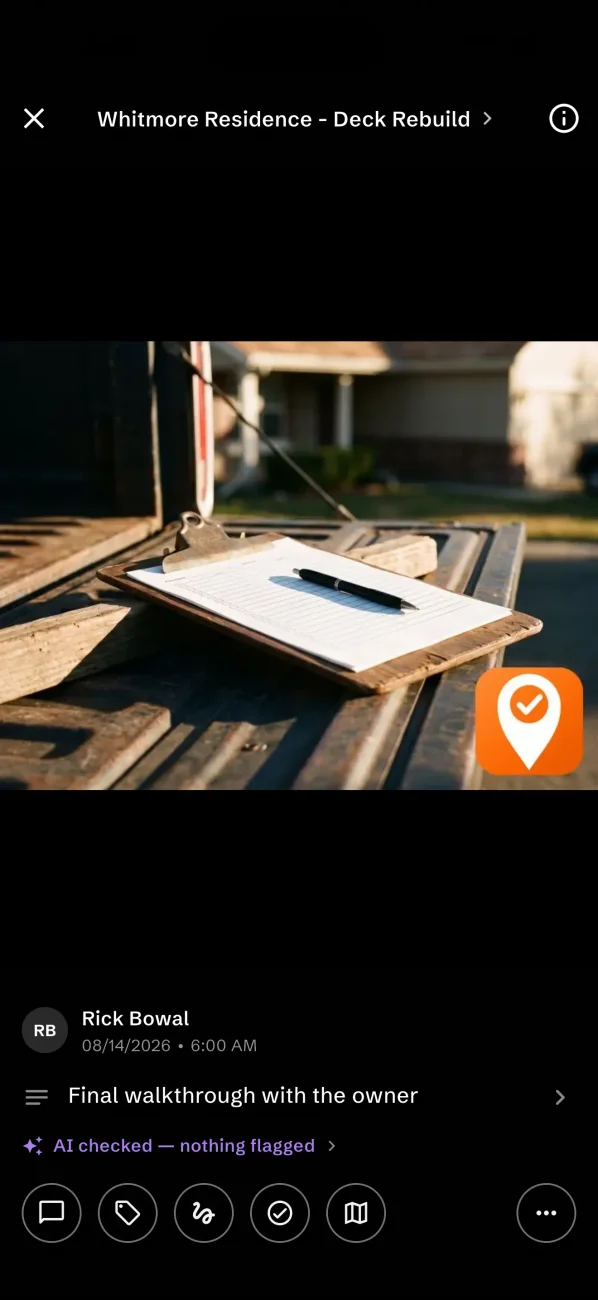
Take photos, scan documents, or record walkthroughs — all from one camera. Every photo is automatically stamped with location data so you always know where and when it was taken. No more digging through camera rolls to find the right image.
ORGANIZE PROJECTS YOUR WAY
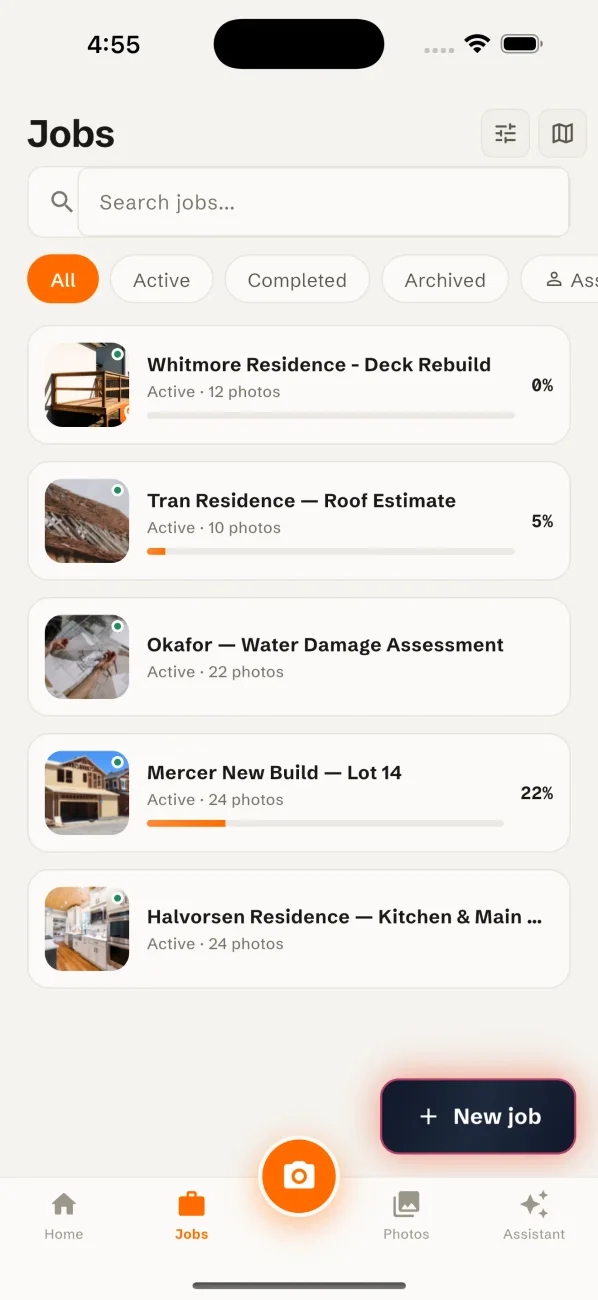
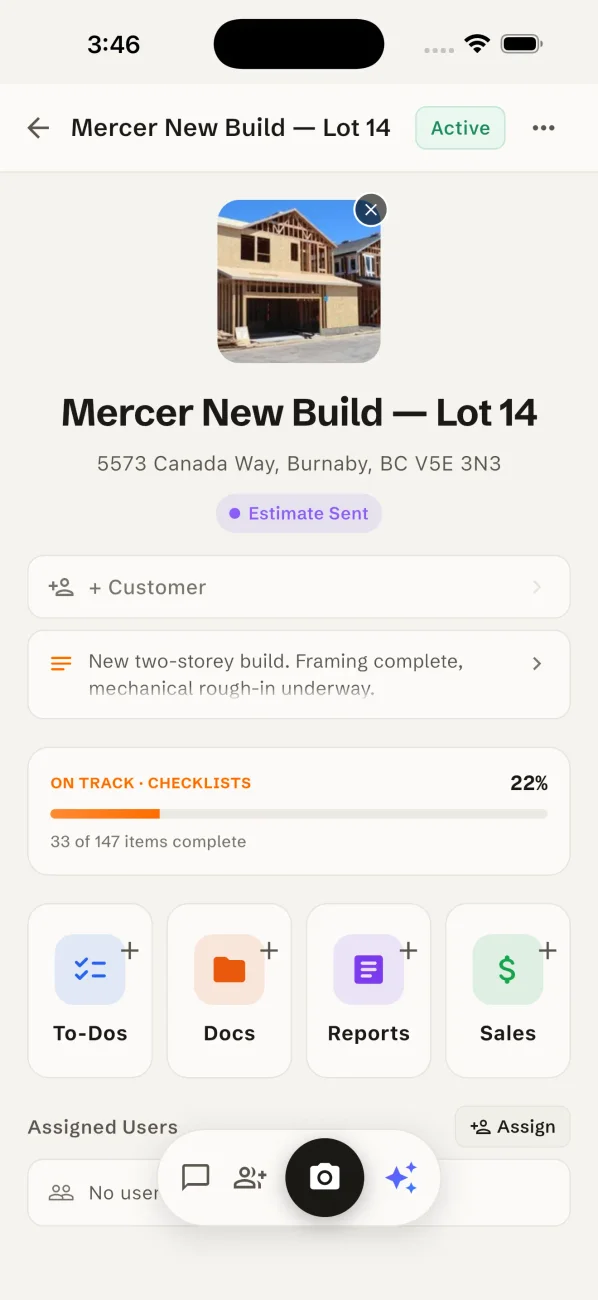
Create projects with addresses, descriptions, contact info, and custom statuses. Use project types and templates to standardize how your team documents work. Filter, search, and browse across all your projects from a list or interactive map view.
CHECKLISTS & TASKS
Build checklists with sections, custom fields, yes/no questions, ratings, and proof photos. Assign tasks to team members and track completion in real time. Use templates to keep your process consistent across every job.
COLLABORATE WITH YOUR TEAM
Assign team members to projects, leave comments on photos and projects, mention colleagues, and get notified instantly when something changes. Everyone sees the same information, no matter where they are.
SHARE WITH CLIENTS
Create showcases to present your best work. Build galleries to share project photos with clients or stakeholders. Request and manage client reviews directly from the app. Generate a portfolio to highlight completed projects.
AI-POWERED TOOLS
Generate walkthrough summaries automatically. Use AI-powered Imaginations to visualize project possibilities from your existing site photos.
DOCUMENTS & FILES
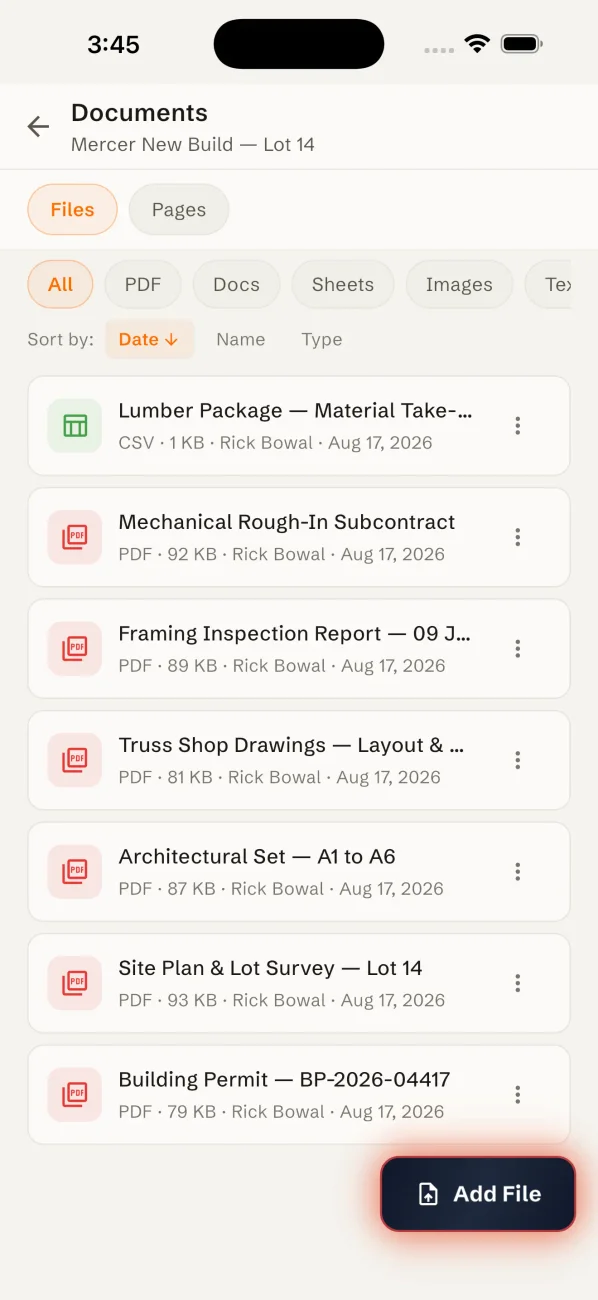
Upload and organize project files and documents. Create rich-text pages with a built-in editor. Scan physical documents directly into your projects.
Built for teams that work in the field and need their project documentation to be fast, reliable, and accessible from anywhere.
What’s new
Version 1.6.23 · Oct 2, 2026
Walkthroughs now record in one continuous take and put each photo under the work it shows. Turn a walkthrough into a draft estimate from the prices you say on site, then send it by email, text or link. Owners get a text when a client signs. Estimates now show up on each job, reports keep your words accurate, and street addresses appear on every photo. Plus reliability fixes.
App privacy
What Investoy Software Inc. declares on the App Store about how this app handles data.
-
Data linked to you
May be collected and linked to your identity.
- Location
- Contact info
- User content
Privacy practices may vary, for example with the features you use or your age.
Information
- Seller
- Investoy Software Inc.
- Category
- Productivity
- Version
- 1.6.23
- Updated
- Oct 2, 2026
- Released
- Jun 6, 2026
- Size
- 41.3 MB
- Requires
- iOS 15.0 or later
- Age rating
- 4+
- Languages
- English
- Copyright
- © Investoy Software Inc.
You might also like
-
 DustiCamJobsite photos, GPS-tagged
-
 See Job RunProductivity
-
 FieldRecordGPS Camera, timestamp, Reports
-
 Photo Report Maker – WorkCreekJob Photo Reports in Seconds
-
 Contractor Estimate & InvoiceScheduling, Business & More!
-
 Tally: Offline Checklist MakerCreate, reuse & share lists
-
 SnagList Pro: Just Report ItSnag list reports effortlessly