
WorkTime: Shift Work Calendar
Job schedule & hours tracker
Designed for iPhone, iPad
Free · In-app purchases
- Age rating4+
- CategoryProductivity
- DeveloperToto Ventures Inc.
- LanguagesEnglish+ 32 more
- Size59.1 MB
Links to the official App Store page
Download.org hosts no file of WorkTime: Shift Work Calendar. The button opens its official App Store page, published by Toto Ventures Inc. Listing last checked on Nov 24, 2026.
Screenshots


About
TRACKING WORK SHIFTS HAS NEVER BEEN EASIER.
WorkTime is the shift calendar trusted by over 1,000,000 workers. Set your shift times, see them all at a glance, set alerts, add up your hours, and share your schedule.
Do you work rotating shifts, irregular hours, or random days? WorkTime tracks your entire work schedule on one clean calendar.
Enter shifts with just two taps. See your whole month at a glance. No more scribbling shifts on scraps of paper.
FEATURES
• See all your shifts at a single glance on a unique time-display calendar
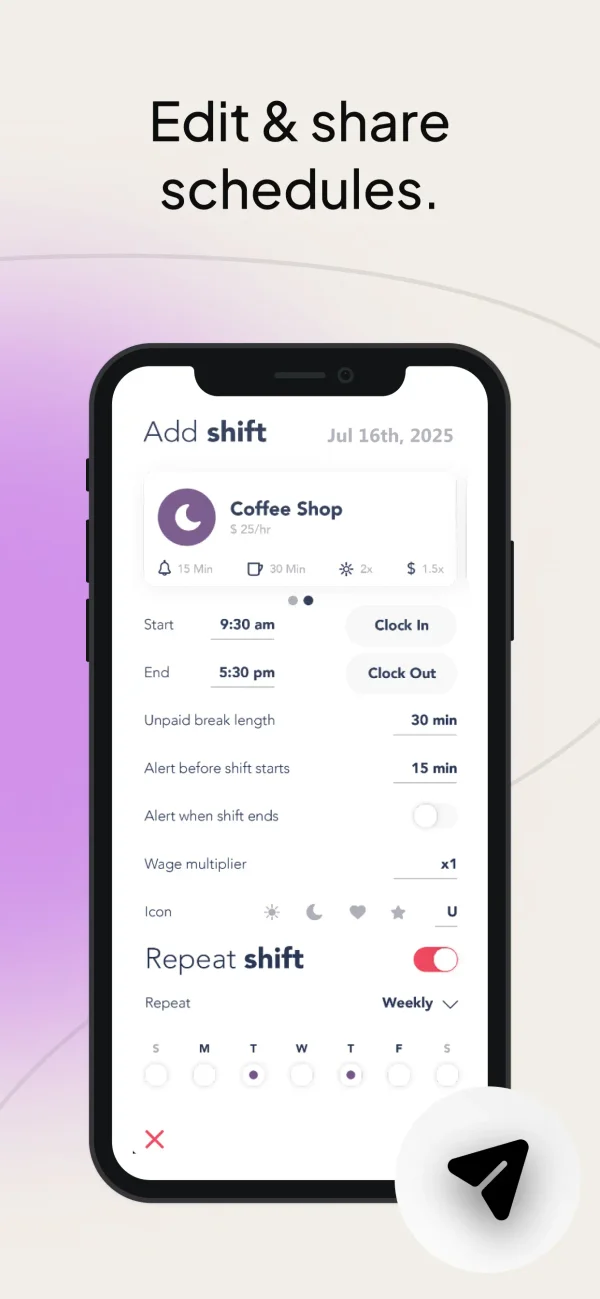
• Enter shift start times with just two taps
• Add shifts quickly from your Recent Shifts list
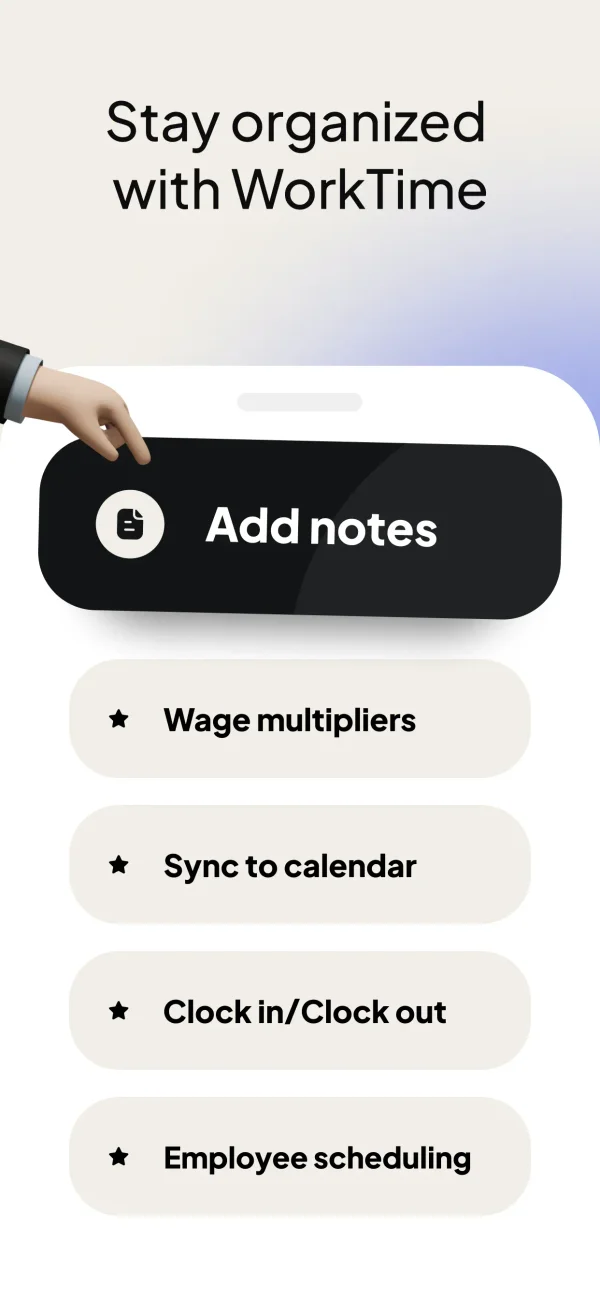
• Add notes and reminders to any day
• Share your schedule via email or save it as a photo
• Share multiple months at once
PREMIUM FEATURES
• Add unlimited jobs
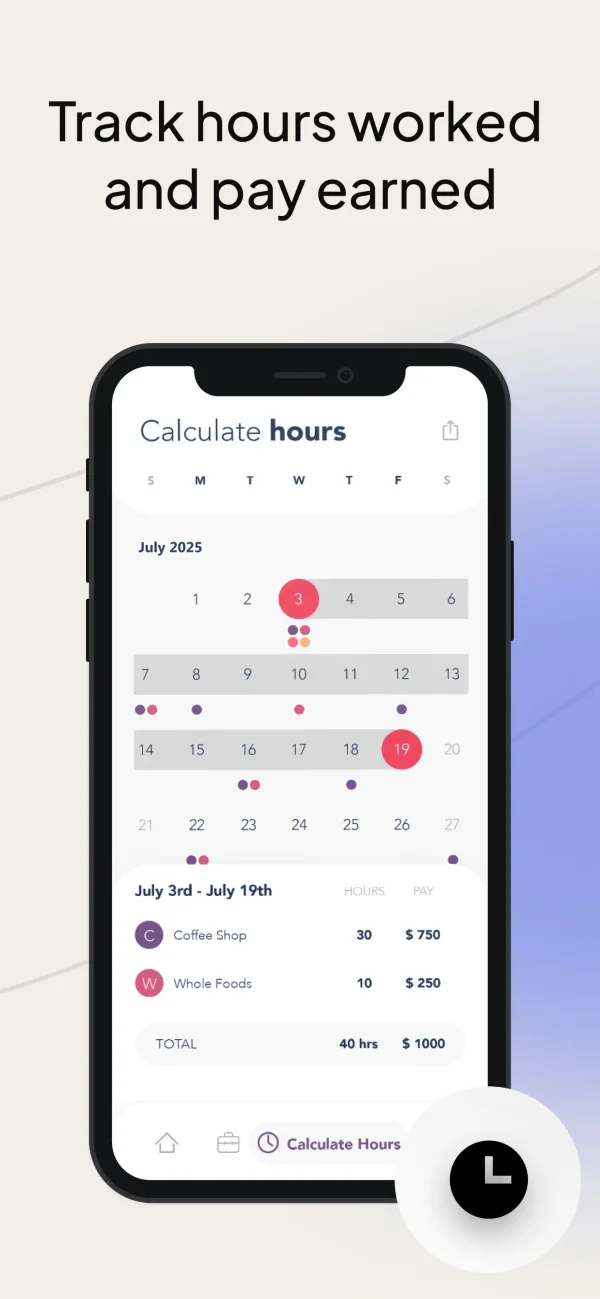
• Track hours worked and wages with the Hours Calculator
• Set alerts to remind you before an upcoming shift
• Ad-free interface
• Sync to your phone's calendar
SET AND NEVER FORGET.
Set reminders based on how much time you need to get ready. WorkTime alerts you before every shift so you never miss one.
BUILT FOR SHIFT WORKERS.
Whether you're a nurse, barista, bartender, warehouse worker, retail associate, or anyone who works shifts — WorkTime is built for you.
Subscription pricing and terms:
WorkTime offers auto-renewing subscription options. Prices shown are for United States customers. Pricing in other countries may vary and actual charges may be converted to your local currency depending on the country of residence.
Your subscription will automatically renew at the end of each term and your credit card will be charged through your App Store account. You can turn off auto-renew at any time from your device's Settings > Subscriptions. Refunds will not be provided for any unused portion of the term.
Terms of Use: http://totoventures.com/terms-of-use/
Privacy Policy: http://totoventures.com/privacy-policy/
What’s new
Version 5.9 · Aug 22, 2026
Bug fixes and performance improvements.
App privacy
What Toto Ventures Inc. declares on the App Store about how this app handles data.
-
Data not linked to you
May be collected but is not linked to your identity.
- Usage data
- Diagnostics
Privacy practices may vary, for example with the features you use or your age.
Information
- Seller
- Toto Ventures Inc.
- Category
- Productivity
- Version
- 5.9
- Updated
- Aug 22, 2026
- Released
- Jul 14, 2015
- Size
- 59.1 MB
- Requires
- iOS 16.0 or later
- Age rating
- 4+
- Price
- Free
- In-app purchases
- Yes
- Languages
- English, Arabic, Armenian, Catalan, Czech, Danish, Dutch, Finnish, French, German, Greek, Hebrew + 21 more
- Copyright
- © 2015 Toto Ventures Inc
You might also like
-
 Shift Day Work Calendar: SpokeSchedule Planner Hours Tracker
-
 Shift Work Calendar | ScheduleShared Planner & Hours Tracker
-
 My Shift Planner - CalendarPlan Roster Shifts & Time Off
-
 WorkTime: Hours Tracker LogTrack work time & salary
-
 Shift Calendar - Work ScheduleShift Work Calendar
-
 SHIFTAR: Work schedule plannerWork schedule calendar
-
 Shift Work Calendar & ScheduleMy shifts planner & tracker
-
 Time Card Calculator-TimeclockCalculate Paycheck Punch Hours
-
 Supershift - Shift CalendarWork Schedule, Job Day Planner
-
 Shift Calendar / ScheduleProductivity