World Clock Time Zone Widgets
Convert Dates & Calculate UTC
Designed for iPhone, iPad, Mac, iPod touch
Free · In-app purchases
- Age rating9+
- CategoryTravel
- DeveloperOverdesigned, LLC
- LanguagesEnglish+ 11 more
- Size154.8 MB
Links to the official App Store page
Download.org hosts no file of World Clock Time Zone Widgets. The button opens its official App Store page, published by Overdesigned, LLC. Listing last checked on Nov 24, 2026.
Screenshots
About
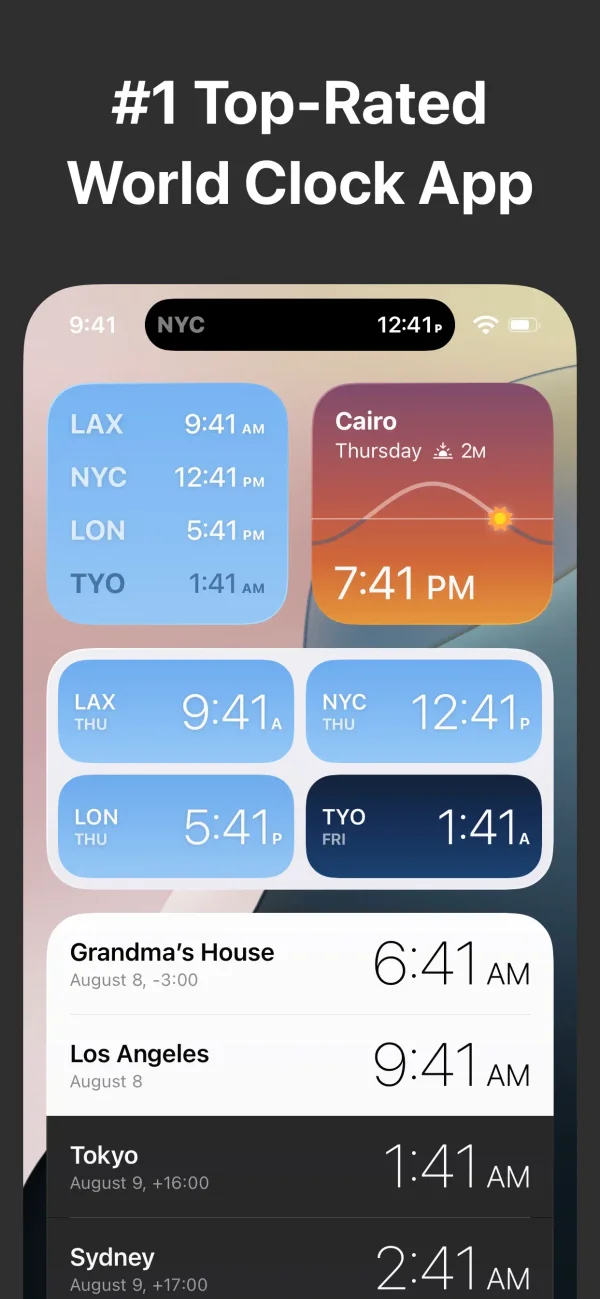
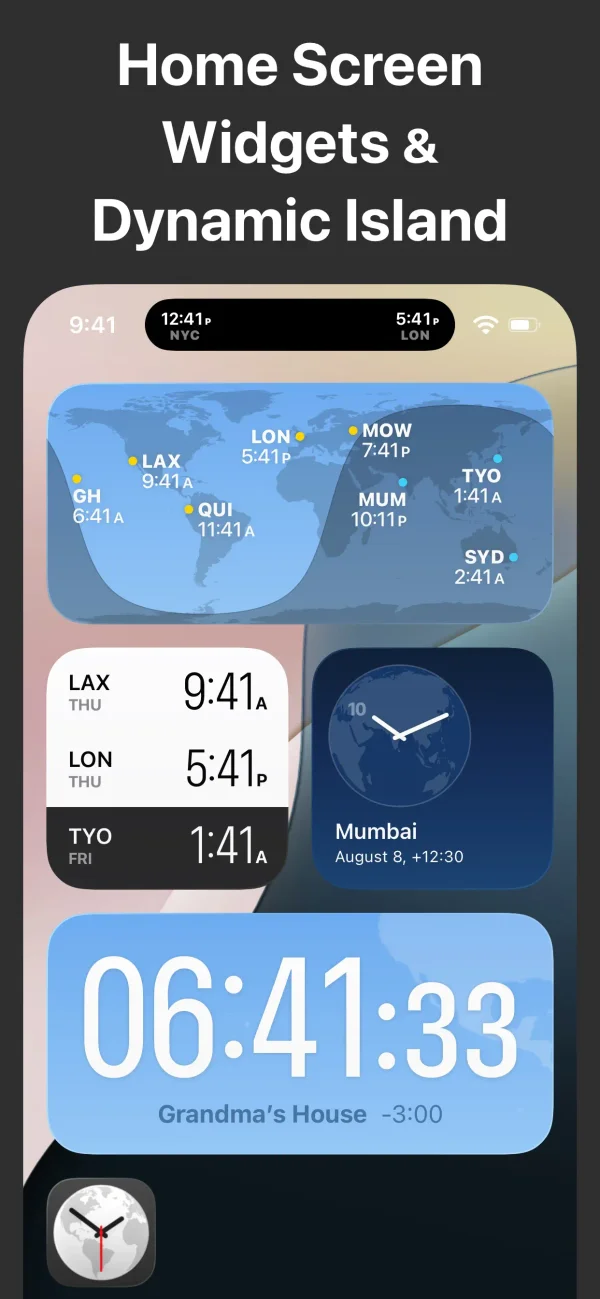
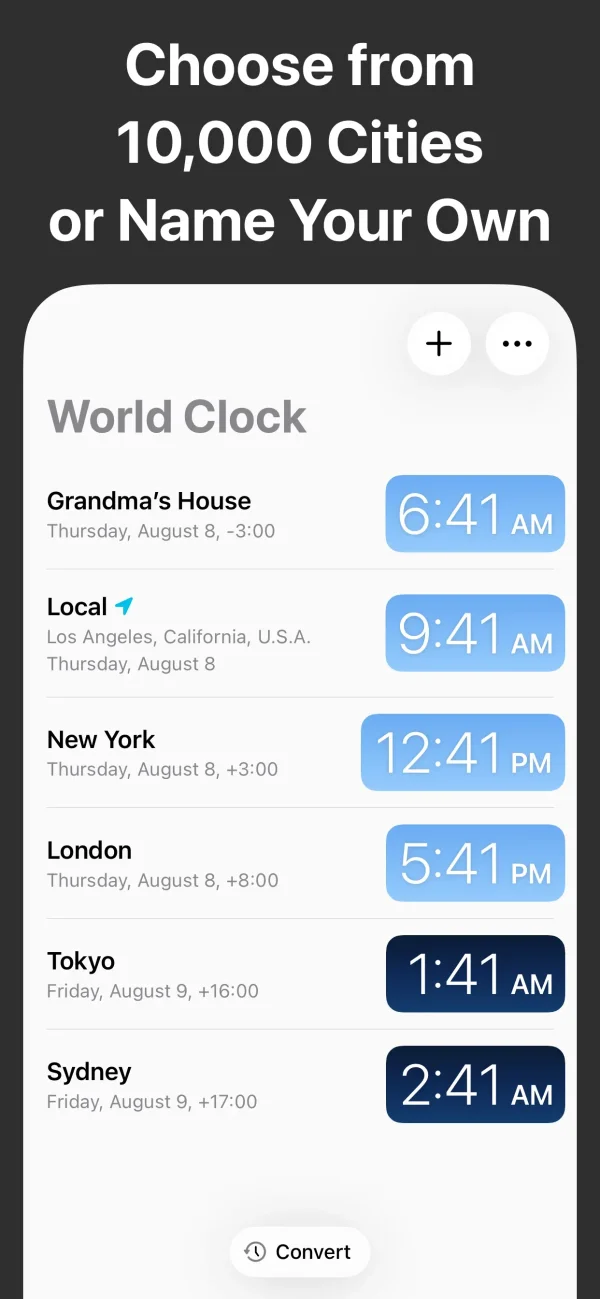
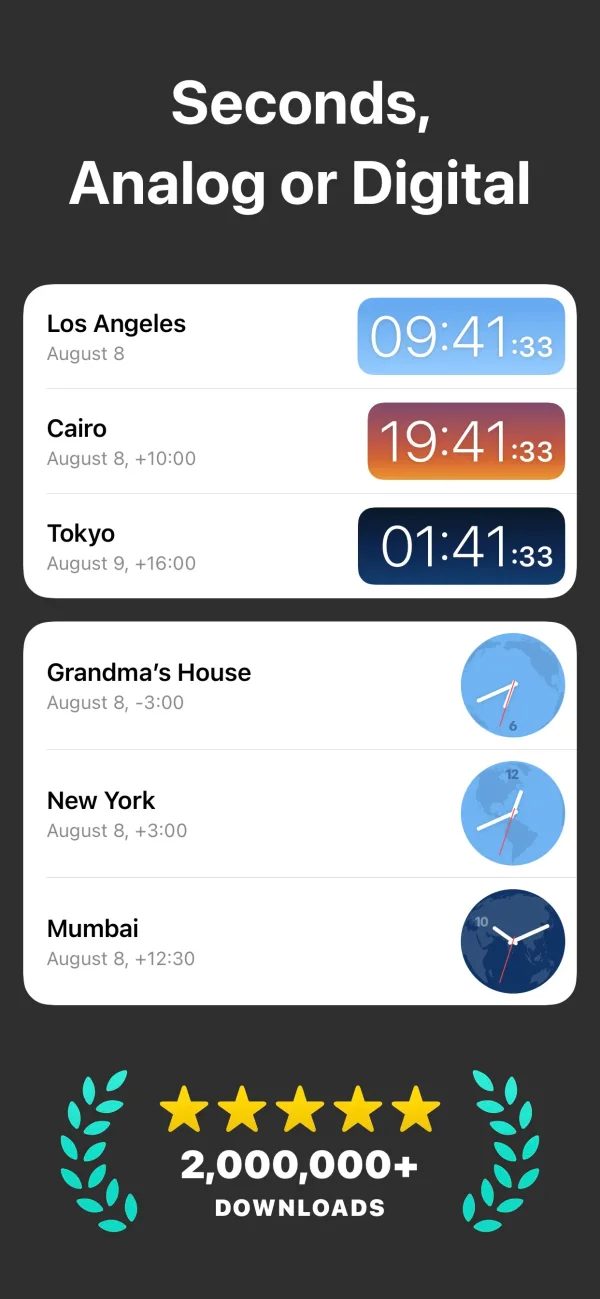
Check the time, anytime! Track the local time in cities across the world, right from your Home Screen, Lock Screen, or Dynamic Island. Add cities to World Clock and select the analog or digital clocks. Then check the World Clock widget whenever you need to know the time.
Features:
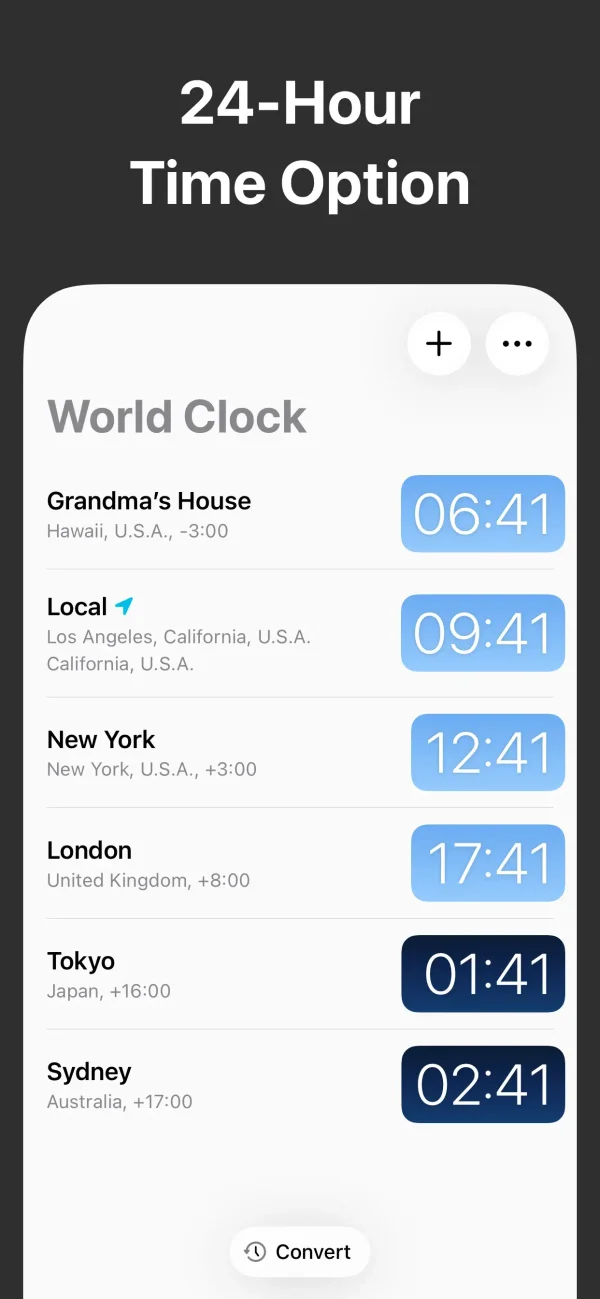
• Attractive analog and digital clock displays, with options to display seconds and 24-hour time.
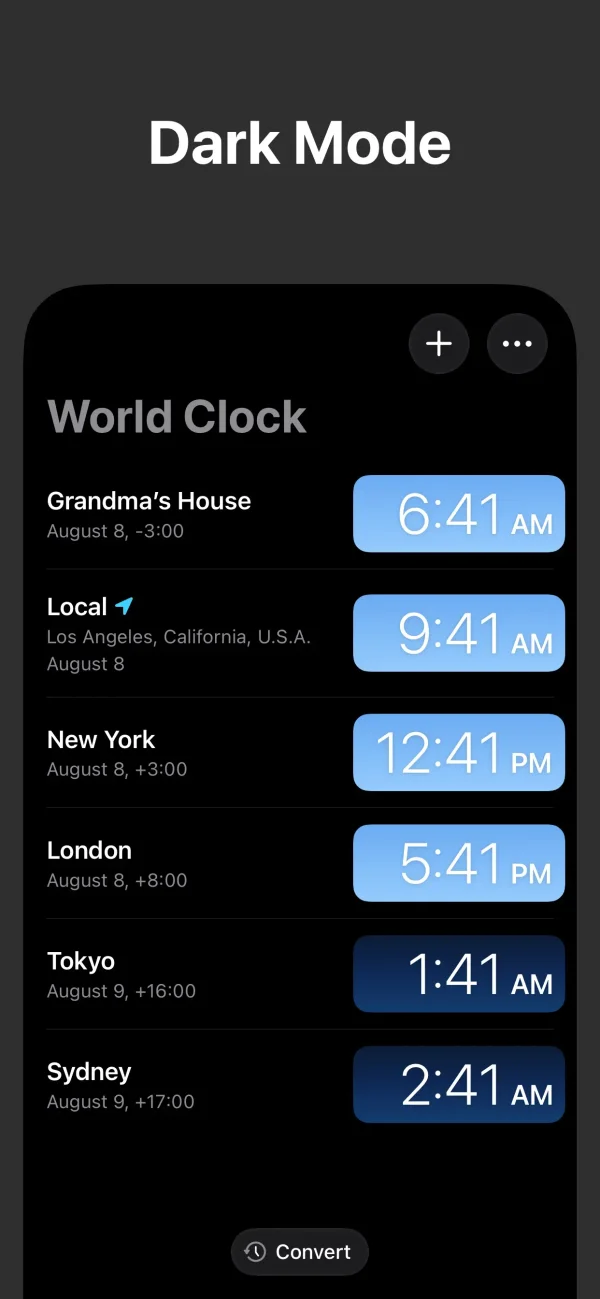
• Simple UI for adding and managing cities. Search or browse 10,000+ cities by name.
• Rename a city to create a custom clock, e.g., “Grandma’s House”.
• Get your local time using location (GPS).
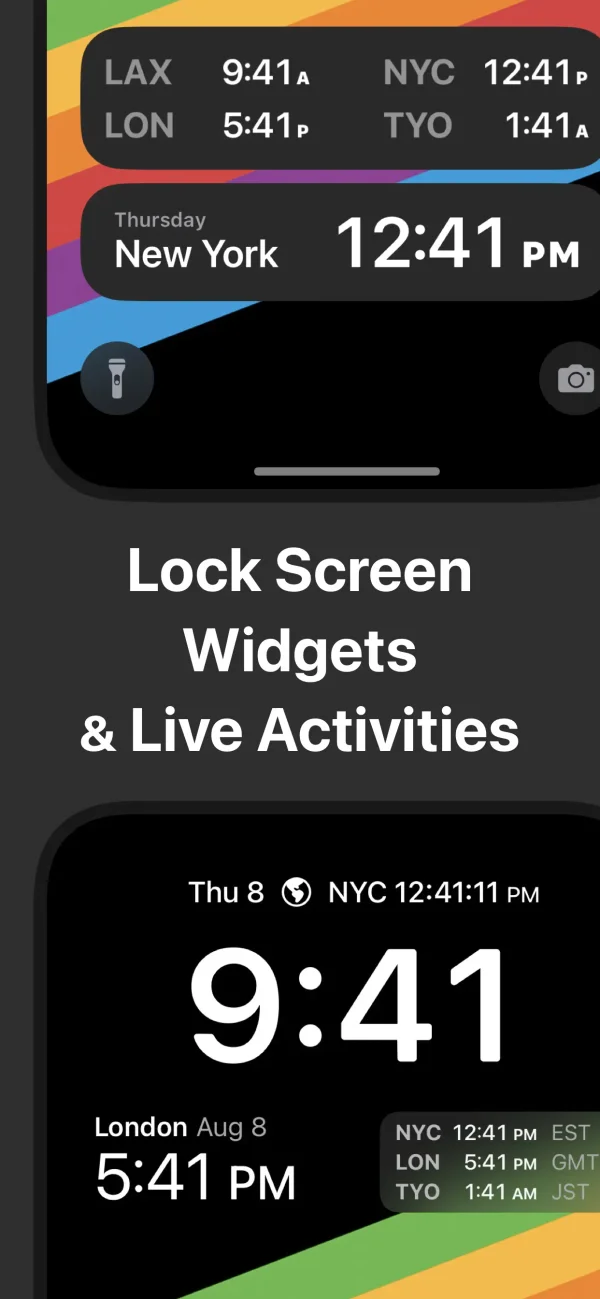
• Widgets are available in many sizes and styles, including Lock Screen, Home Screen, and Today widgets.
• Live Activities available on iOS 16.2+ and iPadOS 17+. See the Live Activity on your Apple Watch with iOS 18 and watchOS 11.
• Stick a clock or two in the Dynamic Island with Live Activities and see them across all your apps.
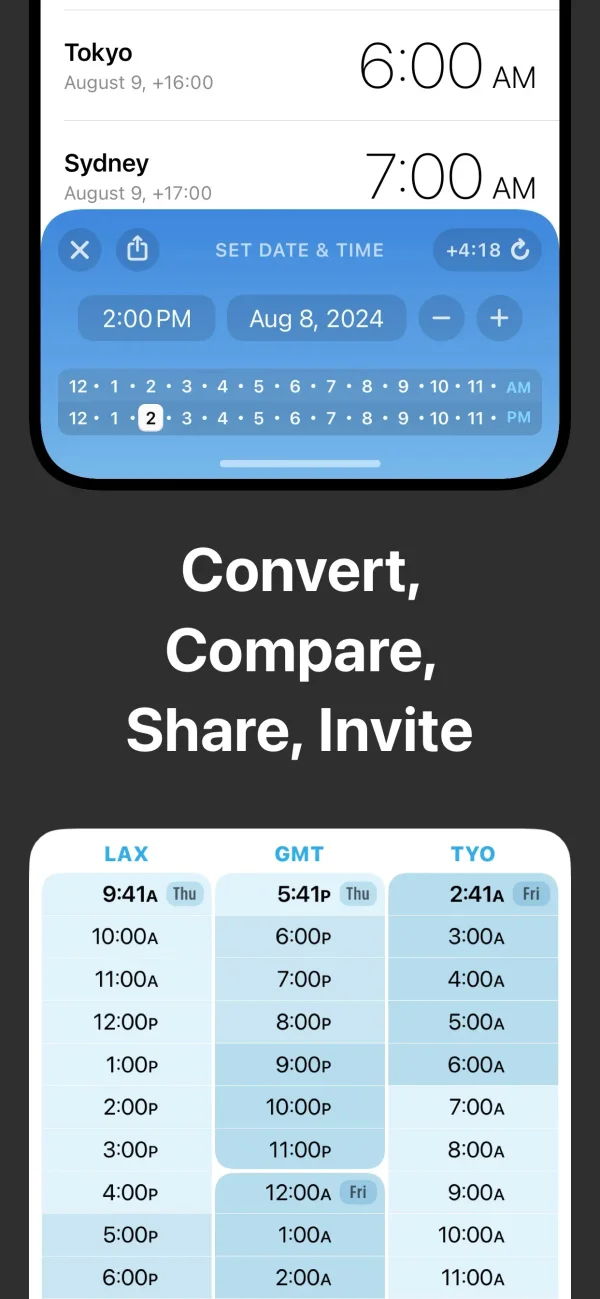
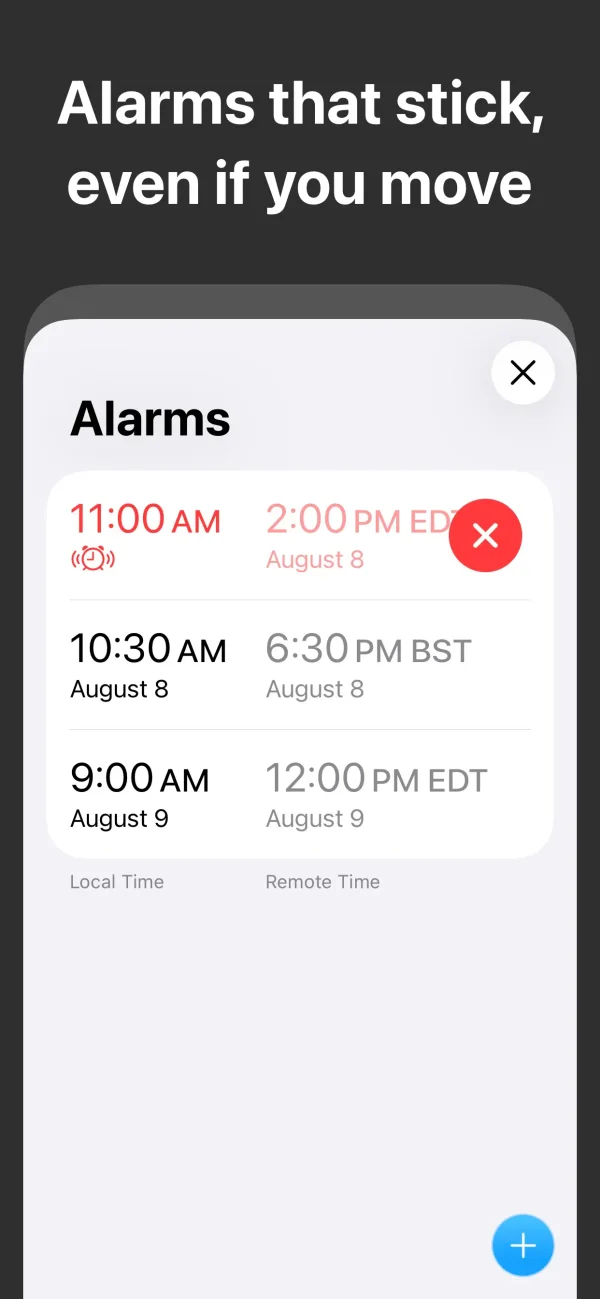
• Convert tool: set the date and time, compare the times across all your time zones, and then share, create a reminder, or add to your calendar with just a few taps. This is a must-have productivity tool for remote workers or anyone coordinating across time zones.
• Includes easy instructions for adding the Widget to your home and lock screens.
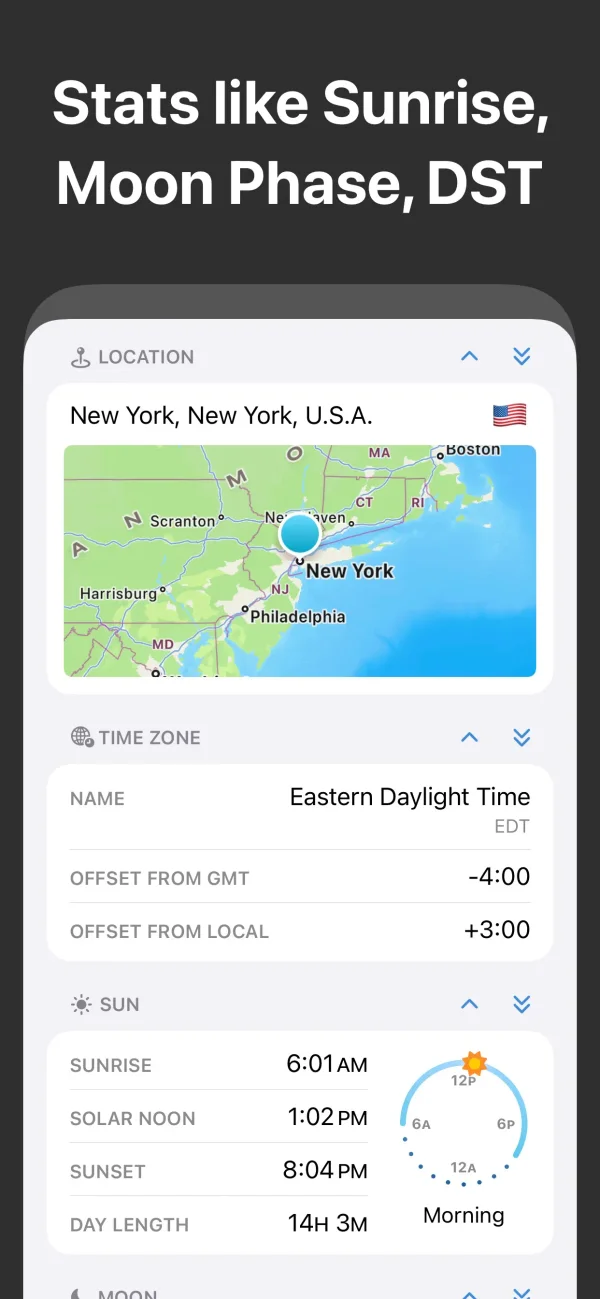
• Daylight hours shown visually, based on actual sunrise and sunset times.
• Look up a location’s sunrise time, moon phase, time zone details, and more.
• In-app purchase to remove ads and unlock extra features. One-time purchase — no subscriptions!
What’s new
Version 1.27.3 · Nov 4, 2026
Fixed some Chinese localizations. Improved support for the Accessibility high contrast option. Fixed the time in Cuba.
App privacy
What Overdesigned, LLC declares on the App Store about how this app handles data.
-
Data used to track you
May be used to track you across apps and websites owned by other companies.
- Location
- Identifiers
- Usage data
- Diagnostics
-
Data not linked to you
May be collected but is not linked to your identity.
- Purchases
- Location
- Identifiers
- Usage data
- Diagnostics
Privacy practices may vary, for example with the features you use or your age.
Information
- Seller
- Overdesigned, LLC
- Category
- Travel
- Version
- 1.27.3
- Updated
- Nov 4, 2026
- Released
- Jan 28, 2015
- Size
- 154.8 MB
- Requires
- iOS 15.4 or later
- Age rating
- 9+
- Price
- Free
- In-app purchases
- Yes
- Languages
- English, Dutch, French, German, Hindi, Italian, Japanese, Korean, Portuguese, Russian, Simplified Chinese, Spanish
- Copyright
- © 2015–2026 Overdesigned, LLC
You might also like
-
 TimeshifterJet lag app
-
 My Currency Converter & RatesExchange Rates & Converter
-
 Unit Converter - Best Unit AppConvert All Units and Currency
-
 Tripsy: Travel PlannerTrip Plan Itinerary Organizer
-
 Flighty – Live Flight TrackerWorld's Fastest Delay Alerts
-
 CurrencyOffline currency converter
-
 Currency Converter Calculator•Exchange Rates: Live & Offline
-
 TripIt: Travel PlannerTrip Itinerary & Alerts
-
 My AltitudeGPS Elevation & Barometer
-
 Currency converter calculator!Exchange rates USD