Wrenly: Text Expander
Snippets, Shortcuts & Keyboard
Designed for iPhone, iPad
Free · In-app purchases
- Age rating4+
- CategoryProductivity
- DeveloperLucas Chiodi
- LanguagesEnglish
- Size8.0 MB
Links to the official App Store page
Download.org hosts no file of Wrenly: Text Expander. The button opens its official App Store page, published by Lucas Chiodi. Listing last checked on Nov 25, 2026.
Screenshots


About
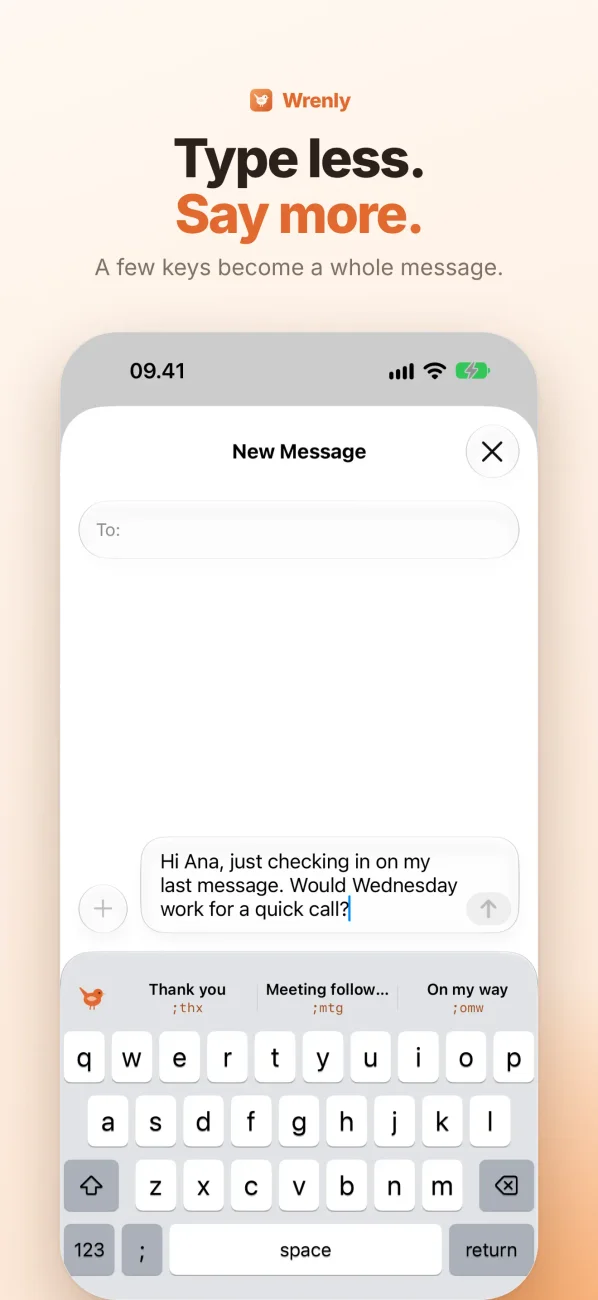
Type a few letters, get a whole message. Wrenly turns short abbreviations into the text you type over and over: replies, addresses, links, greetings, sign-offs, anything.
Type ;thx and Wrenly writes "Thank you for your patience, I'll get back to you shortly." Works in every app: Messages, WhatsApp, Mail, Notes, Safari, Instagram, anywhere you type.
HOW IT WORKS
• Add a snippet: a short abbreviation and the text it becomes
• Switch to the Wrenly keyboard and type the abbreviation, or tap the snippet in the bar
• Your text appears, ready to send
MAKE SNIPPETS SMARTER
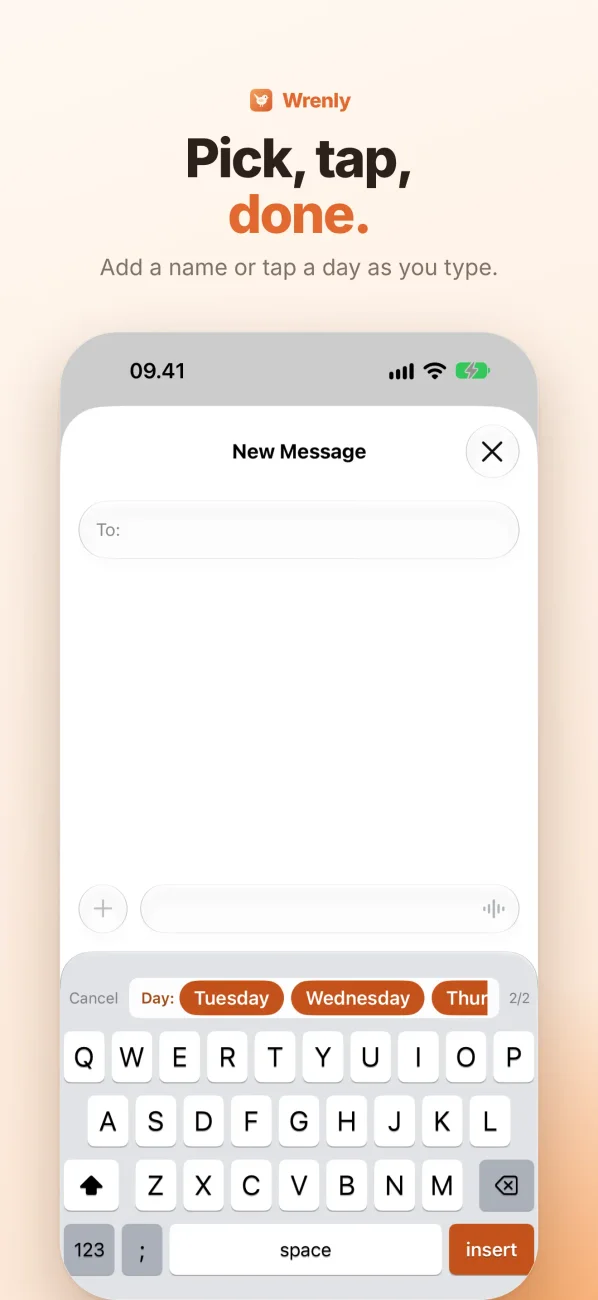
• Fill-in fields: Wrenly asks for a name or a number each time
• Drop-down choices: pick Mr, Ms or Mrs as you insert
• Today's date, the time, or dates counted from today ({date+7})
• Whatever you last copied
• Where the cursor lands after inserting
ORGANISED AND IN SYNC
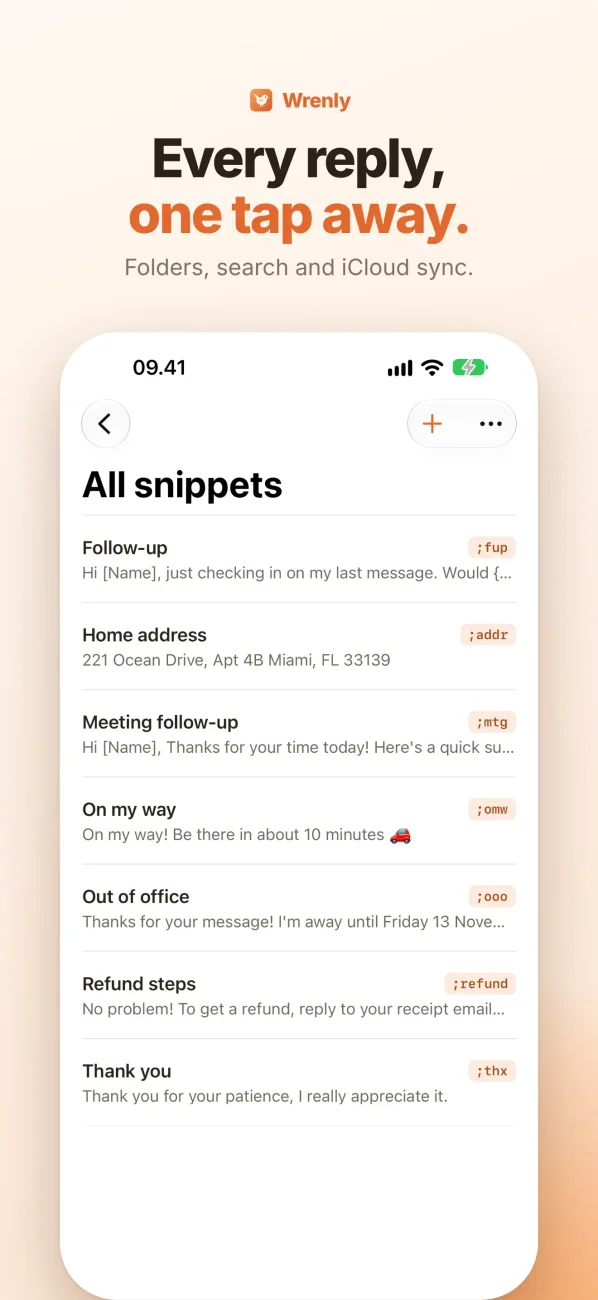
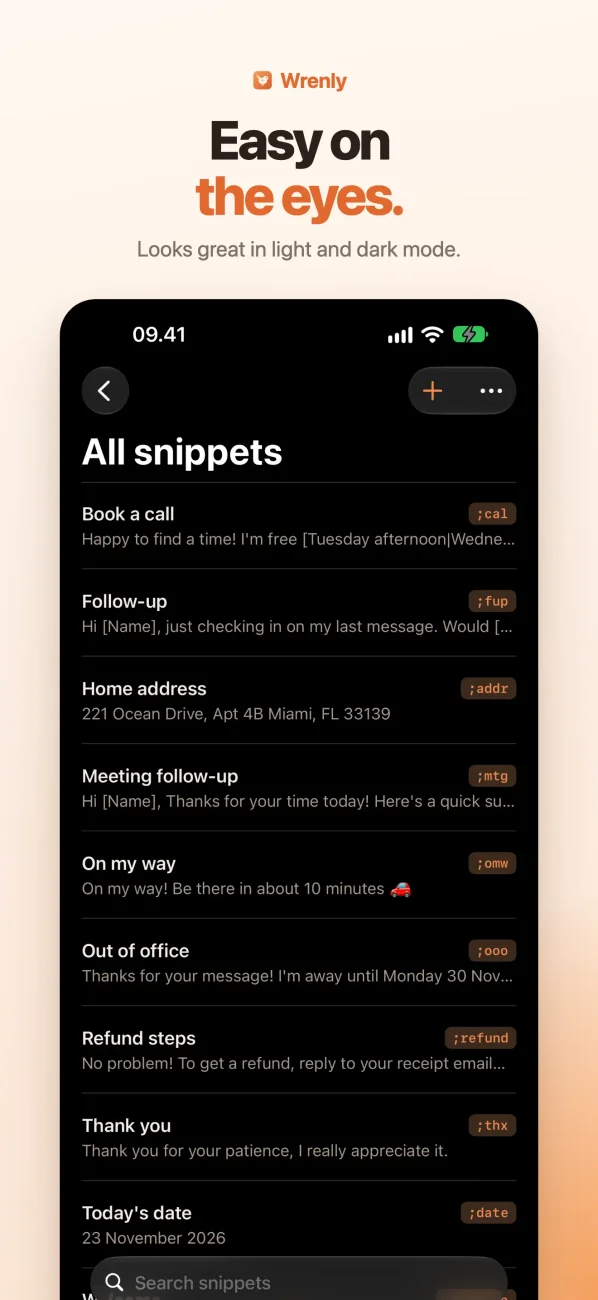
• Folders, sorted A–Z, with search
• iCloud sync with your iPhone, iPad and Mac. Your snippets live in your own iCloud, so Wrenly never sees them
• Import from other snippet apps (CSV) and export backups
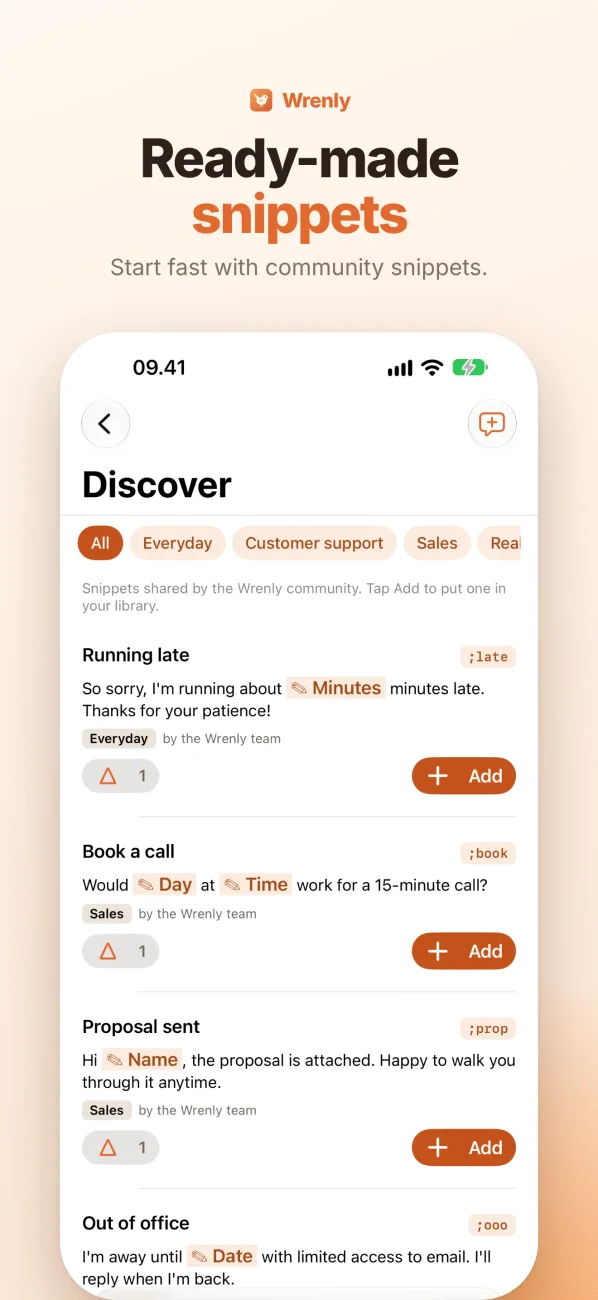
• Discover ready-made snippets from the community
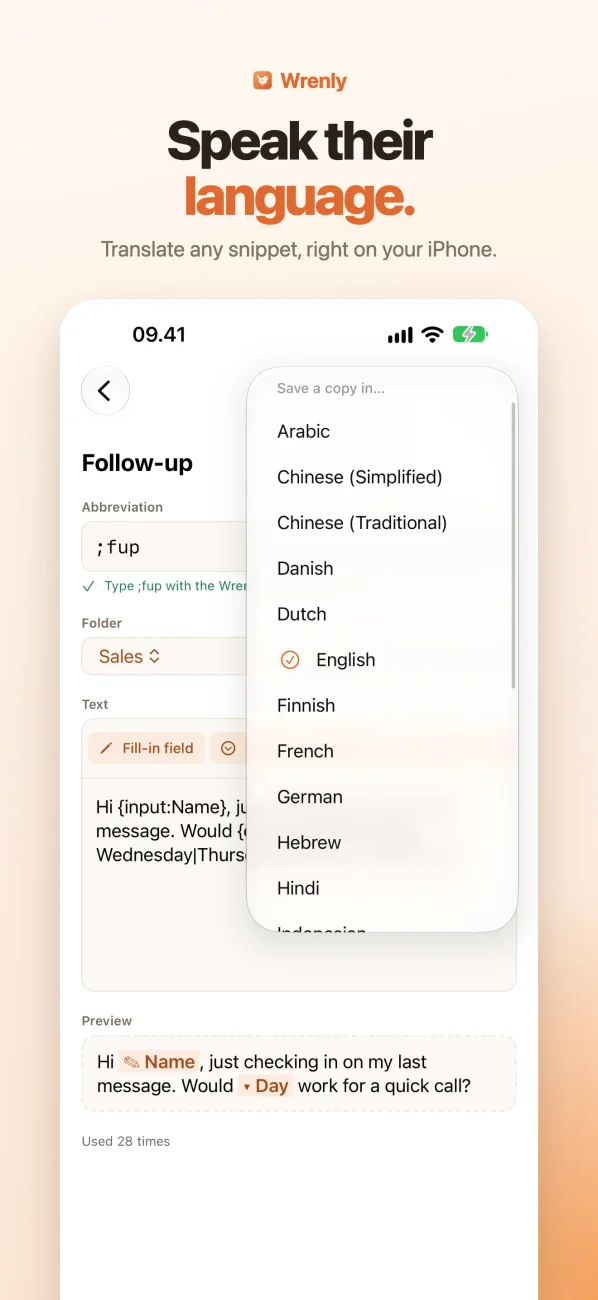
• Translate a snippet into another language on your iPhone
PRIVATE BY DESIGN
The Wrenly keyboard only looks for your abbreviations. It never saves, sends or shares what you type. "Allow Full Access" is needed only so the keyboard can read your snippets and paste formatted text.
ONE PRICE, NO SUBSCRIPTION
Try everything free for 14 days. Then unlock Wrenly once for $9.99. Bought Wrenly for Mac? Your license key unlocks your iPhone and iPad too.
What’s new
Version 2.0 · Nov 24, 2026
Wrenly 2.0
• Wrenly now opens on your folders, so everything is easier to find.
• A new Wrenly sound plays when the app opens. It stays quiet on silent, and you can turn it off in Settings.
App privacy
What Lucas Chiodi declares on the App Store about how this app handles data.
-
Data linked to you
May be collected and linked to your identity.
- Purchases
- Other data
-
Data not linked to you
May be collected but is not linked to your identity.
- Identifiers
Privacy practices may vary, for example with the features you use or your age.
Information
- Seller
- Lucas Chiodi
- Category
- Productivity
- Version
- 2.0
- Updated
- Nov 24, 2026
- Released
- Nov 6, 2026
- Size
- 8.0 MB
- Requires
- iOS 18.0 or later
- Age rating
- 4+
- Price
- Free
- In-app purchases
- Yes
- Languages
- English
- Copyright
- © 2026 Lucas Chiodi
You might also like
-
 Gene AIProductivity
-
 eZCarsProductivity
-
 Moxy MessengerThe Message Planner for iPhone
-
 The Time Zone Converterfor remote teams & travelers
-
 Weekstack: Weekly PlannerTo-do List, Stacked
-
 ScrivenerProductivity
-
 Smile App LauncherA minimalistic dumbphone
-
 DhandaTool to grow your business!
-
 Proton Authenticator & 2FASecure verification, MFA & OTP