- Age rating4+
- CategoryProductivity
- DeveloperDark Wren Creative, LLC
- LanguagesEnglish
- Size8.1 MB
Links to the official App Store page
Download.org hosts no file of WriteTimer. The button opens its official App Store page, published by Dark Wren Creative, LLC. Listing last checked on Nov 18, 2026.
Screenshots



About
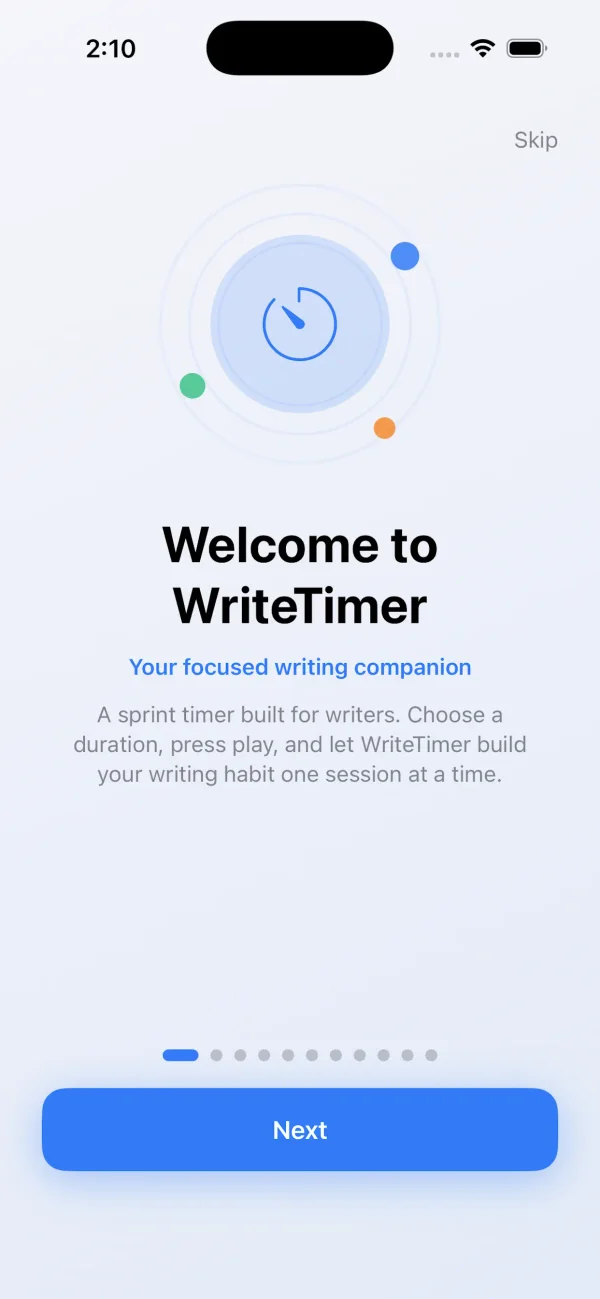
Writers of all types deserve a dedicated timer. WriteTimer helps you build a daily writing habit with focused sprint sessions, word count tracking, achievement milestones, and beautiful progress rings — no accounts, no ads, and no data ever leaving your device.
HOW IT WORKS
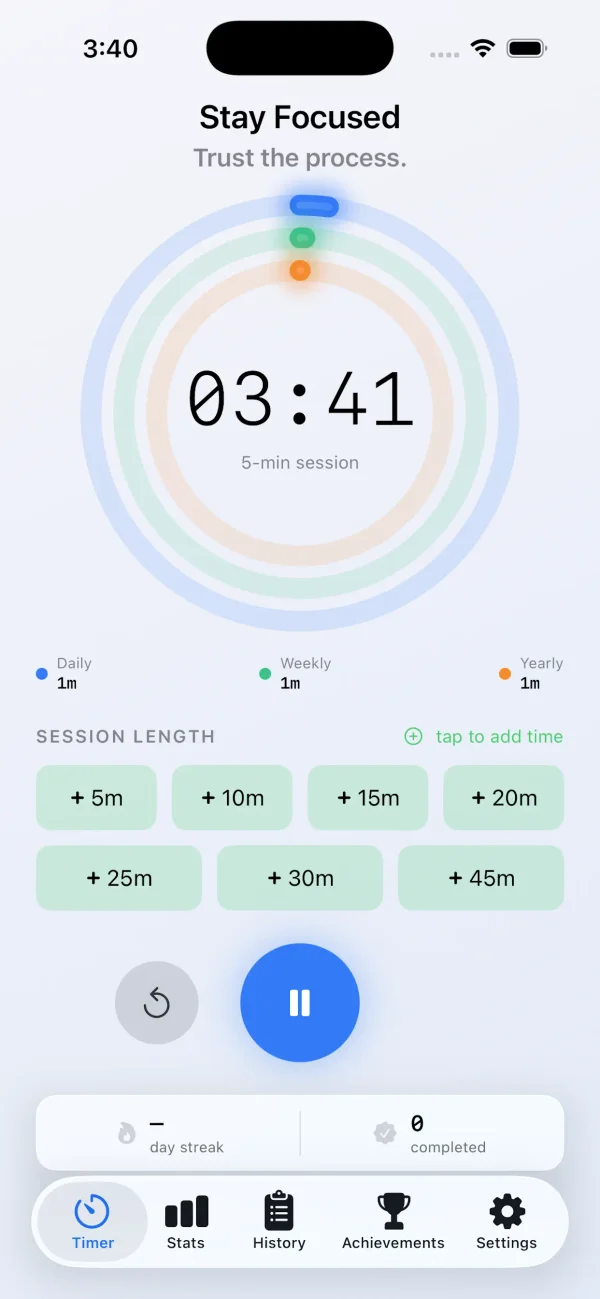
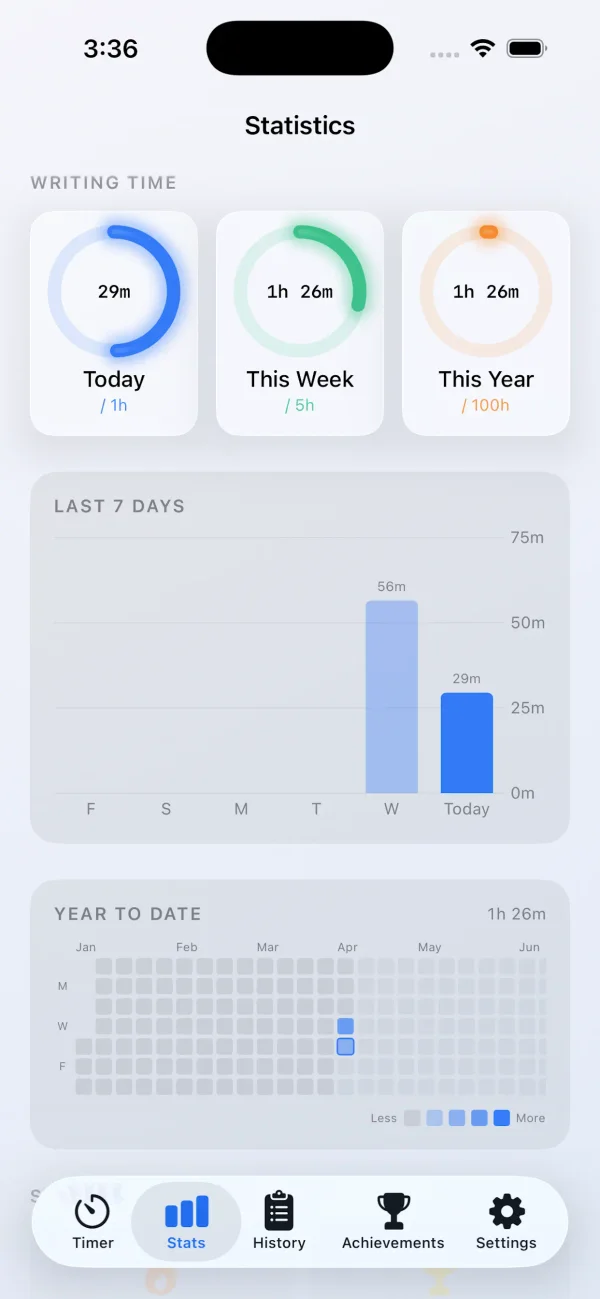
Choose a session length or dial in a custom duration and press play. A full-screen countdown begins, with three animated progress rings showing your daily, weekly, and yearly writing time at a glance. Completed sessions are logged automatically.
Need more time mid-sprint? Tap any preset to add minutes to a running timer without interrupting your flow.
TRACK YOUR WRITING
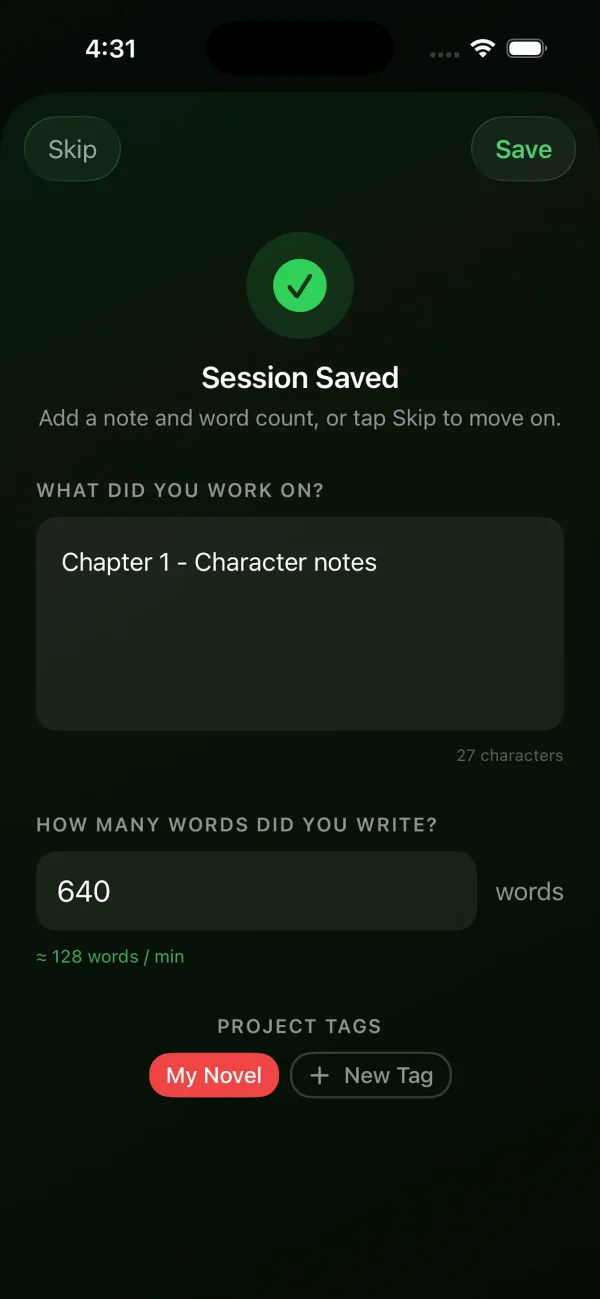
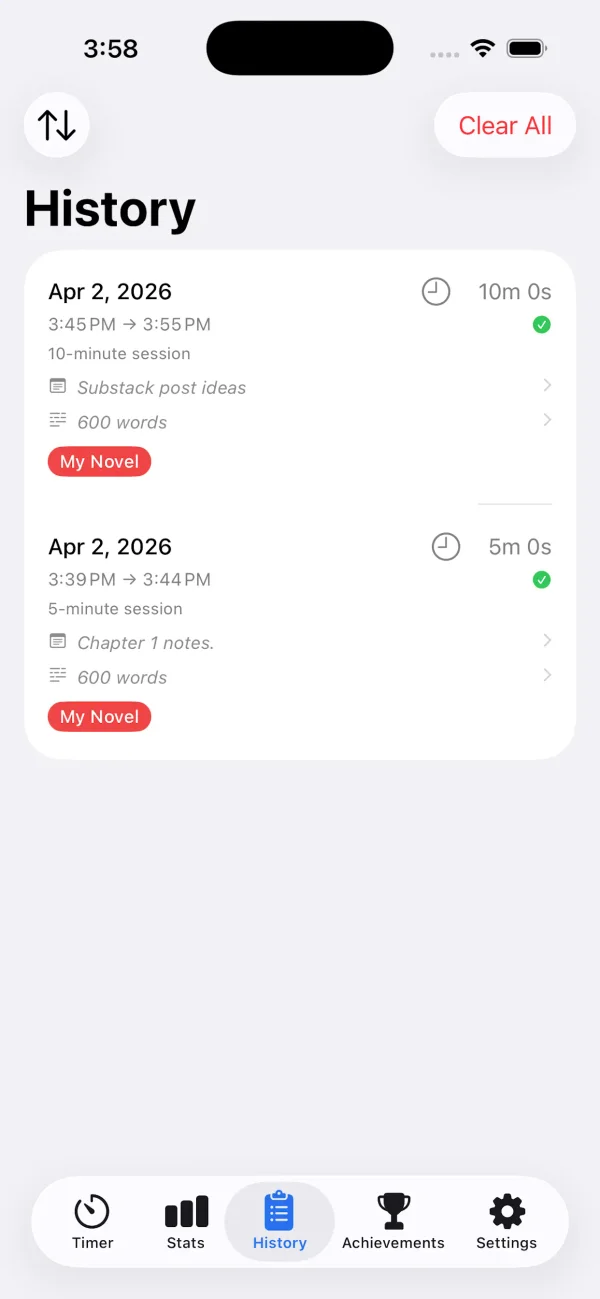
After each session, log a note about what you worked on, how many words you wrote, and even add a customizable tag. WriteTimer calculates your words-per-minute pace automatically and saves everything to your session history.
Browse your history sorted by date, word count, or project tag. Tap any session entry to edit its note, word count, or tags from a single screen. The Stats tab shows daily, weekly, and yearly writing totals alongside a seven-day activity chart.
BUILD YOUR HABIT
WriteTimer tracks your writing streak day by day and awards achievements as you hit milestones — your first session, your first word count, consistent weeks, and more. A customizable daily reminder notification nudges you to open the app and write.
FEATURES
• No subscriptions - pay once for lifetime
• Sprint timer with 7 presets and a custom duration option
• Add minutes to any running session without stopping
• Three animated progress rings — daily, weekly, and yearly goals
• Automatic session logging for any session over one minute
• Word count tracking with live words-per-minute calculation
• Session notes to capture what you worked on
• Project tags to organize sessions by book, blog, or project
• Sortable session history — by date, word count, or tag
• Writing streaks to build and maintain your habit
• Achievements to mark your milestones
• Five hand-crafted color themes you can customize
• Fully customizable progress ring colors
• Six completion sounds to mark the end of each sprint
• Daily reminder notification at a time you choose
• Stats view with a seven-day writing activity chart
YOUR PRIVACY
WriteTimer collects no data whatsoever. There are no accounts to create, no analytics running in the background, and no third-party SDKs of any kind. Everything — your sessions, word counts, notes, tags, and streaks — lives entirely on your device.
BUILT FOR WRITERS
Whether you're working on a novel, a blog post, a screenplay, or a daily journal practice, WriteTimer gives you the motivation and structure to sit down, focus, and write. Every session is logged. Every word is counted. Every streak is worth protecting.
What’s new
Version 1.1 · Apr 7, 2026
Performance improvements.
App privacy
What Dark Wren Creative, LLC declares on the App Store about how this app handles data.
-
Data not collected
The developer does not collect any data from this app.
Privacy practices may vary, for example with the features you use or your age.
Information
- Seller
- Dark Wren Creative, LLC
- Category
- Productivity
- Version
- 1.1
- Updated
- Apr 7, 2026
- Released
- Apr 3, 2026
- Size
- 8.1 MB
- Requires
- iOS 26.0 or later
- Age rating
- 4+
- Price
- $2.99
- Languages
- English
- Copyright
- ©2026 Dark Wren Creative, LLC
You might also like
-
 Drift: Random TimerGentle random reminders
-
 Witness - Writing TimerFocus Timer & Practice Tracker
-
 LOOP – Visual TimerTime management, made simple
-
 Vondel: Writing AppWrite novels, stories & books
-
 Word Counter - Character CountWriting Word Limit Checker
-
 NEO PocketFiction without the Friction
-
 Just lists, simple & usablesimple list manager
-
 Word Keeper: Writing TrackerBuild Habits, Finish Your Book
-
 SolarWriter: E-Ink TypewriterKeyboard for E-Reader Screens
-
 Daily Writing Prompts: ScriptaWrite 500 words a day, journal