
- Age rating4+
- CategoryNavigation
- DeveloperWhatcom Transportation Authority
- LanguagesEnglish+ 1 more
- Size574.0 KB
Links to the official App Store page
Download.org hosts no file of WTA BusTracker. The button opens its official App Store page, published by Whatcom Transportation Authority. Listing last checked on Nov 14, 2026.
Screenshots
About
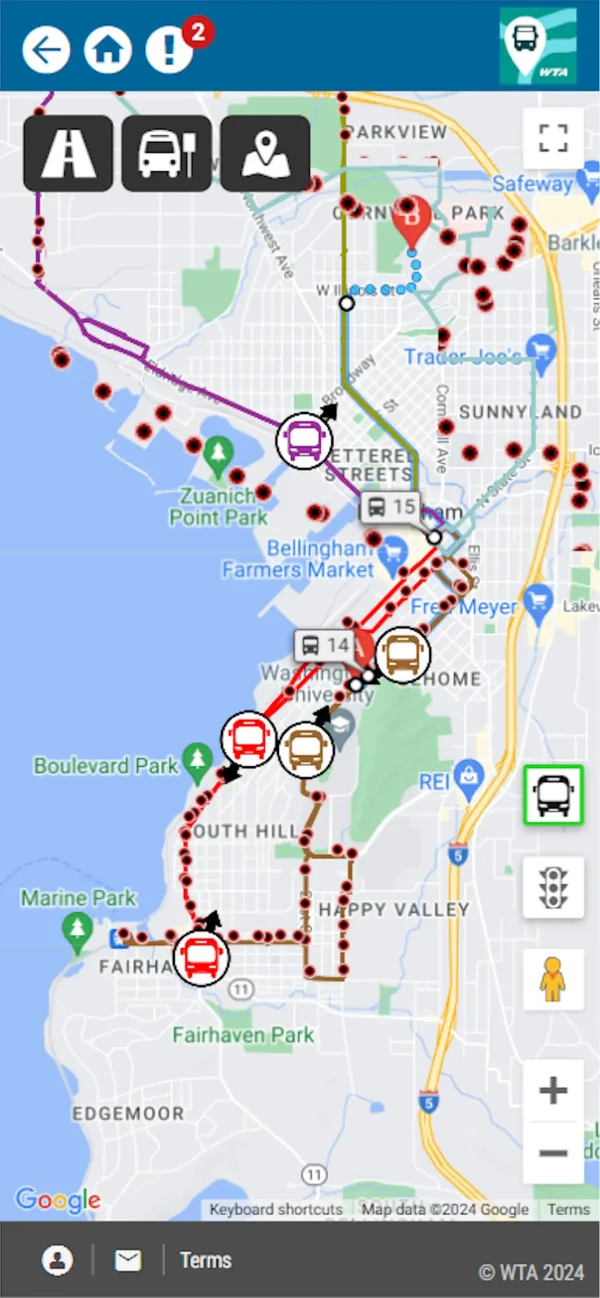
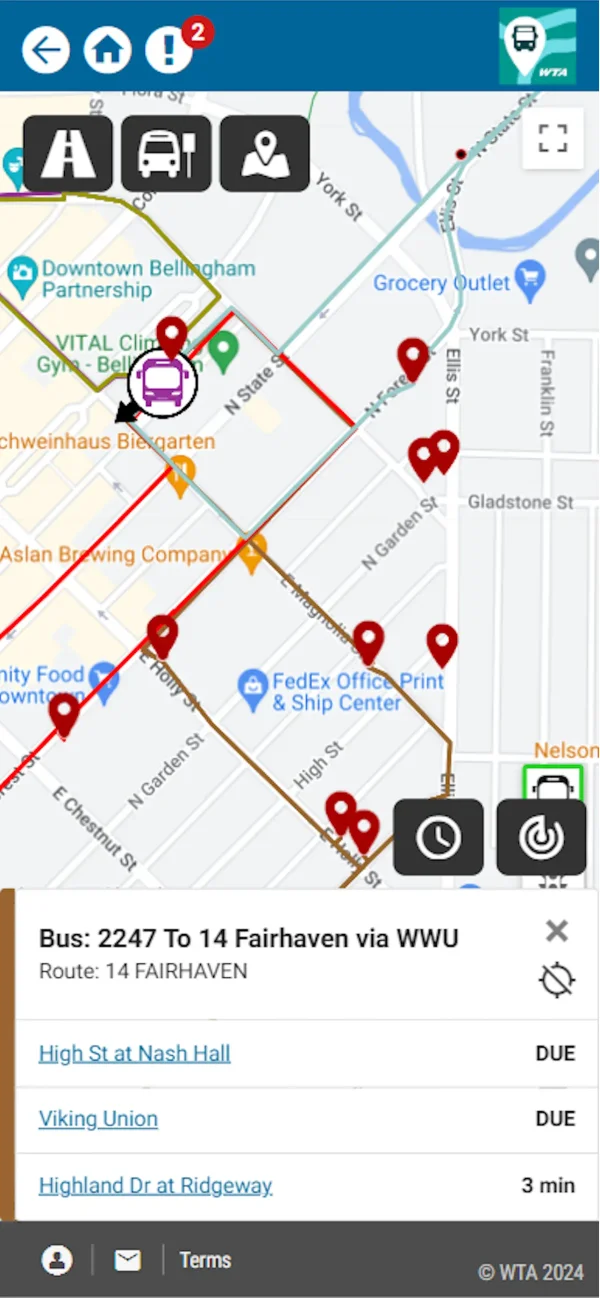
Catching the bus in Bellingham or Whatcom County? With WTA’s BusTracker, you can track your bus in real time. Plus, you can find your nearest stop, view our route map, and plan your upcoming trips—all from your mobile device!
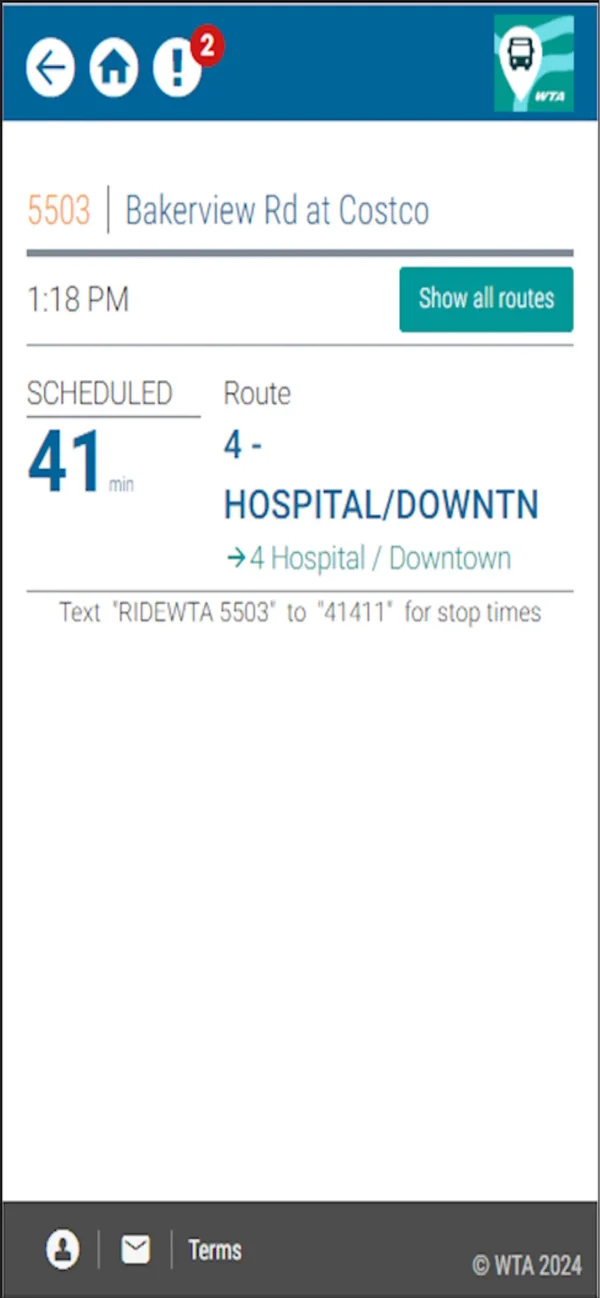
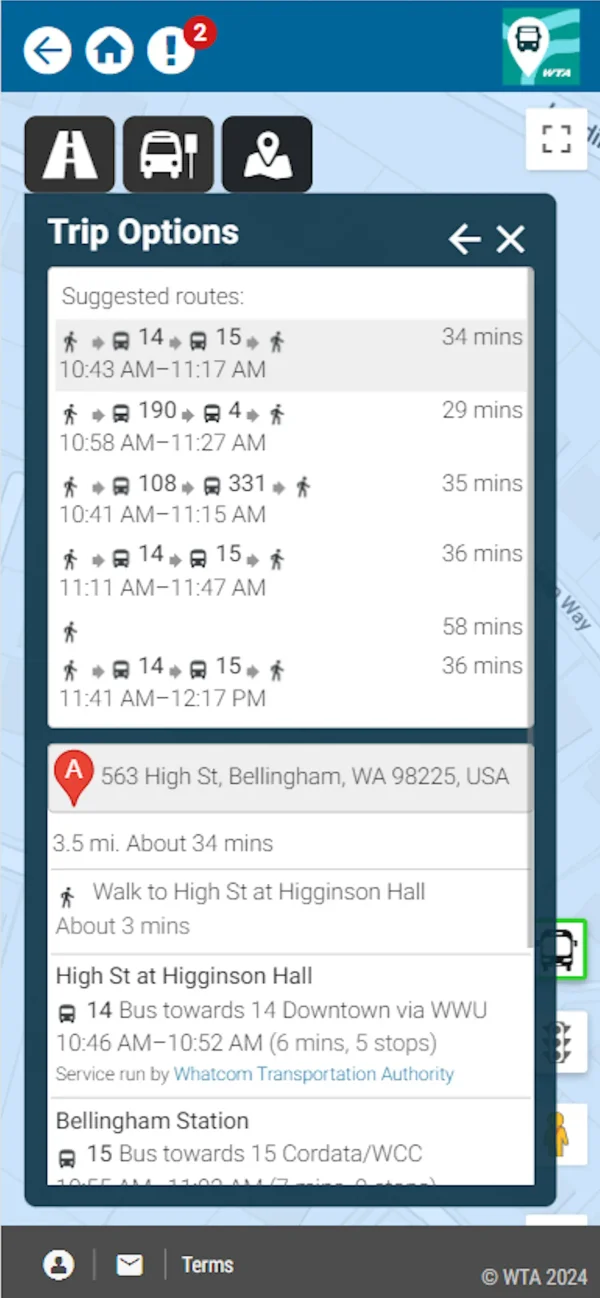
To view your bus in real time, click on “Real Time Map,” select a route, and look for the bus-in-a-circle icon. To plan a trip, click “Trip Planner” and enter your start and end locations. Using “Stop Times,” you can see all the buses on the way to your nearest stop.
What’s new
Version 1.4.0 · May 2, 2024
New icon and splash screen
App privacy
What Whatcom Transportation Authority declares on the App Store about how this app handles data.
-
Data not collected
The developer does not collect any data from this app.
Privacy practices may vary, for example with the features you use or your age.
Information
- Seller
- Whatcom Transportation Authority
- Category
- Navigation
- Version
- 1.4.0
- Updated
- May 2, 2024
- Released
- Apr 15, 2020
- Size
- 574.0 KB
- Requires
- iOS 16.4 or later
- Age rating
- 4+
- Price
- Free
- Languages
- English, Spanish
- Copyright
- © Whatcom Transportation Authority 2020
You might also like
-
 WWU Starlight ShuttleWestern's late night shuttle
-
 Players PalTravel
-
 Umo MobilityYour travel companion
-
 FerryFriendWashington Ferry Schedules
-
 Worcester WRTA Bus TrackerWorcester Bus Arrival Times
-
 Guemes Island FerryTravel
-
 Seattle METRO Bus TrackerBus tracker for Seattle
-
 Skagit Transit – ParatransitScheduling and ride management
-
 Methow Trails Grooming ReportTravel
-
 WSDOTTravel