
Wyro Timer
Turn WOD Photos Into Timers
Designed for iPhone, iPad
Free · In-app purchases
- Age rating9+
- CategoryHealth & Fitness
- DeveloperVasyl Prindyn
- LanguagesEnglish
- Size112.9 MB
Links to the official App Store page
Download.org hosts no file of Wyro Timer. The button opens its official App Store page, published by Vasyl Prindyn. Listing last checked on Nov 20, 2026.
Screenshots
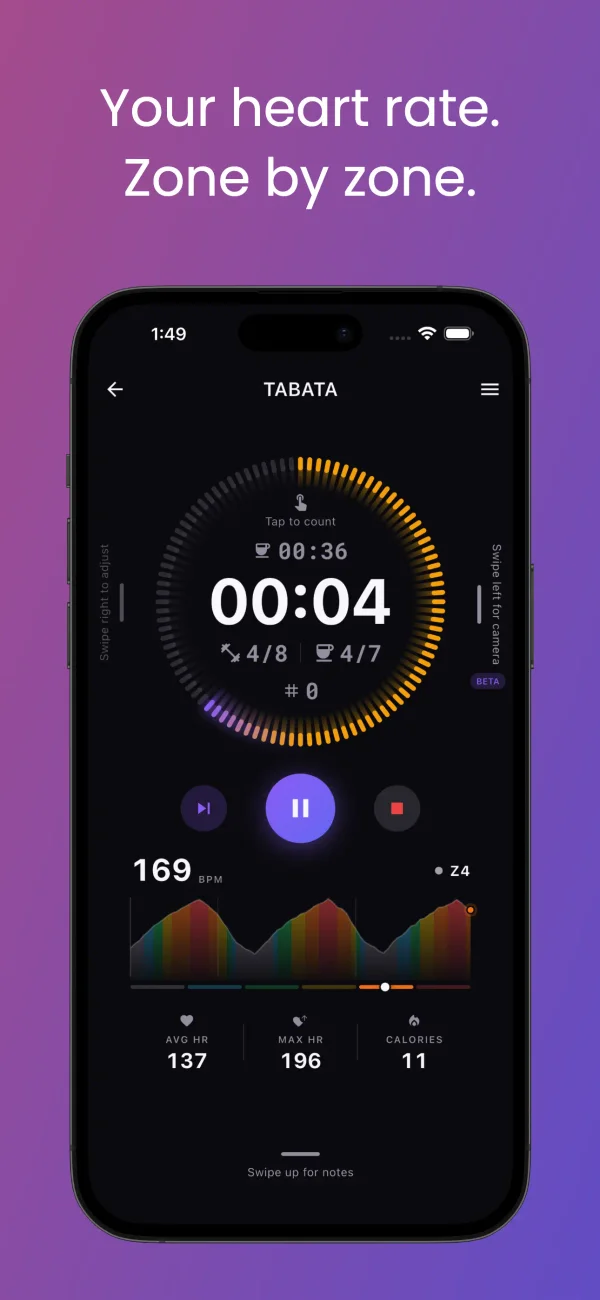
About
Stop wasting energy before you even start.
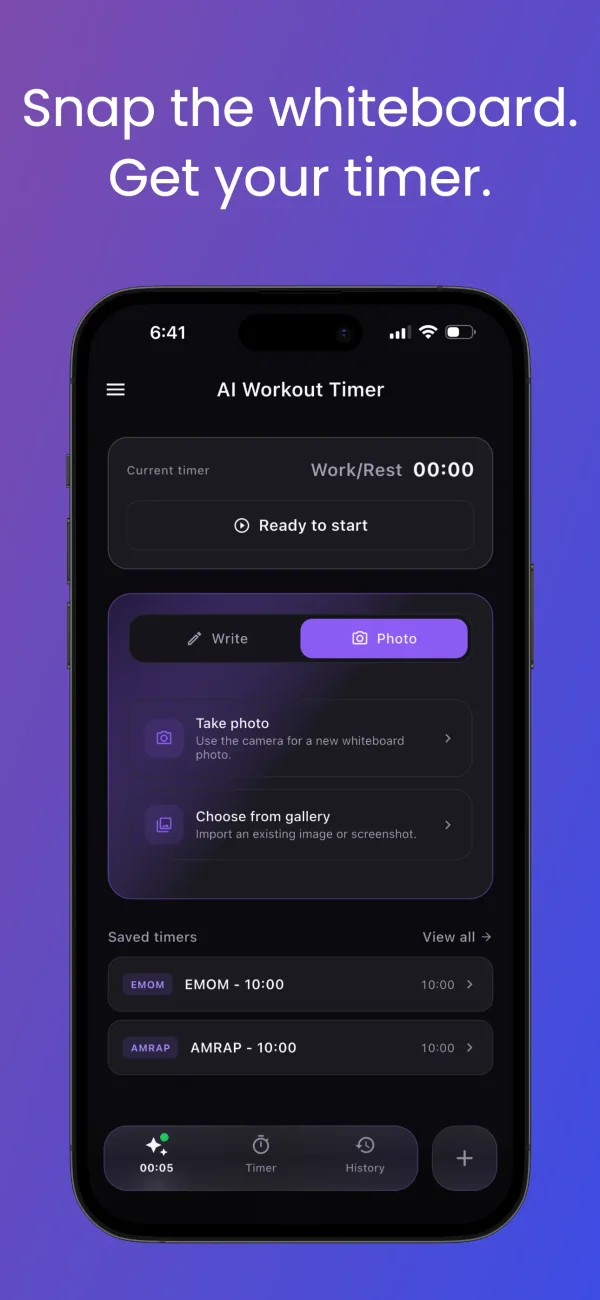
You've got the workout. You shouldn't have to spend 3 minutes setting up a timer for it. Wyro Timer takes your WOD — typed, pasted, or photographed — and has you running in seconds.
No more mental math. No more fumbling with settings. Just show it the workout and go.
Paste your WOD, get a timer instantly:
Copy from a text, a website, your coach's group chat — paste it in and the AI figures out the format, the rounds, the intervals, all of it. One tap and the timer is ready.
Can't type it? Just take a photo:
Snap the whiteboard. Screenshot your program. The AI reads it like you would and builds the timer for you. Works even when your hands are already chalked up.
Build and save your own timers:
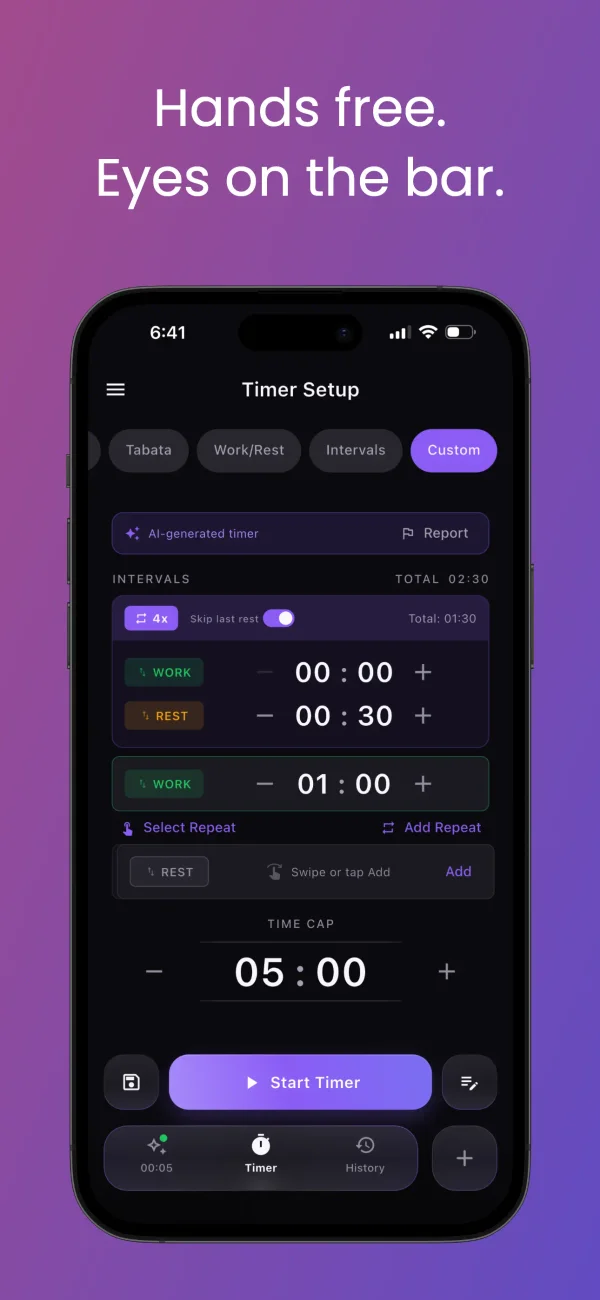
Not every workout needs AI. Create timers from scratch and save them — your go-to EMOM, your warm-up, your finisher. They're always there, ready to run without re-entering anything.
Film yourself with the timer built in:
Record your sets and actually know what you were doing when you watch it back. Round count, phase, and time remaining stay on screen the whole time. Share straight to Instagram, TikTok, or wherever you post your training.
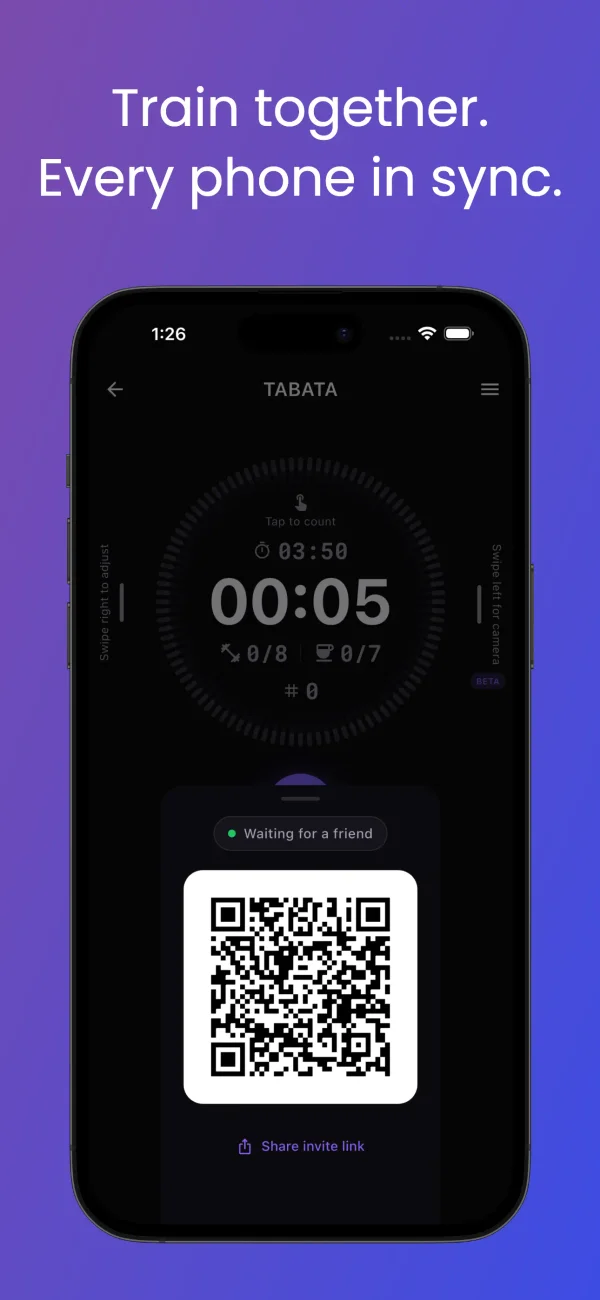
Train with your devices:
Use Apple Watch for live heart rate, heart-rate zones, and timer sync. Connect a Garmin watch using Broadcast Heart Rate, WHOOP in broadcast mode, or compatible Bluetooth heart-rate monitors such as Polar, Wahoo, and Coros.
Supports every format you train with:
AMRAP · EMOM · Tabata · For Time · Intervals · Work/Rest · Stopwatch · Custom
• AI features require a free account — sign up takes 30 seconds
• Manual timers work without an account
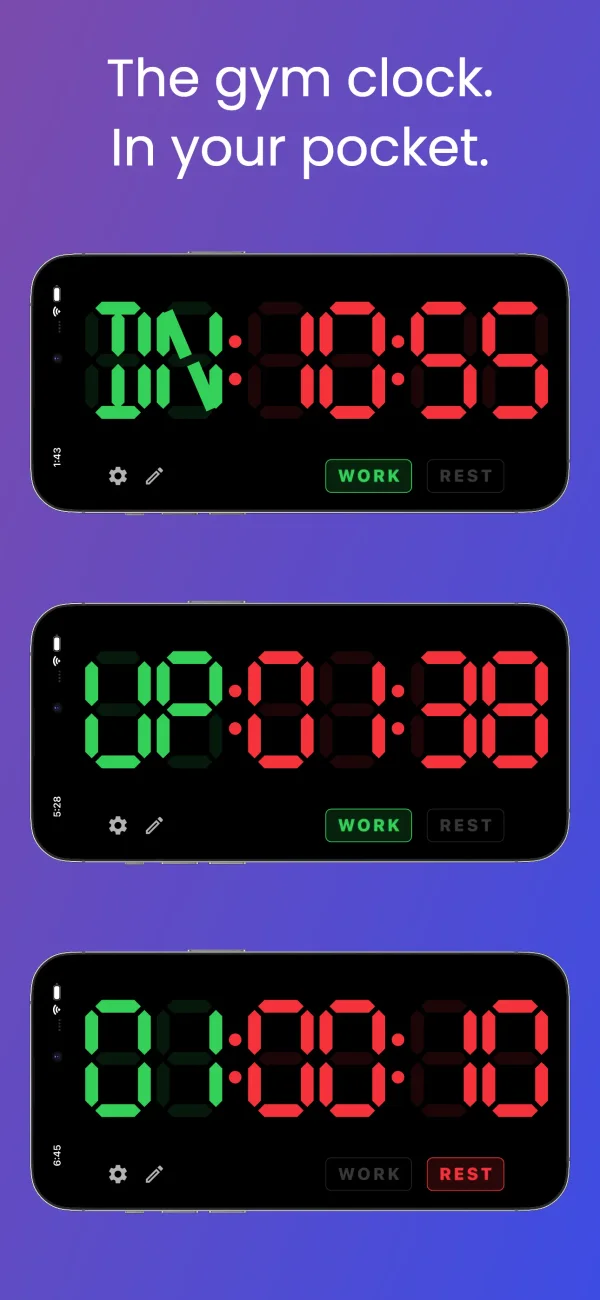
• Audio cues at every transition so you never need to look at the screen
• Works offline — syncs your history when you're back online
Terms of Use: https://www.apple.com/legal/internet-services/itunes/dev/stdeula/
What’s new
Version 1.2.1 · Nov 7, 2026
Bug fixes and improvements.
App privacy
What Vasyl Prindyn declares on the App Store about how this app handles data.
-
Data linked to you
May be collected and linked to your identity.
- Purchases
- Contact info
- User content
- Identifiers
-
Data not linked to you
May be collected but is not linked to your identity.
- Diagnostics
Privacy practices may vary, for example with the features you use or your age.
Information
- Seller
- Vasyl Prindyn
- Category
- Health & Fitness
- Version
- 1.2.1
- Updated
- Nov 7, 2026
- Released
- Mar 25, 2026
- Size
- 112.9 MB
- Requires
- iOS 16.1 or later
- Age rating
- 9+
- Price
- Free
- In-app purchases
- Yes
- Languages
- English
- Copyright
- © 2026 Nursultan Altynbekov
You might also like
-
 BODY BY OMNIHealth & Fitness
-
 Interval WorkingHealth & Fitness
-
 SimpleHIIT - 4 Minute TimerZero setup. Tap to start HIIT
-
 Healthy 101Health & Fitness
-
 Interval Pulse TimerHIIT & custom interval timer
-
 Fica AI: Fitness & Diet CoachPersonal Workouts, Diet, Macro
-
 TempoFitFitness Gym Timer
-
 Wodme - Manage Your FitnessBook Classes and Track WODs
-
 123 Fit NLHealth & Fitness
-
 Flextimer: Design Your TimeCustom Interval Timers