
- Age rating4+
- CategoryFood & Drink
- DeveloperDaniel Block
- LanguagesEnglish
- Size25.0 MB
Links to the official App Store page
Download.org hosts no file of XBRecipeWriter. The button opens its official App Store page, published by Daniel Block. Listing last checked on Nov 14, 2026.
Screenshots
About
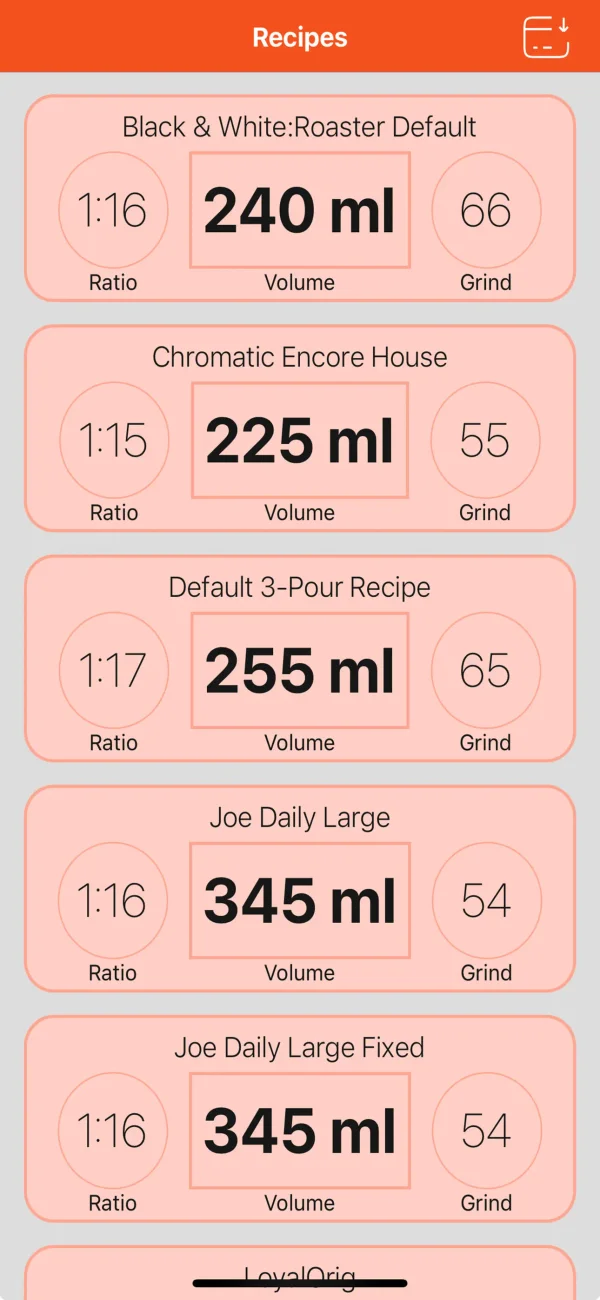
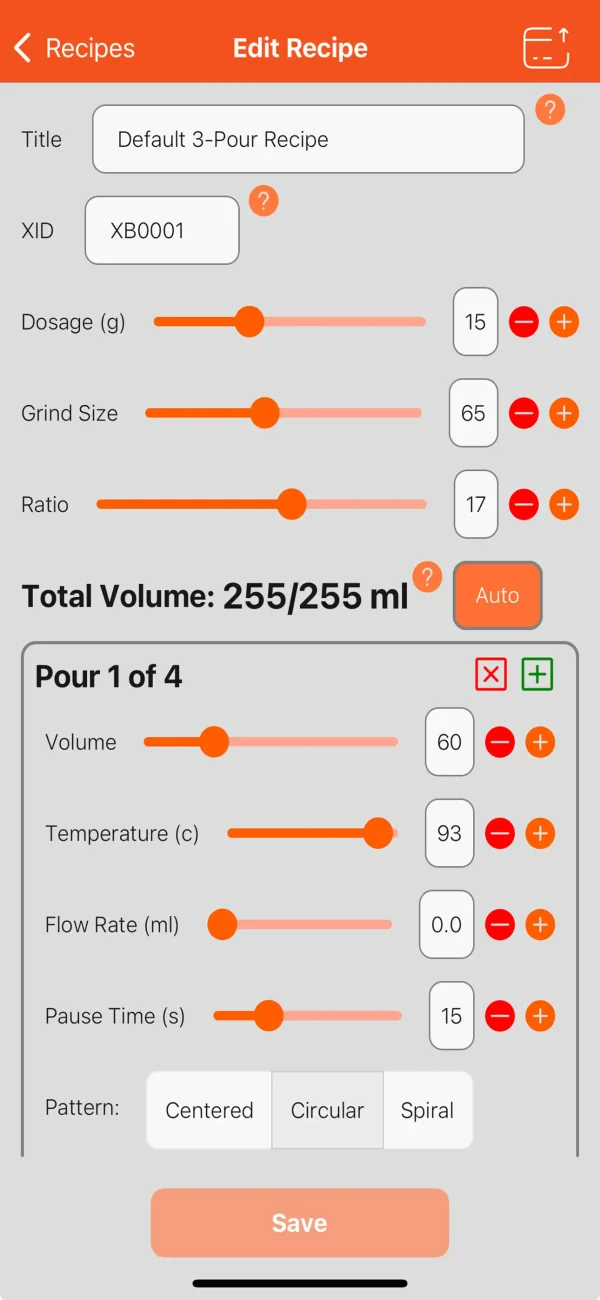
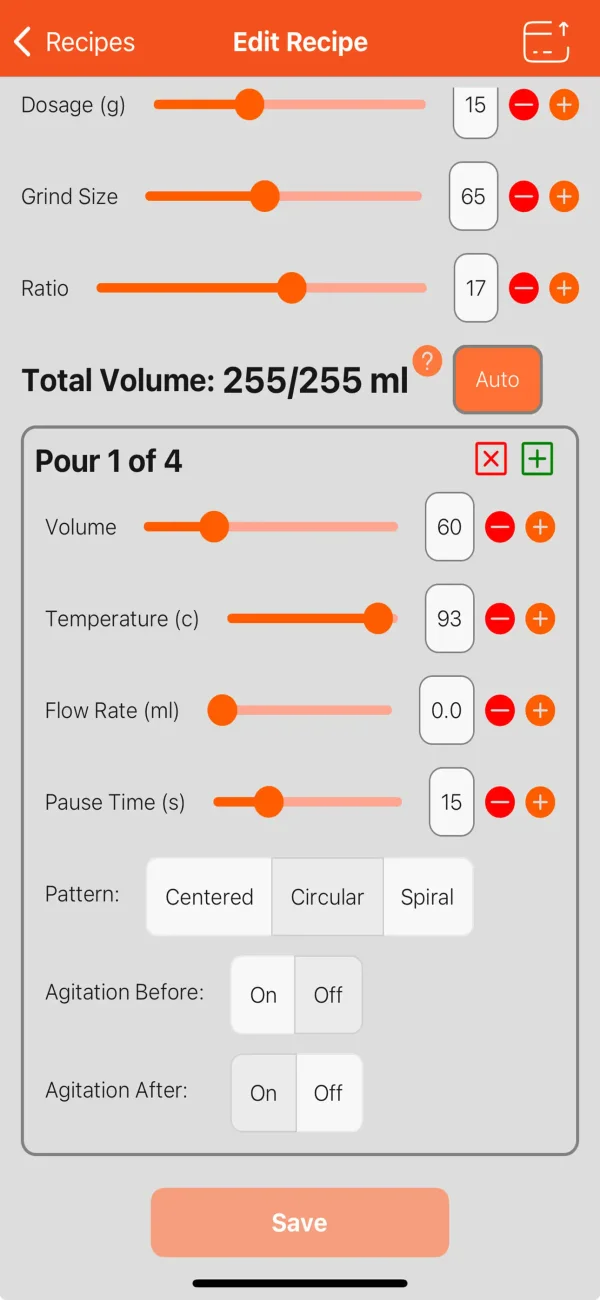
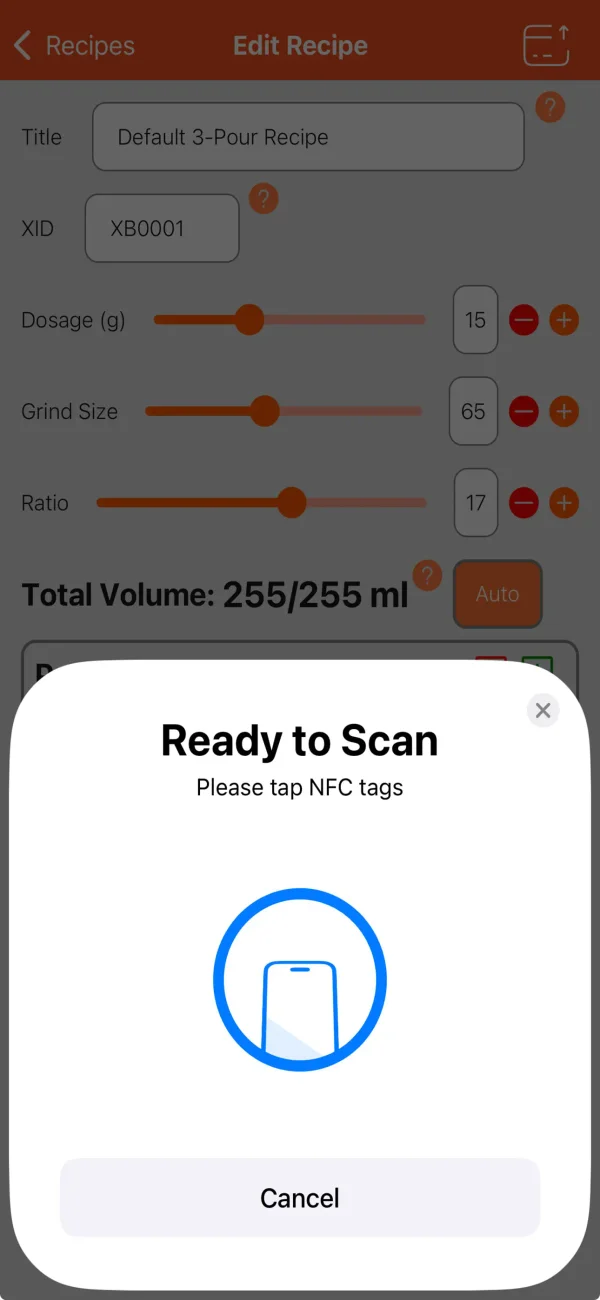
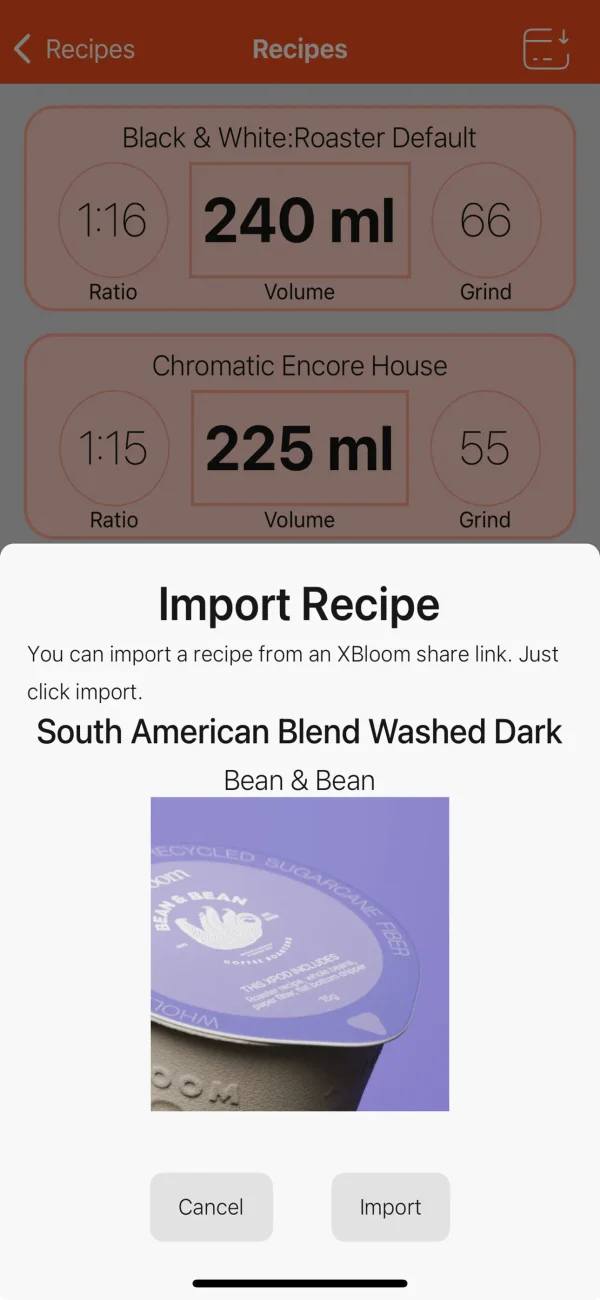
This app is for rewriting XBloom NFC cards and pods. You must use it with original NFC tags contained in either XBloom cards or pods. To start either begin by reading in an NFC tag by touching the read icon on the main page or import a recipe. To import a recipe, open up the XBloom share link in your mobile phone's browser, select the share button, and select the XBRecipeWriter app. If you are interested in any other functionality, or if things don't look right, please select the "?" next to each field, which will hopefully explain things better. Keep in mind, not all recipe functionality works with the NFC tags. For example, you can't set 1/2 ratios (e.g. .5) or turn off the grinder. Importantly, the NFC tags are assumed to be 15G of coffee, so the app makes certain volume and ratio adjustments to compensate for that. You can read more by clicking the "?" next to Machine Ratio and/or Total Volume.
App privacy
What Daniel Block declares on the App Store about how this app handles data.
-
Data not collected
The developer does not collect any data from this app.
Privacy practices may vary, for example with the features you use or your age.
Information
- Seller
- Daniel Block
- Category
- Food & Drink
- Version
- 1.0.5
- Updated
- Jan 3, 2025
- Released
- Jan 2, 2025
- Size
- 25.0 MB
- Requires
- iOS 15.1 or later
- Age rating
- 4+
- Price
- Free
- Languages
- English
- Copyright
- © 2024 Block AV, LLC
You might also like
-
 XBRW++ // xBloom Brew & CardsUnleash your coffee experience
-
 xb EnterpriseFood & Drink
-
 BeanBook - Coffee JournalCoffee brew guide,Recipe,Track
-
 Coffi - Coffee TrackerScan, Review & Track Coffee
-
 MeticulousFood & Drink
-
 Smart Espresso ProfilerConsistency redefined
-
 Catador CVASCA CVA coffee cupping form
-
 RoastguideWhere Great Coffee Finds You
-
 BeanconquerorTrack all of your coffee brews