
Xcasca - SSH, SFTP Client
Terminal, SSH, and SFTP Client
Designed for iPhone, iPad, Mac, iPod touch
Free · In-app purchases
- Age rating4+
- CategoryDeveloper Tools
- DeveloperNetSarang, Inc.
- LanguagesEnglish+ 5 more
- Size65.8 MB
Links to the official App Store page
Download.org hosts no file of Xcasca - SSH, SFTP Client. The button opens its official App Store page, published by NetSarang, Inc. Listing last checked on Nov 15, 2026.
Screenshots
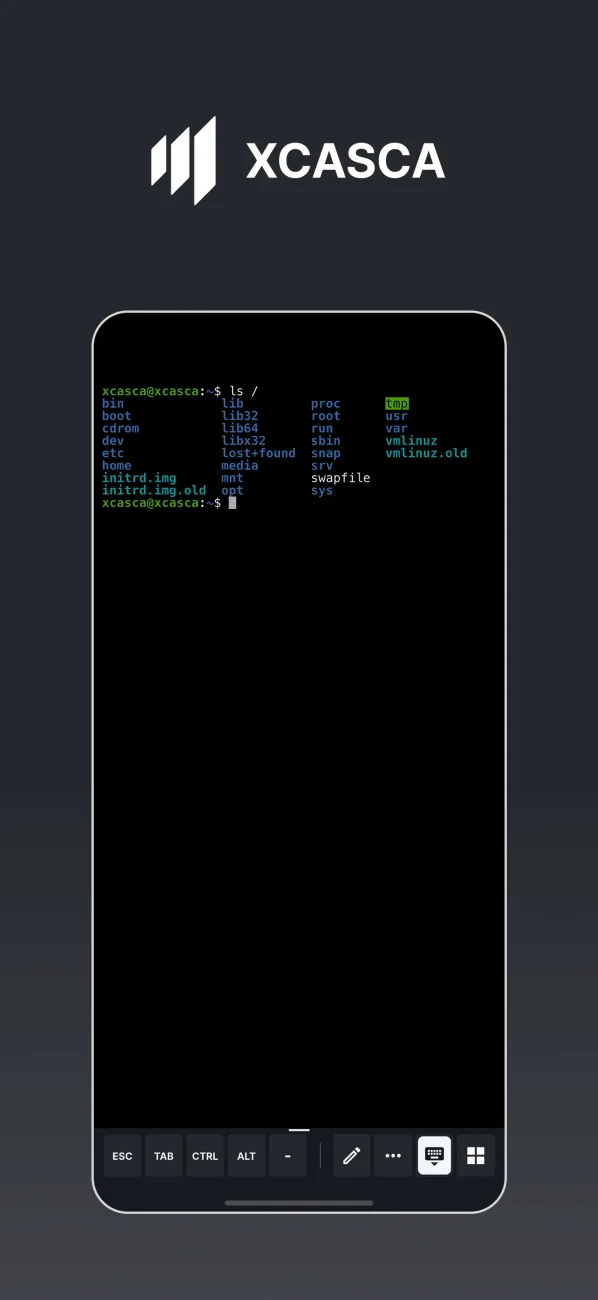
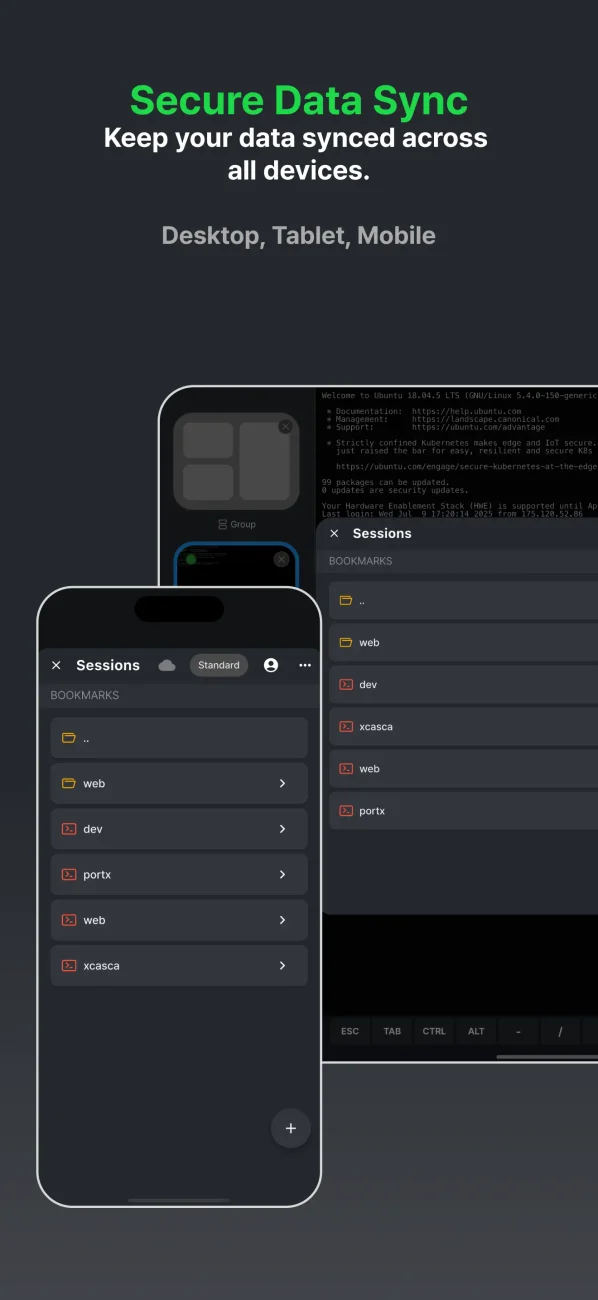
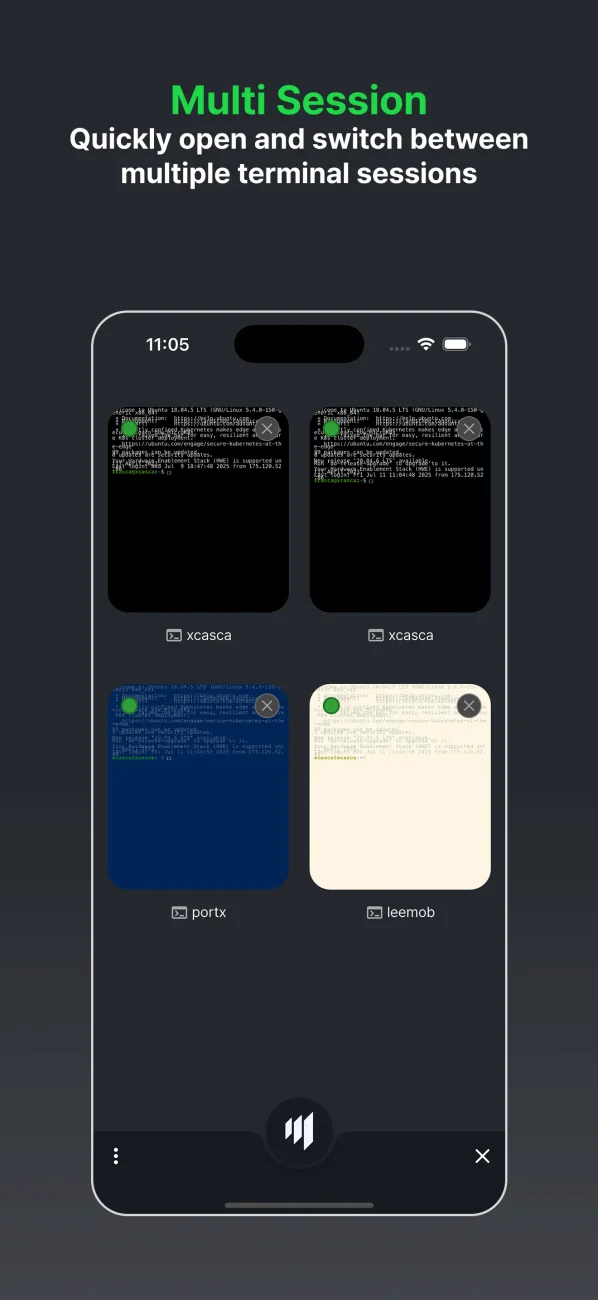
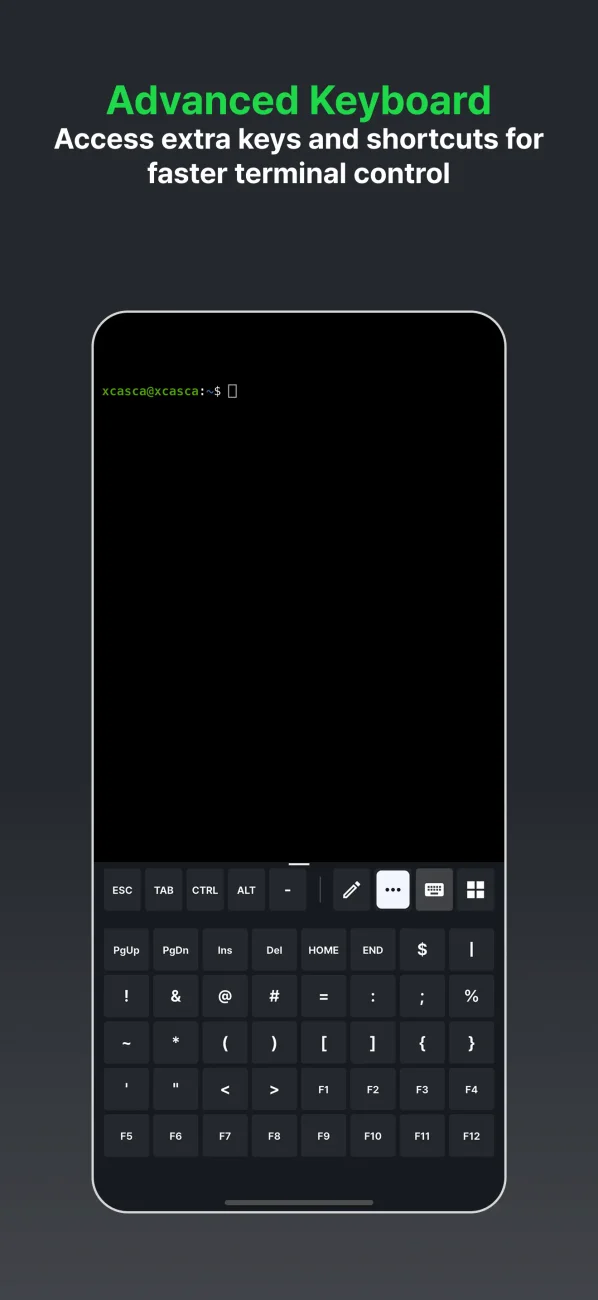
About
Simple, Lightweight, and Always in Sync. Xcasca is a cross-platform SSH & SFTP Client that gives you access to your sessions wherever and whenever. With a wide variety of features in a lightweight package, manage your remote systems on any device (desktop and mobile) with purity and efficiency.
Available for most desktop and mobile platforms.
Xcasca Features:
- Multi-Session Support. Have multiple connections open at once. Access to any of your sessions is just a finger-swipe or click away.
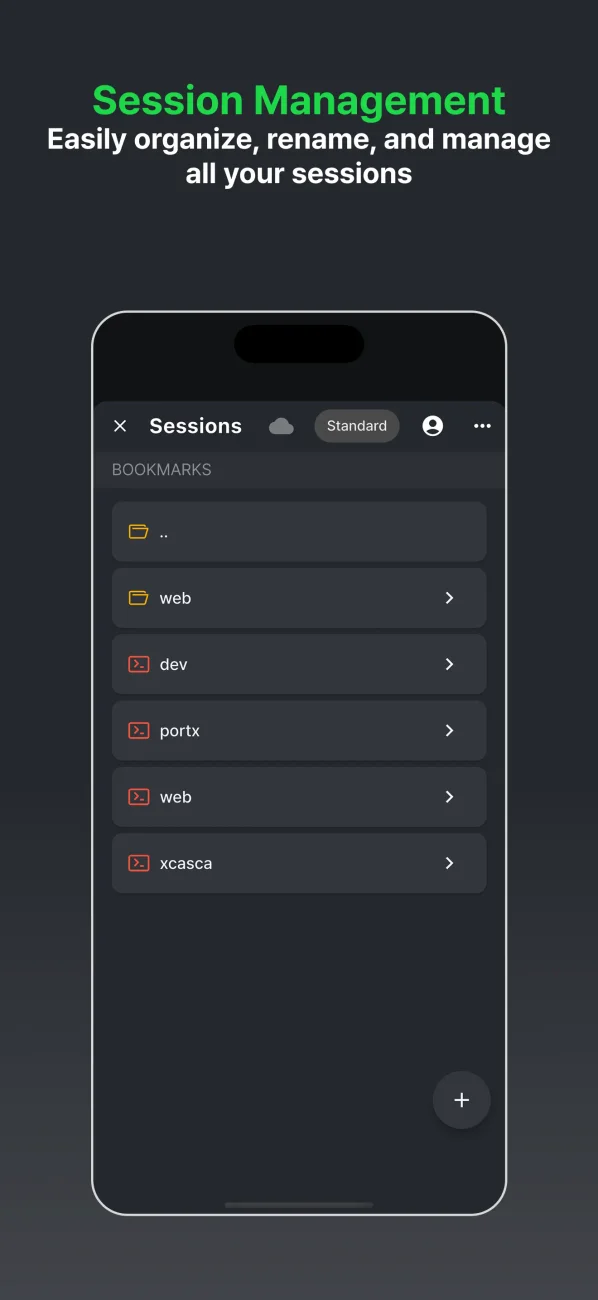
- Intuitive Session Management. Organize and edit your sessions with Xcasca’s session management.
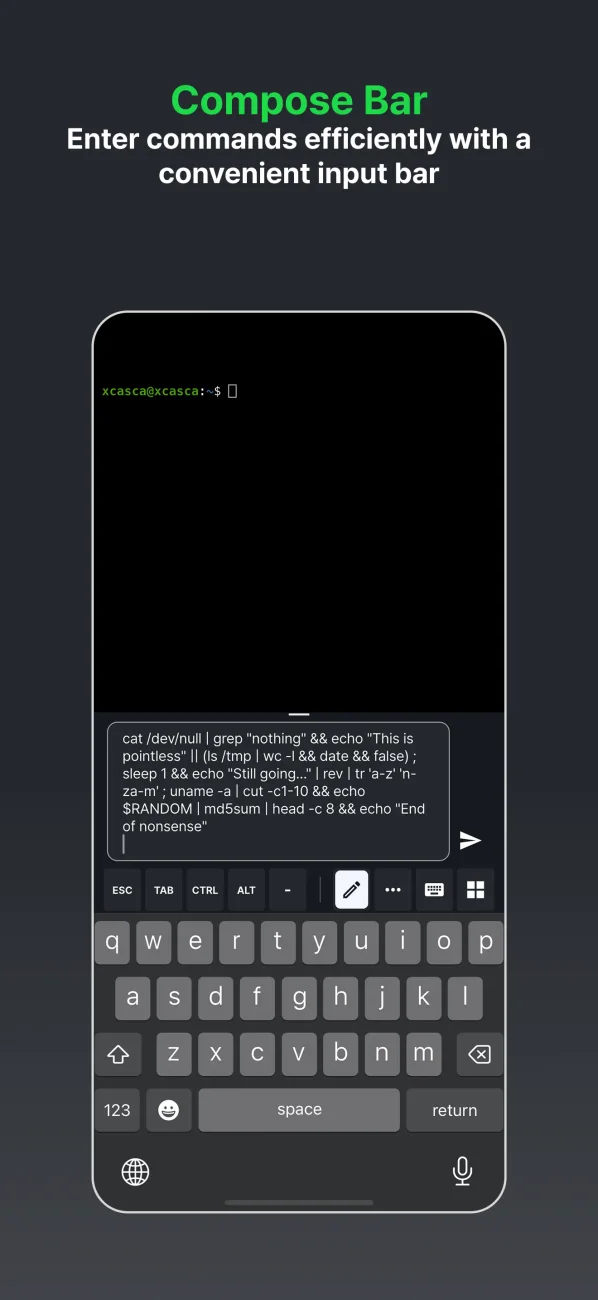
- Compose Bar. The multi-line Compose Bar allows you to type out, edit, and review your string before sending.
- Advanced Keyboard. Quick access to all special characters for whatever the situation calls for.
- Multiple Authentication Types. Password, Public Key, and Keyboard Interactive authentication support.
- Customizations. Modify appearance, font, and colors.
- Ad-Free.
- Actively developed with new features coming soon.
Xcasca Plus Plan(Trial):
- Secure Data Sync. Seamlessly synchronize your session data across desktop, tablet, and mobile platforms with robust security.
Terms: https://www.xcasca.com/terms
Privacy Policy: https://www.xcasca.com/privacy
Note: Some features Xcasca, including Secure Data Sync are provided as trial features with time-limited access (Xcasca Plus Plan). After the trial period, full functionality is available with a paid subscription. Please review the plan details for specific features during the trial period.
What’s new
Version 1.1.2 · Oct 29, 2026
- [MOD] TCP/IP port forwarding now included in the Free Plan
- [ADD] Terminal global key input
- [ADD] Terminal color scheme customizations
- [ADD] ZModem support
- [ADD] Edit remote files or change permissions in an SFTP session
- [ADD] Bookmarks for frequently used paths in file sessions
- [MOD] Improvements to terminal keyboard usability
- [MOD] Improvements to file transfer performance
- [MOD] Stabilization and improvements to the transfer status interface
App privacy
What NetSarang, Inc. declares on the App Store about how this app handles data.
-
Data not linked to you
May be collected but is not linked to your identity.
- Usage data
Privacy practices may vary, for example with the features you use or your age.
Information
- Seller
- NetSarang, Inc.
- Category
- Developer Tools
- Version
- 1.1.2
- Updated
- Oct 29, 2026
- Released
- Sep 22, 2025
- Size
- 65.8 MB
- Requires
- iOS 15.0 or later
- Age rating
- 4+
- Price
- Free
- In-app purchases
- Yes
- Languages
- English, German, Korean, Russian, Simplified Chinese, Traditional Chinese
- Copyright
- Copyright © NetSarang Computer, Inc. All rights reserved.
You might also like
-
 PortX - SSH (Deprecated)Terminal, SSH, and SFTP
-
 SSH TerminatorDeveloper Tools
-
 Easy SSHPure SSH Terminal Experience
-
 NetShell - SSH TerminalTerminal , Net & SFTP Client
-
 Core ShellTerminal, SSH & Serial Client
-
 Tempest 3 - SSH, RDP & MoshSSH, S3, RDP, Mosh, Everything
-
 TermBean - SSH SFTP ClientModern SSH Telnet FTP Tool
-
 WebSSHSSH Terminal,SFTP,AWS,NAS
-
 Terminux: SSH ClientSecure shell & Automation
-
 NaviTerm AI - SSH,SFTP,TunnelsNext-Gen AI SSH & Terminal Hub