- Age rating12+
- CategoryUtilities
- DeveloperComcast
- LanguagesEnglish+ 3 more
- Size613.8 MB
Links to the official App Store page
Download.org hosts no file of Xfinity. The button opens its official App Store page, published by Comcast. Listing last checked on Nov 23, 2026.
Screenshots
About
Your Xfinity experience, enhanced.
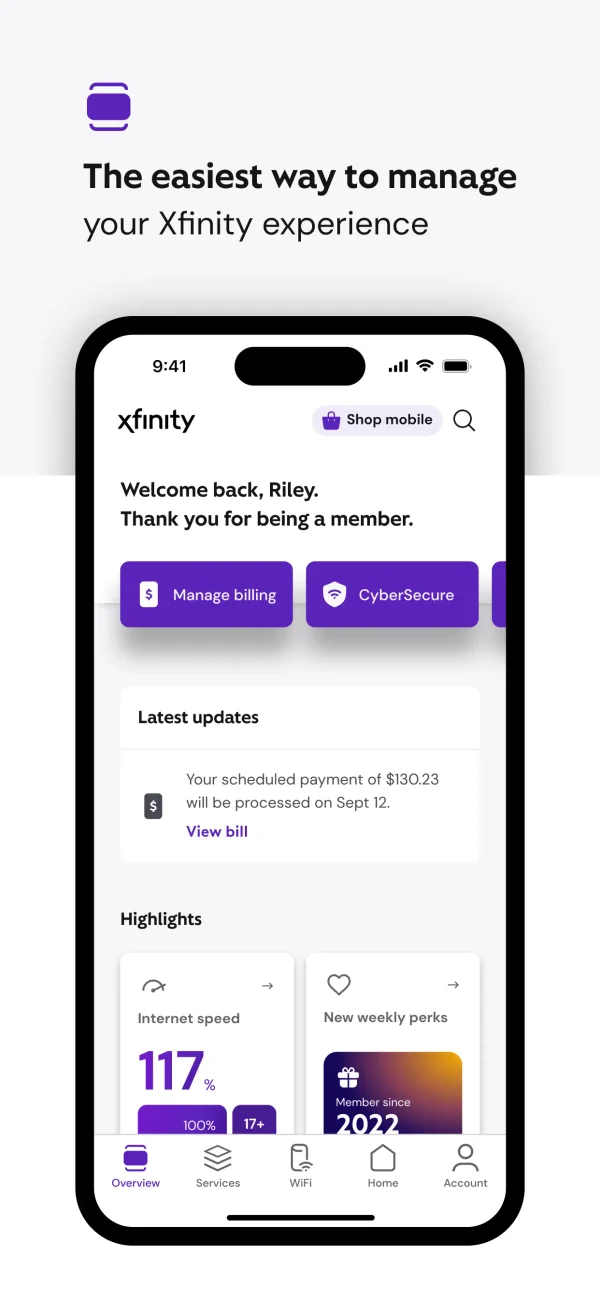
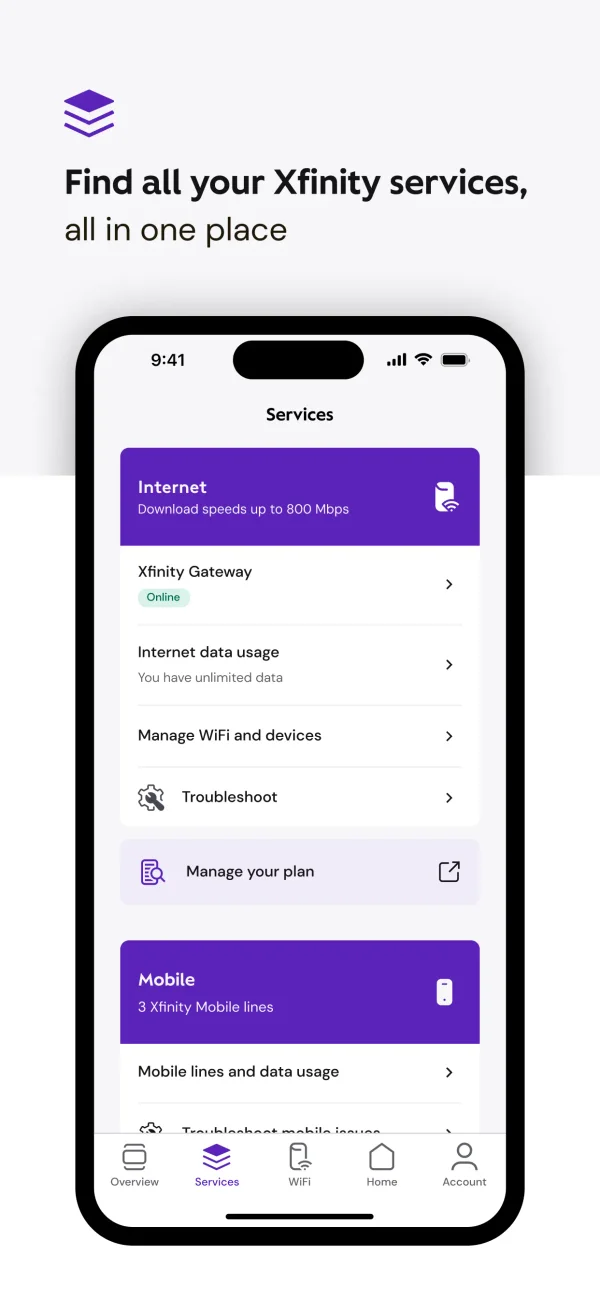
Easily manage all your services in one place with the Xfinity app. Plus discover the power of NOW.
NOW is a simple new way to get internet and mobile. It’s just what you want, and nothing you don’t. With all-in monthly pricing. Backed by Xfinity.
Xfinity customers also get:
• 24/7 real-time support anytime you need it.
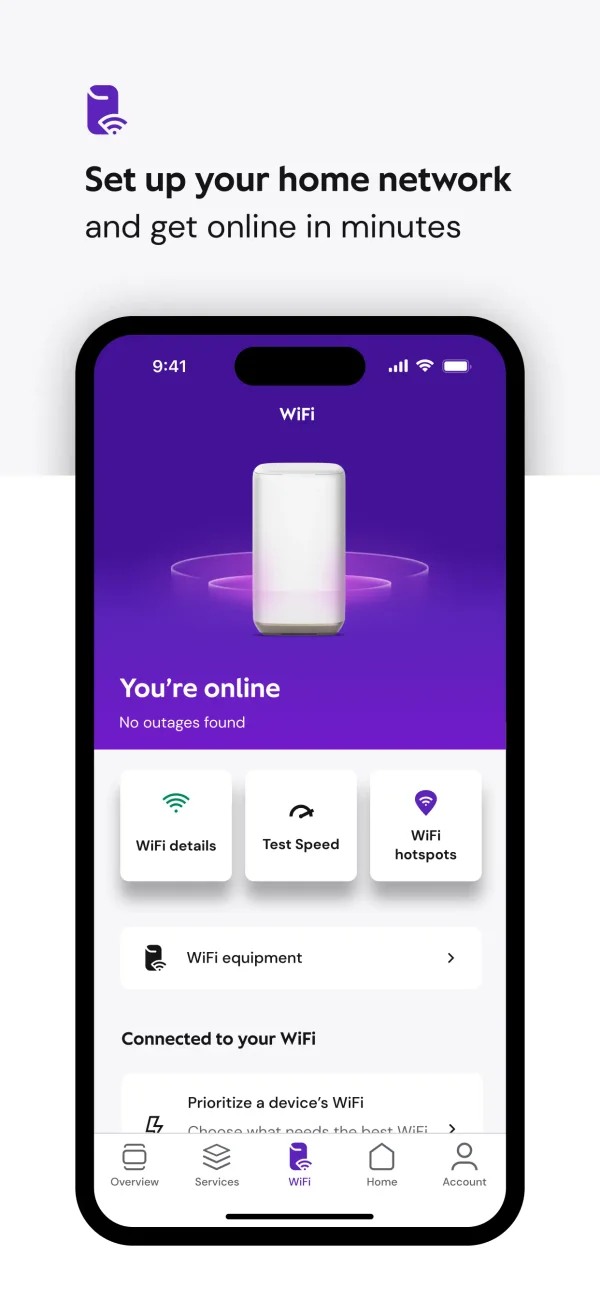
• Tools to help you seamlessly activate your equipment and test your internet speed.
• Xfinity Rewards. Enjoy special perks, unique experiences, and product benefits just for being a customer.
Customers who rent our equipment get even more:
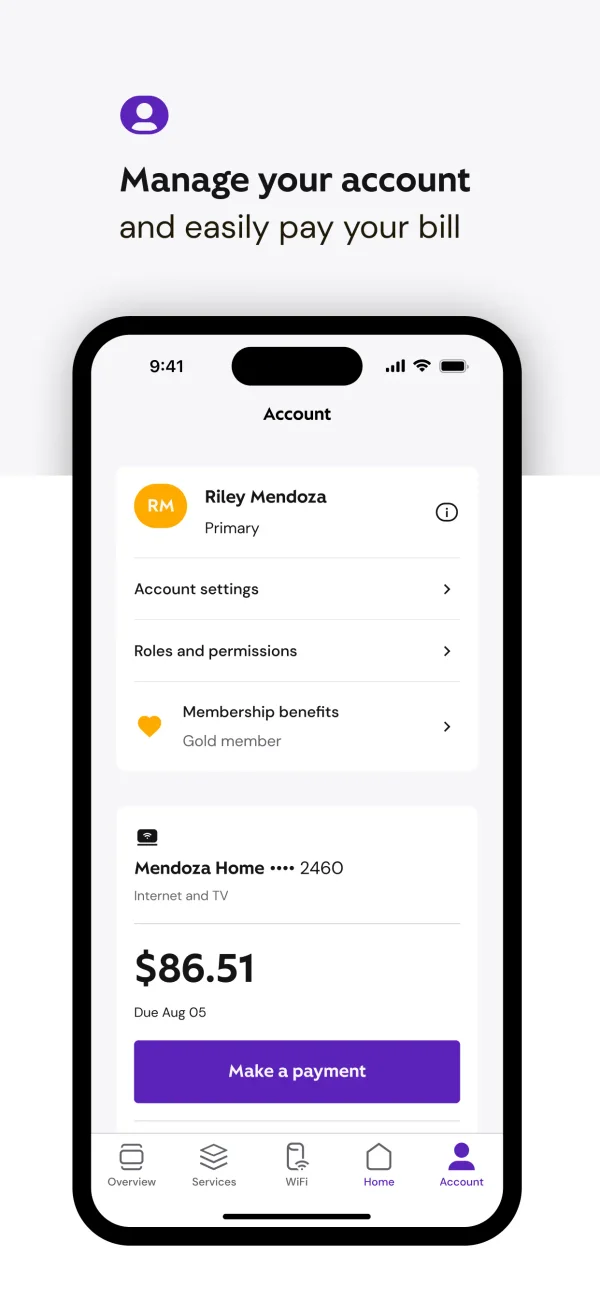
• Everything you need to manage your account, all in one place — pay your bill, view your plan details, change or upgrade your services, and more.
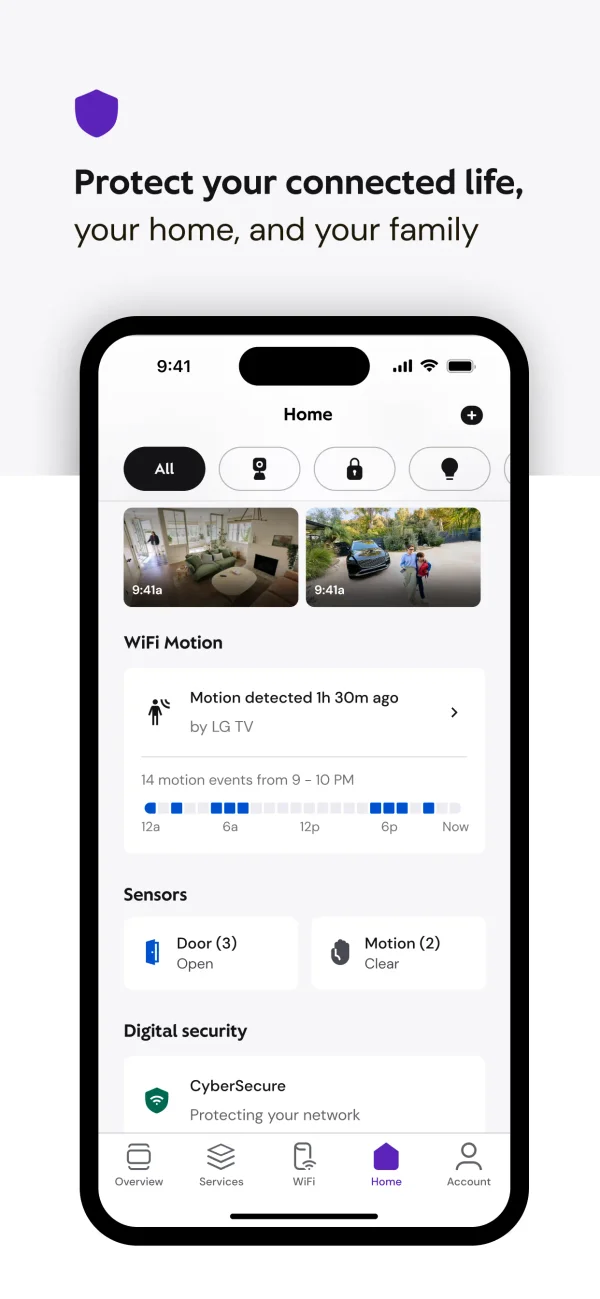
• Personalized tools and tips to help improve WiFi performance.
• CyberSecure to protect your devices and help keep loved ones safe online.
• CyberSecure on-the-go provides safe browsing and data protection to your mobile device whenever you're connected to an unsecured WiFi network away from home. When you enable this feature, the app will occasionally run a VPN Service. The app will ask for additional runtime permissions for this feature.
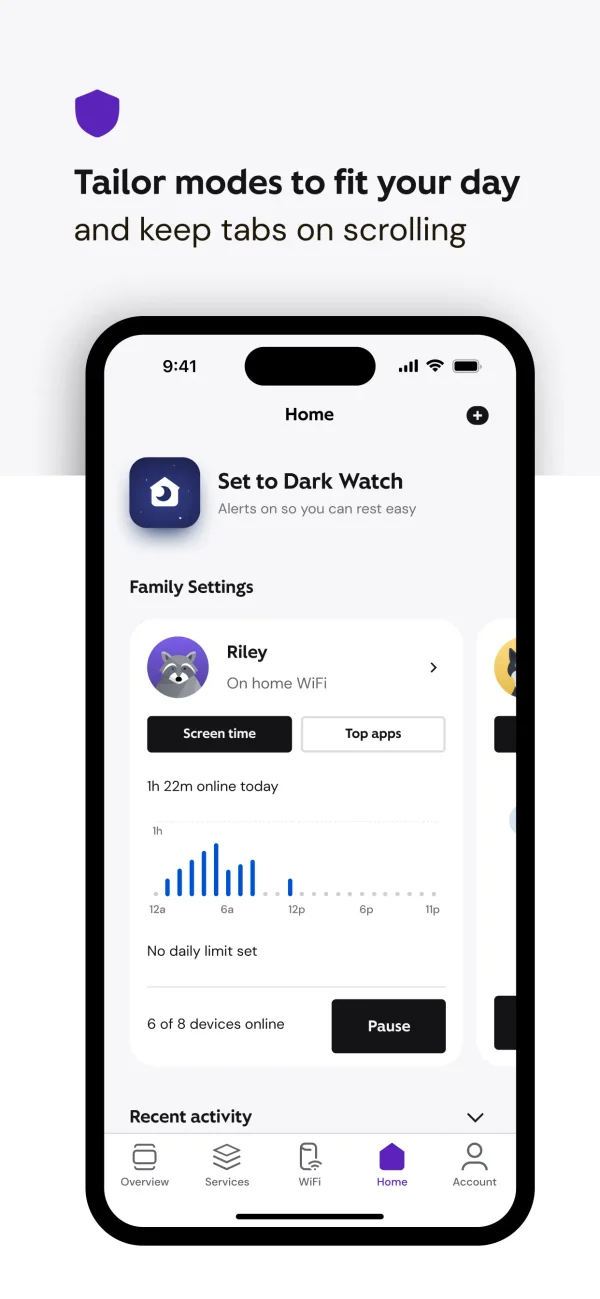
• Family Settings so you can set family-safe browsing and pause WiFi to any connected device.
• Ultimate control with tools to help you set up your WiFi, assign user profiles, and get help improving the performance of every connected device.
• Gateway Speed Test checks the internet speed delivered directly to your Xfinity WiFi Gateway
Getting started is simple. All you need is your Xfinity ID and the password you set up when you signed up for Xfinity.
Need help signing in?
• If you don't have an Xfinity ID yet, create one here: xfinity.com/getstarted
• Look up your existing Xfinity ID: xfinity.com/id
• Or reset your Xfinity password: xfinity.com/password
Learn more about your options related to ‘California Civil Code §1798.135: Do Not Sell My Info’ at xfinity.com/privacy/manage-preference
What’s new
Version 6.16.0 · Nov 19, 2026
We're always improving.
This update eliminates bugs and reduces errors to give you the best experience.
App privacy
What Comcast declares on the App Store about how this app handles data.
-
Data linked to you
May be collected and linked to your identity.
- Purchases
- Location
- Contact info
- User content
- Browsing history
- Identifiers
- Usage data
- Diagnostics
-
Data not linked to you
May be collected but is not linked to your identity.
- User content
Privacy practices may vary, for example with the features you use or your age.
Information
- Seller
- Comcast Interactive Media
- Category
- Utilities
- Version
- 6.16.0
- Updated
- Nov 19, 2026
- Released
- Apr 18, 2017
- Size
- 613.8 MB
- Requires
- iOS 17.2 or later
- Age rating
- 12+
- Price
- Free
- Languages
- English, French, Italian, Spanish
- Copyright
- © Copyright 2026 Comcast
You might also like
-
 Xfinity Mobile CareUtilities
-
 ComEd - An Exelon CompanyMy ComEd Account On-The-Go
-
 DTE EnergyPay Your Bills, Report Outages
-
 Eversource EnergyUtilities
-
 FPLUtilities
-
 BGE - An Exelon CompanyMy Account On-The-Go
-
 Consumers EnergyUtilities
-
 Xcel EnergyManage Your Account
-
 SURFboard CentralUtilities
-
 Peoples Gas ChicagoPeoples Gas Account, Bill, Pay