
- Age rating4+
- CategoryProductivity
- DeveloperYang Hu
- LanguagesEnglish
- Size23.2 MB
Links to the official App Store page
Download.org hosts no file of xgoose. The button opens its official App Store page, published by Yang Hu. Listing last checked on Nov 20, 2026.
Screenshots
About
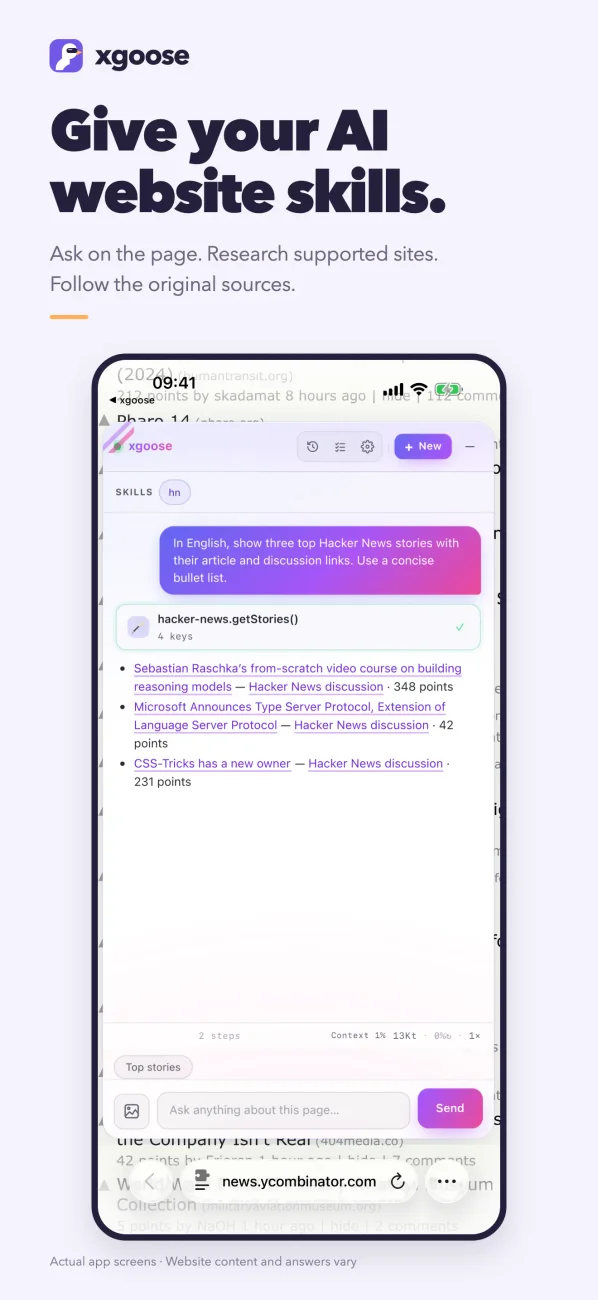
Think of xgoose as Tampermonkey for AI: website skills that help your assistant work with the sites you use. On iPhone and iPad, these skills come built into the Safari extension. Ask about a page, search supported websites, and follow links back to the original sources.
RESEARCH WHERE YOU BROWSE
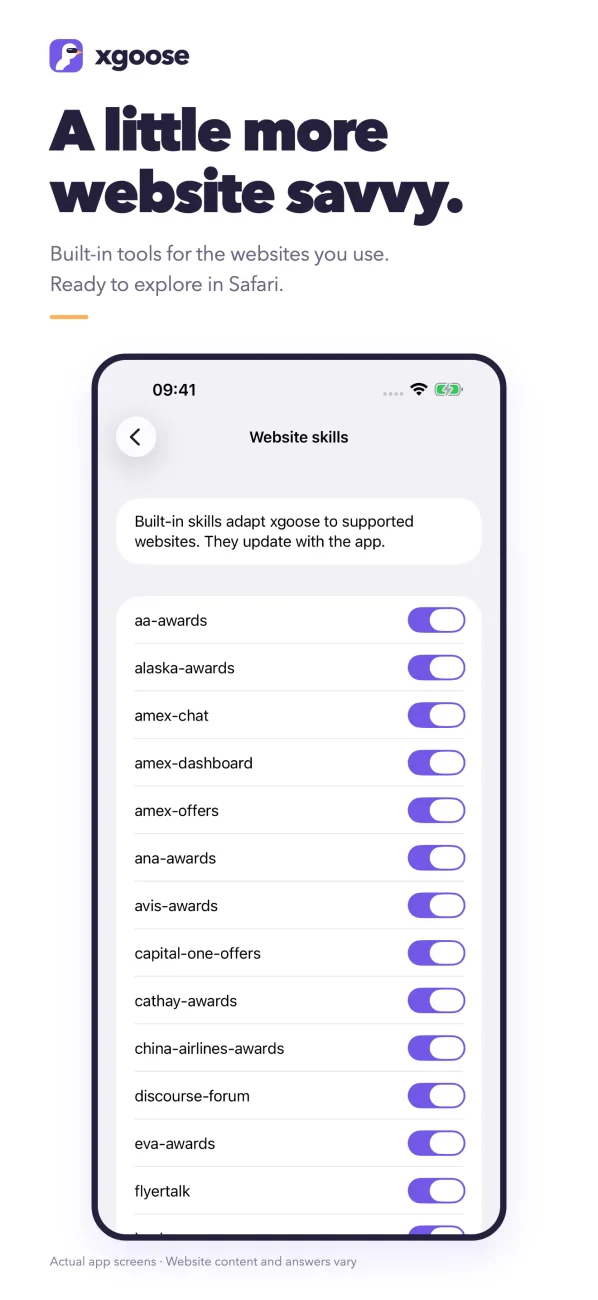
Read an article, explore a forum, or ask a follow-up question without leaving the page. Website skills give xgoose tools for supported sites, including Hacker News, Reddit, V2EX, NGA, Weibo and Discourse forums. Available tools and results depend on the website, its permissions and your sign-in status. Check the sources before relying on an AI answer.
CHOOSE YOUR AI
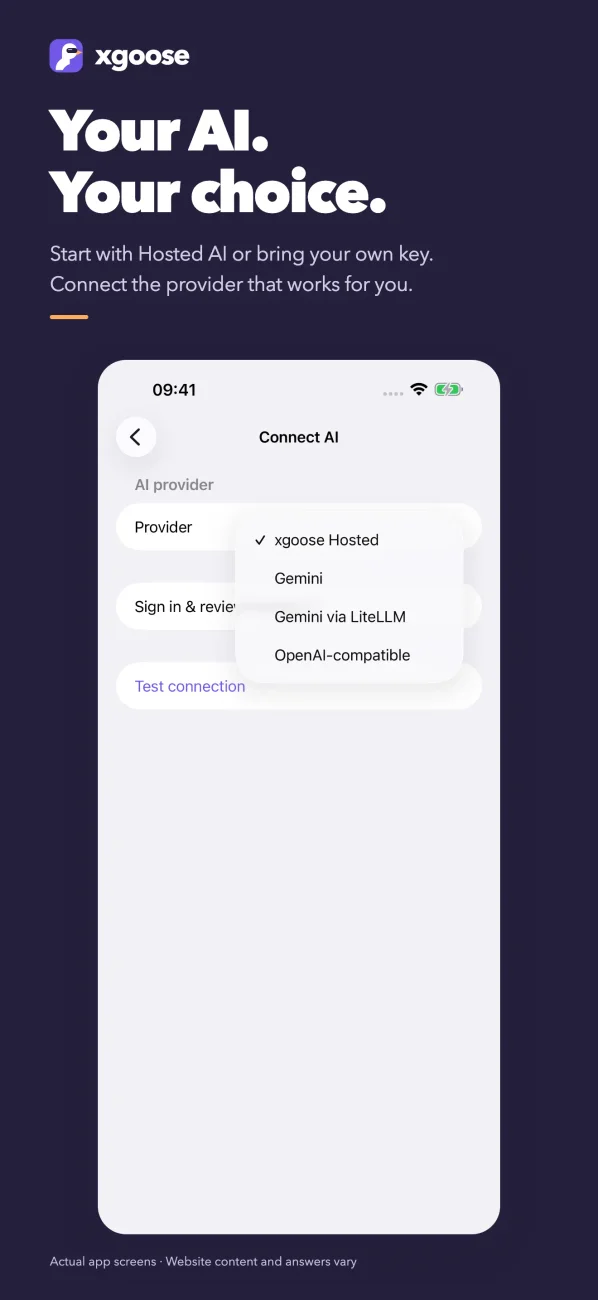
Sign in by email to use xgoose Hosted AI with your account's available credit, or bring your own API key without creating an xgoose account. BYOK supports Gemini and OpenAI-compatible HTTPS services, including LiteLLM. Available Hosted models and trial credit follow the current account policy. Third-party providers may charge for their services.
KEEP THE CONVERSATION GOING
Stream answers, stop a response, add selected images, revisit local conversation history and export your chats. Long conversations manage their context automatically. Content already received is retained if a run is interrupted. Image support depends on the selected model.
SET UP IN THE APP
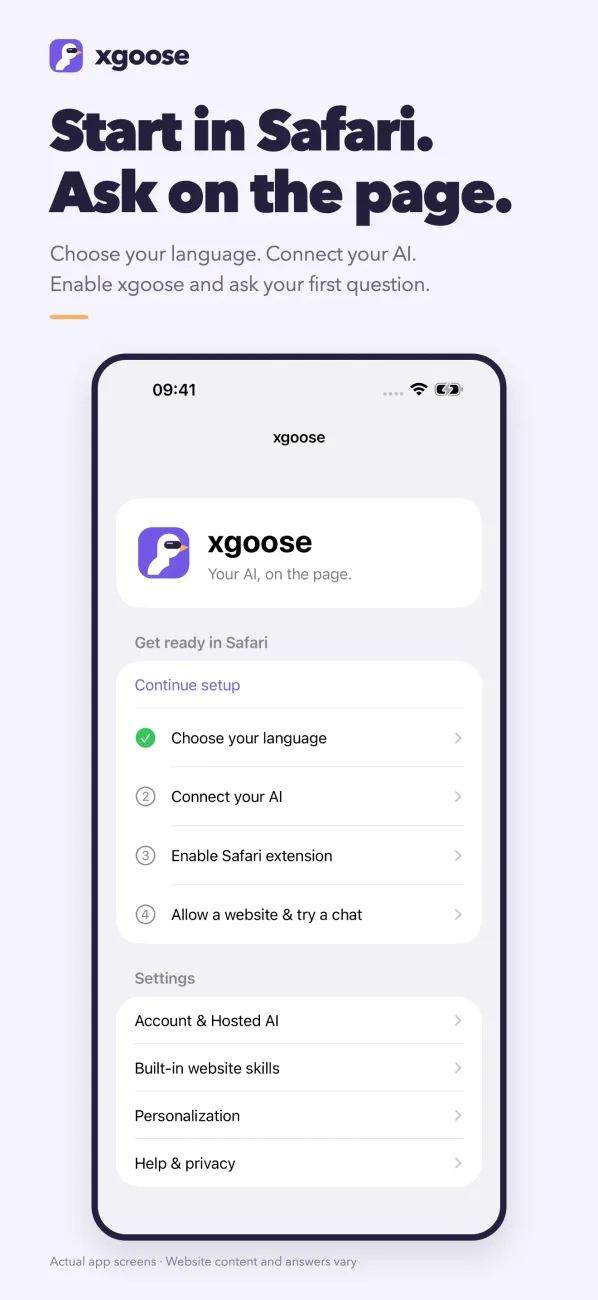
Choose your language, connect your AI and follow the Safari extension setup guide. The interface supports English, Chinese and Spanish. Grant access to one website or choose broader access in Safari, then open xgoose on the page you want help with. Setup can be paused and resumed.
CLEAR DATA CHOICES
API keys and account credentials are stored in the device-only iOS Keychain. BYOK sends content needed for your request to your chosen provider; BYOK conversations remain local and are not uploaded to xgoose. Hosted AI sends relevant messages and page content to xgoose and its AI providers. Hosted conversations are stored for 90 days, with credential redaction and audited access by authorized administrators. Optional usage analytics are off on a new installation. Account deletion is available in the app.
Built-in executable website skills ship with app updates. The iOS app does not install community scripts, edit scripts, run AI-generated JavaScript or download executable skill updates.
Requires iOS or iPadOS 18 or later and an AI connection. Enable xgoose in Settings > Apps > Safari > Extensions, then allow it on the website you want to use.
Open source: https://github.com/xGoose-dev/xgoose
Support: https://xgoose.org/support/
Privacy: https://api.xgoose.org/privacy/ios
What’s new
Version 1.15 · Nov 14, 2026
Fix screenshot cancellation and recovery on stalled pages. Resolve waiting tasks when a peer page cannot start xgoose. Improve page-execution errors, forum post ranges, and Zhihu article handoff.
App privacy
What Yang Hu declares on the App Store about how this app handles data.
-
Data linked to you
May be collected and linked to your identity.
- Contact info
- User content
- Search history
- Browsing history
- Identifiers
- Usage data
- Diagnostics
Privacy practices may vary, for example with the features you use or your age.
Information
- Seller
- Yang Hu
- Category
- Productivity
- Version
- 1.15
- Updated
- Nov 14, 2026
- Released
- May 20, 2026
- Size
- 23.2 MB
- Requires
- iOS 18.0 or later
- Age rating
- 4+
- Price
- Free
- Languages
- English
- Copyright
- © 2026 Yang Hu
You might also like
-
 BibKitModern Citation Management
-
 AgentBridge ProSafer AI Workflow
-
 Markdown Editor: MD HTML PDFEdit .md and .html in place
-
 ContextFlow: AI for SafariSummarize & ask any web page
-
 ClipCard: Paste KeyboardCards, IBAN and notes, one tap
-
 Markmatic - AI to Word & PDFChatGPT to Word and PDF
-
 FloomNotes with AI on every page
-
 Notebooker AIChat with anything
-
 Portable for SafariAI experts in every tab
-
 TXToCHART – Text to ChartsText to Beautiful Charts