Xiylo Pro
Per-App Sound, EQ & Boost
Designed for iPhone, iPad, Mac
Free · In-app purchases
- Age rating4+
- CategoryUtilities
- DeveloperKaran Chatlani
- LanguagesEnglish+ 10 more
- Size15.0 MB
Links to the official App Store page
Download.org hosts no file of Xiylo Pro. The button opens its official App Store page, published by Karan Chatlani. Listing last checked on Nov 17, 2026.
Screenshots

About
Your Mac’s sound. In your hands.
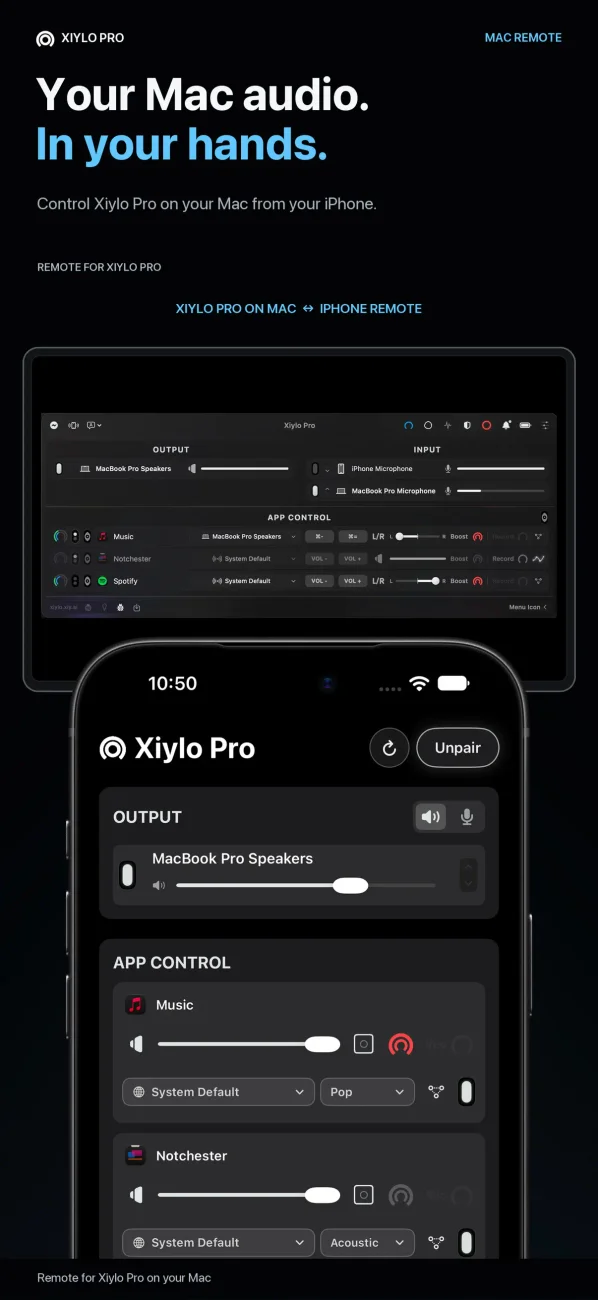
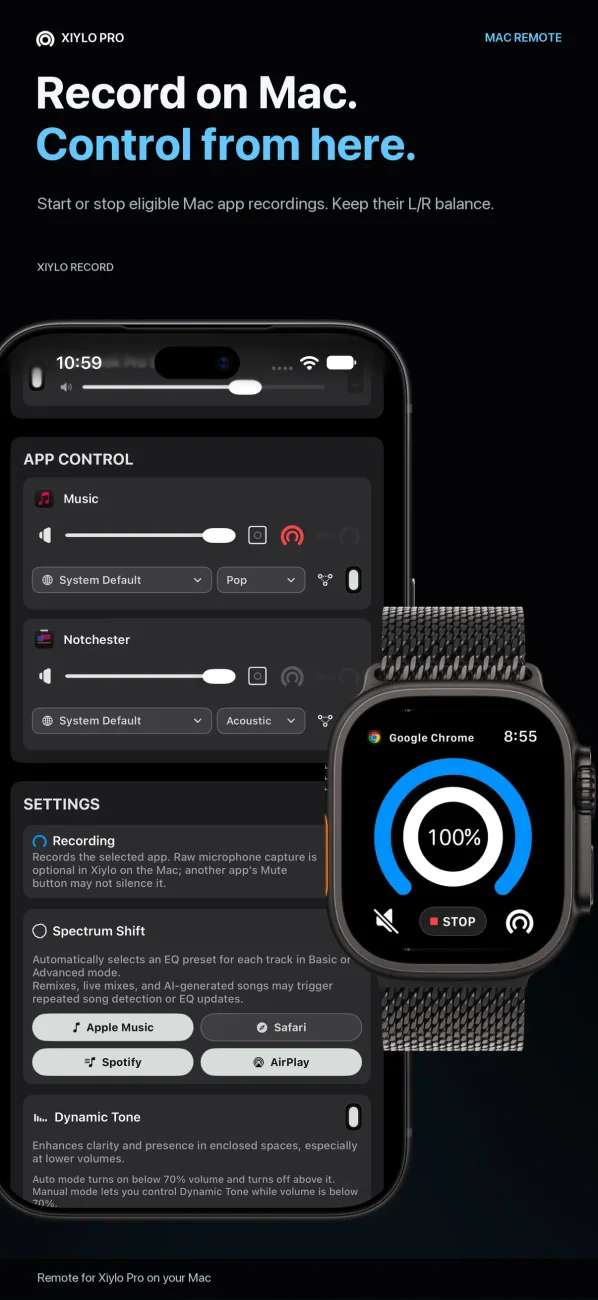
Xiylo Pro Remote controls Xiylo Pro running on your Mac. Adjust individual Mac apps, choose their outputs and shape their sound from your iPhone, iPad or Apple Watch. Audio processing and recording happen on the Mac; this app does not equalize, amplify or record audio playing on your iPhone or iPad.
CONTROL EACH MAC APP
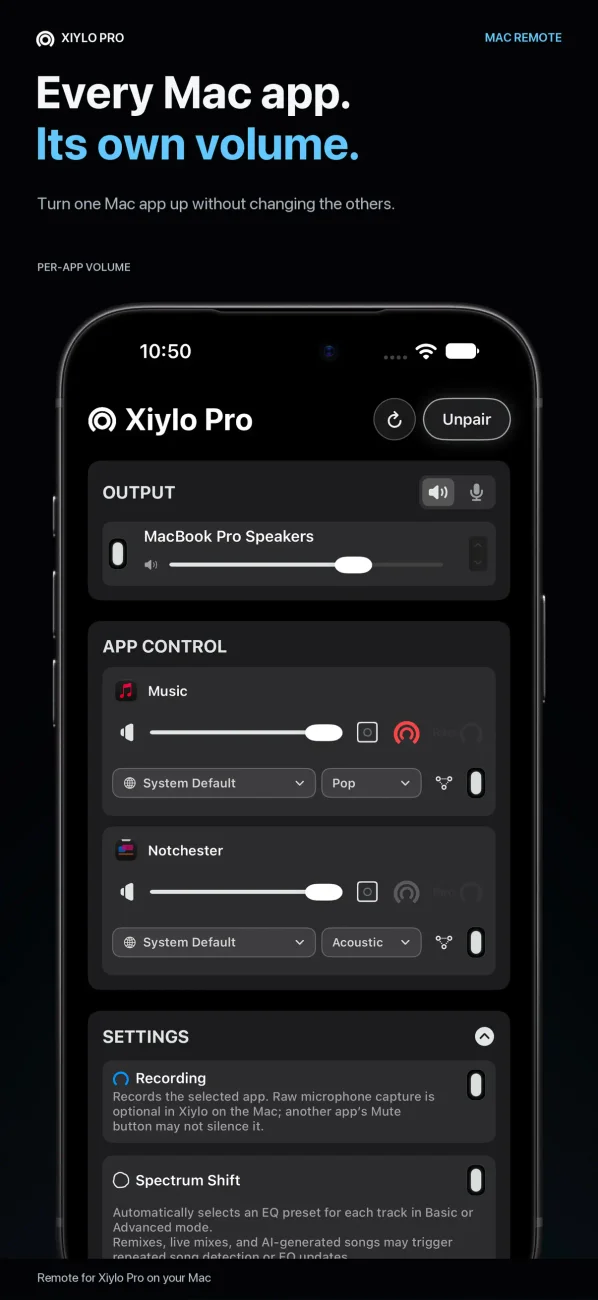
• Change one app’s volume without changing the others.
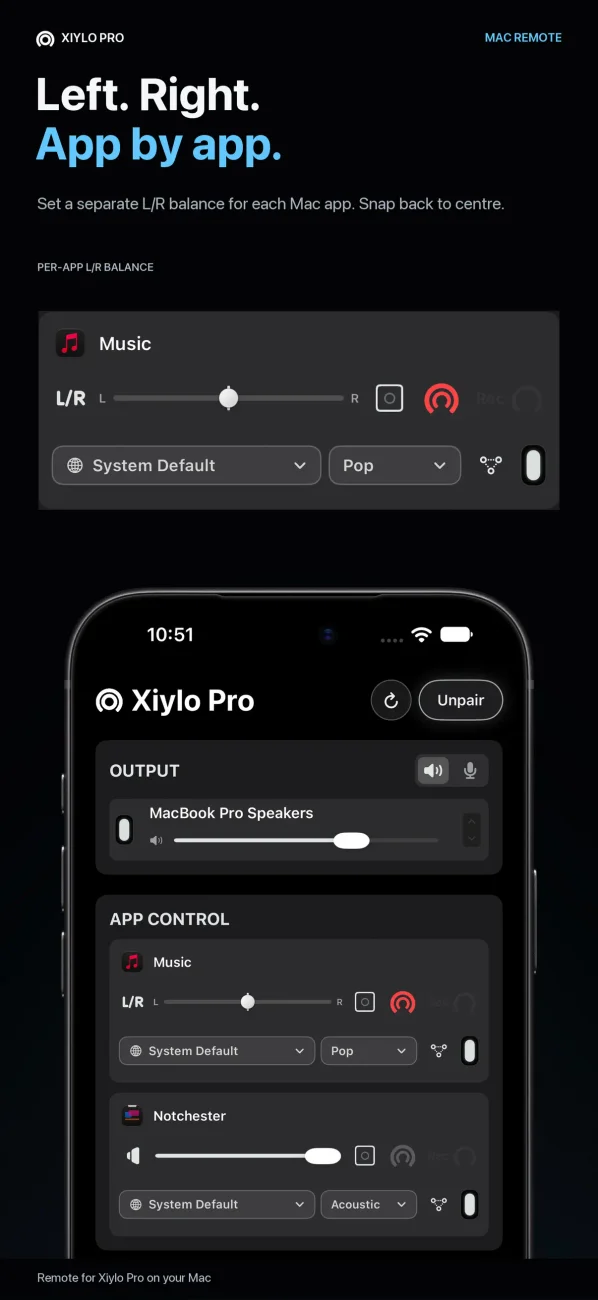
• Adjust its left/right stereo balance separately from volume, with a gentle centre snap.
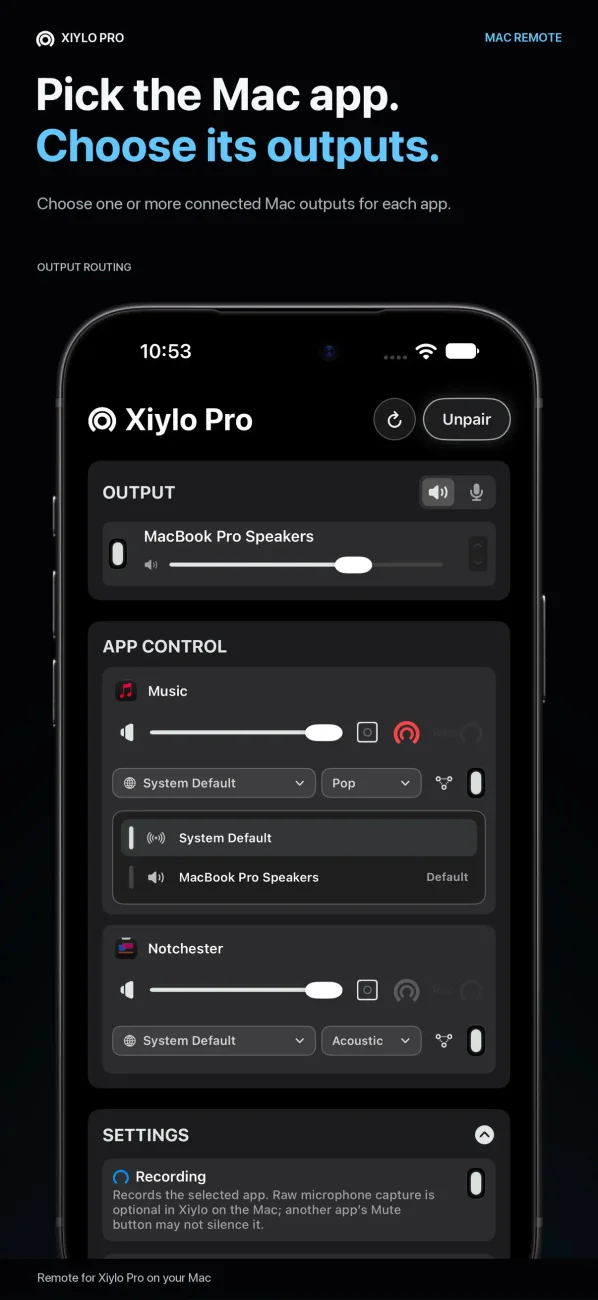
• Choose one or more connected Mac audio outputs for that app.
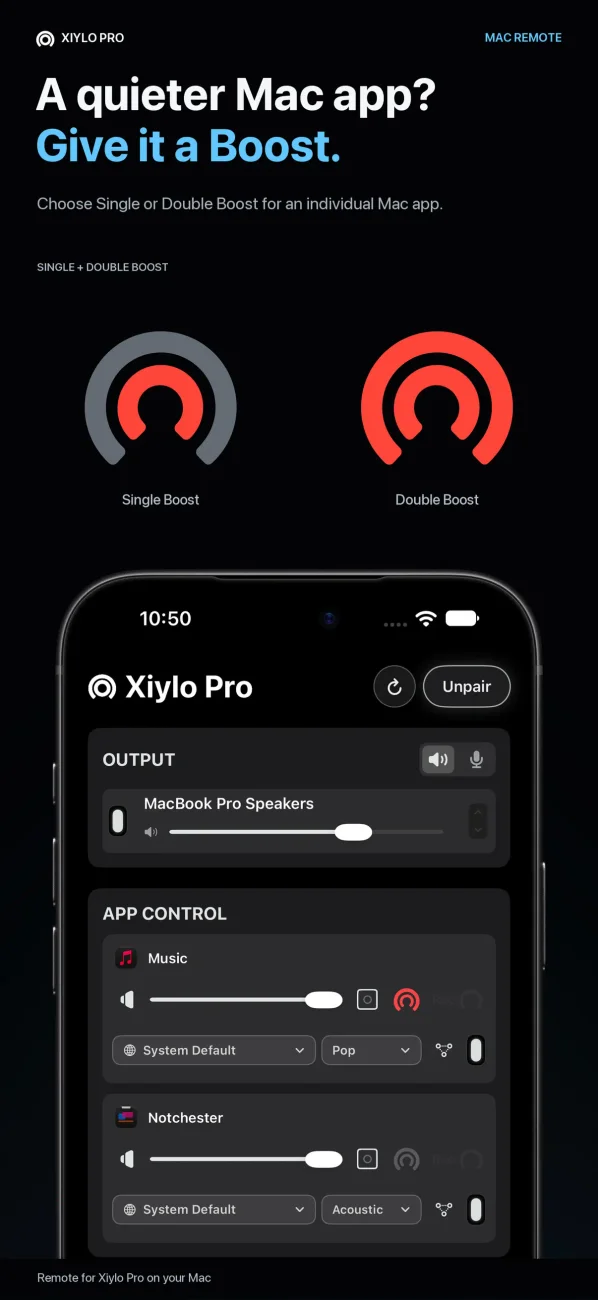
• Cycle Off, Single and Double Boost with clear indicators.
• Start and stop supported app recordings with a clear REC/STOP state. Files stay on your Mac and preserve the selected app’s L/R balance.
31-BAND EQ + ADVANCED MOOD LENS
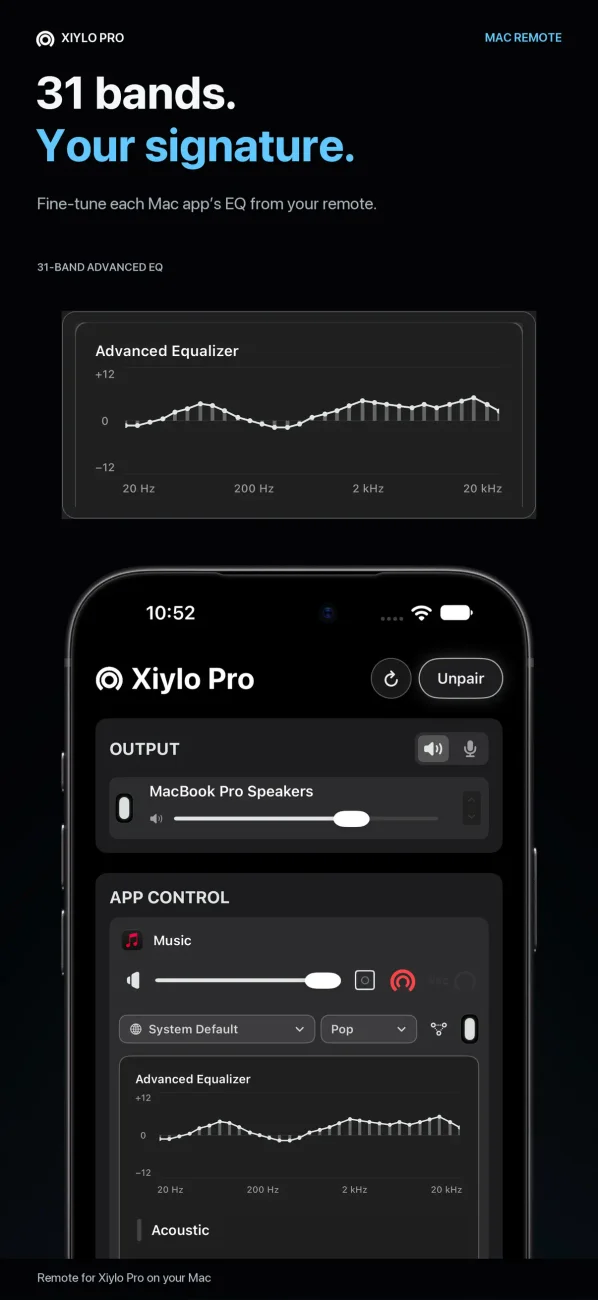
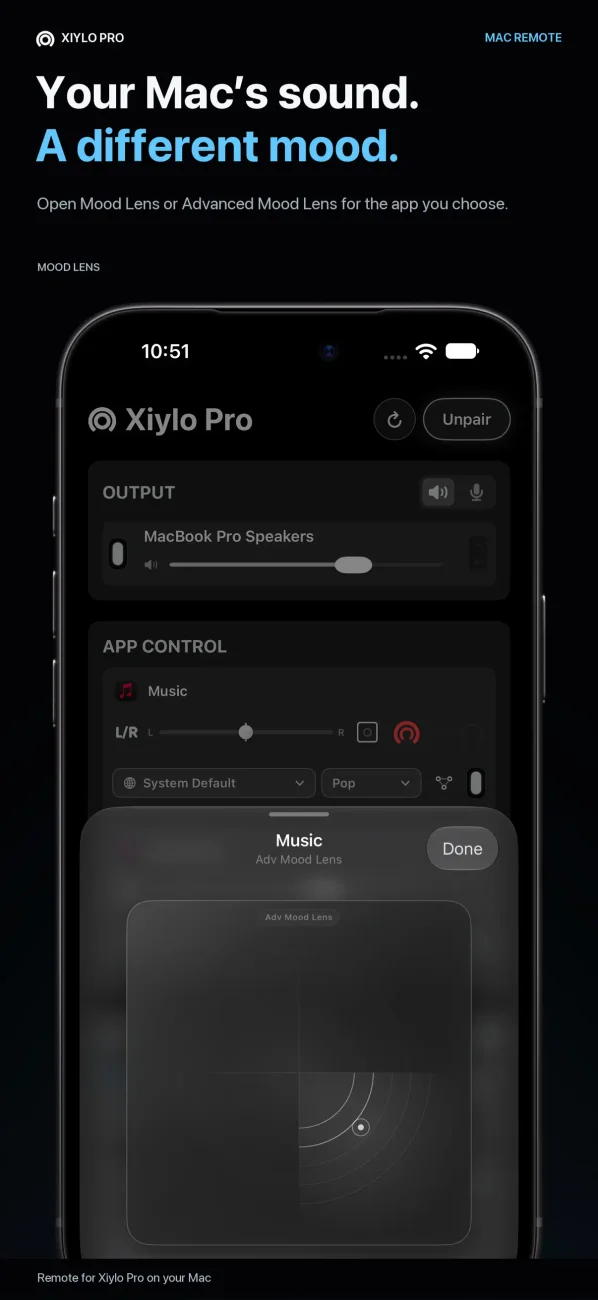
Explore presets and the 10-band Basic or 31-band Advanced Equalizer. Open the selected app’s Mood Lens to move one point towards Warm, Clean, Vocal or Lift. Advanced Mood Lens brings that same simple gesture to the 31-band setup. The mode and settings stay in sync with your Mac.
MORE OF YOUR MAC WITHIN REACH
Manage Mac output and input levels, and settings including Spectrum Shift, Dynamic Tone and Adaptive Energy. Spectrum Shift supports Apple Music, Safari, Spotify and AirPlay on the Mac; recognition depends on the content being played.
BUILT FOR IPHONE AND IPAD
Use compact and expanded layouts, including both folded and unfolded displays. The iPad interface is designed for landscape. Your remote controls the Mac’s audio apps, not the phone’s or tablet’s own audio.
NOW ON APPLE WATCH
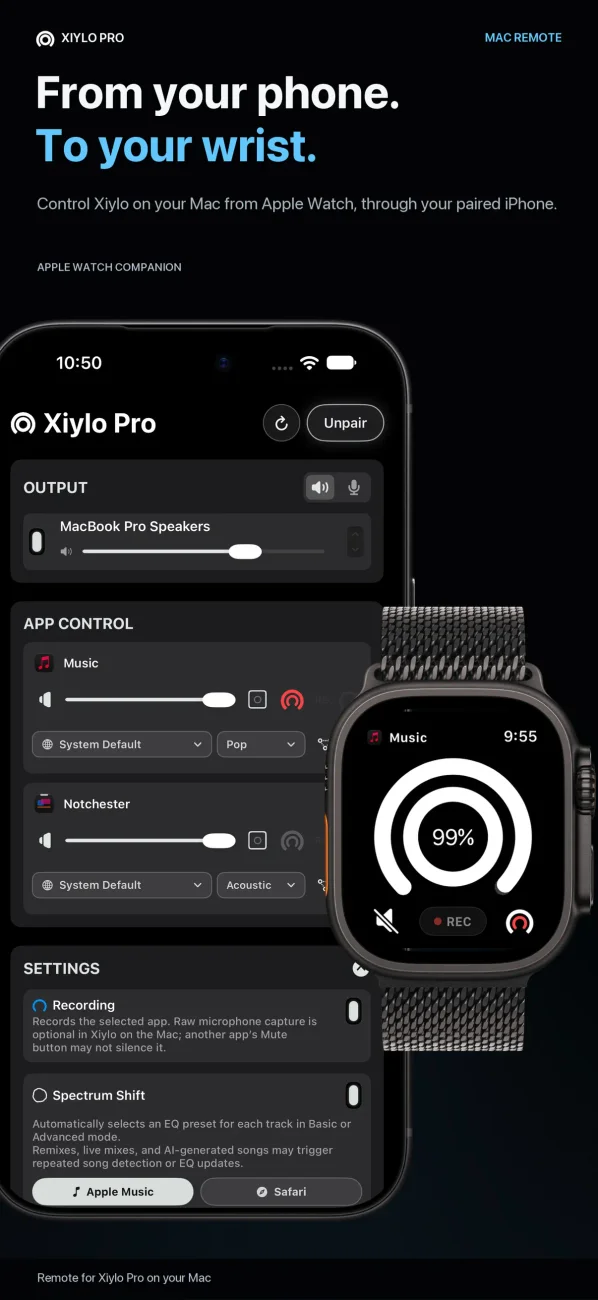
The Xiylo Pro Watch companion is included with the iOS app.
• Turn the Digital Crown to select a Mac app.
• Slide around the outer ring to adjust that app’s volume.
• Use app mute, REC/STOP and Single/Double Boost.
• Hold the centre to open that app’s Mood Lens. Move its point and tap the title to switch between Basic and Advanced.
• See the default Mac microphone’s mute state in the inner ring. It is an indicator, not a microphone or Red Shift switch.
PAIR ON YOUR LOCAL NETWORK
Keep the Mac and iPhone/iPad on the same local network. Open Remote Pairing in the Mac app, tap Pair on the remote, compare the numbers and confirm Numbers match on both devices. Add another trusted remote without forgetting existing ones. Apple Watch connects through its paired iPhone while that iPhone is connected to the Mac.
Use the latest Mac and remote versions together. If an older remote asks to Pair after updating, confirm a new pairing once. No account is required for remote audio control.
Preview mode lets you explore sample controls without a Mac; it does not control audio. Full functionality requires Xiylo Pro for macOS. The remote has no paywall or purchase flow; the Mac app manages its own trial and lifetime unlock.
Recording is available for supported sources. Recording captures app audio only. Record only content you are authorised to record.
What’s new
Version 2.0 · Oct 31, 2026
Welcome to Xiylo Pro Remote 2.0 — more control of your Mac, from every screen.
NEW APPLE WATCH COMPANION
Control individual Mac apps from your wrist. Turn the Digital Crown to select an app, slide the volume ring, mute it, cycle Single/Double Boost and start or stop recordings. The inner ring reflects the default Mac microphone’s mute state.
ADVANCED MOOD LENS
Open Mood Lens for the selected Mac app on iPhone, iPad or Watch. Move one point to shape its sound, with Basic and 31-band Advanced modes following the Mac’s EQ settings. On Watch, hold the dial’s centre to open it and tap its title to change mode.
PER-APP LEFT / RIGHT
Matching volume and L/R controls let you adjust the selected Mac app’s stereo balance without changing its volume. A gentle snap finds the centre. Settings stay in sync while multiple apps play.
RECORDING REMOTE
Start and stop supported Mac app recordings with clear REC/STOP feedback. Recordings preserve the app’s L/R balance. Recording quality and saved files are managed on the Mac.
MORE IN VERSION 2
• Refined compact, expanded and foldable layouts, plus landscape iPad support.
• Clearer Single and Double Boost indicators.
• Spectrum Shift controls for Spotify and AirPlay alongside Apple Music and Safari.
• Updated language coverage, output routing and synchronisation.
• Pairing now asks you to compare and confirm matching numbers on both devices.
Update Xiylo Pro on Mac and the remote together. If an older remote asks to Pair again, confirm the matching numbers once. Apple Watch connects through its paired iPhone; it does not pair directly with the Mac.
App privacy
What Karan Chatlani declares on the App Store about how this app handles data.
-
Data not collected
The developer does not collect any data from this app.
Privacy practices may vary, for example with the features you use or your age.
Information
- Seller
- Karan Chatlani
- Category
- Utilities
- Version
- 2.0
- Updated
- Oct 31, 2026
- Released
- Jun 25, 2026
- Size
- 15.0 MB
- Requires
- iOS 26.0 or later
- Age rating
- 4+
- Price
- Free
- In-app purchases
- Yes
- Languages
- English, Arabic, French, German, Italian, Japanese, Korean, Portuguese, Russian, Simplified Chinese, Spanish
- Copyright
- © 2026 Karan Chatlani. All rights reserved.
You might also like
-
 Visualised AudioUtilities
-
 RankShieldSpot risks. Stay protected.
-
 Earmix: Mac Volume RemotePer-app volume for your Mac
-
 Fastsoundhearing aid to the smart phone
-
 Pict - Photo Cleaner & StorageDuplicates & Similar Shots
-
 MegaMic!Bluetooth Mic & Translator
-
 Decibel Meter - Sound LevelSilence and noise level meter
-
 Sound Enhancer - ClarioHearing Aid & Volume Amplifier
-
 Sound Meter - Audio AnalyzerNoise Log, dB & Hum Finder
-
 PadLinker: Trackpad & KeyboardWireless remote mouse