
xList - Collaborative Tasks
Simple list, group share
Designed for iPhone, iPad
Free · In-app purchases
- Age rating4+
- CategoryProductivity
- DeveloperK2 Labs
- LanguagesEnglish
- Size13.6 MB
Links to the official App Store page
Download.org hosts no file of xList - Collaborative Tasks. The button opens its official App Store page, published by K2 Labs. Listing last checked on Nov 17, 2026.
Screenshots

About
xList is the task manager that gets out of your way.
Built for people managing real life -- work deadlines, personal goals, shared projects -- xList gives you the structure you need without the overhead you don't. Open it fast, add tasks faster, and always know exactly what's next.
PROJECTS THAT THINK LIKE YOU DO
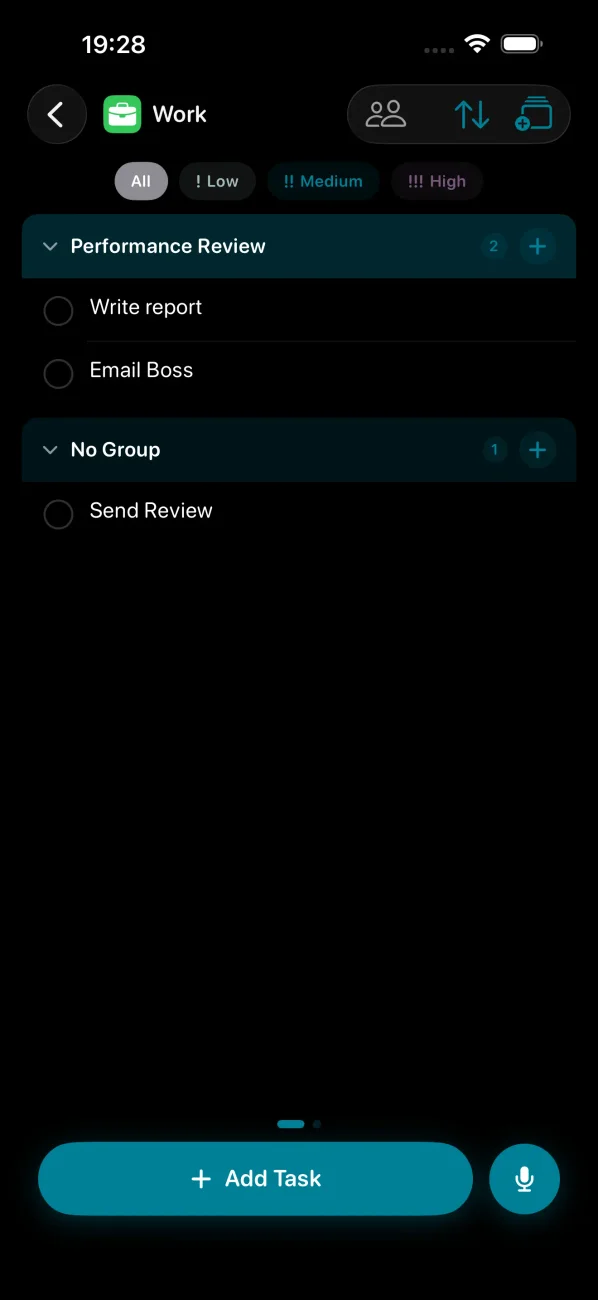
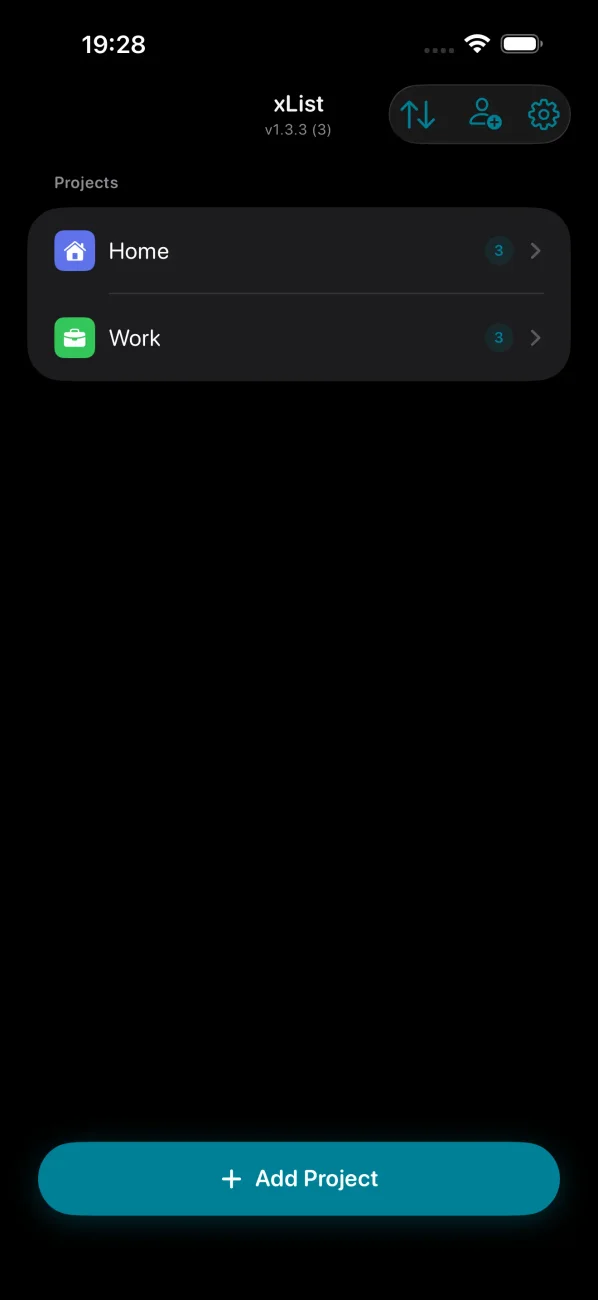
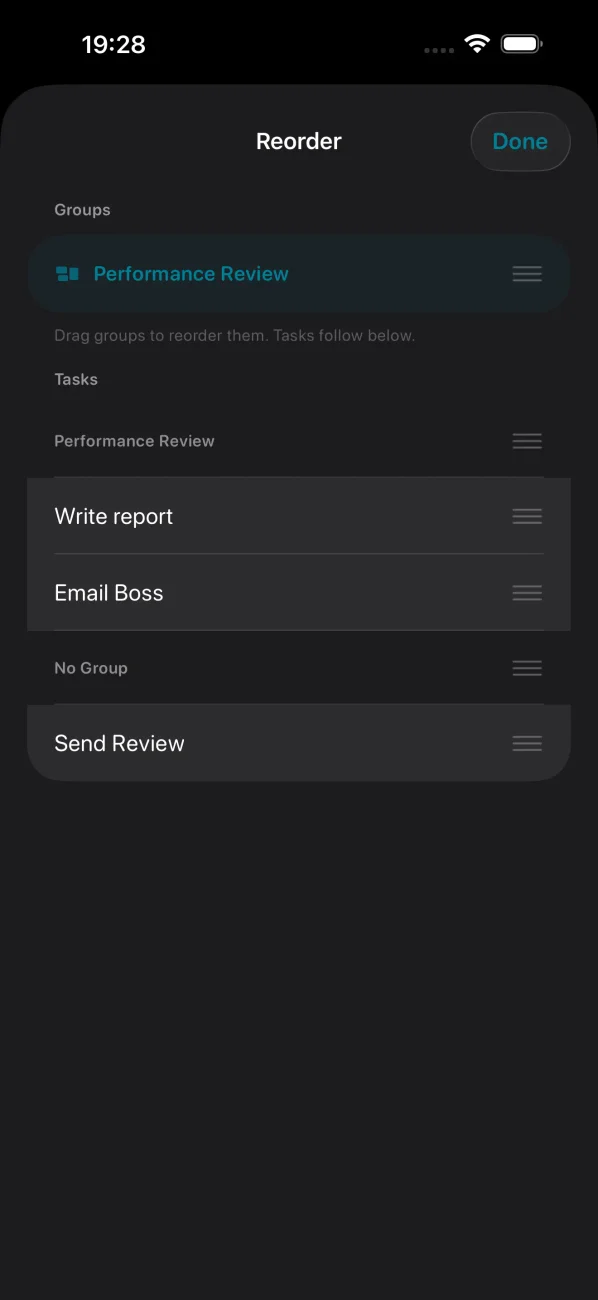
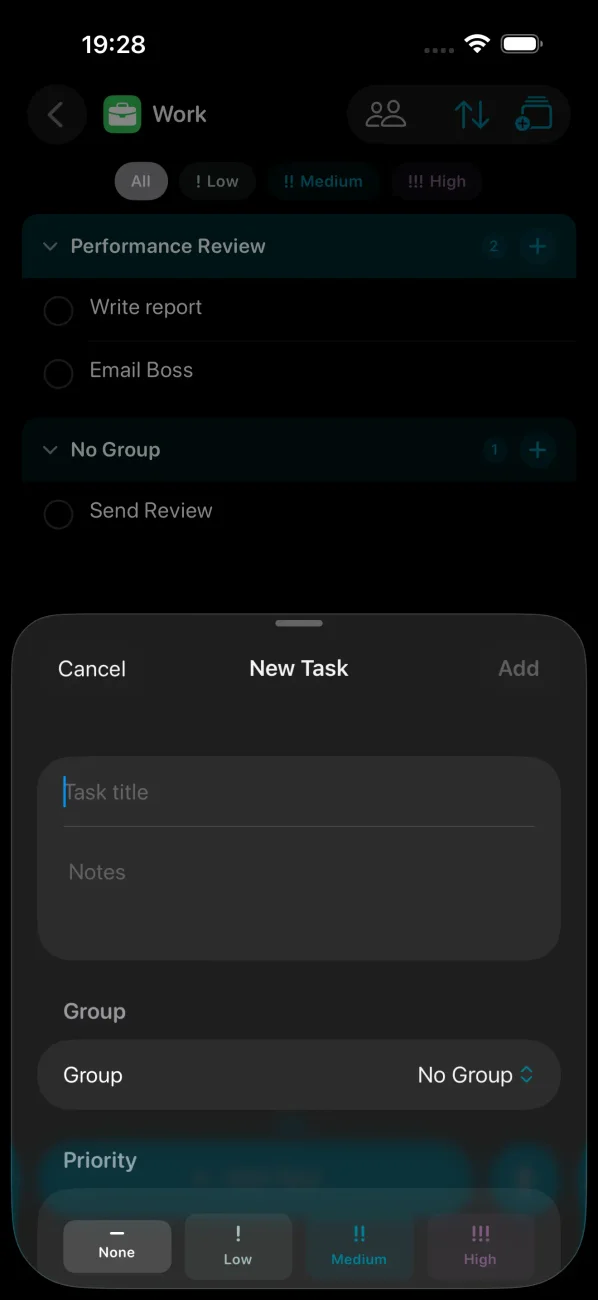
Everything in xList lives inside Projects: focused spaces for a role, a goal, or an area of your life. Each project gets its own color and icon, and tasks inside can be grouped into named sections however makes sense to you. Work projects. Side projects. Home. Health. Whatever your life looks like, xList shapes itself around it.
TWO VIEWS, ONE SWIPE
Switch between two powerful ways to see your work:
Groups View: your tasks organized by section, exactly as you built them.
Date View: tasks reorganized by due date, with Today, Tomorrow, and upcoming dates as sections. Overdue items flagged. Nothing falling through the cracks.
Both views share the same clean design so switching feels instant and natural.
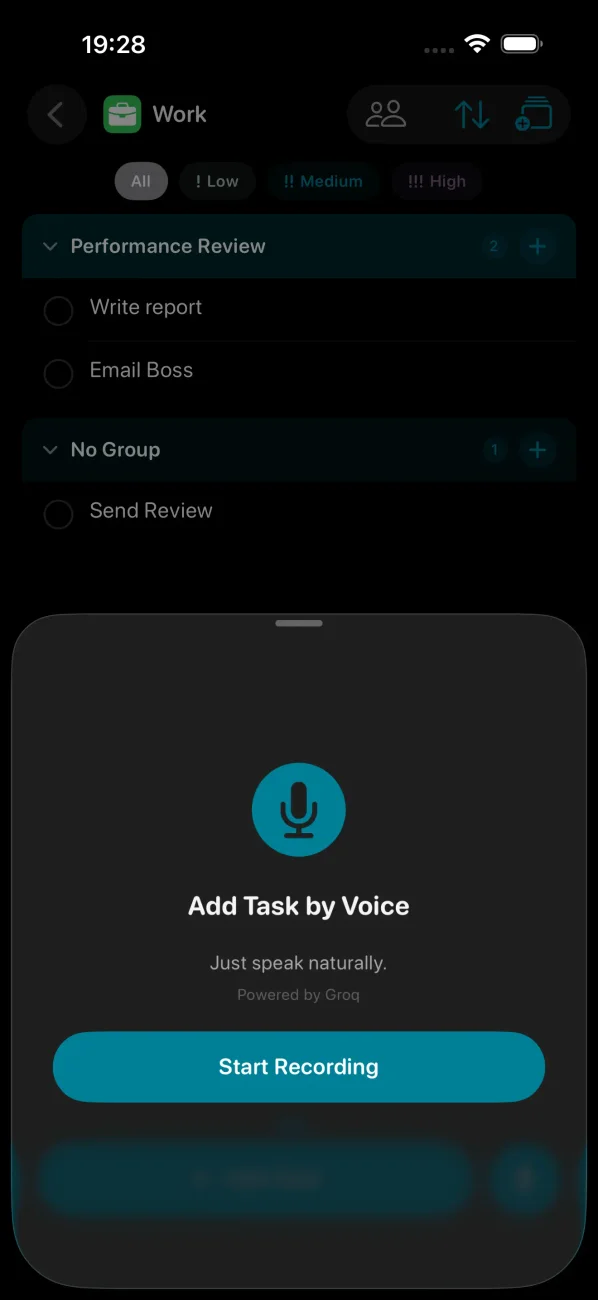
JUST SPEAK YOUR TASK
xList's voice input, powered by Groq AI, understands plain language. Say something like "Remind me to send the proposal to Ahmed by next Thursday, high priority, in the Work section" and xList parses it all. Task name. Group. Priority. Due date. Pre-filled and ready to save. No rigid commands. No syntax to remember.
FOCUS WITH PRIORITY FILTERS
Mark any task High, Medium, or Low priority. A persistent filter bar lets you instantly narrow your view to what needs your attention right now, color-coded and always visible. When it matters most, you'll see it first.
COLLABORATE IN REAL TIME
Share a project with a teammate using a simple code. They join instantly, tasks sync live across all devices, and assignments are clear. No accounts to link. No complicated setup. Just share and go.
MAKE IT YOURS
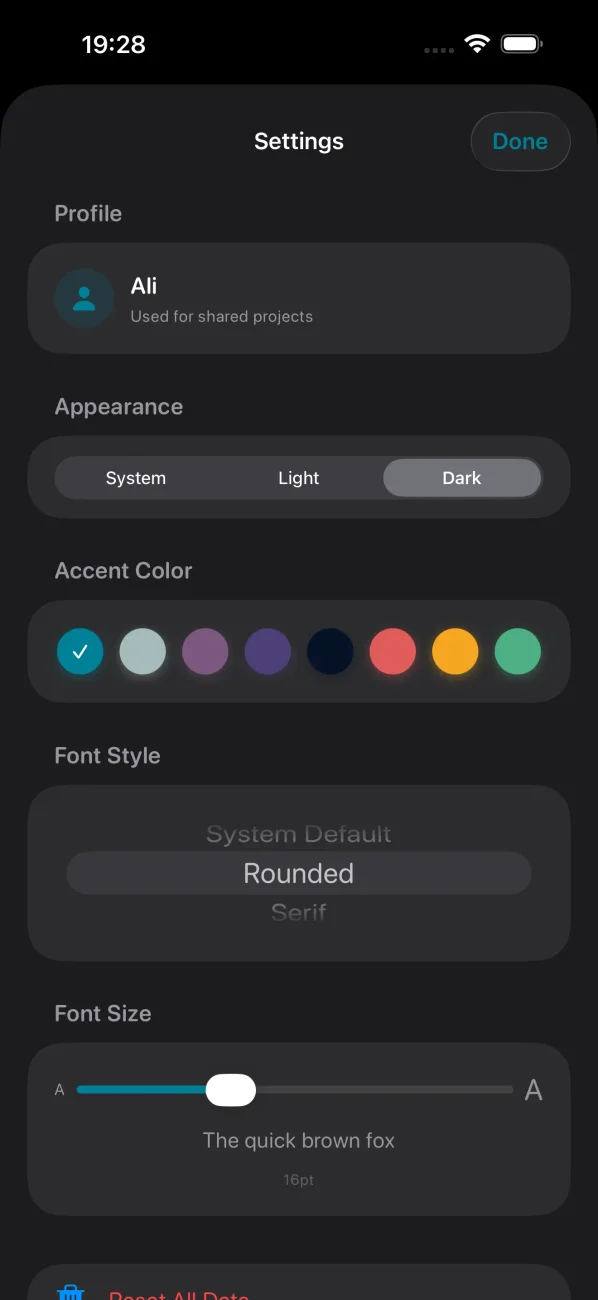
xList is designed to feel personal. Choose your accent color, pick your font style and size, and set it to light or dark mode. Your choices carry through every corner of the app: buttons, headers, badges, priority colors. It looks like yours because it is.
xList is for anyone who wants clarity without complexity. It's fast to start, easy to maintain, and satisfying to use every single day.
Download xList. Get clear. Get going.
Privacy Policy: https://k2labs.io/xlist-privacy-policy.html
Terms of Use (EULA): https://www.apple.com/legal/internet-services/itunes/dev/stdeula/
What’s new
Version 1.3.4 · May 11, 2026
- subscription for pro services
- removal of cloud sync due to speed issues.
App privacy
What K2 Labs declares on the App Store about how this app handles data.
-
Data not collected
The developer does not collect any data from this app.
Privacy practices may vary, for example with the features you use or your age.
Information
- Seller
- K2 Labs FZE
- Category
- Productivity
- Version
- 1.3.4
- Updated
- May 11, 2026
- Released
- Apr 28, 2026
- Size
- 13.6 MB
- Requires
- iOS 17.6 or later
- Age rating
- 4+
- Price
- Free
- In-app purchases
- Yes
- Languages
- English
- Copyright
- © 2026 K2Labs