XLSX Sheets: Edit Spreadsheet
Create, Share XLS Office Files
Designed for iPhone, iPad, iPod touch
Free · In-app purchases
- Age rating4+
- CategoryProductivity
- DeveloperRhophi Analytics LLP
- LanguagesEnglish+ 17 more
- Size221.9 MB
Links to the official App Store page
Download.org hosts no file of XLSX Sheets: Edit Spreadsheet. The button opens its official App Store page, published by Rhophi Analytics LLP. Listing last checked on Nov 25, 2026.
Screenshots
About
Powerful & Easy XLSX Editing at your fingertips:
Tired of bulky spreadsheet software that limits your mobility? Introducing XLSX Sheets, your all-in-one mobile solution for creating, editing, and managing Excel-friendly Spreadsheets and Smartsheets with unmatched ease and efficiency.
Effortlessly manage data at your fingertips, anywhere, anytime:
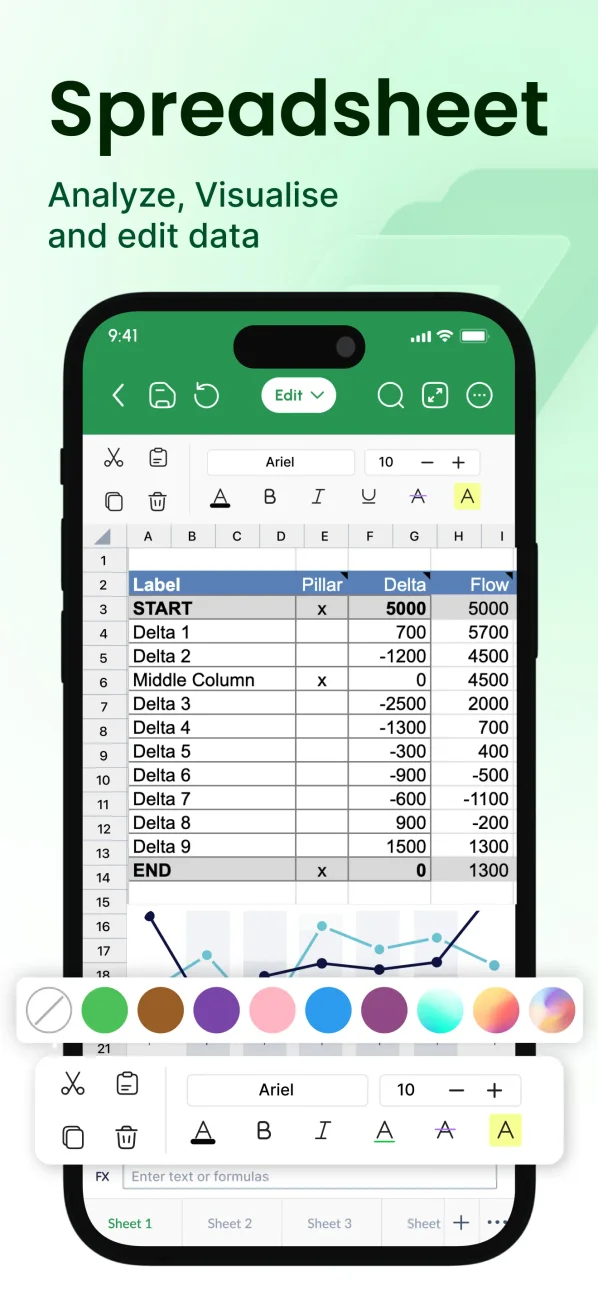
• Edit with precision: Utilize a comprehensive suite of editing tools for Excel-compatible spreadsheet control. Cut, copy, paste, format cells, and apply Excel-compatible formulas seamlessly.
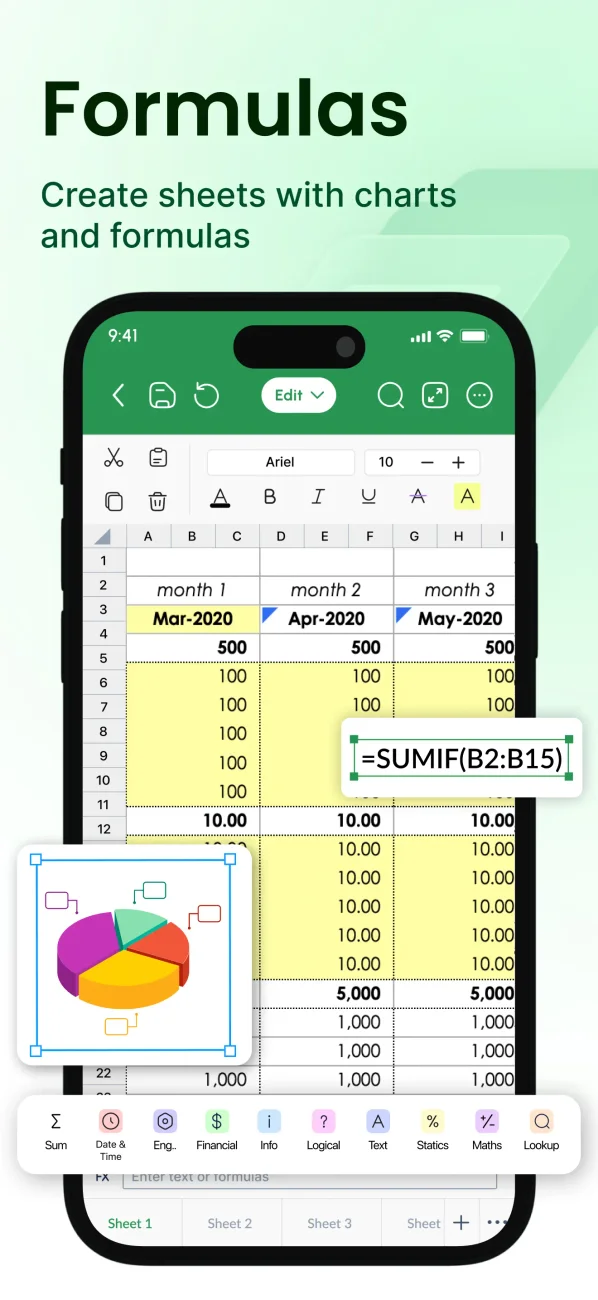
• Formula mastery made easy: Access a library of easy-to-advanced Excel compatible functions and receive real-time formula suggestions as you type, ensuring error-free calculations.
• Visualize your success: Effortlessly create and manipulate charts and graphs in both spreadsheet and Smartsheet files, gaining clear insights from your data.
• Real-time sheet collaboration: Work seamlessly with colleagues or classmates by sharing spreadsheets and xls through popular cloud services like Google Drive, Dropbox, and OneDrive.
Your perfect spreadsheet companion:
• Analyze advanced data: Leverage powerful tools to sort, filter, and create pivot tables, extracting valuable insights from your sheets.
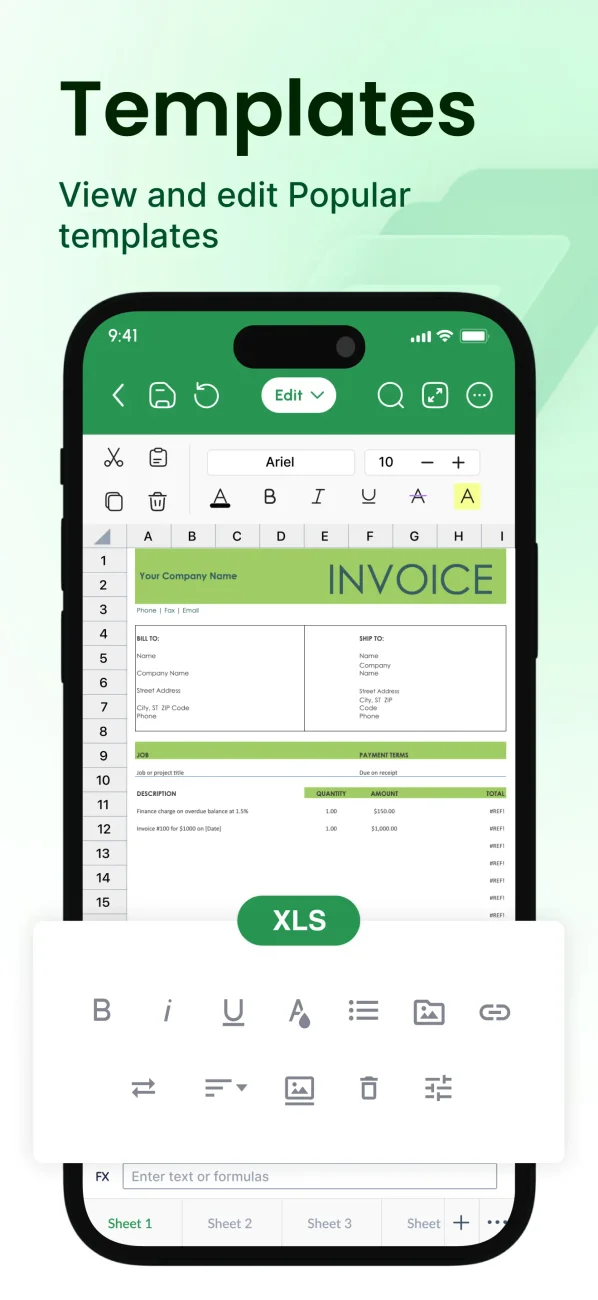
• Streamlined compatible workflows: Utilize Excel-compatible templates for tasks like budgeting, to-do lists, accounting, and financial analysis, saving you valuable time and effort.
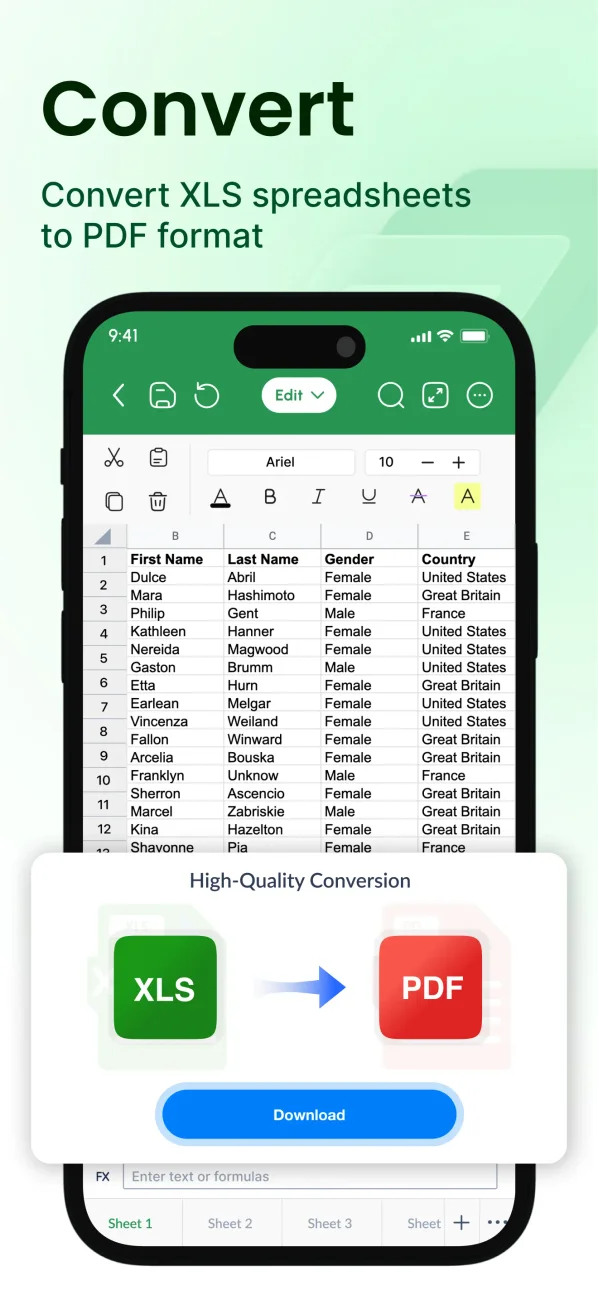
• Seamless data exchange: Import data from various sources, including CSV files, web tables, and other XLS files, ensuring compatibility across platforms. Export or convert your sheet to formats like PDF, CSV, or XLS for maximum flexibility.
Sheets tailored for your unique needs:
• Personalize your experience: Choose from customizable themes, cell styles, and conditional formatting options to make your spreadsheets visually appealing and functional.
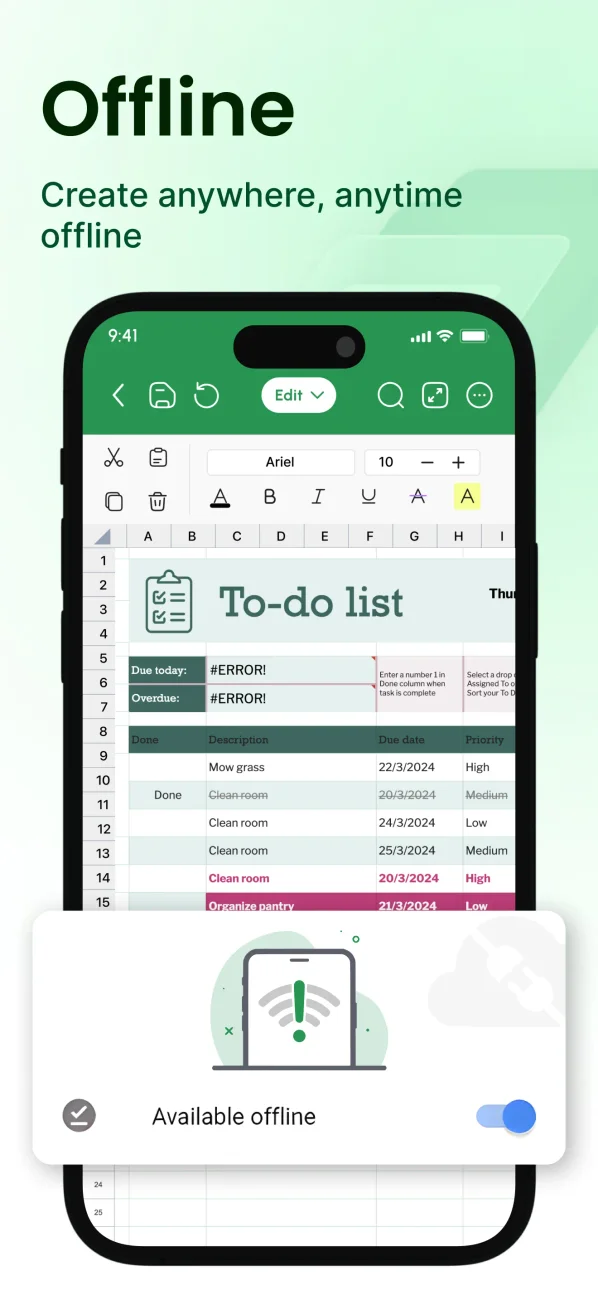
• Work offline, uninterrupted: Continue working on your spreadsheets even without an internet connection. Offline sheet access ensures you have control over your data, wherever you are.
• Customer support: Enjoy regular xls updates and top-notch customer support to keep your editing experience smooth and efficient.
Whether you are a business professional, student, or simply someone who needs to manage data on the go, XLSX Sheets is the perfect tool for you. Download it today and experience the power of mobile spreadsheets!
Key features:
• Edit, create, and manage XLS sheets and Smartsheets
• Powerful excel compatible formula builder with real-time suggestions
• Comprehensive data visualization tools (charts, graphs & pivots)
• Real-time spreadsheet collaboration through cloud integration
• Advanced data analysis features (sort, filter, pivot tables, budget calculations)
• Modern templates for various tasks (budgeting, accounting, reporting, etc.)
• Import and export data in various formats (CSV, PDF, XLS)
• Customizable themes, cell styles, and formatting options
• Offline spreadsheet access for uninterrupted work
• Regular updates and dedicated customer support
Download XLSX Sheets today and start working smarter, not harder!
Weekly/Monthly/Yearly subscriptions available. Choose the plan that best suits your needs. Cancel anytime.
Subscription will be charged to your credit card through your App Store account. Your subscription will automatically renew unless canceled at least 24 hours before the end of the current period. Manage your subscription in the Account Settings on the App Store after purchase.
Terms of use - https://sites.google.com/a1apps.co/tc-xlsx-sheets-ios/home
Any feedback is welcomed at p3@a1apps.helpscoutapp.com
What’s new
Version 1.1.35 · Oct 25, 2026
- Improved User Interface
- Introduced more formulas
- Edit Excel compatible files on Iphone and Ipad
- Minor Bugs Fixed
App privacy
What Rhophi Analytics LLP declares on the App Store about how this app handles data.
-
Data used to track you
May be used to track you across apps and websites owned by other companies.
- Identifiers
-
Data not linked to you
May be collected but is not linked to your identity.
- Identifiers
- Usage data
- Diagnostics
Privacy practices may vary, for example with the features you use or your age.
Information
- Seller
- Rhophi Analytics LLP
- Category
- Productivity
- Version
- 1.1.35
- Updated
- Oct 25, 2026
- Released
- Feb 23, 2023
- Size
- 221.9 MB
- Requires
- iOS 15.0 or later
- Age rating
- 4+
- Price
- Free
- In-app purchases
- Yes
- Languages
- English, Arabic, Dutch, French, German, Hebrew, Italian, Japanese, Korean, Polish, Portuguese, Russian + 6 more
- Copyright
- Copyright © 2024 Rhophi Analytics. All rights reserved
You might also like
-
 Spreadsheet-xlsx&csv editorSpreadsheets Templates
-
 Office Word - Edit Word DocsEdit DOCX Word, XLSX Sheets
-
 Microsoft ExcelOrganize Your Data and Budget
-
 Word Editor: Edit Office WordEdit & Share Word Documents
-
 Utility SpreadsheetNumber Crunching Made Easy
-
 The Spreadsheet App - SheetsExcel Editor, Tables & Scan
-
 WPS Office-AI Doc, PDF, SheetWord, Excel, PPT & Forms
-
 Forma: PDF Document EditorForm filler: edit files & docs
-
 Polaris Office - PDF & DocsView & Edit all kinds of docs