xpenses: Expense Tracker
Budget & Money in Any Currency
Designed for iPhone
In-app purchases
- Age rating4+
- CategoryFinance
- DeveloperLev Poznyakov
- LanguagesEnglish+ 33 more
- Size6.8 MB
Links to the official App Store page
Download.org hosts no file of xpenses: Expense Tracker. The button opens its official App Store page, published by Lev Poznyakov. Listing last checked on Nov 24, 2026.
Screenshots
About
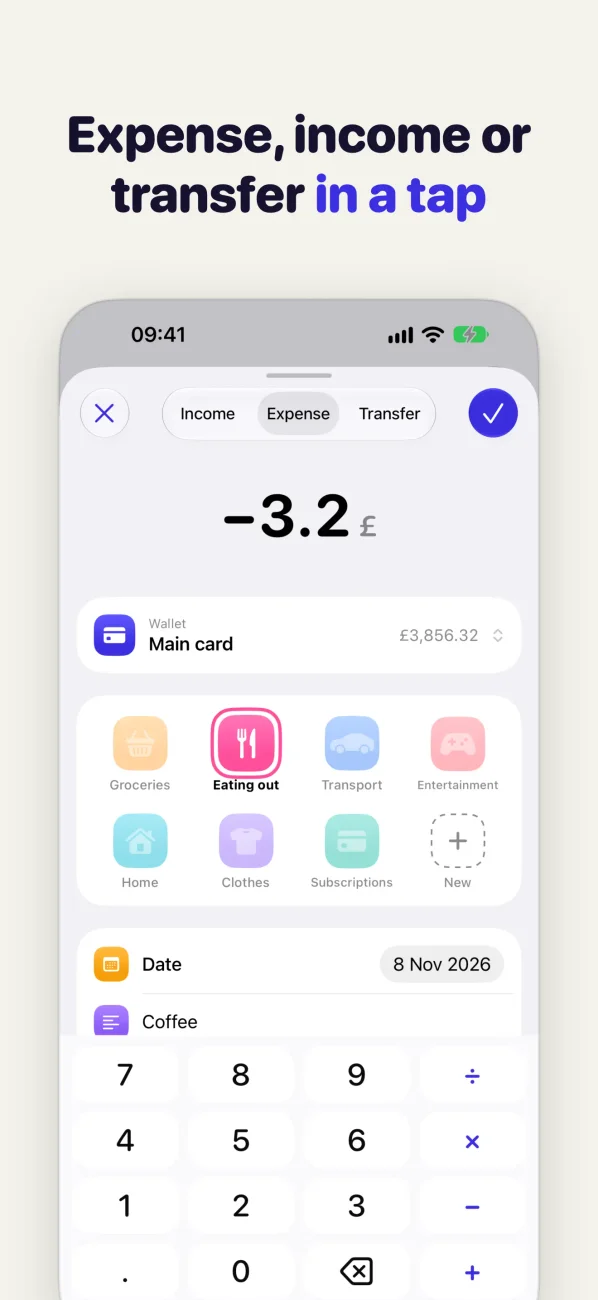
xpenses is a fast, private expense tracker. Log a purchase in a second, see where your money goes, and keep every wallet, card and crypto balance in one place.
ADD EXPENSES WITHOUT OPENING THE APP
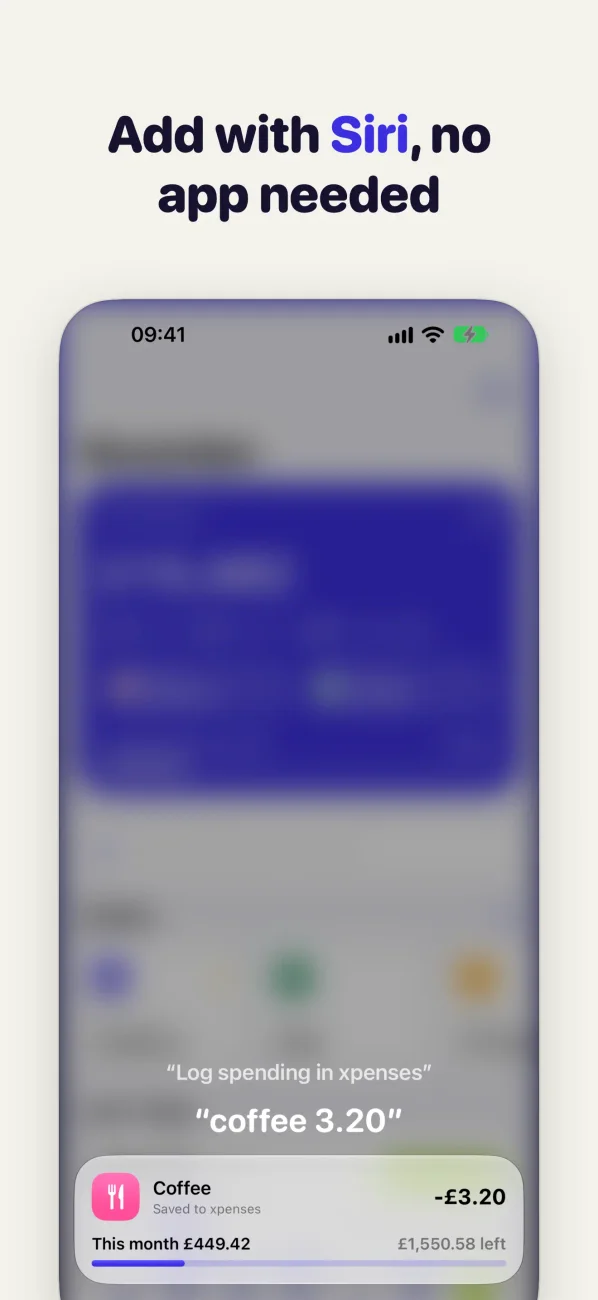
• Tell Siri “Log spending in xpenses” and say “coffee 4.50”
• Add Expense on the Action Button, in Control Centre or on the Lock Screen
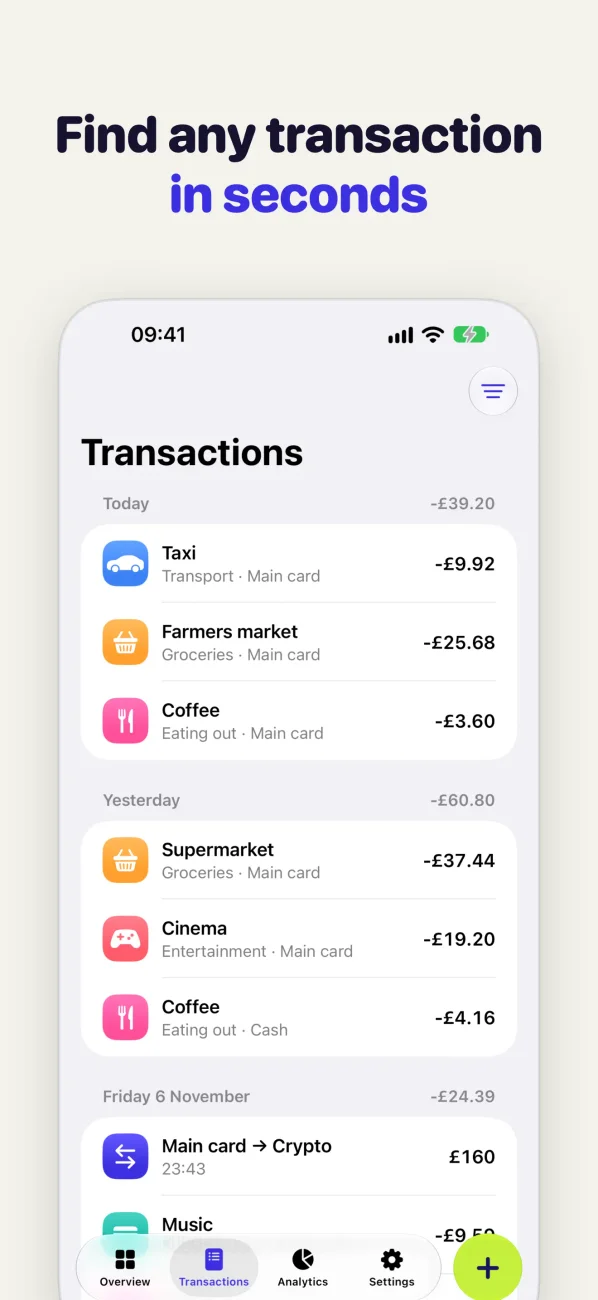
• Type “taxi 12” and xpenses fills in the amount, category and note
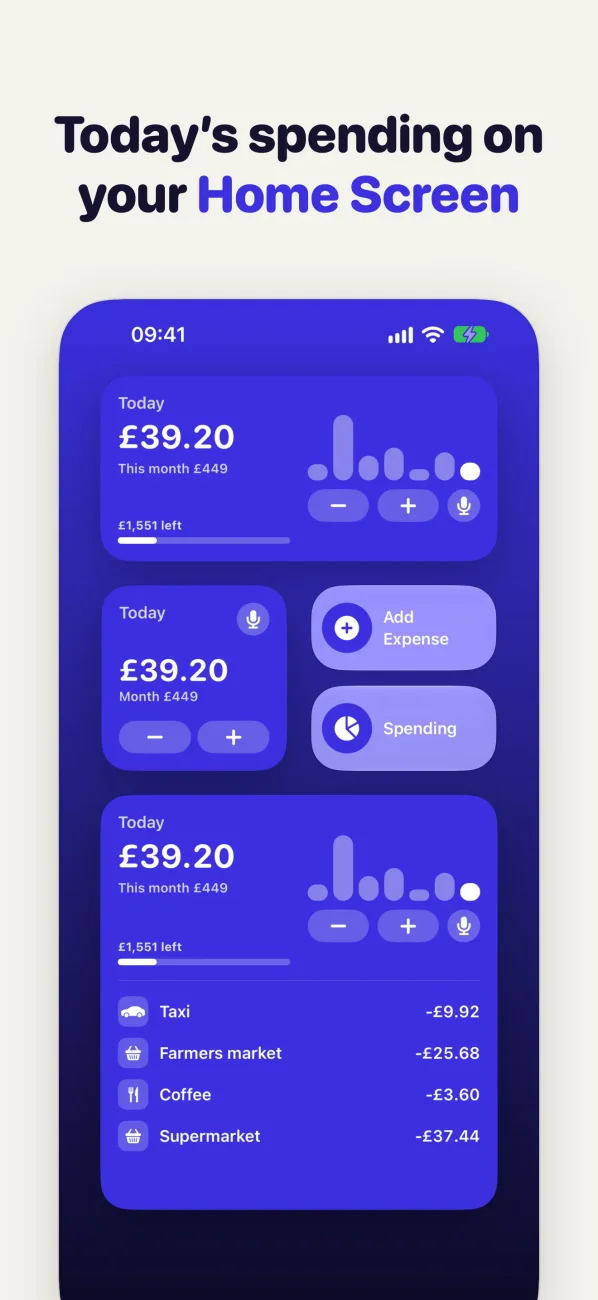
• Home Screen and Lock Screen widgets with today’s and this month’s spending
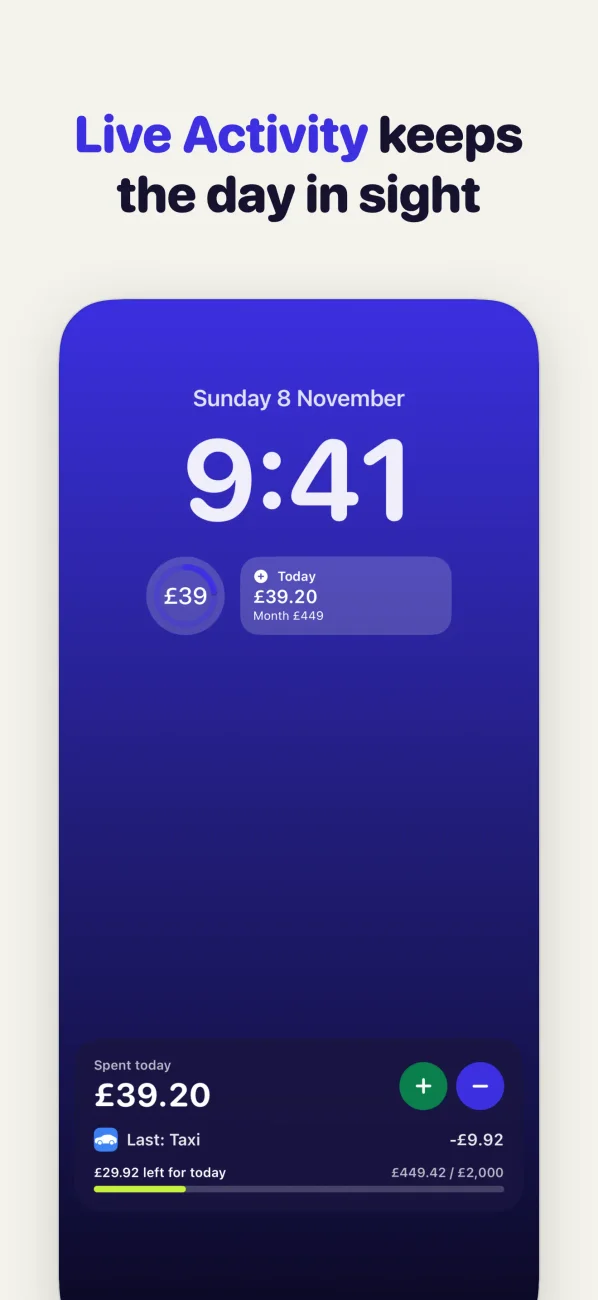
• A Live Activity keeps today’s total on the Lock Screen and in the Dynamic Island
SEE WHERE YOUR MONEY GOES
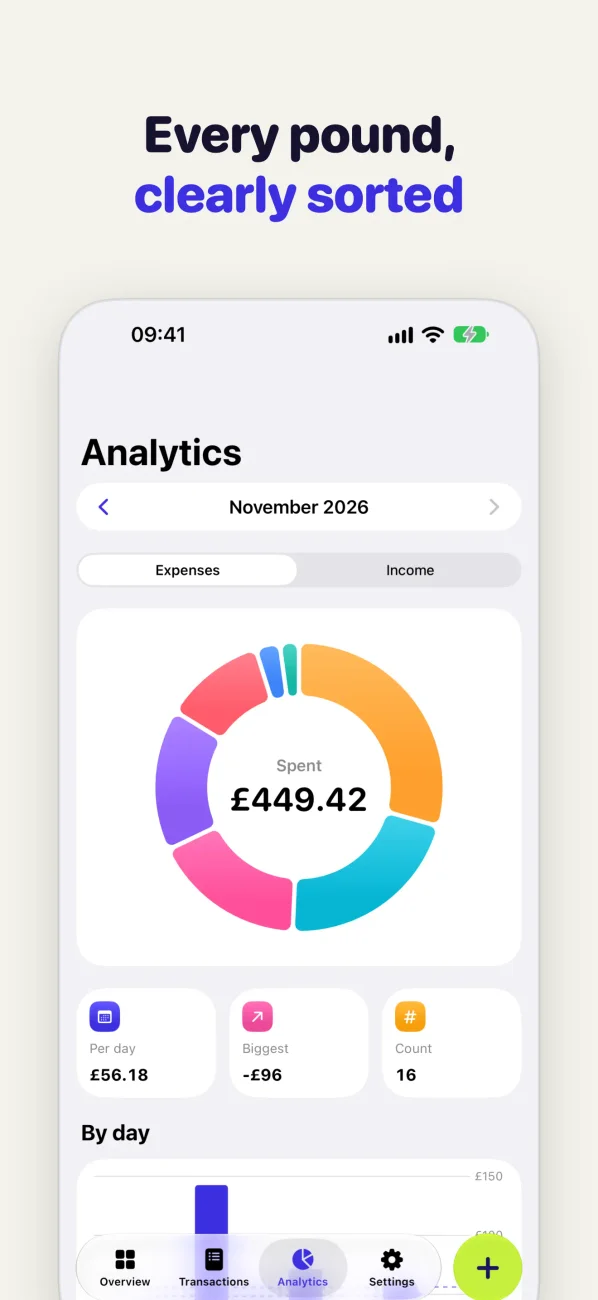
• Spending by category with a clear chart for any month
• Daily spending, averages and your biggest expenses
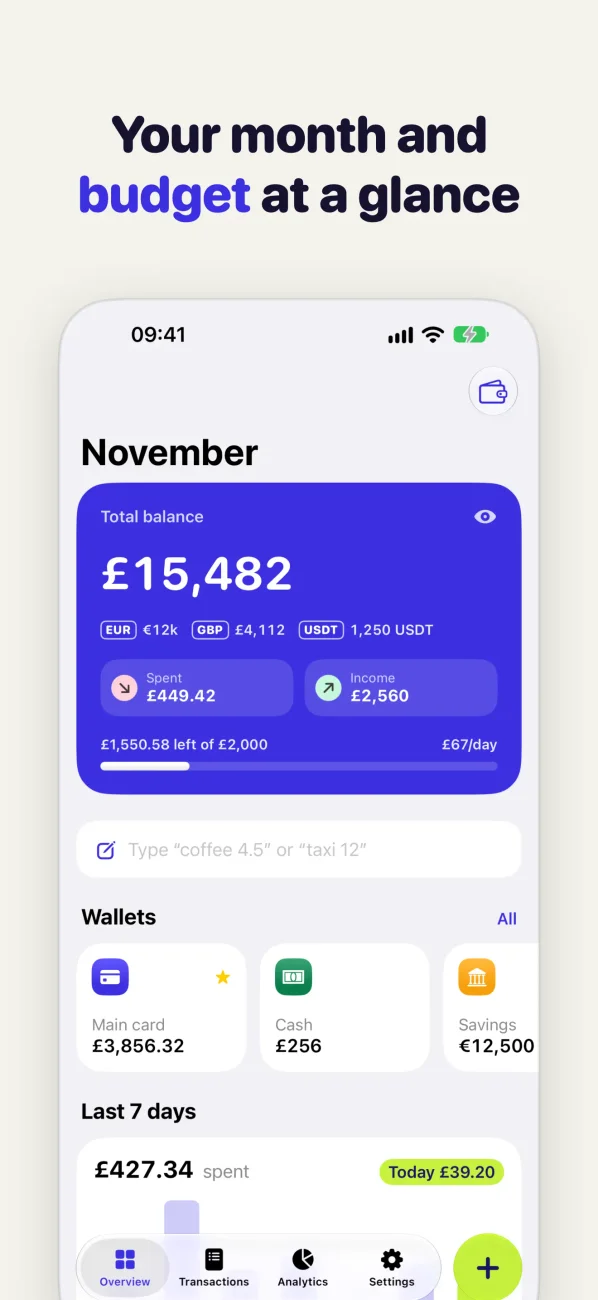
• A monthly budget with what’s left for today
EVERY WALLET, EVERY CURRENCY
• Cards, cash, savings and crypto wallets
• 300+ currencies including USDT, BTC and TON, with live exchange rates
• Transfers between wallets in different currencies
• One total in your main currency
• Archive wallets you no longer use
PRIVATE BY DESIGN
• No ads, no account, no tracking
• Synced across your devices with iCloud
• Move over from ZenMoney or any app with a CSV file, for free
• Export everything to CSV
xpenses+ unlocks unlimited wallets, CSV export, custom wallet icons and custom currencies.
Terms: https://xpenses.su/terms
Privacy: https://xpenses.su/privacy
What’s new
Version 2.1.0 · Nov 23, 2026
• Subcategories: pick one as a chip after choosing a category. Totals, charts, and widgets count them in the parent category; ZenMoney imports keep them ("food / groceries")
• App lock in Settings: unlock with Face ID, Touch ID, or a 4-digit passcode on launch until you close xpenses. Forgot it? Your iPhone passcode opens it
• Overview: tap Edit in the toolbar to pick sections and drag to reorder them
• Quick add: dictate on Overview; typing "40 food" no longer copies the category into the note
• Switching tabs is faster
• iPhone Duo: side tabs no longer flicker square when you let go
App privacy
What Lev Poznyakov declares on the App Store about how this app handles data.
-
Data not collected
The developer does not collect any data from this app.
Privacy practices may vary, for example with the features you use or your age.
Information
- Seller
- Lev Poznyakov
- Category
- Finance
- Version
- 2.1.0
- Updated
- Nov 23, 2026
- Released
- Oct 28, 2024
- Size
- 6.8 MB
- Requires
- iOS 26.0 or later
- Age rating
- 4+
- In-app purchases
- Yes
- Languages
- English, Arabic, Catalan, Croatian, Czech, Danish, Dutch, Finnish, French, German, Greek, Hebrew + 22 more
- Copyright
- © 2025 Poznyakov L.S.
You might also like
-
 My Wallets - Finance TrackingRecord keeping management
-
 Spending Tracker: Cash CompassVoice & Photo Expense Logs
-
 Expenfy: Simple Budget PlannerMoney manager, tracker
-
 Family AccountantBudget & Expense Tracker
-
 Spending Tracker – SubcosterSmart & simple budget app
-
 Dividend Tracker: PulseCalendar & Passive Income
-
 Budget: Spend TrackerTrack daily expenses easily
-
 Minty - Smart Budget TrackerSimple Bookkeeping & Budgeting
-
 Outlay - Money TrackerTake control of your finances!
-
 Budget Tracker - MoneygerEasily manage your expenses