- Age rating4+
- CategoryPhoto & Video
- Developerxploview
- LanguagesEnglish+ 12 more
- Size3.5 MB
Links to the official App Store page
Download.org hosts no file of xploview USB. The button opens its official App Store page, published by xploview. Listing last checked on Nov 17, 2026.
Screenshots

About
View, photograph and record through a supported USB microscope. A compatible USB-C iPad and microscope are required.
VIEW AND CAPTURE
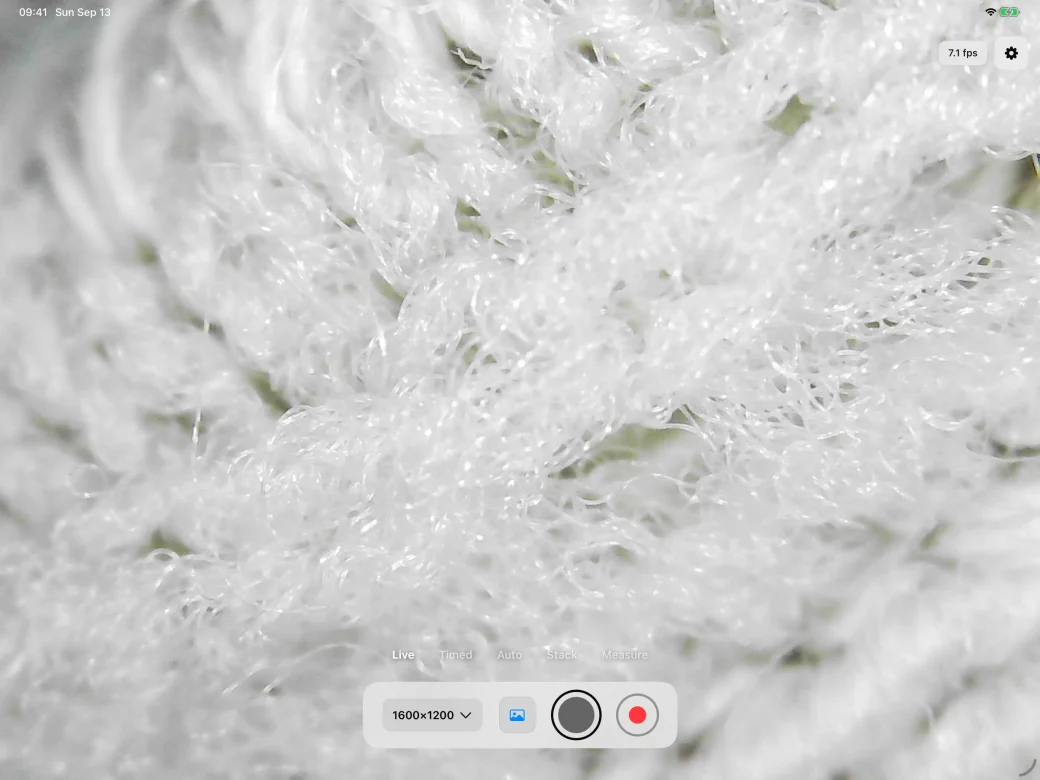
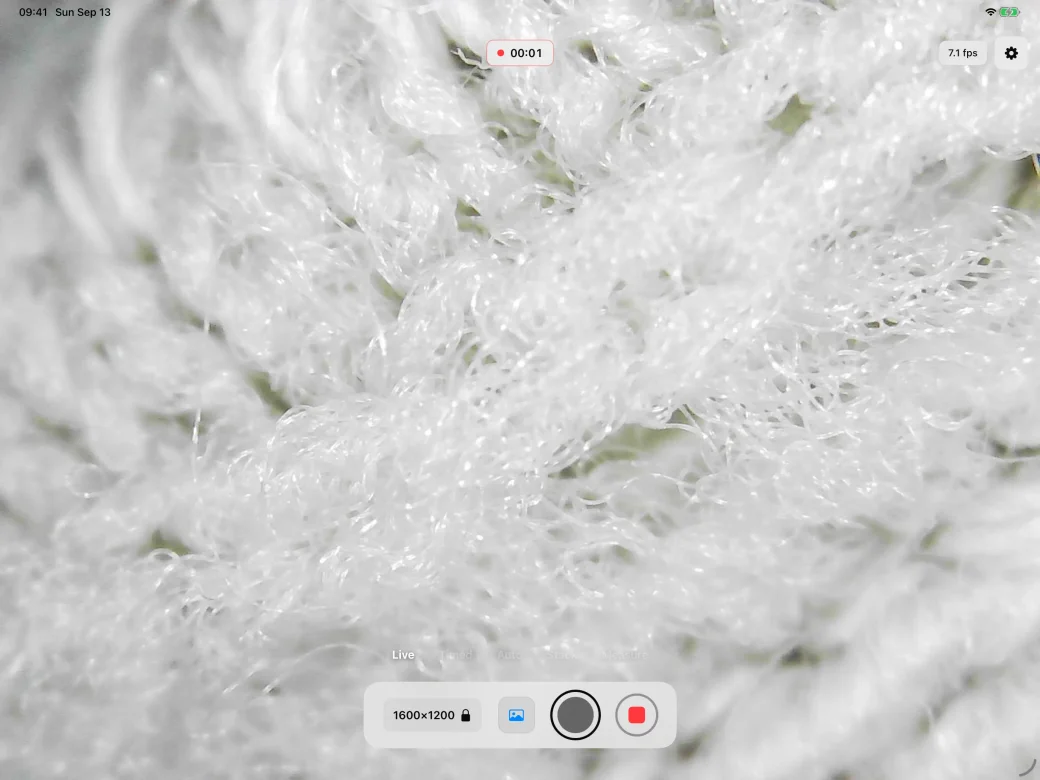
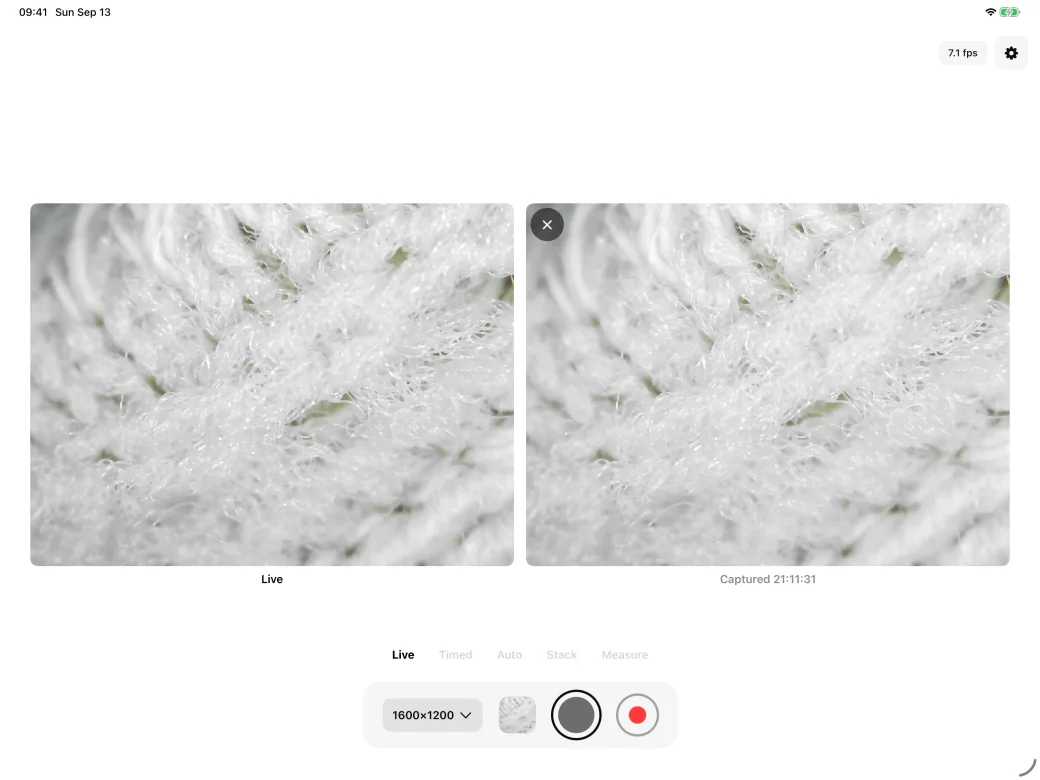
See the live microscope picture, choose an available resolution, and rotate or mirror the view. Take photos and record video without microphone audio. Compare a saved photo with the live picture while your microscope is connected.
FOLLOW CHANGES
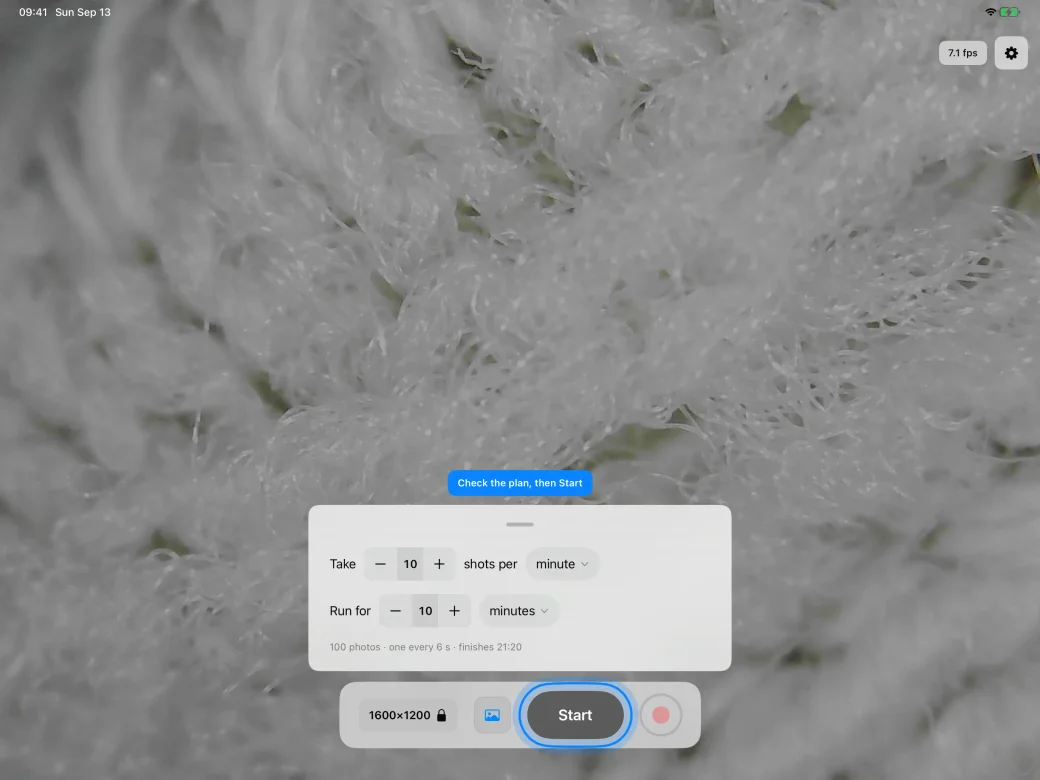
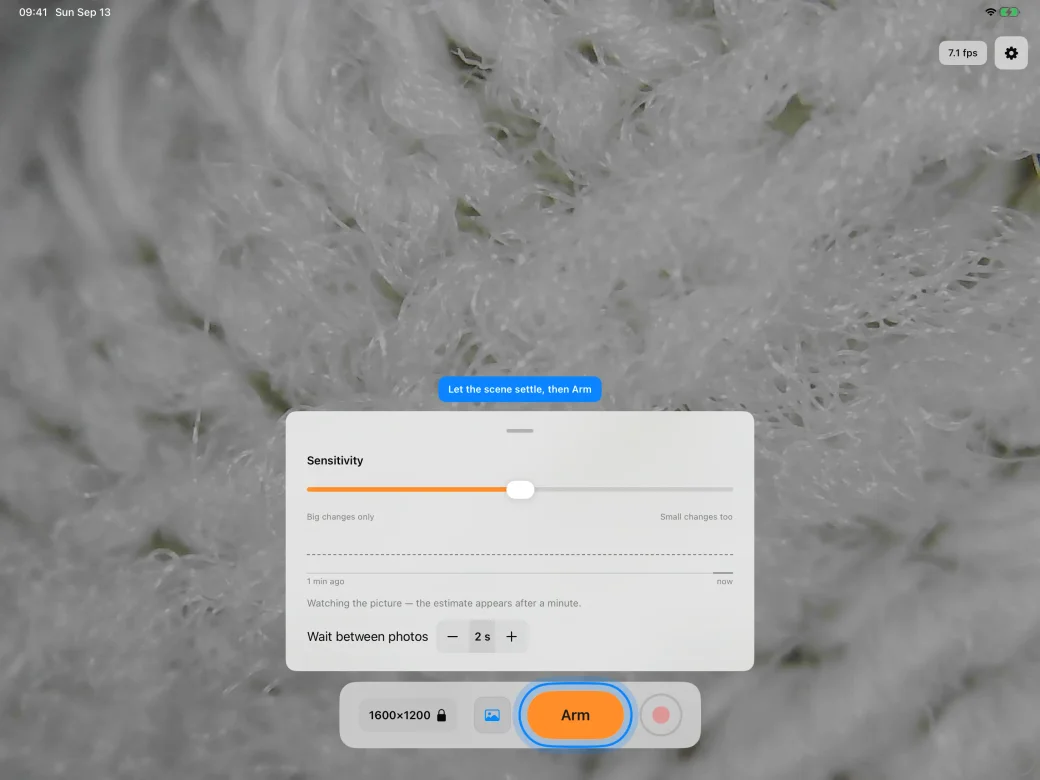
Timed capture takes photos at the rate and duration you choose. Auto capture takes photos when the picture changes, with adjustable sensitivity and a wait between photos. Each run has its own folder. Keep the app open while a capture run is active.
MEASURE A CALIBRATED IMAGE
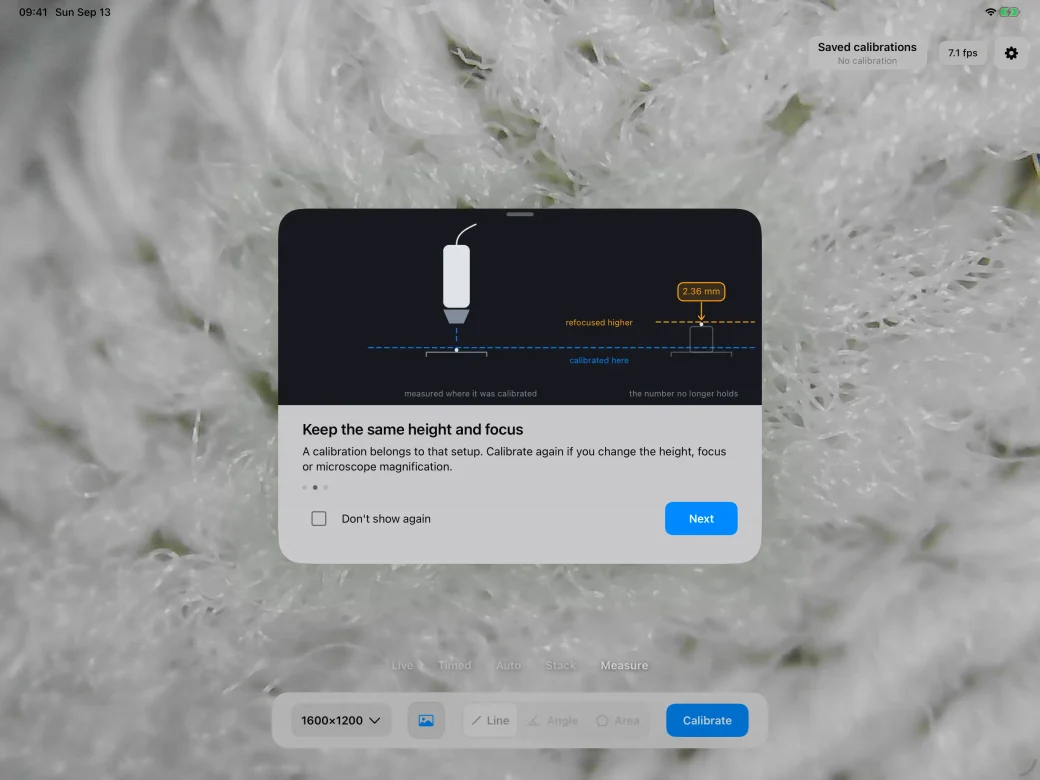
Freeze the picture or open a saved photo, calibrate against a known distance, then add line, angle and area measurements. Use a calibration for the current image without naming it. When calibrating a frozen live view, you can optionally save a named calibration for explicit reuse with the same optical setup. Save an annotated copy while keeping the original. Short tutorials explain camera angle, height and focus, and matching ruler edges.
COMBINE FOCUS FRAMES
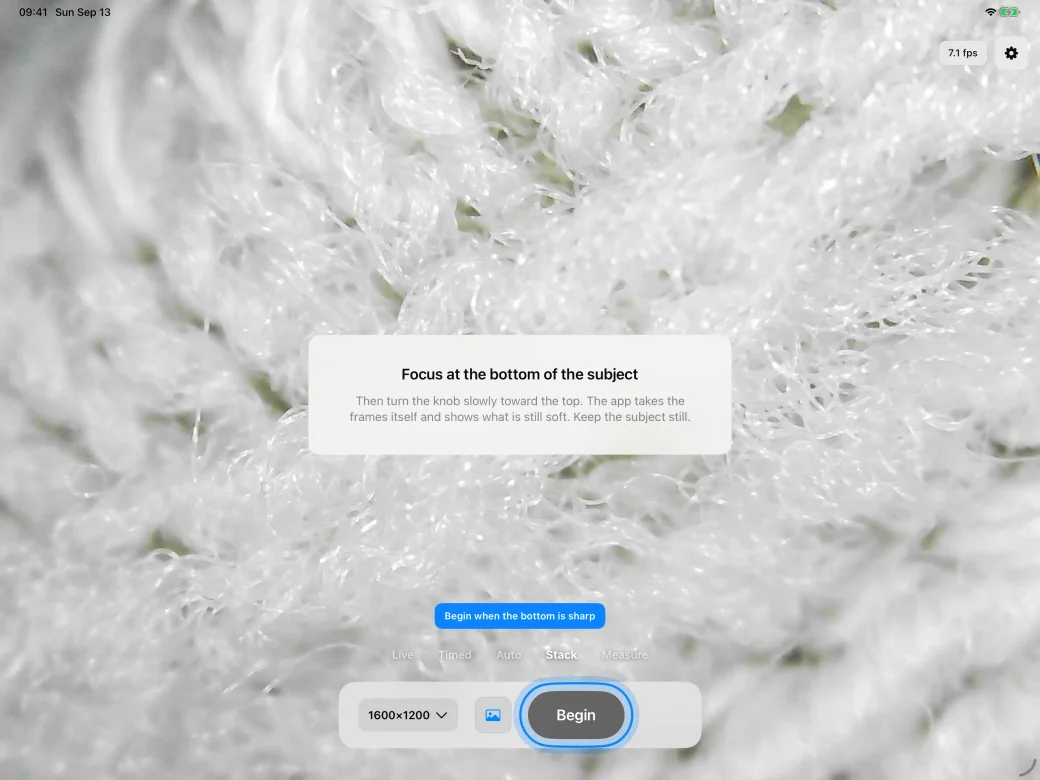
Keep the subject still and slowly turn the microscope's focus knob. Stack captures frames as focus changes and combines them into a picture. You can also choose to keep the source frames.
KEEP AND SHARE YOUR WORK
Browse captures in the app and access saved files through Files. Share selected photos and videos using the iPad share sheet. No account or registration is required. The app processes your work locally and does not automatically upload captures to Sunpet; sharing and device backups follow the services and settings you choose.
Requires a USB-C iPad with iPadOS 17 or later and a supported USB microscope.
For general observation, education and inspection. Not intended for medical or veterinary diagnosis, treatment, patient monitoring or safety-critical use. Calibrate carefully and independently check results before relying on them.
App privacy
What xploview declares on the App Store about how this app handles data.
-
Data not collected
The developer does not collect any data from this app.
Privacy practices may vary, for example with the features you use or your age.
Information
- Seller
- Sunpet Industries Limited
- Category
- Photo & Video
- Version
- 1.0
- Updated
- Oct 20, 2026
- Released
- Oct 19, 2026
- Size
- 3.5 MB
- Requires
- iOS 17.0 or later
- Age rating
- 4+
- Price
- Free
- Languages
- English, Czech, French, German, Hungarian, Italian, Japanese, Korean, Polish, Simplified Chinese, Slovak, Spanish + 1 more
- Copyright
- © 2026 Sunpet Industries Limited
You might also like
-
 PortShot - Webcam CapturePhoto & Video
-
 Curiosity microscopePhoto & Video
-
 Microscope Camera RemoteTurn your phone into a scope
-
 HiViewPhoto & Video
-
 Paint By Number CreatorYour own paint by numbers kits
-
 CamFiPhoto & Video
-
 Beauty Cam°Real Time Recording & Effect
-
 GoCamera – PlayMemories MobileRemote control Sony cameras
-
 wifiImagePhoto & Video
-
 Teleprompter TikCueRead Script, Prompt for Video