
- Age rating4+
- CategoryDeveloper Tools
- DeveloperReply200 Inc.
- Size9.4 MB
Links to the official App Store page
Download.org hosts no file of Xtro. The button opens its official App Store page, published by Reply200 Inc. Listing last checked on Nov 14, 2026.
Screenshots


About
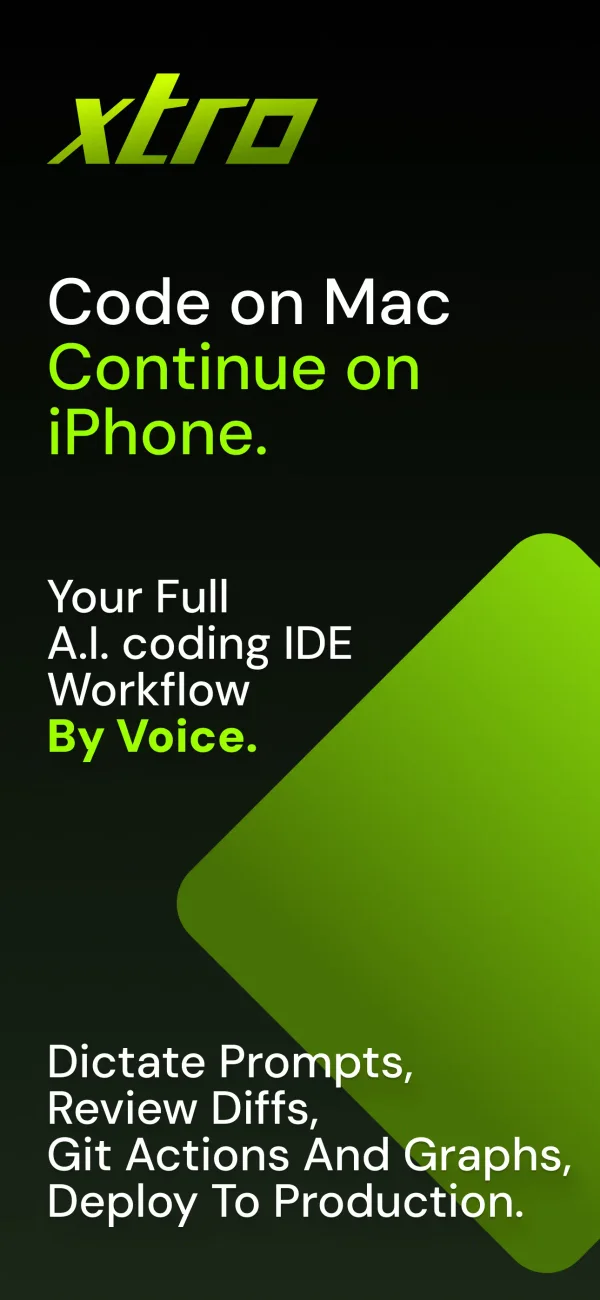
Xtro. The Mobile IDE for AI Developers
Xtro is a mobile IDE and terminal app for developers who use AI coding tools like Claude Code, Gemini CLI, and OpenCode.
It turns your iPhone into a real extension of your Mac development environment, letting you continue terminal sessions, AI conversations, and Git workflows from anywhere.
This is not another SSH client. Xtro is a true IDE front-end for AI-assisted development.
_____
Built for AI-First Developers
If you run AI coding agents on your Mac, Xtro keeps you connected when you step away.
Start an AI task on Mac.
Get notified on iPhone.
Approve, respond, and continue instantly.
Perfect for indie developers, solo founders, and startup teams shipping fast.
_____
Core Features
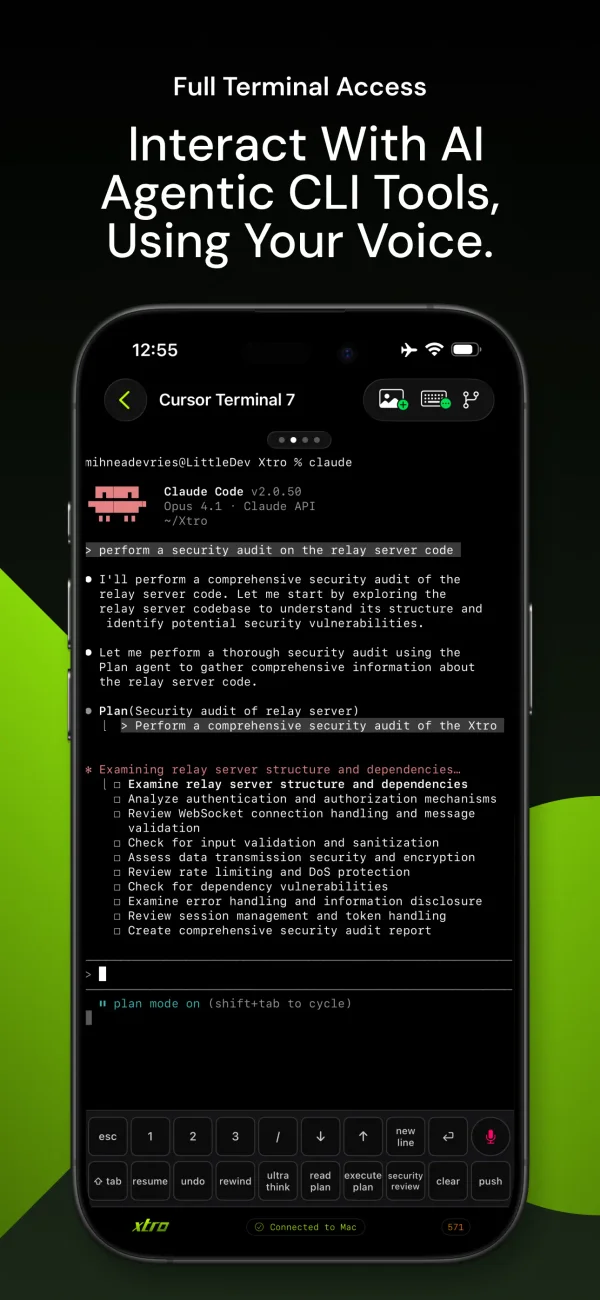
Real Terminal Sessions
Access your actual Mac terminal sessions, not remote copies. See live output from builds, tests, deployments, and AI agents in real time.
AI CLI Support
Designed for Claude Code, Gemini CLI, OpenCode, and other AI developer tools. Your AI context and terminal state stay perfectly in sync.
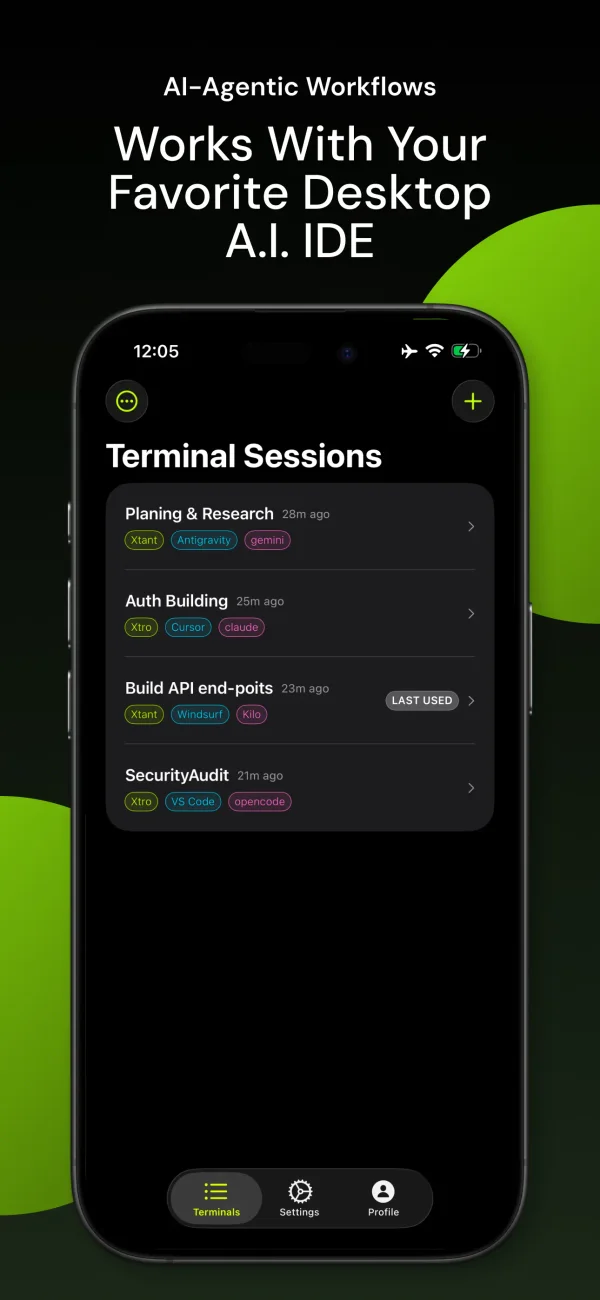
Multi-Session Management
Run multiple terminal sessions at once. Swipe between sessions to debug, commit, deploy, or monitor logs.
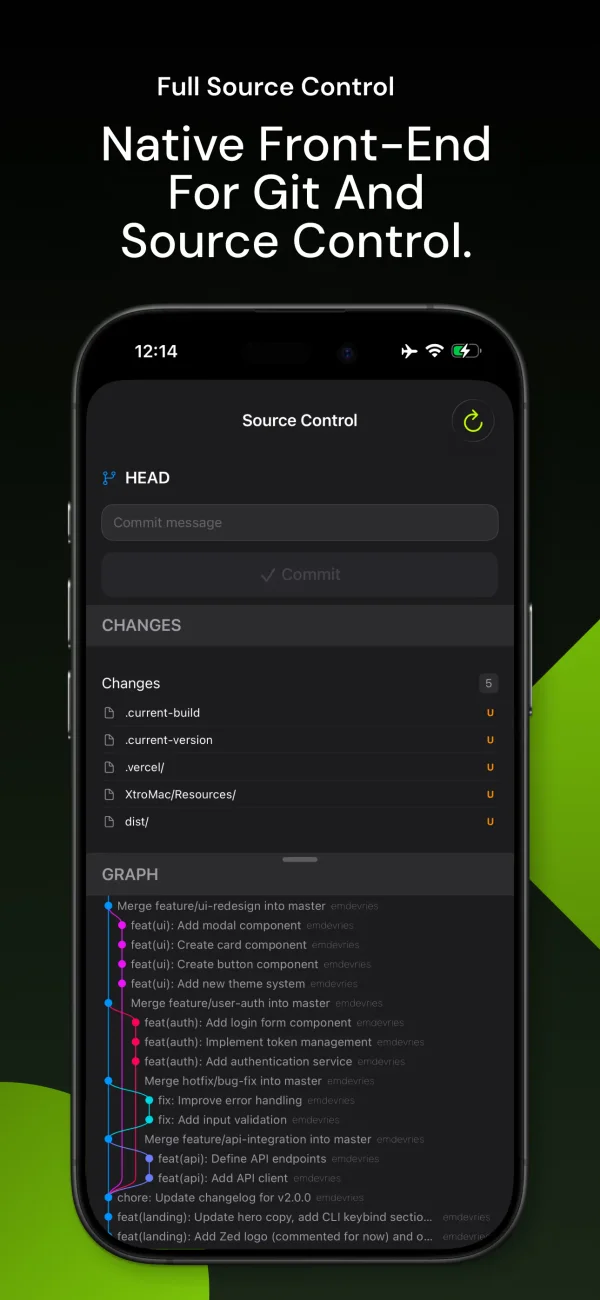
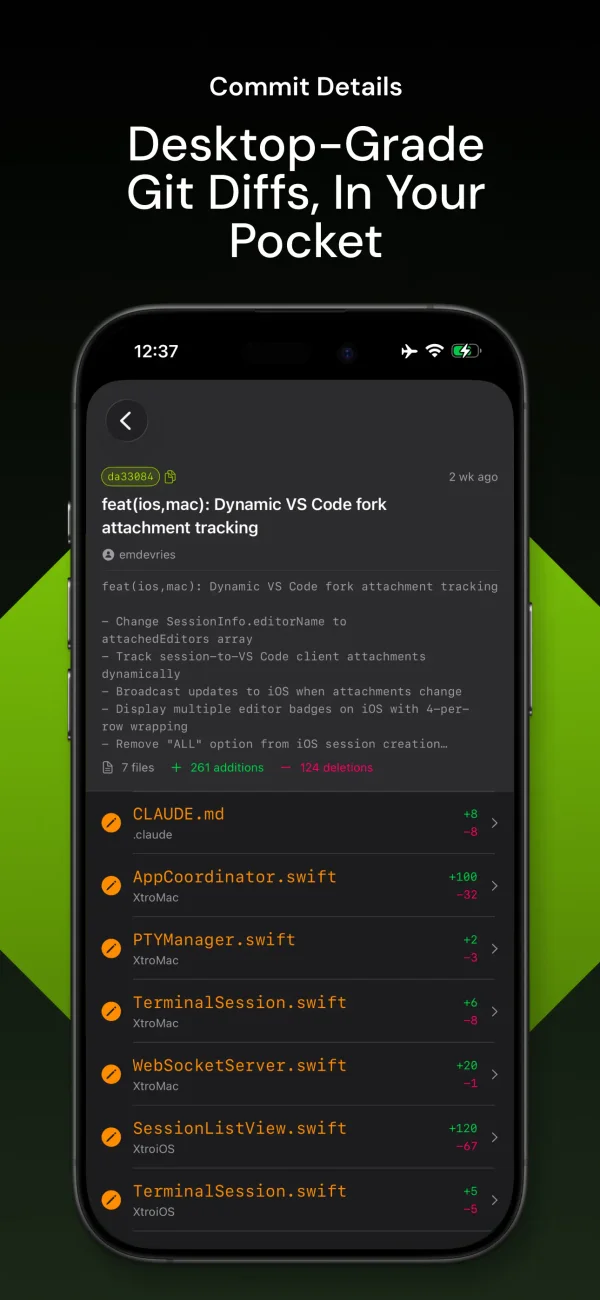
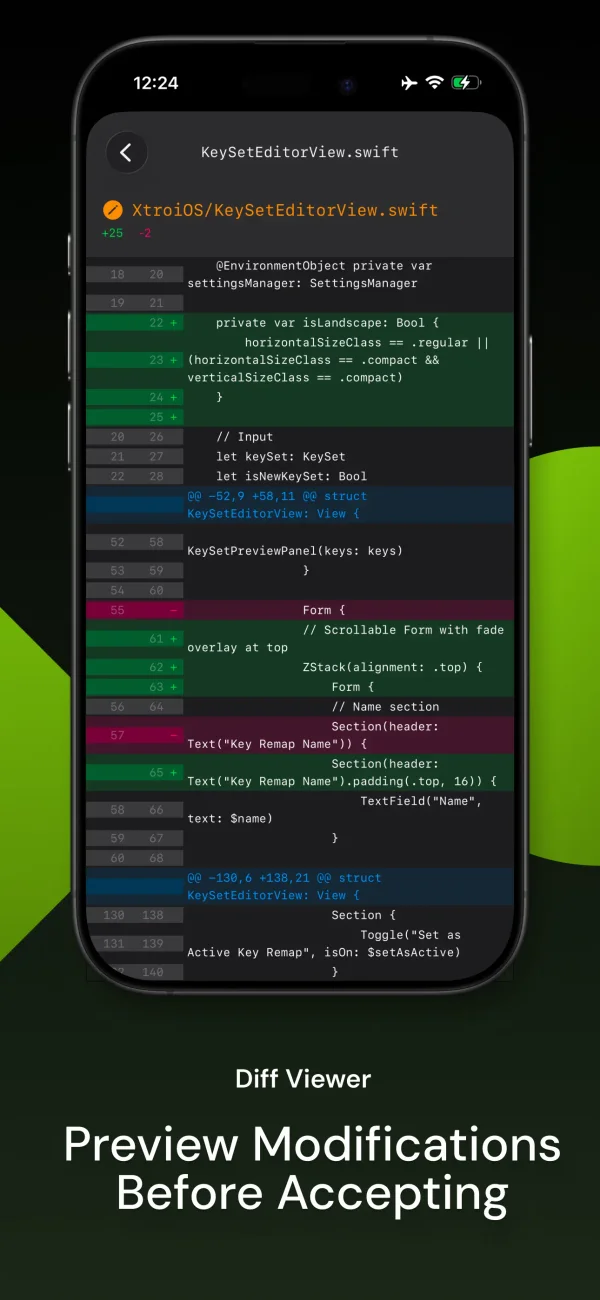
Integrated Git Client
Review diffs with syntax highlighting, stage files, commit, push, pull, and manage branches directly from your iPhone.
Custom Key Remaps
18 programmable keys with presets for AI coding tools. Run complex commands with a single tap. Export and share layouts.
Voice Commands
Dictate terminal commands and AI prompts using speech recognition, ideal for mobile workflows.
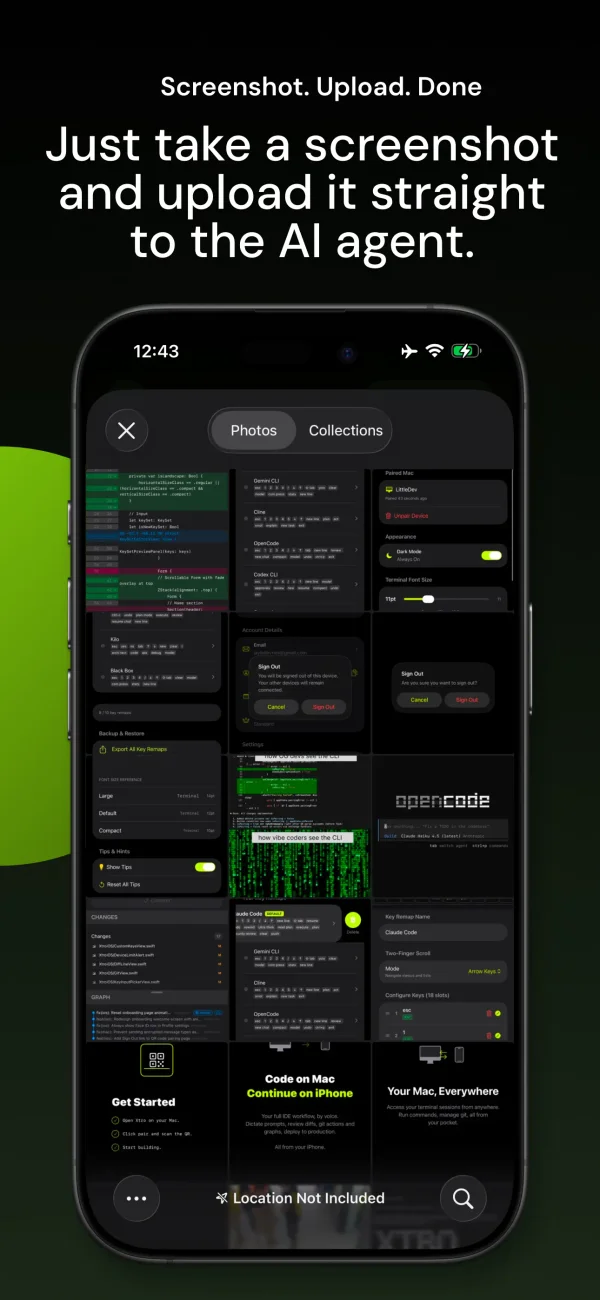
Screenshot to Terminal
Send screenshots directly into your AI CLI session to explain UI bugs or share visual context.
Mobile-Optimized Gestures
Swipe to switch sessions, double-tap to summon the keyboard, rotate to refresh output. Built for speed on mobile.
______
Developer-First Experience
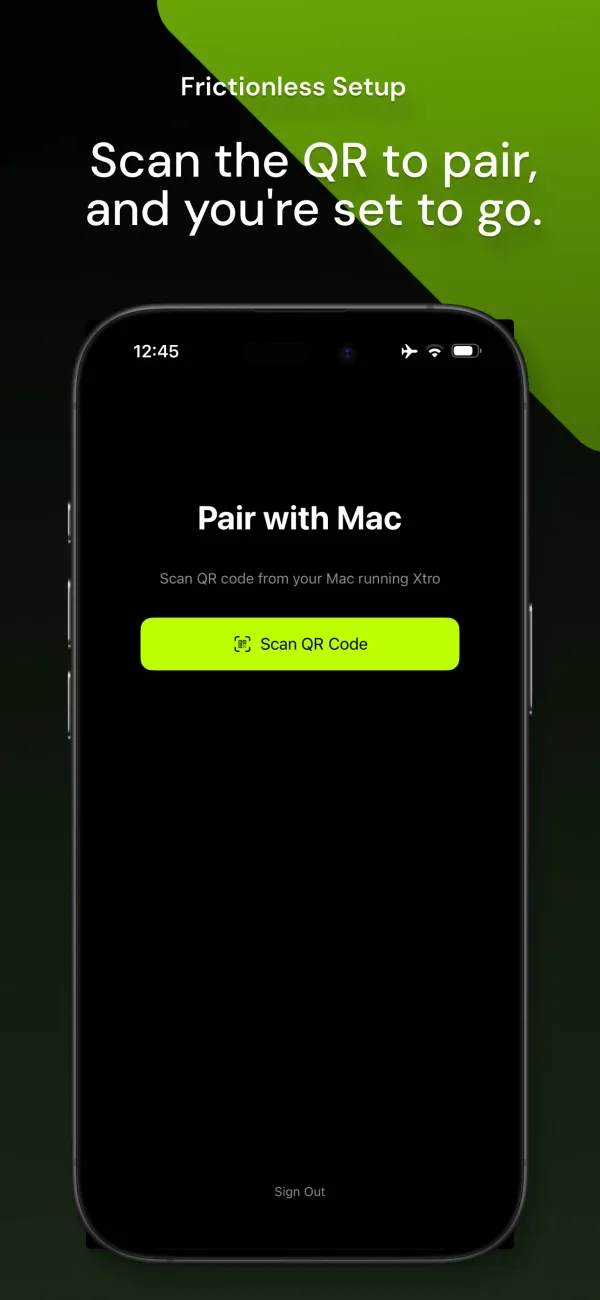
• QR code pairing with your Mac
• Face ID protection
• Automatic reconnection
• Fast resume
• Full ANSI color support
• xterm-256color compatibility
______
Real AI Developer Use Cases
• Continue debugging while away from your desk
• Respond to AI agent prompts instantly
• Monitor deployment logs in real time
• Run tests and scripts remotely
• Manage Docker containers
• Review and merge changes on the go
______
Secure by Design
• AES-256 encryption
• Secure token pairing
• No terminal data stored on servers
• Direct device-to-device connection
______
Your IDE, Everywhere
Xtro is not remote access.
It is your development workspace, mobilized.
Built for developers who rely on AI tools and refuse to stop shipping.
Terms of Use: https://www.apple.com/legal/internet-services/itunes/dev/stdeula/
What’s new
Version 1.2.0 · Mar 17, 2026
What's New in 1.2.0
- Terminals renamed to Conversations for a clearer experience
- Improved terminal rendering with better emoji display and font metrics
- Fixed voice transcription spacing between consecutive recordings
- Polished login screen with consistent field styles
- Fixed app icon appearance in all modes
App privacy
What Reply200 Inc. declares on the App Store about how this app handles data.
-
Data linked to you
May be collected and linked to your identity.
- Contact info
- Identifiers
Privacy practices may vary, for example with the features you use or your age.
Information
- Seller
- Reply200 Inc.
- Category
- Developer Tools
- Version
- 1.2.0
- Updated
- Mar 17, 2026
- Released
- Jan 8, 2026
- Size
- 9.4 MB
- Requires
- iOS 17.0 or later
- Age rating
- 4+
- In-app purchases
- Yes
- Copyright
- © Xtro
You might also like
-
 VeelopsVibe Code Anywhere
-
 One Ship ArmyRelease Tracker for Indie Devs
-
 TermiShellSecure & Fast SSH Terminal
-
 DevSolveDeveloper Marketplace & Tools
-
 PocketEngCoding agents from your phone
-
 DexRelay: Claude Code & CodexRemote AI coding agent for Mac
-
 Launch: ASOMetadata & release notes
-
 Termixa — Remote AI TerminalYour to machine's AI, anywhere
-
 Asynq Buddy: Coding agentsYour AI agents in your pocket.
-
 VibeOrbitRemote client for Codex server