Yellow: Slow Your Scroll
The dumbphone alternative
Designed for iPhone
Free · In-app purchases
- Age rating4+
- CategoryProductivity
- DeveloperBridge the App Mobile LLC
- LanguagesEnglish
- Size4.7 MB
Links to the official App Store page
Download.org hosts no file of Yellow: Slow Your Scroll. The button opens its official App Store page, published by Bridge the App Mobile LLC. Listing last checked on Nov 26, 2026.
Screenshots

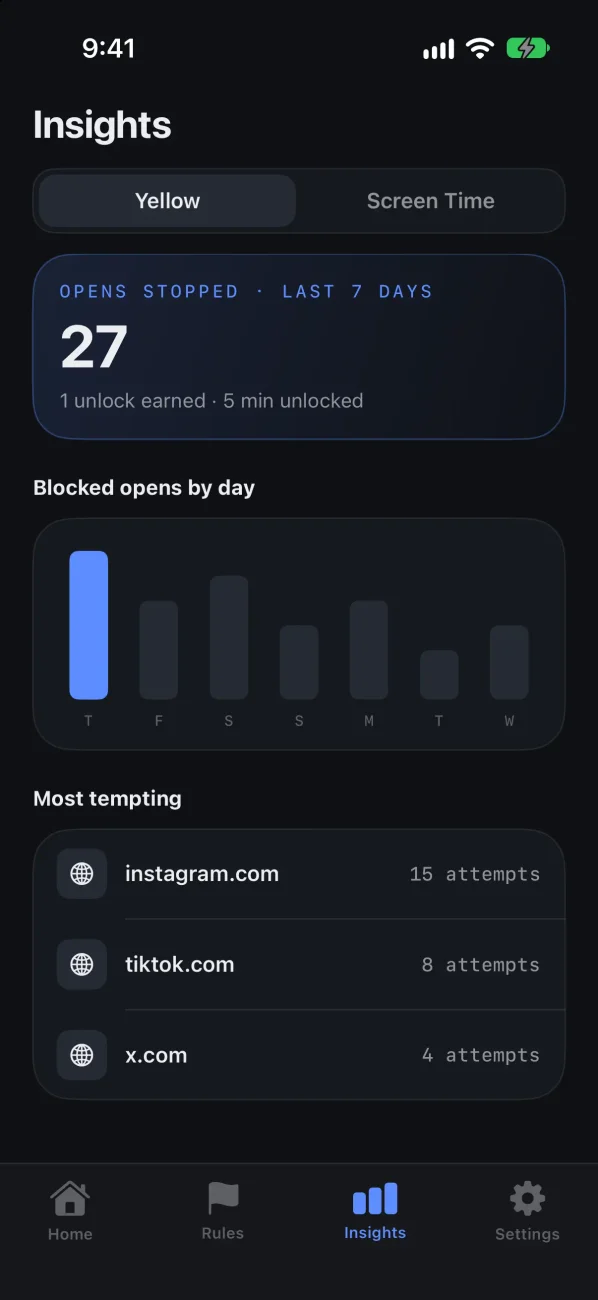
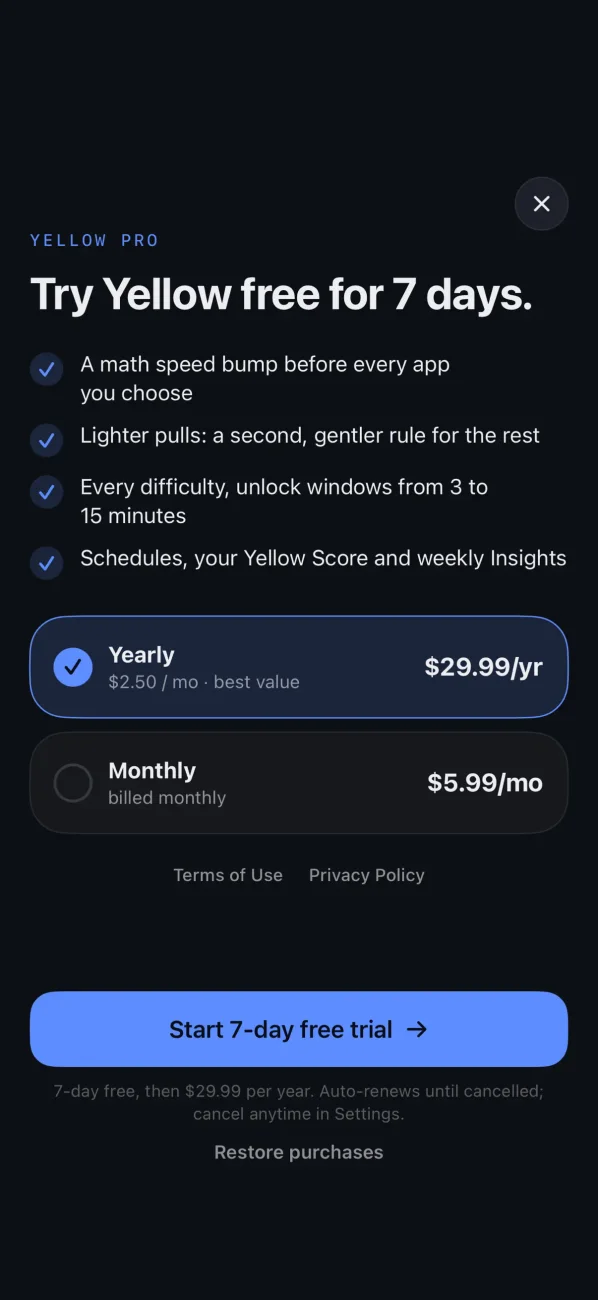
About
Thinking about a dumbphone? You don't have to buy one. Yellow turns the iPhone you already have into the phone you actually want: quiet when you want quiet, useful when you need it.
GO YELLOW: DUMBPHONE MODE IN ONE TAP
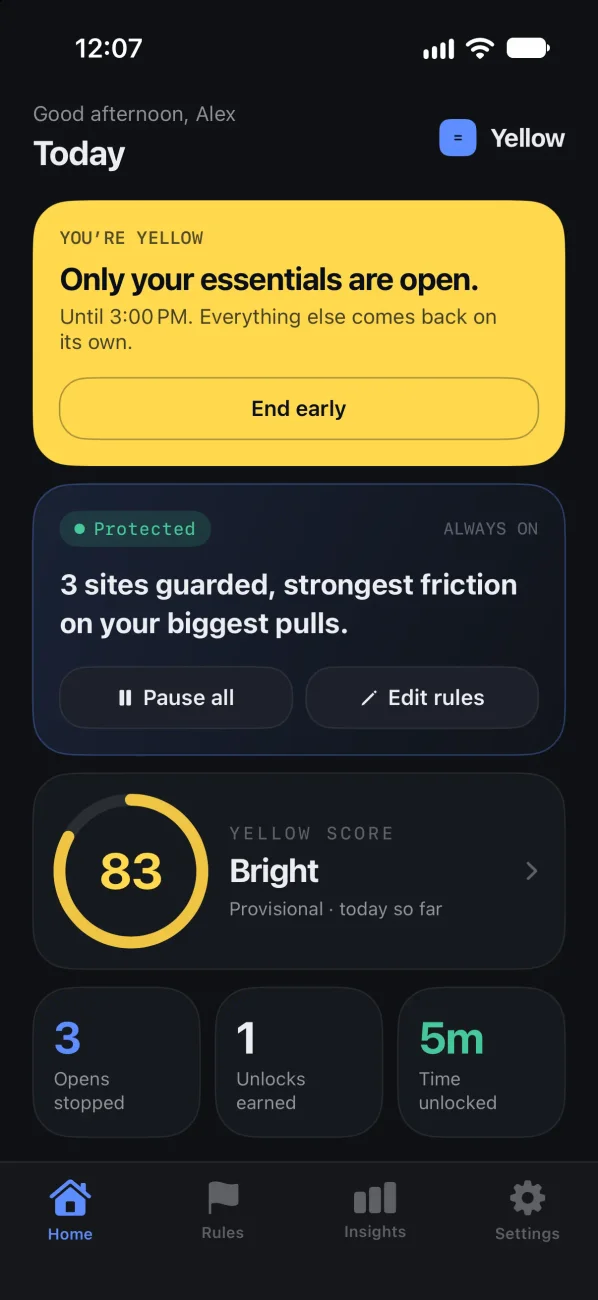
Pick your essentials once (Phone, Messages, Maps, a ride app), then tap Go Yellow. Everything else is blocked until the time you choose: an hour, the afternoon, or until morning. Your essentials keep working, and when time's up everything comes back on its own. Run it on demand, set it on a schedule like weeknights 9 PM to 7 AM, or start it with Siri or a Focus. Ending early takes a quick math problem, so it sticks.
SOLVE TO SCROLL
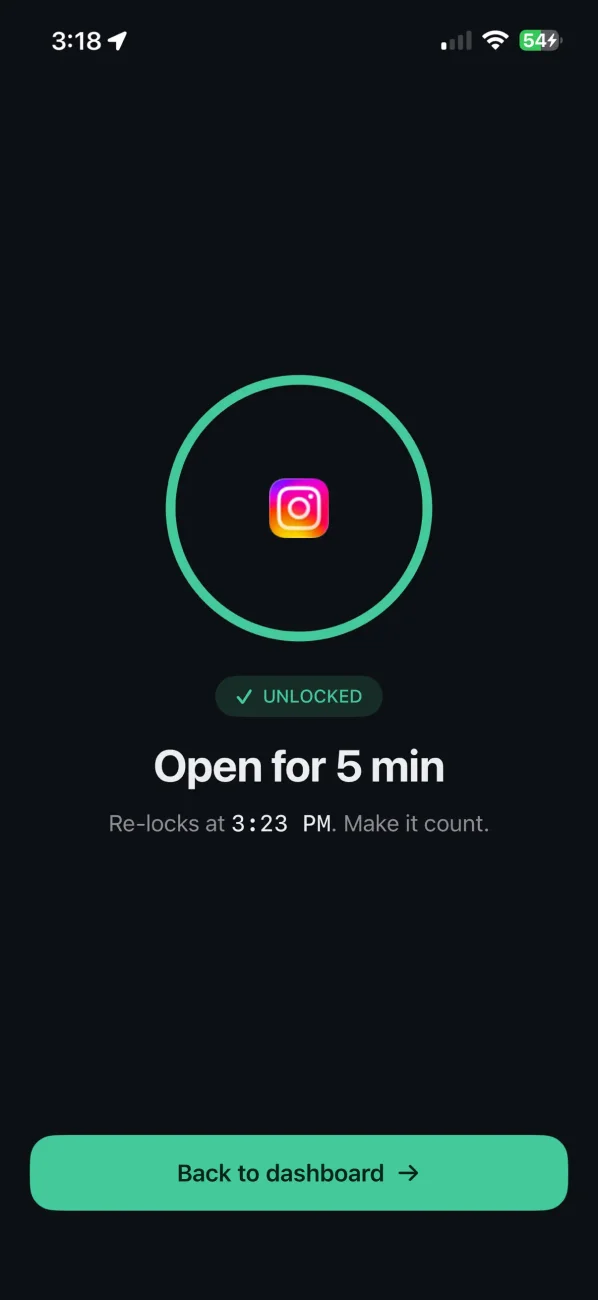
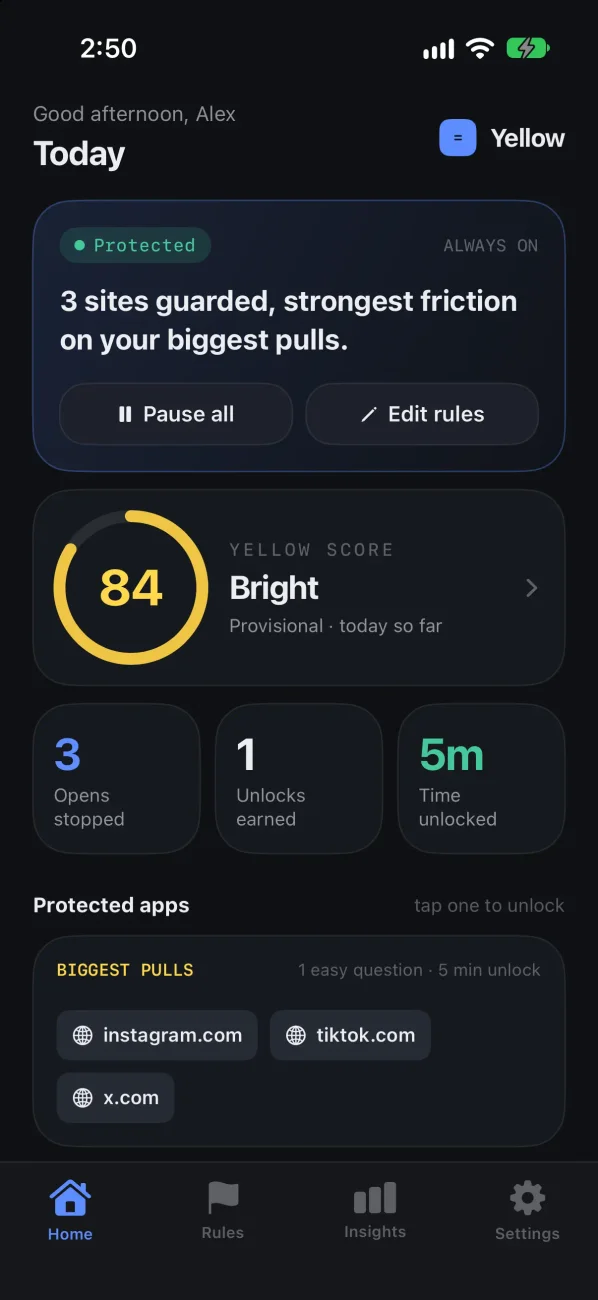
For everyday use, choose the apps you open on autopilot. When you reach for one, Yellow asks you to solve a short math challenge first. Get it right and the app opens for a few minutes, then locks itself again. Every app you don't choose keeps working like always.
SEE THE DIFFERENCE
Yellow shows how your screen time has changed since you started, today and day by day, with up and down arrows for each app. Your Yellow Score sums up each day as a single 0–100 number for how well you kept your word to yourself. Watch it climb, keep your streak alive, and share your best days.
• Go Yellow: one tap blocks everything but your essentials
• On demand, on a schedule, or with Siri or a Focus
• Solve-to-unlock: a brief math challenge earns a timed unlock
• Auto re-lock when your unlock window ends
• Block websites in Safari, like x.com, with the Yellow Safari extension
• Since Yellow: your screen time before and after, app by app
• Your daily Yellow Score, with an honest breakdown of what moved it
• Share a beautiful score card — no app names, ever
• Private by design: your picks and activity stay on your phone. No tracking, no ads.
YELLOW FOR FAMILIES
You can also set Yellow up on your child's iPhone. You approve the setup with your own Apple Account, and a parent PIN guards the settings. Your child needs their own Apple Account in your Family Sharing group. There's no separate parent app — you do this on the child's iPhone itself. Each iPhone needs its own Yellow subscription.
You choose the apps, the math level (rough age guide from 6 to 13 and up) and a daily limit. They solve math to open those apps, and when the daily limit is used up, the apps stay locked until tomorrow. Make a deal together, like pizza night, and the block screen shows what they're working towards. It's parental controls with math.
Yellow is built for iPhone (iOS 17 or later), using Apple's built-in Screen Time. On your own iPhone, it is a self-control tool, not a lock you can't undo.
Yellow never sees which apps you picked (Apple keeps them private). The only thing we ever receive is the name and email you choose to give us at setup, for optional sign-in and tips.
YELLOW PRO SUBSCRIPTION
Yellow is a subscription app. You choose a plan at the end of setup. Yearly is free for your first 7 days, then $29.99 per year. Monthly is $5.99 per month, billed when you subscribe, with no free trial. Both are billed to your Apple ID. Each plan renews automatically unless cancelled at least 24 hours before the end of the current period; manage or cancel it in your Apple ID settings.
Privacy Policy: https://getyellow.app/privacy/
Terms of Use: https://getyellow.app/terms/
What’s new
Version 1.0.13 · Nov 25, 2026
Kid's phone is now called Yellow for Families. Small improvements and fixes.
App privacy
What Bridge the App Mobile LLC declares on the App Store about how this app handles data.
-
Data linked to you
May be collected and linked to your identity.
- Contact info
- Identifiers
-
Data not linked to you
May be collected but is not linked to your identity.
- Contact info
Privacy practices may vary, for example with the features you use or your age.
Information
- Seller
- BRIDGE THE APP MOBILE LLC
- Category
- Productivity
- Version
- 1.0.13
- Updated
- Nov 25, 2026
- Released
- Nov 2, 2026
- Size
- 4.7 MB
- Requires
- iOS 17.0 or later
- Age rating
- 4+
- Price
- Free
- In-app purchases
- Yes
- Languages
- English
- Copyright
- © 2026 Bridge the App Mobile LLC
You might also like
-
 Peninsula ResidencesResident Experience Management
-
 Napa Service CenterProductivity
-
 Futureland – Goal TrackerJournal & Track Anything
-
 Vimcal: AI Calendar & ScheduleCalendar for work meetings
-
 BB - Screen Time & App BlockerControl and limit social media
-
 Dex - Rolodex and Personal CRMBuild stronger relationships
-
 Mesh: Contacts + CRMPowerful Contacts Manager
-
 Shortwave - AI EmailAI-native email for business
-
 Willow Dictation & AI KeyboardVoice typing for work & chat
-
 Breezy HRSimple, Modern Recruiting