YostNotes: AI Notes & Audio
Record lectures & meetings
Designed for iPhone, iPad
In-app purchases
- Age rating4+
- CategoryProductivity
- DeveloperRick Yost
- LanguagesFrench+ 3 more
- Size8.8 MB
Links to the official App Store page
Download.org hosts no file of YostNotes: AI Notes & Audio. The button opens its official App Store page, published by Rick Yost. Listing last checked on Nov 12, 2026.
Screenshots


About
Record the lecture. Get the notes.
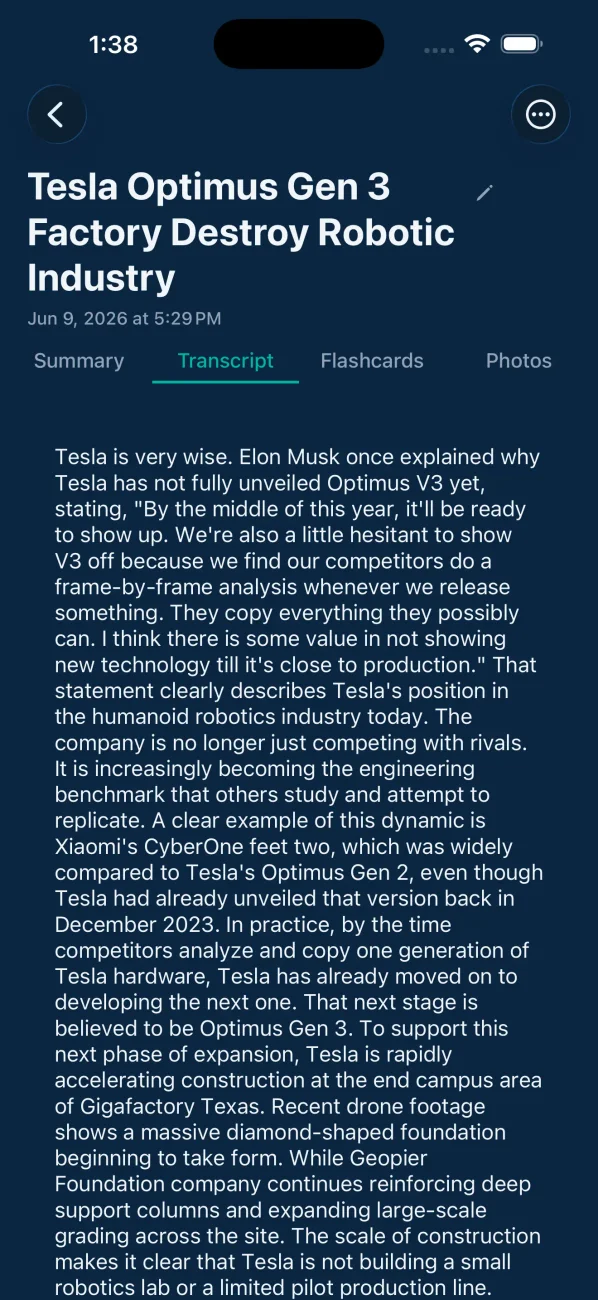
YostNotes records your classes, meetings, and calls, then writes them up for you: a full transcript, a summary of what actually mattered, and flashcards to study from. You listen. It writes.
HOW IT WORKS
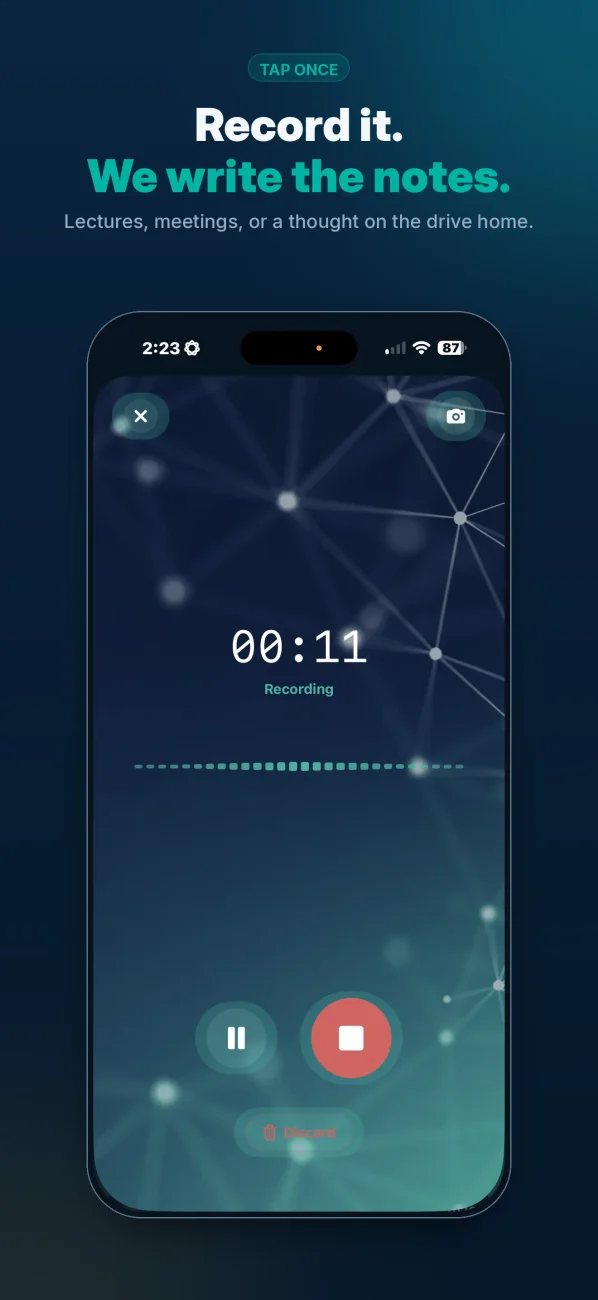
1. Tap record, then put your phone down and pay attention.
2. YostNotes transcribes every word, with speakers labelled.
3. You get a summary, the key terms, and a set of flashcards.
Or skip the recording entirely. Paste or type any text and get the same summary back.
WHAT YOU GET
Full transcripts
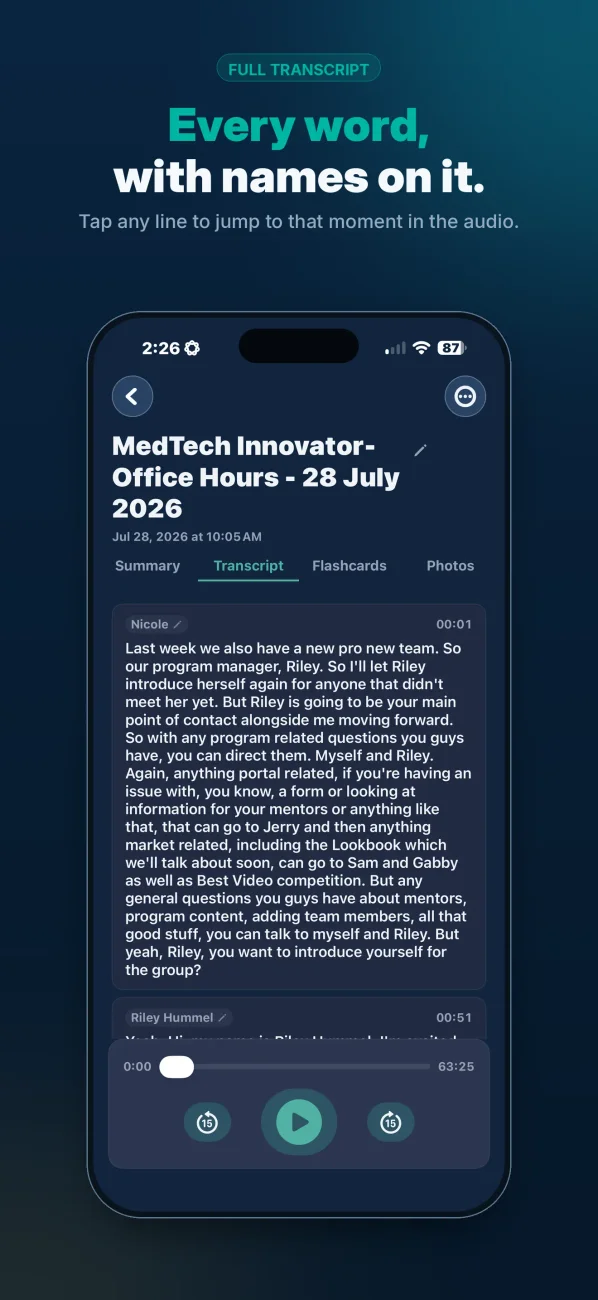
Every word, timestamped. Tap any line to jump straight to that moment in the audio. Long-press a line to fix it, and name a speaker once to update every line they said.
Summaries that hold up
An overview, the decisions, the action items, and the key terms. The parts you would have written down yourself if you had not been busy listening.
Flashcards, generated
One conversation becomes a study set. Review what was said instead of rereading it.
A library you can search
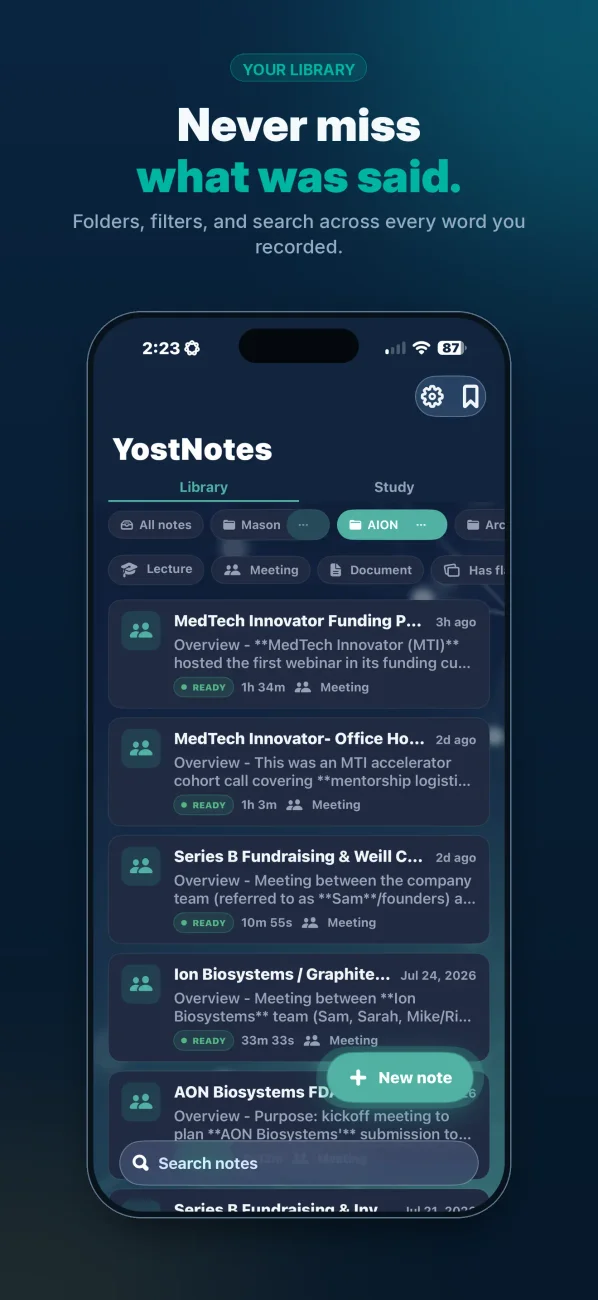
Folders, filters, and search across every note you have made. Find the meeting from three weeks ago without remembering when it happened.
Photos alongside your notes
Capture the whiteboard or the slide. It stays with the note it belongs to, and it travels with the summary when you share or export.
Finishes without you
Stop a recording and lock your phone. Transcribing and summarising carry on in the background, and YostNotes tells you when the note is ready.
BUILT FOR
Students recording lectures who would rather listen than type
Professionals in back-to-back meetings who need the decisions and the action items
Researchers running interviews who need an accurate record
Anyone who thinks out loud and wants it written down
PRIVACY
CloudSync is end-to-end encrypted with a passphrase only you know. Your notes are encrypted on your device before they leave it, so we can never read them. We do not train on your data.
POWERED BY CLAUDE
Summaries, key terms, and flashcards are generated using Anthropic's Claude models. You stay the author and you stay in control.
ALSO INCLUDED
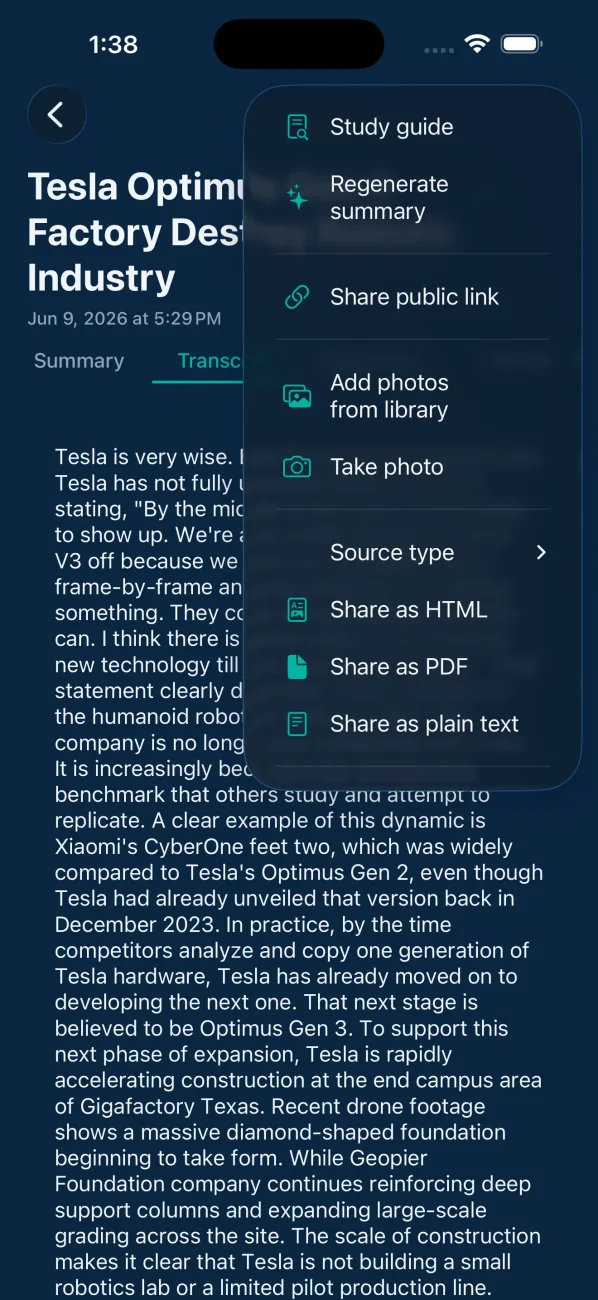
Markdown formatting, PDF export, sharing, and dark mode throughout.
WHAT USERS SAY
"I finally have one place for everything. My second brain feels real now."
"Voice capture during walks changed how I work. Ideas land in YostNotes before I forget them."
"Search alone is worth the price. I find old notes in seconds."
PRICING
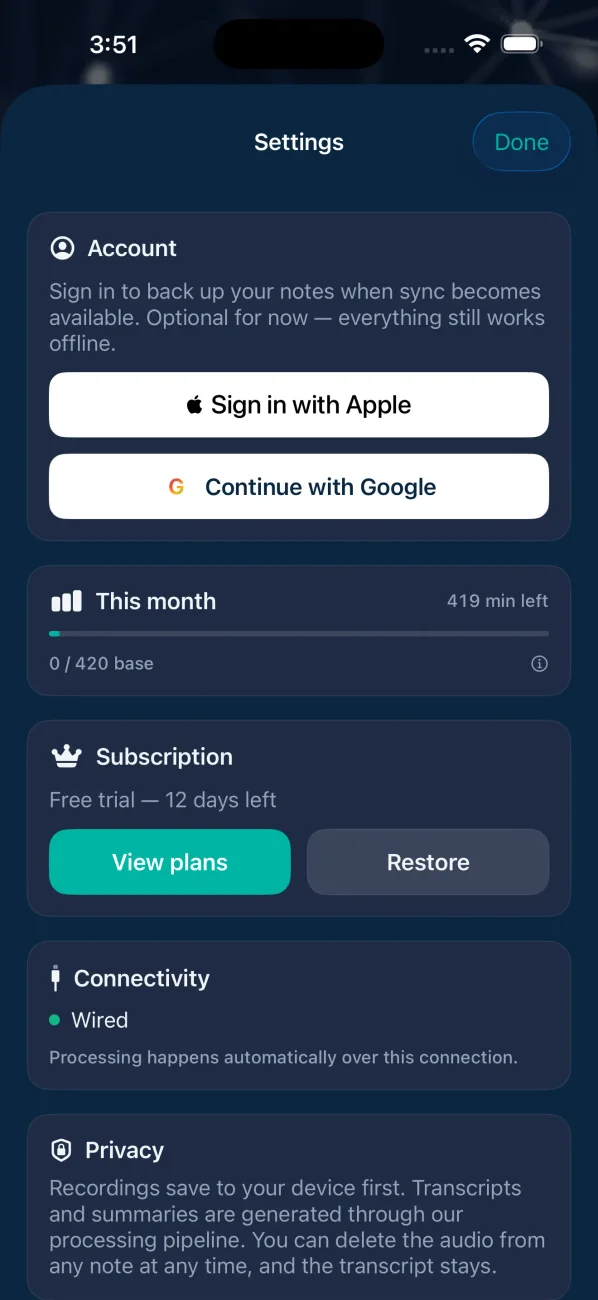
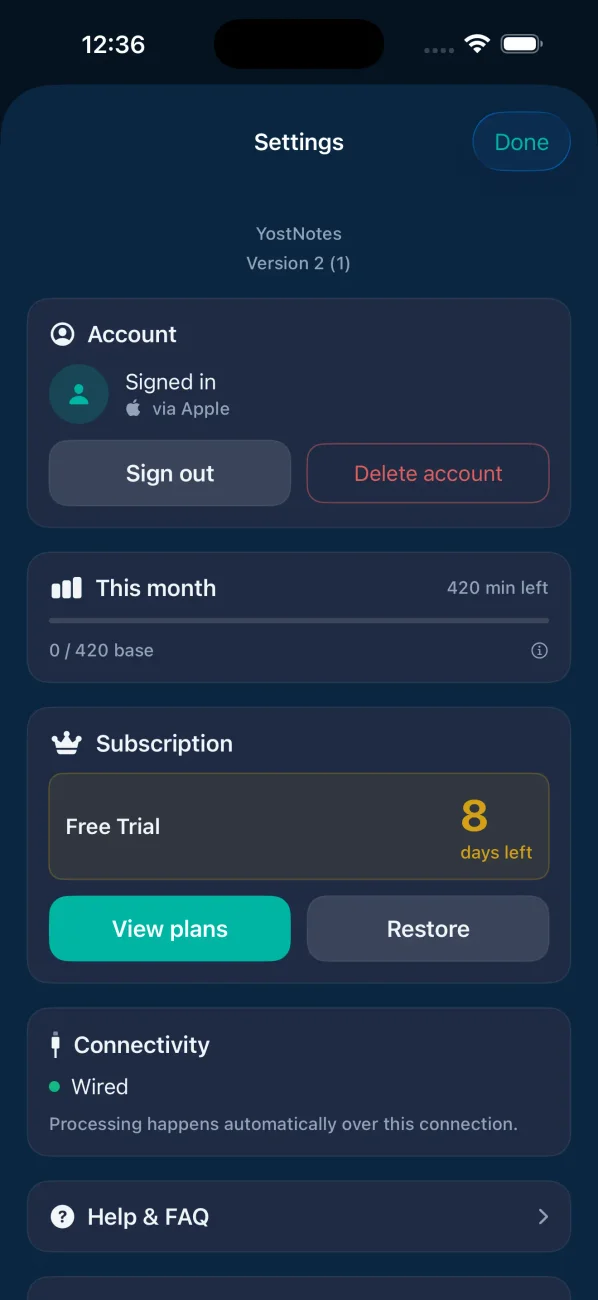
Free to try. A subscription adds recording minutes, advanced AI features, and encrypted CloudSync. Monthly or yearly billing.
Questions or feedback? We read everything and ship fast. Reach us at info@yost.group.
Terms of Use: https://www.apple.com/legal/internet-services/itunes/dev/stdeula/
What’s new
Version 3.0 · Oct 20, 2026
Version 3.0 lets you ask your notes questions, quiz yourself, run recipes, and capture from any app, now in light or dark and in German, Spanish or French.
Ask Your Notes
Ask about one note, a folder, or everything you've recorded, and get an answer drawn only from your notes. If your notes don't say, the answer tells you so. Only the relevant passages leave your phone, and your questions stay on it.
Jump to the Moment
Every answer shows its sources. Tap one to open the note at that line, and the recording starts playing right where it was said.
Quiz Yourself
Tap Quiz Me in any note, or Quiz This Folder for a whole course, for ten questions from your own notes. Short answers are graded for meaning, not exact wording, and the ones you miss can become flashcards in one tap.
Study Reminders and Streaks
Turn on Remind me to study, pick a time, and YostNotes tells you how many cards are due. Quiz nudges come the day before an exam on your calendar, or a week after a folder's last note. The Study tab shows your streak.
Recipes and Summary Templates
Run a recipe on a note or a whole folder to turn it into a follow-up email, ten exam questions, an update for your manager, or anything you write and save. Give a folder a Summary Template, and every note in it is summarized your way.
Your Calendar, If You Want
Turn on Use my calendar, and a recording made during an event is named after it, offered the folder you used last time, and its attendees help name the speakers. The recorder recaps what you covered last time. Your calendar is read only on your iPhone.
Names and Terms That Come Out Right
Give a folder its people and terms, like a professor's name or drug names, and YostNotes spells them right in that folder's transcripts, speaker names, and summaries.
Tags, Sorting and Search
Every summary suggests a few topic tags, and you can add your own. Filter by one tag or several, or by flashcards due, and sort by newest, updated, longest, or title. Search finds recipe results and past quizzes, and Spotlight finds your notes.
Translate Any Note
When a note comes back in a language you don't read, one tap rewrites the title, summary, and flashcards in your language. YouTube links use captions in your language when the video has them.
Listen Your Way
Play recordings at 0.75x up to 2x, and each note remembers its speed and where you stopped. Play, pause, and skip from the Lock Screen, and keep listening with the screen locked.
Summaries in Your Inbox
Turn on Email Summaries for a formatted email, a PDF, or plain text. Choose Automatic, and each recording's summary arrives when it's ready, or Manual, and nothing is sent until you tap Email Summary in a note. Only the summary is sent, never the transcript or the audio.
Share to YostNotes
Send a web page, a YouTube video, a PDF, some text, or a Voice Memo from another app: tap Share, then YostNotes.
Record From Anywhere
Add the Record widget to your Home Screen or Lock Screen, or say “Start recording in YostNotes” to Siri. While you record, the Lock Screen and Dynamic Island show the time, with buttons to pause and stop.
Take Your Notes Anywhere
Share or copy any note as Markdown, export a folder or your whole library into Files or an Obsidian vault, and send flashcards to Anki as a ready-made deck.
Light, Dark, Your Language
Choose System, Light or Dark under Settings, Appearance. YostNotes now speaks German, Spanish and French when your iPhone does.
Sync and Delete
CloudSync keeps your sign-in fresh each time you open the app, so it no longer stops working after a month. Deleting your account now also removes your synced data from our servers.
Ask, quizzes, recipes and Email Summaries are included with YostNotes Pro and during your free trial. Ask and recipes share 50 a month and quizzes get 20, counted separately from your recording minutes. The chat bar's Edit mode stays unlimited.
Questions or feedback? We read everything and ship fast. Reach us at info@yost.group.
App privacy
What Rick Yost declares on the App Store about how this app handles data.
-
Data linked to you
May be collected and linked to your identity.
- Purchases
- Contact info
- User content
- Identifiers
-
Data not linked to you
May be collected but is not linked to your identity.
- User content
- Usage data
Privacy practices may vary, for example with the features you use or your age.
Information
- Seller
- Yost Group LLC
- Category
- Productivity
- Version
- 3.0
- Updated
- Oct 20, 2026
- Released
- Jun 7, 2026
- Size
- 8.8 MB
- Requires
- iOS 18.6 or later
- Age rating
- 4+
- In-app purchases
- Yes
- Languages
- French, English, Spanish, German
- Copyright
- Copyright © 2026 Yost Group. All rights reserved. YostNotes and the YostNotes logo are trademarks of Yost Group. Unauthorized reproduction or distribution is prohibited.
You might also like
-
 Clone+: Zettelkasten AI NotesSecond brain for your ideas
-
 slowDigestSend Articles to Your E-Reader
-
 Noteleo: AI Note Taker & StudyAI Notes, Flashcards & Quizzes
-
 NotesPeak: offline AI notesOffline AI notes & voice
-
 Atlas: Tasks & FocusTo-do, agenda & focus timer
-
 notee: AI Notes & SummariesSummarize video, PDF & voice
-
 Mentor Find AI: Learn MentorDiscover & Talk with Mentors
-
 DeckForge: Board Game CreatorGame Prototyping & Playtesting
-
 PenDate Notes: Digital PlannerCalendar, Journal & To-Do List
-
 AI Journal: Diary & Mood TrackMindfulness & Mental Health