Young Minds App
Screen time, safety & habits
Designed for iPhone, iPad, iPod touch
Free
- Age rating4+
- CategoryLifestyle
- DeveloperYoungmindsapp Ltd
- LanguagesEnglish
- Size46.1 MB
Links to the official App Store page
Download.org hosts no file of Young Minds App. The button opens its official App Store page, published by Youngmindsapp Ltd. Listing last checked on Nov 20, 2026.
Screenshots
About
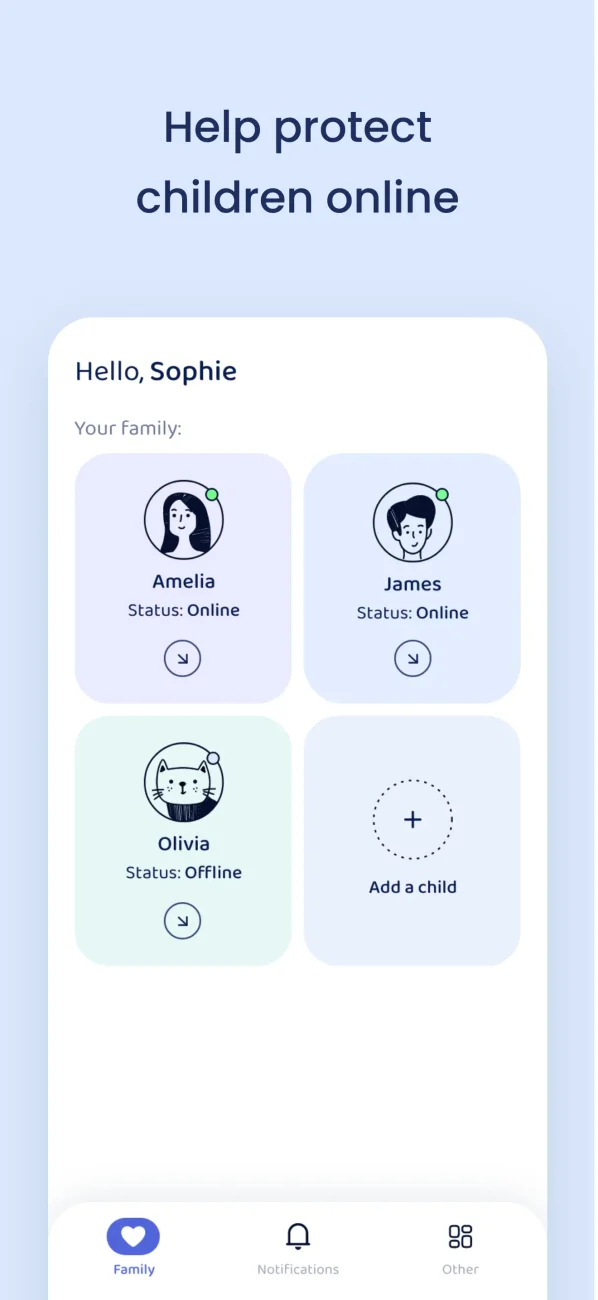
Young Minds App is the companion app for the Young Minds App Parents.
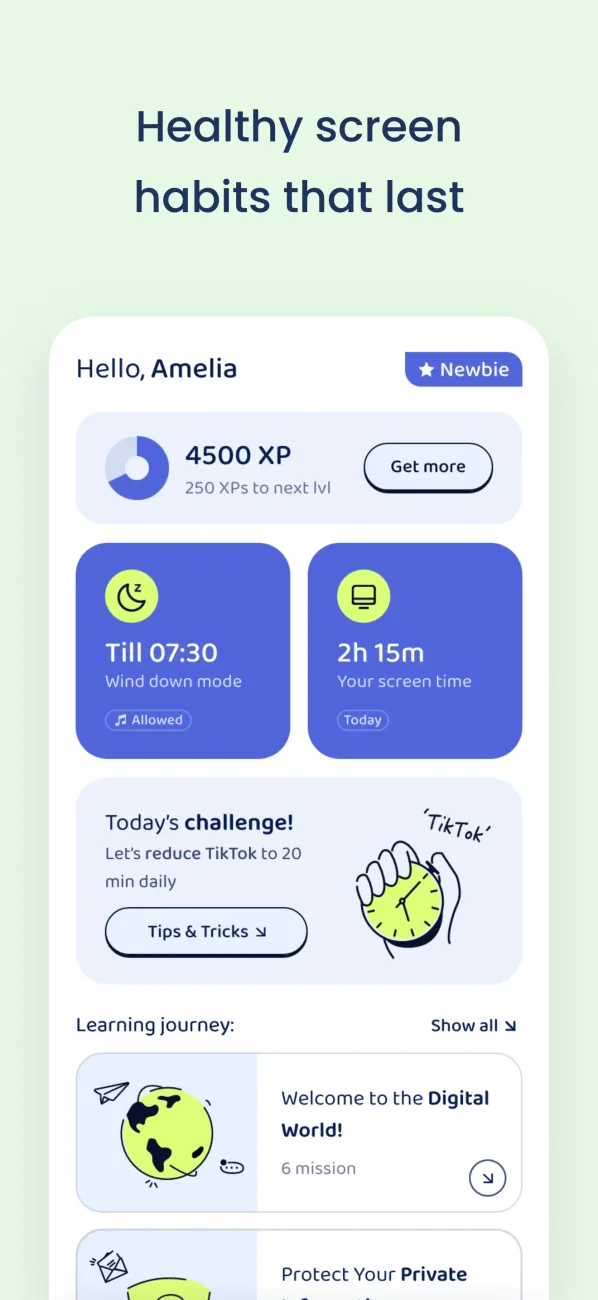
Please only install this app on an iPhone or iPad used by a child or teen. It works together with the Parent App to help parents manage screen time, support safer online behaviour, and encourage healthy digital habits through learning, guidance, and parental oversight.
How to get started
1 - Download the Young Minds App Parents on the parent’s device and create a parent account.
2 - Download the Young Minds App on each child’s iPhone or iPad you want to manage and link to the parent account.
3 - Together, the two apps allow parents to apply safety settings, support digital wellbeing, and guide increasing independence over time.
Features
- Screen time rules
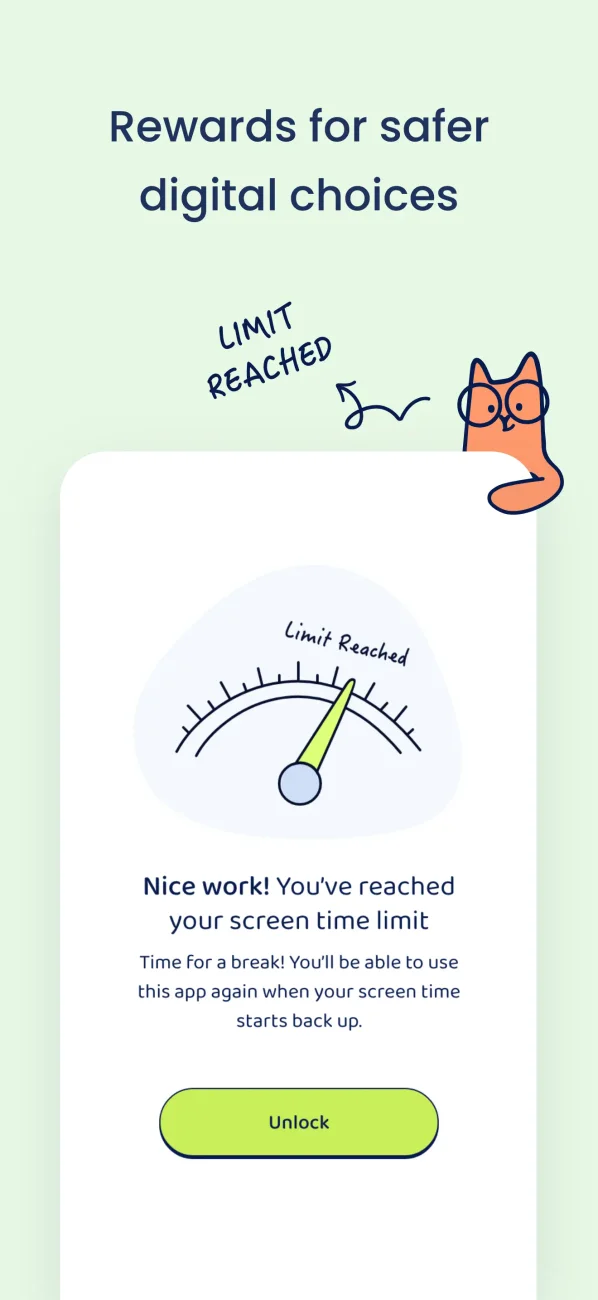
Parents can apply screen time settings and routines through the Parent App to help guide healthy daily device use.
- Digital safety learning
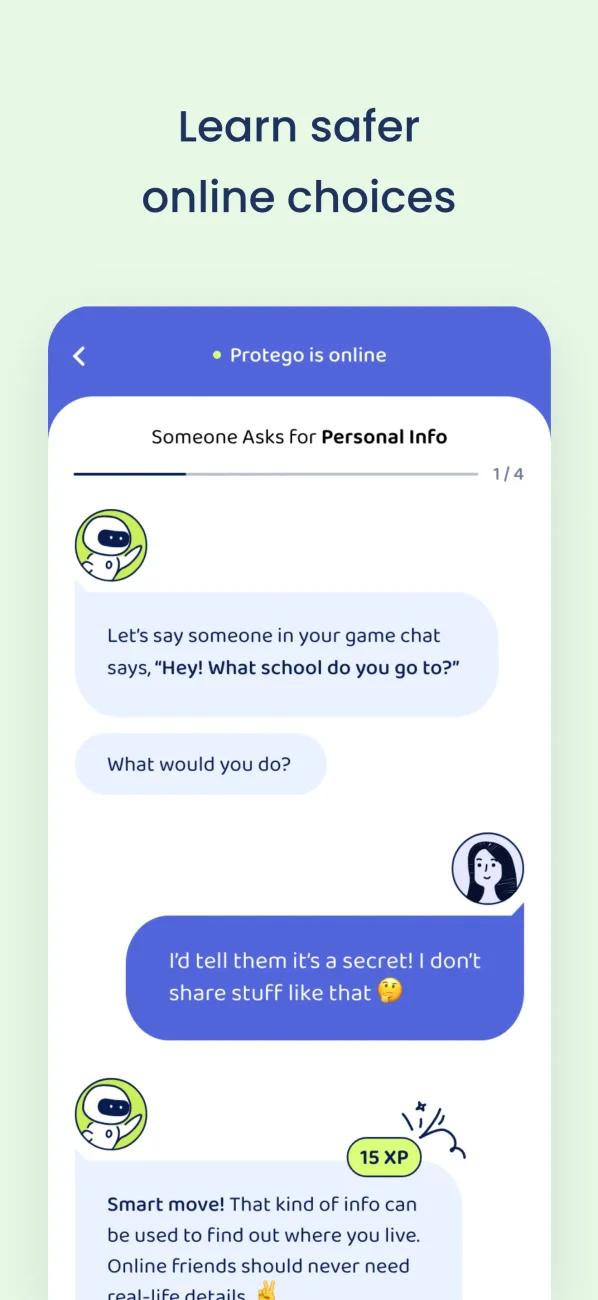
The app includes bite-sized learning activities that help children build awareness of digital safety topics in an age-appropriate and accessible way.
- Badges and rewards
Children can earn badges and rewards for completing tasks, making progress, and developing healthier digital habits.
- Positive prompts and feedback
The app provides supportive prompts, reflective check-ins, and child-friendly feedback to encourage responsible choices and safer online behaviour.
- Goal-based progress
As children make progress through learning, wellbeing tasks, and responsible device use, parents can review that progress in the Parent App and decide how greater independence is introduced.
- Smart web filtering
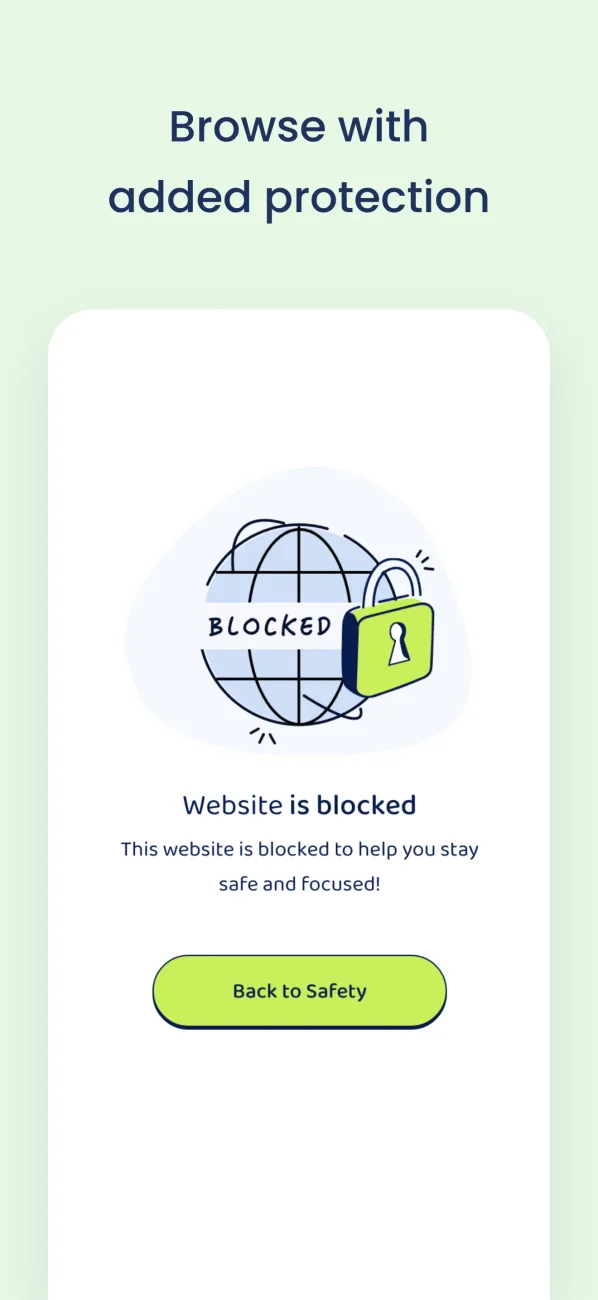
Parents can enable category-based content filtering to help block harmful or unsuitable websites while allowing access to safer, educational, creative, and age-appropriate content.
- Mode-based website access
Website access can be adjusted for different screen time modes. For example, parents can allow only selected learning websites during Study Mode to help reduce distractions.
- Block unknown sites
Parents can choose to block uncategorised websites for added protection against unverified or potentially unsafe content.
- Location sharing
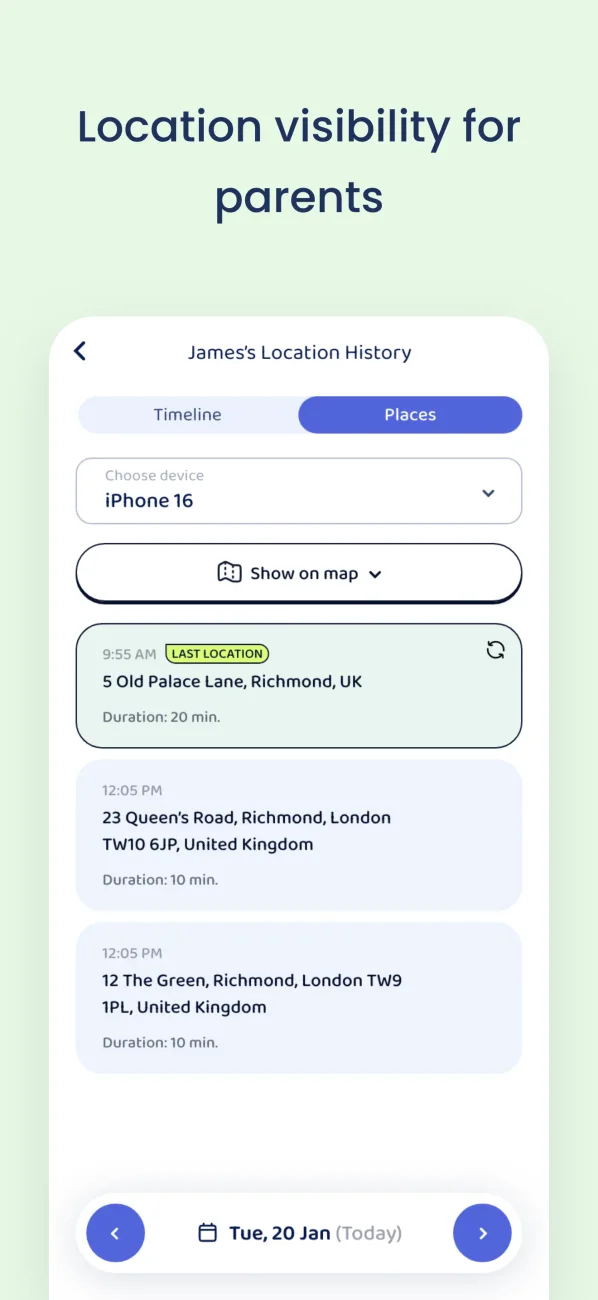
Location services allow parents to view the location of the child’s device to help support family safety at home, school, and on the move.
- Connected with the Parent App
Progress, settings, and protections are linked with the Parent App so parents can stay informed and manage the supervised device from their own device.
Key features
- Screen time rules
- Bite-sized digital safety learning
- Goal-based independence and digital tasks
- Badges and rewards
- Positive prompts, reflective check-ins, and child-friendly feedback
- Smart web filtering and mode-based access
- Block unknown sites
- Location sharing
- Seamless integration with the Parent App
Important information
- The Young Minds App requests installation of a Mobile Device Management (MDM) profile on iOS devices. This enables essential parental control features such as web filtering, safe browsing, and protection against unauthorised removal of the app.
- Parents remain in control and can remove the MDM profile and associated settings at any time in the device settings.
- The app also uses a VPN service to help filter and monitor web activity on the child’s device. This enables website blocking, content filtering, and safe browsing features designed to help protect children online.
- All data routed through the VPN is encrypted and used solely for online safety purposes within the Young Minds system.
- Information collected through these protections is displayed only to parents within the Young Minds App Parents and is never sold, shared, or transferred to any third party.
- The app uses location services, including when the app is not open, to share the location of the child’s device with the parent. Location access can be turned off at any time in device settings.
Our Terms of Use are available here: https://www.youngmindsapp.co.uk/terms-and-conditions
What’s new
Version 2.0.1 · Nov 18, 2026
We’re continuously improving Young Minds to give you and your family a better experience. This update includes functional improvements, minor bug fixes, and enhanced app stability.
App privacy
What Youngmindsapp Ltd declares on the App Store about how this app handles data.
-
Data linked to you
May be collected and linked to your identity.
- Location
- Contact info
- Browsing history
- Identifiers
-
Data not linked to you
May be collected but is not linked to your identity.
- Usage data
- Diagnostics
Privacy practices may vary, for example with the features you use or your age.
Information
- Seller
- Youngmindsapp Ltd
- Category
- Lifestyle
- Version
- 2.0.1
- Updated
- Nov 18, 2026
- Released
- Oct 24, 2025
- Size
- 46.1 MB
- Requires
- iOS 16 or later
- Age rating
- 4+
- Price
- Free
- Languages
- English
- Copyright
- © Young Minds App Ltd
You might also like
-
 Vettly Parental ControlsTeen safety alerts for parents
-
 PoochiepooYour One-Stop Dog Care Hub
-
 Monitor Kids Phone-Screen TimeParental Control App & Blocker
-
 7 LocvaSeven daily prayer reminders
-
 Parental Control - NutcrackerKids Monitor & Family Safety
-
 HarmBlock+HMD Smartphones
-
 FetchingThe school-run app
-
 KlusQuest: Parental ControlParental Control & App Blocker
-
 Wilt: Plant Disease IdentifierAI Diagnose: Scan & Leaf Care
-
 VERDEN: Breathe. Begin again.Return to the breath