- Age rating4+
- CategoryBusiness
- DeveloperSodatsu Kobo Inc.
- LanguagesEnglish
- Size40.6 MB
Links to the official App Store page
Download.org hosts no file of Your Inventory. The button opens its official App Store page, published by Sodatsu Kobo Inc. Listing last checked on Nov 21, 2026.
Screenshots

About
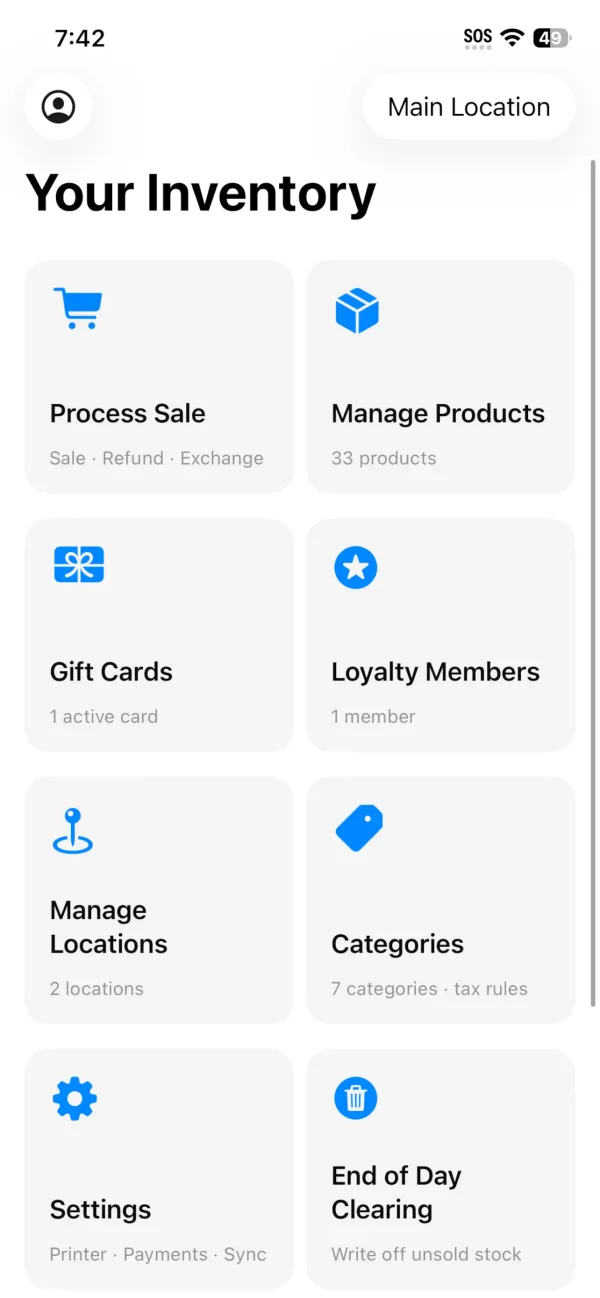
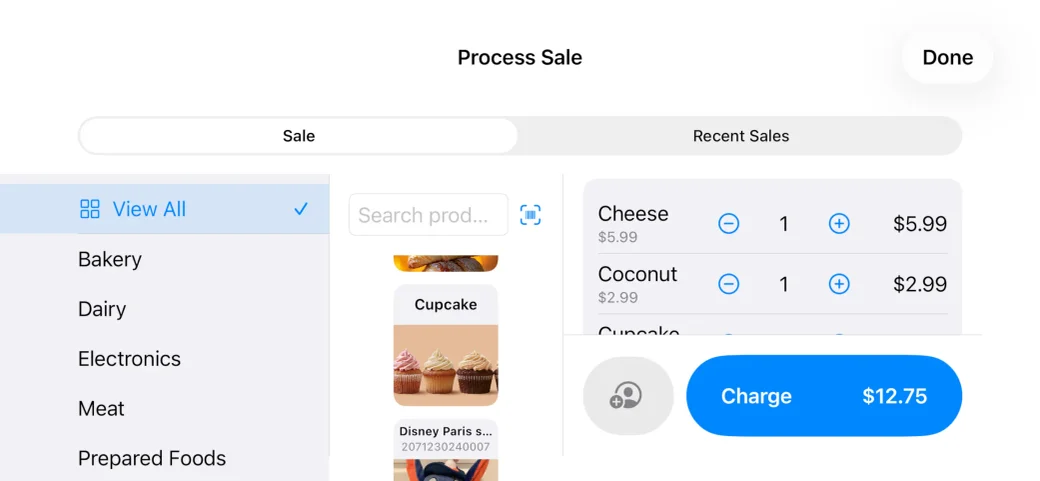
Your Inventory turns any iPhone or iPad into a full point-of-sale register and inventory tracker for your small business — no monthly subscription, no cloud account, and no server required. Every sale and stock change is recorded in a tamper-evident, signed ledger that lives on your own devices and syncs directly between them.
Default Login
User: owner
Password: sodatsukobo
** SAVE YOUR PASSWORD * This app does not sync any of it's data to Sodatsu Kobo servers, we are unable to reset any accounts you created on the app. This includes the owner account.
Permissions needed:
Camera - barcode scanning, taking product images, enable device syncing
Internet - device to device sync, Amazon sync (if Amazon Merchant mode enabled), Swipe payment processing (if Swipe enabled), OpenFoodFacts for product look up via UPC
File - export of reports, inventory export, Quickbooks export, Product & inventory import
POINT OF SALE
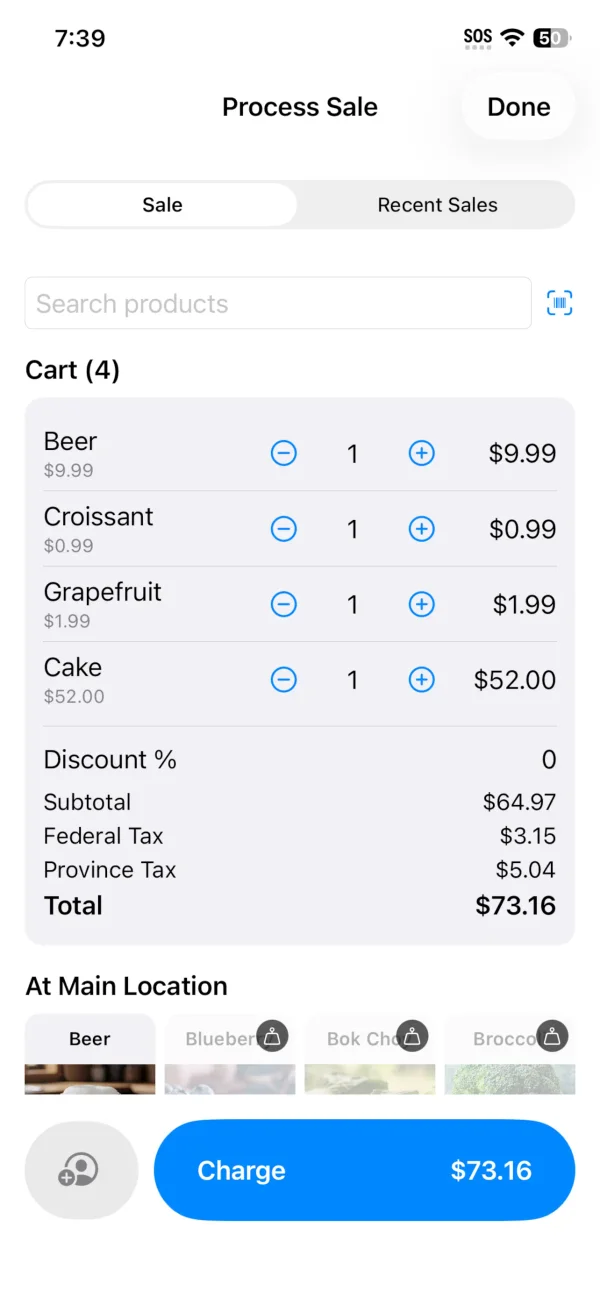
Ring up sales with cash, card (Tap to Pay), or a digital wallet — Venmo, Cash App, PayPal.me, or e-Transfer, paid via QR code with no processor fees
Sell, reload, and redeem gift cards
Optional tipping at checkout
Full refunds and exchanges
Email or text receipts, or scan a receipt barcode for fast returns
INVENTORY
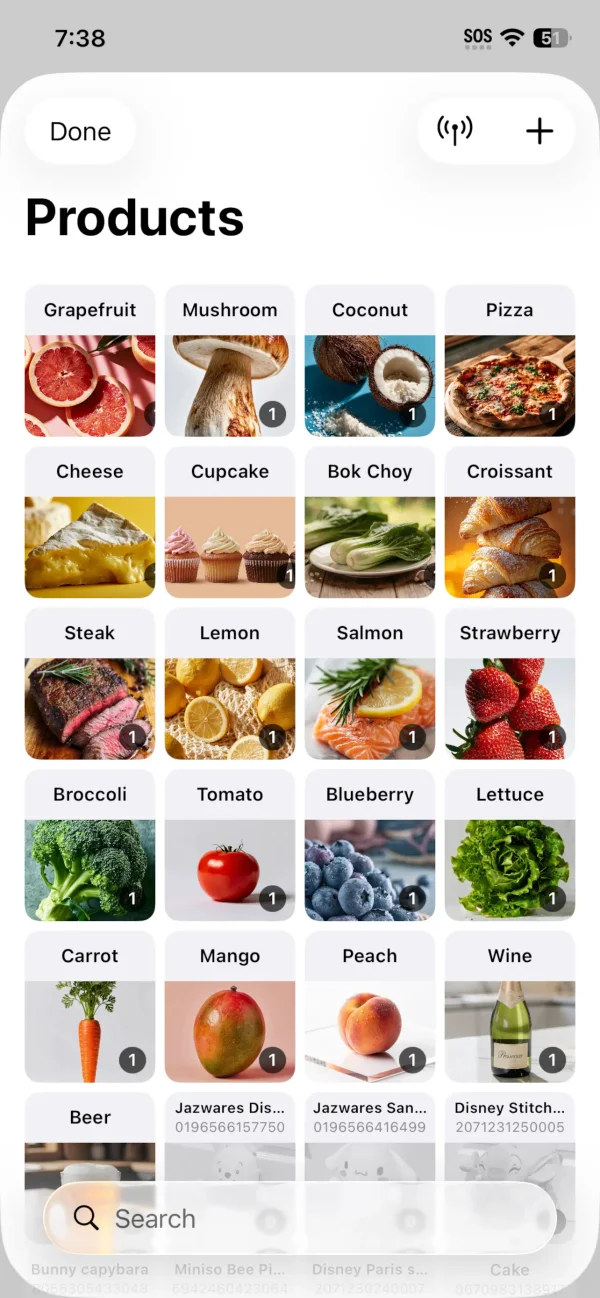
Add products by scanning a barcode (auto-fills details from a product database) or entering them manually, with photos
Track stock separately at multiple locations
Deli and meat-counter scale labels are supported — scan a price- or weight-embedded barcode and it rings up correctly, no manual entry
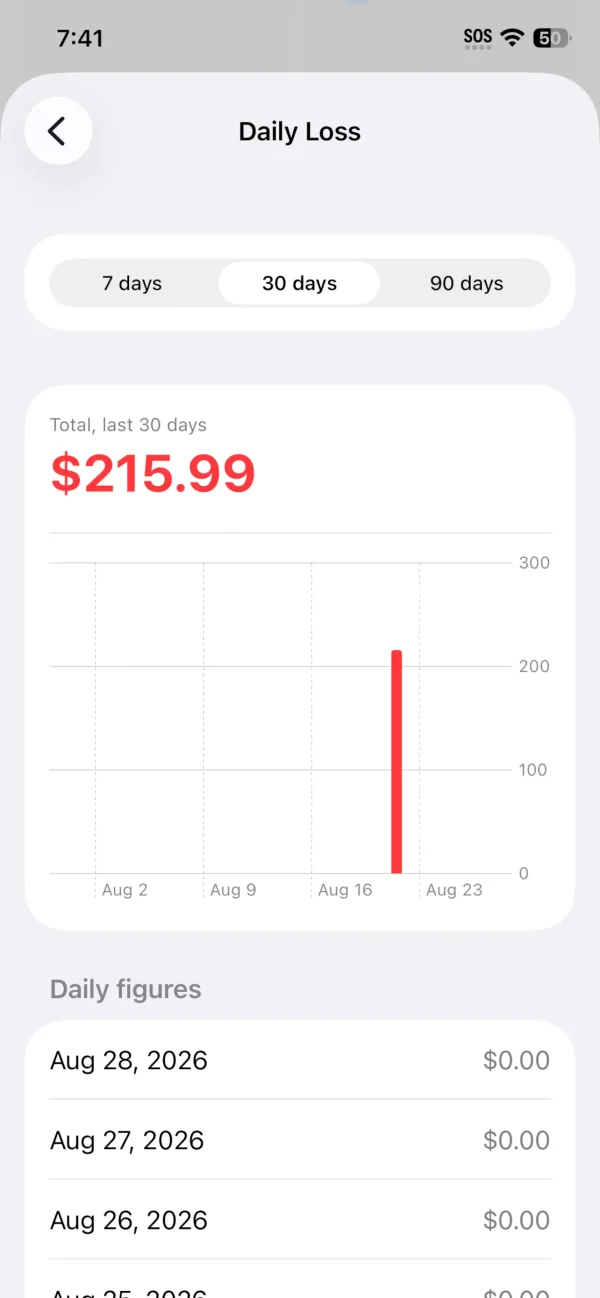
Log waste and shrinkage, and run End of Day clearing for perishables
Import and export your full product catalog as a spreadsheet
TAXES AND CATEGORIES
Set federal, state, and county tax rates per location
Category-based tax rules with exemptions (quantity thresholds, price thresholds, jurisdiction-specific overrides)
LOYALTY AND REPORTING
Built-in loyalty program — points per dollar spent, per visit, and per item
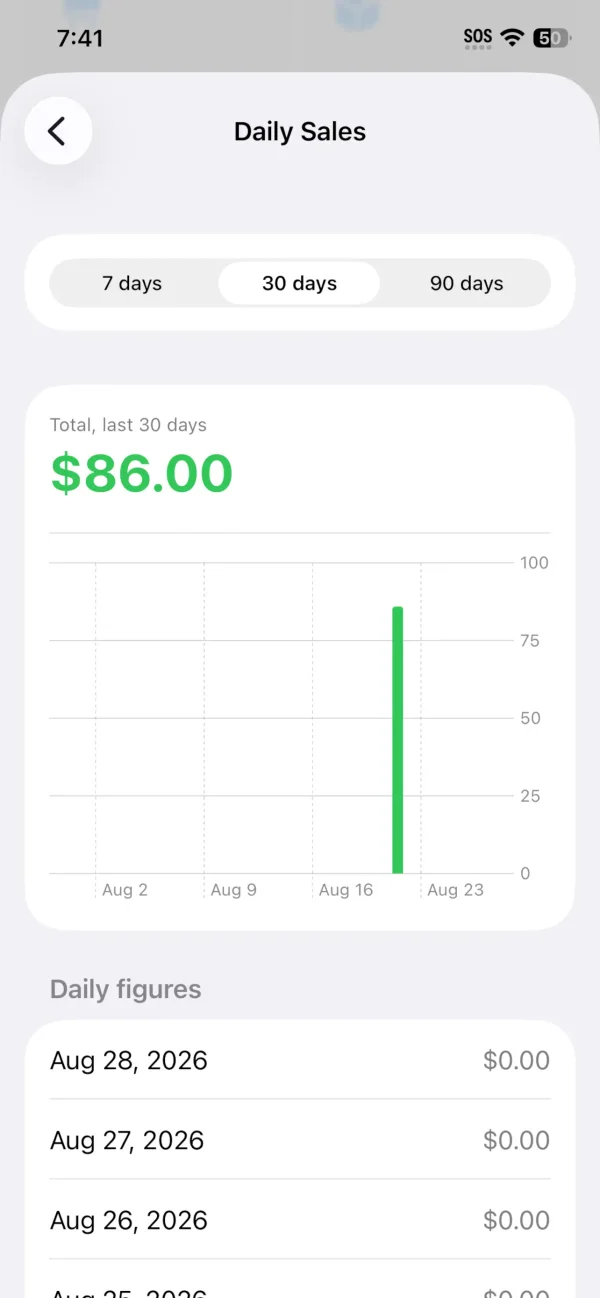
Sales, waste, and loss reports with charts
One-click QuickBooks-ready CSV export
SELL ON AMAZON TOO
Optional Amazon Merchant Mode connects to your Seller account so pricing and stock stay in sync automatically
Orders placed on Amazon deduct from the same shared stock count as your in-store sales
Built-in overselling protection
MULTIPLE REGISTERS, ALWAYS IN SYNC Every iPhone and iPad running Your Inventory can share the same live products, stock, and sales — automatically:
Nearby devices sync instantly over Bluetooth/Wi-Fi. Just open the app on two devices in the same store and they find each other — nothing to set up.
Devices at a different location, or that are never in the same room, use Remote Sync: on your first device, go to Settings → Remote Sync and set it up, then show the QR code it generates to a new device. On that device, go to Settings → Remote Sync → Scan QR to Join and scan the code. From then on, both devices share the same live ledger over the internet — no typing codes, no accounts.
GETTING STARTED
Launch the app and sign in with the default Owner account, then set your own username and password under Manage Users.
Add your location(s) and tax rates.
Add your products — scan barcodes or enter them by hand.
Start ringing up sales.
Add more registers any time using Nearby Devices (same room) or Remote Sync (anywhere else) above.
*Sync Issues*
1. on the device having issues, go to Settings > Remote Sync > Click Leave Remove Sync
2. on the a device with the correct inventory, go to Settings > Remote Sync (displaying QR code)
3. on the device having issues, go to Settings > Remote Sync > Scan QR to Join. Point camera to the other device's screen to scan the QR Code. Then click Sync Now
4. Wait 5 minutes
**** Product is provided "as is," without warranty, so keep your own backups (see the Export tools in Reports) of anything you can't afford to lose ****
What’s new
Version 1.1 · Oct 12, 2026
Version 1.1
Adds support for European Union VAT to location and receipts
App privacy
What Sodatsu Kobo Inc. declares on the App Store about how this app handles data.
-
Data not collected
The developer does not collect any data from this app.
Privacy practices may vary, for example with the features you use or your age.
Information
- Seller
- Sodatsu Kobo Inc.
- Category
- Business
- Version
- 1.1
- Updated
- Oct 12, 2026
- Released
- Sep 9, 2026
- Size
- 40.6 MB
- Requires
- iOS 26.2 or later
- Age rating
- 4+
- Languages
- English
- Copyright
- © Sodatsu Kobo
You might also like
-
 StockZip Inventory ManagementBarcode Scanner & Stock Count
-
 New Digital Smart MeterApply for an electricity meter
-
 Simple Stock ListEasy stock list management
-
 GT Mobile Order Entry SystemBusiness
-
 Dawn: Job SearchVideo resume job applications
-
 Share Counter: Tally TogetherCount & share with family
-
 Mobile Inventory: Scan & TrackCount & manage stock with team
-
 ecoPortal ConnectSeamless Risk Management
-
 Cash Register for BusinessPoint of Sale System & Stock
-
 Unzipper: Zip and Unzip filesThe Best Zip File Viewer