yourclock - Clock Faces
Forty clock faces, one tap
Designed for iPhone, iPad, iPod touch
Free · In-app purchases
- Age rating4+
- CategoryUtilities
- DeveloperKUN WON KIM
- LanguagesEnglish
- Size16.6 MB
Links to the official App Store page
Download.org hosts no file of yourclock - Clock Faces. The button opens its official App Store page, published by KUN WON KIM. Listing last checked on Nov 17, 2026.
Screenshots
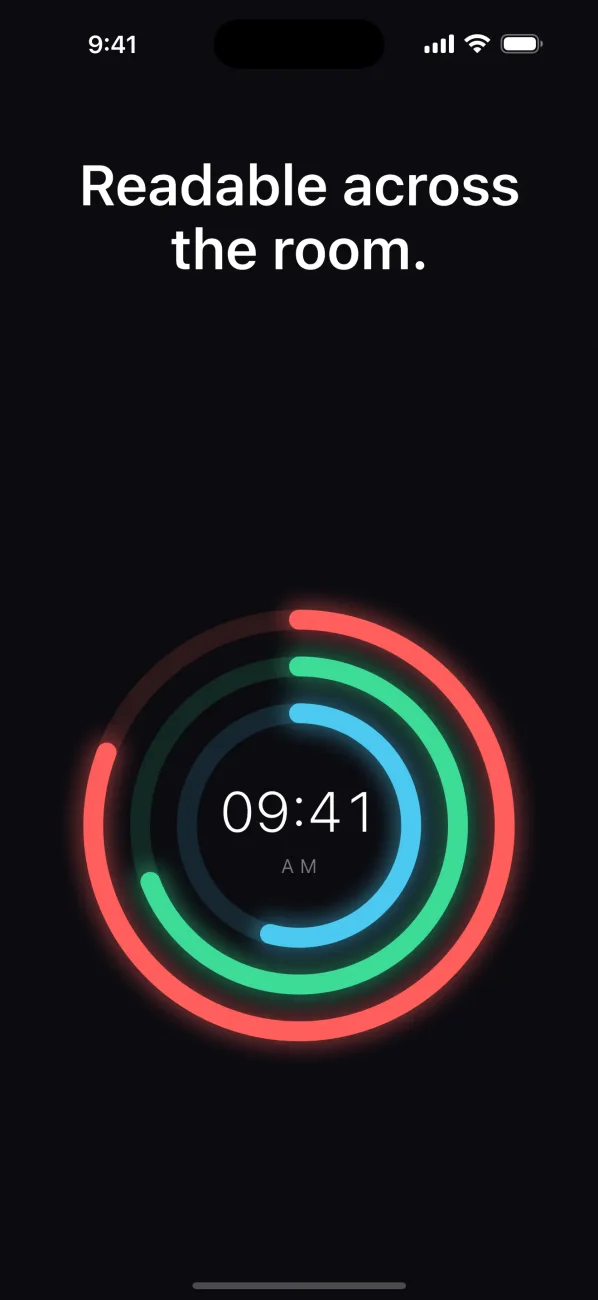
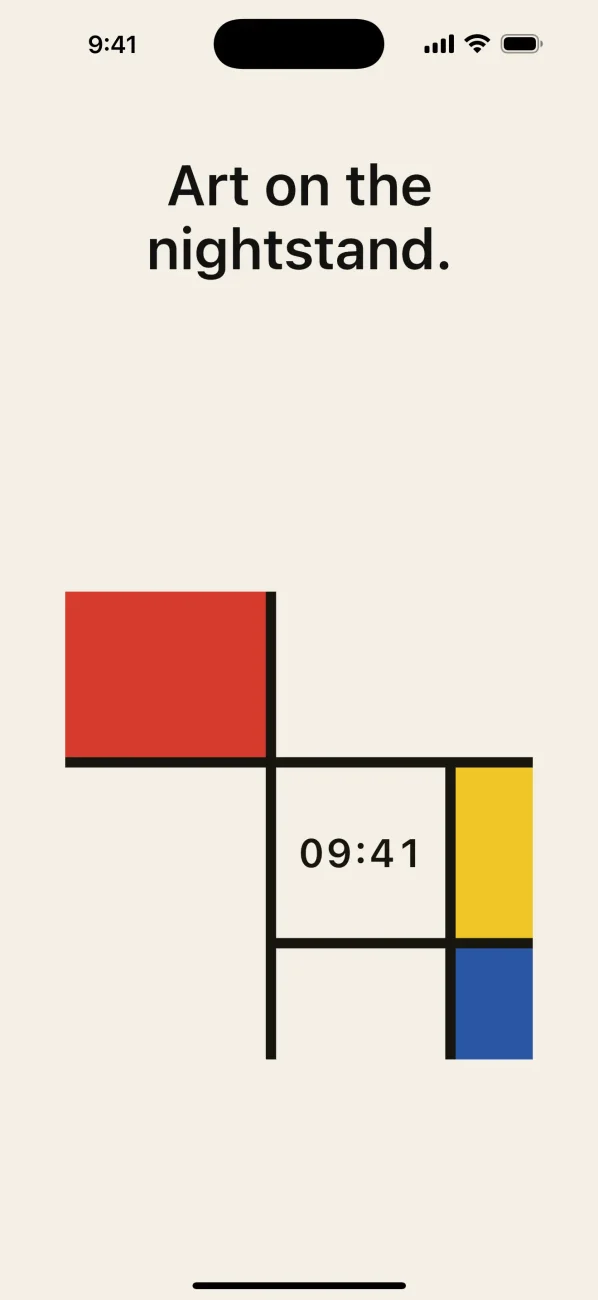
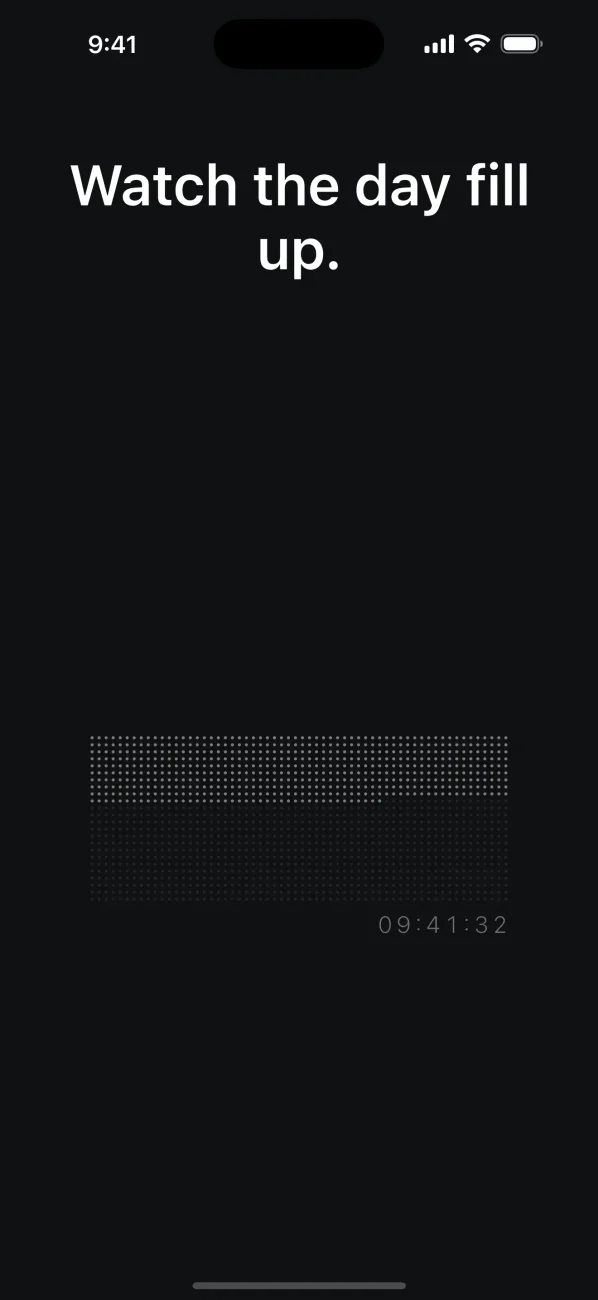

About
yourclock turns any spare screen into a clock worth looking at.
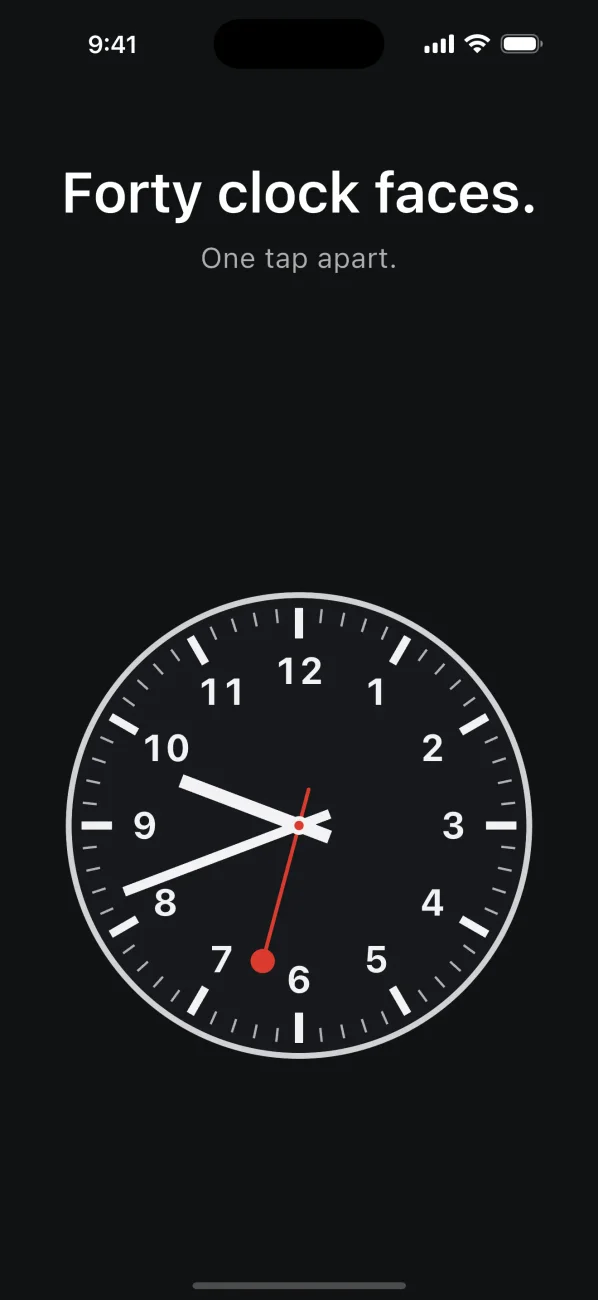
Forty-three clock faces, each one a different idea about what a clock can be. A
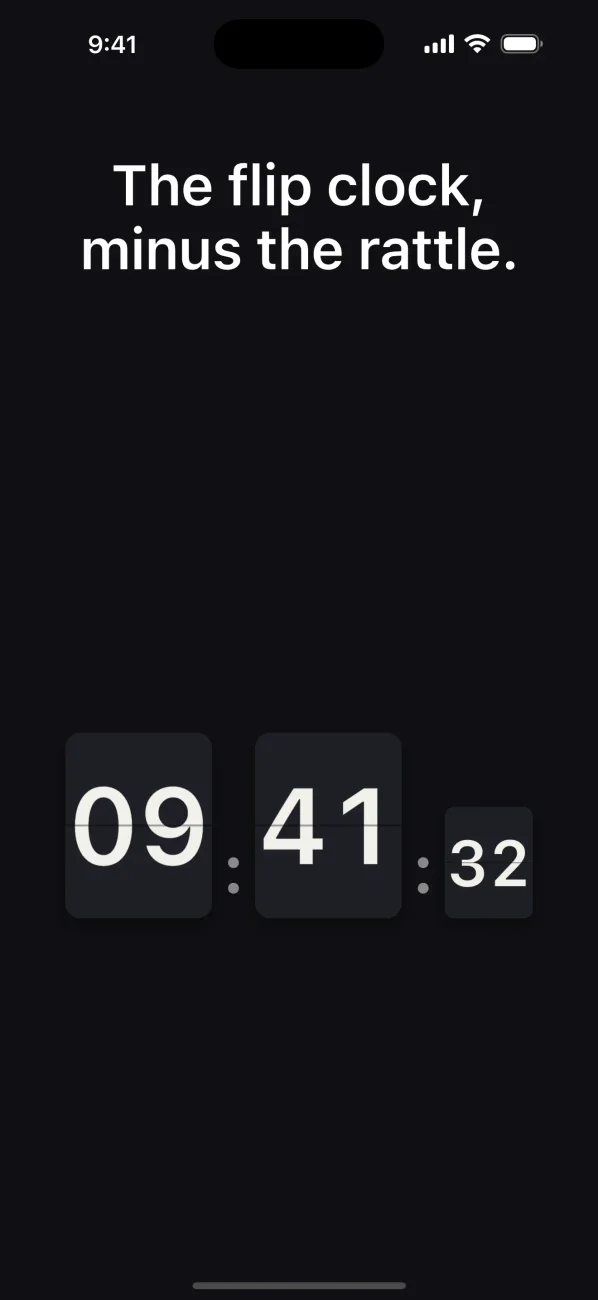
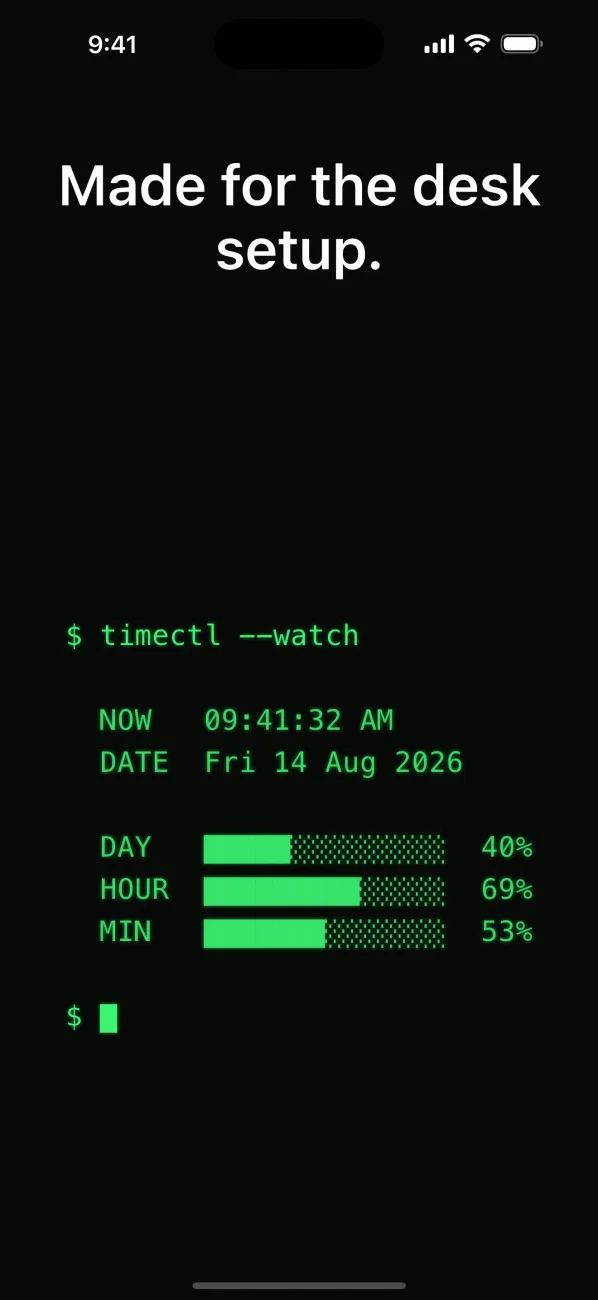
railway platform clock. A flip clock that never rattles. A terminal readout. A
Mondrian. Every minute of the day as a single dot, filling up as the day goes
on. Pick the one that suits the room, set the phone or iPad down, and let it
run.
TWENTY-FOUR FACES, FREE
Classic and Roman analog, a minimal digital, a flip clock, a word clock that
spells the time out, a terminal, a neon dial, an orbit, a horizon that tracks
the light, constellations, an hourglass, a pendulum, lava, an aquarium, a
screen that floods with colour as the minute passes, and more. No account, no
ads — they're simply yours.
NINETEEN PREMIUM FACES
Railway, Aviator, Retro LCD, Halo, Wheels, Mondrian, Plain, Line, Tide, Hour,
Week, Radar, Gauges, Metro, Vinyl, Cassette, Pulse, Mosaic and Iris. Each is a
one-time purchase, bought individually, and yours forever on every device
signed in to your Apple ID. Nothing is a subscription.
SEE IT BEFORE YOU BUY
Tap any locked face to preview it: it runs full screen, at full size, on your
own screen, for as long as you care to look. No card, no sign-up, no clock
running down. Previews carry a PREVIEW watermark until you buy the face. If it
isn't for you, close it and try another.
BUILT TO SIT THERE
Keep the screen awake while the clock is showing, so it stays readable on a
desk, a nightstand, or a kitchen counter. 12- or 24-hour time. Seconds on or
off. Light, dark, or follow the system. Runs full screen on both iPhone and
iPad.
NOTHING IS COLLECTED
No account. No analytics. No tracking. No ads. Your chosen face and your
purchases are stored on your device, and there is no server on our end to send
anything to.
What’s new
Version 1.0.2 · Sep 10, 2026
Three new faces, all of them about the second hand.
Flood — free. Colour rises from the bottom of the screen and reaches the top exactly as the minute turns over. The time is drawn through the water, so the digits change shade as the level passes them.
Mosaic — sixty tiles, one arriving per second, in an order that reshuffles every minute.
Iris — a disc opens from the centre and touches the corners on the last second of the minute, then the next colour blooms over it.
All three fill the whole screen, and each has a slower version for anyone who keeps seconds hidden: Flood fills once an hour, Mosaic lights one tile a minute, Iris closes over the hour.
Also fixed:
- A face could paint a little past its own edge while you swiped between faces.
- The app now reopens on the face you last chose, including a premium one.
App privacy
What KUN WON KIM declares on the App Store about how this app handles data.
-
Data not collected
The developer does not collect any data from this app.
Privacy practices may vary, for example with the features you use or your age.
Information
- Seller
- KUN WON KIM
- Category
- Utilities
- Version
- 1.0.2
- Updated
- Sep 10, 2026
- Released
- Aug 24, 2026
- Size
- 16.6 MB
- Requires
- iOS 15.0 or later
- Age rating
- 4+
- Price
- Free
- In-app purchases
- Yes
- Languages
- English
- Copyright
- © 2026 Kimmy Kim
You might also like
-
 FlipTheClockFlip Clock & Screensaver
-
 Hanzi Clock: Widget DialsChinese Numeral Dials
-
 A Small ClockAnalog clock & widgets
-
 Bathyal: Spiral Water ClockLiving widget & watch face
-
 HH:MM:SSJust a clock.
-
 StyleClock: Focus TimerBeautiful Clocks & Widgets
-
 LCD-84 — Retro Watch & Calc80s LCD watch & calculator
-
 Ever Clock - Ambient DisplayUtilities
-
 Digital Clock - Sleep AlarmWallpapers & Time Widgets
-
 My Table ClockYour phone is a desk clock