yuFriEye
Camera viewer for Frigate NVR
Designed for iPhone, iPad, Mac
Free · In-app purchases
- Age rating4+
- CategoryUtilities
- DeveloperJuri Fretti
- LanguagesEnglish+ 1 more
- Size5.3 MB
Links to the official App Store page
Download.org hosts no file of yuFriEye. The button opens its official App Store page, published by Juri Fretti. Listing last checked on Nov 23, 2026.
Screenshots




About
yuFriEye is a native client for Frigate, the open source NVR with real-time object detection. If you run Frigate at home or in your business, yuFriEye puts your cameras, alerts and recordings in your pocket with a clean, familiar interface inspired by the classic surveillance apps.
SERVER AT A GLANCE
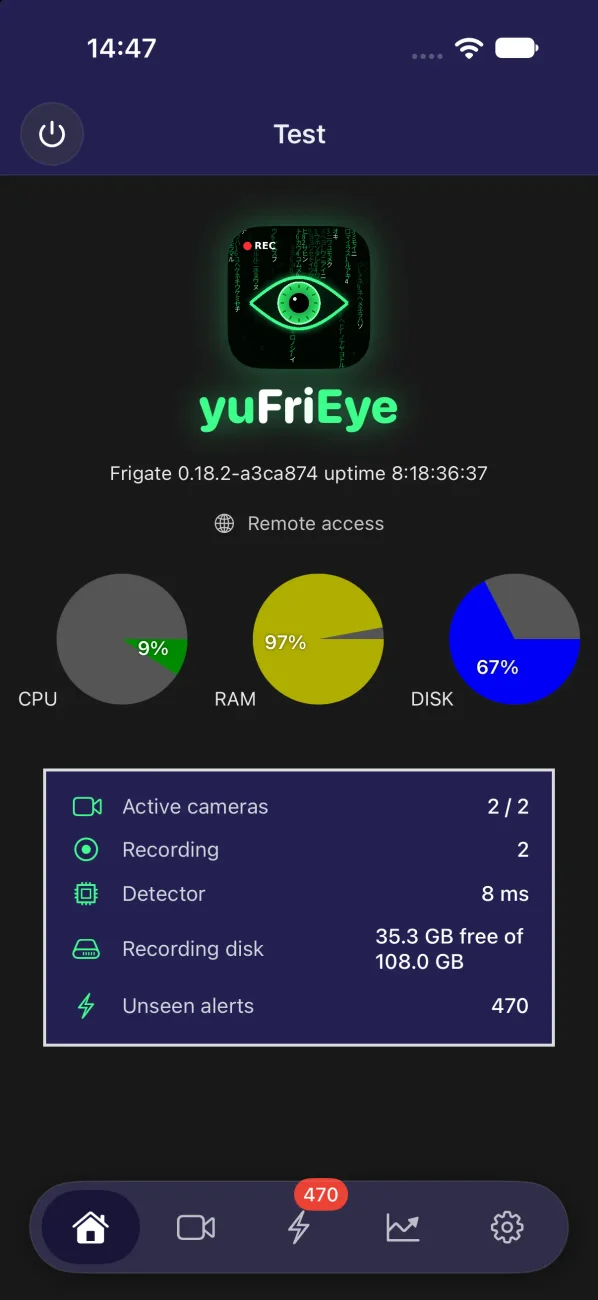
• Home screen with CPU, memory and recording disk gauges
• Frigate version, uptime, active cameras, cameras recording, detector speed and unseen alerts
LIVE CAMERAS
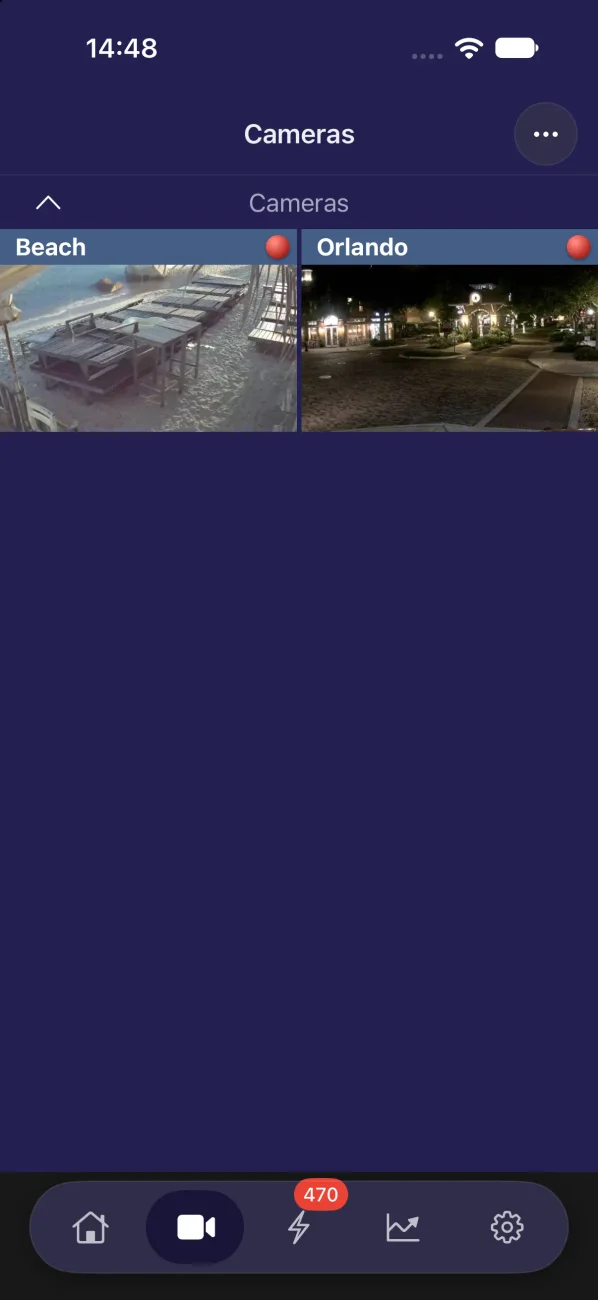
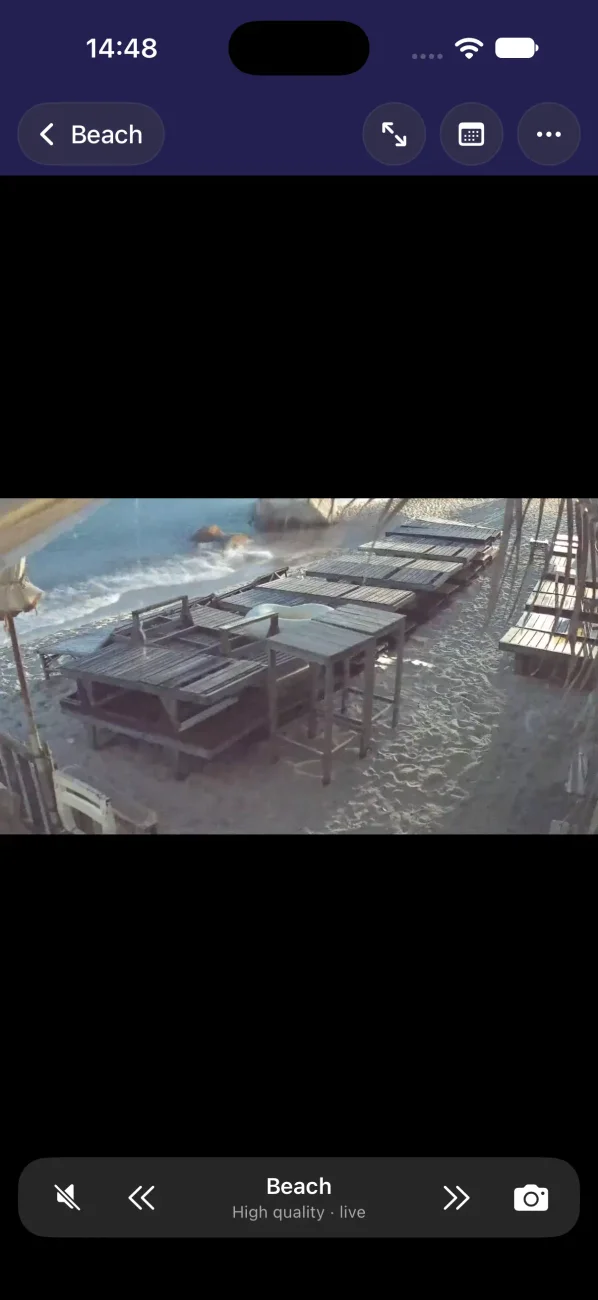
• Grid of all cameras with auto-refreshing snapshots (2 to 5 columns depending on the screen)
• Tap a camera for low-latency live video through go2rtc, with audio
• Switch between main stream and substream to save data
• Pinch to zoom exactly where your fingers are, double-tap to zoom, swipe to change camera
• Full-screen mode and snapshots saved to Photos
ALERTS AND DETECTIONS
• All alerts in one list, grouped by hour, with thumbnail, duration and detected objects
• Blue dot on unseen alerts and "Mark all as seen"
• Search by camera or object (person, car, dog, cat…)
• Optionally include detections, not only alerts
CLIP PLAYBACK
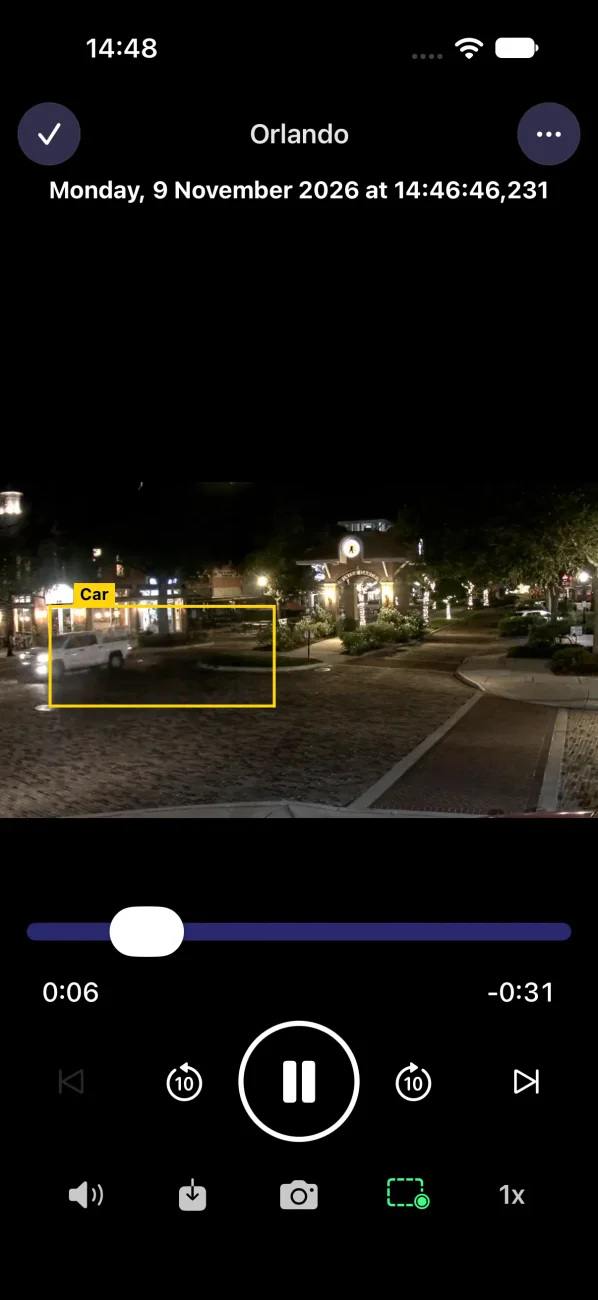
• Smooth playback with scrubbing, ±10 s, speed control, previous and next clip
• Motion boxes drawn on the video, labelled with the objects Frigate recognized
• Download or share a clip, save a still to Photos
• Full-screen player
RECORDINGS BY DAY
• Per-camera calendar that marks the days with recordings or alerts
• Recordings hour by hour with motion time and number of events
• Play a whole day continuously and jump to an exact time (for example 14:10:00)
STATUS AND LOGS
• Event log, Frigate and go2rtc logs (camera passwords are hidden) and per-camera statistics
MULTIPLE SERVERS
• Add as many Frigate servers as you like and pick one at launch
• Set a default server and connect to it automatically
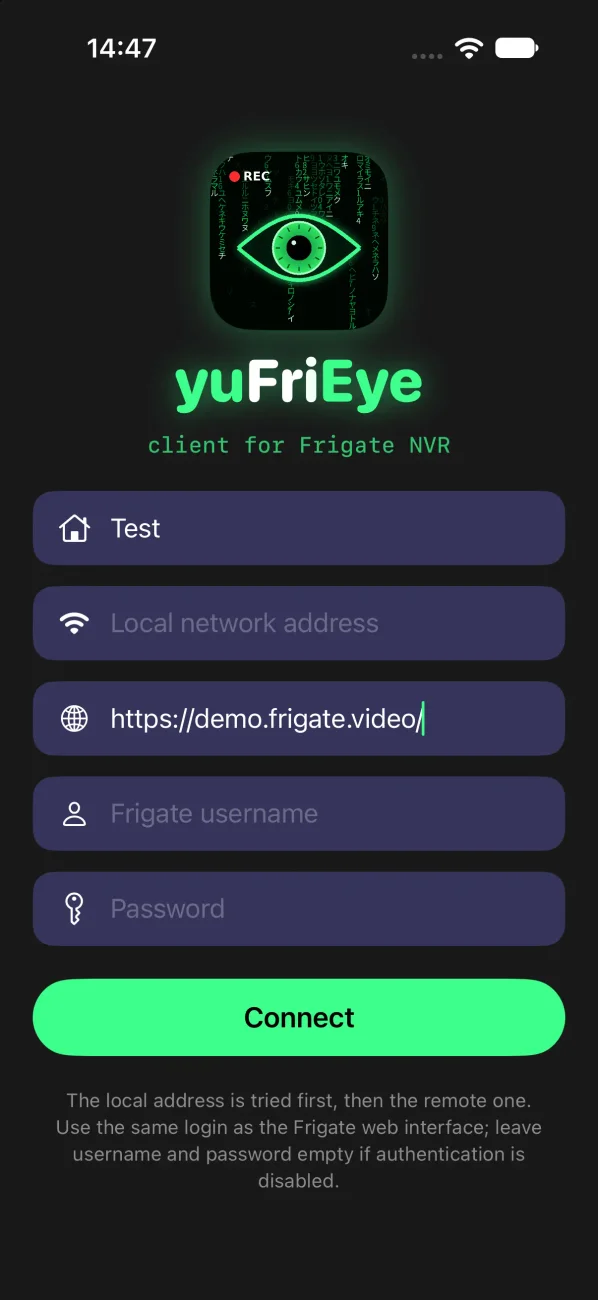
• Local and remote address for each server: yuFriEye uses the local one at home and switches to the remote one when you are away
• Works with Frigate authentication or without it
DESIGNED FOR iPHONE DUO
• On the large inner display: 3–4 column camera grid, alert list and player side by side, calendar next to the recordings
• Fold-aware: half-open like a laptop, video stays above the fold and controls below; open like a book, each pane sits on its own side
• Titles and buttons move up into the status bar row to give more room to video
• Multiple windows side by side
WIDGETS AND APPLE WATCH
• Home Screen widgets: unseen alerts, latest alert with thumbnail, server status and your favourite cameras
• Lock Screen widgets and Control Center buttons to open a camera or the alerts
• Apple Watch app: alerts with "Mark as seen", clip playback, camera snapshots and server status, plus watch face complications
iPAD AND MAC
• Large-screen layouts on iPad and a real Mac app with resizable windows
• Keyboard shortcuts: space to play/pause, arrows to seek or change camera, F for full screen, ⌘1–⌘5 for sections
PUSH NOTIFICATIONS (SUBSCRIPTION)
• A notification for every new Frigate alert, with title, camera and thumbnail
• End-to-end encrypted: your Frigate server encrypts them and only your device decrypts them
• Tap a notification to open the alert clip right away
• Monthly or yearly subscription with a 7-day free trial; all other features stay free
The subscription renews automatically unless cancelled at least 24 hours before the end of the period; manage it in your Apple ID settings.
Terms of Use: https://www.apple.com/legal/internet-services/itunes/dev/stdeula/
Privacy: https://apps.yufretti.com/yufrieye/#privacy
PRIVATE BY DESIGN
yuFriEye connects only to the Frigate servers you configure. No account, no ads, no tracking, no data collected. Addresses stay on your device and passwords are stored in the Keychain.
Requirements: a Frigate server, version 0.14 or later, reachable from your device.
yuFriEye is an independent app and is not affiliated with or endorsed by the Frigate project.
What’s new
Version 1.0.3 · Nov 19, 2026
New in 1.0.3
• Home Screen and Lock Screen widgets: unseen alerts, latest alert, server status and favourite cameras
• Control Center buttons (iOS 18) to open a camera or the alerts
• New Apple Watch app with alerts, clips, camera snapshots, server status and complications
• Notifications moved to the top of Settings
App privacy
What Juri Fretti declares on the App Store about how this app handles data.
-
Data not linked to you
May be collected but is not linked to your identity.
- Purchases
- Identifiers
Privacy practices may vary, for example with the features you use or your age.
Information
- Seller
- Juri Fretti
- Category
- Utilities
- Version
- 1.0.3
- Updated
- Nov 19, 2026
- Released
- Nov 9, 2026
- Size
- 5.3 MB
- Requires
- iOS 17.0 or later
- Age rating
- 4+
- Price
- Free
- In-app purchases
- Yes
- Languages
- English, Italian
- Copyright
- © 2026 Yuri Fretti
You might also like
-
 StitchTicketUtilities
-
 MobileOpUtilities
-
 ClimaPilotControl your AC locally
-
 PizzametricsPrecision your dough deserves
-
 BorgLensBorgBackup viewer
-
 Unified-EIndustrial Automation HMI
-
 Lumen for FrigateSmart NVR Companion App
-
 WiThrottle CabUtilities
-
 Neon HomeNeon Home App for Siemens LOGO
-
 DCC-EX CabUtilities