
ZapLock
Lock any folder with ZapQR
Designed for iPhone, iPad, Mac
Free · In-app purchases
- Age rating4+
- CategoryUtilities
- DeveloperDaSecure Solutions LLC
- LanguagesEnglish
- Size6.1 MB
Links to the official App Store page
Download.org hosts no file of ZapLock. The button opens its official App Store page, published by DaSecure Solutions LLC. Listing last checked on Nov 22, 2026.
Screenshots
About
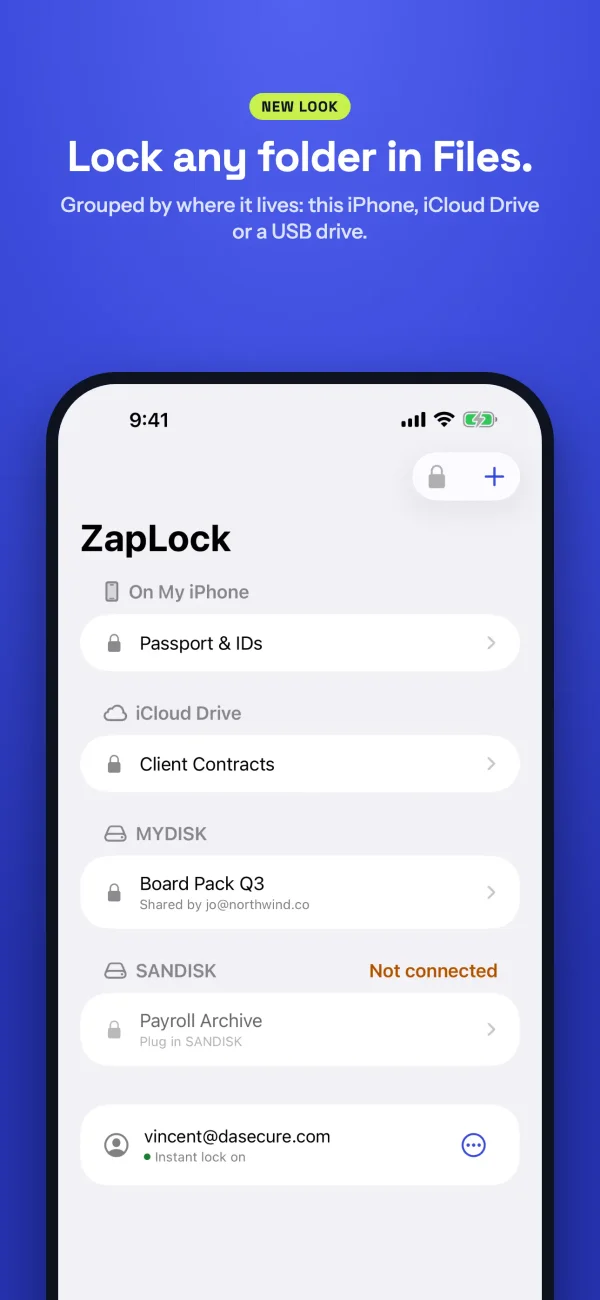
ZapLock turns any folder in Files into a locked one — and back — without moving it.
Pick a folder: On My iPhone, iCloud Drive, Dropbox, Google Drive. ZapLock encrypts every file in place, keeps the folder's name and location, and leaves nothing readable behind. A folder locked on your Mac opens here; one locked here opens on your Mac.
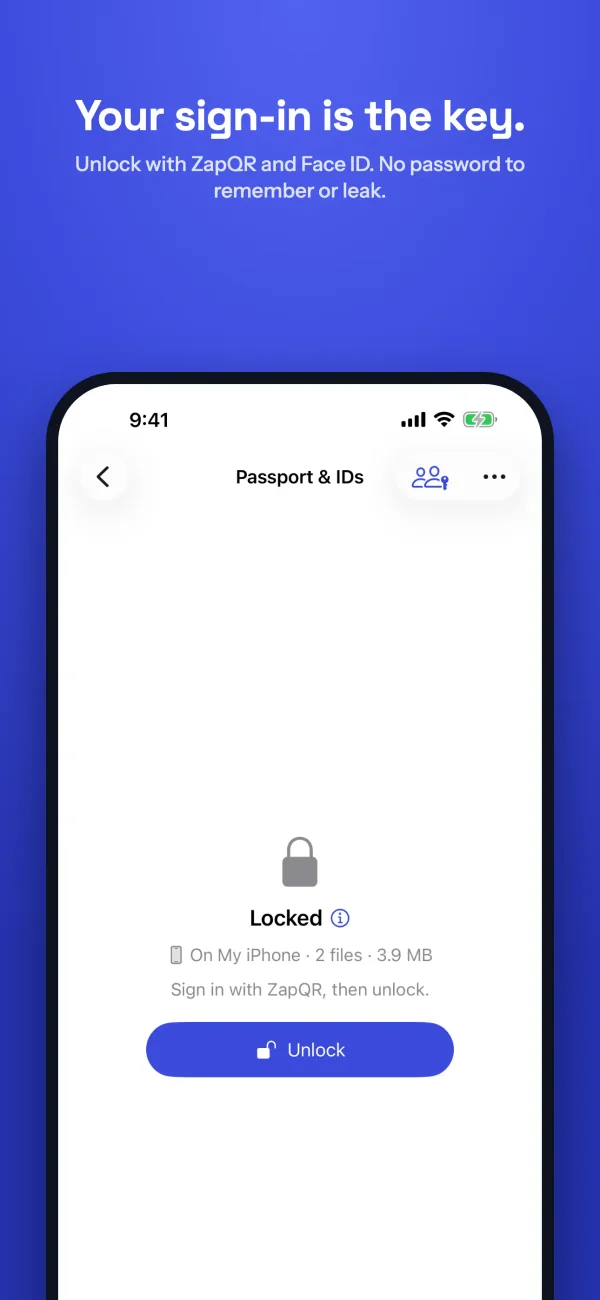
UNLOCK WITH YOUR ZAPQR SIGN-IN
Opening a vault is a sign-in, not a password. Face ID and the passkey ZapQR already put on this iPhone, or a magic link if you prefer. Nothing to remember, nothing to send over chat, nothing to leak.
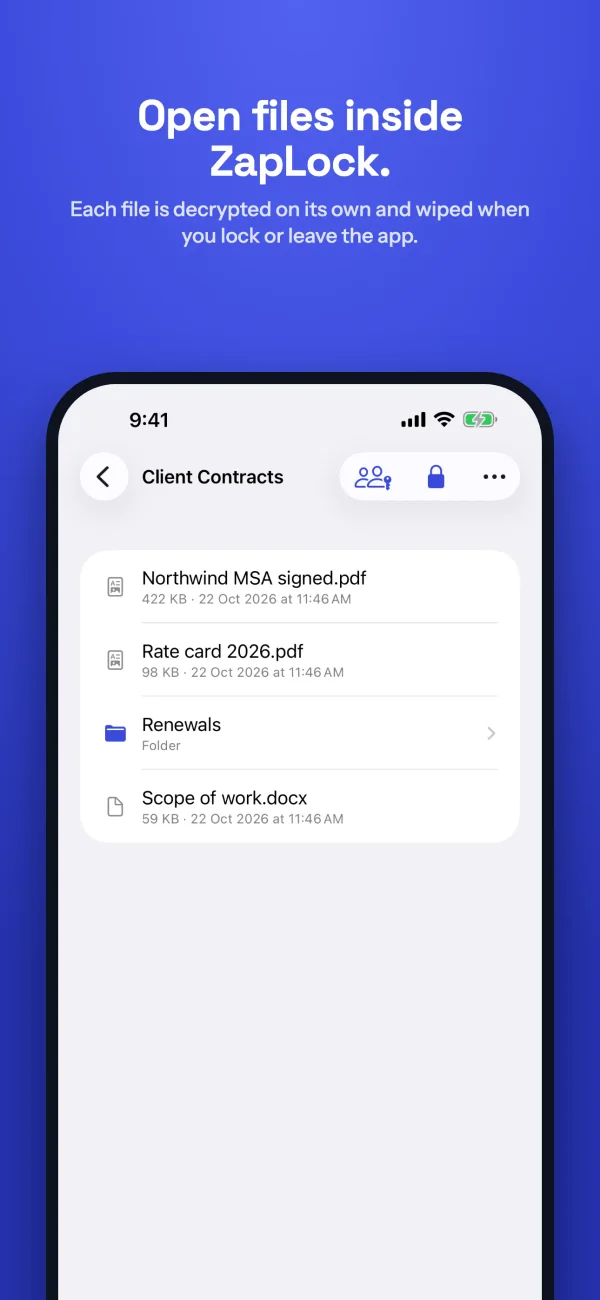
FILES OPEN INSIDE ZAPLOCK
Tap a file and ZapLock decrypts that one file, shows it, and wipes the copy the moment you lock, switch apps, or the auto-lock timer fires. Leaving the app always locks — the app switcher never sees an open vault.
SHARE, AND TAKE IT BACK
Share a vault with anyone who has a ZapQR account. Each person unlocks it on their own device, with their own key. Remove them and their access ends, even on a vault they have open.
YOUR KEYS STAY YOURS
Every file is encrypted with AES-256. The key is split: one half never leaves this device's Secure Enclave, the other is released by ZapQR only while your sign-in and your share are valid. We can't open your folders, and neither can your cloud provider. File contents and file names never leave your device.
PORTABLE BY DESIGN
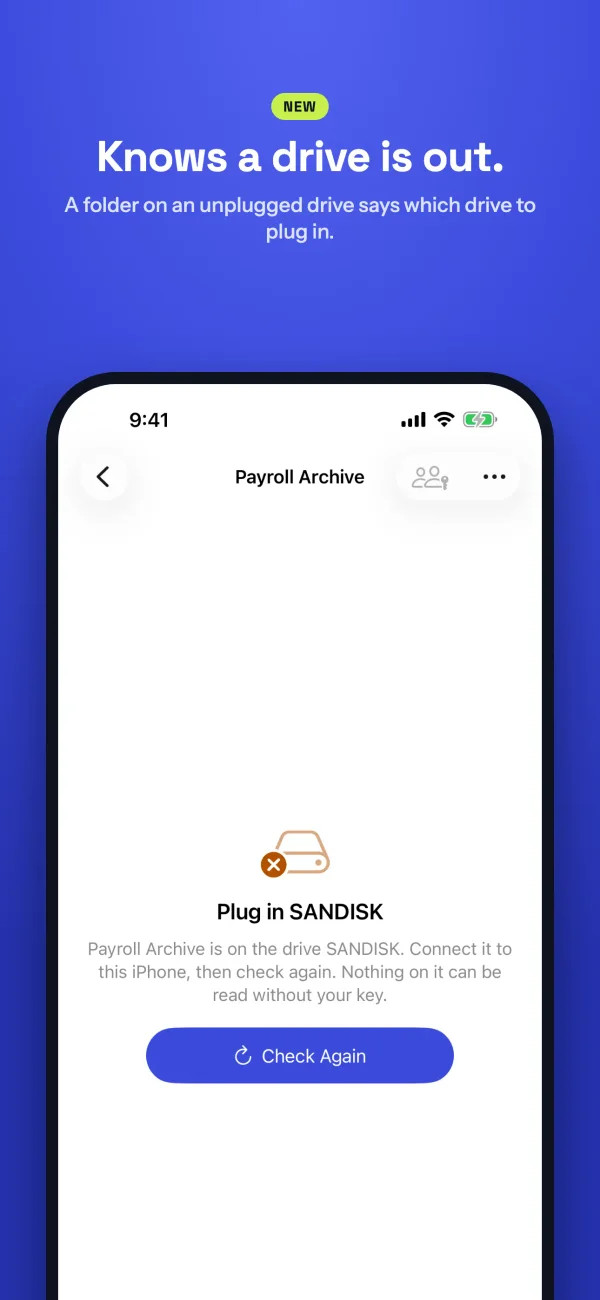
The vault format is open and documented, and the same on iPhone, iPad and Mac. A folder on a portable disk or inside a synced cloud folder carries its protection with it.
ZapLock requires a free ZapQR account (auth.zapqr.ai). One universal app for iPhone, iPad and Mac.
ZapLock Personal is an auto-renewing subscription: $4.99 a month or $49.99 a year (local prices vary). Payment is charged to your Apple Account; it renews unless cancelled at least 24 hours before the period ends, and you can manage or cancel it in your App Store account settings. Folders you already locked keep opening on every plan.
Terms of Use: https://zaplock.io/terms
Privacy Policy: https://zapqr.ai/privacy
What’s new
Version 1.1.13 · Nov 16, 2026
• Move photos and videos from your library into a locked folder, Live Photos included, and restore them to Photos whenever you like.
• When a folder locks, an open subfolder closes and shows a locked screen instead of file names.
• The file list refreshes when files arrive from another device, and folders still in iCloud open without freezing.
• Auto-lock now times out reliably while a folder is open.
App privacy
What DaSecure Solutions LLC declares on the App Store about how this app handles data.
-
Data linked to you
May be collected and linked to your identity.
- Contact info
- Identifiers
Privacy practices may vary, for example with the features you use or your age.
Information
- Seller
- DaSecure Solutions LLC
- Category
- Utilities
- Version
- 1.1.13
- Updated
- Nov 16, 2026
- Released
- Sep 19, 2026
- Size
- 6.1 MB
- Requires
- iOS 17.0 or later
- Age rating
- 4+
- Price
- Free
- In-app purchases
- Yes
- Languages
- English
- Copyright
- © 2026 DaSecure Solutions LLC
You might also like
-
 KragonLet's encrypt!
-
 Beekeeper: Scam DefenseScams blocked before they land
-
 Audio Converter · MP3 RingtoneVideo to MP3 · Trim · Offline
-
 Manga Reader - Comics & ManhwaRead comics, play fun games
-
 Accelerometer – G-Force MeterRealtime 3-axis motion data
-
 BitportUtilities
-
 Respi-RateBreathing Frequency Counter
-
 Simply NFC - Tag Writer/ReaderSimply the NFC app you need.
-
 Incogni - Private Data RemovalRemove Your Data from the Web
-
 File Manager master - Browsermedia player & browser