
- Age rating4+
- CategoryUtilities
- DeveloperRalf Preuss
- LanguagesGerman+ 1 more
- Size8.1 MB
Links to the official App Store page
Download.org hosts no file of ZeitComp. The button opens its official App Store page, published by Ralf Preuss. Listing last checked on Nov 17, 2026.
Screenshots

About
ZeitComp – Time Tracking Made Easy!
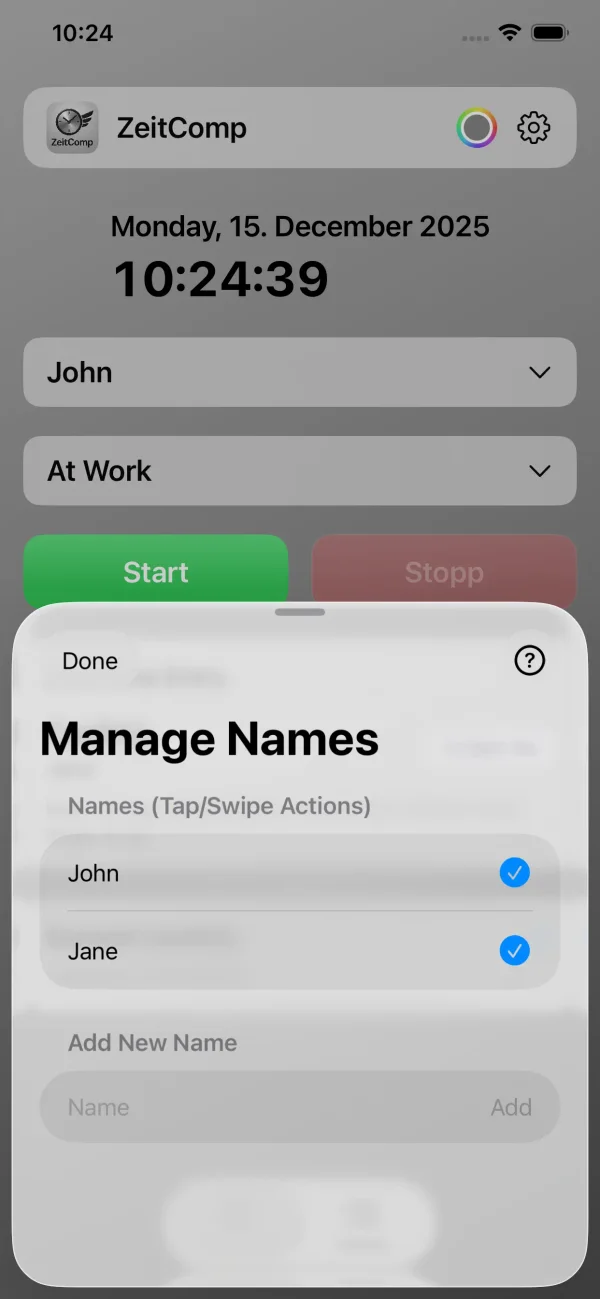
Capture your work and project hours, leisure activities, or any other time blocks.
Everything runs 100% offline, flexible, and tailored to your needs.
With ZeitComp, you log shifts, breaks, and categories in no time and export your data as CSV or PDF whenever you need it.
Highlights:
- Fast time tracking, offline & data-sovereign.
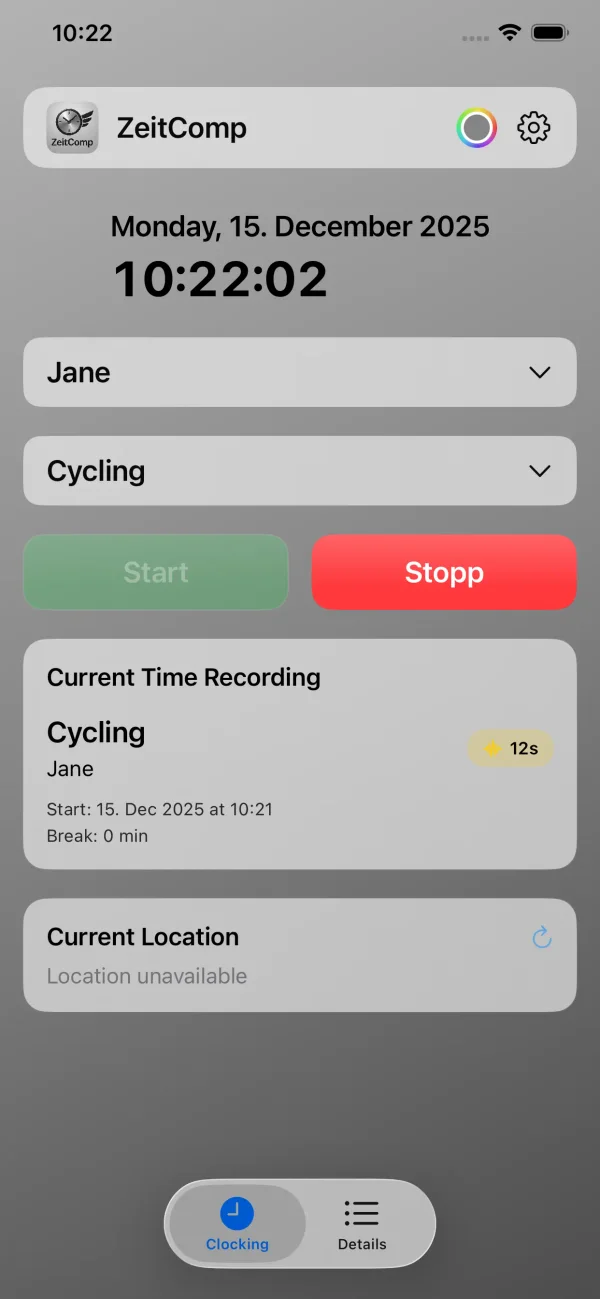
- Start and stop your timer with a single tap.
- Live time display: watch your recorded time update in real time.
- GPS location: Automatically captures your location when you start and stop time tracking.
- Your current location is displayed and can be manually updated at any time.
- Information dialog regarding GPS location tracking.
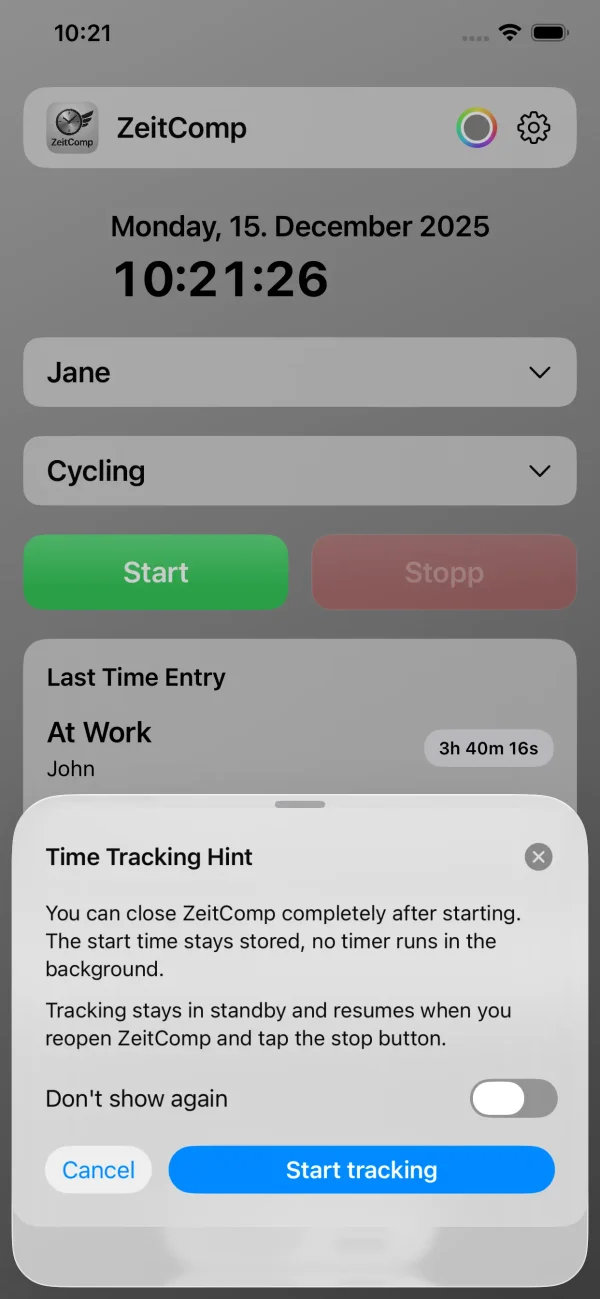
- Secure: once started, a tracking session is safely stored even if the app closes, it only ends when you actively stop it.
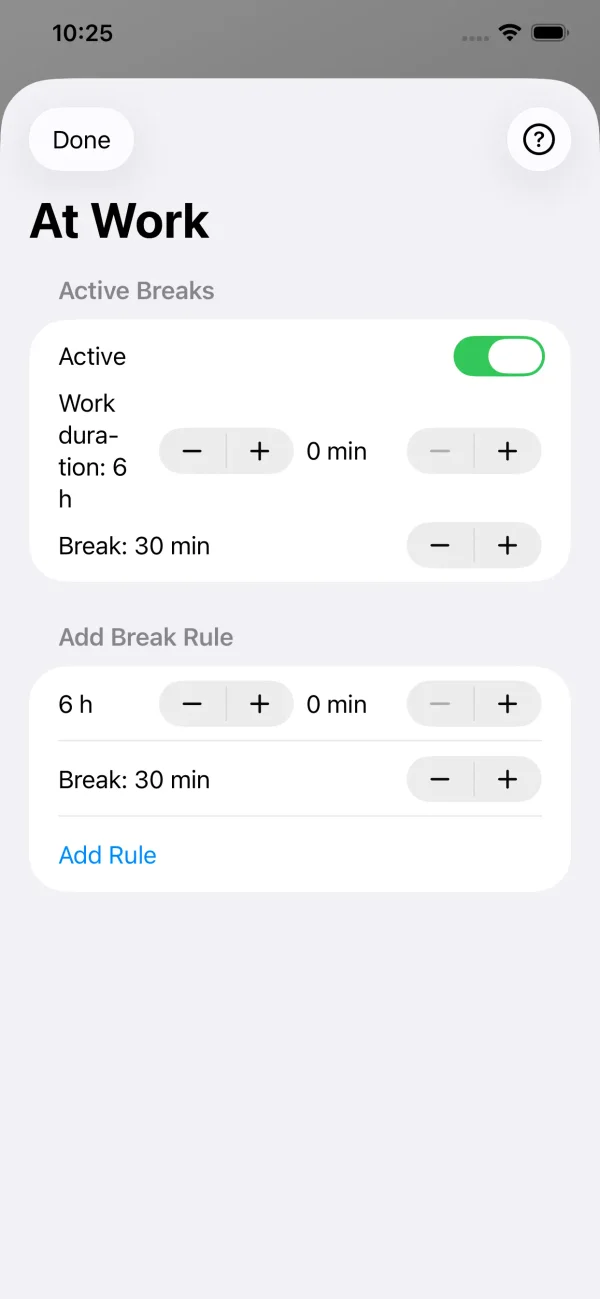
- Integrated break rules: pauses are applied automatically whenever you have configured them.
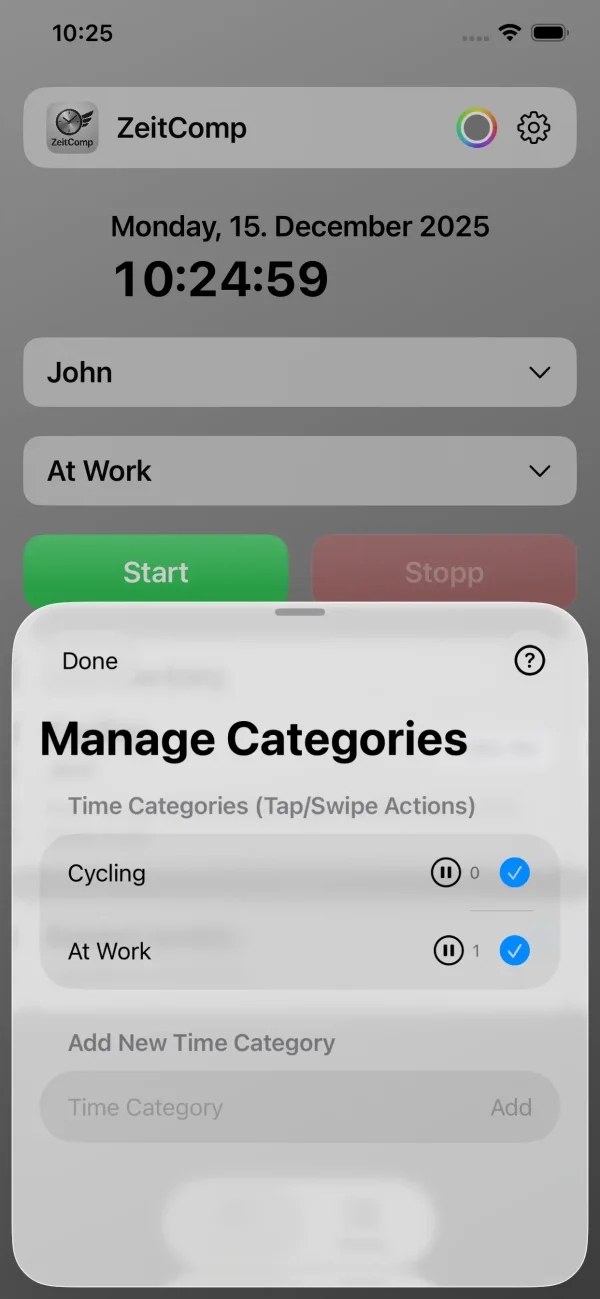
- Time categories: Create your own types, keep lists concise and tidy with powerful filters.
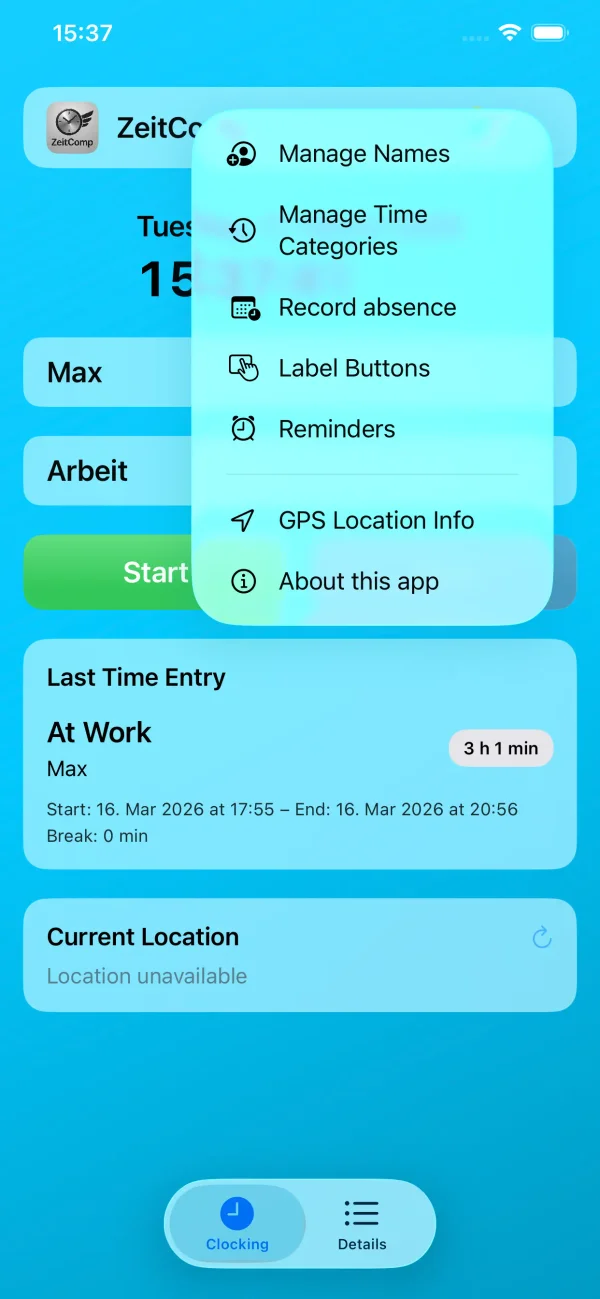
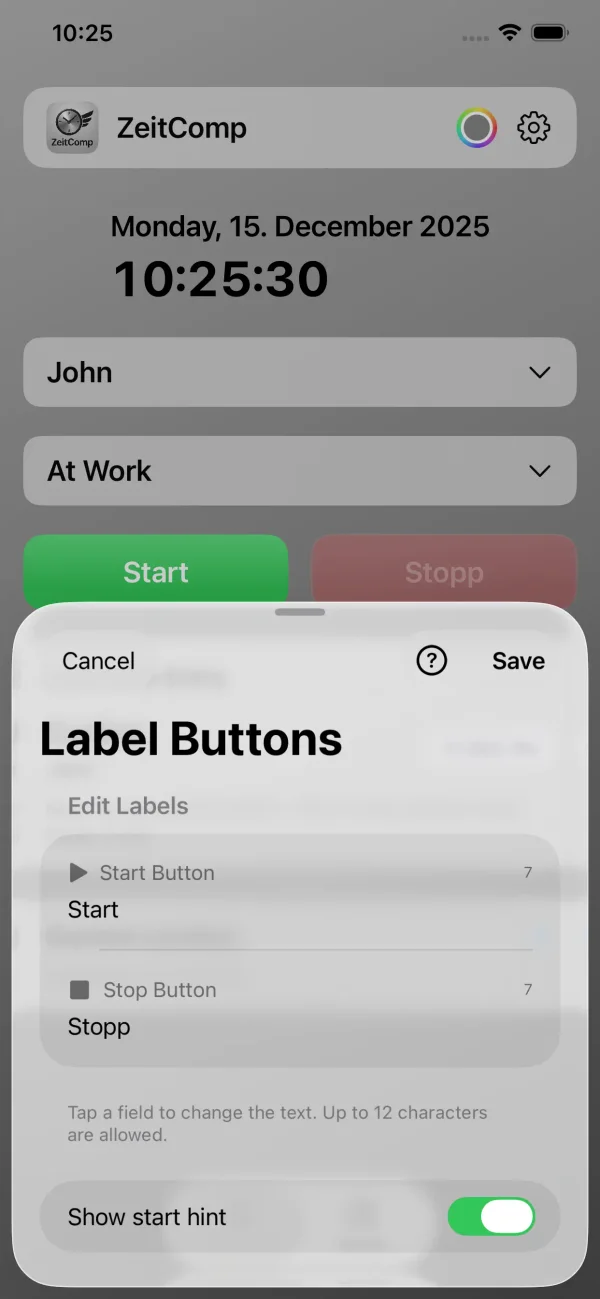
- Buttons: Rename the start/stop buttons to suit you, call them “Begin” and “Finish” instead of “Start” and “Stop,” just the way you like.
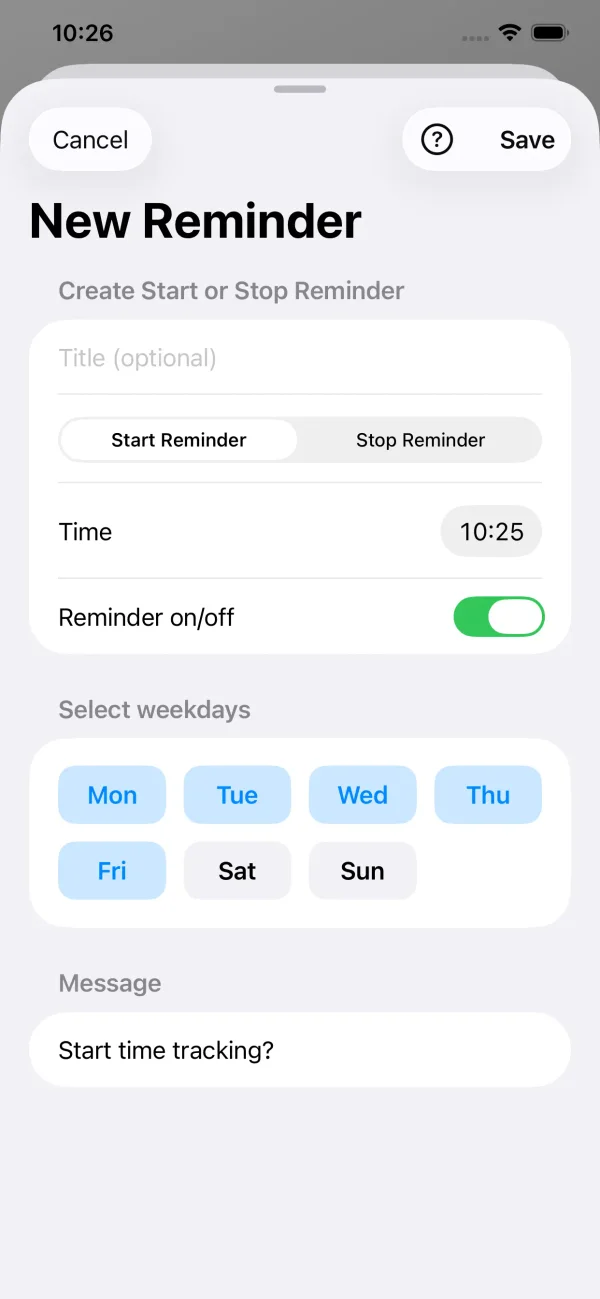
- Reminders: Schedule alerts to start or stop tracking on specific weekdays and times.
- Statistics Overview, Compact single-page PDF in portrait format with the current overview.
- Help: Every feature comes with built-in guidance, just tap the ? button.
“ZeitComp works 100% offline. All data stays on your device.”
Backup & Export:
- Create JSON backups and move them to another device via the “Import Backup” option.
- Export entries as CSV or PDF- filtered or complete- so you’re ready for bookkeeping, invoicing, or any official documentation.
- Automatic backup reminder after 30 days.
Smart Lists & Search:
- Find entries instantly with full-text search (name, category, date, duration, break, etc.) or narrow them down using the date-range filter.
Personalized Look:
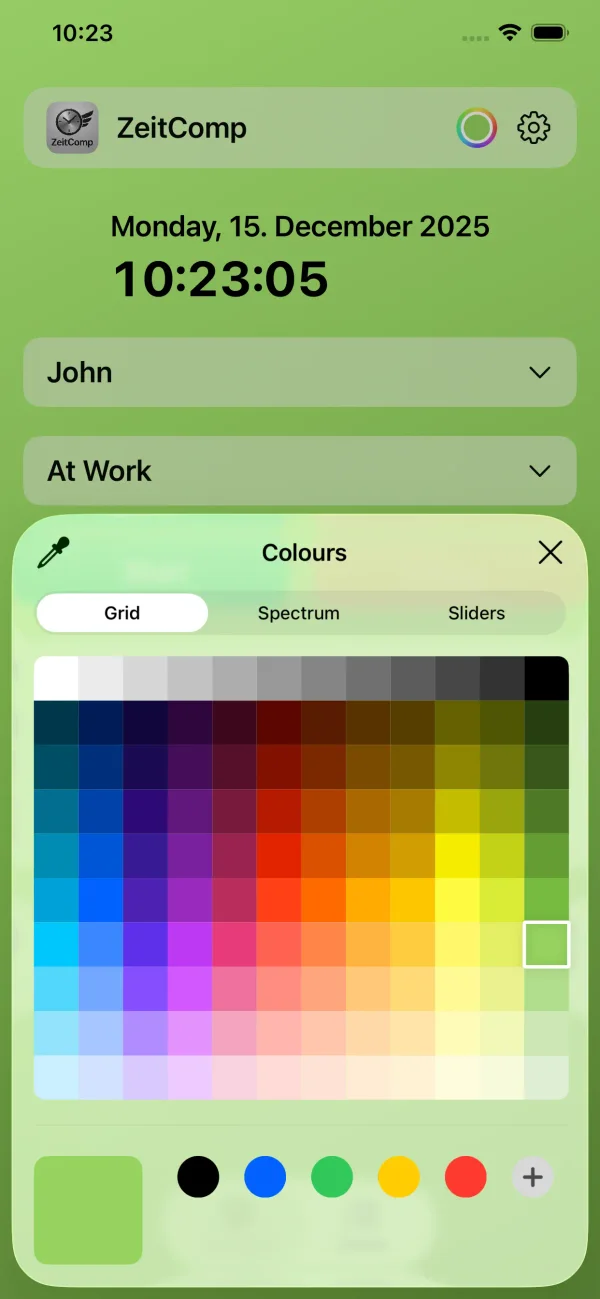
- Pick your preferred background color and keep your custom theme - the app remembers your choice.
Perfect for:
- Anyone who needs a slim, offline-capable solution.
- Time tracking in trades, services, or healthcare.
- Freelancers and solo professionals.
- Project teams and small businesses.
Note:
ZeitComp stores all recorded data locally on your device.
Use the backup feature regularly to create a safety copy or to transfer your data to another device.
What’s new
Version 2.3 · Mar 17, 2026
What’s new in ZeitComp 2.3(2)
- Absence tracking (vacation, sick, away) with day-based input.
- New “About this app” menu item with app info and contact links.
- Improved quick filters for date ranges; select periods with fewer taps.
- Integrity check on backup import; detects modified JSON backups.
- More reliable backup logic, export after cancellation, clearer import error messages.
- Localization and default language fixes.
- Technical cleanup.
App privacy
What Ralf Preuss declares on the App Store about how this app handles data.
-
Data not collected
The developer does not collect any data from this app.
Privacy practices may vary, for example with the features you use or your age.
Information
- Seller
- Ralf Preuss
- Category
- Utilities
- Version
- 2.3
- Updated
- Mar 17, 2026
- Released
- Nov 13, 2025
- Size
- 8.1 MB
- Requires
- iOS 18.6 or later
- Age rating
- 4+
- Languages
- German, English
- Copyright
- © 2026 Sympicon
You might also like
-
 RedactPDF – Secure RedactionRemove sensitive text
-
 SkyFMS CarsharingUtilities
-
 ZeiteriaUtilities
-
 Get2world Timemanagement AppFor employees
-
 Timai - Time TrackingTime Tracking for Kimai
-
 TeacherTimeWork hours for teachers
-
 KlassenalarmUtilities
-
 HubSense CommissioningUtilities
-
 Watch Tuner LiteUtilities
-
 Didget: Data Usage WidgetMobile Network Traffic Monitor