
- Age rating4+
- CategoryEntertainment
- DeveloperPSOFT
- LanguagesEnglish+ 1 more
- Size71.9 MB
Links to the official App Store page
Download.org hosts no file of Zen Brush 2. The button opens its official App Store page, published by PSOFT. Listing last checked on Nov 12, 2026.
Screenshots
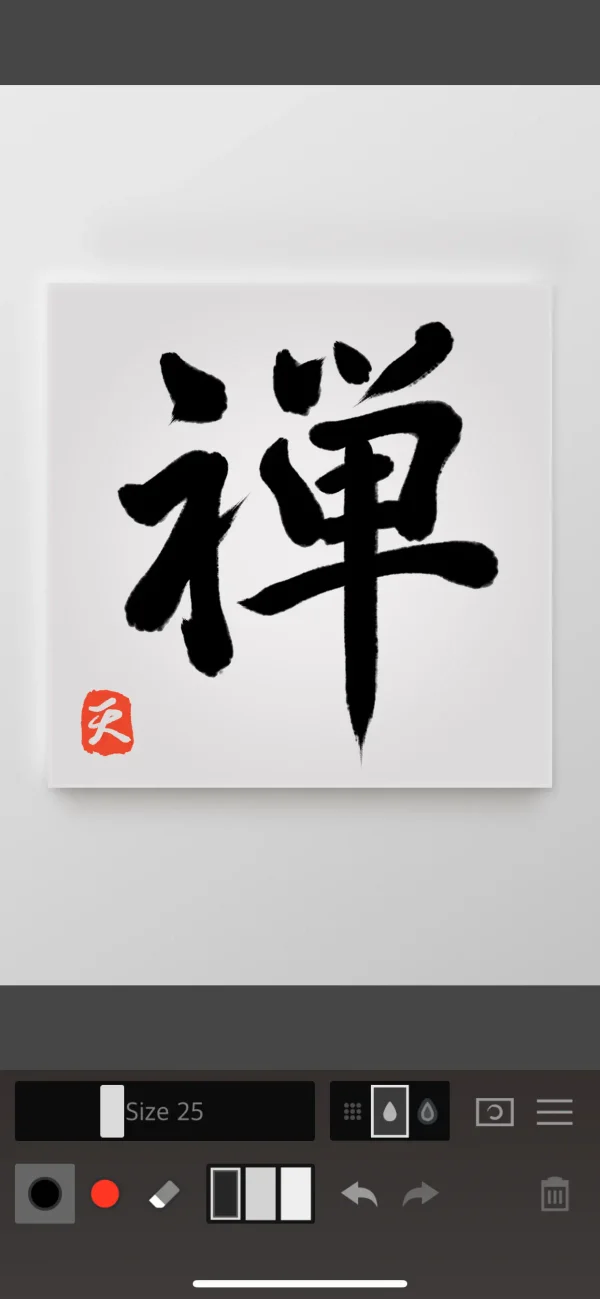
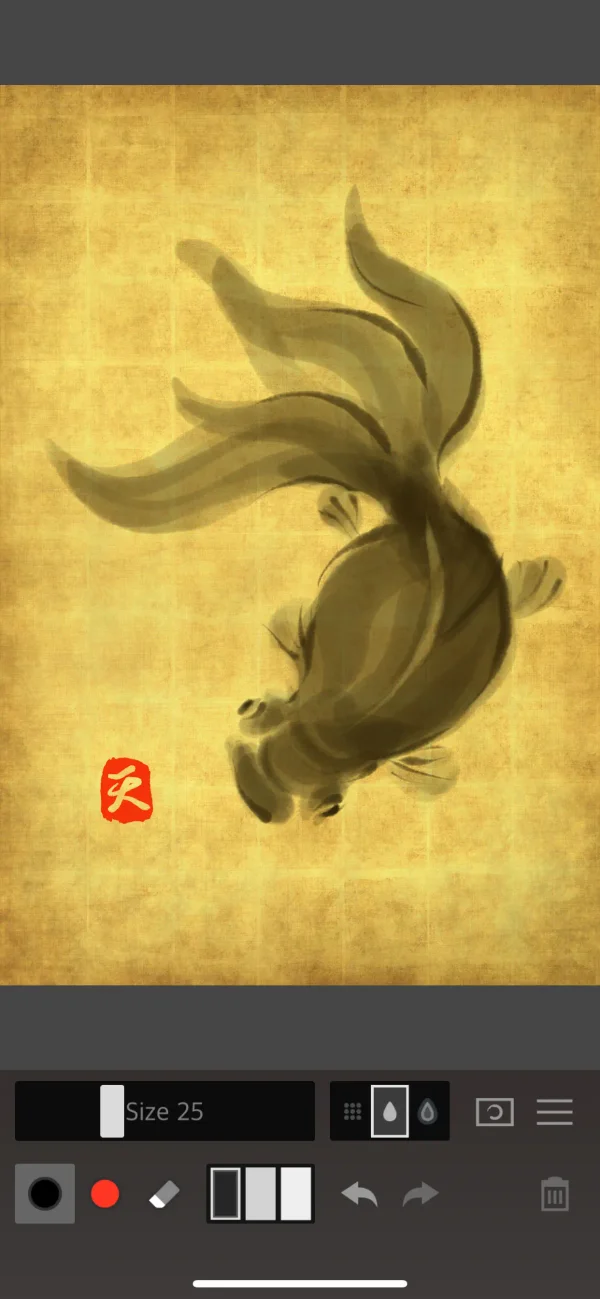
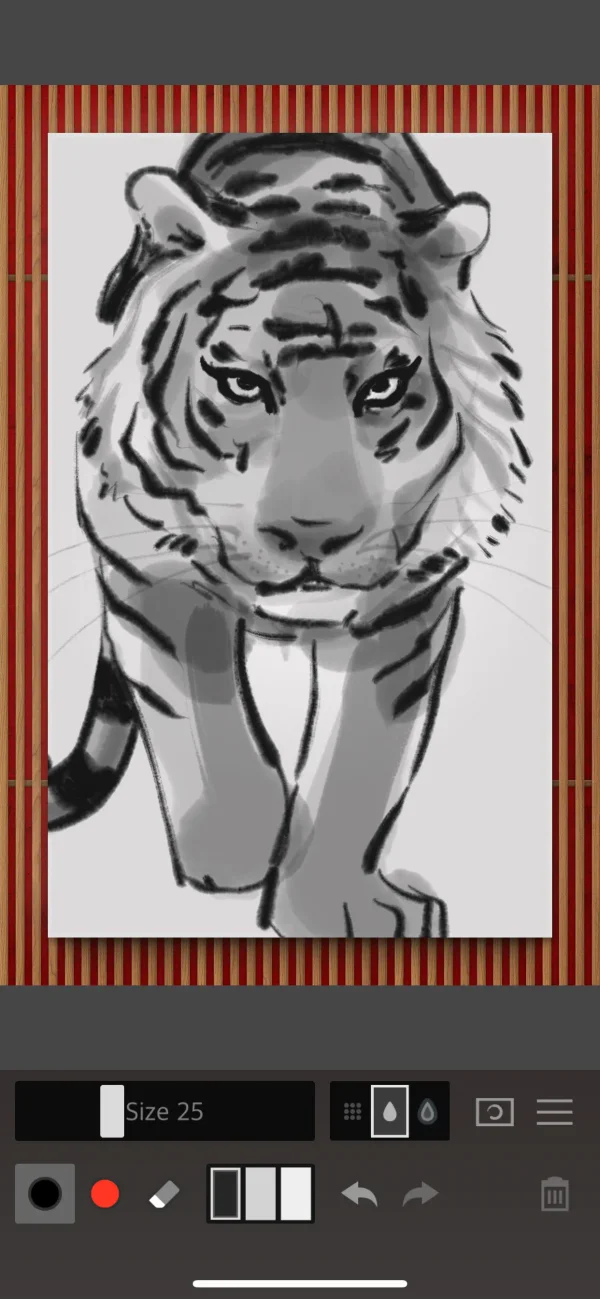
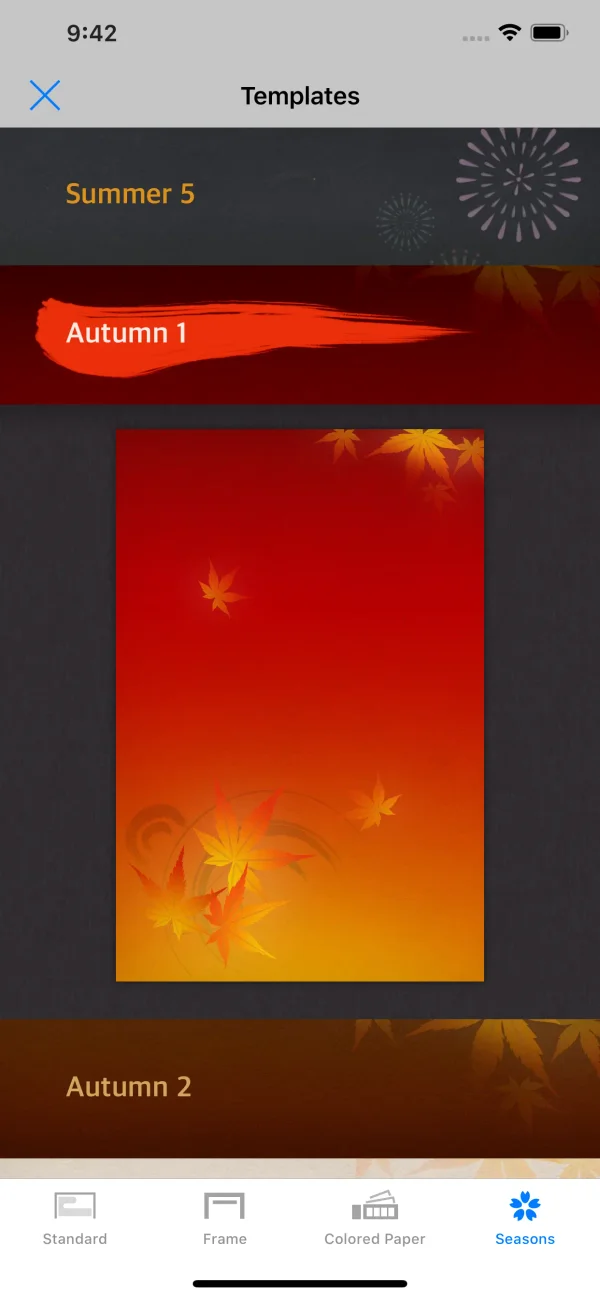

About
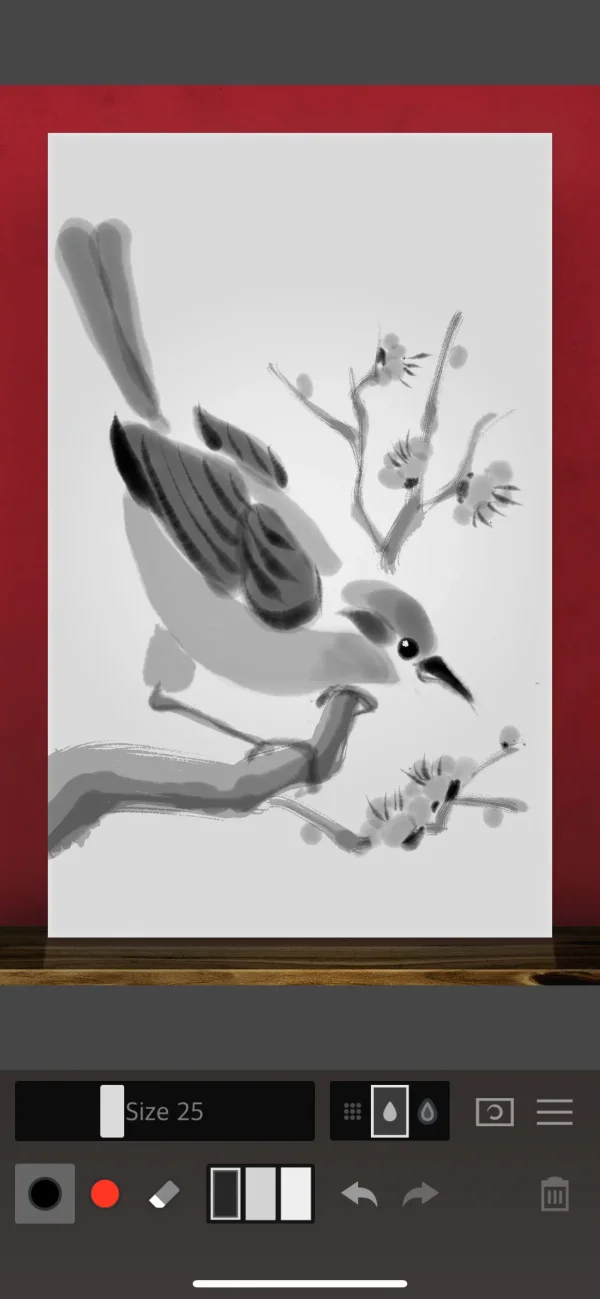
Zen Brush 2 is a drawing app focused on the strong yet beautiful feel of the East Asian ink brush.
With a new drawing engine that brings to life a feeling of silky fluent painting and the delicacy of an ink brush, providing a simple and intuitive user interface imbued with the Zen spirit, this app is designed to be optimal for performing Zen art.
Simply start the app and you are immediately ready to draw. Anyone can create superb Zen art anywhere and at any time with this app’s uniquely rich expressiveness. You can publish your work to Facebook and Twitter with the "Share" and "Open in" functions. You can also share or edit your images by opening them in other apps such as Instagram, WhatsApp, LINE, Photoshop Mix, etc.
- The next step in the evolution of the Zen Brush app which achieved more than 1.5 million downloads on all platforms combined.
- Includes a new brush engine providing an even stronger, beautiful expressiveness.
- Includes a gallery feature that makes it possible to save your work in progress.
- Includes red ink in addition to the black ink (*).
- Ink dispersion effect enables a three-dimensional feeling of depth.
* Actual colors vary depending on the template.
Features:
- 92 background style templates.
- Simple brush size adjustment with slider.
- Simple main tools: Ink brush, red brush, eraser brush.
- 3 levels of ink dispersion.
- 3 levels of ink tone.
- Canvas zoom (zoom in and out with pinch gestures).
- Guide lines (9 types).
- Undo / redo (5 levels).
- Save your work to the photo library.
- Open in other apps (Formats: JPEG, PNG, transparent PNG (no background)).
- Share artwork (Facebook, Twitter, etc.).
- Simulated finger pressure.
- Support for pressure sensitive styluses.
* Apple Pencil / Wacom Bamboo Stylus / Adonit / Scriba / SonarPen
- Support for iPad Pro.
- Support for 3D Touch.
- Adjustable brush pressure sensitivity (5 levels).
- Adjustable tilt sensitivity (5 levels).
* Requires a pen that supports tilt.
- Supports multitasking (Slide Over / Split View).
- Support for iMessage App.
What’s new
Version 1.33 · Dec 20, 2023
- Improved operation of iMessage app.
App privacy
What PSOFT declares on the App Store about how this app handles data.
-
Data not collected
The developer does not collect any data from this app.
Privacy practices may vary, for example with the features you use or your age.
Information
- Seller
- P SOFTHOUSE Co., Ltd.
- Category
- Entertainment
- Version
- 1.33
- Updated
- Dec 20, 2023
- Released
- Sep 3, 2015
- Size
- 71.9 MB
- Requires
- iOS 12.0 or later
- Age rating
- 4+
- Price
- $2.99
- Languages
- English, Japanese
- Copyright
- © 2015 P SOFTHOUSE Co., Ltd. Developed by PSOFT MOBILE
You might also like
-
 ShiKiShiCalligraphy shaped by chance
-
 書道 - 本格毛筆・習字アプリEntertainment
-
 RYUKINGracefully Fluttering Goldfish
-
 おでかけAREntertainment
-
 VRPlayer Pro : 2D 3D 360°Video2D 3D 360° Video Player for VR
-
 Dice Dice ProEntertainment
-
 Auto Palmistry PremiumEntertainment
-
 AmaziographAmazing mandalas and mosaics
-
 カナヘイの通信量チェッカーEntertainment
-
 iWebcamMotionCaptureThe Easiest-to-Use Vtuber App!