Zero-Friction Task Manager
Todo & Tasks · No Account Ever
Designed for iPhone, iPad, iPod touch
Free · In-app purchases
- Age rating4+
- CategoryProductivity
- DeveloperMarkus Hoefinger
- LanguagesEnglish
- Size45.1 MB
Links to the official App Store page
Download.org hosts no file of Zero-Friction Task Manager. The button opens its official App Store page, published by Markus Hoefinger. Listing last checked on Nov 12, 2026.
Screenshots
About
Zero-Friction Tasks is the personal task manager for busy individuals who simply want to get things done – without signing up, without a mandatory subscription, and without complexity. New: just speak your task.
NEW: VOICE TASKS. SAY IT – IT BECOMES A TASK.
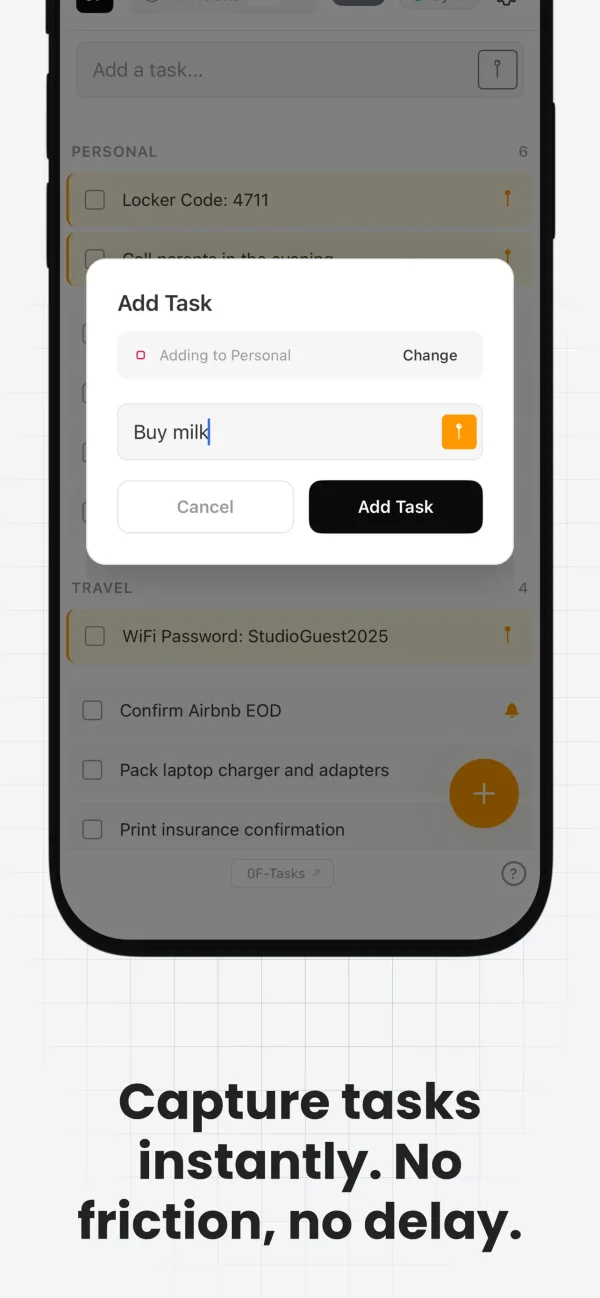
Hands full, in the car, on the go, or cooking? Speak a short note and it lands directly in your list. There are three ways to start:
• Tap the microphone in the “Add Task” bar
• Press and hold the large + button
• Assign the iPhone Action Button: Settings > Action Button > Shortcut > “0F Voice Task”
Speak your task and tap “Done.” Recording starts immediately and stops automatically after no more than 20 seconds. Only the recognized text is saved – never the audio recording. When iOS supports on-device speech recognition, it runs directly on your iPhone, so your voice never leaves the device.
NO ACCOUNT. NO EMAIL. NO PASSWORD.
Download and get started in 10 seconds. No registration. No confirmation email. No password to forget. Zero-Friction Tasks respects your time from the very first second.
WHY ZERO-FRICTION TASKS?
Most task apps demand an account before you can even begin. Many hide essential features behind complicated plans or store your data unencrypted. Zero-Friction Tasks takes a different approach:
• No account required – start in seconds with a simple sync code
• Free to start – no trial and no credit card required
• End-to-end encrypted (AES-256) – the server never sees your tasks in plain text
• Offline mode – core functionality remains available without a connection
• Real-time sync – iPhone, Android, Windows, web, and macOS
FOR INDIVIDUALS, NOT TEAMS.
No Kanban boards. No Gantt charts. No collaboration features. Just your tasks – fast, private, and always available.
KEY FEATURES:
• Voice Tasks on iPhone – speak tasks instead of typing them
• Global hotkey on Windows (Alt+Space) – capture tasks without switching apps
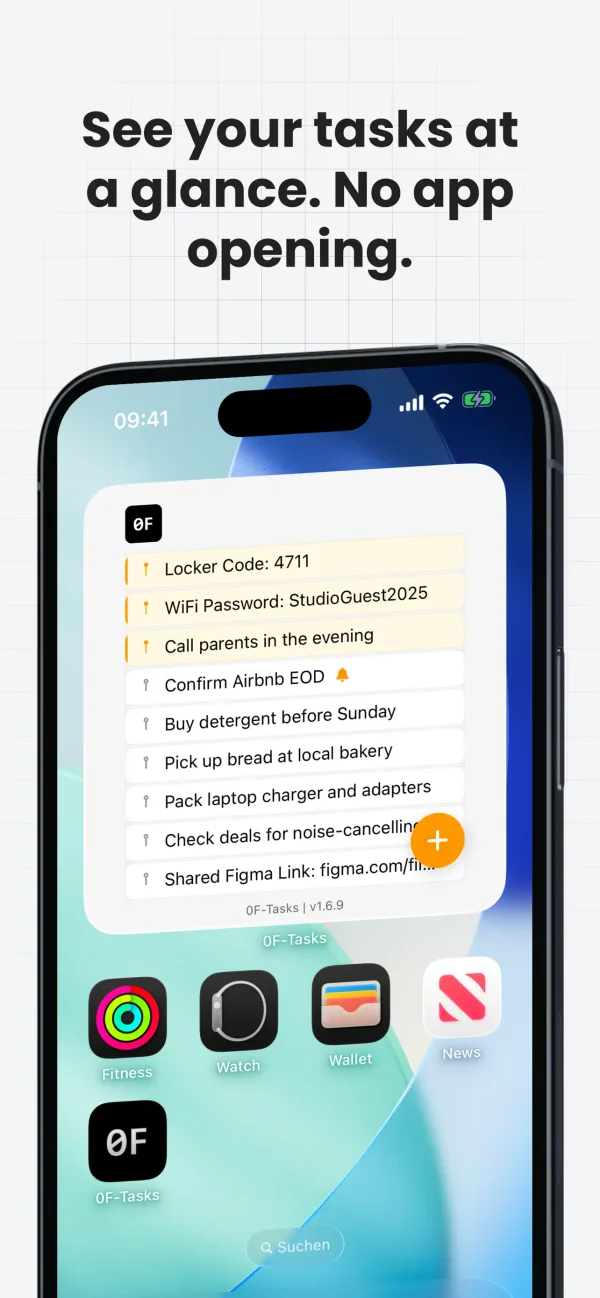
• iOS widgets for the Home Screen, Lock Screen, and Today View
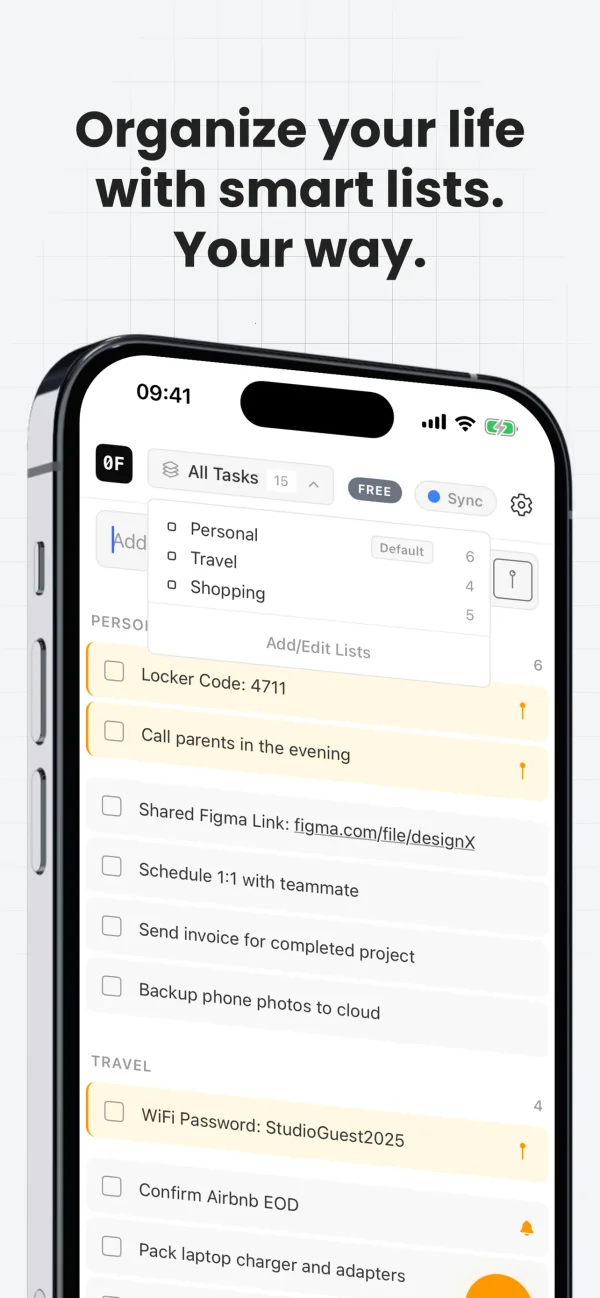
• Lists for work, home, shopping, and anything else
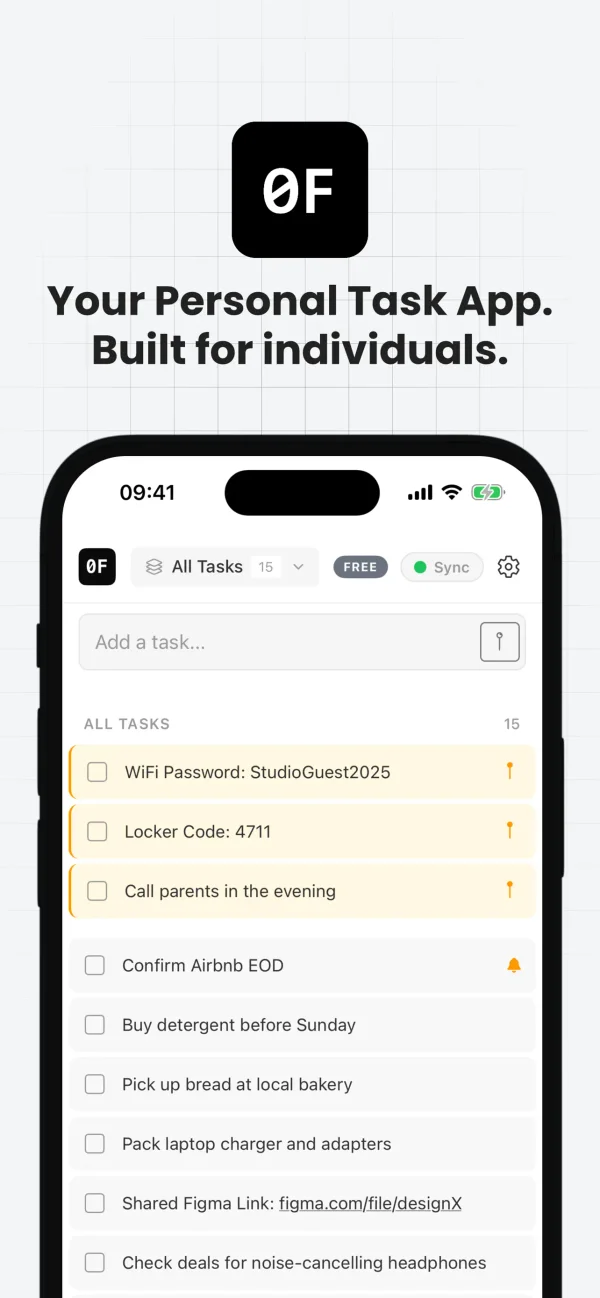
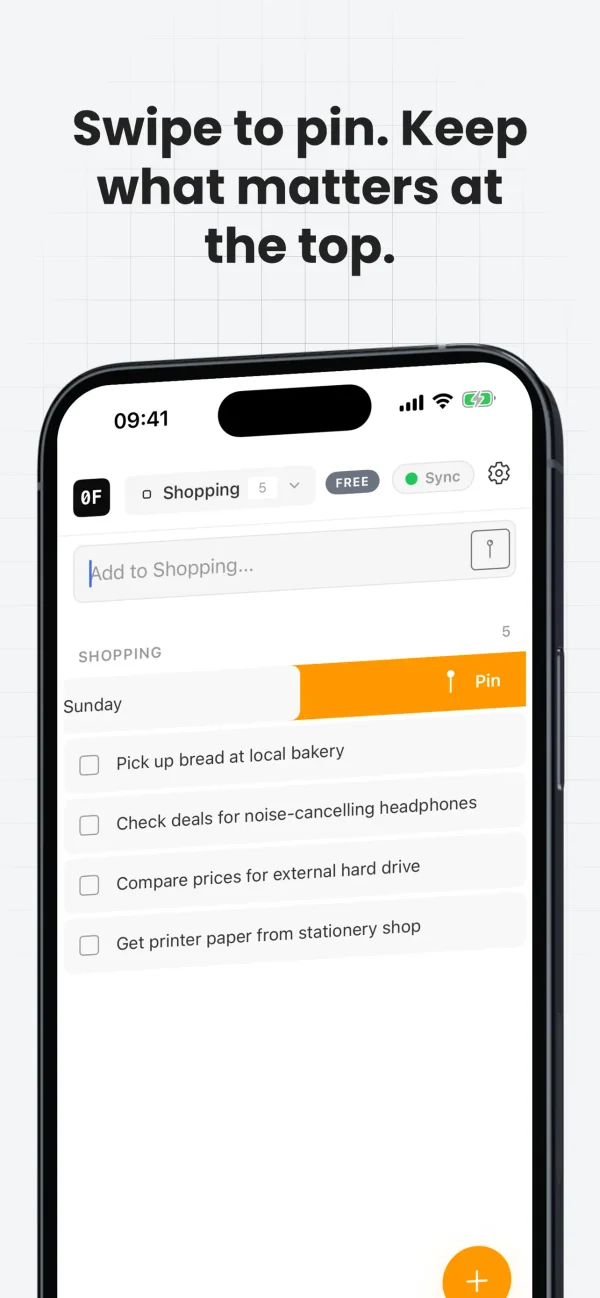
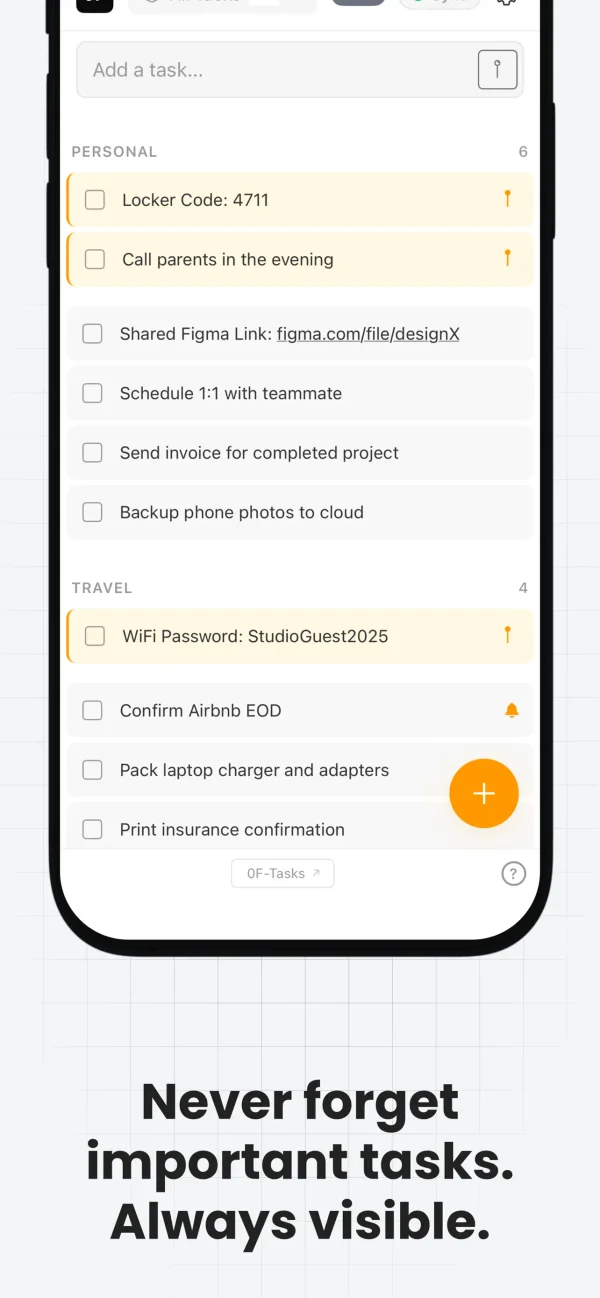
• Pinned tasks – keep what matters at the top
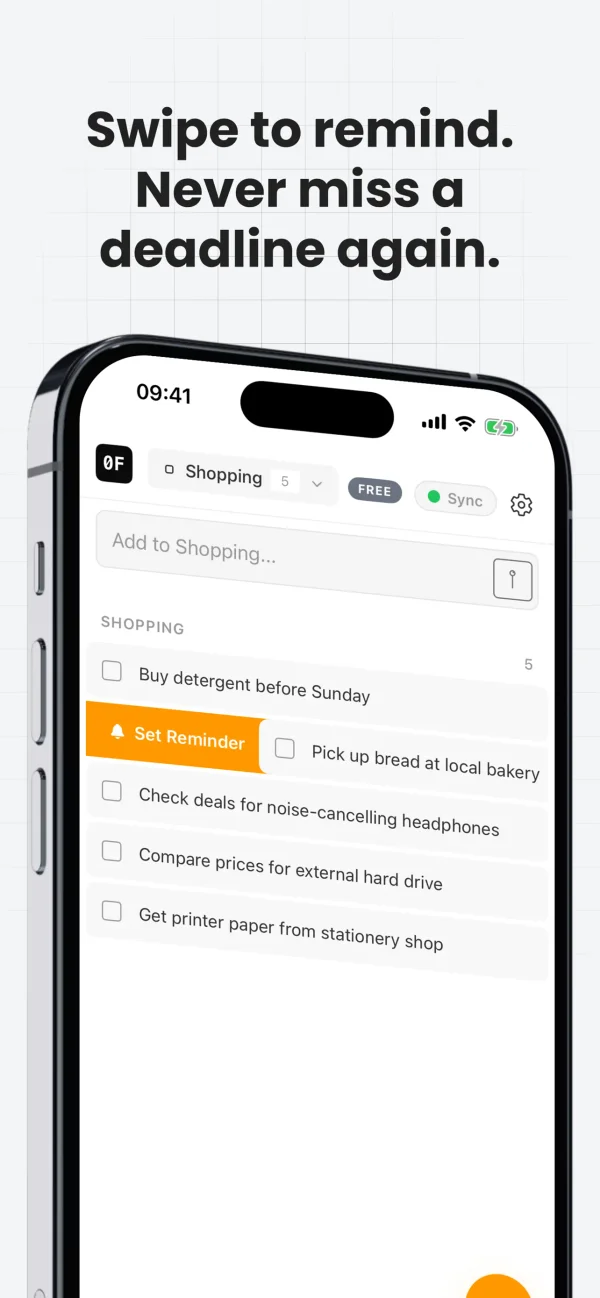
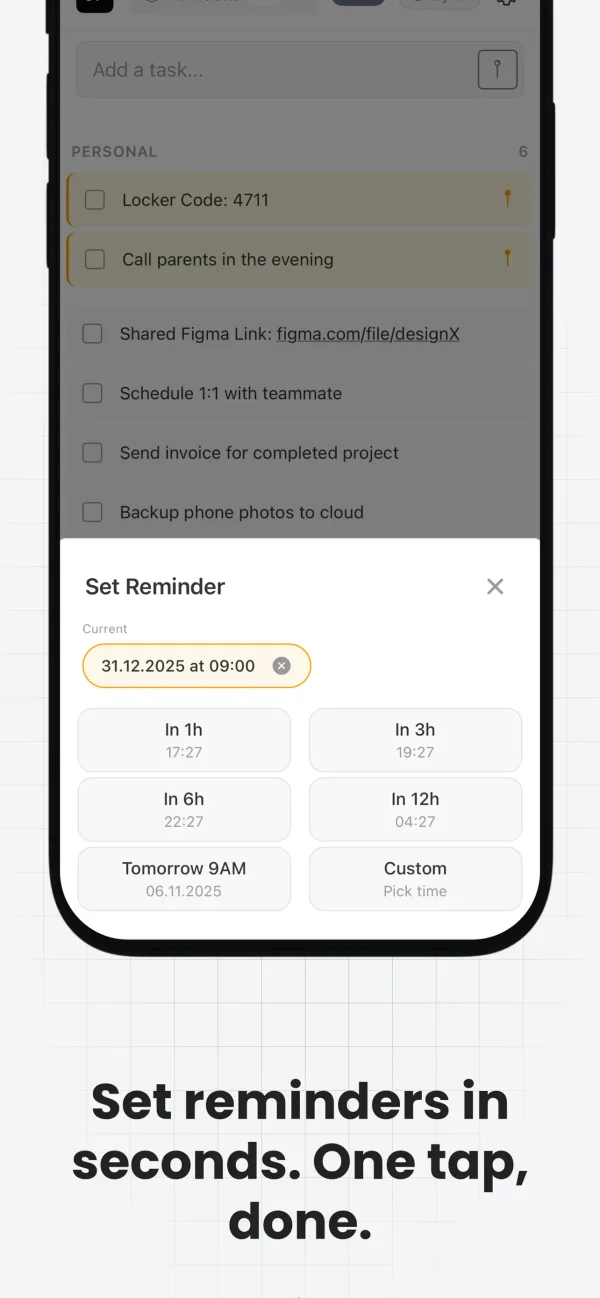
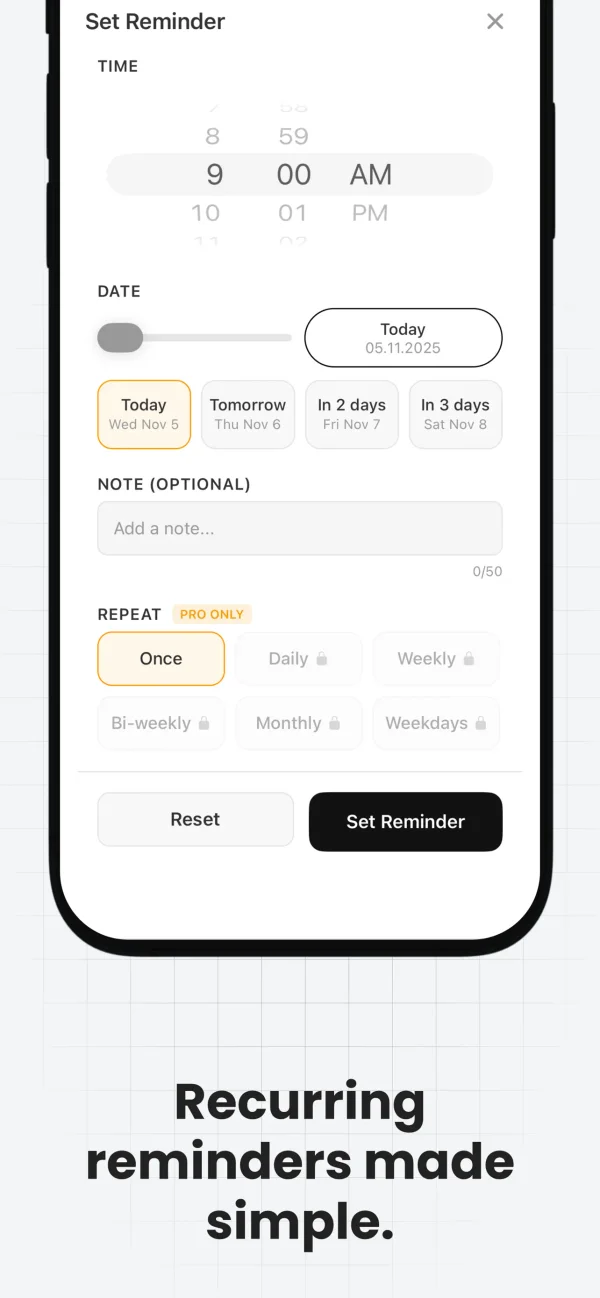
• One-time and recurring reminders
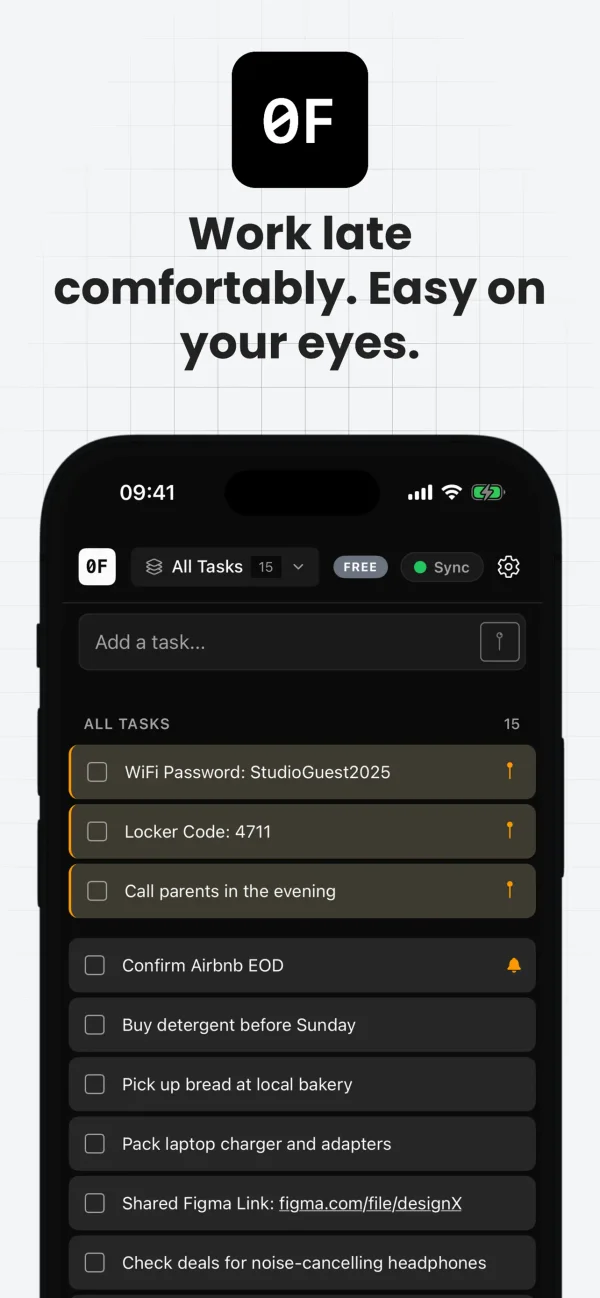
• Dark Mode and offline mode
• Drag-and-drop sorting
Start for free. No sign-up. Your tasks, your way.
Terms of Use (EULA): https://zerofriction.app/terms
Privacy Policy: https://zerofriction.app/privacy
What’s new
Version 1.9.9 · Nov 6, 2026
NEW: IPHONE DUO SUPPORT
0F-Tasks now adapts to every posture of the iPhone Duo. Folded, Add, Sync and Settings sit in a side rail next to the status bar. Unfolded, you get a permanent lists sidebar and a wide task column. Half open, content and dialogs stay beside the fold instead of across it.
Also includes:
• Wide layout with a lists sidebar on iPad as well
• New settings menu: everything at a glance, no scrolling
• More reliable syncing of lists and tasks
App privacy
What Markus Hoefinger declares on the App Store about how this app handles data.
-
Data not linked to you
May be collected but is not linked to your identity.
- Contact info
- User content
- Identifiers
- Usage data
- Diagnostics
Privacy practices may vary, for example with the features you use or your age.
Information
- Seller
- Markus Hoefinger
- Category
- Productivity
- Version
- 1.9.9
- Updated
- Nov 6, 2026
- Released
- Oct 13, 2025
- Size
- 45.1 MB
- Requires
- iOS 15.1 or later
- Age rating
- 4+
- Price
- Free
- In-app purchases
- Yes
- Languages
- English
- Copyright
- © VibeM
You might also like
-
 Super ProductivityToDo List & Time Tracker
-
 Lunatask: A Better To-Do ListTasks, Habits, Journal, Notes
-
 Notesnook: Private notepadEncrypted notes & secure vault
-
 Anytype - The Everything AppWhere no one is in between
-
 Standard NotesEnd-to-end encrypted notes
-
 Capacities – Notes & PKMCollect, connect, and reflect.
-
 Proton Authenticator & 2FASecure verification, MFA & OTP
-
 SimplenoteSimple notes, todos and memos
-
 Proton Calendar: Secure EventsKeep your schedule private
-
 Lumo AI by ProtonPrivate Assistant from Europe