- Age rating4+
- CategoryUtilities
- DeveloperShlomo Segal
- LanguagesEnglish
- Size16.3 MB
Links to the official App Store page
Download.org hosts no file of ZeroComm. The button opens its official App Store page, published by Shlomo Segal. Listing last checked on Nov 12, 2026.
Screenshots

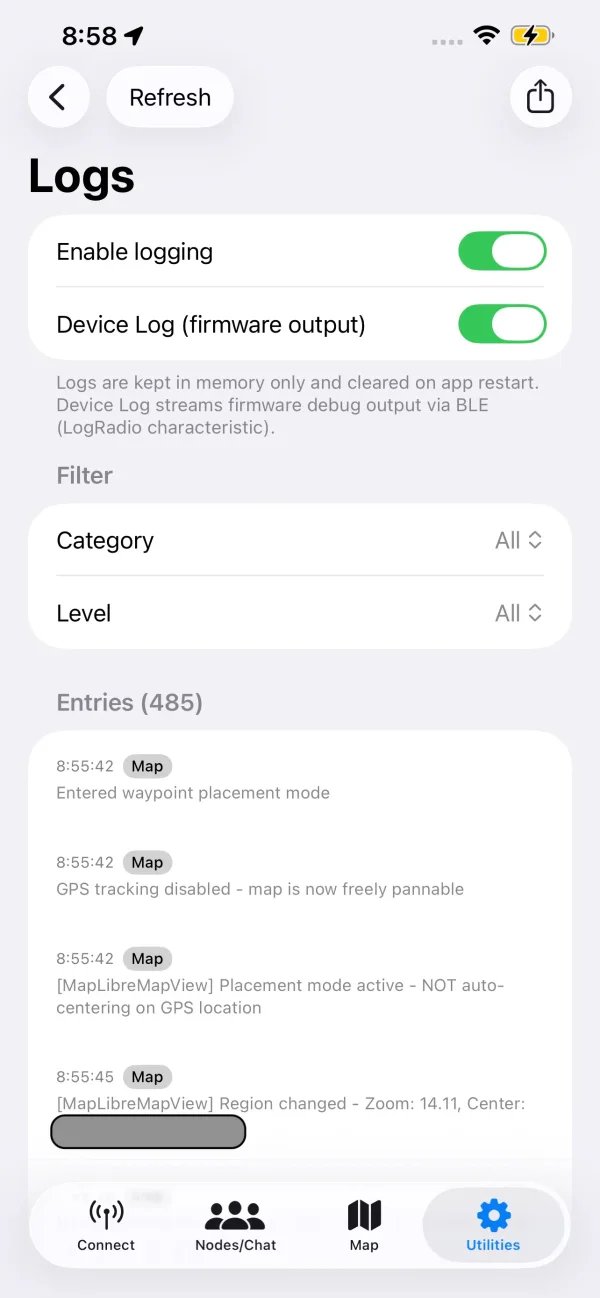
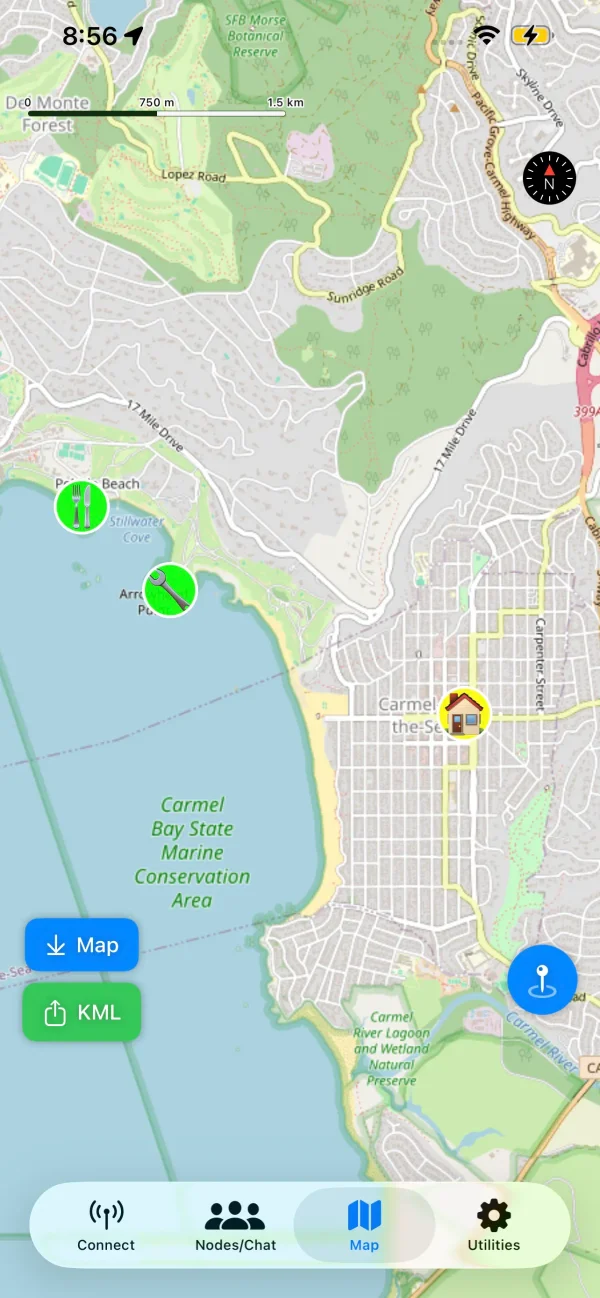
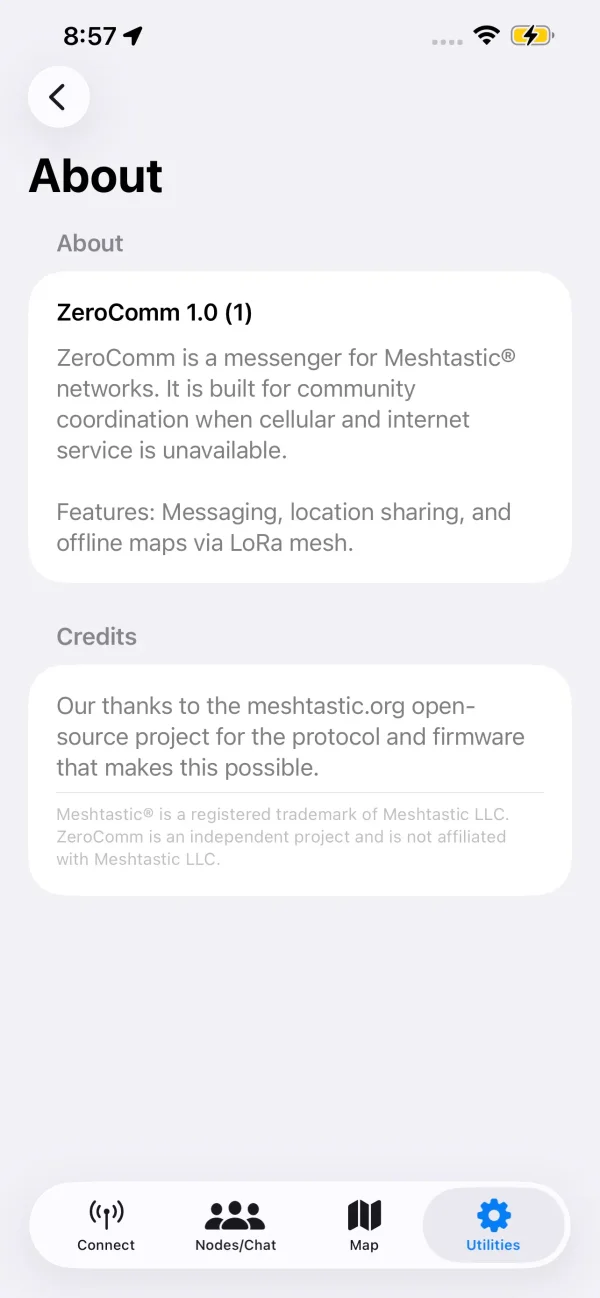
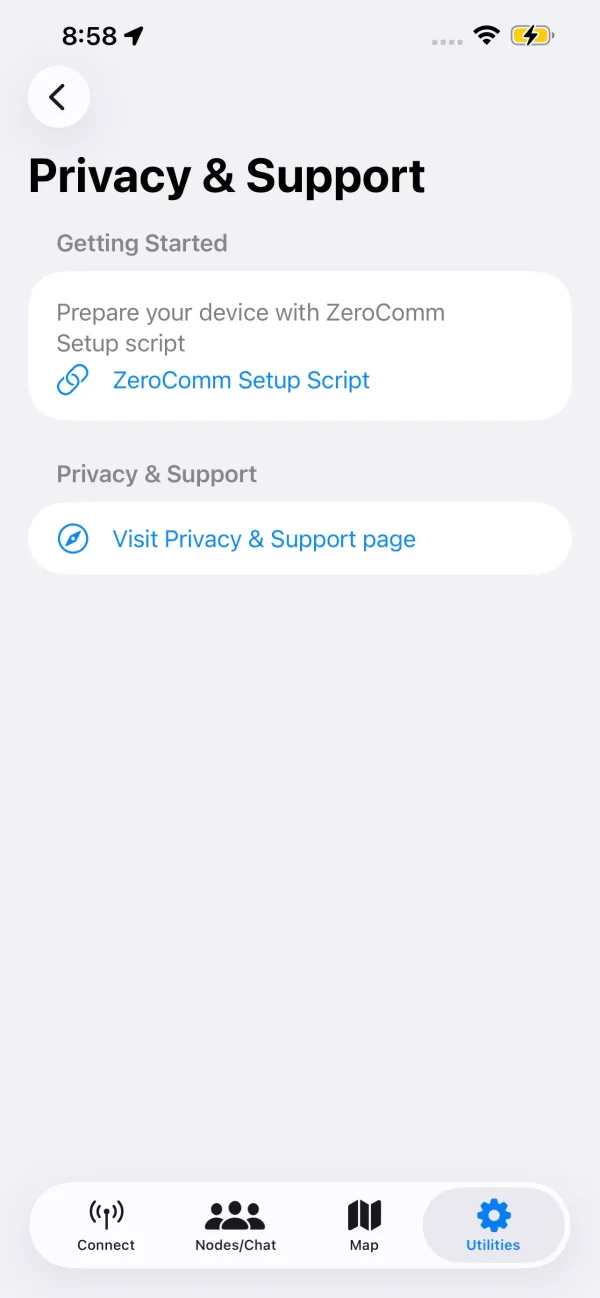
About
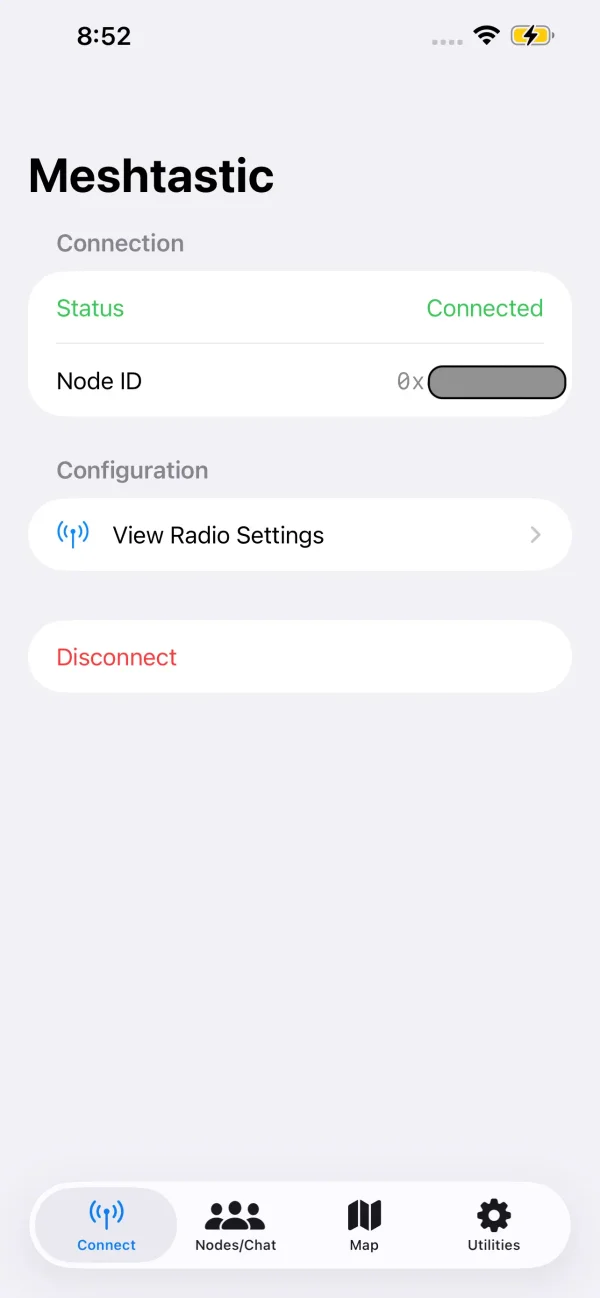
ZeroComm is a simple, fully offline iOS client for Meshtastic LoRa mesh networks.
Built for anyone — when cellular and WiFi are gone and your neighbors are scattered about the block, use LoRa mesh. No accounts, no cloud, no internet. Completely independent mesh.
TEST IT BEFORE YOU NEED IT.
FEATURES
— Bluetooth connect to any Meshtastic node
— Group channels and direct messaging with delivery confirmation
— Offline maps with node positions, waypoint management and sharing
— KML export compatible with Organic Maps
— Background operation with notifications and unread badge
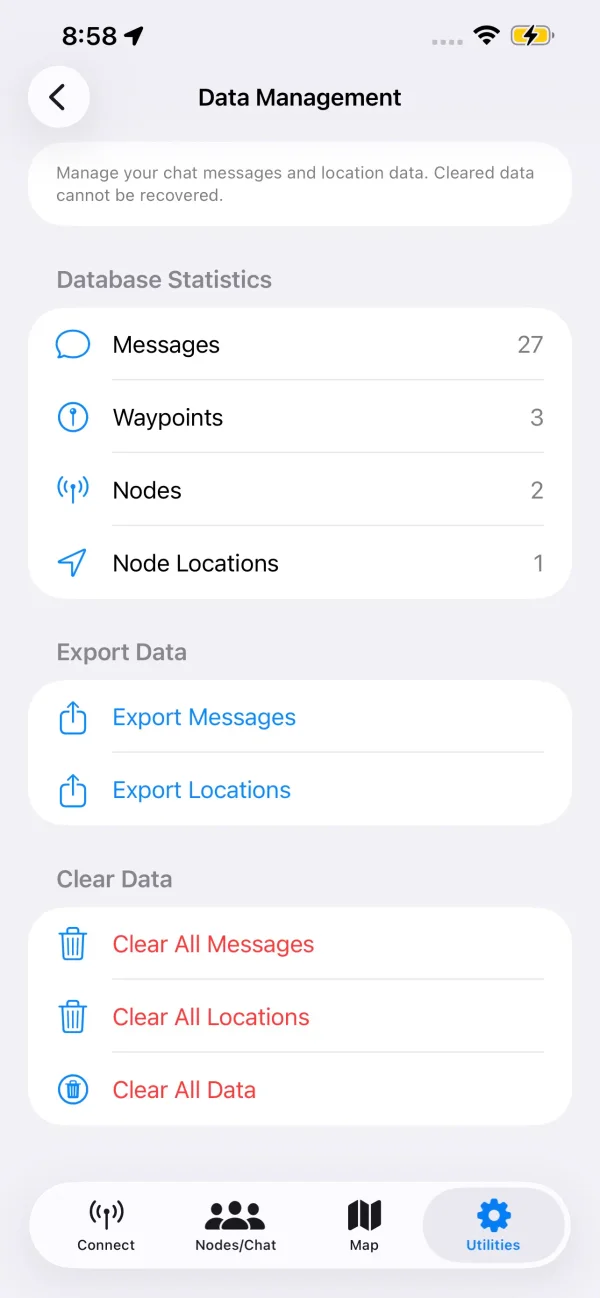
— Message and waypoint history with CSV export
GETTING STARTED
Requires Meshtastic-compatible LoRa hardware (e.g. Heltec V4). A free Python setup script is available to configure and clone a group of devices to a shared setup via Bluetooth.
https://github.com/joshsoftapp-coder/ZeroComm_nodeSetup_py
ZeroComm is an independent project by Josh Soft, not affiliated with Meshtastic LLC.
App privacy
What Shlomo Segal declares on the App Store about how this app handles data.
-
Data not collected
The developer does not collect any data from this app.
Privacy practices may vary, for example with the features you use or your age.
Information
- Seller
- Shlomo Segal
- Category
- Utilities
- Version
- 1.0
- Updated
- Apr 23, 2026
- Released
- Apr 28, 2026
- Size
- 16.3 MB
- Requires
- iOS 17.6 or later
- Age rating
- 4+
- Price
- Free
- Languages
- English
- Copyright
- © 2026 Josh Soft
You might also like
-
 Phantom - Mesh CommsVoice & Text Over Meshtastic
-
 MeshCoreScannerMeshcore coverage mapper
-
 PommeCoreLoRa Mesh Radio Client.
-
 MeshCore UpdateMeshCore Firmware update Tool
-
 Nelos: Location Without SignalTrack Pets & Family, No SIM
-
 CairnOSOff-Grid LoRa Mesh Messaging
-
 MeshScopeGlobal Mesh Mapping
-
 MeshtasticUtilities
-
 Ola RadioIntelligent Walkie-talkie
-
 OdmasterUtilities