ZeroPage
A Fast Document Viewer
Designed for iPhone, iPad, Mac
Free · In-app purchases
- Age rating4+
- CategoryProductivity
- DeveloperKoichiro Kamada
- LanguagesEnglish+ 11 more
- Size33.8 MB
Links to the official App Store page
Download.org hosts no file of ZeroPage. The button opens its official App Store page, published by Koichiro Kamada. Listing last checked on Nov 22, 2026.
Screenshots


About
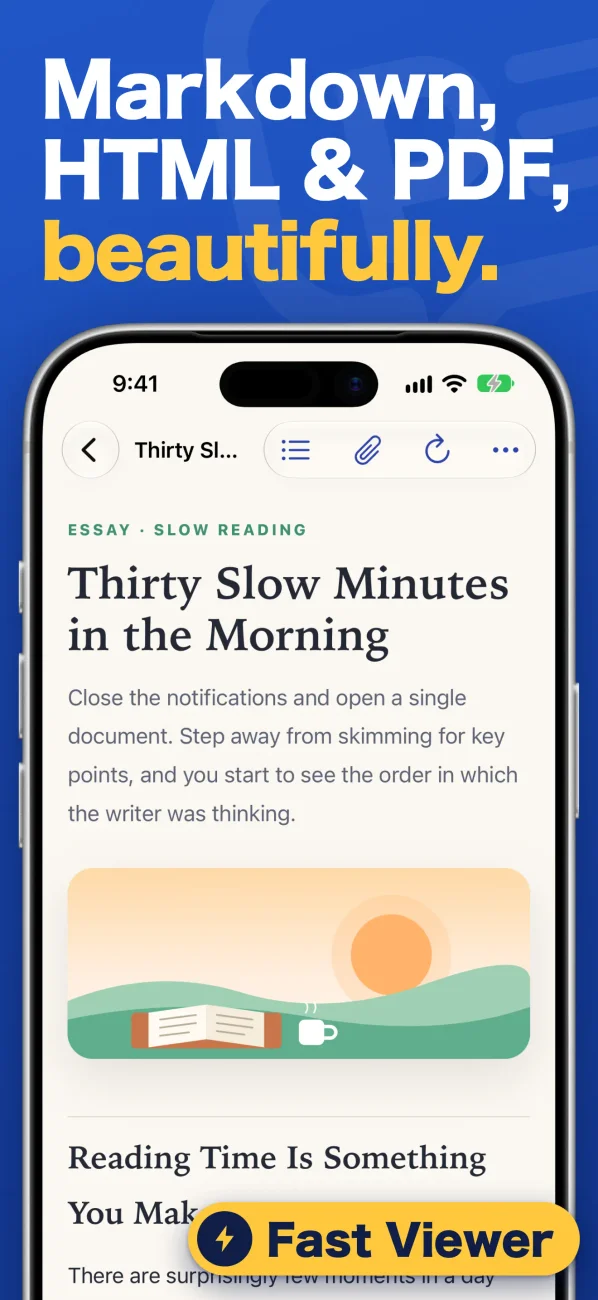
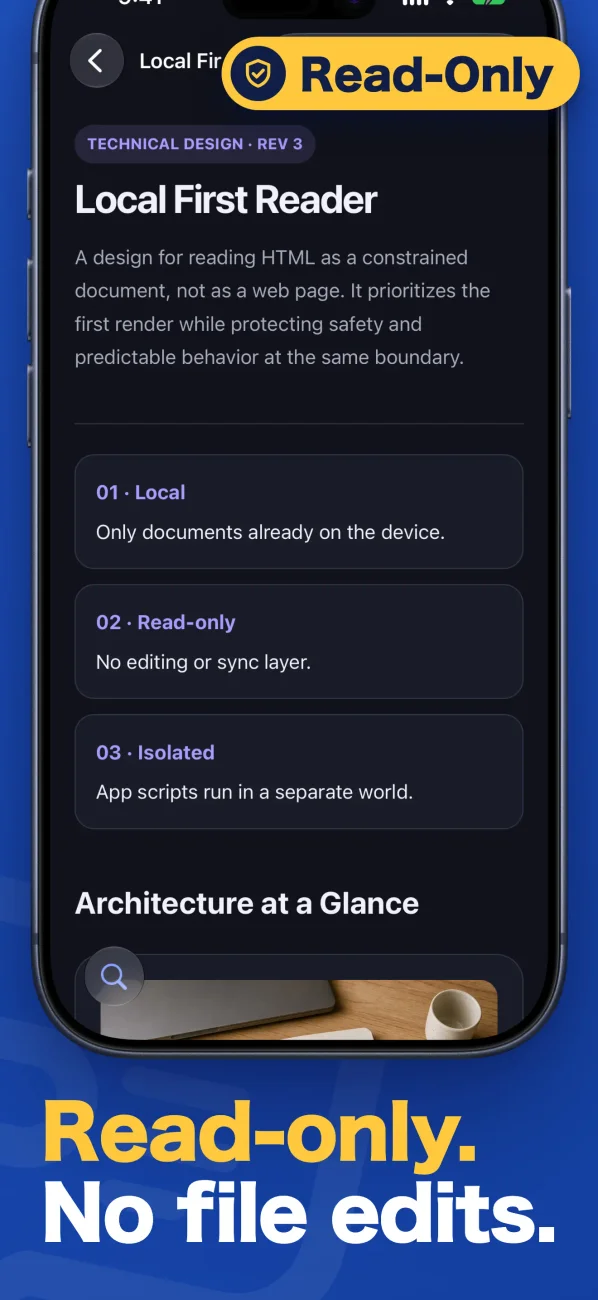
ZeroPage is a read-only viewer for quickly and beautifully reading Markdown, HTML, text, and PDF documents stored in iCloud Drive on iPhone and iPad. Write anywhere, read comfortably. ZeroPage focuses on one thing: reading.
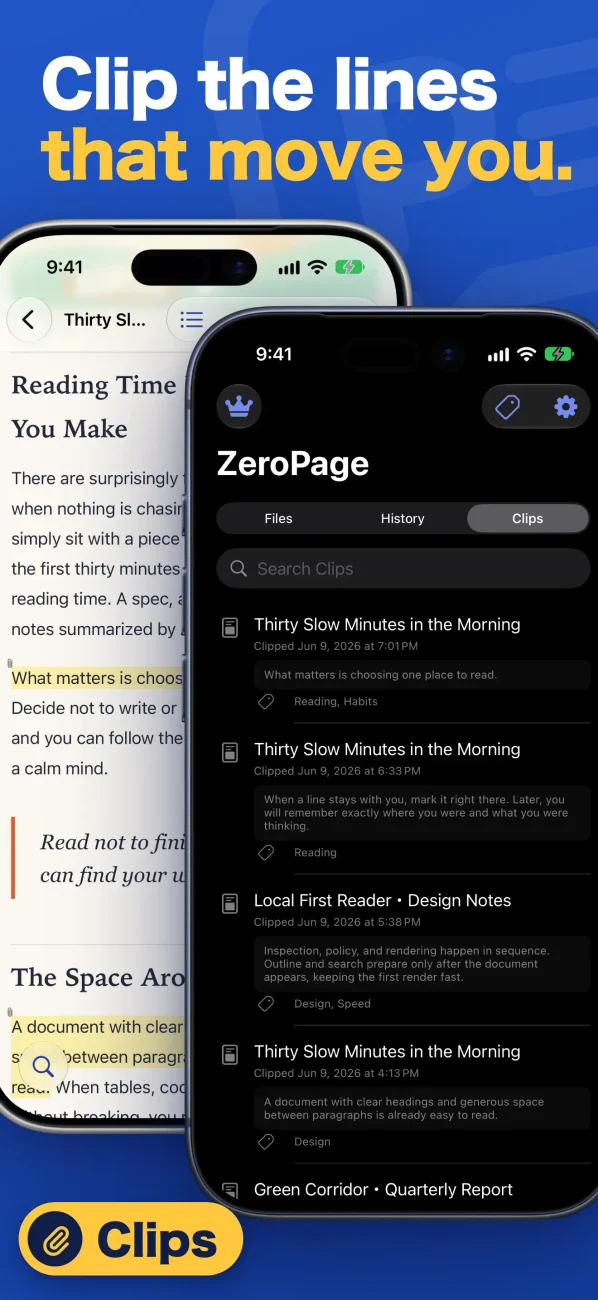
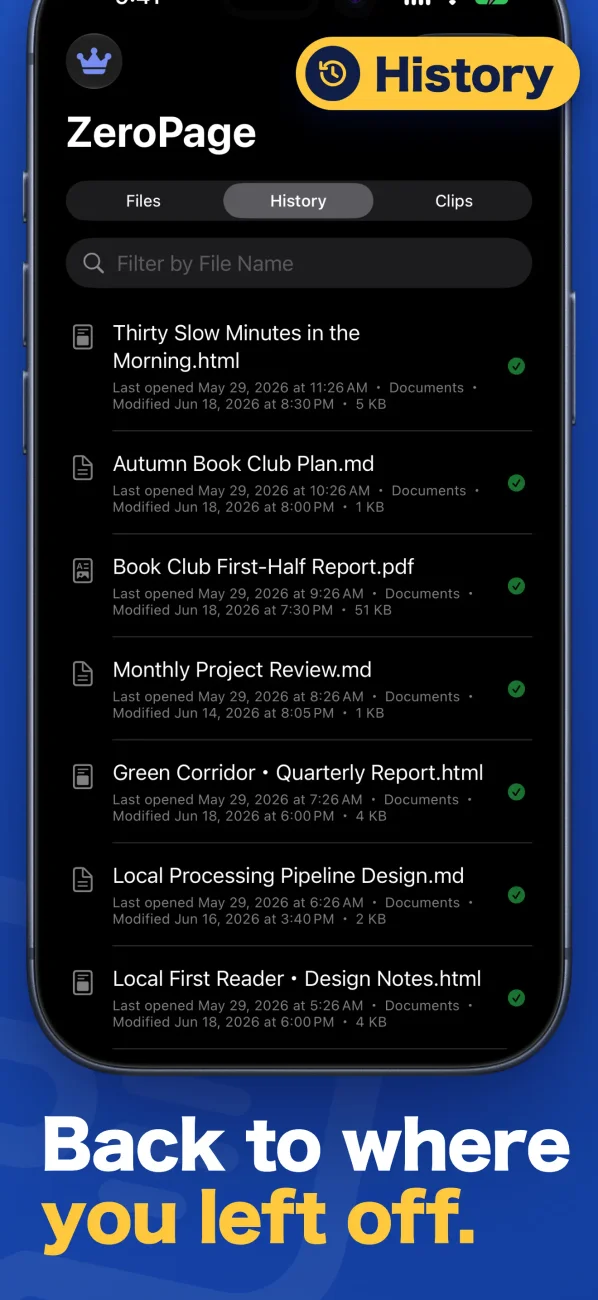
Your ZeroPage folder in iCloud Drive becomes your document library. Browse folders, find documents by filename or body text, and reopen recent documents from History. It shares the same library with ZeroPage for Mac, so you can continue on iPhone or iPad while you’re out. You can also open .md, .markdown, .html, .htm, .txt, and .pdf files from the Files app or other apps.
Get to what you need
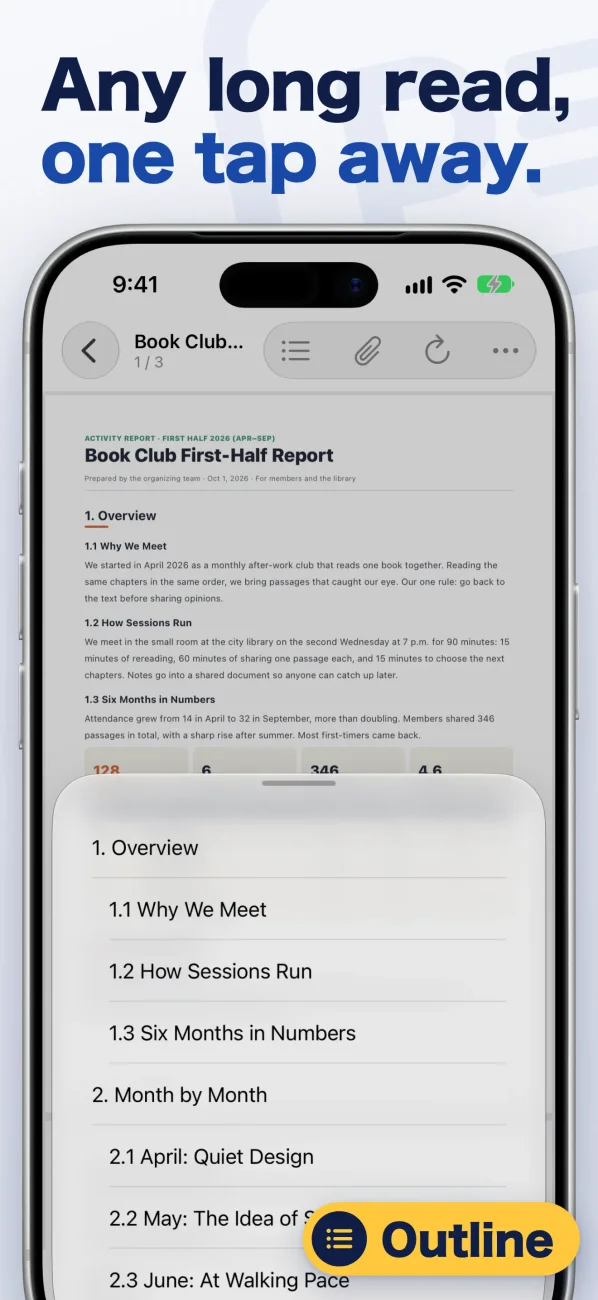
• Jump through long documents with the heading outline
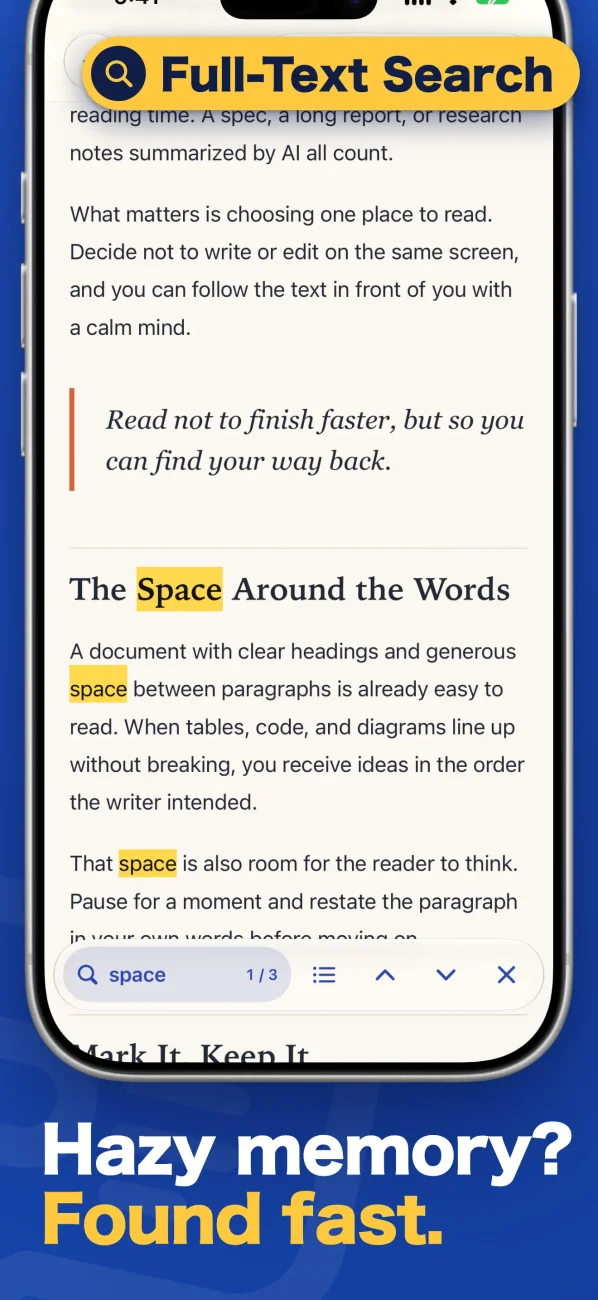
• Find words and passages with in-document search
• Library search looks in filenames and body text—reach the right file from a half-remembered line
• On iPhone, focus on the body; on iPad, show the library, outline, and body side by side
Markdown, HTML, text, and PDF
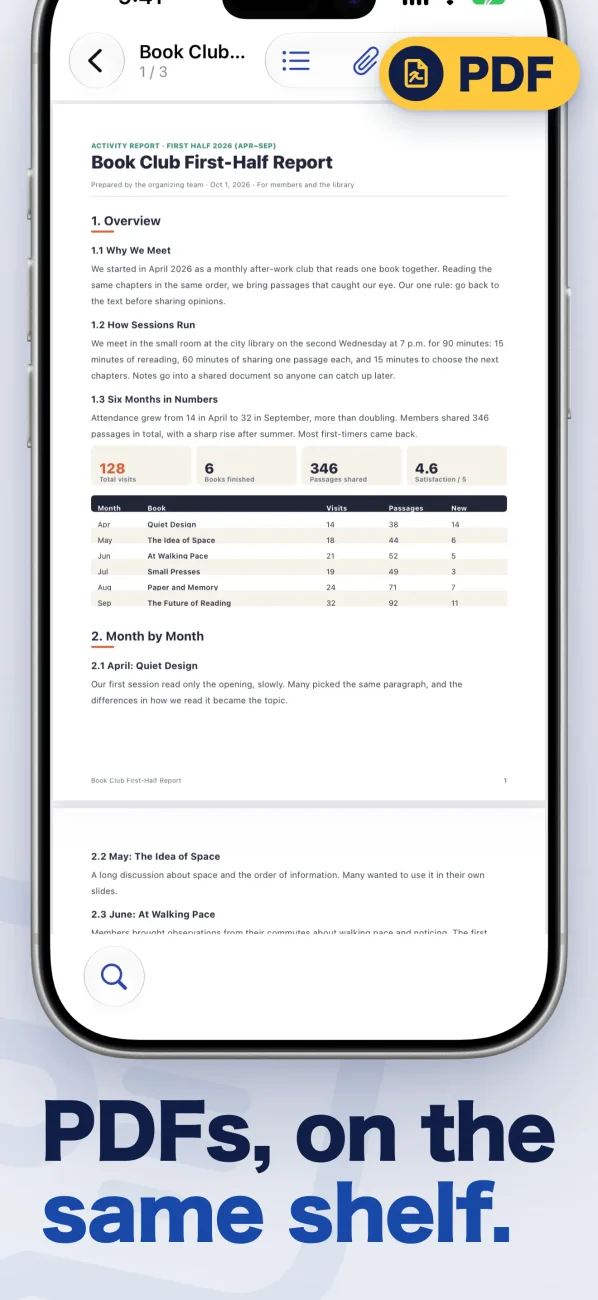
• Place PDFs in the same folder and read them there. Move around with the embedded table of contents and body search
• Display Markdown with tables, task lists, code blocks, Mermaid diagrams, local images, and links in a readable layout
• Code blocks are syntax-highlighted by language and can be copied with one tap
• Plain .txt is shown with line breaks and spacing preserved—not interpreted as Markdown
• Local HTML also supports outline and in-document search
• Share the original file
• Adjust text size, line spacing, and appearance
• Supports VoiceOver and Dynamic Type
Built for reading
READMEs, specs, meeting notes, research notes, documents written by AI. We read every day, yet apps made for reading are surprisingly rare. With ZeroPage, you can focus on the content without worrying about editing the original by mistake.
External images, styles, fonts, and JavaScript in HTML are limited by default. ZeroPage is not a general-purpose web browser—it’s a viewer for reading documents you already have, safely. For documents you trust, you can allow only what you need for the current reading session.
ZeroPage Premium
The app shows ads. Premium is a monthly auto-renewing subscription. While subscribed, all ads on iPhone and iPad are hidden, and you can export Markdown, HTML, and text documents as PDF. After export, you can choose in Settings whether to open the share sheet or save to Files. Restore purchases and manage your subscription in the app.
Document loading, search, display, and PDF generation run on your iPhone or iPad. Network communication occurs only if you allow loading external resources such as images in HTML.
Terms of Use:
https://516k.net/terms/
Privacy Policy:
https://516k.net/privacy/
What’s new
Version 1.6.7 · Nov 15, 2026
Document Info for HTML files is now a little tidier.
【Cleaner Document Info】
File size used to appear twice, under both File and Body. It now shows just once in the File section, so everything is easier to scan.
Have a question or idea? Reach out anytime via Support Email in Settings.
App privacy
What Koichiro Kamada declares on the App Store about how this app handles data.
-
Data used to track you
May be used to track you across apps and websites owned by other companies.
- Identifiers
-
Data linked to you
May be collected and linked to your identity.
- Location
- Identifiers
- Usage data
-
Data not linked to you
May be collected but is not linked to your identity.
- Diagnostics
Privacy practices may vary, for example with the features you use or your age.
Information
- Seller
- Koichiro Kamada
- Category
- Productivity
- Version
- 1.6.7
- Updated
- Nov 15, 2026
- Released
- Jun 17, 2026
- Size
- 33.8 MB
- Requires
- iOS 26.0 or later
- Age rating
- 4+
- Price
- Free
- In-app purchases
- Yes
- Languages
- English, French, German, Indonesian, Italian, Japanese, Korean, Portuguese, Simplified Chinese, Spanish, Traditional Chinese, Vietnamese
- Copyright
- © 2026 KoichiroKAMADA
You might also like
-
 AppendXProductivity
-
 FlickNoteFast notes and reminders
-
 ClipVault Snippet BoxPrivate clipboard vault
-
 Page ZeroProductivity
-
 Analog Focus - Pomodoro TimerTurn the dial. Focus.
-
 StediqProductivity
-
 Habit Tracker: Reward YourselfBuild Routines. Keep Streaks.
-
 AnyData - Design your databaseCustom databases on device
-
 Focus4Life: Pomodoro TimerFocus timer, tasks & blocking
-
 NextPaperKnow what to read next.