- Age rating4+
- CategoryUtilities
- Developergenghong Xie
- LanguagesEnglish+ 7 more
- Size27.6 MB
Links to the official App Store page
Download.org hosts no file of ZeroZip. The button opens its official App Store page, published by genghong Xie. Listing last checked on Nov 17, 2026.
Screenshots

About
ZeroZip is a fast, efficient, and secure file-processing tool designed for seamless compression, archiving, encryption, and EXIF privacy cleaning. Built with a native iOS 26 fluid glass interface, the app delivers a light, intuitive experience that lets you handle even the most complex file-management tasks in just a few steps.
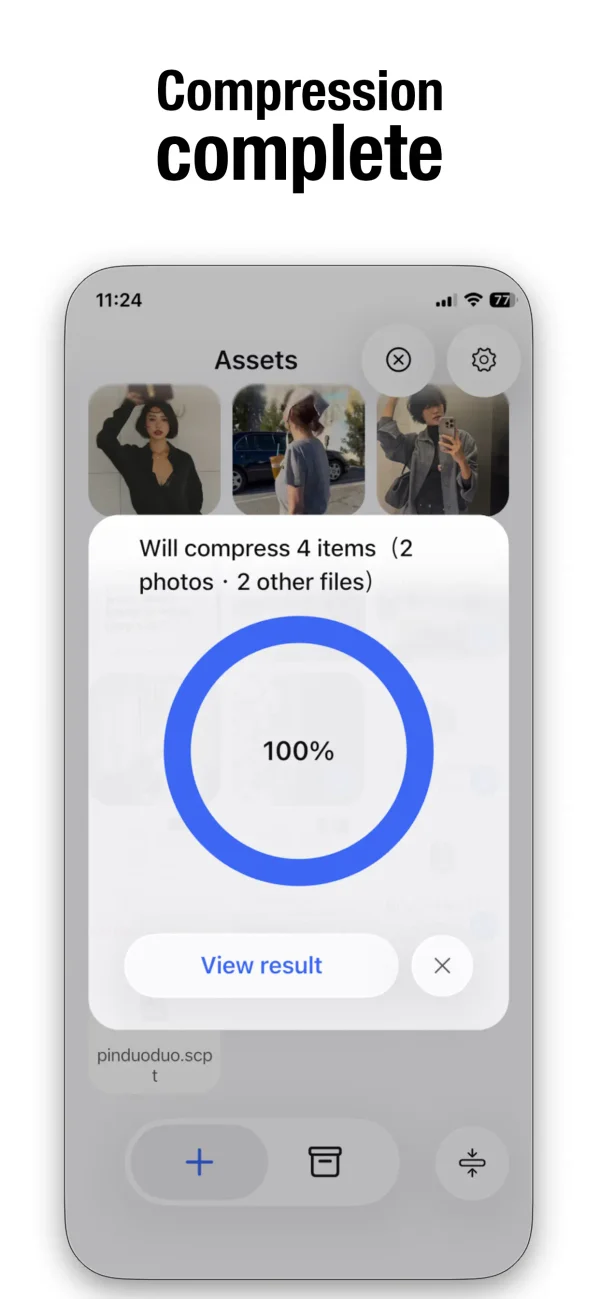
ZeroZip uses an advanced compression engine to significantly reduce file size while preserving visual quality. Multiple compression presets—such as High Quality, Balanced, and Size Priority—allow you to choose the best option for your needs. You can also select from various resolution presets (Original, 4096, 2048, 1024, etc.) to balance clarity and output size.
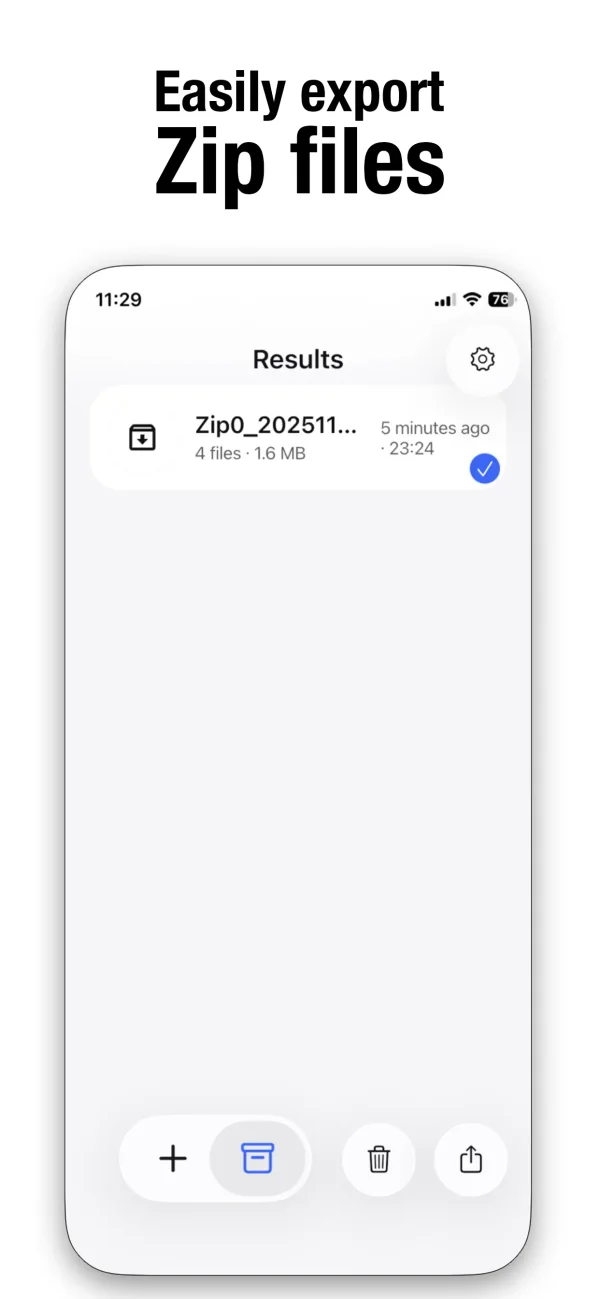
Combine multiple photos or files into a single archive with one tap, with optional encryption support. Zip0 supports ZIP, TAR, TAR.GZ, and TAR.BZ2 formats, making it suitable for different workflows and platforms. Sharing via email, cloud storage, or messaging apps becomes faster and more efficient.
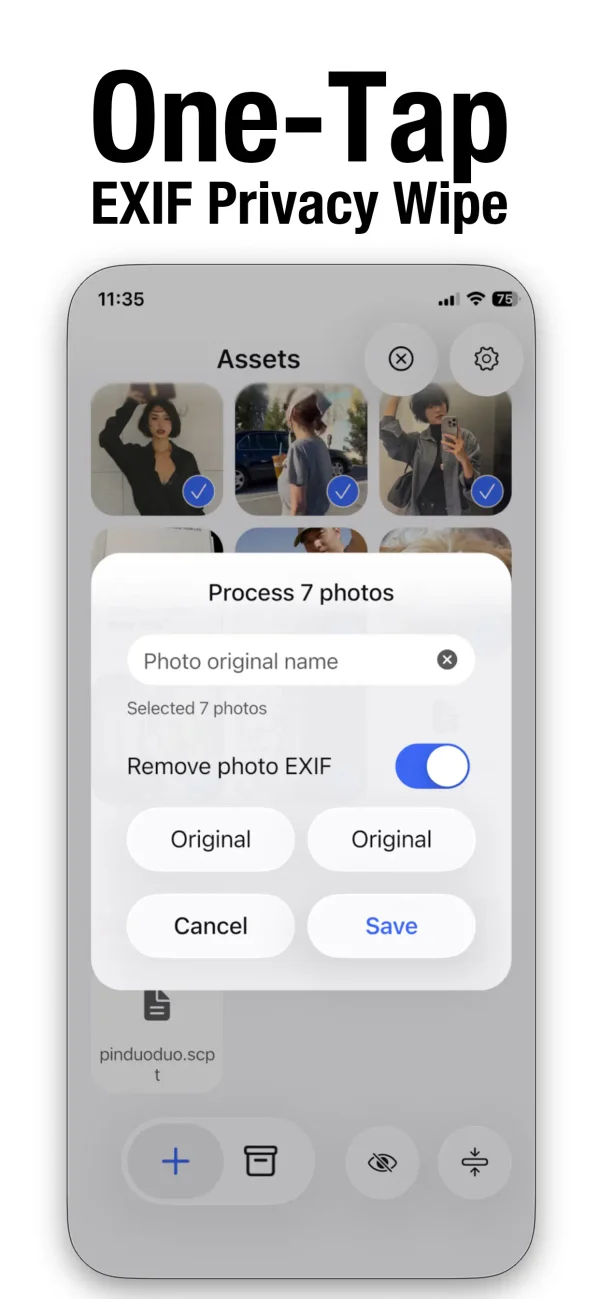
Protect your privacy by removing sensitive EXIF metadata such as location, timestamp, and camera information from photos. This ensures safe sharing on social networks or with others without exposing personal data.
Save processed files to the default output directory or choose a custom path. The built-in smart naming system automatically appends a sequence number to avoid overwriting when files share the same name.
ZeroZip follows the latest iOS 26 design guidelines with a transparent, lightweight, and fluid interface. Minimalistic interaction logic makes it easy for anyone to use, with smooth transitions and a consistent experience across all iPhone and iPad models.
By using ZeroZip, you agree to comply with Apple’s Standard End User License Agreement (EULA).
Apple EULA: https://www.apple.com/legal/internet-services/itunes/dev/stdeula/
What’s new
Version 0.0.4 · Jul 2, 2026
ZeroZip is now faster, more stable, and more direct.
• Faster file opening with reduced processing wait times
• Crash issues resolved, stability improved
• New shortcut access for one-step common operations
• Smoother overall experience with fewer interruptions
App privacy
What genghong Xie declares on the App Store about how this app handles data.
-
Data not collected
The developer does not collect any data from this app.
Privacy practices may vary, for example with the features you use or your age.
Information
- Seller
- genghong Xie
- Category
- Utilities
- Version
- 0.0.4
- Updated
- Jul 2, 2026
- Released
- Nov 24, 2025
- Size
- 27.6 MB
- Requires
- iOS 13.0 or later
- Age rating
- 4+
- Price
- Free
- Languages
- English, French, German, Japanese, Korean, Simplified Chinese, Spanish, Traditional Chinese
- Copyright
- Copyright © 2025 XG
You might also like
-
 SnapPDFFrom Photos to PDFs in Seconds
-
 CodifierSpell it out with code words
-
 Loked - Avoid Photo SwipingShow few photos, block rest
-
 SmartZip Pro: ZIP, RAR & 7ZFast Unzip, Preview & Compress
-
 LingoChatsBreaking Language Barriers
-
 Photos+ - Clean Up StorageCleanup of Phone Photo,Video
-
 Calioo - Event TrackerDouble-tap to log & track
-
 Calculator CalcoraHaptic, cursor, history etc
-
 Typeless Keyboard: AI SnippetsQuick Replies & Text Expand
-
 image_to_pdf_appUtilities