- Age rating4+
- CategoryUtilities
- Developer起兴 韩
- Size60.9 MB
Links to the official App Store page
Download.org hosts no file of ZFile. The button opens its official App Store page, published by 起兴 韩. Listing last checked on Nov 18, 2026.
Screenshots


About
Open, inspect, extract, and download files without sending them to a cloud service.
ZFile is built for files that ordinary previewers struggle with—especially very large text files and unknown binary data.
Key features:
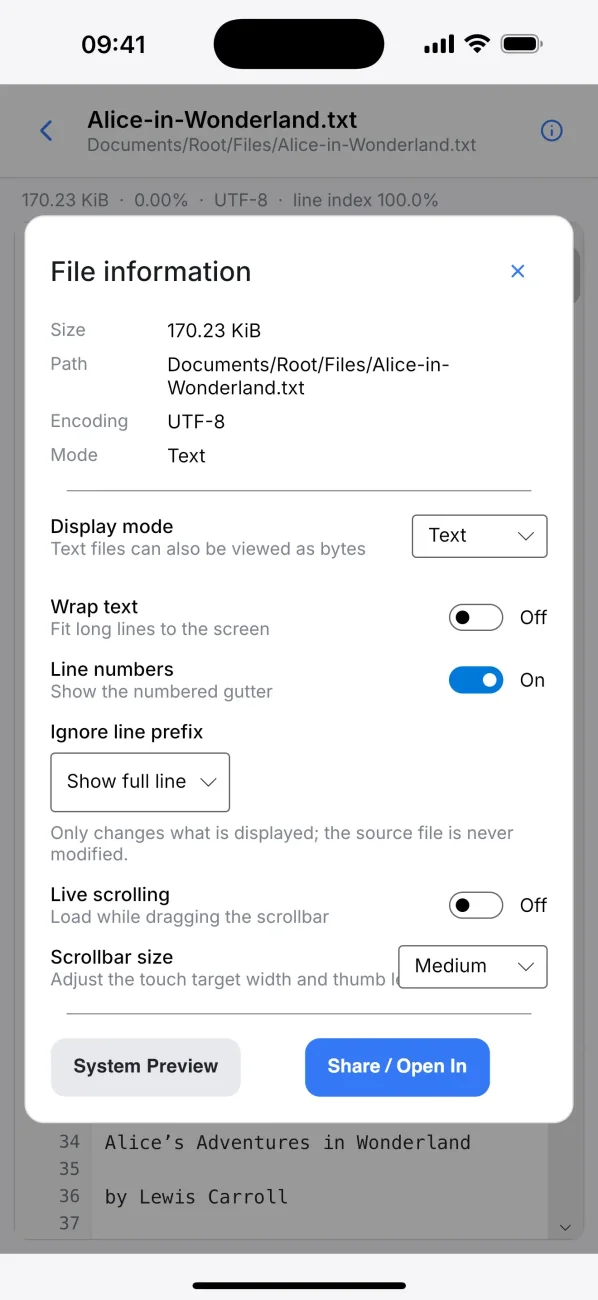
• Open and navigate very large text files efficiently
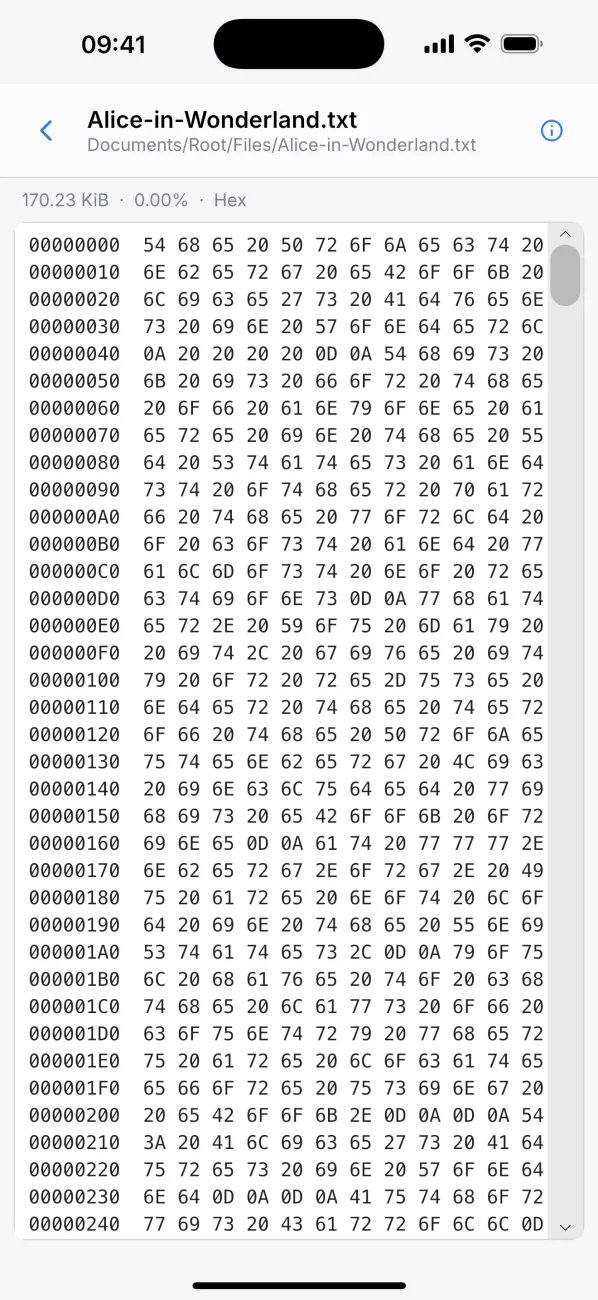
• View any file as hexadecimal bytes with configurable bytes per line
• Extract ZIP, RAR, 7z, TAR, GZ, BZ2, and XZ archives
• Download files from direct HTTP and HTTPS links
• Pause, resume, cancel, and manage downloads
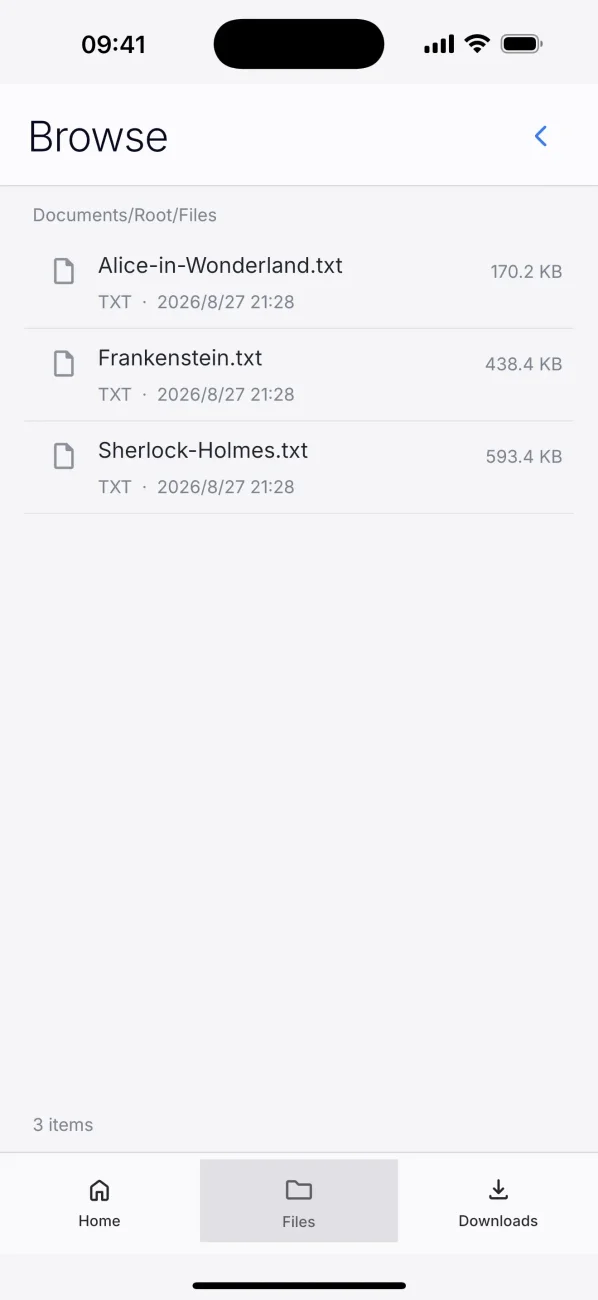
• Browse, search, share, and organize local files
• Keep file processing on your device
Useful for logs, data exports, archives, downloaded files, and quick binary inspection.
What’s new
Version 3.3 · Sep 14, 2026
Added search support for text and hex files.
App privacy
What 起兴 韩 declares on the App Store about how this app handles data.
-
Data not collected
The developer does not collect any data from this app.
Privacy practices may vary, for example with the features you use or your age.
Information
- Seller
- 起兴 韩
- Category
- Utilities
- Version
- 3.3
- Updated
- Sep 14, 2026
- Released
- Apr 15, 2025
- Size
- 60.9 MB
- Requires
- iOS 16.0 or later
- Age rating
- 4+
- Price
- $2.99
- Copyright
- © 2026 ZFile
You might also like
-
 Zipbox: Unzip RAR, ZIP & 7zUnarchiver & File Extractor
-
 Time Zone Converter CalculatorWorld Clock: Hour Difference
-
 LogViewer - App Log ViewerAdvanced Log Inspector
-
 VaultXT - Text File EditorLarge text editor
-
 Kodo: Create and Scan QR CodesQR Codes Scanner and Generator
-
 GROBUtilities
-
 Converter and Calculator LiteCalculator & Unit Converter
-
 uniChrarsFont and text tool
-
 Roman NumbersUtilities
-
 Vector Viewer: SVG DXF CAD PDFDXF CAD EPS Measure & Inspect