
ZIG SIM PRO
Prototype with your iPhone
Designed for iPhone, iPad, iPod touch
$3.99
- Age rating4+
- CategoryProductivity
- Developer1-10, INC.
- LanguagesEnglish
- Size3.8 MB
Links to the official App Store page
Download.org hosts no file of ZIG SIM PRO. The button opens its official App Store page, published by 1-10, INC. Listing last checked on Nov 12, 2026.
Screenshots
About
ZIG SIM PRO is a prototyping tool for physical computing that streams
iPhone sensor data to external devices in real time.
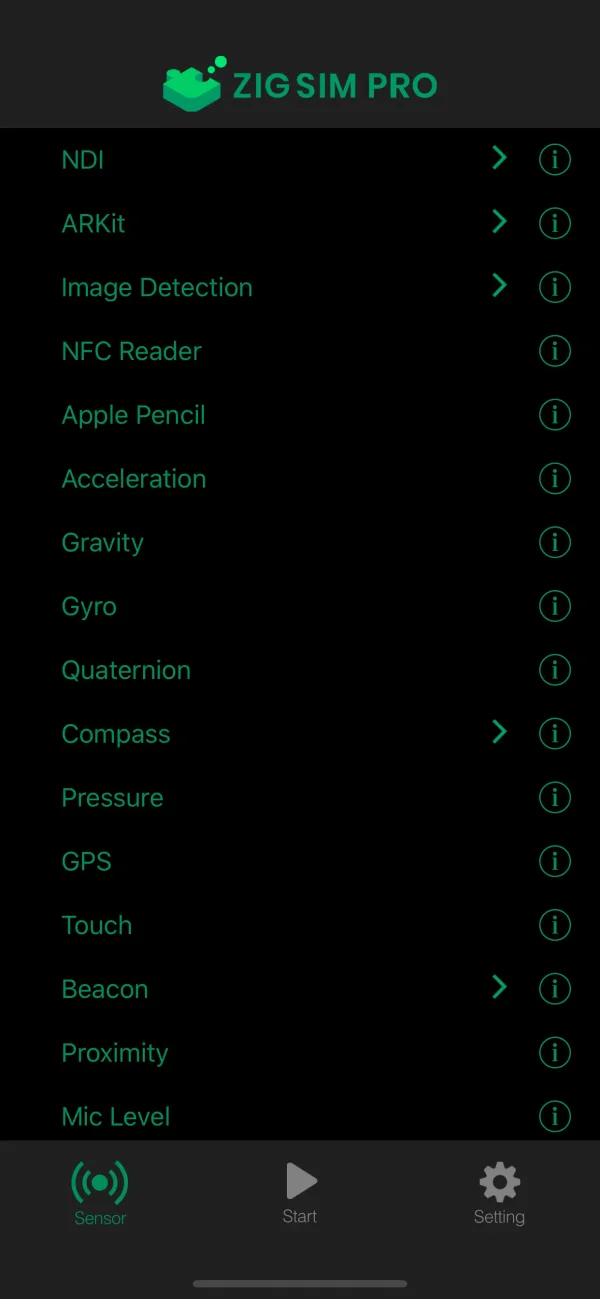
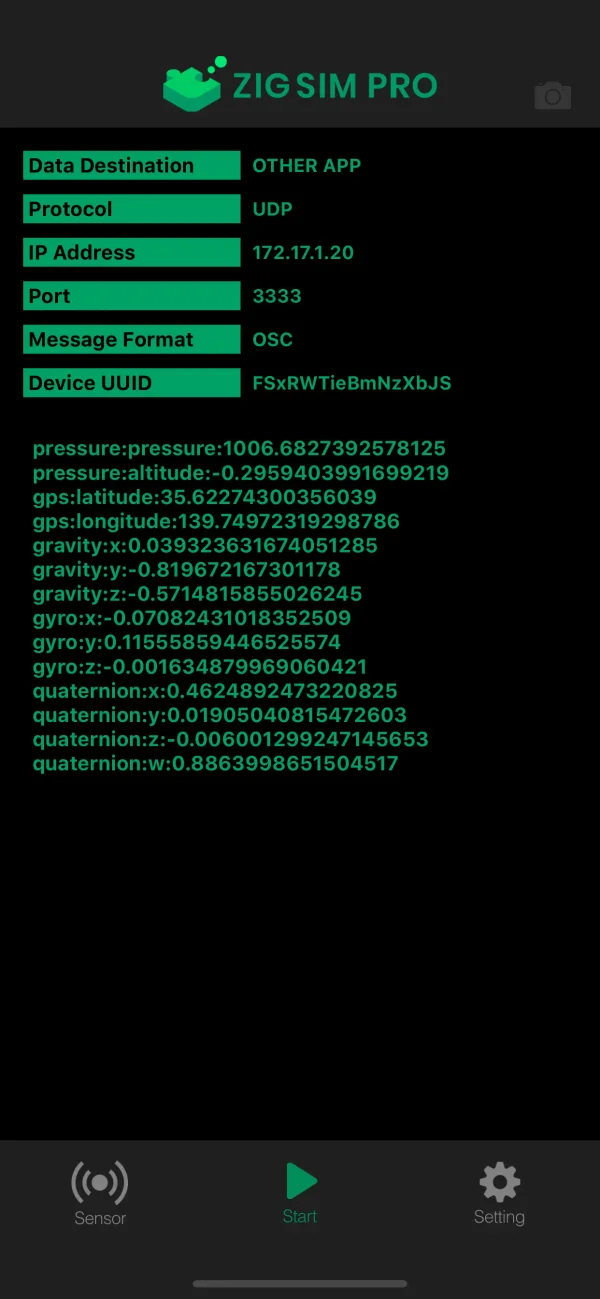
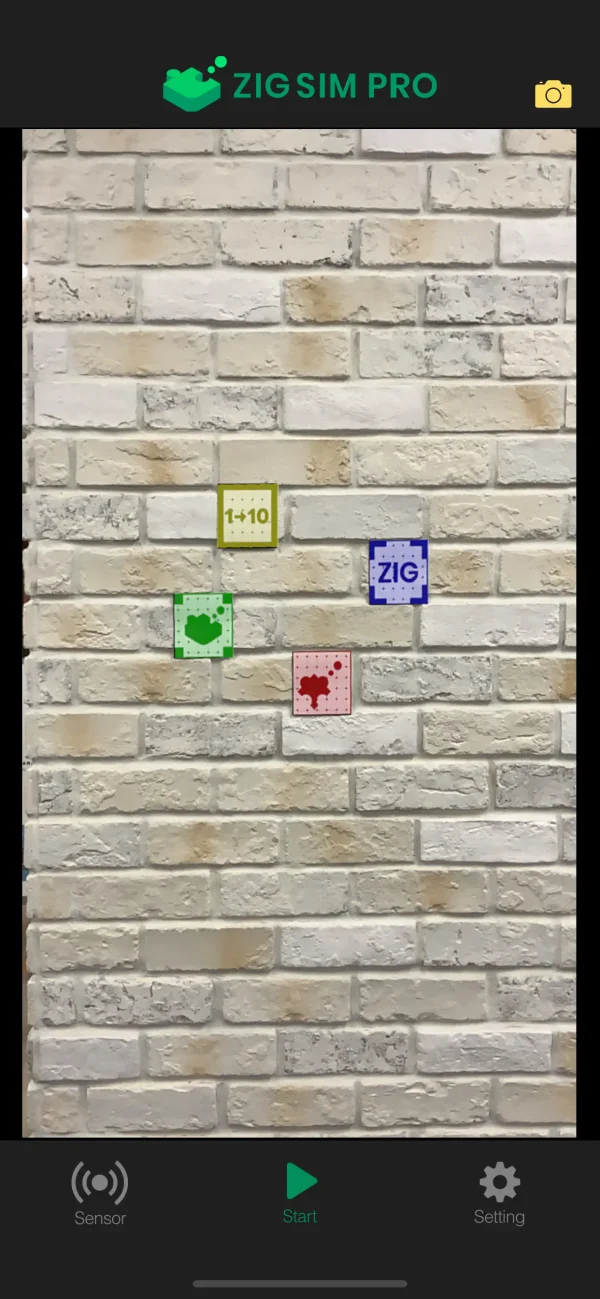
From accelerometer, gyroscope, GPS, and compass to ARKit (face, body,and marker tracking), NFC, Apple Pencil, camera depth, and mic level
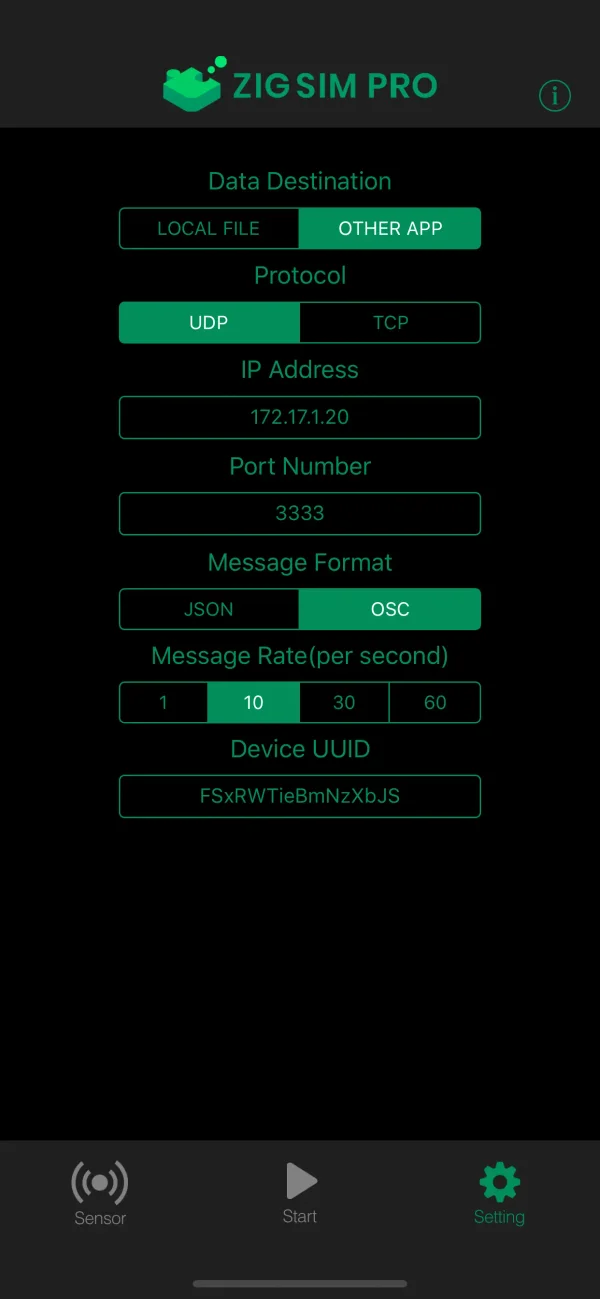
— transmit a wide range of data over UDP or TCP in OSC or JSON format at 1, 10, 30, or 60 FPS.
No electronic kits required. Perfect for IoT experiments, interactive art, and installation development.
A free version, ZIG SIM, is also available to get you started.
Upgrade to PRO for access to a broader set of sensors and advanced features.
https://apps.apple.com/us/app/zig-sim/id1112909974
What’s new
Version 1.5.1 · Jun 19, 2026
Now compatible with iOS 26.
Rebuilt the networking layer for improved connection stability and
reliability — fixing timeout and communication freeze issues. Also
fixed several bugs including OSC message formatting, with broad
stability improvements throughout the app.
App privacy
What 1-10, INC. declares on the App Store about how this app handles data.
-
Data not collected
The developer does not collect any data from this app.
Privacy practices may vary, for example with the features you use or your age.
Information
- Seller
- 1-10, INC.
- Category
- Productivity
- Version
- 1.5.1
- Updated
- Jun 19, 2026
- Released
- Oct 28, 2019
- Size
- 3.8 MB
- Requires
- iOS 13.0 or later
- Age rating
- 4+
- Price
- $3.99
- Languages
- English
- Copyright
- © 1-10, Inc.
You might also like
-
 Rokoko Face CaptureFor Rokoko Studio
-
 MagicQ Remote ControlFor ChamSys lighting consoles
-
 UE RemoteProductivity
-
 LuminairDMX Art-Net sACN Smart Lights
-
 Vectorworks NomadProductivity
-
 Tentacle SetupManage your Tentacle devices
-
 iRhino 3D3D Viewer & Scanner
-
 3D Model Viewer - AR & PrintSimulate 3D Printing and AR
-
 RealVNC Viewer: Remote DesktopProductivity
-
 Master Tour MobileProductivity