
ZIP Archiver - UnZIP
ZIP RAR File Extractor
Designed for iPhone, iPad, iPod touch
Free
- Age rating4+
- CategoryUtilities
- Developer梓峰 戴
- LanguagesEnglish+ 16 more
- Size62.6 MB
Links to the official App Store page
Download.org hosts no file of ZIP Archiver - UnZIP. The button opens its official App Store page, published by 梓峰 戴. Listing last checked on Nov 17, 2026.
Screenshots

About
This app is specifically designed for iPhone and iPad, providing a powerful and easy-to-use file management and extraction solution. It supports a variety of common file extraction formats and offers features such as file preview, file management, photo and video compression, and more, helping users efficiently manage files on their devices. Whether for everyday use or work, it provides the best support and becomes a reliable assistant for handling your files.
FEATURES
File Extraction
- The app supports extracting various common file formats, including ZIP, RAR, TAR, GZ, 7Z, and more, allowing users to easily handle compressed files and quickly access their contents.
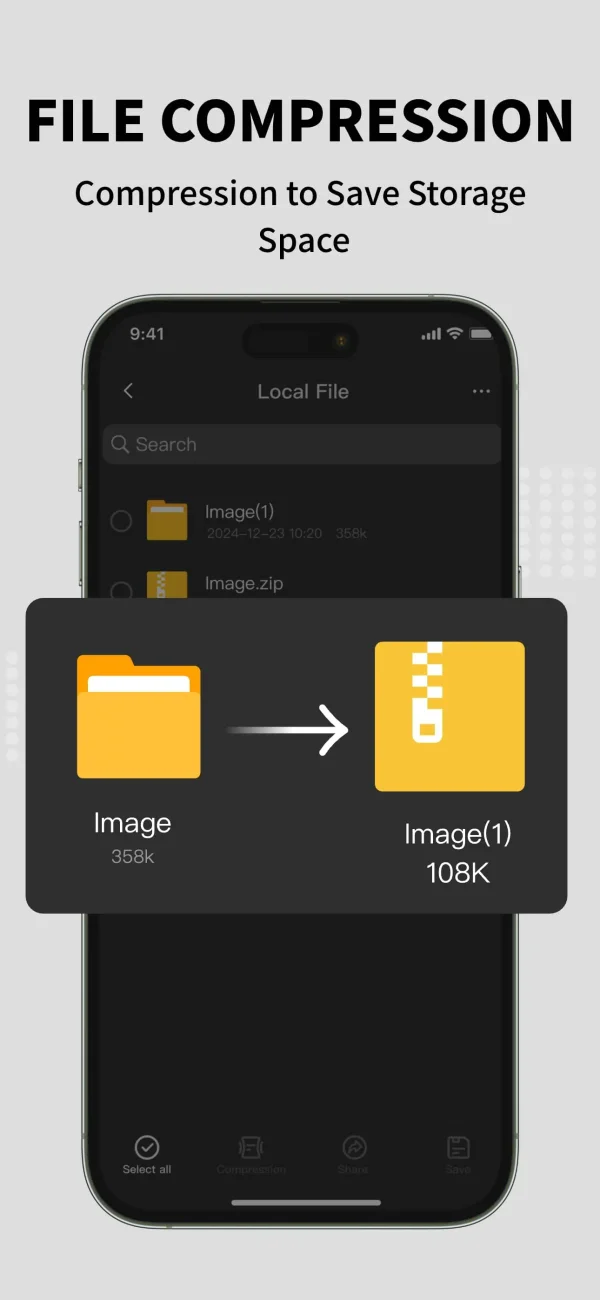
File Compression
- Users can compress photos and video files on their iPhone or iPad to save storage space while maintaining good quality.
Format Conversion
- For HEIC photos, the app allows quick conversion to the widely used JPG format, making it easier for users to view and share across different devices and platforms.
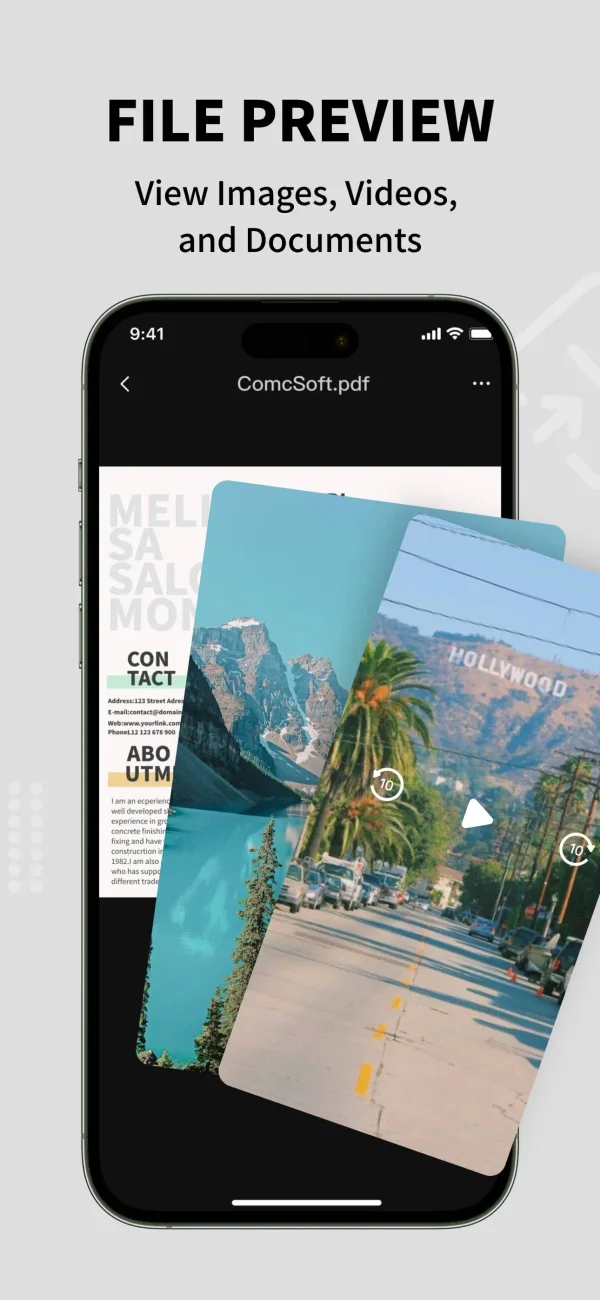
File Preview
- In addition to supporting the extraction of common file types, the app also supports previewing photos, videos, documents, spreadsheets, and more, so users can directly view content without needing additional apps.
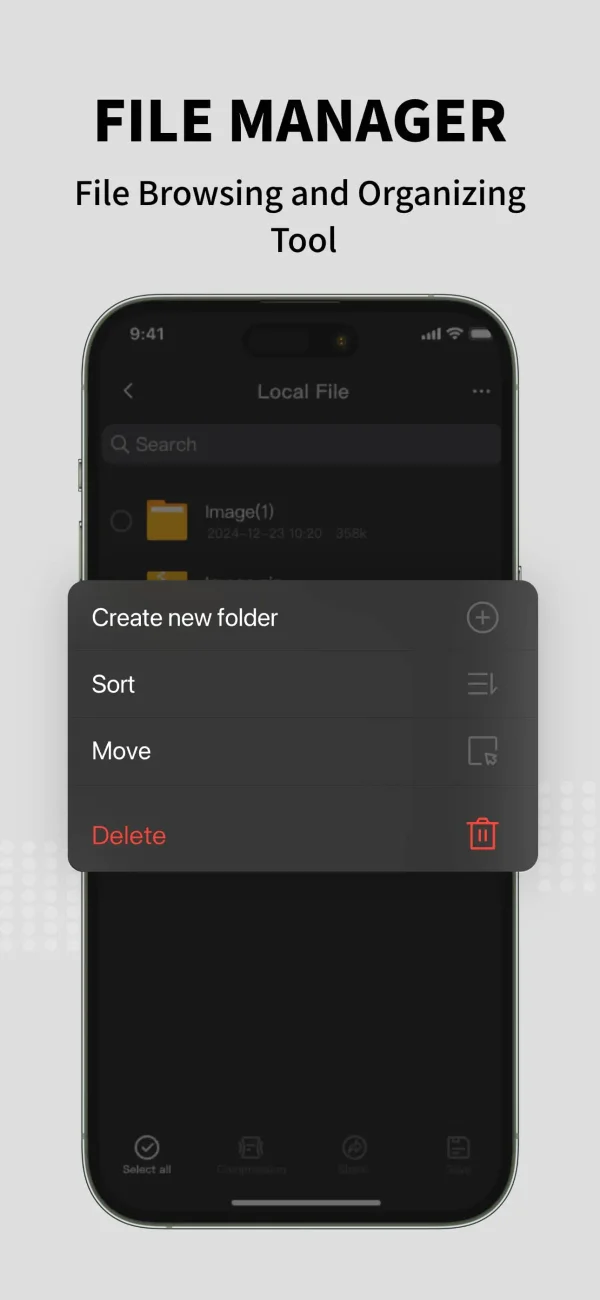
File Manager
- The app provides simple and intuitive file management features, allowing users to easily browse, move, rename, delete, and organize files to ensure efficient and organized file handling.
File Printing
- Users can print files directly from the app, providing a quick and convenient way to print documents and photos for work or personal needs.
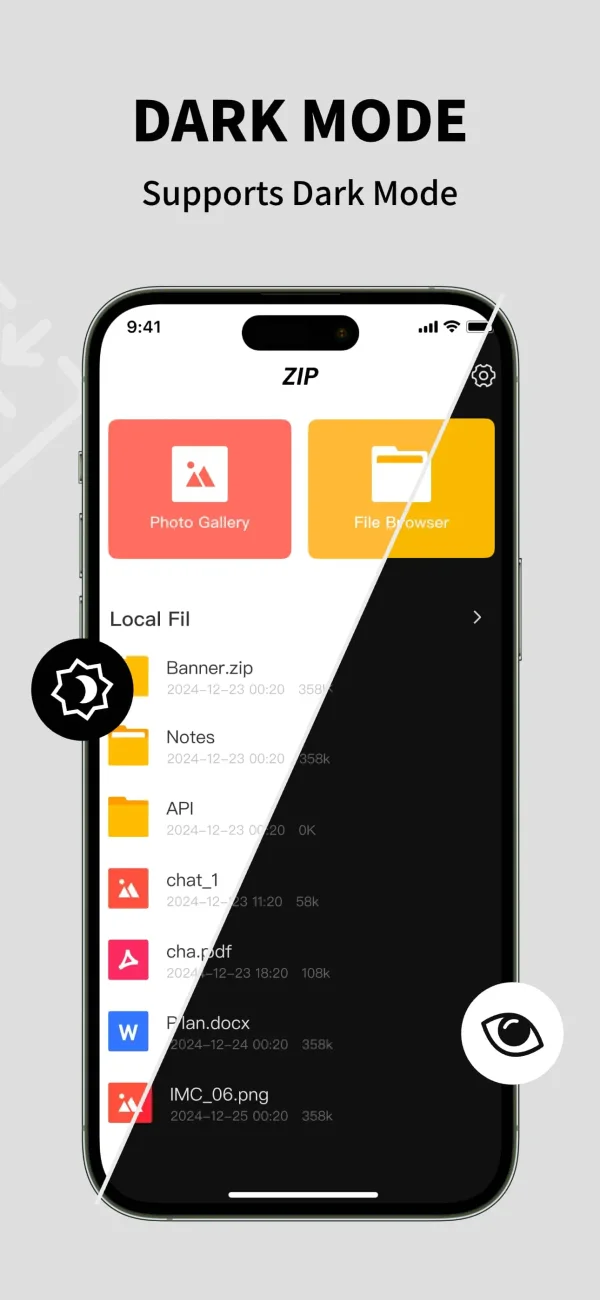
Dark Mode
- The app supports system-wide dark mode, offering a more comfortable visual experience, especially for long-term use.
This app is not just a simple file extraction tool; it also integrates file management, photo and video compression, file preview, printing, and other useful features. Whether it’s managing files in daily life or handling various work-related documents, it is an indispensable assistant.
What’s new
Version 1.0.3 · Jun 19, 2025
- Fixed crashes and unexpected quits reported by some users, improving overall reliability.
- Further optimized app stability and performance for a smoother user experience.
App privacy
What 梓峰 戴 declares on the App Store about how this app handles data.
-
Data used to track you
May be used to track you across apps and websites owned by other companies.
- Identifiers
- Usage data
-
Data not linked to you
May be collected but is not linked to your identity.
- Identifiers
- Usage data
Privacy practices may vary, for example with the features you use or your age.
Information
- Seller
- 梓峰 戴
- Category
- Utilities
- Version
- 1.0.3
- Updated
- Jun 19, 2025
- Released
- Jan 8, 2025
- Size
- 62.6 MB
- Requires
- iOS 14.0 or later
- Age rating
- 4+
- Price
- Free
- Languages
- English, Arabic, Dutch, French, German, Indonesian, Italian, Japanese, Korean, Portuguese, Russian, Simplified Chinese + 5 more
- Copyright
- © DAI
You might also like
-
 7zArchiver: Zip File ExtractorExtract Zip & RAR File, UnZip
-
 ZArchiver - Zip UnZipZip Archiver - Zip and unzip
-
 ZArchiver: UnZip, UnRar, 7Z7Z, Zip, Rar and PDF Editor
-
 Zip & RAR & 7z File ExtractorUnzip, Unrar, Scan & Sign PDFs
-
 FF4 Tool - Only Headshotwelcome to FF4 Tool
-
 Goxit FF - Sensi ProSensitivity & DPI Tool
-
 Only Red Settingswelcome to Only Red Settings
-
 SenXit - Pacote de Sensi FFUtilities
-
 Sensi ElitePro Sensitivity by Players
-
 Zip, Rar, 7z Extractor & PDFUnzip, Scan, Sign & File Vault