
Zip Extractor - Unzip Files
Zarchiever : Zip Unzip Files
Designed for iPhone, iPad, iPod touch
Free · In-app purchases
- Age rating4+
- CategoryUtilities
- DeveloperHetal Thummar
- LanguagesEnglish
- Size6.7 MB
Links to the official App Store page
Download.org hosts no file of Zip Extractor - Unzip Files. The button opens its official App Store page, published by Hetal Thummar. Listing last checked on Nov 12, 2026.
Screenshots

About
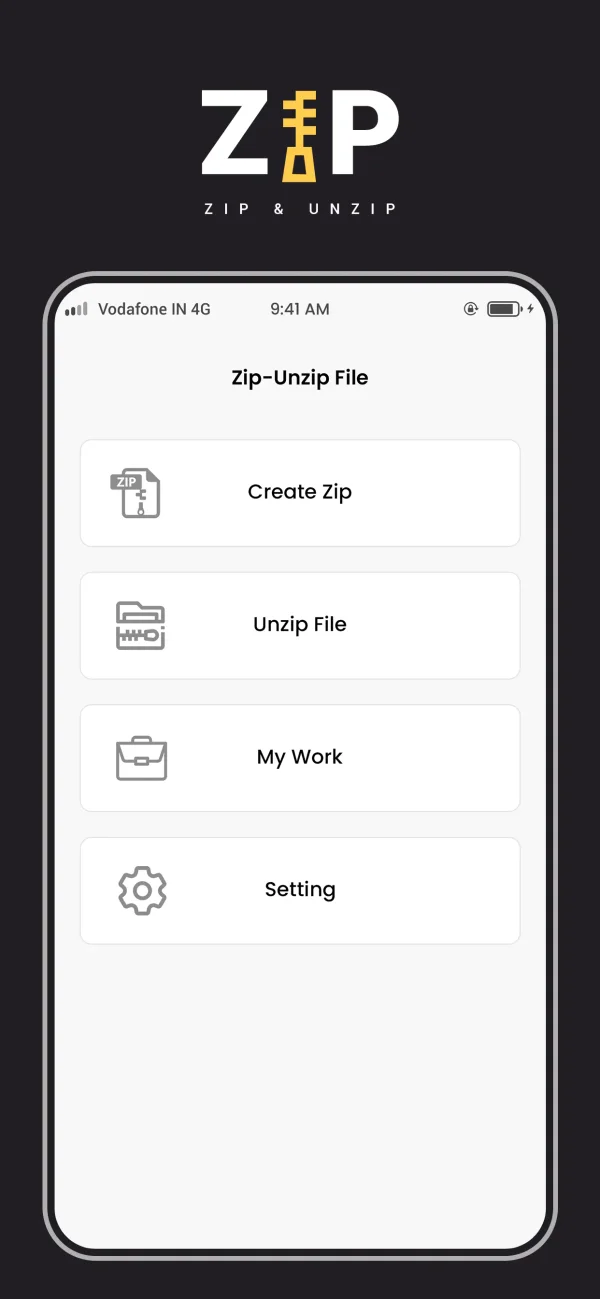
The Zip Extrator app is a file management tool focused on decompressing and compressing files. You can use the app to zip files or folders & unzip compressed file types.
The main features include:
- Supports decompression of Zip files.
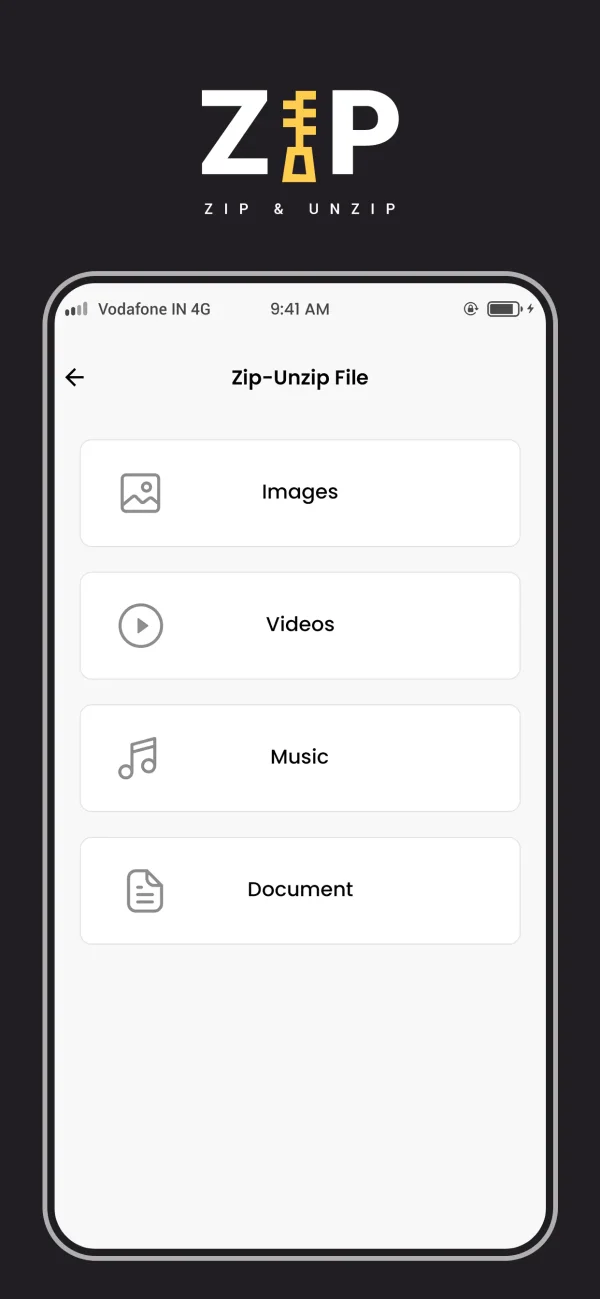
- Support import from iCloud Drive and Photo library eg.(Photo,video,music or pdfs).
- Support file preview of many types.
Zipping is one of the most popular programs to compress files, supports multiple compression formats, including ZIP, and the latest Zip5 format. Not only will you zip & unzip but you can protect, manage and share your files in zip file viewer.
Zip UnZip Tool is a Zip File Extractor. With this you can open a ZIP file of your choice, and then unzip, view, and download the files inside.
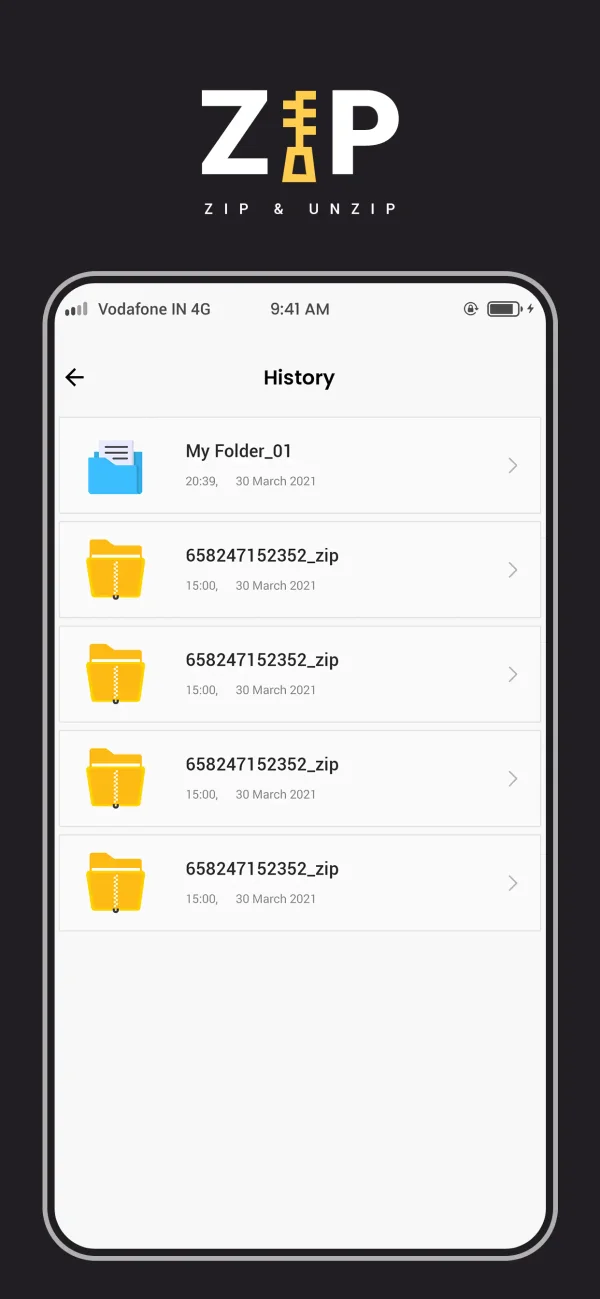
“Zip file opener - Unzip files” is an application that extracts opens the most efficient compressed files on your devices with a user-friendly interface. Zip tool also supports you fast and efficient file management as well as read the archive.
KEY DETAILS OF Zip UnZip Tool
• Unzip all major file formats
• UnZip Browser, Viewer, Manager
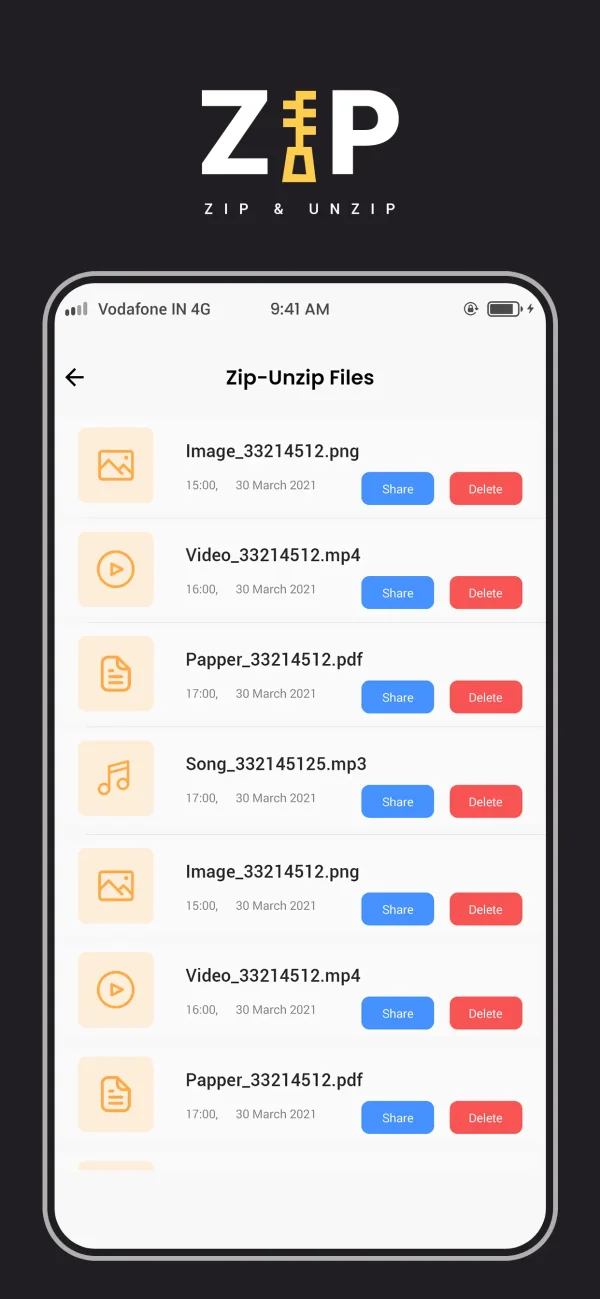
• Support Media Player, Photo Viewer, PDF Reader, Documents Viewer
• Zip files to reduce email attachment size
• Compress, encrypt, manage, and share files
• ZIP Extractor supports ZIP,, 7-Zip, GZIP and BZIP file formats
• Zip your cloud storage files, unzip files to your accounts, and create and save .zip files to your accounts
• Send or copy links to your Zip files
• Easily view all images in a Zip file with the enhanced image viewer
• Zip and share photos and videos from your Camera Roll
• Use this to access music files.
SUBSCRIPTION INFORMATION : -
Subscribe for unlimited access to all the Premium features. -
- Subscription is automatically renewed unless canceled 24 hours before the renewal
- Payment will be charged to iTunes Account at confirmation of purchase
- Account will be charged for renewal within 24-hours prior to the end of the current period, at the same price
- Subscriptions may be managed by the user and auto-renewal may be turned off by going to the user’s Account Settings after purchase
- Any unused portion of a free trial period, if offered, will be forfeited when the user purchases a subscription to that publication, where applicable
Privacy Policy : https://thummarhetal.wordpress.com/privacy-policy/ & Terms of Service: https://thummarhetal.wordpress.com/terms-and-condition/
What’s new
Version 1.2 · Apr 16, 2024
Solve Minor Bug Fix.
App privacy
What Hetal Thummar declares on the App Store about how this app handles data.
-
Data used to track you
May be used to track you across apps and websites owned by other companies.
- Usage data
-
Data not linked to you
May be collected but is not linked to your identity.
- Usage data
Privacy practices may vary, for example with the features you use or your age.
Information
- Seller
- Hetal Thummar
- Category
- Utilities
- Version
- 1.2
- Updated
- Apr 16, 2024
- Released
- Feb 27, 2022
- Size
- 6.7 MB
- Requires
- iOS 13.0 or later
- Age rating
- 4+
- Price
- Free
- In-app purchases
- Yes
- Languages
- English
- Copyright
- © HetalTummar@2022
You might also like
-
 Zip Extractor - Unzip All FileUnzip file,RAR,Document Reader
-
 Unzip - Zip ExtractorZip file viewer, Zip Manager
-
 Zip Extractor: Zip & UnzipCreate & Open ZIP Files
-
 Zip Extractor - Zip Unzip FileZip, 7zip, RAR Opener & Viewer
-
 ZipRar7 - Unzip the fileExtracting Cloud Files
-
 Easy Unzip / Zip FilesZip File Opener / Extractor
-
 Unzip File: ZIP RAR 7Zfile unzipper&zip extractor
-
 Zip Extractor: Unzip RAR & 7ZOpen TAR, ISO & More · No Ads
-
 Archive Extractor: Unzip FilesOpen ZIP, RAR, 7Z & TAR
-
 Zip Extractor: Unzip RAR FilesArchive Opener & File Manager