Ziptask: Team Task Checklist
Tasks, proof & time clock
Designed for iPhone, iPad, iPod touch
- Age rating4+
- CategoryBusiness
- DeveloperJMW Software LLC
- LanguagesEnglish
- Size21.8 MB
Links to the official App Store page
Download.org hosts no file of Ziptask: Team Task Checklist. The button opens its official App Store page, published by JMW Software LLC. Listing last checked on Nov 26, 2026.
Screenshots
About
Ziptask is task management and team checklists built for small business teams — cleaning crews, construction, field service, property managers, landscapers, and restaurants. Real accountability, not just a to-do list.
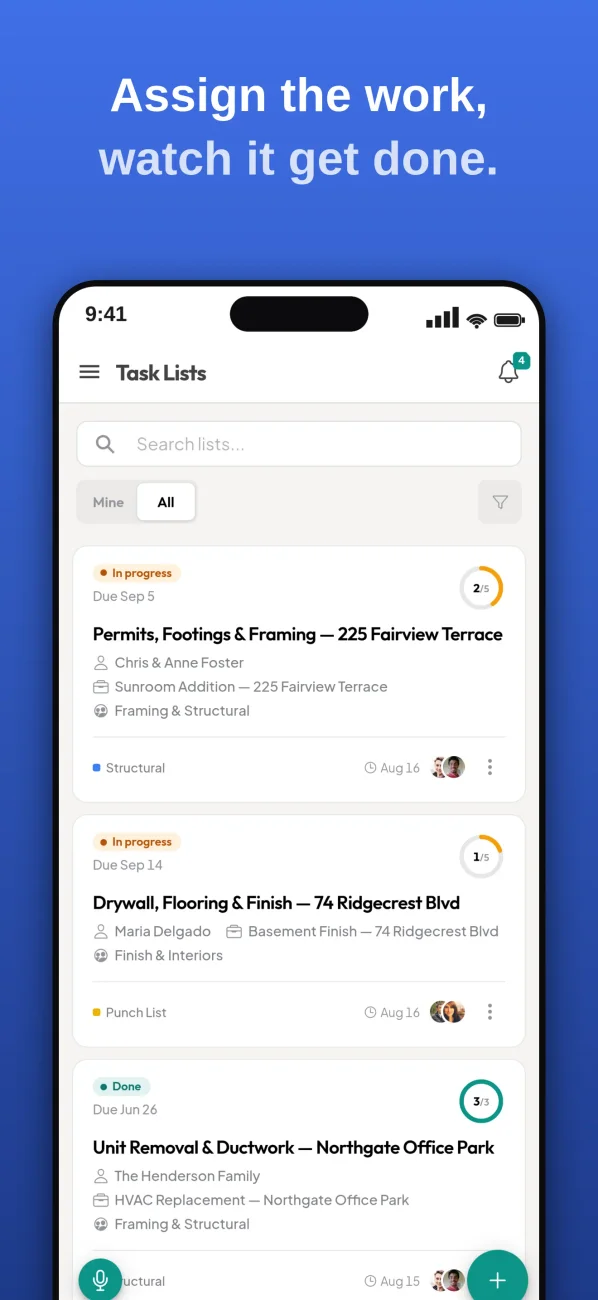
Create task lists, assign them to your team, and watch completions roll in — in real time. No refresh, no follow-up texts.
BUILT-IN ACCOUNTABILITY
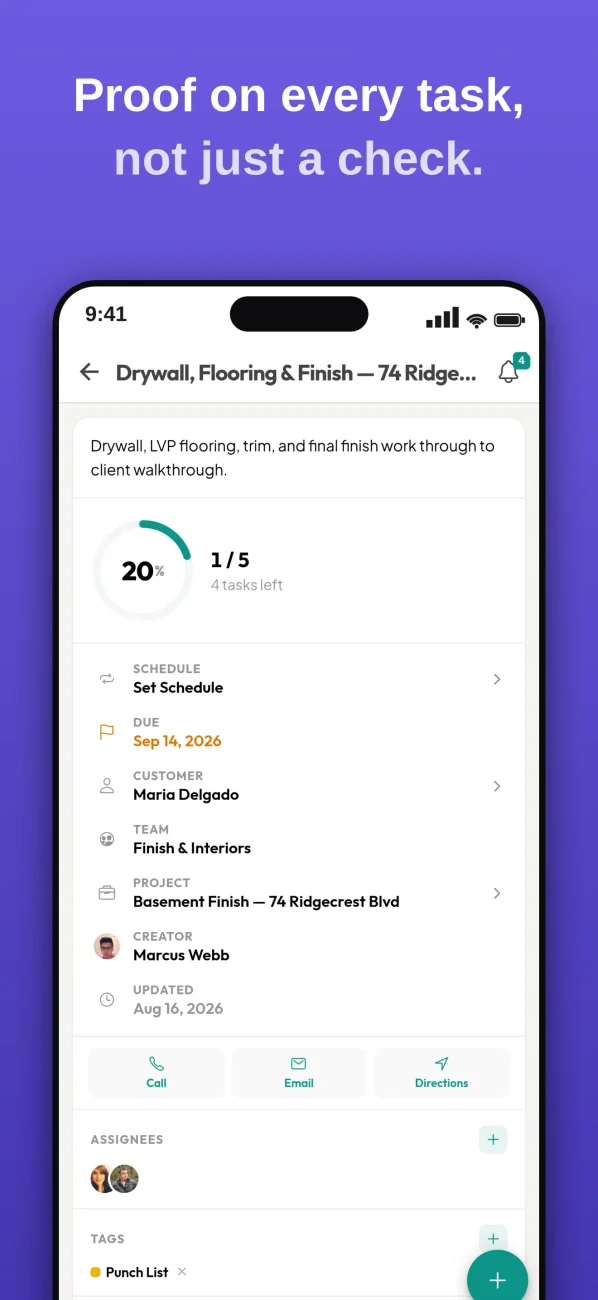
Require a manager's sign-off before a task can be marked complete, and require photo or document proof of completed work — use either on its own or both together. Know the work was actually done, not just checked off.
RECURRING CHECKLISTS
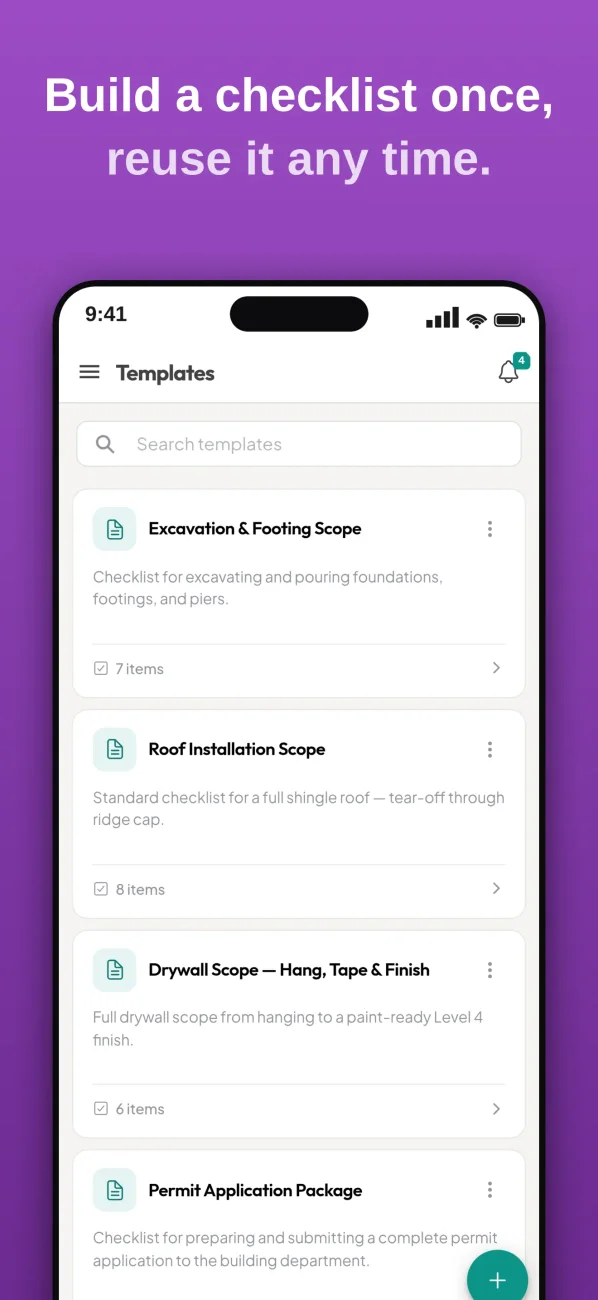
Build your routine checklist once and set it to repeat — daily, weekdays only, every few days, weekly, monthly, a custom interval, or specific days like Tue & Thu or Mon/Wed/Fri. Ziptask regenerates it automatically, with every item reset and full history preserved.
REMINDERS
Never let a list slip. Add reminders to any task list — a day or week before it starts or is due, or at a custom date and time. Send them to everyone on the list or just specific people, add a short note, and everyone gets a push and in-app heads-up. A countdown on the list and an Upcoming panel on your dashboard keep what's next in view.
CALENDAR SYNC
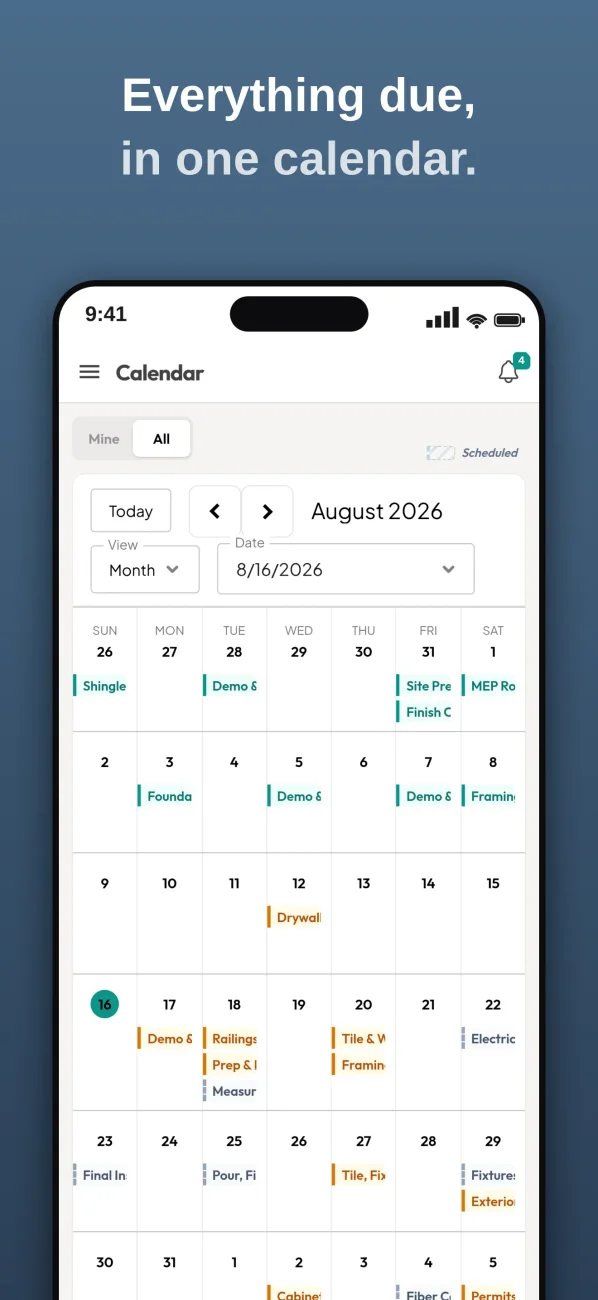
See what's due alongside the rest of your day. Subscribe to a private, read-only feed of your task-list due dates in Google, Apple, or Outlook Calendar — one-way and always up to date, so it never changes your tasks.
TEAMS & VISIBILITY
Group members into teams and scope task lists to the right people. Managers see their teams; owners see the whole operation.
TEAM MESSAGES
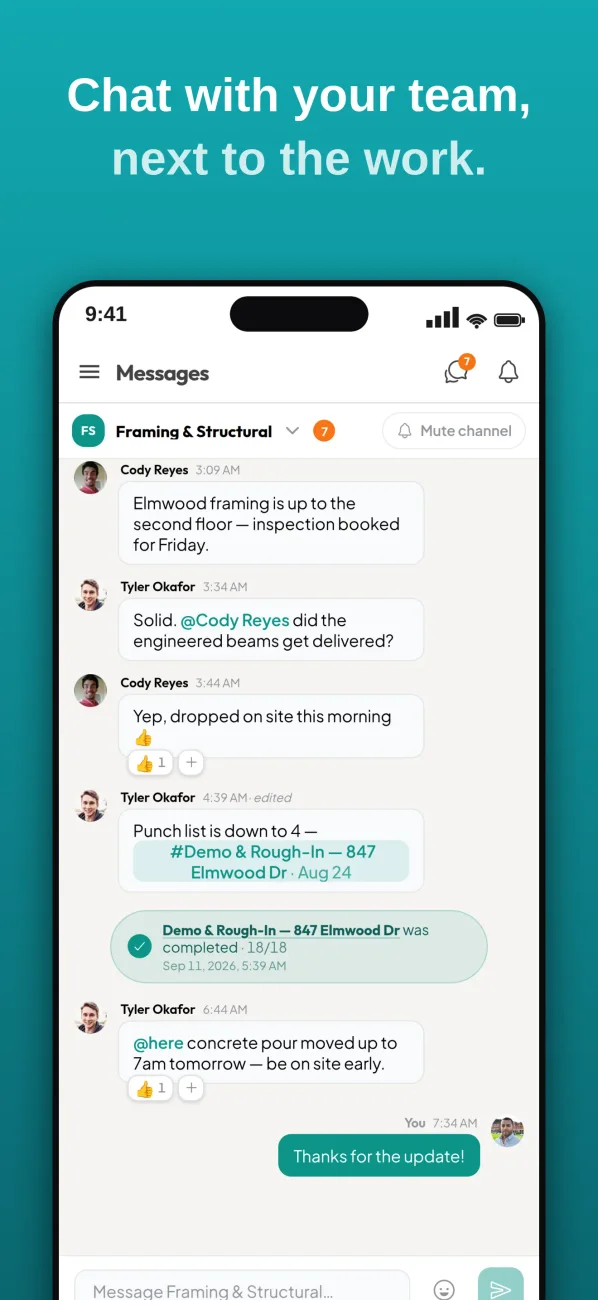
Keep the conversation where the work happens. Every team gets its own chat channel — mention someone with @, the whole team with @here, or link a list with #. You're only pushed when you're mentioned, you can react to any message, and a note posts when the team finishes a list. No more work chat scattered across group texts.
PERFORMANCE & REPORTING
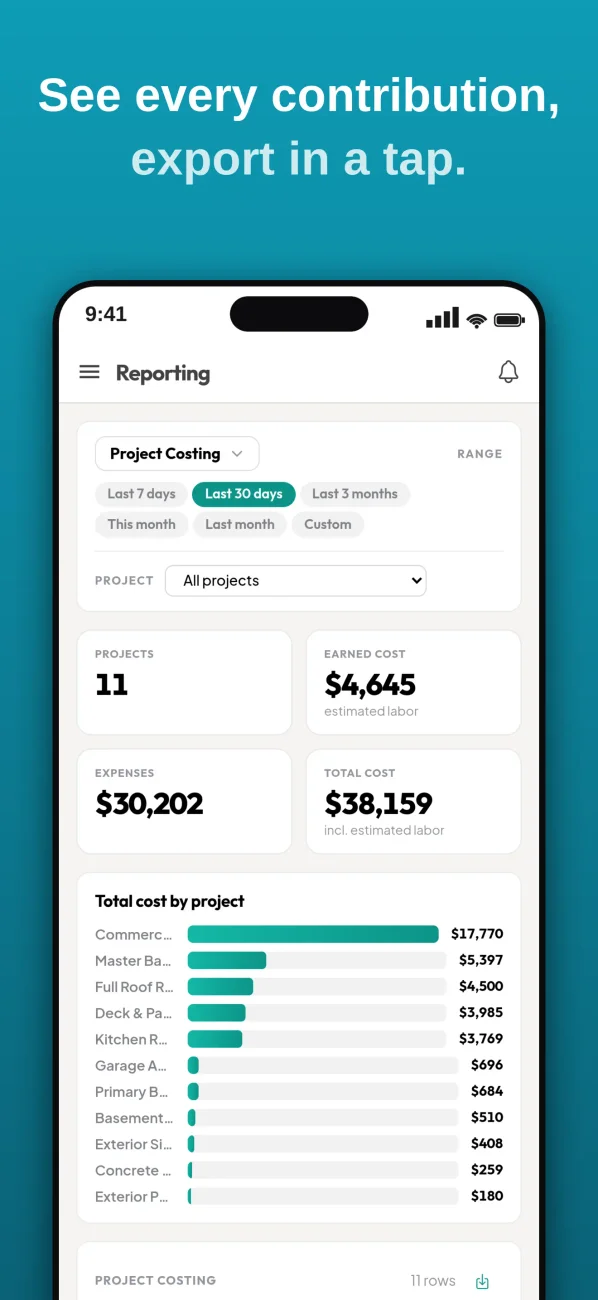
See who's contributing, track completion rates, and export detailed reports to CSV for your records.
MOTIVATION FOR YOUR CREW
Award points for completed work and let your team redeem them in a rewards store you control, with a built-in leaderboard — engagement for hourly and frontline teams without a separate system.
PROJECTS & COSTING
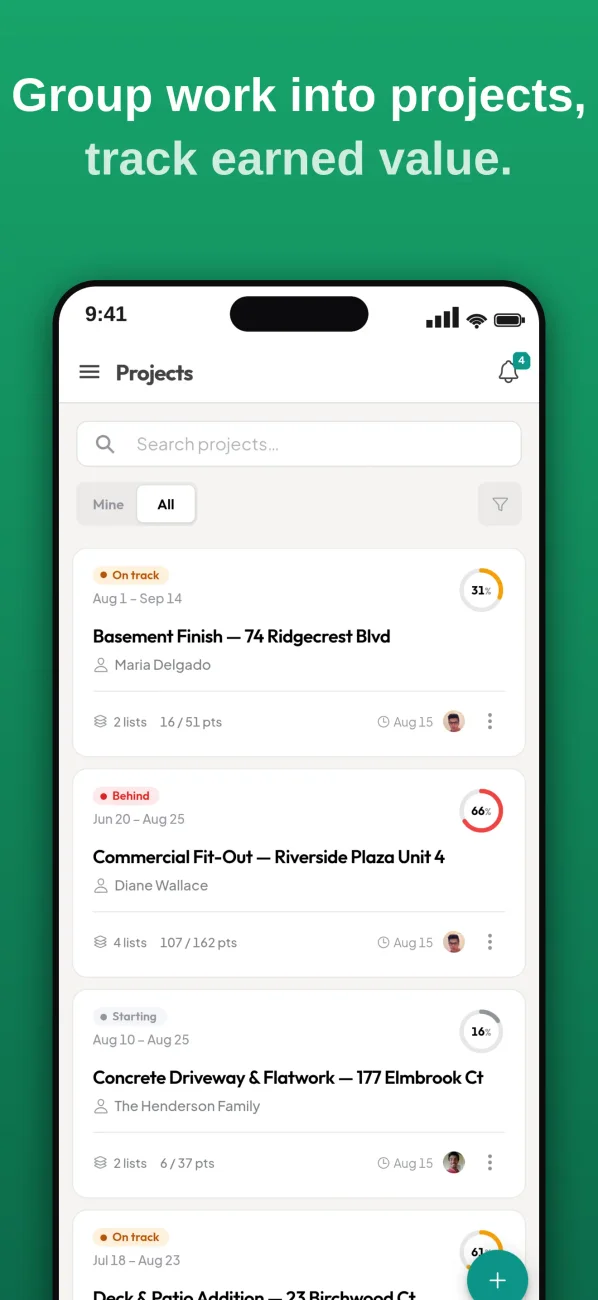
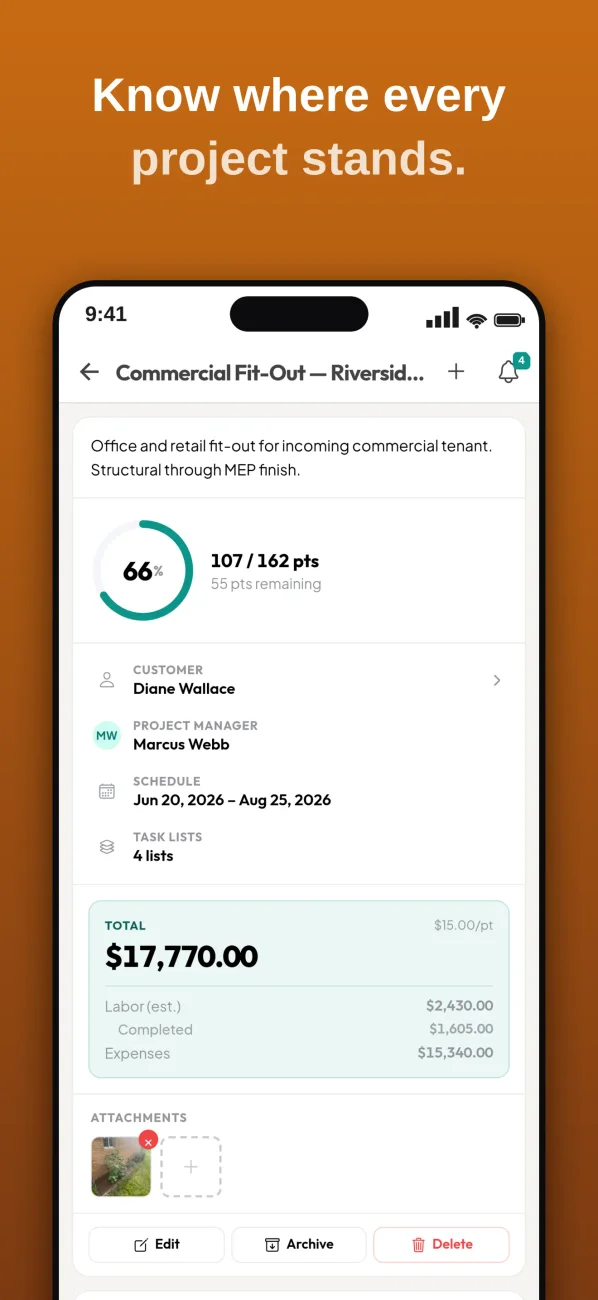
Group task lists under a job, set a labor rate per hour, and watch estimated vs. earned value update in real time as work gets done — a quick read on how far along a job is in cost. Log project expenses too — materials, equipment, and subcontractors, with optional receipt photos — that add up to a project total. (An hours-based progress estimate plus hand-entered expenses, not full accounting — no invoicing or payroll.)
TIME TRACKING & TIMESHEETS
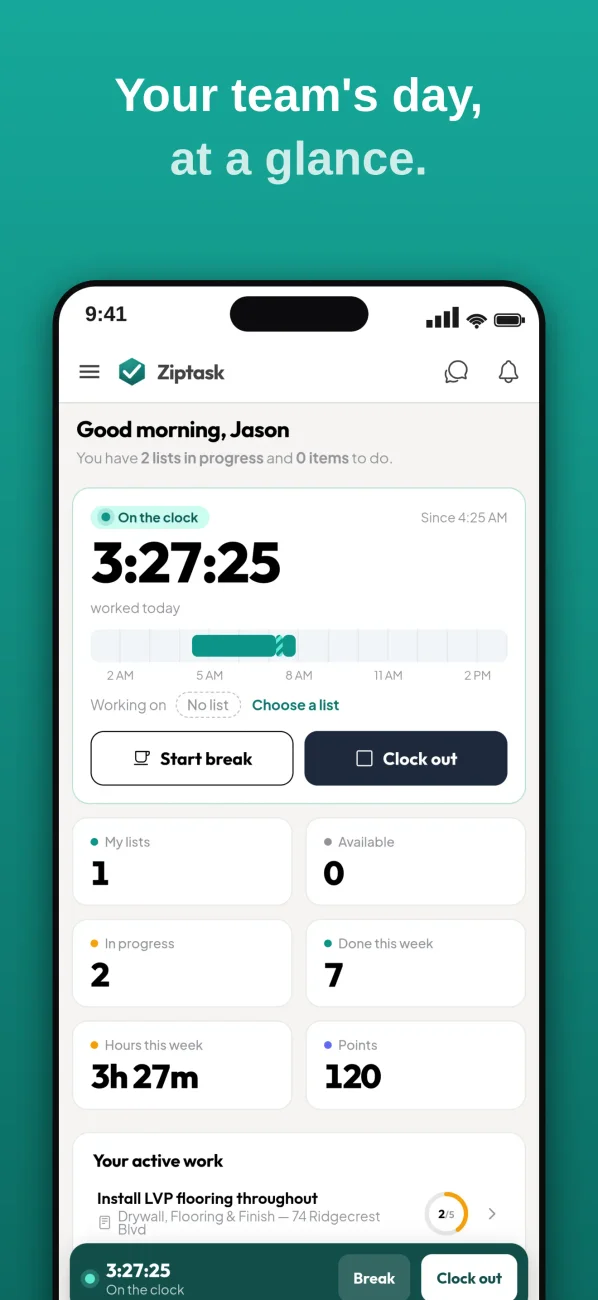
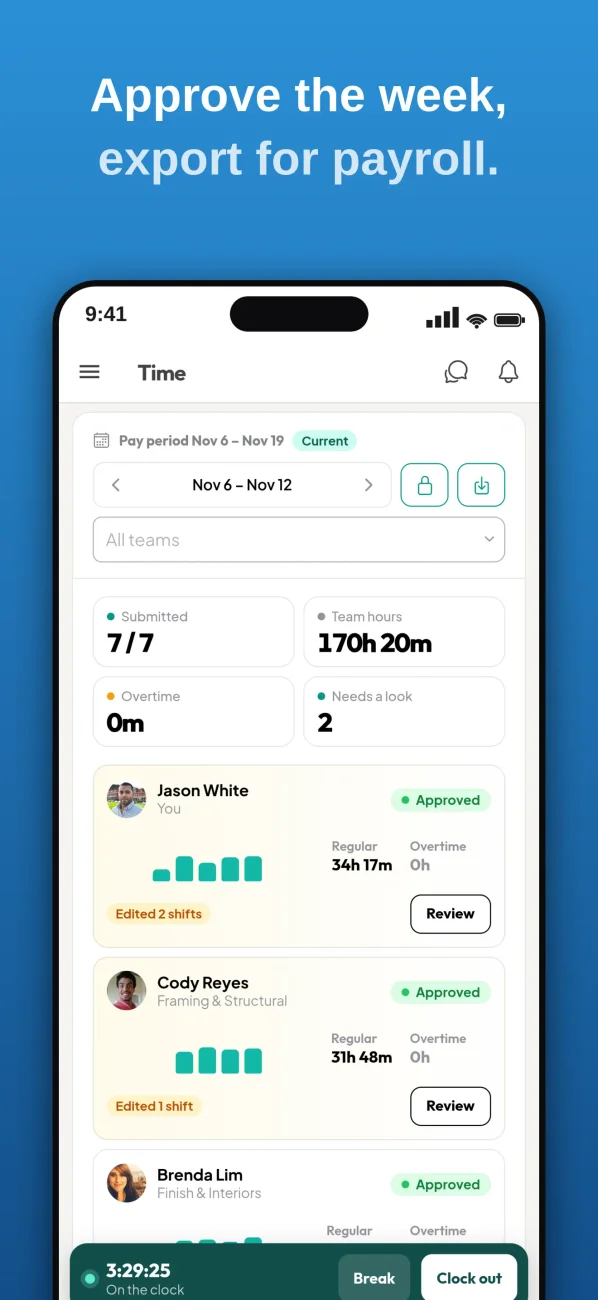
Your crew clocks in and out from the phone, takes breaks and submits a weekly timesheet. Managers approve it and export hours for payroll. Works offline.
CUSTOMERS
Attach lists and projects to a customer and keep their whole history — past and current work — in one place. Every job is tied to the customer for one-tap call and directions.
SPEECH TO LIST
Dictate your task list hands-free and AI builds a structured, assignable list instantly. No typing required.
WORKS OFFLINE
Lost signal on the job? Keep working. Ziptask keeps your recently-viewed lists available with no connection — complete, add, and edit tasks offline, and everything syncs automatically the moment you're back online. Built for basements, remote sites, and dead zones.
WORKS IN YOUR LANGUAGE
Ziptask is available in seven languages — English, Spanish, Portuguese, French, German, Italian, and Indonesian — so everyone on your crew works in the one they know. It's picked automatically, and anyone can change it in their profile.
Ziptask works on iPhone, iPad, and the web, with real-time sync so your office and field crews stay on the same page.
What’s new
Version 1.3.4 · Nov 25, 2026
The in-app guides now show a short video in your language, from creating your first list to teams and team chat. The time clock kiosk shows its date and clock in your language and your 12-hour or 24-hour format. Clearer wording for Teams, recurring lists and cancelling an invite. Plus small fixes.
App privacy
What JMW Software LLC declares on the App Store about how this app handles data.
-
Data linked to you
May be collected and linked to your identity.
- Contact info
- User content
- Identifiers
-
Data not linked to you
May be collected but is not linked to your identity.
- User content
- Diagnostics
Privacy practices may vary, for example with the features you use or your age.
Information
- Seller
- JMW Software LLC
- Category
- Business
- Version
- 1.3.4
- Updated
- Nov 25, 2026
- Released
- Jun 20, 2026
- Size
- 21.8 MB
- Requires
- iOS 15.0 or later
- Age rating
- 4+
- Languages
- English
- Copyright
- Copyright © 2026 JMW Software LLC
You might also like
-
 Platrly: Business ChecklistsOpening & Closing Checklists
-
 Teamsly: Team ManagementScheduling & Time Tracking
-
 Caje ChecklistTeam checklists for your cafe
-
 Tiny Project: Tasks & TeamSimple Project Management
-
 Wabi.doWabi.do - Tasks list managment
-
 Todo Matrix - Task ReminderProductivity
-
 Orbit - Team TasksManage shared household tasks
-
 I Got It - Task ManagementTask & Team Management App
-
 TaskMiny: Task ManagerYour Personal To-Do Manager
-
 Tally: Offline Checklist MakerCreate, reuse & share lists