
Zoho Flow - App Integration
Manage & monitor workflows
Designed for iPhone, iPod touch
Free
- Age rating4+
- CategoryBusiness
- DeveloperZoho Corporation
- LanguagesEnglish+ 10 more
- Size97.0 MB
Links to the official App Store page
Download.org hosts no file of Zoho Flow - App Integration. The button opens its official App Store page, published by Zoho Corporation. Listing last checked on Nov 15, 2026.
Screenshots

About
Unlock the full power of Zoho Flow's workflow automation with the Zoho Flow app for iPhone. This app brings the capabilities of our robust workflow automation platform right to your fingertips, making it easier and more convenient to manage and monitor your flows, connections, and settings.
About Zoho Flow:
Zoho Flow is an integration platform for effortlessly connecting business applications and automating complex business workflows. Create and customize integrations between 850+ applications, adapt to dynamic business needs, and collaborate with your teammates to build centralized workflows.
Benefits of using the Zoho Flow app for iPhone:
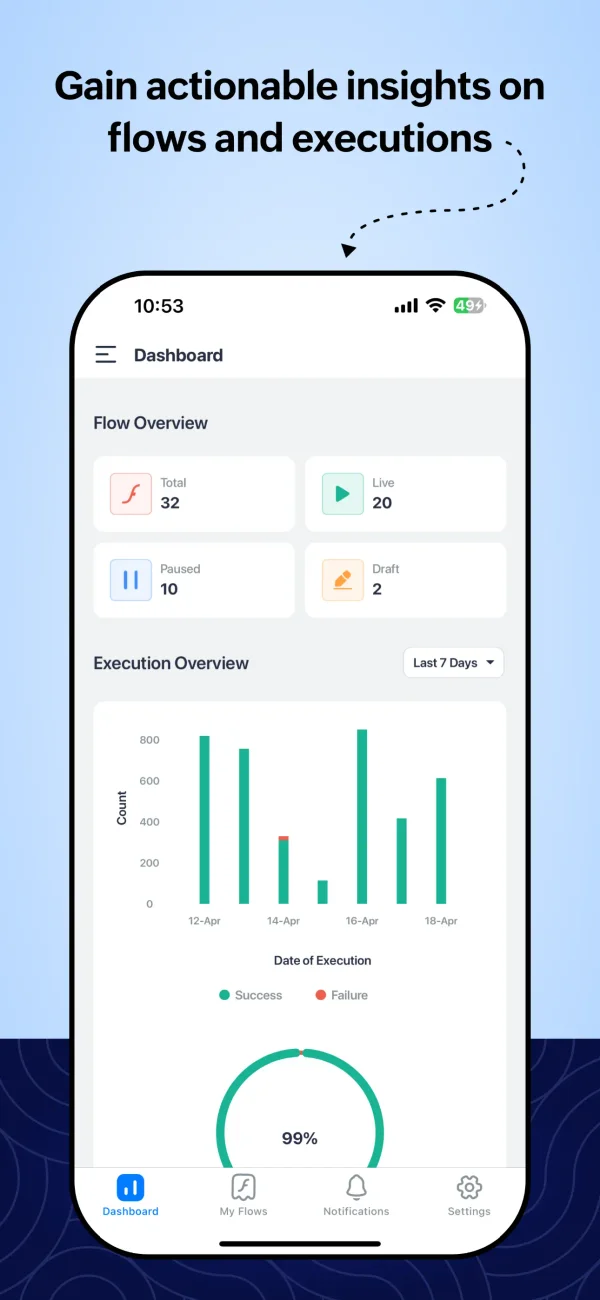
• Stay in control: Keep track of your workflows with real-time updates and notifications. Monitor flow statuses, track progress, and take prompt action when needed.
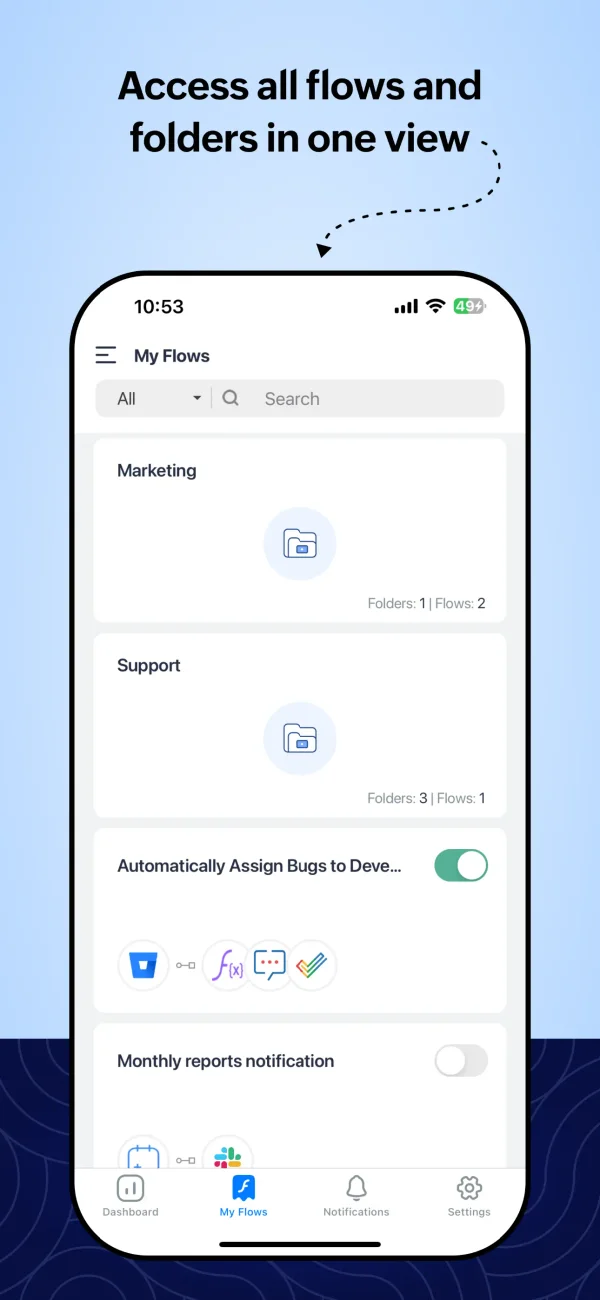
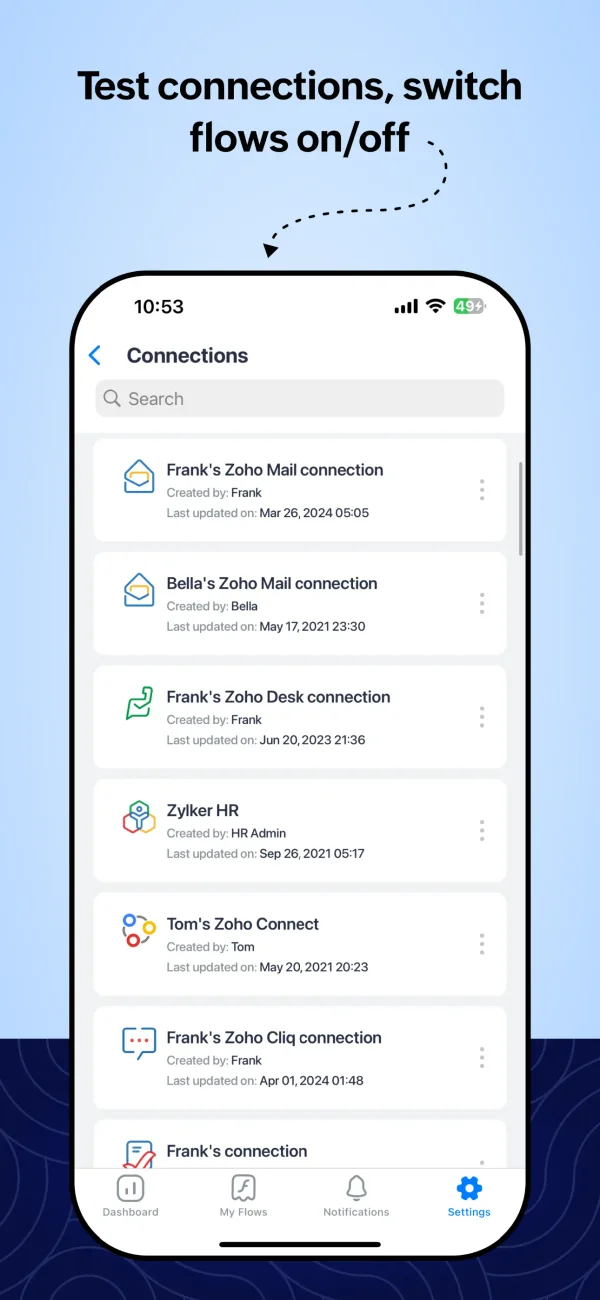
• Simplified flow and connection management: Easily switch your workflows on and off, get a comprehensive view of your connections, and test connections directly from your phone.
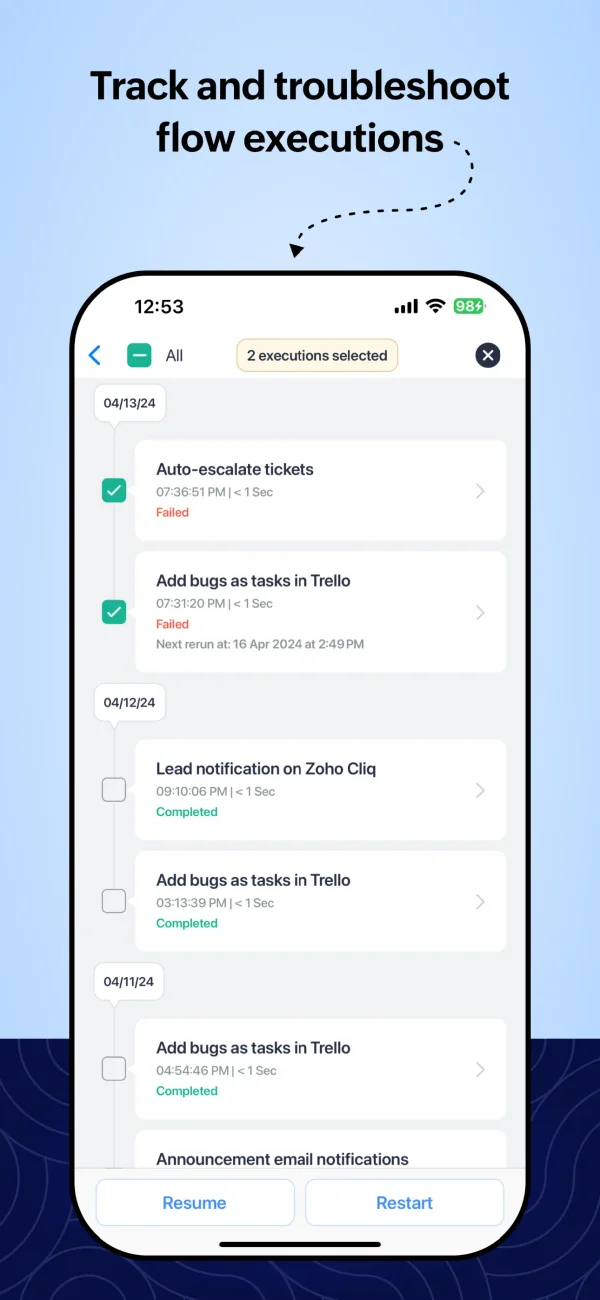
• Audit trail and history: Gain deep visibility into your workflow history. Track every action and decision made within your flows, ensuring transparency and compliance across your organization.
• Instant notifications on your phone: Receive instant notifications and alerts about your workflows directly in the Flow app. Stay on top of your workflow activities with Zoho Flow.
Key features of Zoho Flow:
• Intuitive drag & drop builder: Easily add actions and logic elements to your workflow with a user-friendly interface.
• Contextual workflows with logic: Create customized workflows using decision branches, delays, and custom functions.
• Deeper analytics with dashboards and histories: Get real-time insights and track flow performance with comprehensive dashboards and centralized execution logs.
• Collaborate better with team members: Enable seamless collaboration by allowing your entire team to create and manage workflows with different roles and permissions.
• Better error handling with error-branching and reruns: Enhance the reliability of your workflows by configuring error branching and auto/manual reruns in case of failures in flow executions.
• Review and track workflows using versions: Keep track of changes made to your workflows with flow versioning, providing visibility into modifications and updates.
Experience the power of workflow automation with Zoho Flow. Download Zoho Flow for mobile now and take control of your workflows wherever you are.
What’s new
Version 1.2 · Aug 6, 2025
Bug fixes: We've resolved several issues to ensure better stability and a more reliable Zoho Flow experience across features and integrations.
App privacy
What Zoho Corporation declares on the App Store about how this app handles data.
-
Data linked to you
May be collected and linked to your identity.
- Contact info
- Identifiers
- Usage data
- Diagnostics
Privacy practices may vary, for example with the features you use or your age.
Information
- Seller
- Zoho Corporation
- Category
- Business
- Version
- 1.2
- Updated
- Aug 6, 2025
- Released
- Mar 24, 2025
- Size
- 97.0 MB
- Requires
- iOS 13.0 or later
- Age rating
- 4+
- Price
- Free
- Languages
- English, Arabic, Filipino, French, German, Indonesian, Japanese, Portuguese, Simplified Chinese, Spanish, Thai
- Copyright
- © 2024, Zoho Corporation Pvt. Ltd. All Rights Reserved.
You might also like
-
 Fluix TasksSchedule. Inspect. Report.
-
 SMS-MagicConversational Messaging
-
 Twilio FlexBusiness
-
 Pax8Cloud solutions marketplace
-
 Jotform AI Agent & ChatbotThe Future of Customer Service
-
 SmartSuite AppProductivity
-
 Craft Web ClipperSave any website to Craft
-
 Databox: AI Data AnalystAgentic analytics & AI agents
-
 Portal.ioFor Integration Companies
-
 Make for iOSProductivity