Zoho Invoice Maker App
Simple Estimate & Receipt Tool
Designed for iPhone, iPad
Free · In-app purchases
- Age rating4+
- CategoryBusiness
- DeveloperZoho Corporation
- LanguagesEnglish+ 26 more
- Size396.2 MB
Links to the official App Store page
Download.org hosts no file of Zoho Invoice Maker App. The button opens its official App Store page, published by Zoho Corporation. Listing last checked on Nov 24, 2026.
Screenshots
About
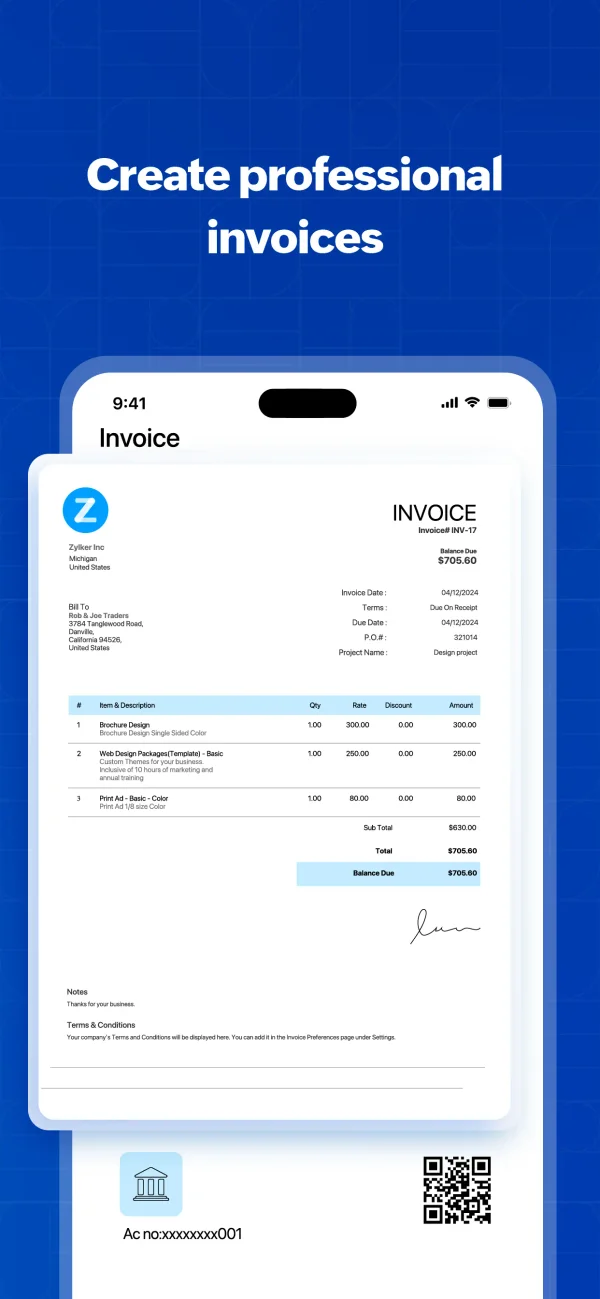
Zoho Invoice is a completely FREE invoicing application that ensures you get paid for your hard work. Zoho Invoice is the perfect invoicing app for your small business, allowing you to create estimates, convert them into professional invoices, send the invoices, and receive payments from customers.
Here's everything you need to know about the ultimate invoice creator app, Zoho Invoice.
The best invoicing app is on the house
Zoho Invoice was a paid app until 2021, when we decided to level the playing field for small businesses and made it completely free. Zoho Invoice does not have hidden paid plans; it is free forever.
Create and send invoices however you'd like
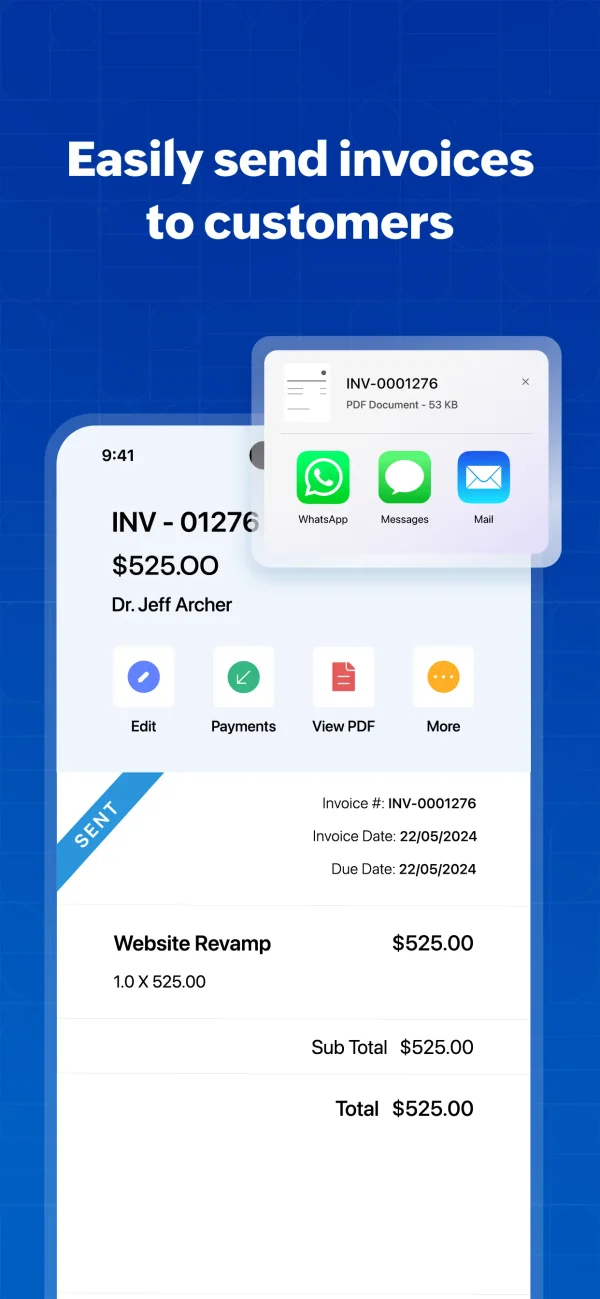
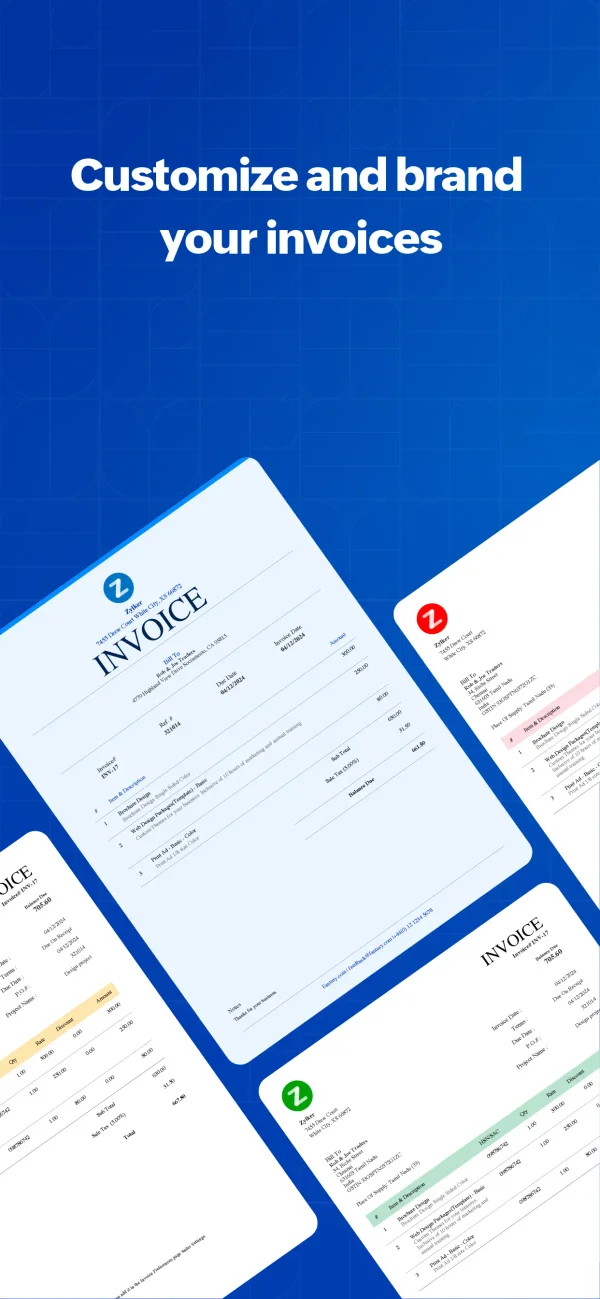
You get to choose from over 18 professional invoice templates and customize the tables, fonts, colors, fields, and more. The invoices can be sent directly to the customer's email inbox or downloaded as a PDF invoice, which can be shared via iMessage or WhatsApp.
Easily collect and track online payments
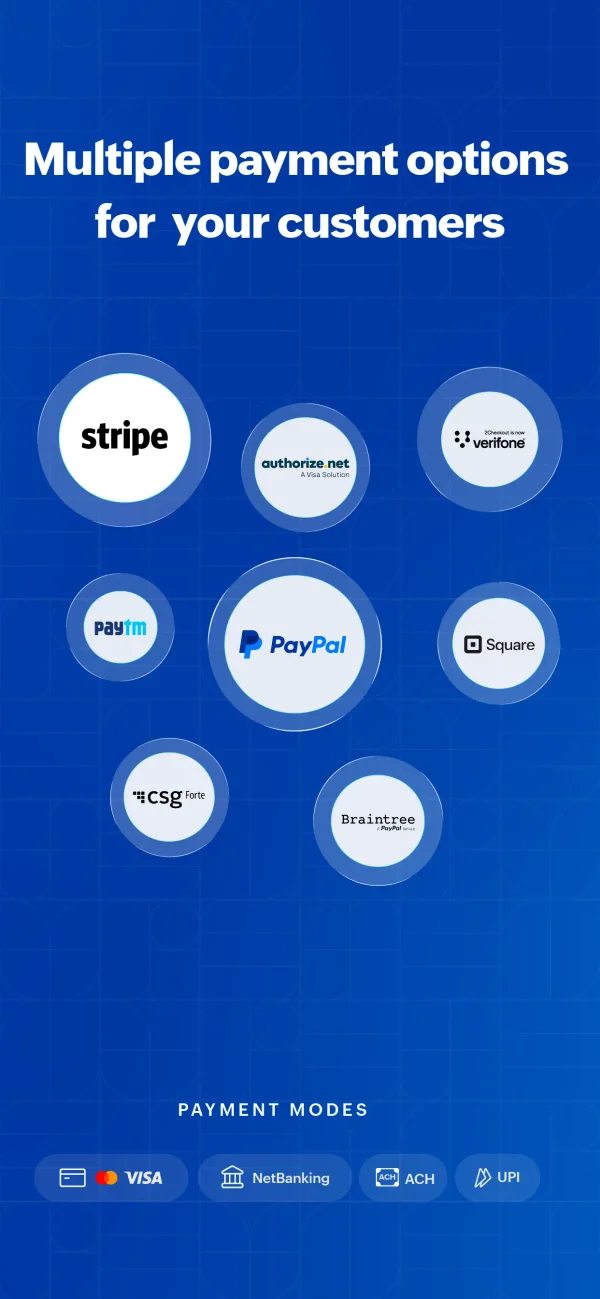
Connect your Zoho Invoice account to a payment gateway and give your customers the flexibility to pay with their preferred payment modes. Upon payment, invoices are automatically marked as "paid" in Zoho Invoice.
Your payment follow-ups are on autopilot
Configure automated payment reminders to follow up with customers for overdue invoices. You have full control over when the payment reminders are sent and can customize the emails as you'd like.
Get better deals with estimates
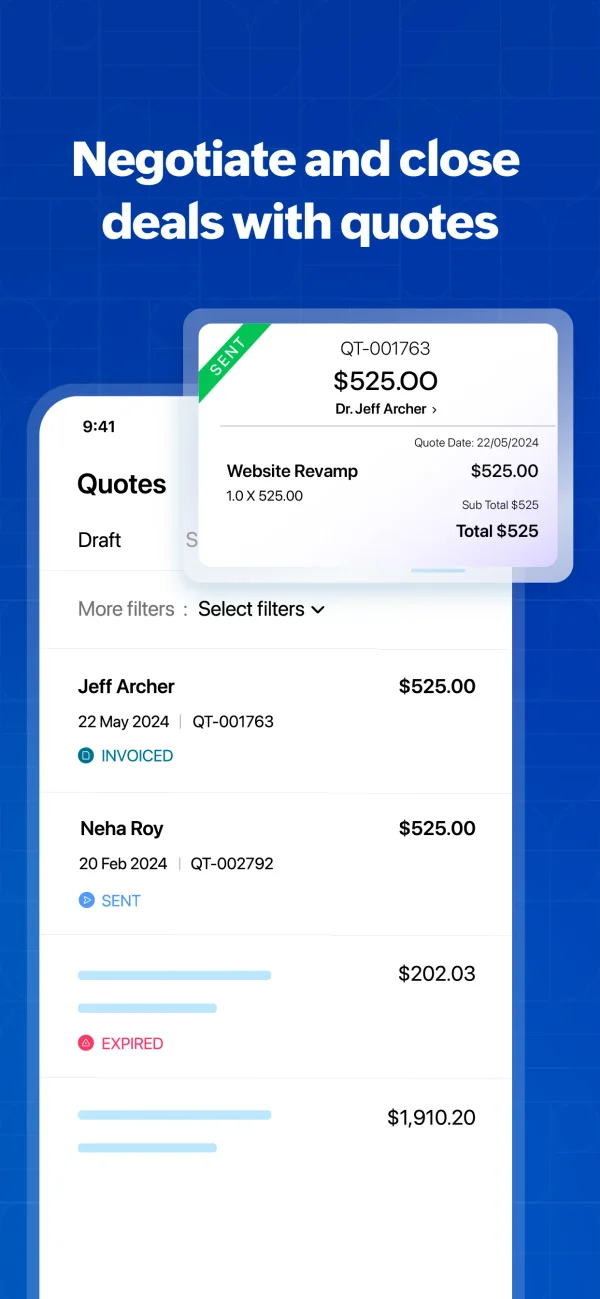
Use Zoho Invoice's estimates to negotiate with customers and close deals. Customers can view, discuss, reject, and approve estimates. Approved estimates are automatically converted into invoices.
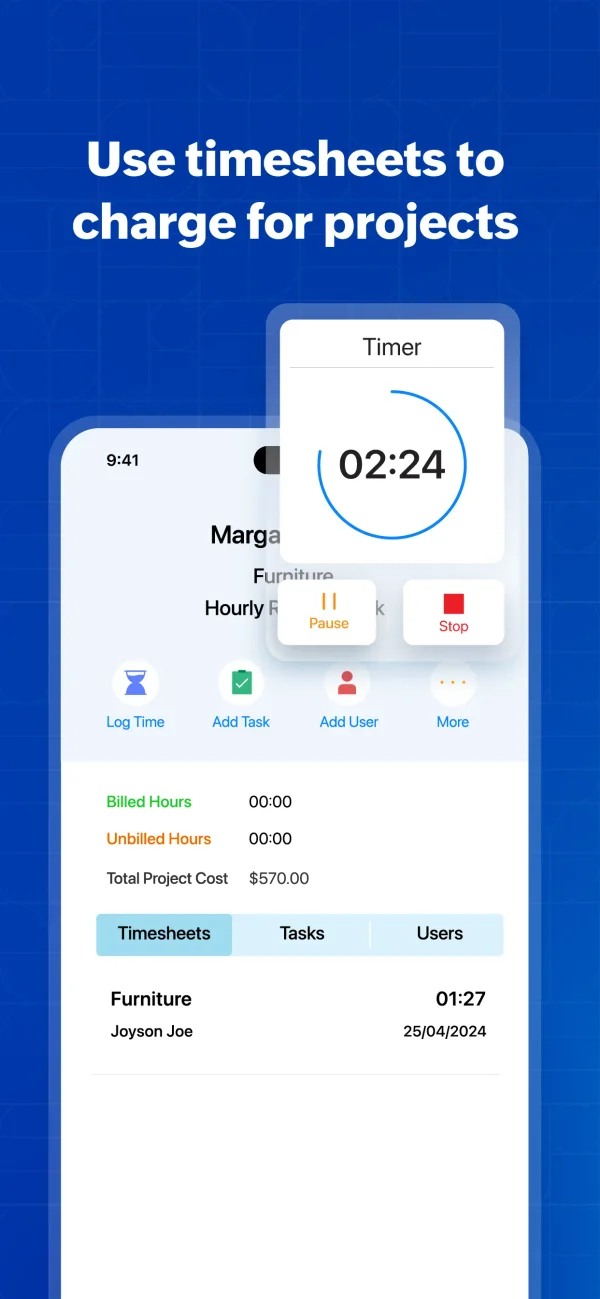
Work on hour-based projects with time tracking
If you're a freelancer or small business where you charge customers based on total hours spent on the project, you can use Zoho Invoice to track time and convert timesheets into invoices.
A simplified and elevated customer experience
Your customers are empowered with a portal where they can log in with a user ID and password. Here, they can view credits, approve and reject estimates, pay invoices, download customer statements, and drop feedback.
Track every penny that leaves your business's pockets
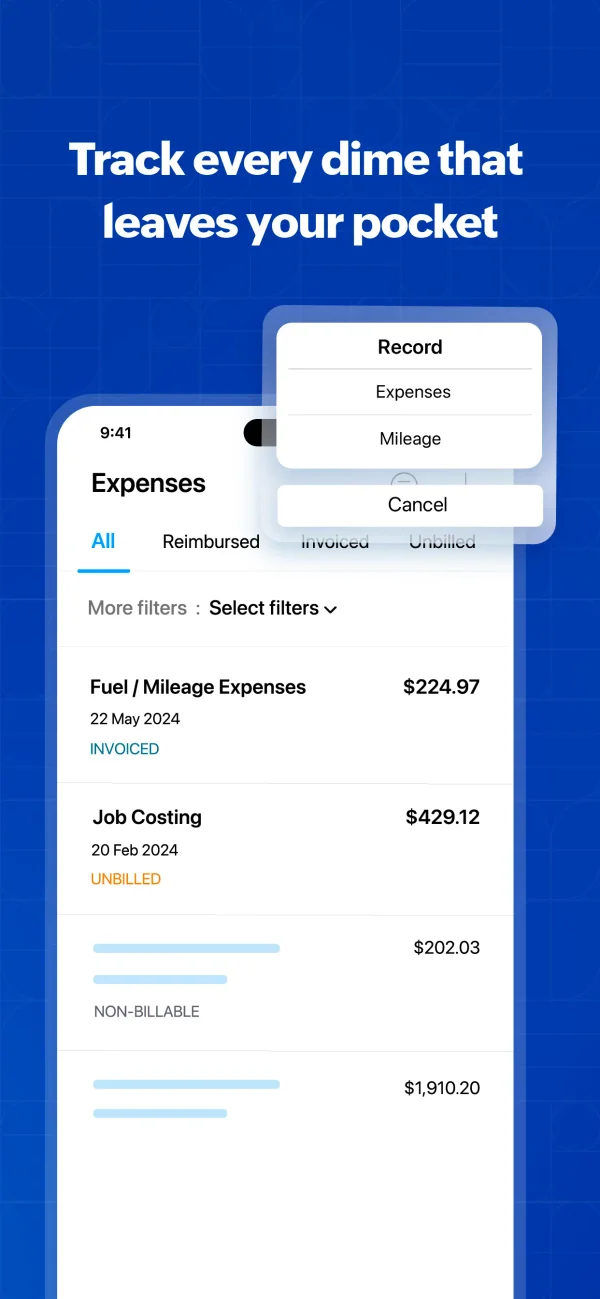
All these capabilities aside, Zoho Invoice is also your friendly business expense tracking app. Record unbillable expenses like rent and maintenance. Also, record billable expenses like raw material costs and get reimbursed by customers.
Your business's numbers at your fingertips
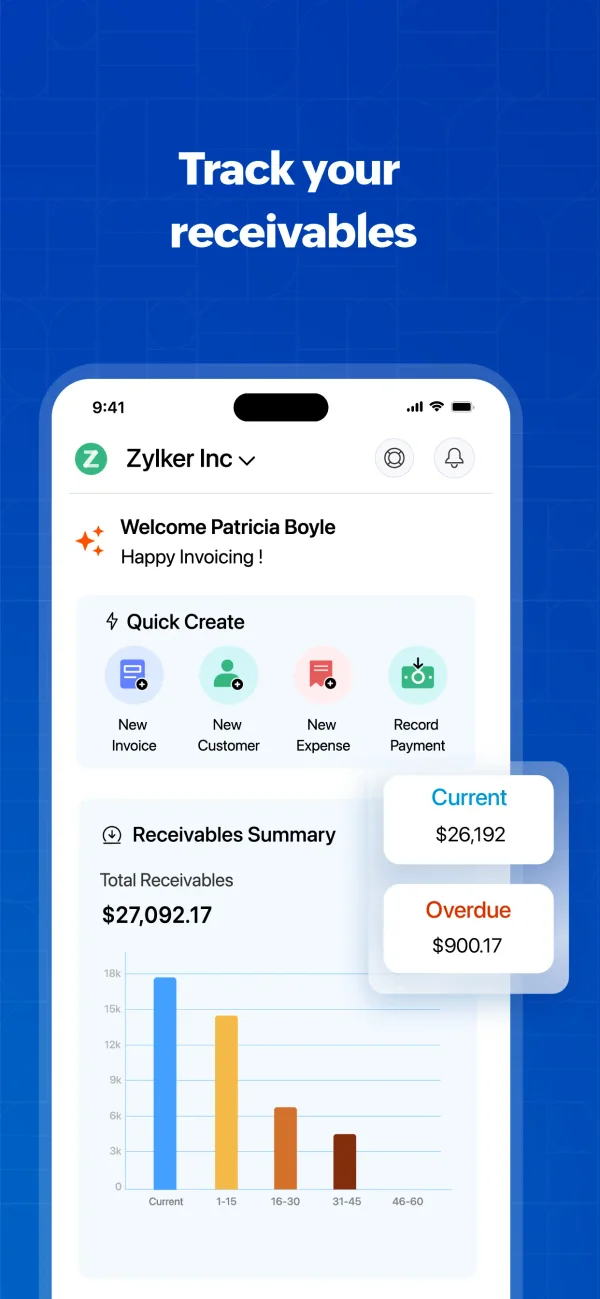
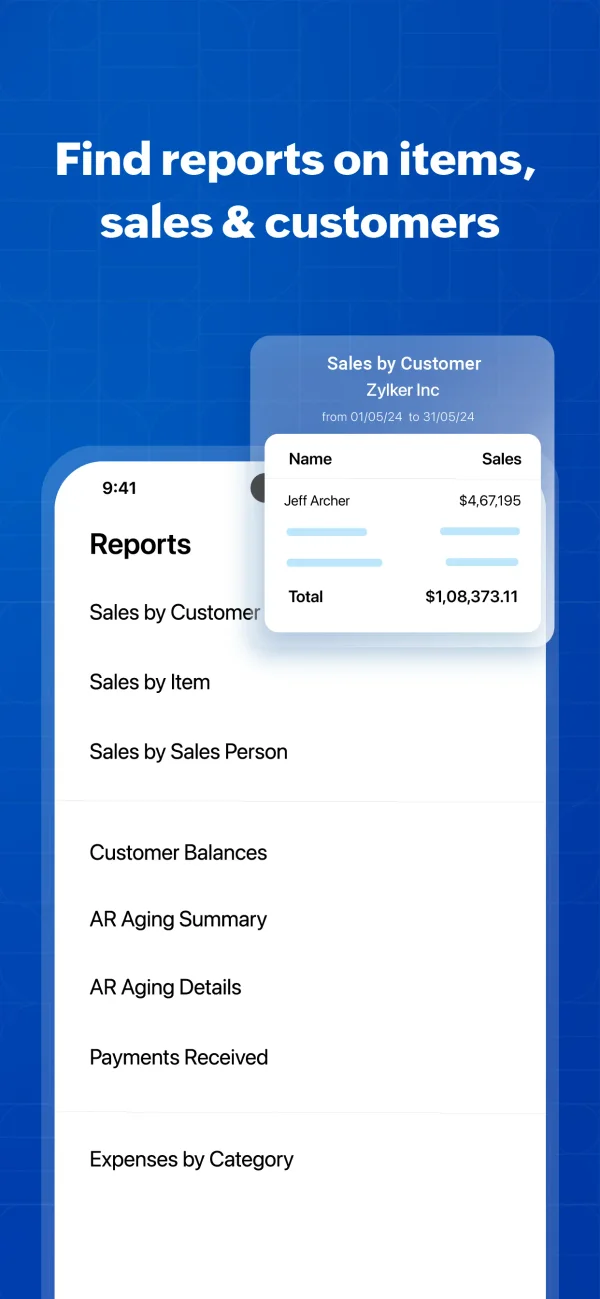
The moment you log into Zoho Invoice, the dashboard gives you a visual glimpse of your business's health. Dive into deeper metrics with in-depth reports on best-selling products and services, AR aging, top customers, expenses, and projects.
We're constantly tweaking your favorite invoice maker app to work better with your Apple device. We also focus our efforts towards introducing features exclusive to iOS.
Here are some of Zoho Invoice's special features tailored for iOS:
• Place a handy widget on your iPhone's home screen that shows crucial business numbers and also allows you to perform quick actions.
• Secure your financial information with the Touch/Face/Apple ID passcode verification.
• Print your invoices and estimates using Air Print.
• Upload and store your customer files securely on iCloud.
• Use Zoho Invoice's built-in document scanner to save clear copies of paper documents.
• Add new contacts using the OCR-powered scan feature by simply snapping a picture of the customer's business card.
• Locate your customers' addresses on the map so your field staff can navigate to the locations effortlessly.
Zoho Invoice is trusted by thousands of businesses around the world. Download the Zoho Invoice app today to simplify your invoicing and payment tracking.
Privacy Policy and Terms & Conditions:
- https://www.zoho.com/privacy.html
- https://www.zoho.com/terms.html
Have questions? Write to us at support+mobile@zohoinvoice.com
What’s new
Version 5.3.3 · Oct 28, 2026
Zoho Invoice is now optimized for iPhone Duo!
• Experience optimized layouts on both the outer and inner screens.
• Fold or unfold your phone and pick up right where you left off.
• Discover a seamless, flexible way to manage your finances across screens.
App privacy
What Zoho Corporation declares on the App Store about how this app handles data.
-
Data linked to you
May be collected and linked to your identity.
- Purchases
- Financial info
- Location
- Contact info
- Contacts
- User content
- Search history
- Identifiers
- Usage data
- Diagnostics
Privacy practices may vary, for example with the features you use or your age.
Information
- Seller
- Zoho Corporation
- Category
- Business
- Version
- 5.3.3
- Updated
- Oct 28, 2026
- Released
- Jan 8, 2011
- Size
- 396.2 MB
- Requires
- iOS 16.0 or later
- Age rating
- 4+
- Price
- Free
- In-app purchases
- Yes
- Languages
- English, Arabic, Bulgarian, Croatian, Dutch, Filipino, French, German, Greek, Gujarati, Hindi, Indonesian + 15 more
- Copyright
- © 2026, Zoho Corporation Pvt. Ltd. All Rights Reserved.
You might also like
-
 Invoice Simple: Invoice MakerReceipt Generator & Templates
-
 Invoice2go: Easy Invoice MakerInvoices & Estimates Generator
-
 Invoice Maker & Estimate AppBill, Quotes & Get Paid Fast
-
 Wave: Small Business SoftwareInvoice, scan receipts & more
-
 Freebie Invoice MakerInvoice Simple, Invoicing App
-
 Easy Invoice Maker AppSimple Invoices Generator 2 go
-
 Square Invoices: Invoice MakerInvoicing, Estimates, Bills
-
 Billdu: Invoice Estimate MakerBilling & Quote Generator
-
 Joist: Estimate Invoice MakerJob Quotes, Receipts, Billing
-
 Invoice Maker by Invoice HomeInvoice App by Invoice Home™